

HyperFrames. Go make something.
Describe a video or add footage. Your AI agent builds a project you can edit.
- 56M+ rendered videos
 92.2K GitHub stars
Trusted by people at
See a video you love?
Make it yours.
On Pro, paste a link. HyperFrames rebuilds the whole video as an editable project, every scene, text and background, so you can change anything and make it your own.
Remake a videoUGC Studio for talking heads, Shorts and Reels
Edit what you filmed like a pro UGC editor with the HyperFrames agent. Reference any editing style you like.
Launch videos, explainers and ads with HyperMotion
Build insane motion graphics for launch videos, explainers and ads with HyperFrames and Claude Code.
- @world_is_web
- @figma
- @anduriltech
- @harvey
- @pmndrs
- @bflycomputer
- @ElevenLabs
- @Cyera
- @bot
- @jordanarchivess
- @ZaroAI_
- @Polymarket
- @Kimi_Moonshot
- @NousResearch
- @lovable_dev
- @linear
- @ericciarla
HyperFrames + the models you love
Generate the shots, then cut, caption and score them in one project.
HyperFrames Community
Pick a video, say what yours is about, and make it in your brand.
 0:05
 0:34
 0:57
 0:27
 0:42
 0:05
 1:09
 0:58
 0:32
 0:38
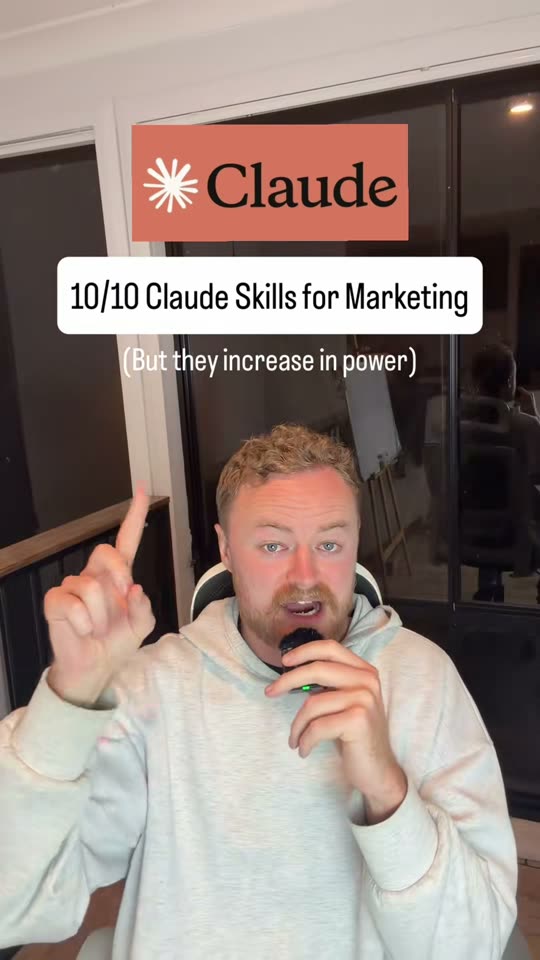 0:58
 0:36
 0:37
 0:48
 0:31
 0:44
 0:15
 0:13
 0:12
 1:06
 0:27
 0:21
 0:12
 0:41
 0:50
Use our agent, or yours
The HyperFrames agent is built in. Or connect the agent you already pay for, and watch it edit your timeline.

Use HyperFrames: make a launch video from my site
Also Grok, Antigravity, GitHub Copilot, OpenCode, Hermes Agent, OpenClaw and Qoder.
Open source
Apache-2.0 on GitHub at heygen-com/hyperframes. Counts as of November 29, 2026.
Questions
About HyperFrames Studio.
What is HyperFrames Studio?
HyperFrames Studio is the AI video editor by HeyGen that does the edit for you and keeps every result editable. Describe the video you want, drop in your footage or paste a link, and an AI agent builds a finished, real project in minutes: timeline, scenes, captions, voice and music. Then change anything by typing, pointing at the picture or drawing on it. More than 50 million videos have been rendered with HyperFrames.
Is HyperFrames free?
Yes. HyperFrames is free and open source, and HyperFrames Studio is free to start with 5,000 credits and works with the AI agent you already use, such as Claude Code or Codex, with AI voiceovers, captions, music and sound effects, 3 AI video clips a month, and unlimited exports on your computer. Ready for more? Pro is $25 a month for 25,000 credits, with the HyperFrames agent built in (no Claude or other AI plan needed), Reverse any video, top models like Seedance 2.5 and GPT Image 2.6, and all 1,047+ inspirations.
Does HyperFrames work on Windows and Mac?
Yes. HyperFrames Studio is a free download for Mac (Apple Silicon and Intel), Windows and Linux, and it also runs in your browser, so you can edit videos with AI on whatever computer you have. Windows on Arm runs the regular Windows app through Windows' built-in emulation. The open-source HyperFrames framework and CLI run on all three systems with Node 22 or newer.
Can I use HyperFrames with Claude or ChatGPT?
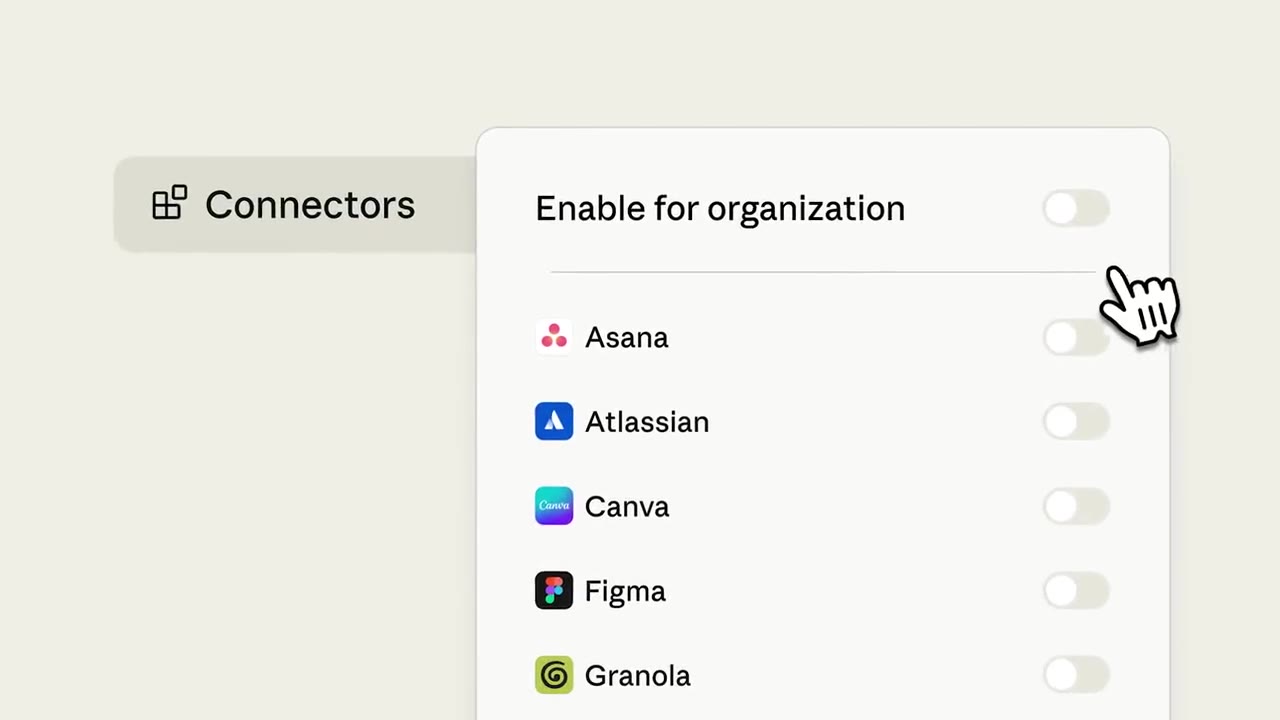
Yes. HyperFrames is the video engine built for AI agents. HyperFrames Studio has its own agent built in and also runs Claude Code, Codex, Grok, Antigravity, GitHub Copilot, OpenCode and more. Inside Claude, ChatGPT and Grok, the HyperFrames connector (beta, listed in Claude's connector directory) makes and renders videos with nothing to install. Developers add the skills to any coding agent with npx skills add heygen-com/hyperframes.
Is HyperFrames open source?
Yes, and it is one of the most popular video projects on GitHub: more than 88,000 stars, more than Remotion, and over a million npm downloads a week. The HyperFrames engine, CLI and agent skills are Apache 2.0, made by HeyGen at github.com/heygen-com/hyperframes. Render on your own computer for free with no watermark, and use it commercially. HyperFrames Studio is the app built on that engine.
Can HyperFrames edit footage I shot myself?
Yes, and this is where HyperFrames shines. Upload a talking-head take, a podcast or a screen recording and just ask: cut the pauses, remove filler words, caption every word, cut to whoever is speaking, or turn it into vertical clips. Multi-camera podcasts line up by sound automatically, and you can edit the video by editing its transcript, turning hours of timeline work into minutes.
Can I remake a video I saw on TikTok or YouTube?
Yes, on Pro. Paste a TikTok, Instagram, YouTube or X link and HyperFrames recreates its cuts, pacing, captions and effects with your footage, words and brand. Reverse any video goes further: it rebuilds the whole video as an editable project, every scene, background and element, so you can change anything and make it uniquely yours.
Can I make a YouTube Short from an idea?
Yes. Type a topic or paste a script and HyperFrames Studio builds a vertical 9:16 video with voiceover, captions and music, ready to post to YouTube Shorts, TikTok and Instagram Reels. Already have a long recording? HyperFrames cuts its best moments into Shorts instead, so one video becomes a week of posts.
Can HyperFrames turn my streams into clips?
Yes. Connect OBS or Twitch in the HyperFrames Studio app and it cuts your stream into vertical clips of about 15 seconds that can open on the payoff, in 15 overlay styles, and can post your best clips to YouTube for you while you keep playing. On the free plan every clip gets the basic overlay, plus one preview clip in a premium overlay.
How is HyperFrames different from CapCut, Descript or invideo?
HyperFrames Studio pairs an agent that does the edit with a real project you control. Instead of scrubbing a timeline by hand or regenerating a clip until it looks right, you change one word, one shot or one caption and keep the rest. Your own footage, top models like HeyGen Video 1, Seedance 2.5 and GPT Image 2.6, voice, captions and music all live in one project, without stacking subscriptions. And it is free to start.
Do I need to know how to code?
No. You type what you want in plain words, point at the picture or draw on it, and the agent makes the change. Under the hood every HyperFrames video is HTML, which is exactly why each part stays editable, but you never have to see it. Developers can open the same project in their own editor or agent.