Wisecut started as an automatic silence cutter and has grown into an AI-powered auto-clipper. Upload a video or paste a Google Drive, Dropbox or YouTube link, and it removes silences, filler words and pauses, adds captions, punch-in zooms, speaker framing and background music that ducks under your voice. Its Autopilot finds, edits, captions and publishes clips from each new video on your channel, and it claims 1.5 million creators and businesses.
The complaints are about control and reliability: AppSumo reviewers (11 reviews, 3.9 out of 5) say they can't choose clip duration or caption style, and others hit failed uploads. The 15 tools below handle silence removal and captions too, grouped by job: editors you can direct, browser editors, AI clip makers, and desktop cutters with no upload.
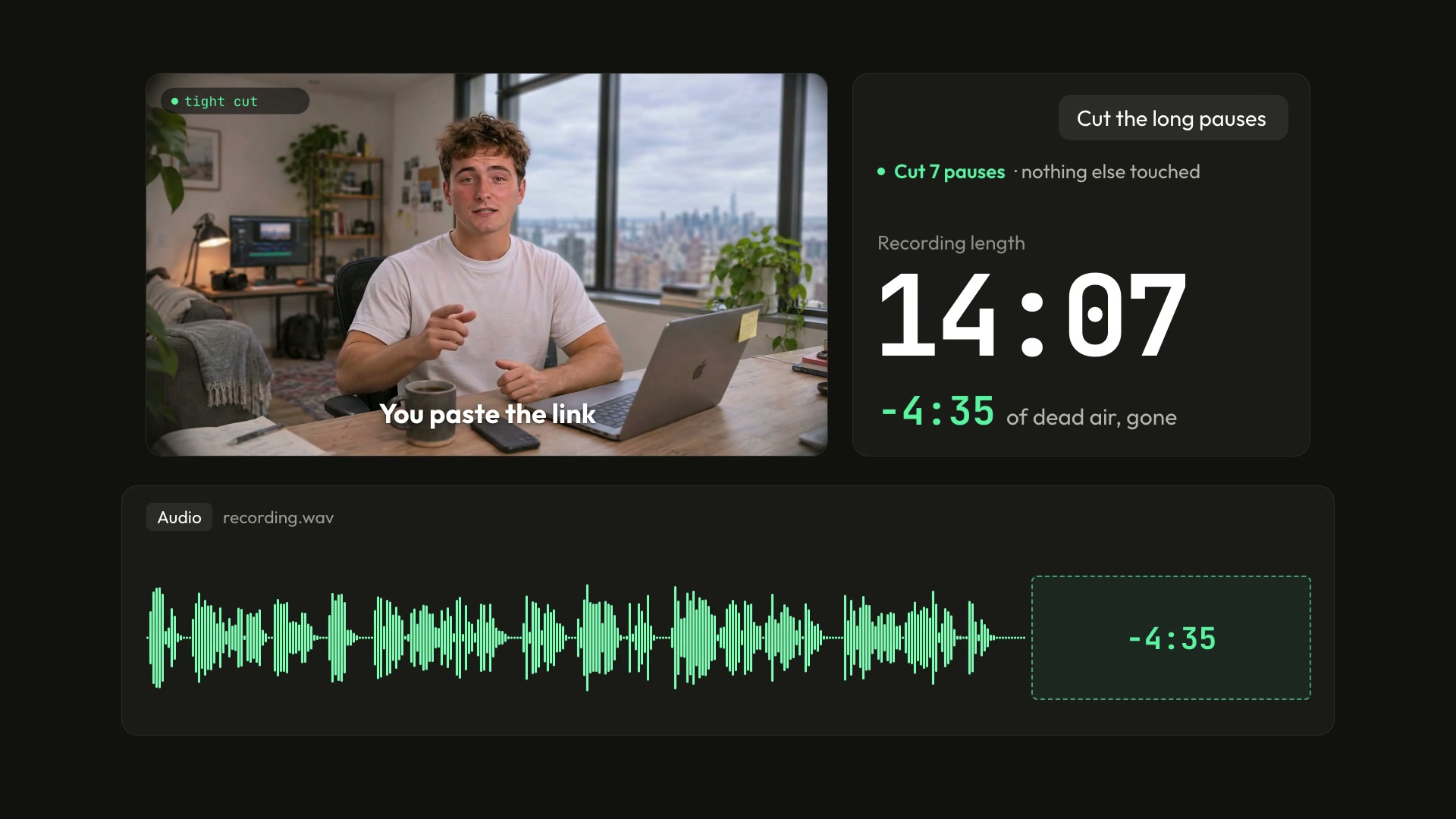
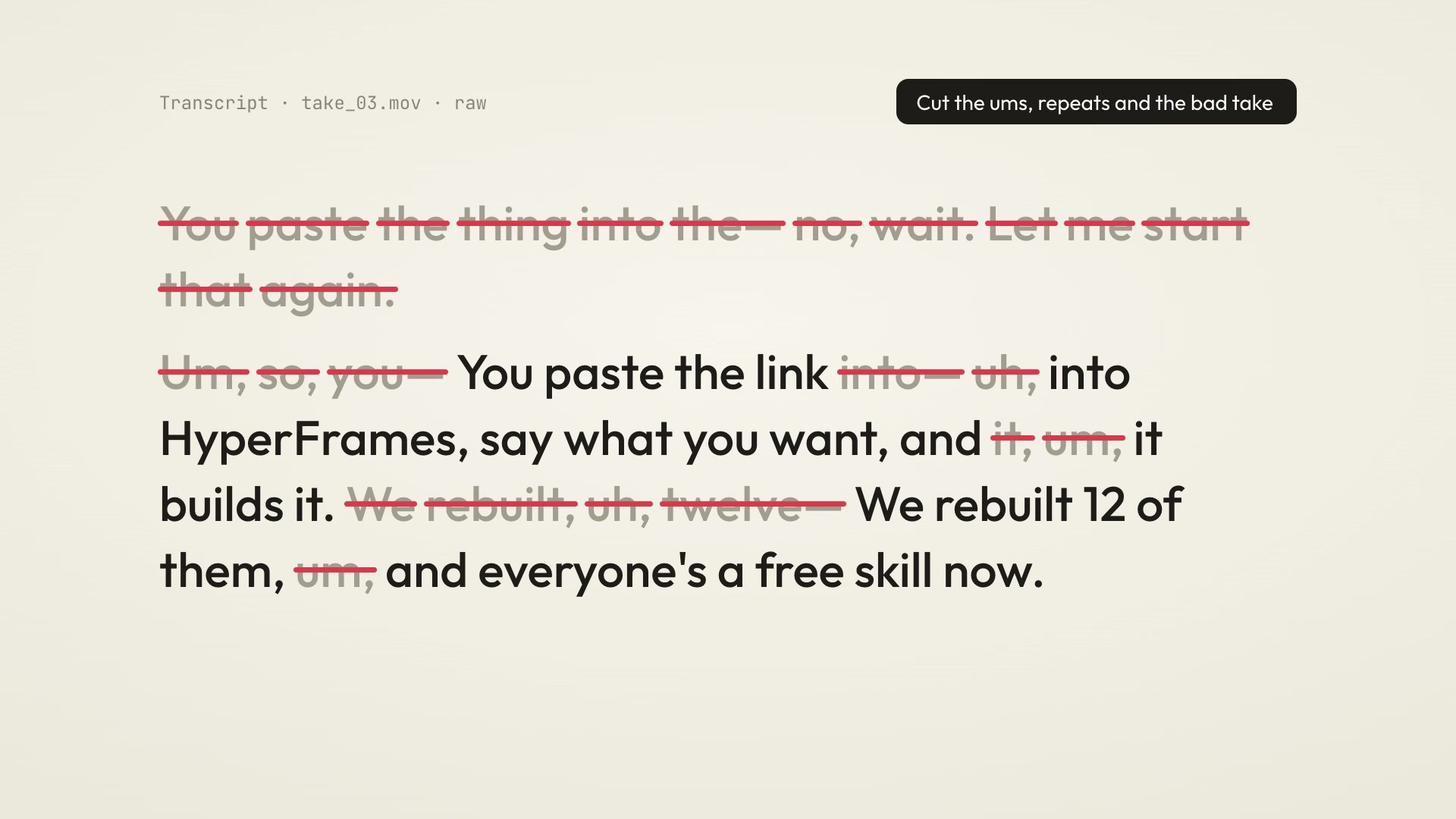
A long waveform whose silent gaps collapse while the clock counts down. Made with HyperFrames for this page.
Why look for a Wisecut alternative?
Why people look for a Wisecut alternative:
Control
One AppSumo reviewer (April 2026) reports "very little flexibility" over fonts and caption styles, and one (September 2026) says Wisecut doesn't let you choose clip duration, so clips run over a minute.
Reliability
One AppSumo reviewer (September 2026) had uploads return "No Clips Created"; another (April 2026) says Google Drive imports failed; a third (June 2026) says edits are very slow and AI titles and tags can't be edited or deleted.
Upload and plan limits
Uploads are capped at 4 GB on Free and Starter+ and 5 GB on Professional+, which a long 4K recording can pass. Starter+ includes 5 hours of Editor time and 2.5 hours of Autopilot a month, and 4K export needs Professional+ at $119 a month.
Free plan quality
The free plan has no watermark, which is rare, but it exports 480p, caps exports at 3 minutes and allows 30 minutes a month, without Autopilot or the Social Hub.
No visible roadmap
We found no public changelog entry, and the help center's "New Wisecut.AI" category was last updated about a year ago, so it is hard to see what's coming (our view).
Quick comparison: the best Wisecut alternatives
Fifteen alternatives at a glance, with Wisecut last for reference.
Tool | Best for | Our rating | Free plan | Starting price |
|---|---|---|---|---|
HyperFrames | Auto-editing you can direct | 4.7/5 | Yes, unlimited local exports | Free to start |
Descript | Cutting by transcript with an agent | 4.1/5 | Yes, 1 hr/mo, 720p | $24/mo |
ChatCut | Edits by chat on a timeline you can touch | 4.1/5 | Yes, unlimited local export | $25/mo list |
Palmier Pro | Auto-editing by your own agent on a Mac, with no upload | 3.9/5 | Yes, no generation credits | $49/mo list |
VEED | The closest browser editor, with Magic Cut | 4.1/5 | Yes, watermark | $25/mo per editor |
CapCut | A free editor with captions and templates | 4.1/5 | Yes | $19.99/mo |
OpusClip | Ranked clips from long videos | 4.3/5 | Yes, 60 credits/mo, watermark | $15/mo |
Vizard | Many clips from very long uploads | 4.4/5 | Yes, 720p, watermark | $29/mo list |
Klap | Clips priced per clip, posted for you | 4.1/5 | No, 1-video trial | $29/mo |
Submagic | Captioned shorts with style | 4.2/5 | 15 one-time credits, watermark | $19/mo |
Captions | Talking heads edited on iPhone | 4.1/5 | Yes, no AI credits | $24.99/mo (web) |
Recut | One-time desktop cutting with no upload | 4.3/5 | Trial only | $149 once |
TimeBolt | Fast desktop jump cuts | 4.2/5 | Yes, watermark | $17/mo or $347 once |
Gling | Removing bad takes | 4.1/5 | Yes, 1 hr/mo, watermark | $20/mo |
AutoCut | Cuts inside Premiere and Resolve | 4.2/5 | No, 14-day trial | $9.90/mo |
Wisecut (for reference) | Auto silence cuts and auto-published clips | Not rated | Yes, 480p, no watermark | $29/mo |
Ratings average our three scores (fit, ease of use, value); see How we compared. Monthly list prices on 26 November 2026 (ChatCut's is billed yearly); Wisecut, Vizard, Recut and ChatCut showed Black Friday offers.
Why trust us? HeyGen makes HyperFrames and publishes this page, so we compete with the tools below. Every rival's price, plan and feature comes from its own pricing page, help center or changelog, read on 25 and 26 November 2026. User complaints are quoted from public review sites and linked in How we checked. HyperFrames claims come from its pricing page and from the Studio app's current build. Where a rival is the better pick, we say so.
Cut and caption your next video your way, free
Best Wisecut alternatives for auto-editing with control
Automatic cuts and captions, plus a way to say exactly what you want.
#1 HyperFrames: Best for auto-editing you can direct

Our rating: 4.7/5. Fit for this job 4.6/5, ease of use 4.5/5, value for money 4.9/5.
Wisecut is fast and hands-off: upload a talk and Autopilot cuts the silences, adds music and subtitles, and can publish the clips. It makes the choices for you, though: clip length, caption style and where the cuts fall. In HyperFrames Studio you drop in what you filmed and say what you want, such as "three 30-second clips, start each on a strong line, captions in our font with the keyword in yellow": the ums and dead air go, every word gets a caption, and the speaker stays in frame. One recording becomes a week of captioned vertical clips that open on the best moment. Then point at one clip, word or caption and only that changes. It is free to start, with unlimited exports on your computer and no watermark.
Edit my footage does Wisecut's first pass: it cuts the ums and long pauses, cleans the sound, evens the colour and makes vertical versions. For podcasts and long interviews, podcast-to-clips cuts vertical clips of 3 to 90 seconds from the episode with the speaker kept in frame, and the aspect-ratio switch turns any project into 16:9, 9:16, 1:1 or 4:5.
Every clip, caption and cut stays editable, so you never re-upload to fix one word. The app has dozens of caption styles, the agent fixes misheard words, and you can change any word's colour or position; see animated captions. Your brand kit carries your fonts and colours into every clip.
Standout feature: Change one thing, keep the rest: you set the rules Wisecut sets for you (clip length, caption style, framing and format) by asking, then point at one clip or word and only that changes.
What's the difference between HyperFrames and Wisecut? Wisecut decides clip length, caption style and titles for you and publishes automatically. HyperFrames Studio's AI agent cuts, frames and captions the way you ask, and every clip, caption and cut stays editable.
HyperFrames pros:
- Free, with unlimited exports on your own computer
- Edit by asking, by pointing at the frame, or on a timeline
- Captions, titles, charts and motion graphics stay editable after the first draft
- Works with the AI agent you already use, or the built-in HyperFrames agent
HyperFrames cons:
- No scheduler for every network: stream clips can post themselves to YouTube, and for other networks you post the files
Pricing: Free to start: a free download for Mac, Windows and Linux, or start in your browser, with exports on your computer and no watermark.
Choose HyperFrames if: you want automation and the final say on length, style and cuts.
What's new in HyperFrames: November 2026: podcast-to-clips and the aspect-ratio switch are in the Studio app, alongside Edit my footage, which is on in every current build, and stream clips from OBS or Twitch can post themselves to YouTube.
Available for: Mac, Windows and Linux (the Studio app), the web, and inside Claude, ChatGPT and Grok through the HyperFrames connector
See a video you love? Make it yours. Or film it, or just describe it. Your footage, edited for you. Any motion graphic, format or style. Every word and shot stays yours to change.
Edit your next video free
#2 Descript: Best for cutting by transcript with an agent
Our rating: 4.1/5. Fit for this job 4.2/5, ease of use 4.2/5, value for money 4.0/5.
Descript gives you word-level control. You cut by deleting text, Remove filler words deletes ums with an Avoid harsh cuts switch, and Shorten word gaps trims long pauses across the script, with a sensitivity setting. Underlord, its AI agent, tightens raw recordings.
It is a full editor, with screen and remote recording, captions and AI voice. On Trustpilot (2.4 from 301 reviews) recent reviewers report bugs, and one says Underlord burned 800 credits on a short reel.
Standout feature: Edit the video by editing its transcript, with Underlord, its AI agent, cutting a raw recording into shape.
What's the difference between Descript and Wisecut? Descript gives word-level control in a full editor. Wisecut automates more and publishes clips.
Descript pros:
- Edit the video by editing its transcript
- Screen recording and remote recording (Rooms)
- Timeline export to Premiere, Resolve and Pro Tools
- Underlord skills save your own workflows
Descript cons:
- Paid plans cap media hours (10, 30 or 40 a month)
- Trustpilot score of 2.4 (301 reviews), with bugs and credits spent on weak AI results
Pricing: Free plan with 1 media hour a month and 720p exports. Hobbyist is $24 a month, or $16 a month billed yearly.
Choose Descript over Wisecut if: you want to control cuts word by word.
What's new in Descript: November 2026 release: Underlord skills, brand layout packs, Rooms dead-mic warnings and native Premiere export in beta (changelog, 6 November).
Available for: Desktop app and web
#3 ChatCut: Best for edits by chat on a timeline you can touch

Our rating: 4.1/5. Fit for this job 3.9/5, ease of use 4.2/5, value for money 4.1/5.
ChatCut is the answer to Wisecut's WISH assistant with a real timeline behind it: you describe the edit, and it lands on a timeline you can change by hand. Speech clean-up, captions, long video to shorts and translation are among its 100+ one-click skills, and it exports XML to Resolve, Premiere, Final Cut and CapCut. It has very few public reviews.
Standout feature: Edits you ask for in chat land on a real timeline you can adjust, and editing through Claude Code or Codex spends no ChatCut credits.
What's the difference between ChatCut and Wisecut? ChatCut lets you fix the AI's edit by hand on a timeline. Wisecut's titles and tags can't be edited, one reviewer says.
ChatCut pros:
- Chat edits on an editable timeline
- 100+ one-click skills such as speech cleanup, captions and shorts
- XML export to Resolve, Premiere, Final Cut and CapCut
- Plugins for ChatGPT, Codex, Claude Code and Cursor
ChatCut cons:
- Generation spends credits even through outside agents
- One of its 3 Trustpilot reviews (November 2026) says limits keep moving, such as 4K export now needing Plus
Pricing: Free plan with signup credits, the full editor and unlimited local export. Starter lists at $25 a month; a Black Friday sale showed $21 a month billed yearly on 25 November 2026.
Choose ChatCut over Wisecut if: you want a free AI editor where every edit is adjustable.
What's new in ChatCut: ChatCut Desktop launched on Product Hunt on 26 August 2026, after the July launch inside ChatGPT, desktop and web.
Available for: Web, Mac, Windows, and plugins for ChatGPT, Codex, Claude Code and Cursor
#4 Palmier Pro: Best for auto-editing by your own agent on a Mac, with no upload
Our rating: 3.9/5. Fit for this job 3.8/5, ease of use 3.5/5, value for money 4.4/5.
Palmier Pro moves Wisecut's idea onto your Mac and hands it to an AI agent you choose: Claude Code, Codex or Cursor inspect the project and edit the timeline. Ask for the silences removed, scenes detected and captions styled, and the agent does it in a full open-source editor, with nothing uploaded for the editing itself.
A finished edit can be saved as a Skill and replayed on the next video, the closest thing here to Wisecut's repeatable Autopilot. It has no social publishing, needs macOS 26 (Tahoe) or newer, and is still pre-1.0.
Standout feature: Claude, Codex or Cursor edit the timeline through a local connector, and a finished edit can be saved as a reusable Skill for the next video.
What's the difference between Palmier Pro and Wisecut? Wisecut edits and publishes from the browser on its own rules. Palmier Pro is a free Mac editor where your AI agent follows your rules, with no publishing.
Palmier Pro pros:
- Free, open-source Mac editor (GPL-3.0) with 14,811 GitHub stars
- Your own agent edits the timeline over MCP, with no account needed
- Image, video, voice and music generation lands on the same timeline
- A full editor: multi-track timeline, keyframes, colour grading, masks and multicam
Palmier Pro cons:
- Mac only, and only on macOS 26 (Tahoe) or newer
- AI generation, cloud transcription and the built-in chat need a paid plan
Pricing: Free plan: the full Mac editor, with no account needed and no generation credits. Pro is shown at $29 a month (marked down from $49) with 5,000 credits a month.
Choose Palmier Pro over Wisecut if: you want automation driven by your own agent, on your Mac, without uploads.
What's new in Palmier Pro: Version 0.12.0 (29 October 2026) added a headless mode that runs several projects at once, timeline history snapshots, caption presets with per-word styles and Kling V4.
Available for: Mac (macOS 26 or newer), driven by Claude, Codex or Cursor over MCP
Best Wisecut alternatives in the browser
If you liked that Wisecut needs no install, these run in the browser too.
#5 VEED: Best for the closest browser editor, with Magic Cut
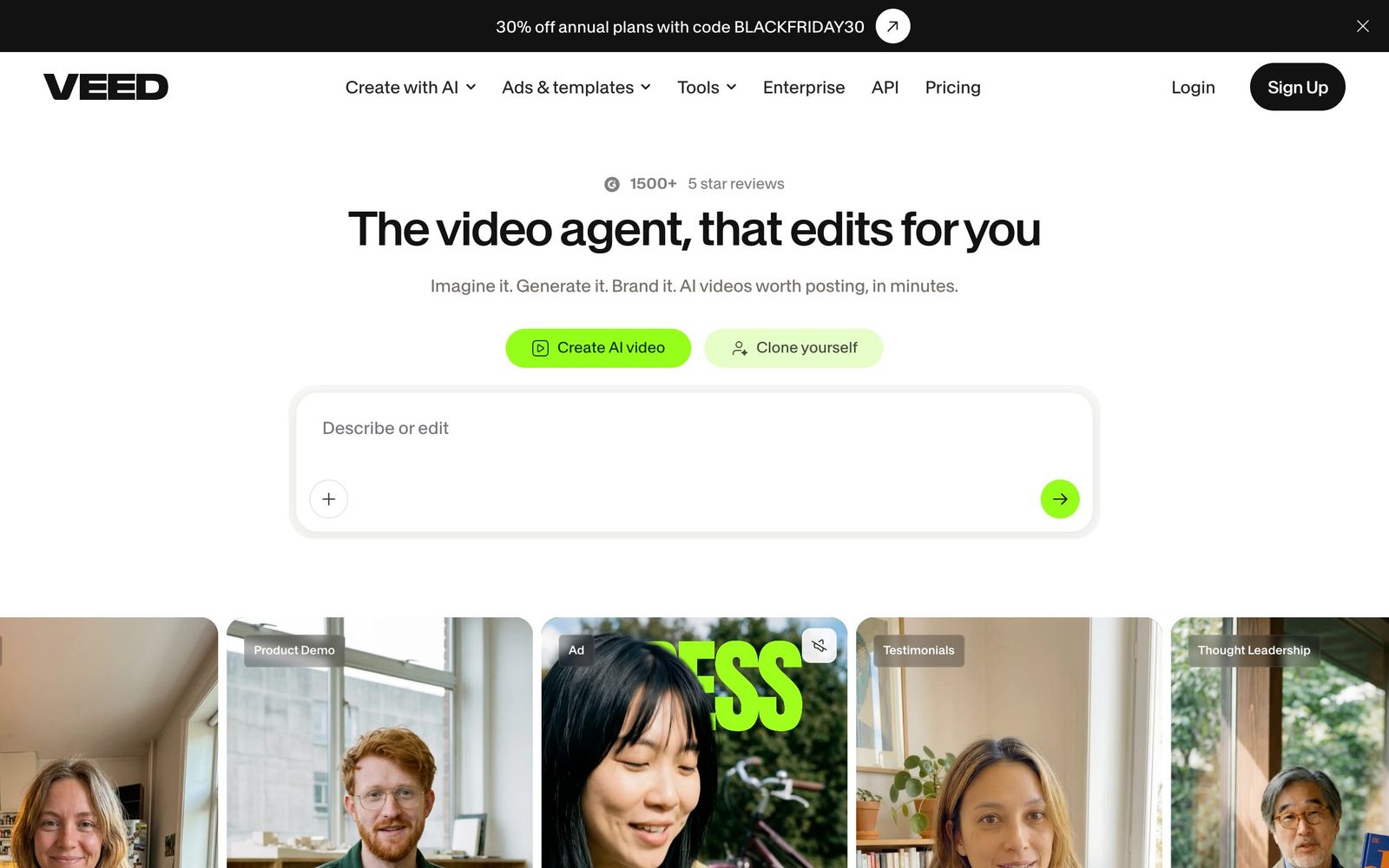
Our rating: 4.1/5. Fit for this job 4.1/5, ease of use 4.5/5, value for money 3.8/5.
VEED is a browser editor like Wisecut, and it removes silences automatically. Its Magic Cut is one click on a clip in the timeline: it trims silences, filler words, repeated mistakes and awkward pauses, then lets you preview, tweak the settings or edit the script before export. VEED's help page says Magic Cut works on English speech only.
On 18 November 2026 VEED launched VEED AI, an editing agent that turns footage or an idea into a social clip. Trustpilot gives 4.2 from 3,961 reviews, with recent complaints about paywalls at download.
Standout feature: VEED AI (18 November 2026): upload footage or describe an idea and its agent edits a social video.
What's the difference between VEED and Wisecut? VEED is a full browser editor with Magic Cut and an agent, priced per editor. Wisecut is an auto-clipper that also publishes for you.
VEED pros:
- Easy browser editor with strong subtitles
- Avatars, dubbing and eye contact fix
- Brand kits
- iPhone and Android apps
VEED cons:
- Priced per editor, so teams pay per seat
- AI credits and translation minutes don't roll over
Pricing: Free plan with watermarked videos and 50 AI credits a month. Creator is $25 a month, or $12 a month billed yearly, per editor.
Choose VEED over Wisecut if: you want Wisecut's no-install feel with a full editor around it, and record in English.
What's new in VEED: VEED AI, a video editing agent for social videos, launched on 18 November 2026.
Available for: Web, iPhone and Android
#6 CapCut: Best for a free editor with captions and templates
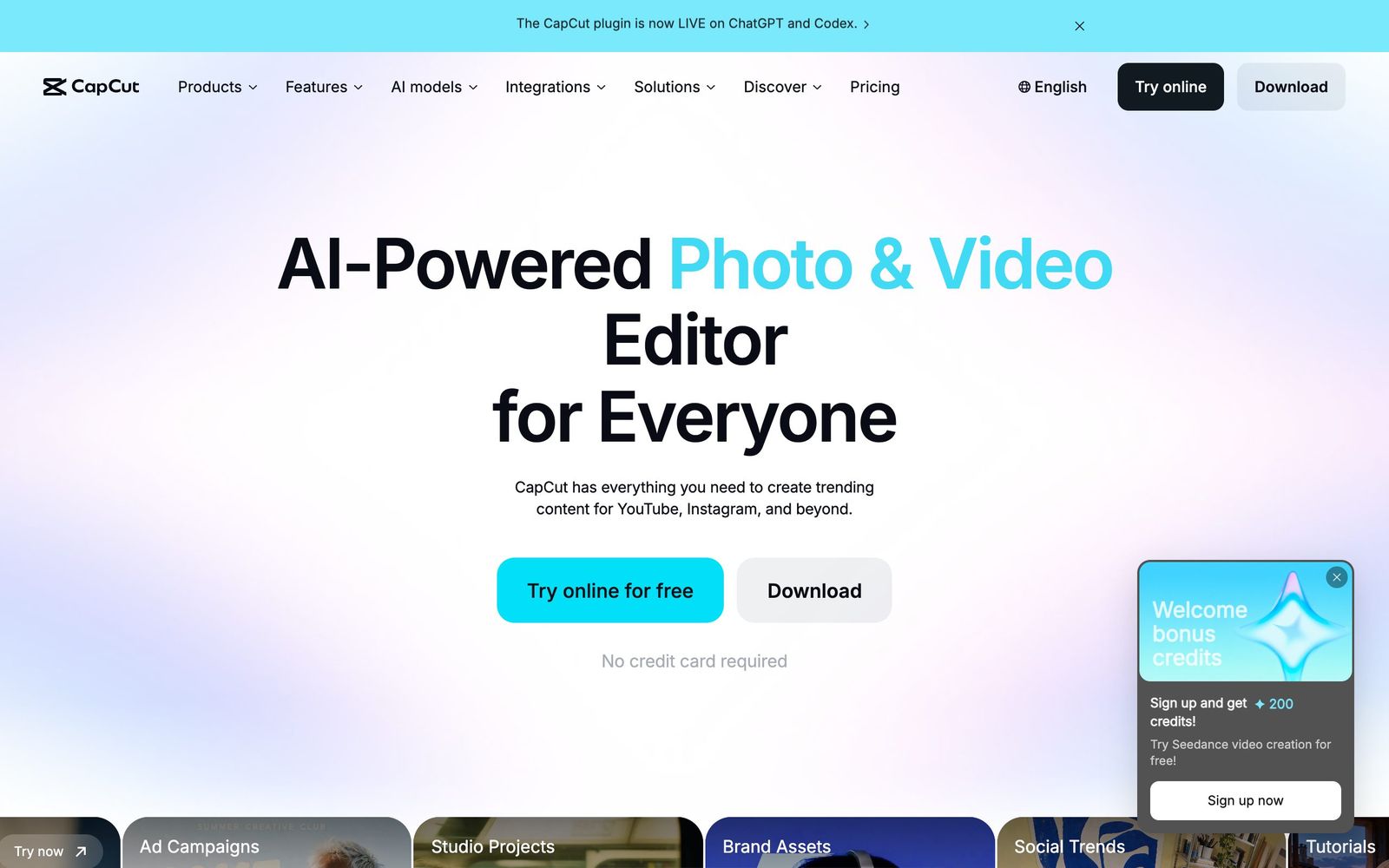
Our rating: 4.1/5. Fit for this job 3.5/5, ease of use 4.5/5, value for money 4.2/5.
CapCut is free to start on the web, desktop, iPhone and Android, with auto captions, a Smart Editor, text to speech, a background remover and a huge template library for trends. It is a general editor rather than an auto-clipper, and Trustpilot gives 1.2 from 1,416 reviews, mostly about billing after cancelling.
Standout feature: Templates and ByteDance's own AI models, with Seedance generation included in Pro credits.
What's the difference between CapCut and Wisecut? CapCut is a free general editor with templates. Wisecut automates the cut and the posting.
CapCut pros:
- Free, fast and familiar on phone and desktop
- Templates for trends
- Auto captions, text to speech and background remover
- Plugin for ChatGPT and Codex
CapCut cons:
- Pro paywalls can appear at the export screen
- Trustpilot score of 1.2 (1,416 reviews); the low reviews we read mention charges after cancelling
Pricing: Free plan with basic editing and free templates. Pro is $19.99 a month on the web; the app stores sell other plans.
Choose CapCut over Wisecut if: you'd rather edit by hand with templates than hand the edit to an auto-pilot.
What's new in CapCut: The CapCut plugin is live in ChatGPT and Codex, and iOS 20.3.0 (24 November 2026) improved trimming.
Available for: Web, Windows, Mac, iPhone and Android
Best Wisecut alternatives for automatic clips
If Autopilot clips are what you use Wisecut for, these clip makers go deeper.
#7 OpusClip: Best for ranked clips from long videos
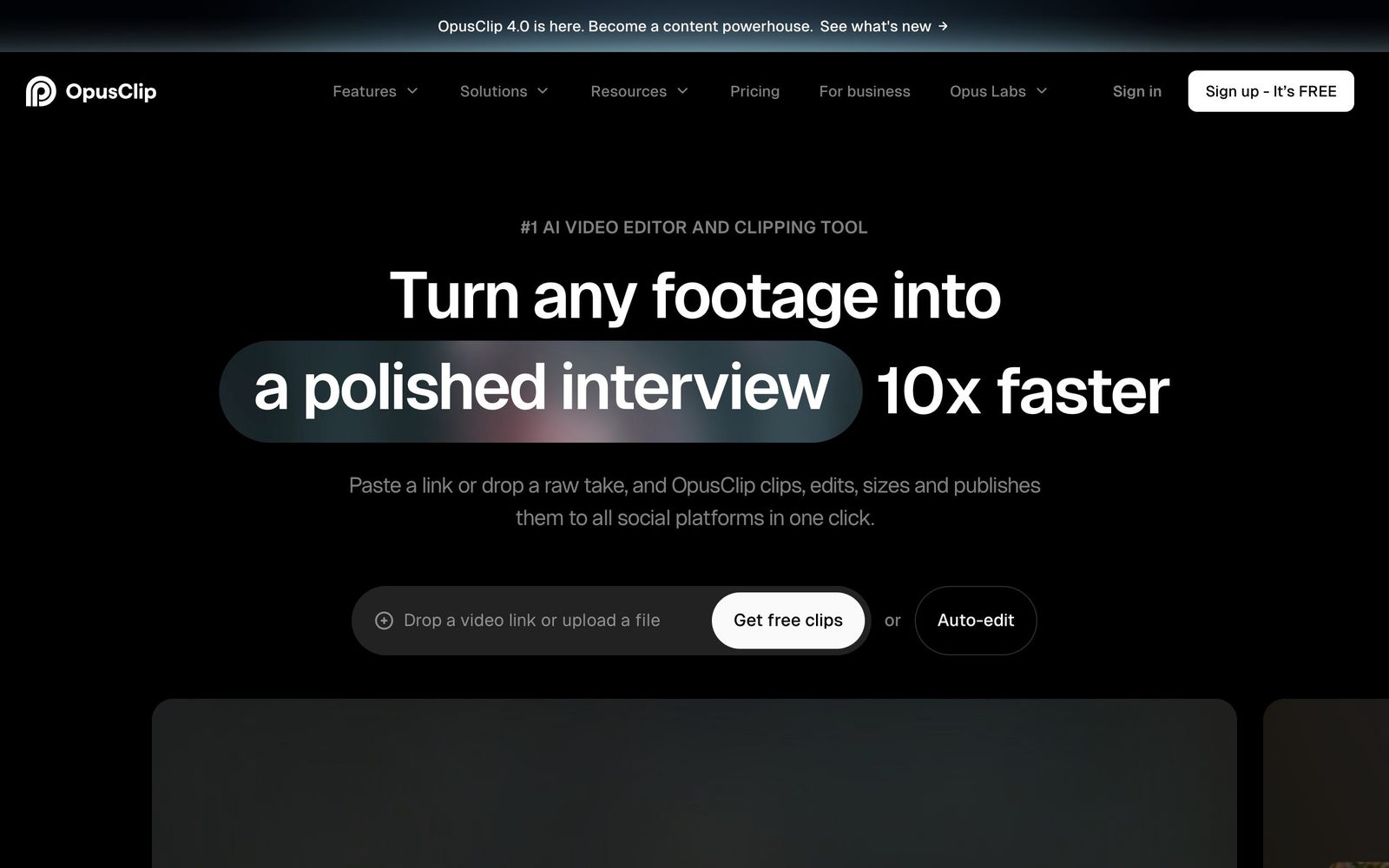
Our rating: 4.3/5. Fit for this job 4.4/5, ease of use 4.5/5, value for money 4.1/5.
OpusClip is the stronger clip finder. ClipAnything returns ranked clips with a Virality Score, animated captions in 20+ languages and AI Reframe to 9:16, 1:1 or 16:9, and OpusClip 4.0 (2 November 2026) auto-edits raw talking heads with speech clean-up, captions and B-roll.
Pro adds a social scheduler, XML export to Premiere Pro and DaVinci Resolve and the API. A Product Hunt reviewer wants more manual control over where caption lines break.
Standout feature: ClipAnything returns ranked short clips from one long video, each with a Virality Score, captions and reframing.
What's the difference between OpusClip and Wisecut? OpusClip is a stronger clip finder, with ranked clips and XML export. Wisecut also cuts silences in the full-length video.
OpusClip pros:
- Fast, ranked clips from one upload or link
- Animated captions in 20+ languages
- Exports XML to Premiere Pro and DaVinci Resolve on Pro
- Social scheduler and API on Pro
OpusClip cons:
- Free exports carry a watermark and media expires after 3 days
- One Trustpilot reviewer waited over a day for a human reply; another lost paid credits after cancelling
Pricing: Free plan with 60 credits a month, a watermark and up to 1080p. Starter is $15 a month (monthly only); Pro is $29 a month, or $14.50 a month billed yearly.
Choose OpusClip over Wisecut if: finding the best clips is the main job.
What's new in OpusClip: OpusClip 4.0 (2 November 2026) added auto-edit for raw talking-head videos, saved edit Recipes, Viral Hook and Motion Graphics.
Available for: Web, plus an API and a Claude connector
#8 Vizard: Best for many clips from very long uploads

Our rating: 4.4/5. Fit for this job 4.3/5, ease of use 4.5/5, value for money 4.3/5.
Vizard says one upload can return 30+ clips, and paid plans take recordings up to 10 hours or 30 GB, well past Wisecut's 4 to 5 GB cap, with 4K export. Face-tracking reframe, subtitles with translation, keyword highlights, auto B-roll and a scheduler are built in, and Vizard Agent edits a video from a written brief.
Standout feature: One upload can return 30+ clips, and paid plans take uploads up to 10 hours and export in 4K.
What's the difference between Vizard and Wisecut? Vizard handles much longer uploads, up to 10 hours on paid plans. Wisecut's uploads cap at 4 to 5 GB.
Vizard pros:
- Many clips from one long upload
- Face-tracking reframe, subtitles, translation and keyword highlights
- Vizard Agent edits a finished video from a brief
- Team workspace, brand kit and scheduler
Vizard cons:
- Free exports are 720p with a watermark, and videos are deleted after 3 days
- No refunds, and unused credits are lost when you cancel (per Vizard's terms as quoted by a Trustpilot reviewer)
Pricing: Free plan with 60 credits a month, 720p exports and a watermark. Paid plans list at $29 and $39 a month, less when billed yearly.
Choose Vizard over Wisecut if: your videos are very long.
What's new in Vizard: Vizard Agent, an editing agent that works from a written brief (blog post, 29 June 2026), now appears on every plan.
Available for: Web, plus an API and an MCP connector
#9 Klap: Best for clips priced per clip, posted for you
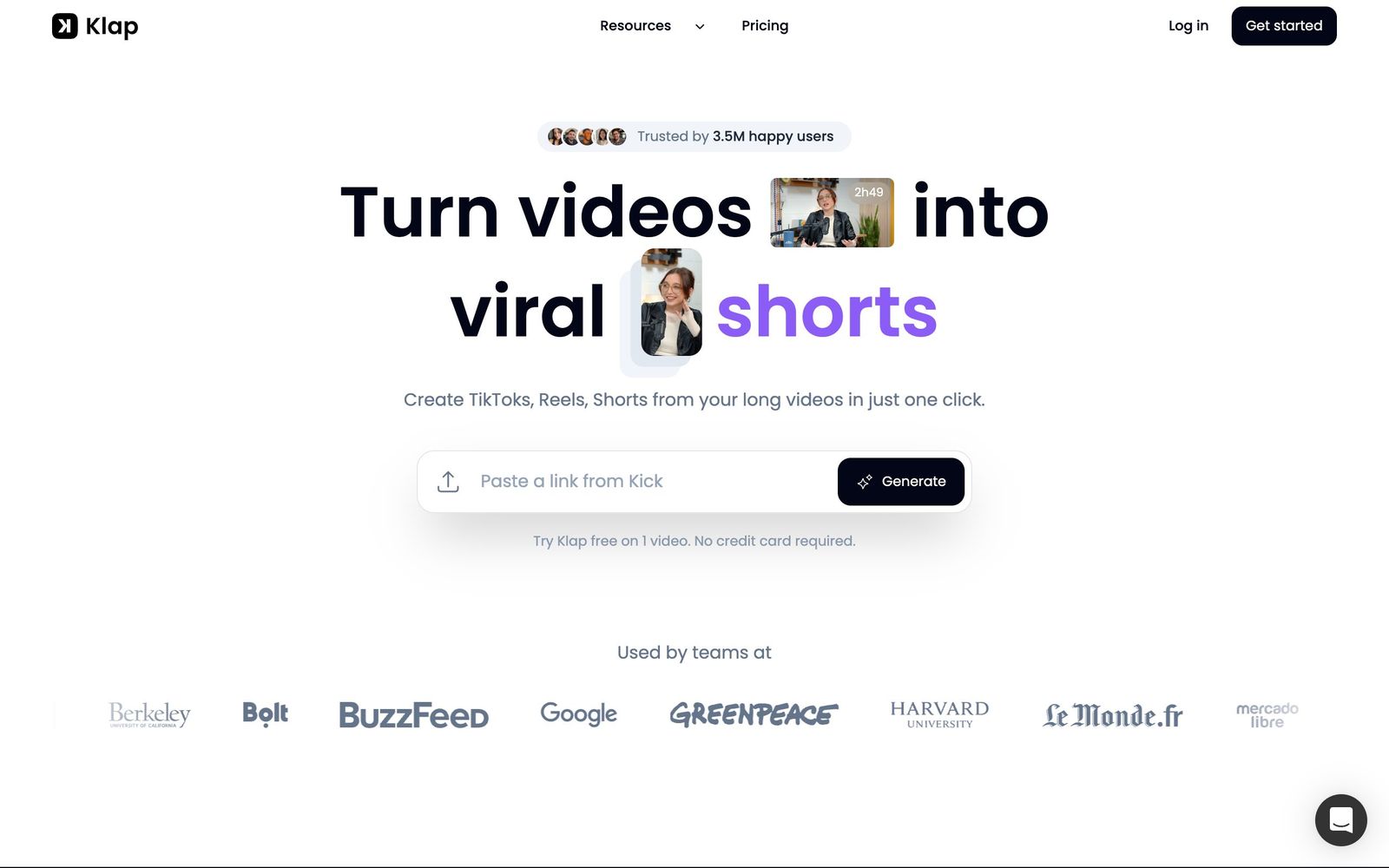
Our rating: 4.1/5. Fit for this job 4.0/5, ease of use 4.4/5, value for money 3.8/5.
Klap prices by output (clips, not hours of upload). Drop in a file or a YouTube link up to 3 hours long and it returns clips with a virality score, AI captions, hook titles and B-roll, and AI Reframe 2 handles split screen, screencasts and gaming layouts.
Like Wisecut's Social Hub, it posts to unlimited social accounts with analytics. Trustpilot gives 4.0 from 69 reviews; one reviewer describes trouble cancelling in the app.
Standout feature: Plans are counted in finished clips (100, 300 or 1,000 a month) instead of upload minutes.
What's the difference between Klap and Wisecut? Klap counts clips, not hours, and posts to unlimited accounts. Wisecut also cuts silences in the full video and has a free plan.
Klap pros:
- Simple, output-based pricing
- AI Reframe 2 handles split screen, screencasts and gaming layouts
- Posts to unlimited social accounts with analytics
- Self-serve API
Klap cons:
- No free plan, and trial clips can't be downloaded
- Source videos are capped at 3 hours
Pricing: No free plan; a free trial covers 1 video, and downloading clips needs a paid plan. Basic is $29 a month, or $14.50 a month billed yearly, for 100 clips.
Choose Klap over Wisecut if: you post lots of clips to many accounts and want to pay per clip.
What's new in Klap: No public changelog. The homepage marks AI Reframe 2 as new (undated, checked 26 November 2026).
Available for: Web, plus an API
#10 Submagic: Best for captioned shorts with style

Our rating: 4.2/5. Fit for this job 4.0/5, ease of use 4.6/5, value for money 4.0/5.
Submagic removes silences and bad takes, cleans audio, and adds animated captions, auto-zoom, B-roll, transitions and music to short videos; Magic Clips makes shorts from videos up to 3 hours. Iris, its agent, edits a short end to end, and it has publishing and analytics.
Standout feature: Iris, an AI agent that adds captions, cuts, B-roll, zooms, motion graphics and music to a short on its own.
What's the difference between Submagic and Wisecut? Submagic is built around animated caption templates; one Wisecut reviewer found little flexibility over caption styles. Wisecut has more automatic publishing from your channel.
Submagic pros:
- Strong animated caption templates
- Magic Clips turns videos up to 3 hours into shorts
- Removes bad takes and silences
- API, Zapier and n8n
Submagic cons:
- Starter caps each captioned video at 2 minutes and 1080p
- Free credits are one-time, not monthly
Pricing: Free sign-up with 15 one-time credits and watermarked exports. Starter is $19 a month, or $12 a month billed yearly.
Choose Submagic over Wisecut if: caption style is what you miss in Wisecut.
What's new in Submagic: Iris, the editing agent, is the site-wide launch banner (live on 26 November 2026, no dated post).
Available for: Web, plus an API and ChatGPT and Claude integrations
#11 Captions: Best for talking heads edited on iPhone
Our rating: 4.1/5. Fit for this job 3.7/5, ease of use 4.6/5, value for money 3.9/5.
Captions trims pauses and filler words, adds captions in 100+ languages and 100+ styles, and its AI Edit cuts scenes and adds B-roll and music, then you adjust by chat. Clips turns long videos into post-ready clips, on iPhone or the web.
Standout feature: AI Edit cuts the scenes, adds B-roll and music to a whole video at once, then you change it by chatting.
What's the difference between Captions and Wisecut? Captions edits on your phone with many caption styles. Wisecut runs in a desktop browser.
Captions pros:
- Captions in 100+ languages and 100+ styles
- AI Edit and a chat-based editor
- Eye contact fix, translation and lip-dub
- Strong iPhone app (4.7 stars from 39,000 US ratings)
Captions cons:
- Free plan has no AI credits
- One App Store reviewer says credits went on fixing the AI's own mistakes
Pricing: Free sign-up with basic trimming and no AI credits. Max is $24.99 a month on the web; the iPhone app sells Basic at $9.99 a month.
Choose Captions over Wisecut if: you film and edit on your phone.
What's new in Captions: Mirage Studio was merged into Captions, and iOS 13.45.0 shipped around 25 November 2026. The company is now called Mirage; the product is still Captions.
Available for: iPhone and web
Best Wisecut alternatives on the desktop and in pro editors
If uploads keep failing, cut on your own computer or inside your editor instead. Desktop cutters read the file straight from your drive, so there is no 4 GB upload cap.
#12 Recut: Best for one-time desktop cutting with no upload
Our rating: 4.3/5. Fit for this job 4.1/5, ease of use 4.4/5, value for money 4.4/5.
Recut cuts silence by loudness on Mac, Windows and Linux, so it works in any language, and you tune how tight it cuts, keep shorter pauses or speed silences up. Retakes and fillers are highlighted in the transcript, captions are one click, and every cut leaves as a real edit for Premiere, Resolve, Final Cut and CapCut.
Standout feature: A one-time silence remover with a built-in connector for AI agents, so Claude or Codex can edit with your own AI plan.
What's the difference between Recut and Wisecut? Recut runs on your computer with no upload limit and a one-time price. Wisecut runs in the browser and publishes clips.
Recut pros:
- One-time purchase
- Removes silences and retakes and adds captions
- Exports a timeline to your editor
- Mac, Windows and Linux
Recut cons:
- A first-cut tool, not a full editor
- No public user reviews found
Pricing: A free trial with all features and no watermark. $149 once (a $99 Black Friday price ran until 4 December 2026), or $19 a month.
Choose Recut over Wisecut if: upload limits are the problem and you finish in an editor.
What's new in Recut: Recut for Linux launched with version 4.5.2 (1 November 2026).
Available for: Mac, Windows and Linux, plus MCP for Claude and Codex
#13 TimeBolt: Best for fast desktop jump cuts
Our rating: 4.2/5. Fit for this job 4.1/5, ease of use 4.3/5, value for money 4.3/5.
TimeBolt cuts silences by waveform very fast (it claims an hour of video in 13 seconds) on Mac and Windows, and UMCHECK removes fillers and bad takes using free offline transcription with no credits. It exports XML to Premiere and Resolve, FCPXML to Final Cut and SRT captions.
Standout feature: Fast jump cuts with free on-device transcription: no per-minute fees or credits.
What's the difference between TimeBolt and Wisecut? TimeBolt runs on your computer with no upload limits. Wisecut runs in the browser.
TimeBolt pros:
- Very fast silence and filler removal
- Local transcription with no credits
- Lifetime licence option
- Free 4K screen and camera recorder
TimeBolt cons:
- Free exports are watermarked
- One licence covers 2 machines
Pricing: Free forever with watermarked exports. Pro is $17 a month, or $97 a year; Lifetime is $347 once.
Choose TimeBolt over Wisecut if: upload limits and slow web edits are the problem.
What's new in TimeBolt: Version 8.1.1 (November 2026) redesigned the multi-track editor, after on-device transcription for filler removal in 8.0 (October).
Available for: Mac and Windows, plus a local connector for AI agents
#14 Gling: Best for removing bad takes

Our rating: 4.1/5. Fit for this job 4.0/5, ease of use 4.4/5, value for money 4.0/5.
Gling transcribes your recording, removes bad takes, silences and filler words, lets you review each proposed cut, and exports a timeline to Premiere, Final Cut or Resolve on paid plans, with auto-framing zooms, SRT captions, titles and chapters.
Standout feature: Finds and removes bad takes (repeated attempts at a line), not only silences, then hands the cut to your editor.
What's the difference between Gling and Wisecut? Gling is stronger on bad takes and exports to pro editors. Wisecut publishes clips.
Gling pros:
- Removes bad takes, silences and filler words
- Exports an editable timeline to Premiere, Final Cut or Resolve
- Captions with SRT export and auto zooms
- YouTube titles and chapters
Gling cons:
- Paid plans cap hours of edited media (10, 30 or 100 a month)
- Free exports are watermarked and can't go to an editor
Pricing: Free plan with 1 hour a month and watermarked exports. Plus is $20 a month, or $10 billed yearly, for 10 hours.
Choose Gling over Wisecut if: you finish in a pro editor.
What's new in Gling: No public changelog; the pricing page now also meters generated video from a link (undated, checked 26 November 2026).
Available for: Desktop app, with export to Premiere, Final Cut and DaVinci Resolve
#15 AutoCut: Best for cuts inside Premiere and Resolve
Our rating: 4.2/5. Fit for this job 3.9/5, ease of use 4.3/5, value for money 4.3/5.
AutoCut cuts silences and repeats on your Premiere Pro or Resolve timeline, with every setting exposed: Noise Level in dB, minimum silence, minimum talk and padding before and after. AutoCaptions, AutoZoom, AutoViral and multicam switching sit alongside.
Standout feature: Works inside Premiere Pro and DaVinci Resolve, so every cut lands on your real timeline.
What's the difference between AutoCut and Wisecut? AutoCut works in your editor with every threshold exposed. Wisecut works in the browser with none documented.
AutoCut pros:
- Cuts land in your own Premiere or Resolve timeline
- Silences, bad takes, profanity, zooms and resizing
- AutoCut Angles switches multicam podcasts
- Trustpilot 4.8 from 380 reviews
AutoCut cons:
- Needs Premiere Pro or DaVinci Resolve
- No free plan
Pricing: No free plan, a 14-day trial. The Basic plan (silences) is $9.90 a month, or $6.60 billed yearly; the AI plan is $19.80, or $14.90 yearly.
Choose AutoCut over Wisecut if: you edit in Premiere or Resolve.
What's new in AutoCut: AutoCaptions Advanced Mode (beta, 17 September 2026) and AutoCut Angles for multicam switching (24 August).
Available for: Premiere Pro and DaVinci Resolve plugin, Mac and Windows
How to choose the best Wisecut alternative
Wisecut does four jobs at once: cut silences, caption, clip and publish. Decide which of the four you care about most.
Do you want control over clips and captions?
If the AI's choices are the problem, pick a tool that lets you set or fix them. HyperFrames Studio takes clip length, caption style and framing as instructions and keeps every piece editable; ChatCut and Descript let you adjust by hand. See edit with the agent for how that works.
Is it automatic clips and posting you need?
If Autopilot is the feature you use, OpusClip, Vizard and Klap are stronger clip finders, and all three schedule posts on paid plans; Klap prices by clip rather than by hour. HyperFrames Studio posts stream clips to YouTube by itself; for other networks you post the files.
Do your uploads keep failing?
A desktop tool opens the file from your computer instead: HyperFrames Studio, Recut, TimeBolt or Gling, or Palmier Pro on a Mac. Vizard takes uploads up to 10 hours on paid plans.
Browser or desktop?
VEED, CapCut, OpusClip, Vizard and Submagic run in the browser. HyperFrames Studio runs on Mac, Windows and Linux and on the web. Recut, TimeBolt and Gling are desktop apps.
What will you pay?
Wisecut's free plan has no watermark at 480p. HyperFrames Studio exports free, without a watermark, in up to 4K on your computer. Most clip makers watermark free exports. Paid entry points: OpusClip $15, Submagic $19, VEED $25 per editor, Wisecut and Klap $29.
How we compared
Every tool on this list was scored on three things:
- Auto-editing. Silence and filler cuts, captions and clips without manual work.
- Control. Choosing clip length, caption style, framing and what gets cut, and fixing the AI's choices.
- Value. Free plan quality, upload and hour caps, and price.
User complaints. We read recent reviews on Trustpilot, Product Hunt and the App Store and say when a complaint comes from a single review, with its date when it is old. Some review sites (G2, Capterra) blocked automated reading, so their scores are not quoted.
Ratings. Each tool gets three scores out of 5: fit for the job this page is about, ease of use, and value for money (free plan, entry price, watermarks and caps). The overall rating is their average. The scores are our judgment from the sources above, not a lab benchmark.
Wisecut's complaints come from AppSumo reviews (11 reviews, 3.9 out of 5); it has few reviews elsewhere (Trustpilot shows 1).
Feature details. Wisecut's features come from its pricing page and its own tutorial; VEED's Magic Cut from VEED's help center (article dated 25 August 2026).
The films. The film near the top was made with HyperFrames for this page. The cover uses each product's own logo and a still of its own website.
Conclusion
For creators who edit videos every week and like automation but want the last word, HyperFrames Studio is the best Wisecut alternative: it cuts the dead air, makes clips at the length you ask with the speaker in frame, captions them in your style, and keeps every choice editable, with free exports on your computer.
If automatic clips and posting are the whole point, OpusClip or Vizard will find more clips than Wisecut and schedule them. If you want Wisecut's browser simplicity with a full editor around it, VEED's Magic Cut is the closest swap, and if uploads are the problem, Recut or TimeBolt cut on your desktop. Wisecut still makes sense if you want an Autopilot that clips and posts with no work at all.
Cut and caption a video your way, free
Frequently asked questions
What is the best Wisecut alternative?
HyperFrames Studio is the best Wisecut alternative for creators who want control, rated 4.7 out of 5 here, because an AI agent cuts and captions the way you ask and every clip stays editable. OpusClip (4.3) is best for automatic clips, and VEED (4.1) is the closest browser editor.
Is there a free AI video to shorts converter available?
Yes. HyperFrames Studio is free to start: it cuts vertical clips from your recording and exports them without a watermark on your computer. OpusClip (60 credits a month) and Vizard (60 credits, 720p) have watermarked free plans, and Wisecut's free plan has no watermark at 480p.
Is there a free alternative to Wisecut?
Yes. HyperFrames Studio is free to start and exports without a watermark on your computer. ChatCut's free plan has unlimited local export. OpusClip, Vizard, VEED, TimeBolt and Gling have free plans with watermarks.
Is Wisecut free to use?
Wisecut has a free plan with no watermark: 30 minutes a month, 480p and exports up to 3 minutes, without Autopilot, the Social Hub or MCP. Starter+ is $29 a month or $279 a year.
How does Wisecut's automatic silence removal work?
Wisecut's tutorial lists removal of silences, filler words and pauses as an AI enhancement on the full video, alongside punch-in zooms and speaker framing. It doesn't document threshold or padding settings; AutoCut and Recut are the tools here that expose those.
Does VEED automatically remove silences like Wisecut?
Yes. VEED's Magic Cut removes silences, filler words, repeated mistakes and awkward pauses in one click, and you can tweak its settings before export. VEED's help page says it works on English speech only.
Can I choose clip length in an auto-editor?
Yes in HyperFrames Studio (ask for the length you want, 3 to 90 seconds for podcast clips) and in most clip makers' editors. One AppSumo reviewer says Wisecut doesn't let them choose clip duration.
Is there an open-source alternative to Wisecut?
Yes. HyperFrames is open source under Apache 2.0, and its free Studio app for Mac, Windows, Linux and the web cuts silences, makes clips and captions them the way you ask. Palmier Pro is an open-source (GPL-3.0) Mac editor your own agent drives, but it needs macOS 26 or newer and is still pre-1.0.
How does Wisecut pricing compare to VEED?
Wisecut Starter+ is $29 a month ($279 a year) for one account. VEED Creator is $25 a month, or $12 billed yearly, per editor. Wisecut's free plan has no watermark; VEED's free videos are watermarked.
Can I edit my video using text in Wisecut?
Yes. Wisecut lets you edit through the transcript or by asking WISH, its AI assistant. Descript and HyperFrames Studio's Script tab do the same, and VEED lets you edit the script after Magic Cut.
Can Wisecut replace a full video editor?
For simple talking-head clips, often yes. For custom titles, graphics, B-roll or precise caption styling it is limited: one AppSumo reviewer found little flexibility over fonts and captions, and another couldn't edit the AI titles; HyperFrames Studio, Descript or VEED cover more of the edit.
Does Wisecut support 4K editing on the free plan?
No. Wisecut's free plan exports 480p; 4K export needs Professional+ at $119 a month. HyperFrames Studio exports up to 4K free on your computer.
Does Wisecut have an API?
Wisecut's pricing page lists an MCP connection on its Plus plans. OpusClip, Vizard and Submagic advertise video APIs, and HyperFrames is open source, so a developer can run it from the command line.
Is Wisecut good for beginners?
Yes: it needs no install and does the edit for you. Beginners who later want more control over captions and clip length can move to an editor such as HyperFrames Studio, VEED or Descript.
Does Wisecut post to social media?
Yes, its Social Hub and Autopilot publish clips on its Plus plans. HyperFrames Studio posts stream clips to YouTube by itself; for other networks you export the files and post them, or use a scheduler. OpusClip and Vizard also schedule posts.
Is HyperFrames free?
Yes, HyperFrames is free to start. HyperFrames Studio is a free download, built on the free, open-source HyperFrames engine (90,000+ GitHub stars). Pro is $25 a month for more (pricing).

Written by Ular Kimsanov
Ular Kimsanov works on HyperFrames at HeyGen, the free, open-source tool where AI agents make videos, and writes about making videos with AI agents. Prices and plans on this page were checked on 26 November 2026.