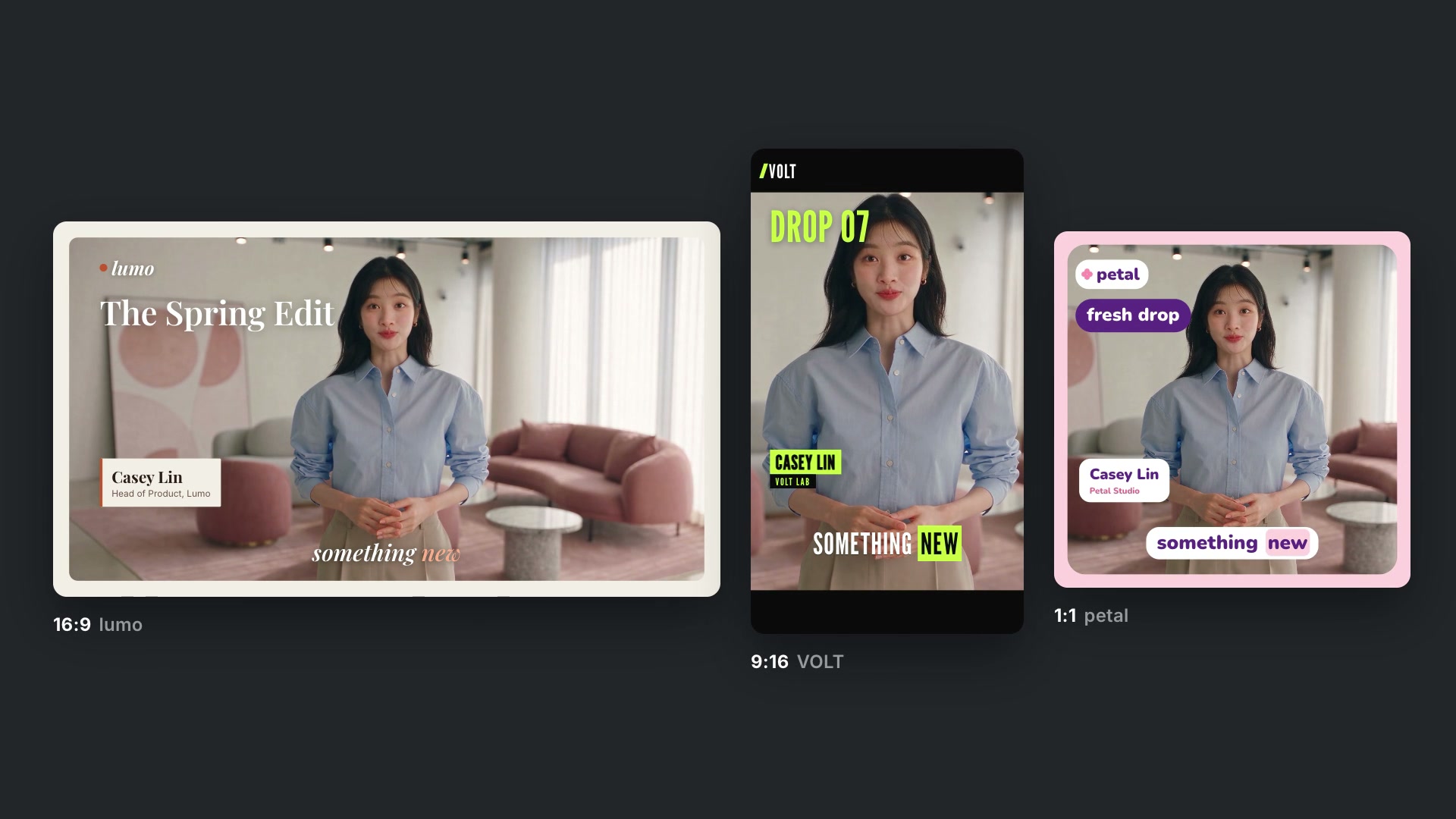
InVideo changed shape in 2026. invideo AI's Agent Two now works inside a multitrack timeline editor (launched 1 September 2026) with live cursors for multiplayer editing and custom agents such as a scriptwriter or a colorist. Seedance 2.5, MiniMax H3, Kling 4.0, Veo 3.1 and other models are built in, invideo's connector lets Claude and ChatGPT work on the same timeline, and projects export to Premiere, Final Cut and Resolve.
What hasn't changed is the main complaint. Of the 20 newest one-star Trustpilot reviews we read, 12 were about credits: they run out after one or two videos, failed generations still cost them, and they don't roll over. Its overall score is 1.8 from 1,032 reviews. The 12 alternatives below handle video creation from an idea or a script differently, with different AI features, grouped by the job you used InVideo for.
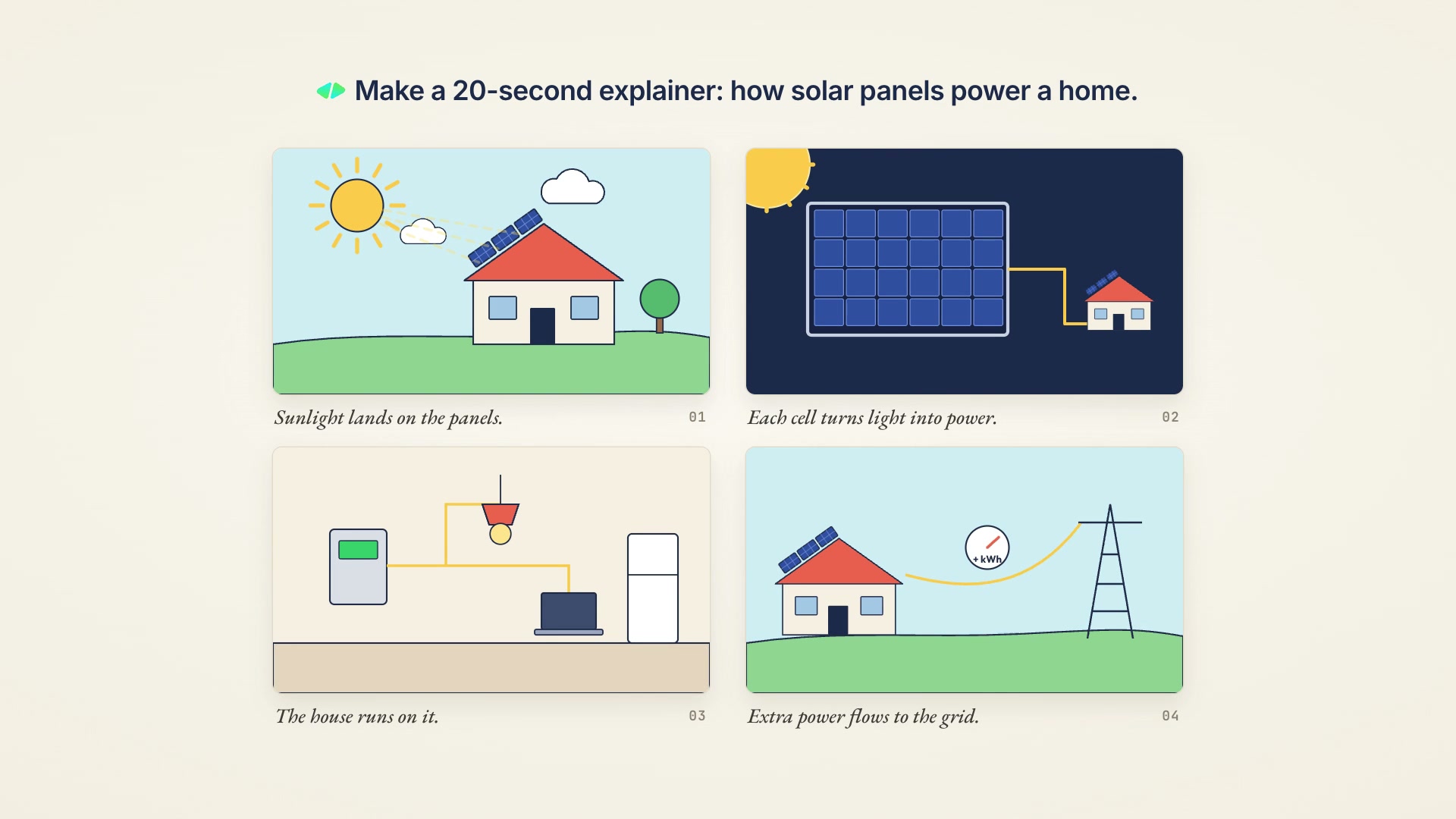
A one-sentence idea becomes a storyboard and then a film, with one word changed in place. Made with HyperFrames for this page.
Why look for an InVideo alternative?
Why people look for an InVideo alternative, from its pricing page and the 20 newest one-star Trustpilot reviews (read 26 November 2026):
Credits burn fast
Plan credits don't roll over, and video generation is charged at each model's original API price. Twelve of the 20 one-star reviews mention credits; one reviewer (November 2026) exhausted the month's credits in one day before producing a 7-minute video.
Output that ignores instructions
Nine of the 20 reviews describe AI output that ignores the prompt or can't be used. With credits per attempt, every retry costs money.
Refunds and support
Seven reviews mention refused refunds, one requested within an hour of purchase (November 2026). Five mention support, which one reviewer (October 2026) describes as mostly an AI agent loop rather than people.
Plan limits and changes
Starter ($20 per seat a month) gets only Agent Two Lite and no access to the full Seedance 2.5, only the Fast and Mini versions. One reviewer (July 2026) says InVideo cancelled their legacy plan and couldn't reinstate it.
Is there still a free plan?
The pricing page shows no free tier. invideo's help center mentions a free plan with a weekly limit but gives no figures, and says the manual editor is free. In practice, the AI work is paid.
Quick comparison: the best InVideo alternatives
Twelve alternatives at a glance, with InVideo last for reference.
Tool | Best for | Our rating | Free plan | Starting price |
|---|---|---|---|---|
HyperFrames | Whole videos from an idea that you can keep editing | 4.7/5 | Yes, unlimited local exports | Free to start |
Palmier Pro | An open-source editor your agent drives, with generation | 4.0/5 | Yes, no generation credits | $49/mo list |
Canva | Branded videos from a brief in your design tool | 4.3/5 | Yes, limited AI | $18/mo |
VEED | An editing agent for social videos | 4.1/5 | Yes, watermark | $25/mo per editor |
Pictory | Script and blog videos with licensed stock | 4.1/5 | Trial only | $29/mo list |
Crreo | Long faceless videos from a topic | 4.0/5 | Yes, 30-sec, watermark | $15/mo |
ngram | Narrated walkthroughs from docs and live screens | 3.9/5 | Yes, preview only | $29/mo |
Higgsfield | Many video models, avatar reels and product ads | 3.9/5 | Yes, no credits | $19/mo |
Synthesia | AI presenters for training | 4.0/5 | Yes, watermark | $19/mo |
Runway | Cinematic generated clips | 3.7/5 | 125 one-time credits | $15/mo |
CapCut | Free editing with built-in AI models | 4.2/5 | Yes | $19.99/mo |
Descript | Editing talk-driven footage by transcript | 3.8/5 | Yes, 1 hr/mo, 720p | $24/mo |
invideo (for reference) | AI-made videos on a timeline | Not rated | Free manual editor | $20/mo per seat |
Ratings average our three scores (fit, ease of use, value); see How we compared. Monthly list prices on 26 November 2026; several tools, InVideo included, showed Black Friday sales.
Why trust us? HeyGen makes HyperFrames and publishes this page, so we compete with the tools below. Every rival's price, plan and feature comes from its own pricing page, help center or changelog, read on 25 and 26 November 2026. User complaints are quoted from public review sites and linked in How we checked. HyperFrames claims come from its pricing page and from the Studio app's current build. Where a rival is the better pick, we say so.
Make your next video from an idea, free, and keep every piece editable
Best InVideo alternatives for editable AI-made videos
If what bothers you about InVideo is paying again for every change, start here. All four keep the video as a project you can open and change, not a flattened clip.
#1 HyperFrames: Best for whole videos from an idea that you can keep editing
Our rating: 4.7/5. Fit for this job 4.7/5, ease of use 4.4/5, value for money 4.9/5.
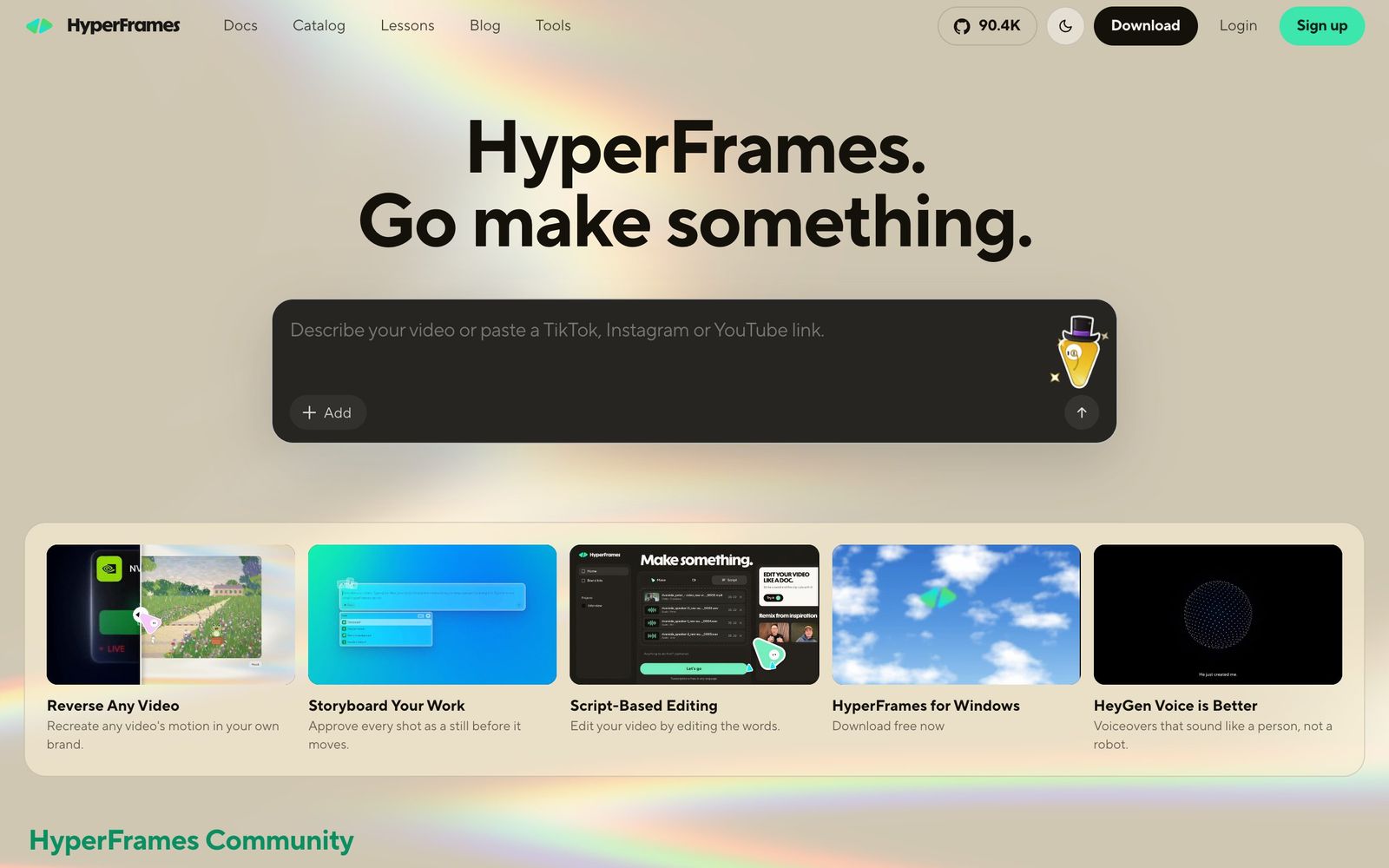
invideo puts many video models and an editing agent on one timeline, and for generated footage it's one of the fastest ways in. It stops at control: a generated scene can't promise your exact words, numbers or font, and every retry spends credits that don't roll over. In HyperFrames Studio you describe the video or show a reference, and because it's built like a web page, the kinetic type, charts, maps and titles come out with your exact words and brand, sharp at any size. Then point at one word, scene or colour and only that changes, with nothing regenerated. It's free to start, with unlimited exports on your computer.
HyperFrames Studio works like a video team you talk to. Describe the idea ("a 45-second explainer on why the Moon landing photos look the way they do, archival style") and the AI agent plans the scenes, then builds the video: kinetic type, maps, charts, archival-looking newspapers, voiceover and music. The draft is a real project: change a word, a colour, the timing of one scene or the voice, by asking, by pointing at the frame, or on the timeline. The agent can be one you already use (Claude Code, Codex and others are built in) or the built-in HyperFrames agent.
When a scene needs real-looking footage, generation is one ingredient, not the whole video. Clips come from HeyGen Video 1, Seedance 2.5 and MiniMax H3 Max, images from GPT Image 2.6 and Nano Banana 2.1, and image and footage search finds the rest. Turn your website into a launch film with website to video, or see how Claude makes videos with HyperFrames.
Standout feature: Change one thing, keep the rest: point at any word, scene or colour and only that changes, instead of regenerating the whole video.
What's the difference between HyperFrames and InVideo? InVideo's AI generates and edits footage, and every AI pass spends credits. HyperFrames has an AI agent build the video as an editable project, so manual edits on your computer are free, an agent fix redoes only the piece you change, and generated footage is one ingredient you add when you need it.
HyperFrames pros:
- Free to start, with unlimited local exports
- Fixes change one piece, not the whole video
- Exact words, numbers and brand fonts, not generated guesses
- Generated clips, voice and music when you want them
HyperFrames cons:
- No stock footage library beyond image and footage search
- No phone app: Mac, Windows, Linux and the web
Pricing: Free to start: a free download for Mac, Windows and Linux, or start in your browser, with exports on your computer and no watermark.
Who it's for: Creators and marketers who revise their videos and hate paying for retries.
Choose HyperFrames if: you change your videos a lot, care about the details, and hate paying for retries.
What's new in HyperFrames: Edit my footage and the Script tab are on in every current Studio app build, as of November 2026, so footage you shot gets the same edit-by-asking as a video built from an idea.
Available for: Mac, Windows and Linux (the Studio app), the web, and inside Claude, ChatGPT and Grok through the HyperFrames connector
See a video you love? Make it yours. Or film it, or just describe it. Your footage, edited for you. Any motion graphic, format or style. Every word and shot stays yours to change.
Make a video from your idea, free
#2 Palmier Pro: Best for an open-source editor your agent drives, with generation
Our rating: 4.0/5. Fit for this job 3.9/5, ease of use 3.7/5, value for money 4.4/5.
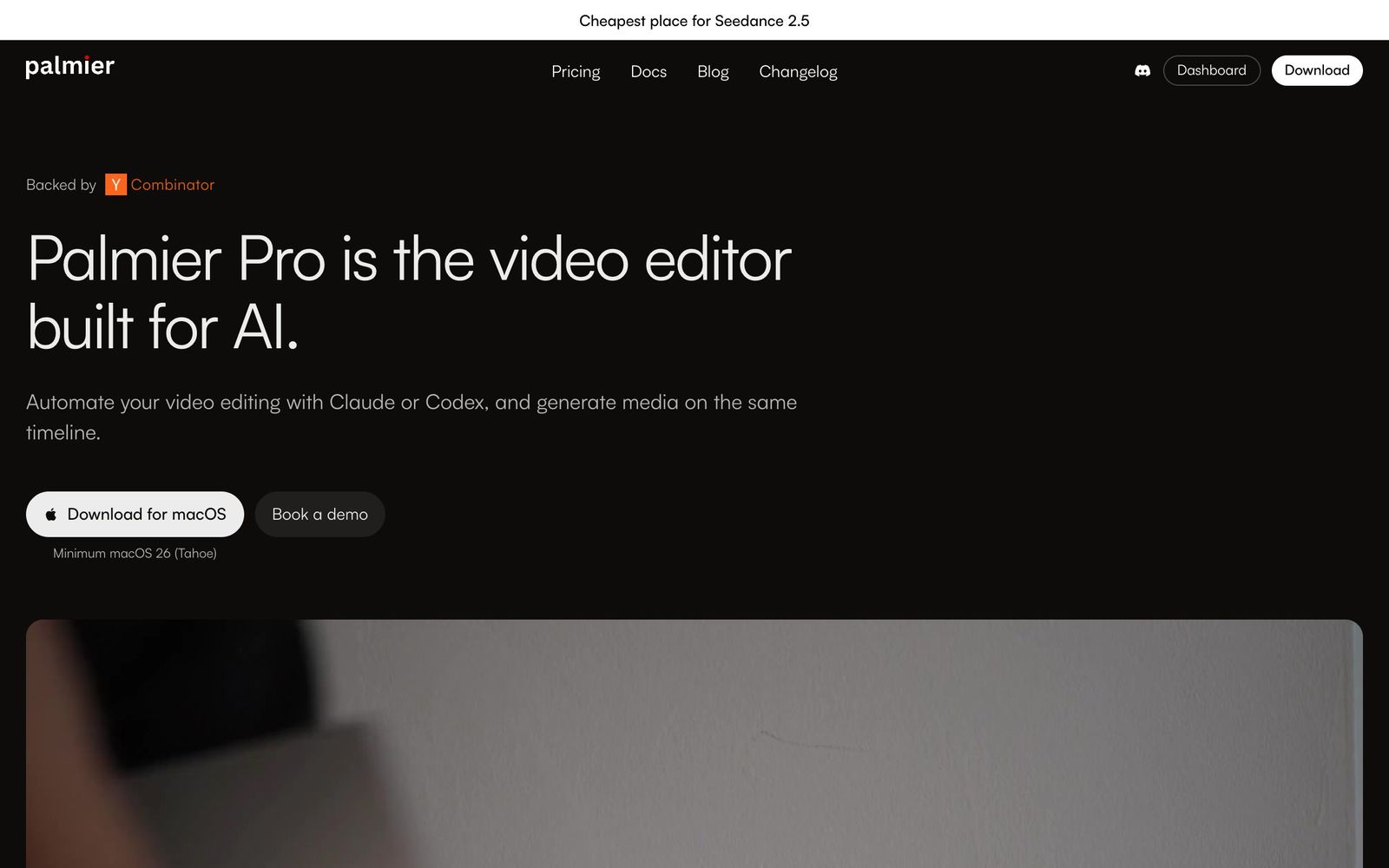
Palmier Pro is a free, open-source (GPL-3.0) Mac editor built for AI agents: Claude Code, Codex or Cursor connect to it on your Mac and edit the timeline, and image, video, voiceover, music and sound effects land on the same timeline from models including Seedance 2.5, Kling, Runway Aleph 2, ElevenLabs and MiniMax H3. A finished edit can be saved as a reusable Skill for the next video, which suits recurring ads and clips.
It is a full editor too, with keyframes, colour grading, masks, multicam and captions, and it exports ProRes or XML for Premiere, Resolve and Final Cut. Palmier's own pricing page claims it is the cheapest place for Seedance 2.5 (a vendor claim). It needs macOS 26 or newer and is pre-1.0.
Standout feature: Claude, Codex or Cursor edit the timeline through a local connector, and a finished edit can be saved as a reusable Skill for the next video.
What's the difference between Palmier Pro and InVideo? Palmier Pro is an open-source Mac editor your own agent drives, with generation on credits. InVideo is a proprietary editor with its own Agent Two.
Palmier Pro pros:
- Free, open-source Mac editor (GPL-3.0) with 14,811 GitHub stars
- Your own agent edits the timeline over MCP, with no account needed
- Image, video, voice and music generation lands on the same timeline
- A full editor: multi-track timeline, keyframes, colour grading, masks and multicam
Palmier Pro cons:
- Mac only, and only on macOS 26 (Tahoe) or newer
- AI generation, cloud transcription and the built-in chat need a paid plan
Pricing: Free plan: the full Mac editor, with no account needed and no generation credits. Pro is shown at $29 a month (marked down from $49) with 5,000 credits a month.
Who it's for: Mac users on macOS 26 who make recurring ads or clips with Claude Code, Codex or Cursor.
Choose Palmier Pro over InVideo if: you want generation and a full editor on a recent Mac, driven by your own agent.
What's new in Palmier Pro: Version 0.12.0 (29 October 2026) added a headless mode that runs several projects at once, timeline history snapshots, caption presets with per-word styles and Kling V4.
Available for: Mac (macOS 26 or newer), driven by Claude, Codex or Cursor over MCP
#3 Canva: Best for branded videos from a brief in your design tool
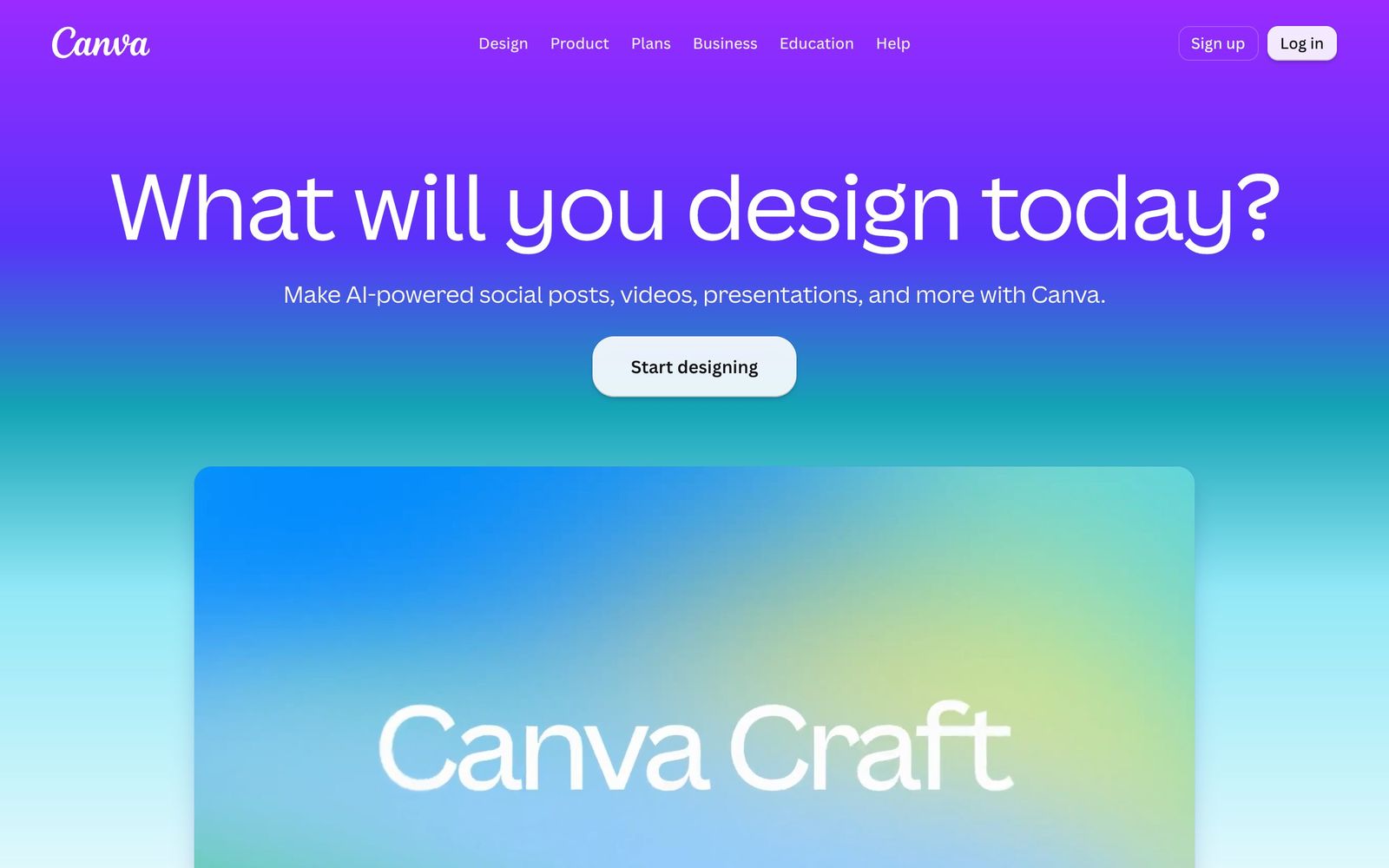
Our rating: 4.3/5. Fit for this job 4.1/5, ease of use 4.7/5, value for money 4.2/5.
Canva's Magic Video assembles your clips from a prompt, Highlights finds the best moments, and Canva's connector (generally available on 23 November 2026) turns a brief into an editable, on-brand video inside Claude and ChatGPT. Everything stays in Canva's template editor, with its 1.6M+ template library and your brand kit, next to the rest of your designs.
Premium AI tools share a monthly allowance, and the editor is template-led, so motion stays at template level. Trustpilot gives 4.0 from 8,695 reviews.
Standout feature: Template-first video with trending hooks, one-click captions and Magic Video, inside the tool teams use for every other design.
What's the difference between Canva and InVideo? Canva keeps the video editable inside its template editor with your brand kit. InVideo leans on generated and stock footage.
Canva pros:
- 1.6M+ templates and a huge media library
- One-click captions, Highlights and background remover
- Brand kits and resizing for every channel
- Canva MCP makes editable videos from a brief in Claude and ChatGPT
Canva cons:
- Premium AI tools share a monthly allowance
- Trustpilot reviewers cite surprise renewals and a rigid editor
Pricing: Free plan with templates and a small AI allowance. Canva Pro is $18 a month, or $12 a month billed yearly.
Who it's for: Teams whose brand already lives in Canva.
Choose Canva over InVideo if: your brand already lives in Canva.
What's new in Canva: On 23 November 2026, Canva MCP became generally available, with brief-to-video generation inside Claude and ChatGPT.
Available for: Web, and Claude or ChatGPT through Canva MCP
#4 VEED: Best for an editing agent for social videos
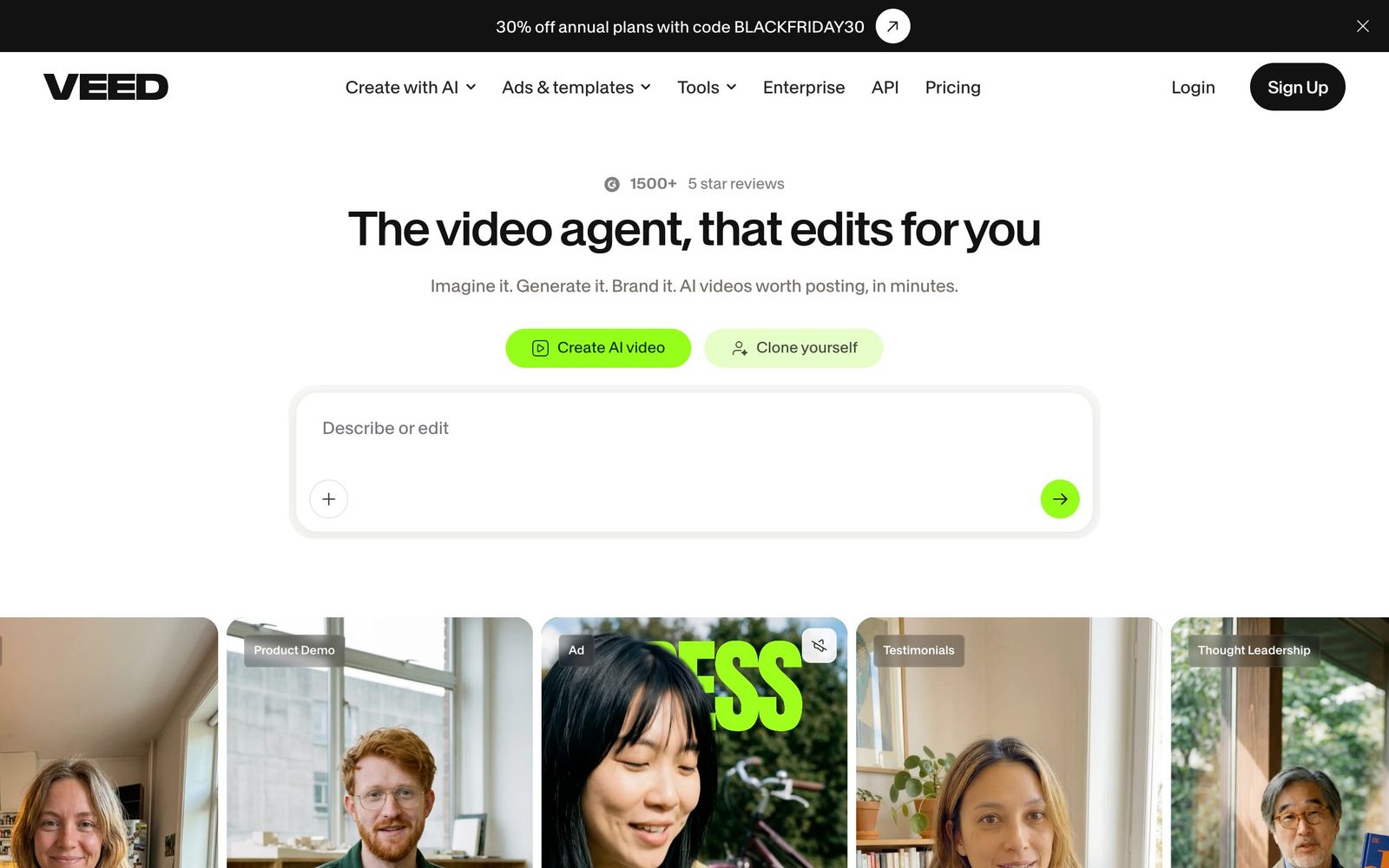
Our rating: 4.1/5. Fit for this job 4.0/5, ease of use 4.5/5, value for money 3.9/5.
VEED (veed.io) launched VEED AI on 18 November 2026: it edits uploaded footage or an idea into a social video, inside VEED's browser editor with automatic subtitles, avatars, dubbing, an AI clip generator and brand kits. VEED says VEED AI exports on the free plan carry no watermark.
AI credits and translation minutes don't roll over, the same complaint people have about InVideo. It rates 4.2 on Trustpilot from 3,961 reviews.
Standout feature: VEED AI (18 November 2026): upload footage or describe an idea and its agent edits a social video.
What's the difference between VEED and InVideo? VEED is built around editing footage you already have. InVideo is built around generating footage.
VEED pros:
- Easy browser editor with strong subtitles
- Avatars, dubbing and eye contact fix
- Brand kits
- iPhone and Android apps
VEED cons:
- Priced per editor, so teams pay per seat
- AI credits and translation minutes don't roll over
Pricing: Free plan with watermarked videos and 50 AI credits a month. Creator is $25 a month, or $12 a month billed yearly, per editor.
Who it's for: Marketers editing real footage for social.
Choose VEED over InVideo if: you edit real footage for social.
What's new in VEED: VEED AI, a video editing agent for social videos, launched on 18 November 2026.
Available for: Web, iPhone and Android
Best InVideo alternatives for video creation from a script or topic
Closest to InVideo's original job: a script, article or topic in, a finished video out. Pictory builds on stock footage, Crreo generates every visual for long faceless videos, and ngram turns docs and live screens into walkthroughs. They suit marketers repurposing blog posts and scripts into video content.
#5 Pictory: Best for script and blog videos with licensed stock

Our rating: 4.1/5. Fit for this job 4.3/5, ease of use 4.4/5, value for money 3.6/5.
Pictory 3 (22 October 2026) is an AI video agent: answer five setup questions and it drafts a script, scenes and a preview from your brief. It makes videos from text, scripts, blog URLs, slide decks, audio and images, using 5M+ Getty Images and Storyblocks clips, ElevenLabs voices, stock and cloned avatars, and text-based editing that cuts the video when you edit the transcript.
Its blog-to-video mode suits content marketers repurposing articles, and brand kits keep each video on brand. Professional lists at $59 a month, and the API is priced separately. Trustpilot gives 4.2 from 701 reviews; recent complaints mention projects that failed to render and copyright claims on its music.
Standout feature: Pictory 3's agent drafts a script, scenes and a preview from a brief, using millions of licensed stock clips.
What's the difference between Pictory and InVideo? Pictory is the closest like-for-like for script-to-video with licensed stock. InVideo adds more generative models.
Pictory pros:
- Videos from a brief, script, URL or slides
- Getty Images and Storyblocks stock
- AI voices and avatars
- An API and a connector for AI agents
Pictory cons:
- No free plan, only a trial
- API priced separately
Pricing: 14-day trial with 300 credits and Pictory branding. Starter lists at $29 a month (a Black Friday sale showed less).
Who it's for: Content marketers and trainers turning scripts into stock-footage videos.
Choose Pictory over InVideo if: you turn articles and scripts into stock-footage videos.
What's new in Pictory: Pictory 3, an AI video agent, launched on 22 October 2026.
Available for: Web, plus an API and a connector for AI agents
#6 Crreo: Best for long faceless videos from a topic
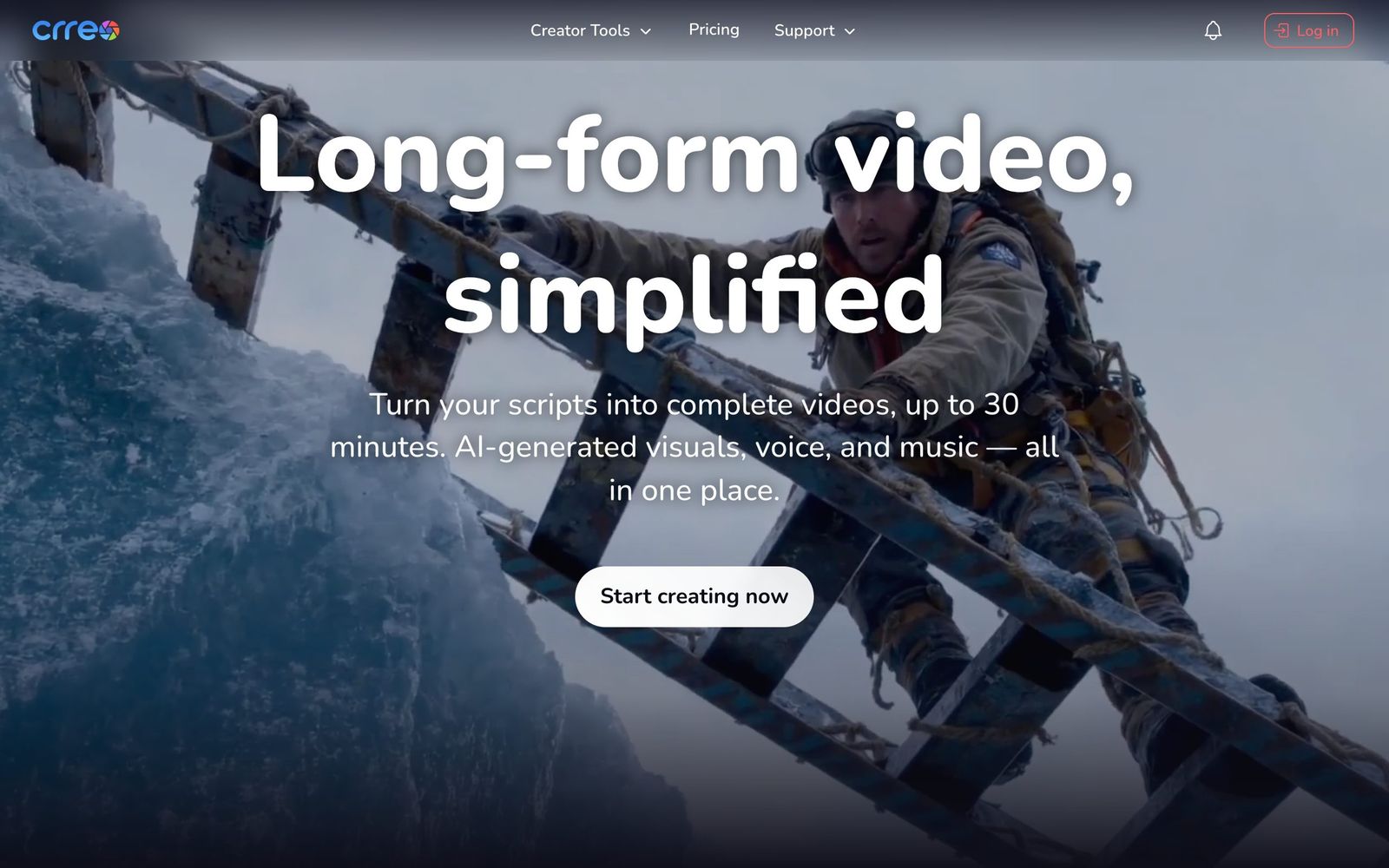
Our rating: 4.0/5. Fit for this job 3.9/5, ease of use 4.3/5, value for money 3.7/5.
Crreo turns a topic or script into a complete long-form video (up to 30 minutes on Ultra) with generated visuals, voiceover, music and a thumbnail, in styles from stickman and anime to cinematic and photo-realistic. Characters stay consistent and can be saved for reuse, scenes can be edited with text prompts, and it offers 300+ AI voices.
1080p needs Pro at $60, regenerations use credits, and monthly credits don't roll over. Trustpilot has only 6 reviews (2.9).
Standout feature: Turns a topic or script into a complete video of up to 30 minutes (on Ultra), with visuals, voiceover, music and a thumbnail.
What's the difference between Crreo and InVideo? Crreo is built for long faceless YouTube videos. InVideo covers shorter, mixed-footage videos with a full timeline.
Crreo pros:
- Long faceless videos from one script
- Consistent characters you can save and reuse
- Edit scenes with text prompts
- 300+ AI voices
Crreo cons:
- Free videos are 30 seconds, watermarked and not yours to own
- Start and Grow export at 720p; 1080p needs Pro at $60 a month
Pricing: Free plan with 400 one-time credits for watermarked 720p videos up to 30 seconds, which you don't own; not every account qualifies. Start is $15 a month, or $12 a month billed yearly, for about 30 minutes of 720p video.
Who it's for: Faceless YouTube channels and storytellers.
Choose Crreo over InVideo if: you make long faceless videos for YouTube.
What's new in Crreo: No public changelog entry found since May 2026; the pricing page is marked as of October 2026.
Available for: Web
#7 ngram: Best for narrated walkthroughs from docs and live screens
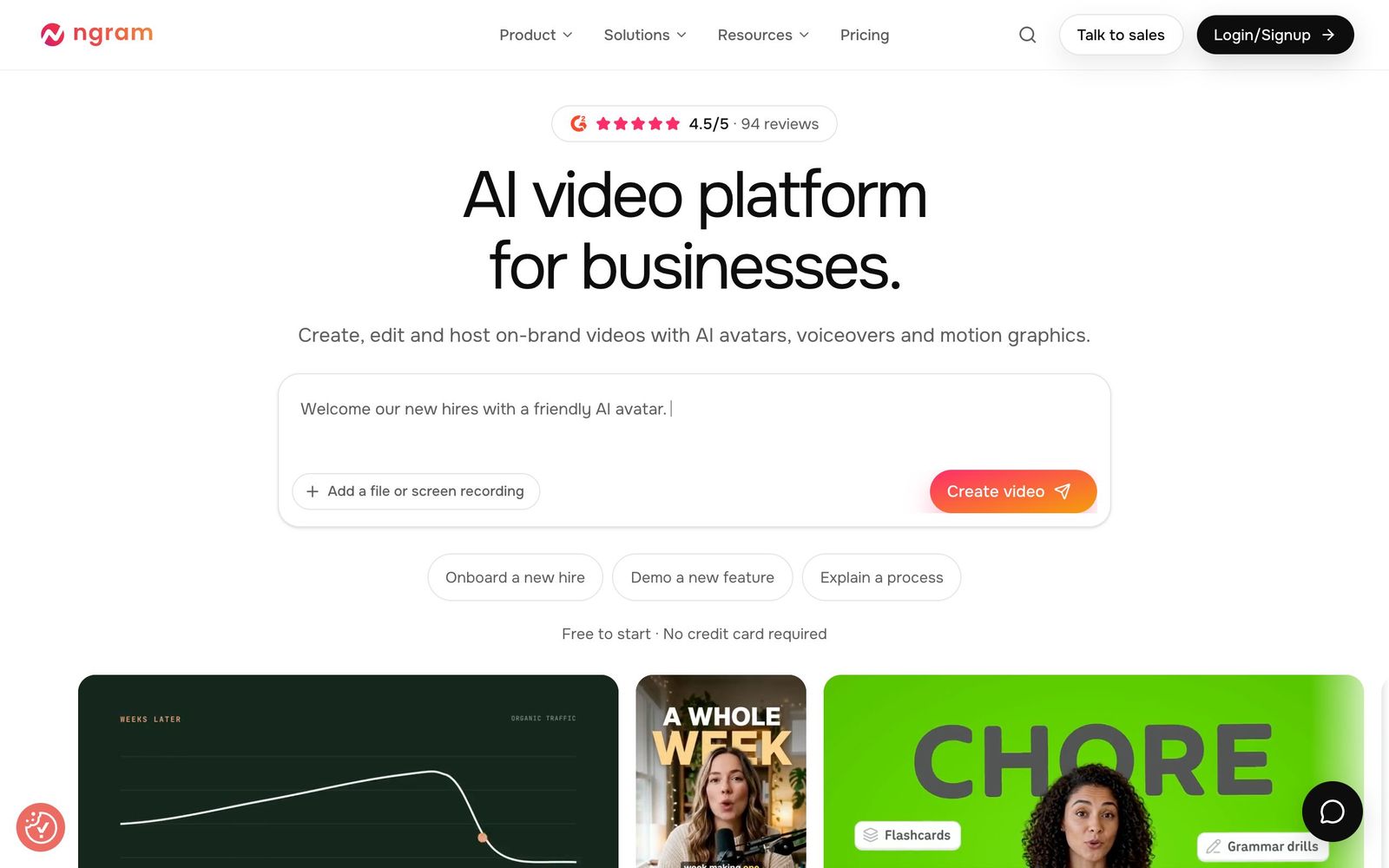
Our rating: 3.9/5. Fit for this job 3.9/5, ease of use 4.3/5, value for money 3.4/5.
ngram makes business videos from a prompt plus your files (docs, slides, screenshots or a screen recording), showing a script plan you approve before it builds. Browser Handoff opens a live browser, clicks through each step and turns the real screens into a narrated walkthrough, with AI avatars, voiceover, charts and hosting with analytics.
1080p needs Premium at $59. Premium AI video costs 10 credits a second, so Basic covers about 5 minutes of it a month.
Standout feature: Browser Handoff: ngram opens a live browser, clicks through each step, captures the real screens and turns them into a narrated walkthrough.
What's the difference between ngram and InVideo? ngram builds explainers from your own material and live screens. InVideo builds from prompts and generated or stock footage.
ngram pros:
- Prompt plus docs, slides or a screen recording to a finished video, with a script plan you approve first
- AI avatars, voiceover, music and motion graphics such as charts and diagrams
- Edit by chatting or in a scene editor
- Hosting with a watch page, embeds and analytics
ngram cons:
- Free plan can't download MP4s or publish
- Basic exports at 720p; 1080p needs Premium at $59 a month
Pricing: Free plan with 1,000 credits a month to create and preview, but no downloads or publishing. Basic is $29 a month, or $23.20 a month billed yearly, with 3,000 credits and 720p exports.
Who it's for: Product and enablement teams making explainers and walkthroughs.
Choose ngram over InVideo if: your videos explain a product or process from real screens and docs.
What's new in ngram: Product Update 032 (12 November 2026): mention @ngram-ai on a GitHub pull request, issue or release and it replies with an explainer video. Update 031 added video hosting.
Available for: Web, a Chrome extension, Claude and ChatGPT, plus an API, Zapier and n8n
Best InVideo alternatives for AI presenters and generated footage
If you used InVideo for presenters, generated cinematic clips or ads.
#8 Higgsfield: Best for many video models, avatar reels and product ads
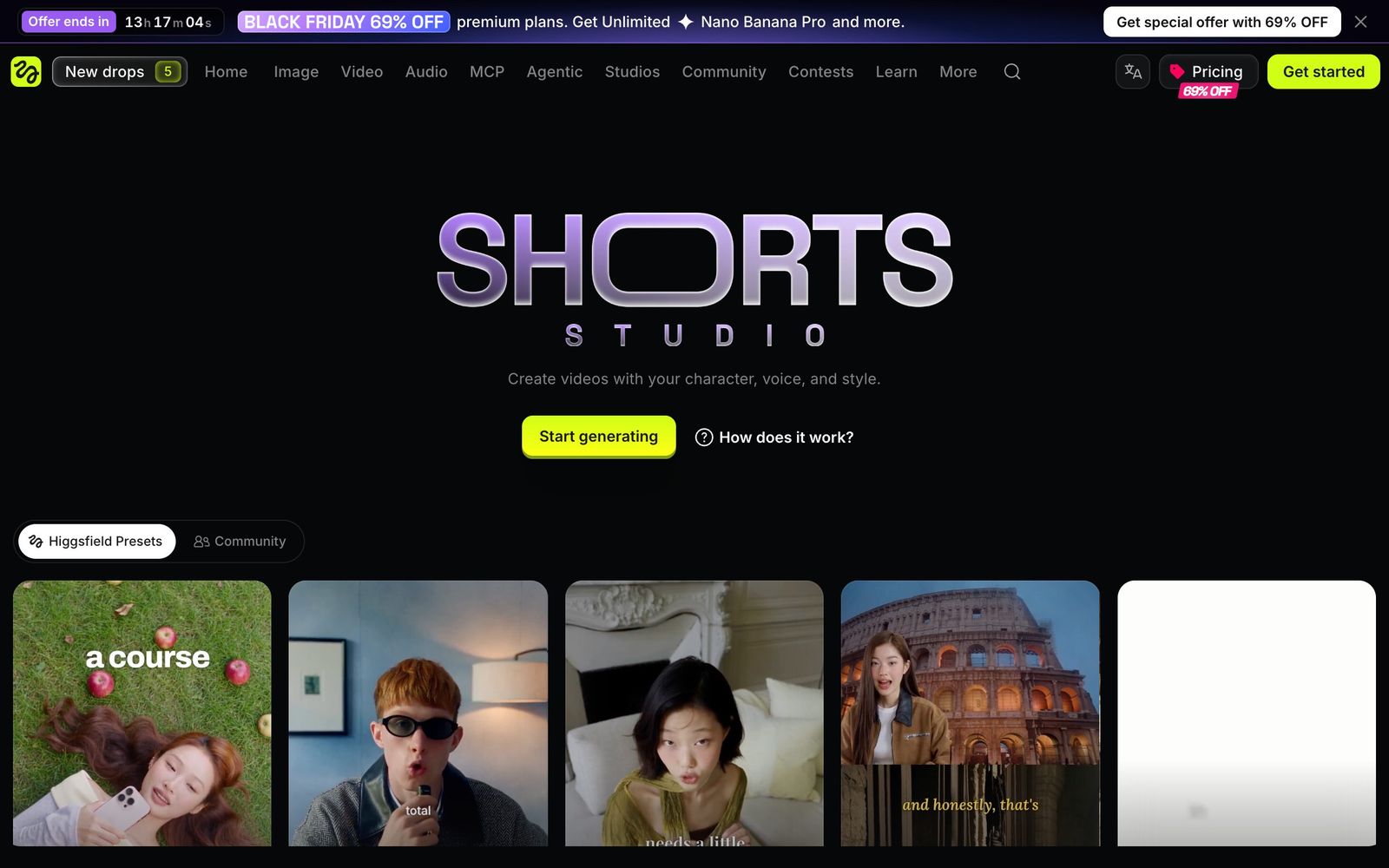
Our rating: 3.9/5. Fit for this job 4.1/5, ease of use 4.1/5, value for money 3.6/5.
Higgsfield is the strongest InVideo alternative if generation is the point. It puts many video models in one place, including Seedance 2.5 (up to 4K), Kling 4.0 and its own exclusive MAGI-2, plus studios built for jobs InVideo users care about. Shorts Studio (3 November 2026) makes vertical reels of 10 seconds to 2 minutes with an AI avatar host, writing the script from a topic and copying motion from a reference or trending video. Ads Studio turns your website into product ads with your brand kit, and Marketing Studio makes UGC-style and TV-spot ads with 40+ avatars.
Editing Room (20 November 2026) swaps the person, angle, location or lighting in your own clip. Unlimited generations work only on the website, and recent Trustpilot reviewers report charges after cancelling and credits spent on unusable results, the same pattern as InVideo.
Standout feature: Shorts Studio makes vertical reels of 10 seconds to 2 minutes with an AI avatar host, writing the script from a topic and copying motion from a reference or trending video.
What's the difference between Higgsfield and InVideo? Higgsfield is a generation suite with studios for reels and ads. InVideo is a timeline editor with generation built in.
Higgsfield pros:
- Many video models in one place, including Seedance 2.5, Kling 4.0 and its own exclusive MAGI-2
- Ads Studio and Marketing Studio make product ads from your website
- Editing Room swaps the person, angle, location or lighting in your own clip
- MCP for Claude, an API, a command-line tool and an After Effects plugin
Higgsfield cons:
- Free plan has no credits, and Starter covers selected models only
- Unlimited and free generations work only on the website, not through its connector or command-line tool
Pricing: Free plan with 0 credits and selected models only. Starter is $19 a month with 270 credits, the same billed monthly or yearly; Plus is $59 a month.
Who it's for: Marketers and creators whose videos are mostly generated footage.
Choose Higgsfield over InVideo if: generated reels and product ads are the main job.
What's new in Higgsfield: Shorts Studio (3 November 2026) added avatar-hosted vertical reels; Editing Room followed on 20 November and MAGI-2 on 24 November.
Available for: Web, plus an API, a command-line tool, MCP for Claude and an After Effects plugin
#9 Synthesia: Best for AI presenters for training
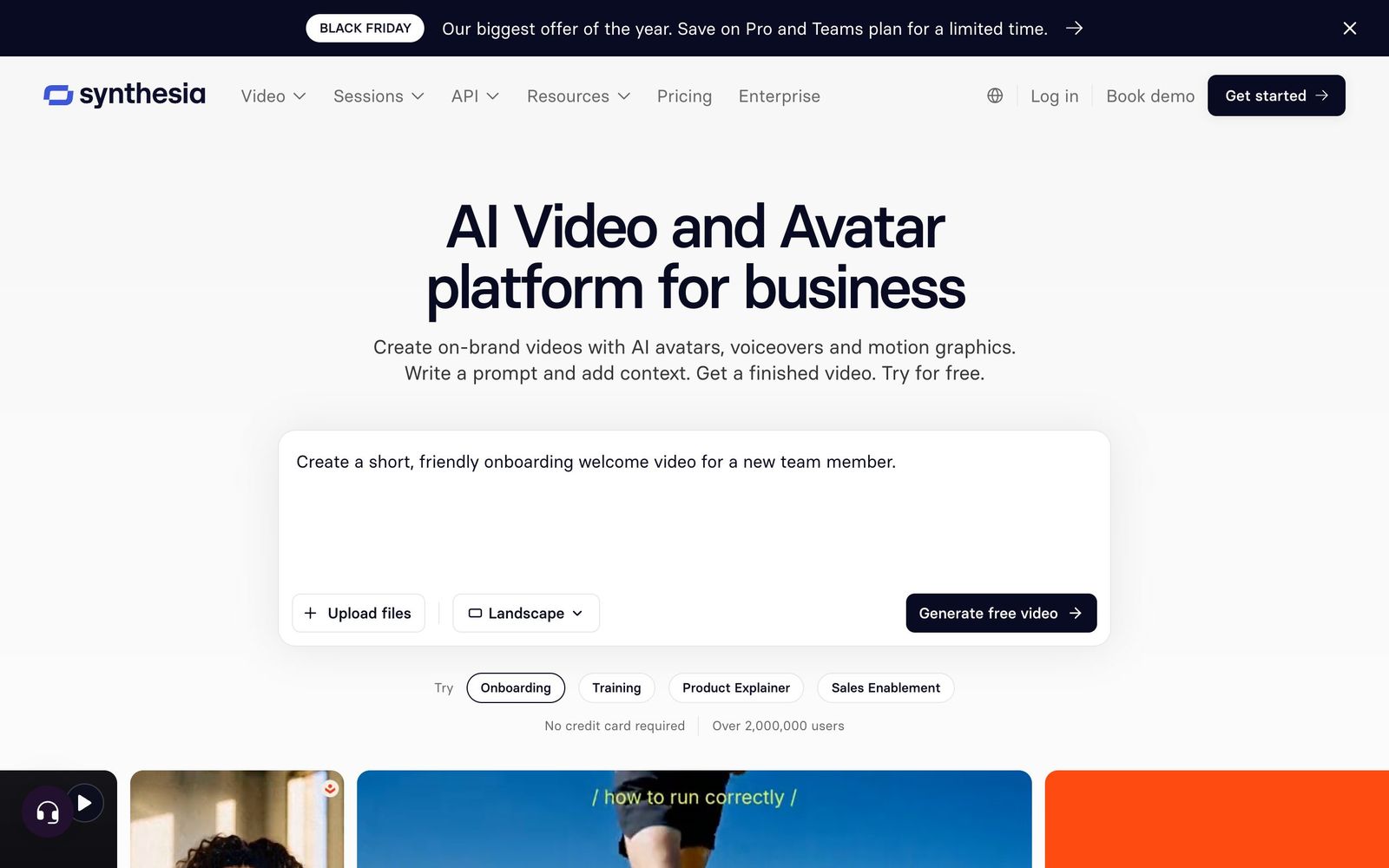
Our rating: 4.0/5. Fit for this job 4.0/5, ease of use 4.4/5, value for money 3.7/5.
Synthesia has 180+ stock avatars, personal avatars and studio avatars speaking 140+ languages, aimed at enterprise training and communication; it claims 90%+ of the Fortune 100. Syren, its video agent (beta), builds videos from a prompt with chat-based editing, and since 18 November 2026 the agent works inside Claude from a doc, deck or spreadsheet.
Trustpilot gives 3.8 from 1,835 reviews; one reviewer says a 30-second video used all their credits, and another calls its moderation extreme.
Standout feature: Studio-quality AI presenters in 140+ languages for enterprise training.
What's the difference between Synthesia and InVideo? Synthesia makes presenter-led training videos. InVideo makes footage-led videos.
Synthesia pros:
- 180+ stock avatars and personal avatars
- 140+ languages
- Syren video agent and a Claude connector
Synthesia cons:
- One Trustpilot reviewer says a 30-second video used all their credits
- One reviewer calls the content moderation extreme
Pricing: Free plan with 10 minutes of watermarked video a month. Starter is $19 a month, or $14 billed yearly.
Who it's for: L&D and comms teams making training videos at scale.
Choose Synthesia over InVideo if: a presenter on screen is the point.
What's new in Synthesia: Synthesia brought its video agent into Claude on 18 November 2026.
Available for: Web, plus an API and a Claude connector
#10 Runway: Best for cinematic generated clips
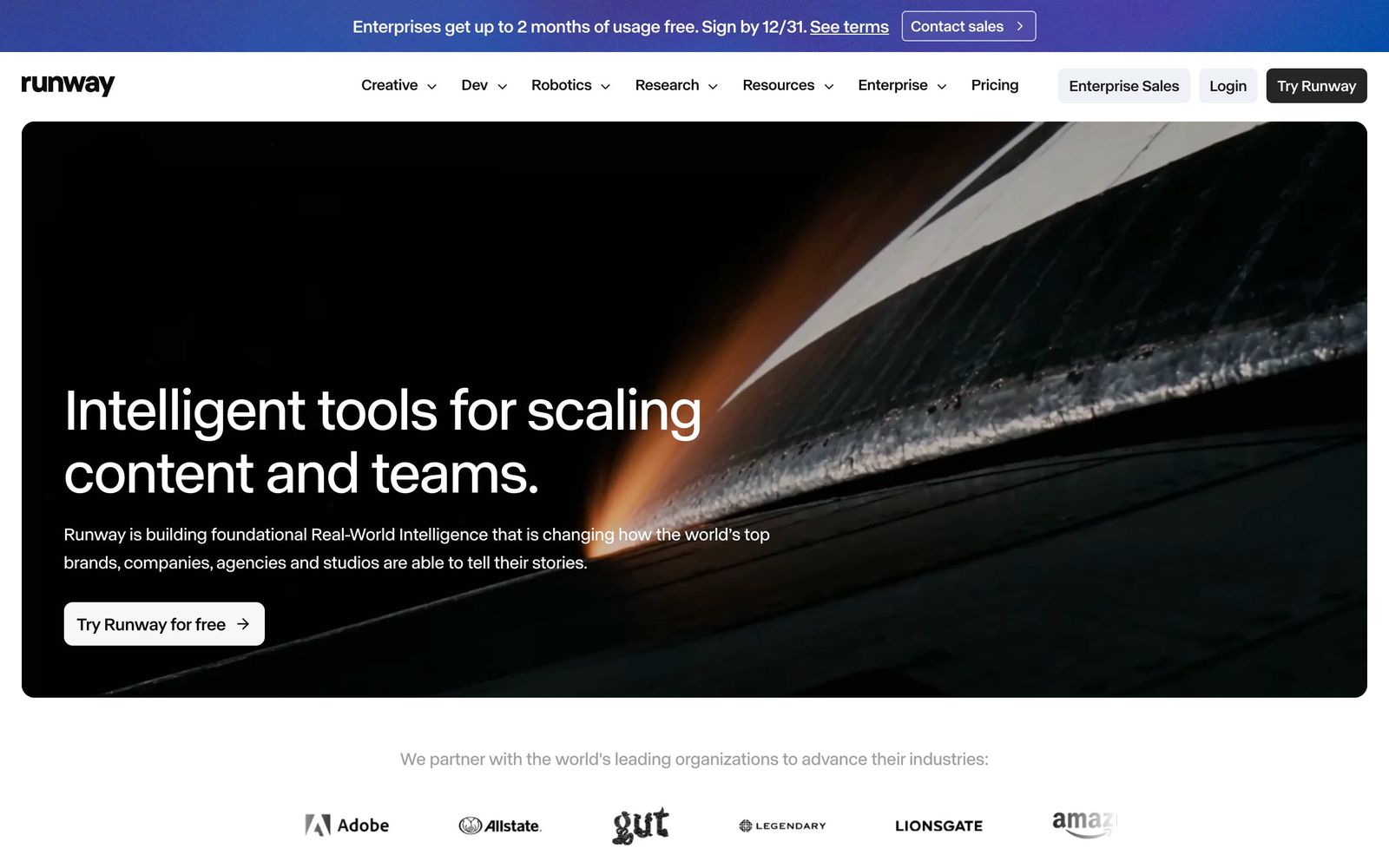
Our rating: 3.7/5. Fit for this job 3.7/5, ease of use 3.9/5, value for money 3.4/5.
Runway's own Gen-4.5 model sits beside third-party models (Kling 4.0, Seedance 2.5, Veo 3.1, Nano Banana Pro), with an agentic creative collaborator, Runway Ads that publish to Google, music, voice and sound generation, and a Runway connector for AI agents (Pro and up), which added 3D model generation on 18 November 2026.
Its Trustpilot score is 1.1 from 412 reviews, mostly about credits spent on results that ignore directions.
Standout feature: Its own Gen-4.5 video model plus third-party models, an agentic collaborator and Runway Ads.
What's the difference between Runway and InVideo? Runway generates the shots; you assemble the video elsewhere. InVideo assembles it for you.
Runway pros:
- Frontier generated footage
- Many models in one tool
- API and MCP
Runway cons:
- Credits go fast: about 52 seconds of Gen-4.5 a month on Standard
- Trustpilot score of 1.1 from 412 reviews
Pricing: 125 one-time free credits. Standard is $15 a month, or $12 billed yearly, for 625 credits (about 52 seconds of Gen-4.5).
Who it's for: Filmmakers and designers who need striking generated shots.
Choose Runway over InVideo if: you need striking generated shots and will edit them yourself.
What's new in Runway: 3D model generation in Runway MCP (18 November 2026) and MiniMax H3 Image (20 November).
Available for: Web, plus an API and MCP
Best InVideo alternatives for editing footage you already have
Editors with free plans for manual editing, for people who want to stop paying credits for every change and create videos from footage they already shot.
#11 CapCut: Best for free editing with built-in AI models
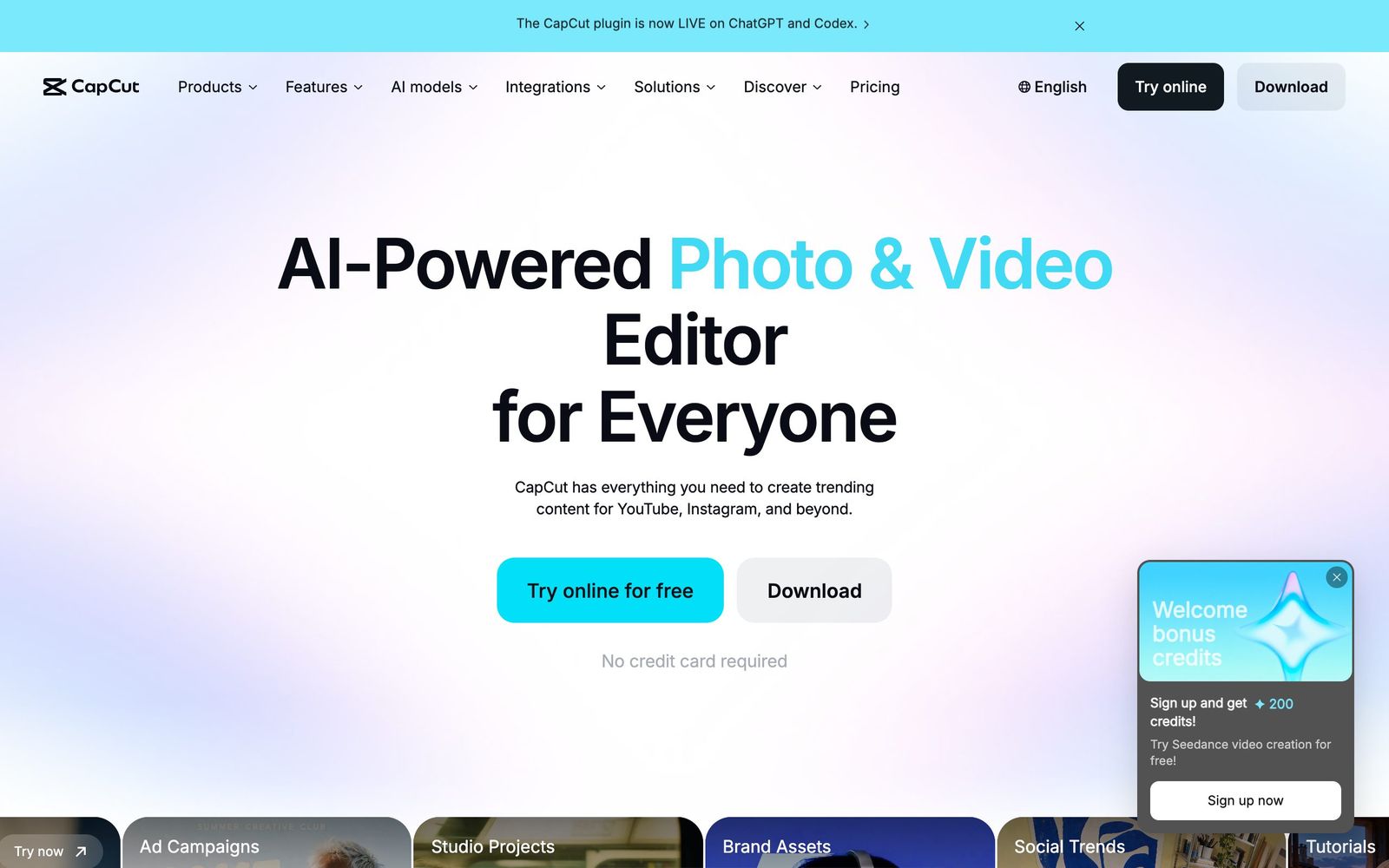
Our rating: 4.2/5. Fit for this job 3.7/5, ease of use 4.6/5, value for money 4.4/5.
CapCut is free to start on the web, Windows, Mac, iPhone and Android, with templates, auto captions, text to speech and a background remover. Pro includes 1,200 AI credits for ByteDance's Seedance models, and a CapCut plugin works in ChatGPT and Codex.
Trustpilot gives 1.2 from 1,416 reviews, mostly about billing after cancelling and paywalls at export.
Standout feature: Templates and ByteDance's own AI models, with Seedance generation included in Pro credits.
What's the difference between CapCut and InVideo? CapCut is a manual editor with generation on the side. InVideo is AI-first.
CapCut pros:
- Free, fast and familiar on phone and desktop
- Templates for trends
- Auto captions, text to speech and background remover
- Plugin for ChatGPT and Codex
CapCut cons:
- Pro paywalls can appear at the export screen
- Trustpilot score of 1.2 (1,416 reviews); the low reviews we read mention charges after cancelling
Pricing: Free plan with basic editing and free templates. Pro is $19.99 a month on the web; the app stores sell other plans.
Who it's for: Creators who mostly edit by hand.
Choose CapCut over InVideo if: you mostly edit by hand.
What's new in CapCut: The CapCut plugin is live in ChatGPT and Codex, and iOS 20.3.0 (24 November 2026) improved trimming.
Available for: Web, Windows, Mac, iPhone and Android
#12 Descript: Best for editing talk-driven footage by transcript
Our rating: 3.8/5. Fit for this job 3.3/5, ease of use 4.2/5, value for money 4.0/5.
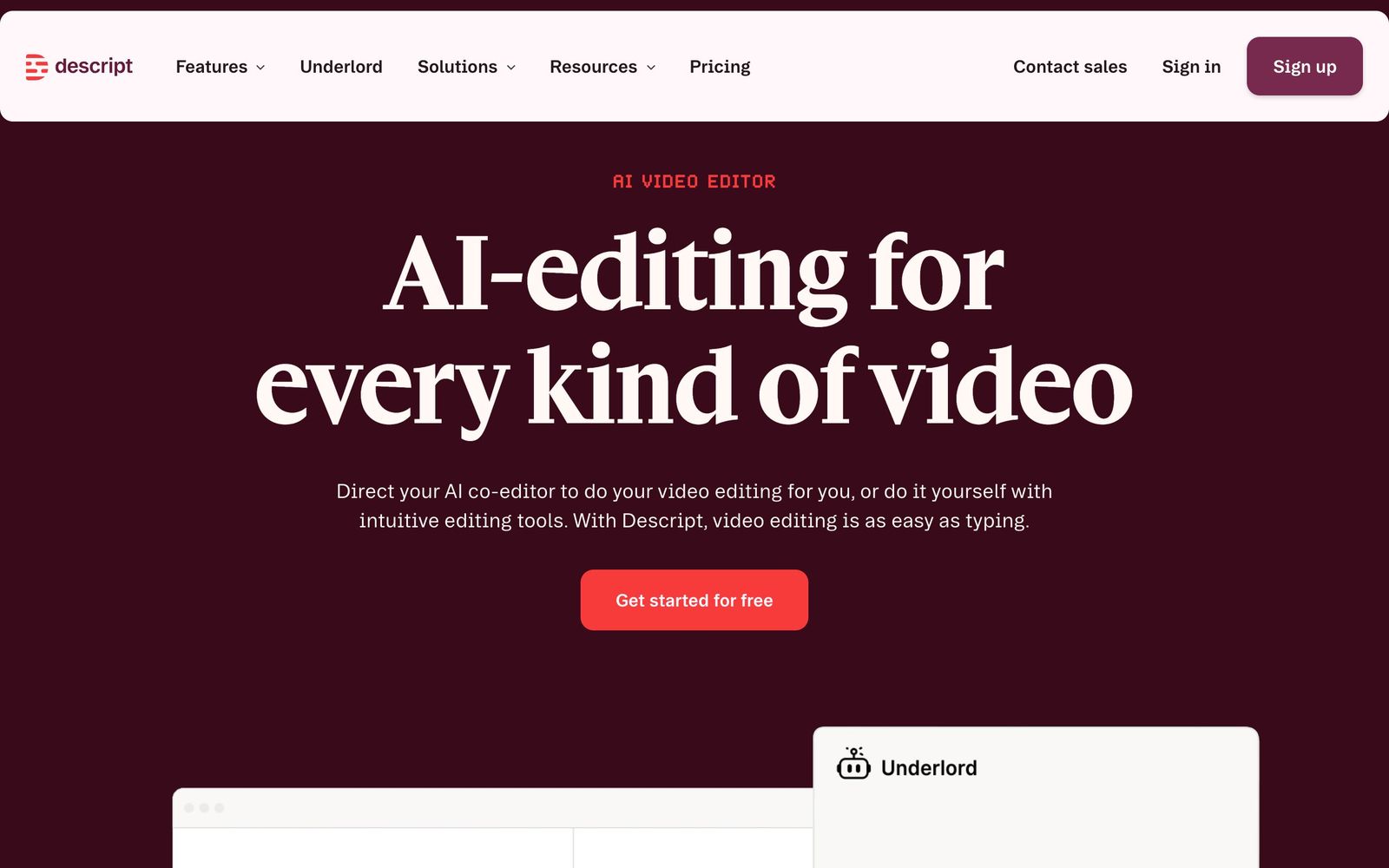
Descript edits video by editing its transcript, with Underlord, its AI agent, cutting raw recordings into shape and saving reusable skills. It records your screen and remote guests and exports timelines to Premiere, Resolve and Pro Tools. It doesn't generate footage from a prompt the way InVideo does.
Paid plans cap media hours and AI credits. Trustpilot gives 2.4 from 301 reviews.
Standout feature: Edit the video by editing its transcript, with Underlord, its AI agent, cutting a raw recording into shape.
What's the difference between Descript and InVideo? Descript edits footage you recorded. InVideo generates and assembles footage for you.
Descript pros:
- Edit the video by editing its transcript
- Screen recording and remote recording (Rooms)
- Timeline export to Premiere, Resolve and Pro Tools
- Underlord skills save your own workflows
Descript cons:
- Paid plans cap media hours (10, 30 or 40 a month)
- Trustpilot score of 2.4 (301 reviews), with bugs and credits spent on weak AI results
Pricing: Free plan with 1 media hour a month and 720p exports. Hobbyist is $24 a month, or $16 a month billed yearly.
Who it's for: Podcasters and YouTubers whose videos are people talking.
Choose Descript over InVideo if: your videos are recordings of people talking.
What's new in Descript: November 2026 release: Underlord skills, brand layout packs, Rooms dead-mic warnings and native Premiere export in beta (changelog, 6 November).
Available for: Desktop app and web
How to choose the best InVideo alternative
InVideo tries to do everything: generate, assemble and edit. Most alternatives are better at one part. Decide what your videos are made of, then how you want to pay for changes. If you also use Canva for video, we compared the Canva video editor alternatives the same way.
What are your videos made of?
Graphics, type, data and narration you keep editing: HyperFrames Studio. Stock footage from a script or article: Pictory. Generated footage, reels and ads: Higgsfield or Runway. A presenter on screen: Synthesia. Real footage you recorded: VEED, Descript or CapCut.
How often do you revise?
If you change videos after the first draft (a new price, a renamed feature, a better hook), tools that regenerate the whole video cost you credits every time. HyperFrames Studio keeps the video as a project, so a fix changes only one piece, and manual edits are free. Palmier Pro works the same way.
How do credits work?
Read the credit rules before the price. InVideo's credits don't roll over and generation is charged at model prices; Runway Standard's 625 credits are about 52 seconds of Gen-4.5; ngram Basic covers about 5 minutes of premium AI video; Higgsfield's unlimited generations work only on its website. HyperFrames Studio's manual edits and local exports are free.
How long are your videos?
Crreo makes faceless videos up to 30 minutes on Ultra, and Higgsfield's Shorts Studio up to 2 minutes. HyperFrames' hosted connector makes short videos in the chat, and longer projects are built in the Studio app.
Do you need to own the project?
If you might leave the tool, check what comes with you. invideo exports editable projects to Premiere, Final Cut and Resolve; Palmier Pro exports XML; HyperFrames projects are open source, and the files stay yours. Template tools keep your project inside their editor.
Do you need a presenter on screen?
If a face on screen is the point, Synthesia makes AI presenters for training and Higgsfield makes avatar-hosted reels. If the video is made of scenes, charts, kinetic type and a voiceover, no presenter is needed, and HyperFrames Studio builds it as a project you can change scene by scene.
Where will the video be posted?
For social ads in several sizes, choose a tool that reshapes one project: HyperFrames Studio's aspect-ratio switch makes a 9:16, a square and a 16:9 from the same edit, and Canva keeps branded sizes in one design. Runway's generated clips are cinematic shots you finish in another editor.
How we compared
Every tool on this list was scored on three things:
- From idea to video. How well it turns an idea, a script or existing content into a finished, watchable video.
- Control after the draft. Whether you can fix one scene, word or shot without regenerating the whole video and paying again.
- Value. Free plan, watermarks, credit rules, what paid plans include, and whether you need editing skills.
User complaints. We read recent reviews on Trustpilot, Product Hunt and the App Store and say when a complaint comes from a single review, with its date when it is old. Some review sites (G2, Capterra) blocked automated reading, so their scores are not quoted.
Ratings. Each tool gets three scores out of 5: fit for the job this page is about, ease of use, and value for money (free plan, entry price, watermarks and caps). The overall rating is their average. The scores are our judgment from the sources above, not a lab benchmark.
InVideo's complaints. We read the 20 newest one-star Trustpilot reviews: 12 mentioned credits, 9 output quality, 7 refunds and 5 support. Its prices were read during a Black Friday sale; we quote the monthly list prices. We left HeyGen's own video tools off this list.
Conclusion
For people who revise their videos, HyperFrames Studio is the strongest InVideo alternative: the agent builds the whole video as an editable project, you direct it in plain words, a fix redoes only the piece you change, and manual edits and local exports are free. Generated clips are there when a scene needs them.
If generation is the point, Higgsfield has many models and studios built for reels and ads, and Runway is built for cinematic generated shots. For script-to-video with stock, Pictory is the closest like-for-like, Crreo wins on long faceless videos, and Synthesia is the pick for presenters. If you mostly edit video you already have, VEED, Descript and CapCut are cheaper ways to stop paying for generations you don't need. Start with HyperFrames Studio free and the lessons.
Make a video from your idea, free
Frequently asked questions
What is the best alternative to InVideo AI?
HyperFrames Studio is the best InVideo alternative for people who revise their videos, because an AI agent builds an editable video and you fix one piece without re-generating the rest. Higgsfield is best for generated reels and ads, Pictory for script-to-video with stock, and Synthesia for AI presenters.
Is InVideo no longer free?
Its pricing page shows no free tier; paid plans start at $20 per seat a month. invideo's help center mentions a free plan with a weekly limit but gives no figures, and says the manual editor is free with no limit on projects or footage. AI generation is paid.
What is currently the best free AI video generator?
HyperFrames Studio is free to start: an AI agent builds whole videos from your idea, and you export without limits on your computer. Runway gives 125 one-time credits, and Synthesia 10 minutes of watermarked video a month.
Is Canva better than InVideo?
Canva is better for branded videos from templates inside the tool your team already uses, and its connector makes editable videos from a brief in Claude and ChatGPT. InVideo is better for generated footage and agent-led editing on a timeline.
Is there a free InVideo alternative without a watermark?
Yes. HyperFrames Studio's local exports have no watermark. VEED says VEED AI exports on its free plan carry no watermark too. Synthesia and Crreo watermark free exports.
Why do InVideo credits run out so fast?
Video generation is charged at each model's own price, plan credits don't roll over, and reviewers say failed generations still use credits. Tools that change a project instead of regenerating it avoid most of that cost.
How does InVideo compare to Pictory?
Pictory is better for turning scripts and blog posts into videos with licensed Getty Images and Storyblocks stock, and its Pictory 3 agent drafts from a brief. InVideo has more generative models and an agentic timeline editor.
Can I migrate my old InVideo projects to another tool?
invideo exports editable projects to Premiere, Final Cut and DaVinci Resolve, so export before you cancel. Other AI tools can't open InVideo projects directly; download finished videos and your own media too.
Can any InVideo alternative create videos with a real AI presenter?
Yes. Synthesia is built for AI presenters in training videos, and Higgsfield makes avatar-hosted reels. HyperFrames Studio builds explainers and ads around a voiceover, your own footage or kinetic type, so no presenter is needed, and every scene stays editable.
Which InVideo alternative is best for training videos?
Synthesia, if a presenter on screen is the point. HyperFrames Studio is the pick when the training needs diagrams, maps, charts and kinetic type: describe the lesson, approve the scenes, and fix any line or number by asking without regenerating the rest.
Which InVideo alternative works best for social media ads?
Higgsfield for generated product ads and reels, Canva for branded videos from a brief, and CapCut for free editing on a phone. HyperFrames Studio suits ads you keep revising: change the hook, the price or the colour by asking, and only that part changes.
Which InVideo alternative is cheapest for high-volume teams?
InVideo's Starter costs $20 per seat a month, and plan credits don't roll over. HyperFrames Studio is free to start, with manual edits and exports on your computer free and no per-seat price there. Palmier Pro's free plan is a full Mac editor with no generation credits.
Why does InVideo's output ignore my prompt, and what helps?
Nine of the 20 one-star reviews we read describe output that ignores the prompt, and each retry spends credits. A tool that builds an editable project avoids the retry: in HyperFrames Studio you approve the scenes first, then point at the wrong word, number or colour and only that changes.
Do I need editing experience to use apps like InVideo?
No. HyperFrames Studio, Pictory, Crreo and Higgsfield all start from a prompt or script. Editing skills help when you want to fix details, which is why tools that let you change one piece by asking save time.
How long can AI-generated videos be?
It depends on the tool: Crreo goes up to 30 minutes on Ultra, Higgsfield's Shorts Studio up to 2 minutes, while HyperFrames Studio's local exports have no length cap. Single generated clips from models like Seedance or MAGI-2 are seconds long and get assembled into longer videos.
How much does creating AI videos cost?
Entry plans run from about $15 to $29 a month (Crreo $15, Higgsfield $19, InVideo $20 per seat, Pictory and ngram $29), but the real cost is credits per second of generated footage. HyperFrames Studio is free to start, with free manual edits and local exports.
Can I use generated footage without InVideo?
Yes. HyperFrames Studio generates clips with HeyGen Video 1, Seedance 2.5 and MiniMax H3 Max. Higgsfield, Runway, Palmier Pro and CapCut also generate clips.
Can I make AI videos from Claude or ChatGPT?
Yes. HyperFrames' hosted connector works in Claude, ChatGPT (Business, Enterprise and Edu, on the web) and Grok, in beta, and invideo, Canva, Synthesia, Higgsfield and ngram connect to Claude too. See video connectors for AI agents.
Is HyperFrames free?
Yes, free to start: HyperFrames Studio is a free download, and the open-source engine behind it is free, with 90,000+ GitHub stars. Pro is $25 a month for more (pricing).

Written by Ular Kimsanov
Ular Kimsanov works on HyperFrames at HeyGen, the free, open-source tool where AI agents make videos, and writes about making videos with AI agents. Prices and plans on this page were checked on 26 November 2026.