Animaker gave non-designers a way to make animated videos: pick a template, build a character, drag in a whiteboard or infographic scene, add a voice. It claims 35 million users, its Trustpilot score is 4.6 from 663 reviews, and a new Android app arrived in September 2026.
The friction is in the plan table: Starter is $45 a month ($25 billed yearly) for 10 premium downloads, and 4K is Enterprise-only. We compared 15 tools that make animated explainers, intros, training videos and social video content; the tools below are grouped by the job, from 2D animation software with characters to AI presenters and an AI agent that builds the video for you.
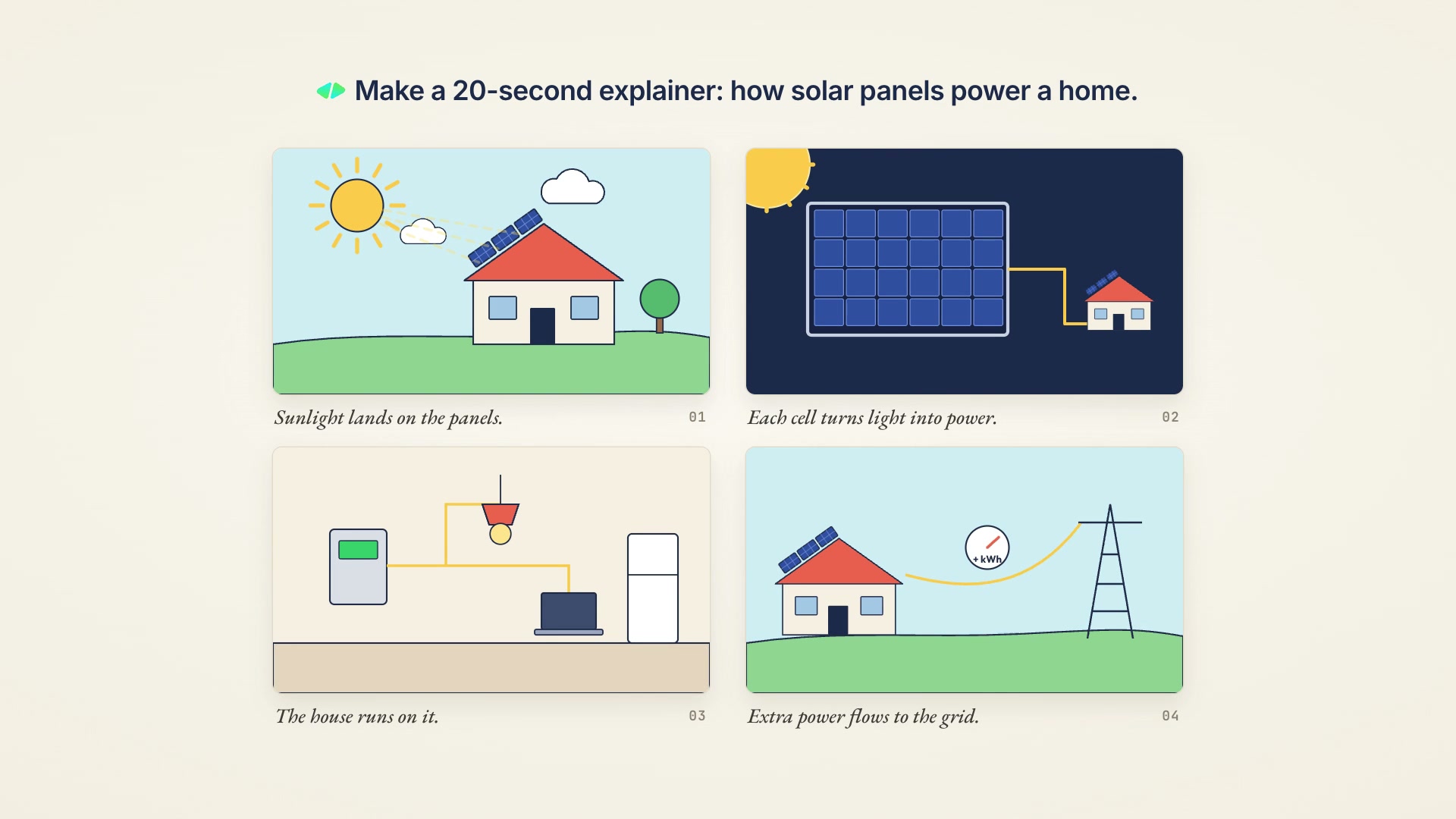
A one-line idea unfolds into a storyboard and then a finished animated explainer. Made with HyperFrames for this page.
Why look for an Animaker alternative?
What Animaker users say when they leave, from Trustpilot, the App Store and Animaker's own pricing page:
Download and credit caps
Paid plans cap premium downloads at 10, 30 or 50 a month, and AI work runs on monthly AI video credits (3,000 on Starter) and generative video seconds (90 on Starter). One Trustpilot reviewer (July 2026) says a $45 month bought a single one-minute video.
Billing and refunds
One- and two-star Trustpilot reviews mention a strict no-refund policy, annual charges people did not expect and cancellations that took many emails; one reviewer counted eleven.
Reliability
One Trustpilot reviewer (November 2025) added four scenes and lost two when autosave failed. An App Store reviewer (2024) calls support nonexistent.
Quality and length caps
Starter stops at full HD and 15-minute videos, Pro and Max at 2K, and 4K and brand kits need Enterprise. The plan table lists commercial rights only from Pro.
A dated look
Template animation tools tend to produce the same few character styles, and viewers recognise them. This is our view, not a review quote, and it is why many teams move toward custom motion graphics or AI presenters.
Quick comparison: the best Animaker alternatives
Fifteen animated video tools at a glance, with Animaker last for reference.
Tool | Best for | Our rating | Free plan | Starting price |
|---|---|---|---|---|
HyperFrames | Narrated explainers an AI agent builds | 4.7/5 | Yes, unlimited local exports | Free to start |
Vyond | Workplace explainers with characters | 4.0/5 | No | $99/mo |
Powtoon | Cheap cartoon-style explainers | 4.1/5 | Yes, 720p, watermark | $15/mo yearly |
Renderforest | Intros, logos and promo templates | 4.2/5 | Yes, 720p, watermark | $9/mo yearly |
Canva | Animated posts inside your design tool | 4.3/5 | Yes, limited AI | $18/mo |
FlexClip | Cheap templates with AI extras | 4.2/5 | Yes, 720p | $19.99/mo |
Adobe Express | Free templates with Adobe stock | 4.2/5 | Yes, limited AI | $9.99/mo |
Synthesia | AI presenters for training | 3.9/5 | Yes, watermark | $19/mo |
Fliki | Narrated text-to-video with many voices | 4.0/5 | Yes, watermark | $28/mo |
ngram | Business explainers with avatars and motion graphics | 3.9/5 | Yes, preview only | $29/mo |
VideoGen | Prompt-to-video explainers and ads | 3.8/5 | Yes, no exports | $29/mo per user |
Higgsfield | AI-generated reels with an avatar host | 3.6/5 | Yes, no credits | $19/mo |
invideo | AI-made videos on a timeline | 3.8/5 | Free manual editor | $20/mo per seat |
Animoto | Simple slideshow-style videos | 4.1/5 | Yes, 720p, watermark | $19/mo |
Biteable | Workplace videos with hosting | 3.8/5 | No, 7-day trial | $29/mo |
Animaker (for reference) | Character and whiteboard explainers | Not rated | Yes, watermark | $45/mo |
Ratings average our three scores (fit, ease of use, value); see How we compared. Monthly list prices on 26 November 2026; Powtoon, Synthesia, Fliki, Renderforest, Higgsfield and invideo showed Black Friday offers.
Why trust us? HeyGen makes HyperFrames and publishes this page, so we compete with the tools below. Every rival's price, plan and feature comes from its own pricing page, help center or changelog, read on 25 and 26 November 2026. User complaints are quoted from public review sites and linked in How we checked. HyperFrames claims come from its pricing page and from the Studio app's current build. Where a rival is the better pick, we say so.
Turn your next idea into an animated explainer, free
Best all-around Animaker alternatives
Three tools that cover most of the video content Animaker users make: explainers, characters and narrated stories. Pick by how you like to work: describing the video to an AI animation platform, or assembling it scene by scene from a character library.
#1 HyperFrames: Best for narrated explainers an AI agent builds
Our rating: 4.7/5. Fit for this job 4.6/5, ease of use 4.5/5, value for money 4.9/5.
Animaker is easy to start with: pick a template, drag in a character, and a beginner has an explainer in an afternoon. It stops at its own library, so the result looks like other Animaker videos, and every change is done by hand. In HyperFrames you describe the explainer in a sentence, or show one you admire (an old Animaker video included), and the agent builds it in any style, from whiteboard and flat illustration to kinetic type and data charts, with your logo, colours and fonts on every scene. You approve the scenes as stills first, then point at one line or scene and only that changes. It is free to start, 16:9 for YouTube or 9:16 for Reels, with no download caps on your computer.
Tell the AI agent the idea ("a 60-second explainer on how compound interest works, flat illustrations, a friendly narrator") and it plans the scenes for you to approve, then writes, animates and voices every scene: diagrams that draw themselves, charts that count up, maps, kinetic type and illustrated characters built from shapes. For a whiteboard look, the agent can draw a sketch stroke by stroke with a pen.
Changes are a sentence away: "make scene three slower", "swap the blue for our brand green", "add a chart when she says 40%". The fix touches only that scene; the edit with the agent guide shows each way. Save your logo, colours and fonts as a brand kit, and voiceovers, music, sound effects and word-by-word captions in dozens of caption styles are built in.
Standout feature: Change one thing, keep the rest: approve the explainer as stills, then change one scene or line by asking and the rest stays as it was.
What's the difference between HyperFrames and Animaker? Animaker gives you templates and a character builder to assemble scenes by hand, with monthly download caps. HyperFrames has an AI agent build the whole explainer from your idea, with every scene editable and no download caps on your computer.
HyperFrames pros:
- Free, with unlimited exports on your own computer
- Edit by asking, by pointing at the frame, or on a timeline
- Captions, titles, charts and motion graphics stay editable after the first draft
- Works with the AI agent you already use, or the built-in HyperFrames agent
HyperFrames cons:
- No drag-and-drop character builder: characters are drawn by the agent for each video
Pricing: Free to start: a free download for Mac, Windows and Linux, or start in your browser, with exports on your computer and no watermark.
Choose HyperFrames if: you want a finished explainer from an idea and would rather direct than drag.
What's new in HyperFrames: Edit my footage is on in every Studio app build (checked 26 November 2026), so a recorded presenter or screen take can be cleaned up and wrapped in animated scenes in the same project.
Available for: Mac, Windows and Linux (the Studio app), the web, and inside Claude, ChatGPT and Grok through the HyperFrames connector
Shoot it, say it, or show it. HyperFrames makes the video. Bring your footage, describe any motion graphic or format, or paste a video you love.
Make an explainer free in HyperFrames Studio
#2 Vyond: Best for workplace explainers with characters
Our rating: 4.0/5. Fit for this job 4.5/5, ease of use 4.2/5, value for money 3.3/5.
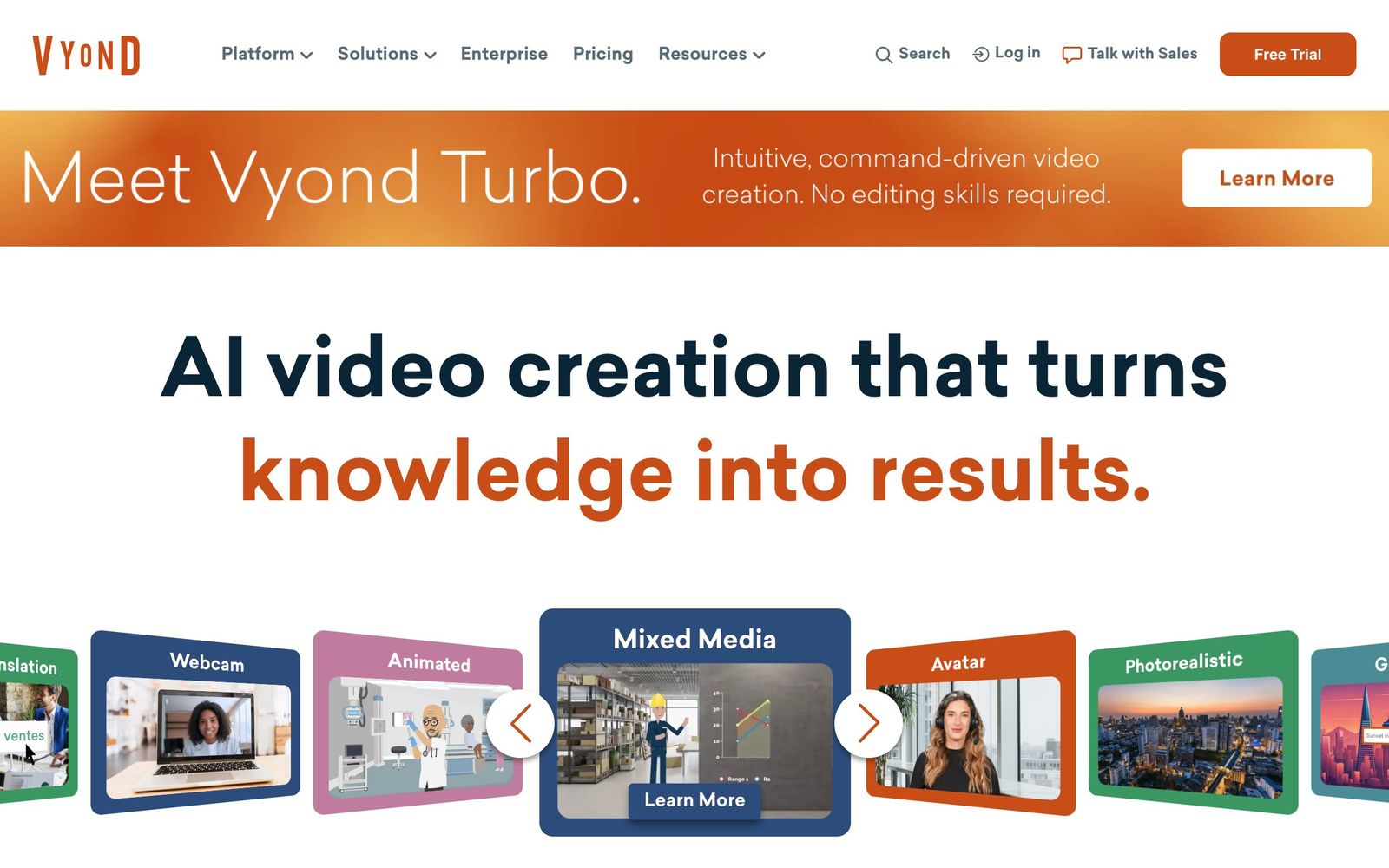
Vyond (formerly GoAnimate) is the best-known tool for animated workplace video: a huge library of customisable characters, office scenes and templates for training, HR, sales and internal comms, plus AI avatars, 650+ text-to-speech voices, voice cloning, screen recording and translation into 95 languages on Professional.
Vyond Turbo, a prompt-driven video creation tool, launched on 29 October 2026, and a Brand Management Suite and a FedRAMP option make it the enterprise pick. Its Trustpilot score is 1.9 from 30 reviews, mostly about the AI credit system and features former GoAnimate users miss.
Standout feature: A huge library of animated characters and scenes for workplace explainers, plus Vyond Turbo for prompt-driven videos.
What's the difference between Vyond and Animaker? Vyond is more corporate and character-rich than Animaker, with enterprise controls, and costs more with no free plan.
Vyond pros:
- Best-known tool for animated workplace explainers
- Large character and scene library
- Vyond Turbo turns prompts into videos
Vyond cons:
- No free plan and high prices
- Download and length caps per plan
Pricing: No free plan. Starter is $99 a month, or $58 a month billed yearly.
Choose Vyond over Animaker if: you make training and internal videos for a company.
What's new in Vyond: Vyond Turbo launched on 29 October 2026.
Available for: Web
#3 Powtoon: Best for cheap cartoon-style explainers
Our rating: 4.1/5. Fit for this job 4.1/5, ease of use 4.4/5, value for money 3.9/5.
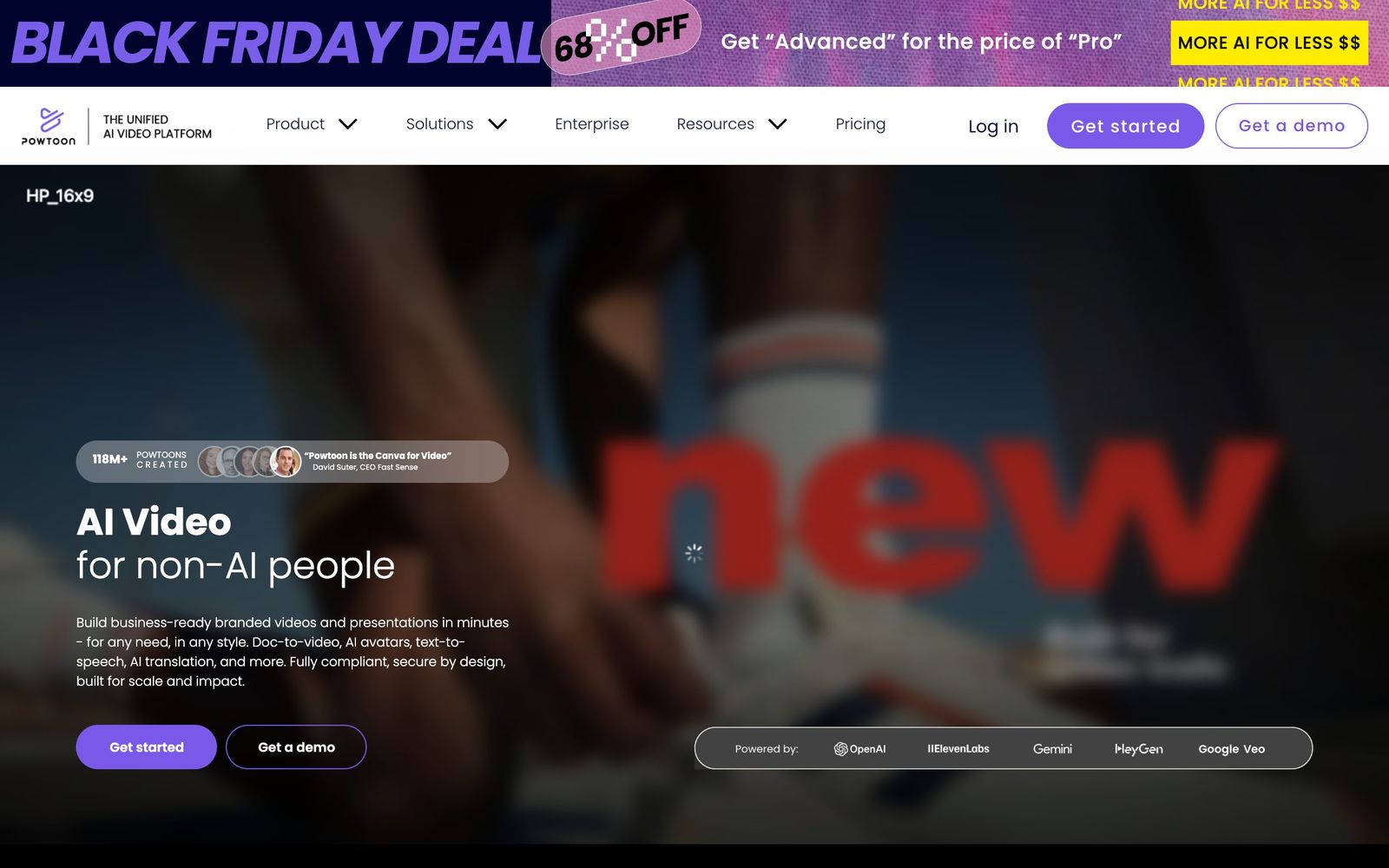
Powtoon is the closest like-for-like Animaker alternative: animated templates, cartoon characters and scenes, plus screen recording. It bundles third-party AI under one credit system: HeyGen avatar lip-syncs, Veo clips, ElevenLabs text to speech, Nano Banana images and translations.
The AI credits are small (Lite's 300 a year is about 23 AI video generations). Trustpilot gives 3.7 from 1,677 reviews; a September 2026 reviewer says Powtoon charged after cancelling, and a March 2026 reviewer calls the character library limited.
Standout feature: Cartoon characters and templates, with HeyGen avatars, Veo and ElevenLabs built in.
What's the difference between Powtoon and Animaker? Powtoon is similar in style and cheaper to start. Animaker has a character builder.
Powtoon pros:
- Easy cartoon-style explainers
- Screen recording included
- Third-party AI models in one editor
Powtoon cons:
- Lite removes the watermark for only 5 exports a month
- Small AI credit allowance
Pricing: Free plan with 720p, 3-minute videos and a watermark. Lite is $15 a month billed yearly.
Choose Powtoon over Animaker if: you want the same cartoon look for less.
What's new in Powtoon: Powtoon previewed three AI workflows for corporate knowledge sharing in April 2026.
Available for: Web
Best template-based Animaker alternatives
If you mostly use Animaker's templates for intros, promos and social video content, these give you more templates or more customization.
#4 Renderforest: Best for intros, logos and promo templates
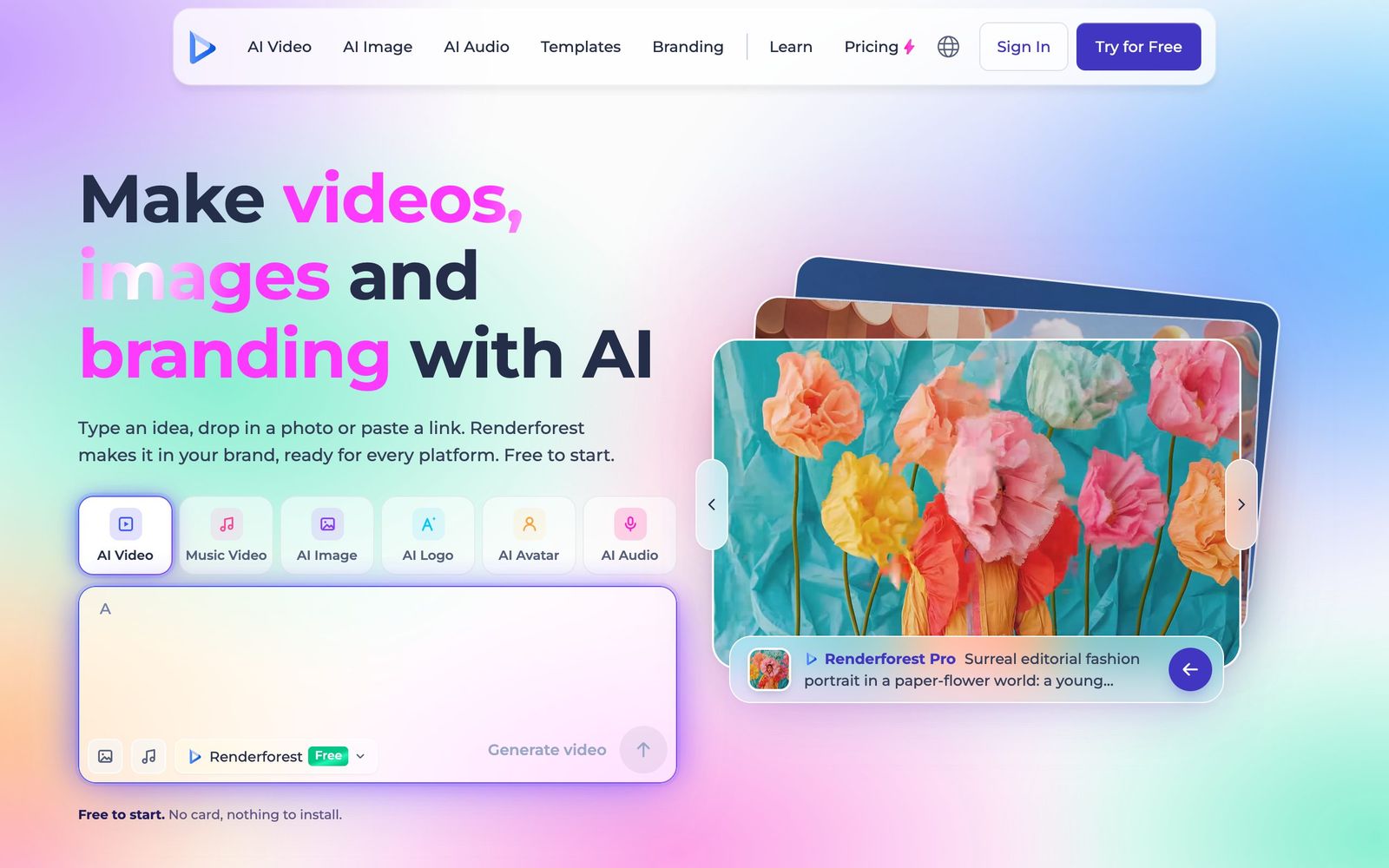
Our rating: 4.2/5. Fit for this job 4.1/5, ease of use 4.5/5, value for money 4.0/5.
Renderforest has 1,200+ templates for intros, logo animations, explainers and promos, 500+ of them intros. It adds a logo maker, mockups, a website builder, AI avatar presenters, voice cloning and AI video models such as Seedance 2.5 on paid plans, and claims 40 million creators.
Trustpilot gives 4.0 from 669 reviews, but the one- and two-star reviews describe full-price auto-renewals, refused refunds and credits that vanished on cancelling.
Standout feature: 1,200+ templates for intros, logos, explainers and promos, plus AI video models in one subscription.
What's the difference between Renderforest and Animaker? Renderforest is template-first with more intros and logo animations. Animaker is stronger on custom characters.
Renderforest pros:
- 1,200+ ready templates
- Logo maker, mockups and a website builder
- Seedance 2.5 and other AI video models on paid plans
- Web, iPhone and Android
Renderforest cons:
- Lite allows 5 template exports a month at 720p
- Trustpilot reviewers report full-price auto-renewals and credits lost on cancel
Pricing: Free plan with 720p watermarked template videos for personal use. Lite is $9 a month and Pro $19 a month, both billed yearly.
Choose Renderforest over Animaker if: you need a quick intro, logo sting or promo.
What's new in Renderforest: Seedance 2.5 went live on Renderforest from 16 July 2026.
Available for: Web, iPhone and Android
#5 Canva: Best for animated posts inside your design tool
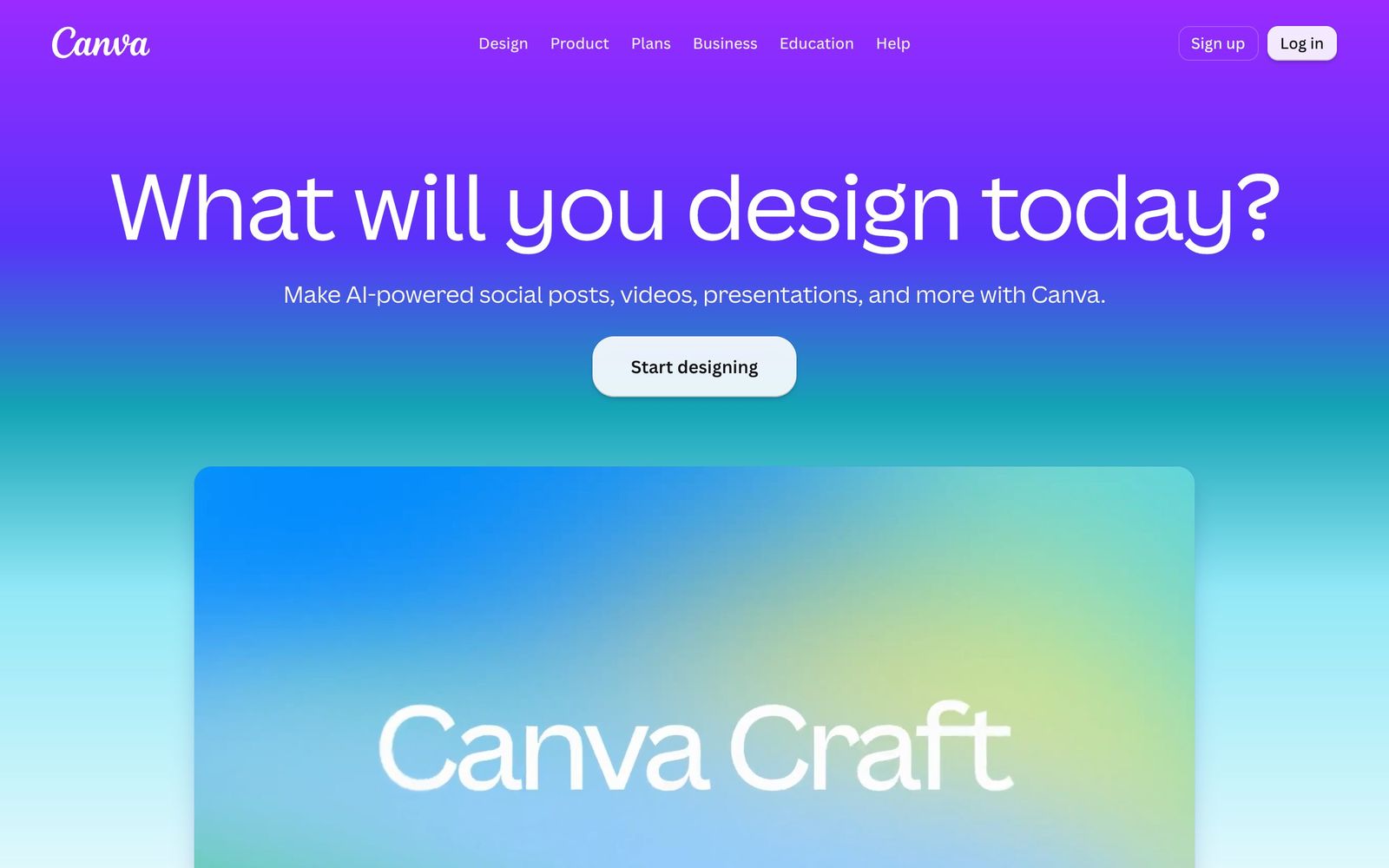
Our rating: 4.3/5. Fit for this job 3.9/5, ease of use 4.7/5, value for money 4.3/5.
Canva animates templates on a multi-layer timeline, adds one-click captions, removes video backgrounds and keeps brand kits for every channel, with 1.6M+ templates. Magic Video assembles clips into an edit from a prompt, and Canva MCP (generally available from 23 November 2026) builds editable videos from a brief inside Claude and ChatGPT.
Its animation is template-level, not character animation, and Trustpilot reviewers (4.0 from 8,695) mostly complain about surprise renewals.
Standout feature: Template-first video with trending hooks, one-click captions and Magic Video, inside the tool teams use for every other design.
What's the difference between Canva and Animaker? Canva is faster for branded posts. Animaker is better for character stories.
Canva pros:
- 1.6M+ templates and a huge media library
- One-click captions, Highlights and background remover
- Brand kits and resizing for every channel
- Canva MCP makes editable videos from a brief in Claude and ChatGPT
Canva cons:
- Premium AI tools share a monthly allowance
- Trustpilot reviewers cite surprise renewals and a rigid editor
Pricing: Free plan with templates and a small AI allowance. Canva Pro is $18 a month, or $12 a month billed yearly.
Choose Canva over Animaker if: your team already designs everything in Canva.
What's new in Canva: On 23 November 2026, Canva MCP became generally available, with brief-to-video generation inside Claude and ChatGPT.
Available for: Web, and Claude or ChatGPT through Canva MCP
#6 FlexClip: Best for cheap templates with AI extras
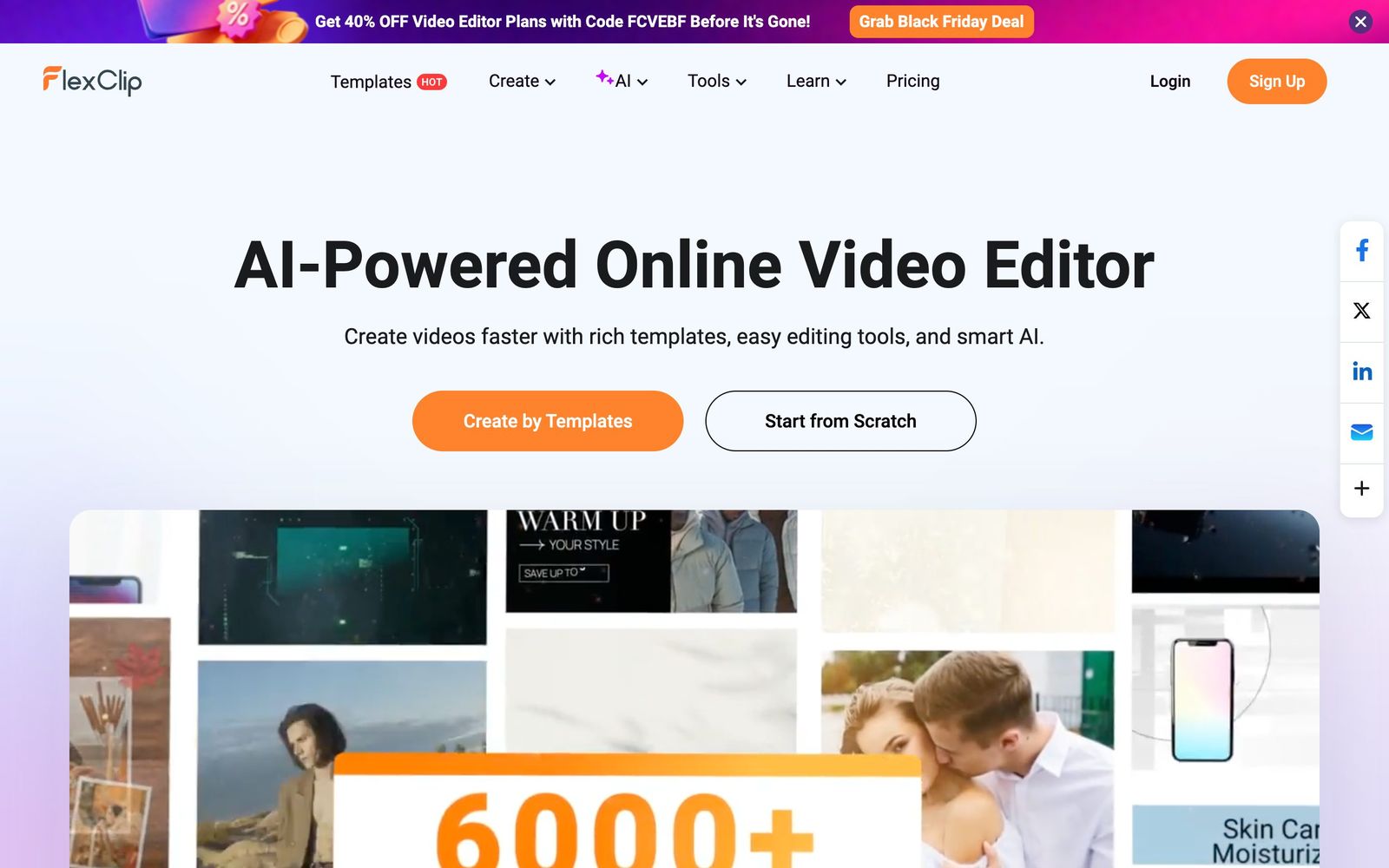
Our rating: 4.2/5. Fit for this job 3.8/5, ease of use 4.5/5, value for money 4.3/5.
FlexClip is a cheap browser template editor with AI extras: AI Avatar with lip-synced narration (June 2026), AI Long to Shorts, an AI Logo Animation Maker and PPT to Video, with brand kits and video hosting built in.
Trustpilot gives it 4.5 from 2,606 reviews; the negative ones mention auto-renewal that can't be switched off and upload errors.
Standout feature: A cheap template editor with AI extras like avatars, long-to-shorts and logo animation.
What's the difference between FlexClip and Animaker? FlexClip is cheaper and more general. Animaker has characters and whiteboard scenes.
FlexClip pros:
- Cheap and simple
- AI avatars, long-to-shorts and logo animation
- Trustpilot 4.5 from 2,606 reviews
FlexClip cons:
- Tight stock limits per project
- 4K only on Business
Pricing: Free plan with 720p and 10-minute videos. Plus is $19.99 a month, or $11.99 billed yearly.
Choose FlexClip over Animaker if: price matters most.
What's new in FlexClip: AI Avatar launched in June 2026.
Available for: Web
#7 Adobe Express: Best for free templates with Adobe stock
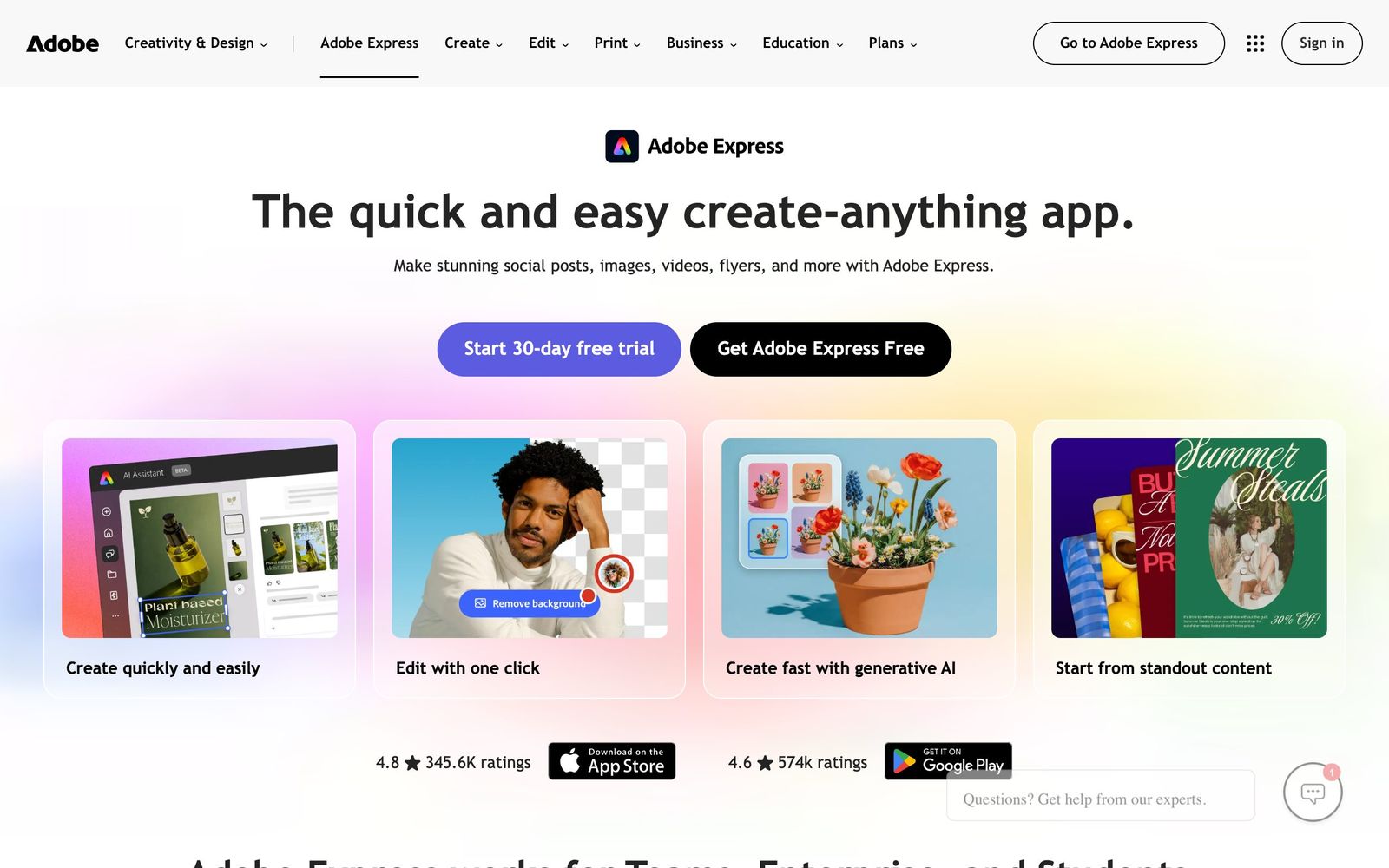
Our rating: 4.2/5. Fit for this job 3.6/5, ease of use 4.6/5, value for money 4.3/5.
Adobe Express gives you 345,000+ static and video templates and 1M+ Adobe Stock assets on its free plan, with limited Firefly generative AI and scheduling to social networks from the same app, on the web, iPhone and Android.
We found no character builder or whiteboard scene in its feature list, and one recent App Store reviewer on a paid plan reports bugs and crashes.
Standout feature: A huge free template and stock library with commercially safe Firefly AI.
What's the difference between Adobe Express and Animaker? Adobe Express is a cheap template and stock app. Animaker builds character and whiteboard animation.
Adobe Express pros:
- 345,000+ free templates
- Commercially safe Firefly AI
- Web, iPhone and Android
- Rated 4.8 from 370,000 US App Store ratings
Adobe Express cons:
- Video editing is basic
- One recent paid App Store reviewer reports daily bugs, lag and crashes
Pricing: Free plan with 345,000+ templates and limited AI credits. Premium is $9.99 a month.
Choose Adobe Express over Animaker if: you want animated templates and stock for $9.99 a month.
What's new in Adobe Express: iOS 31.3.0 shipped on 20 November 2026; no dated 2026 video feature announcement found.
Available for: Web, iPhone and Android
Best Animaker alternatives for AI presenters and text-to-video
If you want the AI to make the video, or you prefer a presenter or real footage to cartoons. Most charge in credits, so a long video or a retry costs more than it does in a template editor.
#8 Synthesia: Best for AI presenters for training
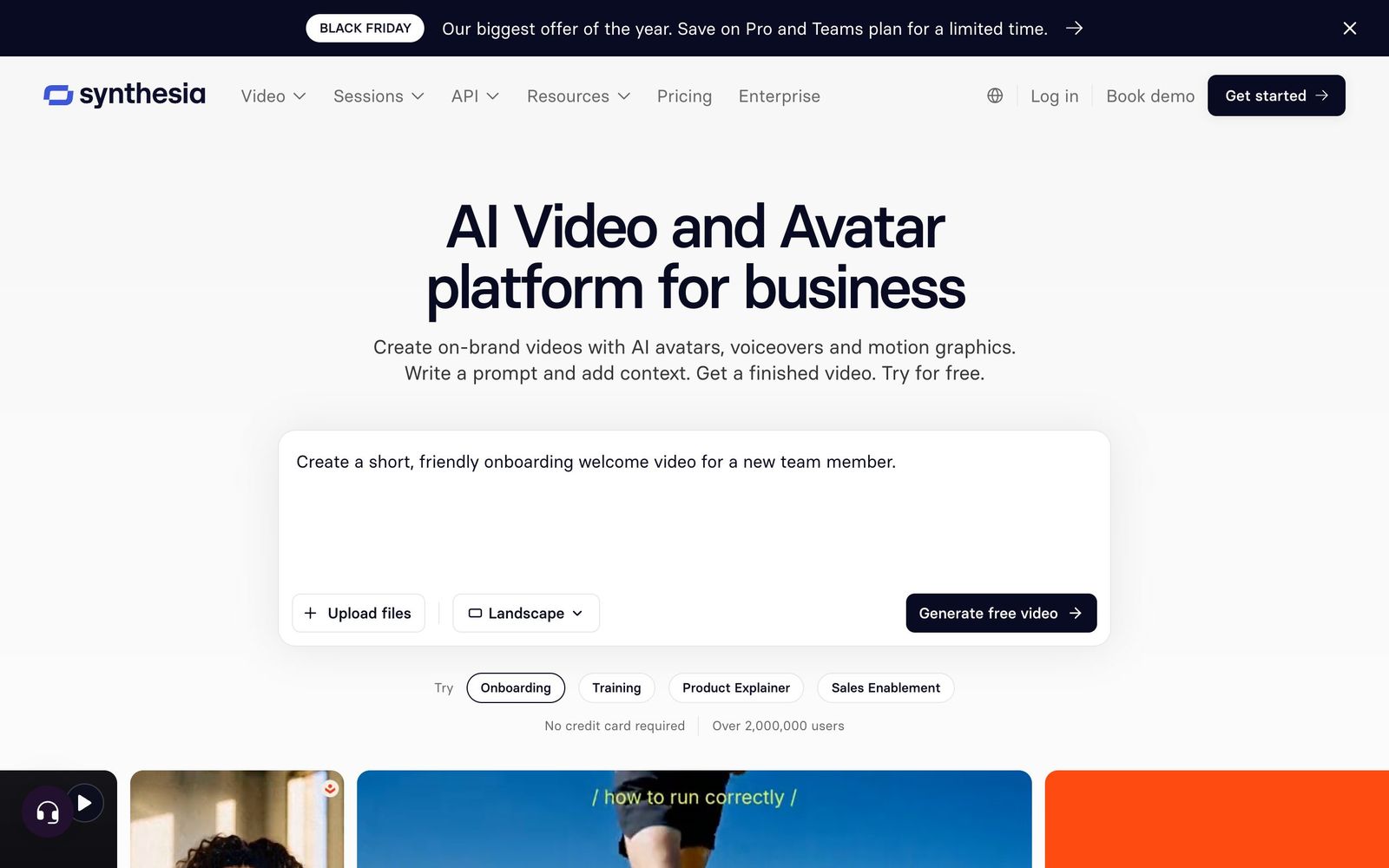
Our rating: 3.9/5. Fit for this job 3.8/5, ease of use 4.4/5, value for money 3.6/5.
Synthesia replaces a cartoon narrator with a realistic AI presenter: 180+ stock avatars, personal avatars and studio avatars, speaking 140+ languages with one-click translation and dubbing. Syren, its prompt-driven video agent (beta), builds and edits videos by chat, and interactive videos and roleplays suit L&D.
On 18 November 2026 it brought its video agent into Claude. Trustpilot gives 3.8 from 1,835 reviews; one recent reviewer says a 30-second video used all their credits.
Standout feature: Studio-quality AI presenters in 140+ languages for enterprise training.
What's the difference between Synthesia and Animaker? Synthesia uses realistic AI presenters. Animaker uses cartoon characters and scenes.
Synthesia pros:
- 180+ stock avatars and personal avatars
- 140+ languages
- Syren video agent and a Claude connector
Synthesia cons:
- One Trustpilot reviewer says a 30-second video used all their credits
- One reviewer calls the content moderation extreme
Pricing: Free plan with 10 minutes of watermarked video a month. Starter is $19 a month, or $14 billed yearly.
Choose Synthesia over Animaker if: a talking presenter suits your training better than cartoons.
What's new in Synthesia: Synthesia brought its video agent into Claude on 18 November 2026.
Available for: Web, plus an API and a Claude connector
#9 Fliki: Best for narrated text-to-video with many voices
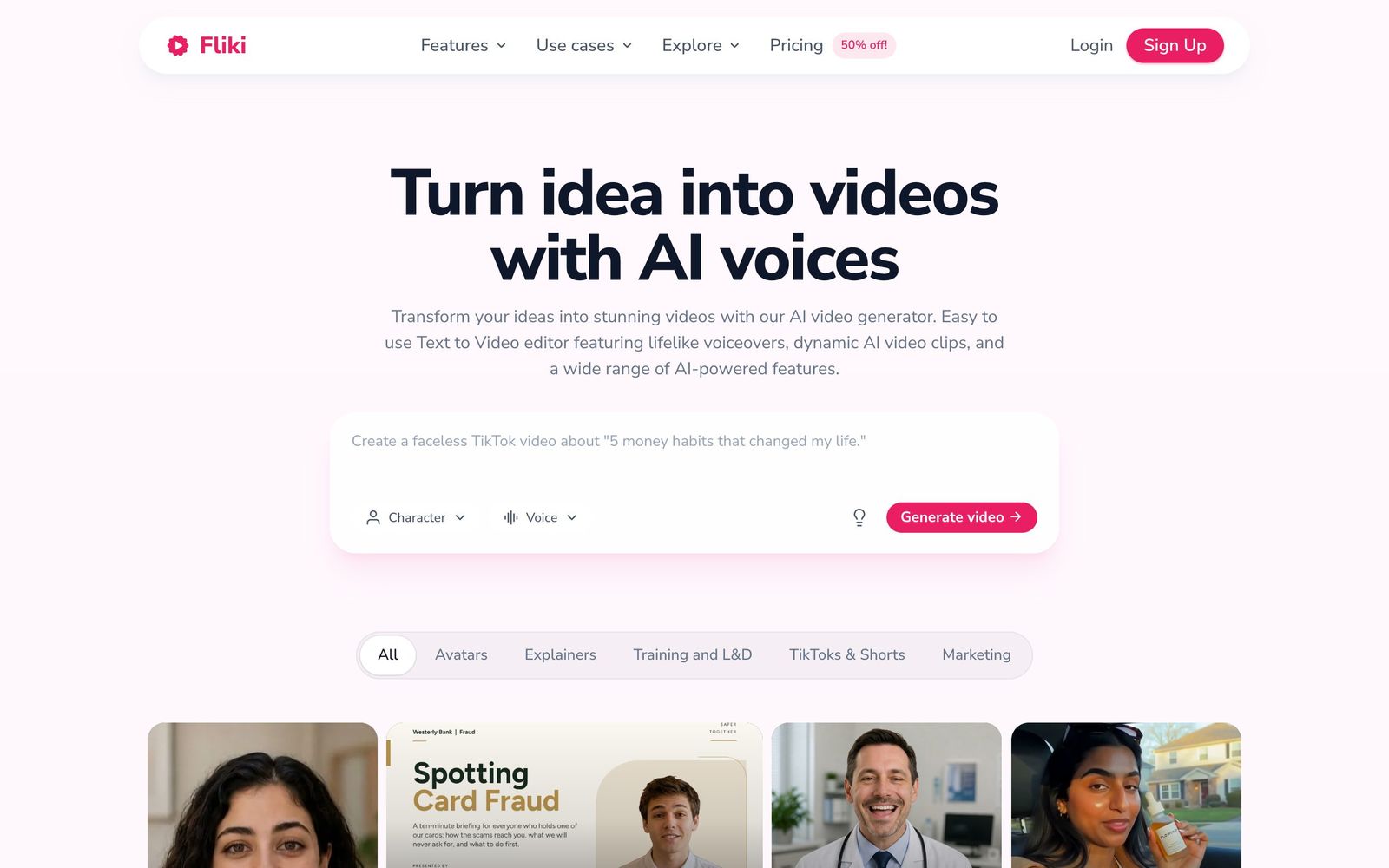
Our rating: 4.0/5. Fit for this job 3.6/5, ease of use 4.5/5, value for money 3.9/5.
Fliki turns an idea, script, blog post or slide deck into a narrated video with stock media, AI voices and avatars. Its voice library is the draw: 2,000+ AI voices in 80+ languages with voice cloning, plus multi-speaker voiceover and a video podcast maker with two AI hosts (9 October 2026).
One recent Trustpilot reviewer says the AI picked off-topic images, and another that failed exports still used credits.
Standout feature: 2,000+ AI voices in 80+ languages inside a script-to-video editor.
What's the difference between Fliki and Animaker? Fliki builds narrated stock-footage videos from text. Animaker animates characters and scenes.
Fliki pros:
- Huge voice library and voice cloning
- Script, blog and slides to video
- Trustpilot 4.1 from 3,048 reviews
Fliki cons:
- Free plan is tiny
- Some recent Trustpilot reviews say the AI picked off-topic images and that failed exports still used credits
Pricing: Free plan with 3 credits a month, 720p and a watermark. Standard is $28 a month, or $14 billed yearly.
Choose Fliki over Animaker if: voice and language matter more than animation.
What's new in Fliki: A video podcast maker with two AI hosts launched on 9 October 2026.
Available for: Web, plus an API on Premium
#10 ngram: Best for business explainers with avatars and motion graphics
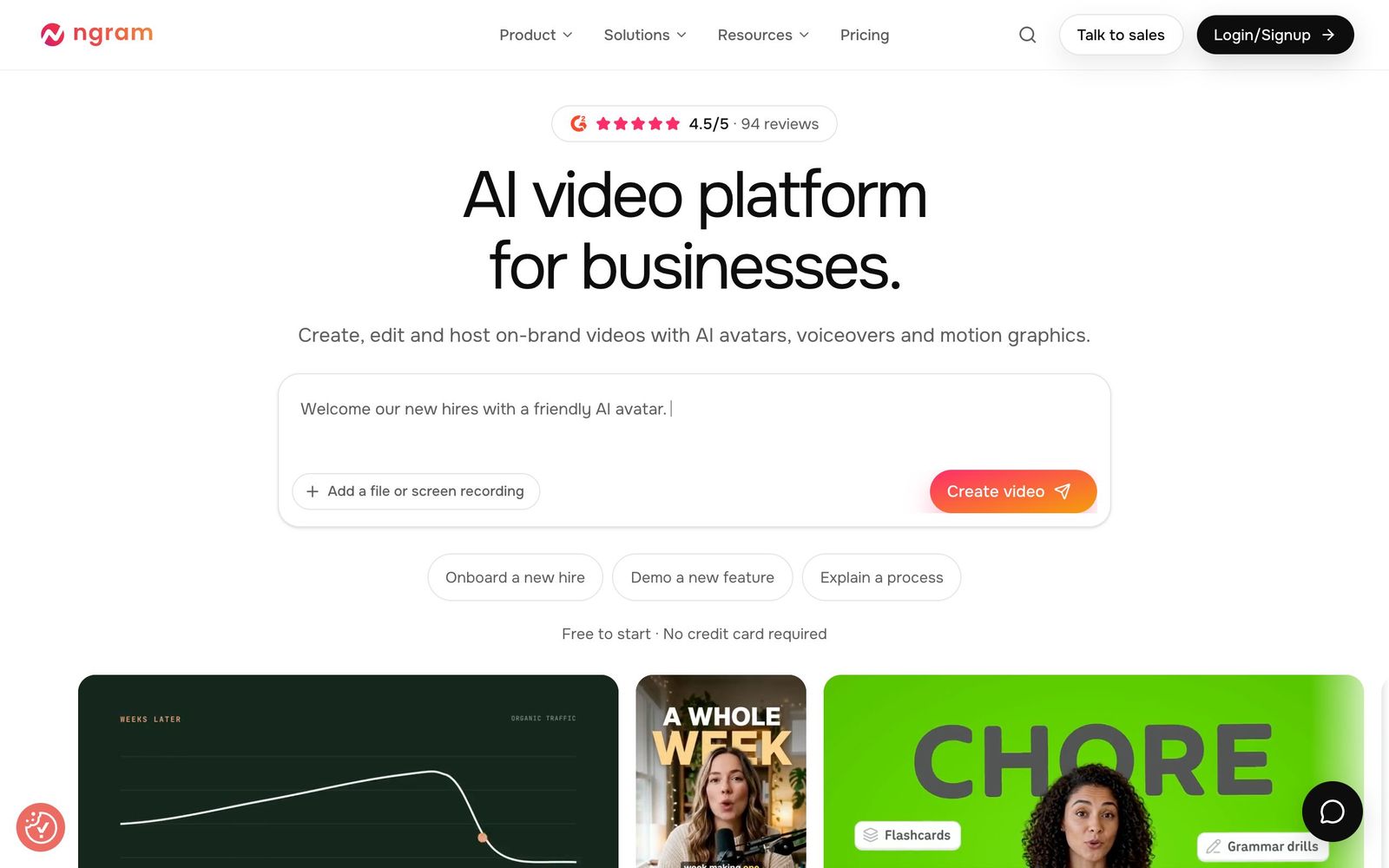
Our rating: 3.9/5. Fit for this job 3.9/5, ease of use 4.3/5, value for money 3.6/5.
ngram is an AI explainer maker for businesses. You describe the video and add docs, slides or a screen recording; an agent drafts a script plan for you to approve, then builds a narrated video with AI avatars, voiceover, music and motion graphics such as diagrams and charts. Browser Handoff clicks through a live browser and turns the real screens into a walkthrough.
It hosts the video with a watch page and analytics and works inside Claude and ChatGPT. There are no Trustpilot or Product Hunt reviews to judge it by yet.
Standout feature: Browser Handoff: ngram opens a live browser, clicks through each step, captures the real screens and turns them into a narrated walkthrough.
What's the difference between ngram and Animaker? ngram builds presenter-led explainers and product walkthroughs from your documents. Animaker builds cartoon scenes you assemble yourself.
ngram pros:
- Prompt plus docs, slides or a screen recording to a finished video, with a script plan you approve first
- AI avatars, voiceover, music and motion graphics such as charts and diagrams
- Edit by chatting or in a scene editor
- Hosting with a watch page, embeds and analytics
ngram cons:
- Free plan can't download MP4s or publish
- Basic exports at 720p; 1080p needs Premium at $59 a month
Pricing: Free plan with 1,000 credits a month to create and preview, but no downloads or publishing. Basic is $29 a month, or $23.20 a month billed yearly, with 3,000 credits and 720p exports.
Choose ngram over Animaker if: your explainers are about a product or process, and a presenter suits them better than cartoons.
What's new in ngram: Product Update 032 (12 November 2026): mention @ngram-ai on a GitHub pull request, issue or release and it replies with an explainer video. Update 031 added video hosting.
Available for: Web, a Chrome extension, Claude and ChatGPT, plus an API, Zapier and n8n
#11 VideoGen: Best for prompt-to-video explainers and ads
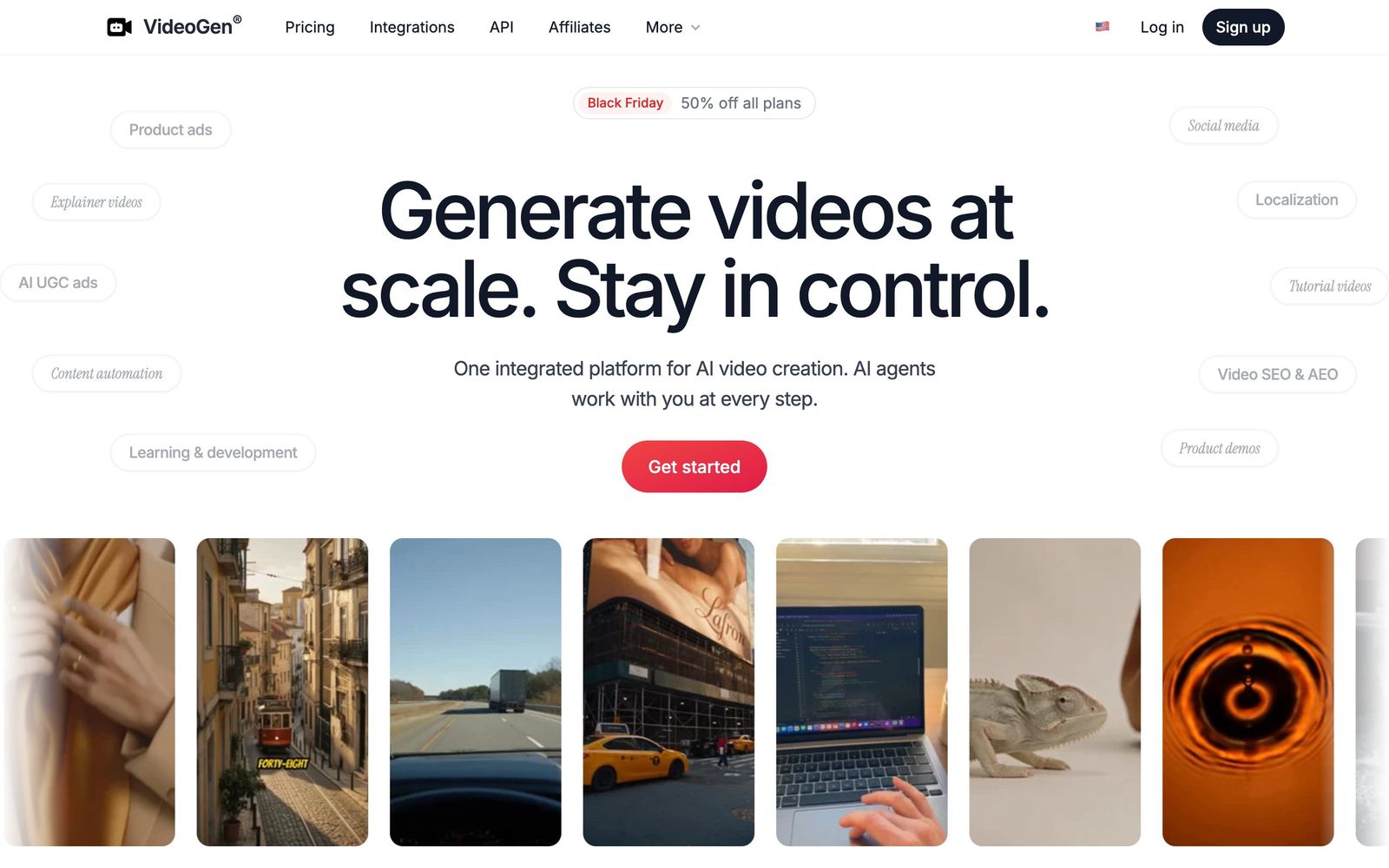
Our rating: 3.8/5. Fit for this job 3.7/5, ease of use 4.3/5, value for money 3.3/5.
VideoGen makes explainers, product ads and tutorials from a prompt, script, slides or voiceover, routing work across 20+ AI models. Its own Model 1, in limited partner release since 20 October 2026, plans story, shots and pacing for videos up to ten minutes long, and an assistant edits captions, timing, music and narrator by request.
VideoGen 4.6 (16 November 2026) added dubbing uploaded videos while keeping each speaker's voice. Trustpilot gives 2.8 from 109 reviews, citing unexpected charges and chatbot-only support.
Standout feature: VideoGen Model 1 makes videos up to ten minutes long with sound, planning story, dialogue, shots and pacing from one prompt (limited partner release).
What's the difference between VideoGen and Animaker? VideoGen generates whole videos from a prompt with many AI models. Animaker gives you characters and templates to animate by hand.
VideoGen pros:
- Prompt, script, slides or voiceover to video
- Routes work across 20+ AI models
- AI avatars and UGC-style ads
- Translates and dubs videos, keeping each speaker's voice
VideoGen cons:
- Free accounts can't export
- Top models such as Seedance 2.5 start on Advanced ($59 a month)
Pricing: Free account to make your first video, but exporting needs a paid plan. Pro is $29 a month per user, or $19 a month billed yearly, with 6,000 credits (about 6 minutes of generative video).
Choose VideoGen over Animaker if: you want an AI to generate the explainer and you can live with credits per minute.
What's new in VideoGen: VideoGen 4.6 (16 November 2026) added translating and dubbing uploaded videos of up to 8 minutes, and editing any video by asking the assistant. Model 1 arrived on 20 October.
Available for: Web, a ChatGPT app and a Premiere Pro handoff, plus an API, MCP and Zapier
#12 Higgsfield: Best for AI-generated reels with an avatar host
Our rating: 3.6/5. Fit for this job 3.4/5, ease of use 4.0/5, value for money 3.4/5.
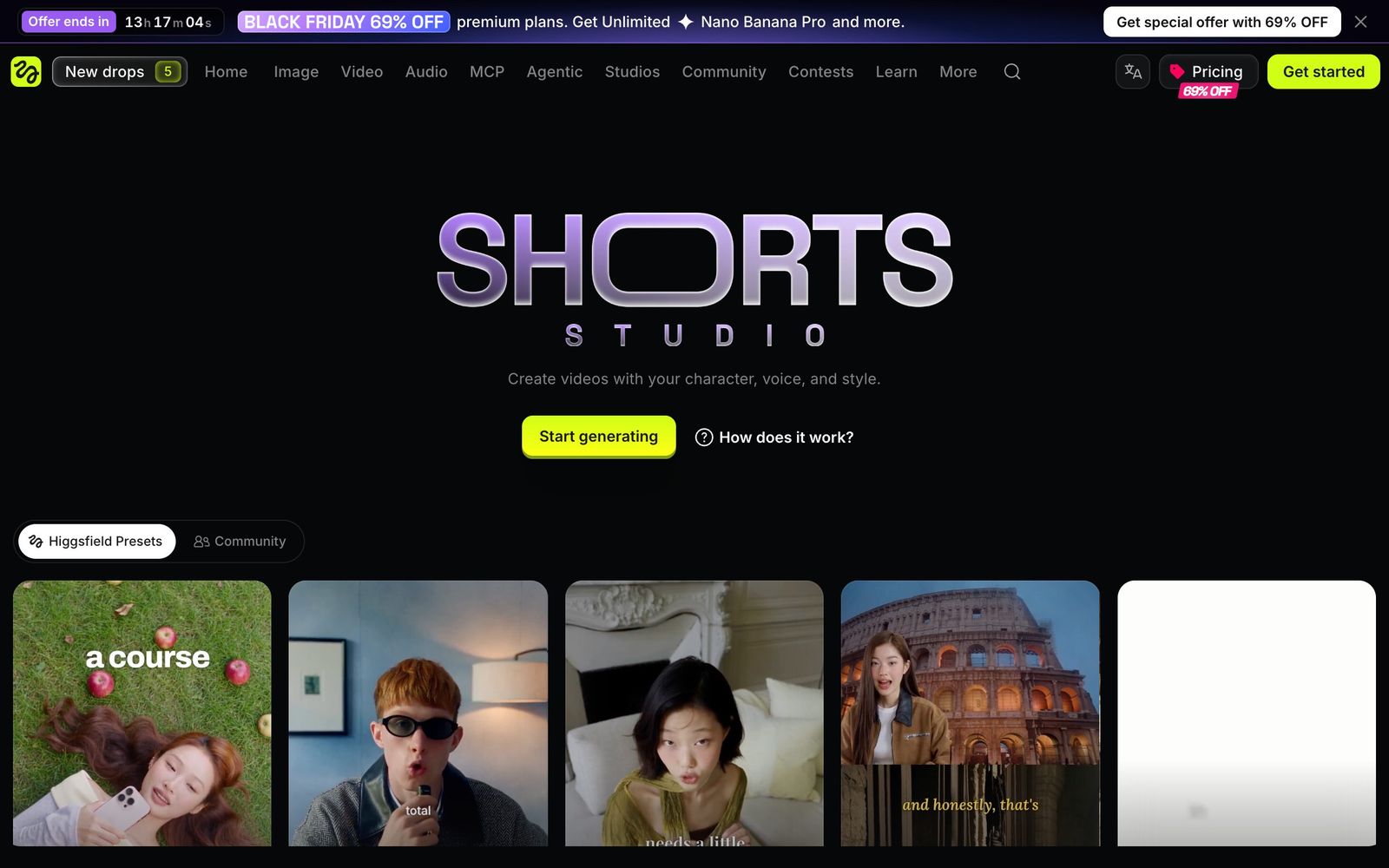
Higgsfield is an AI creative suite rather than an animation tool. It gathers many video models (Seedance 2.5, Kling 4.0 and its own exclusive MAGI-2) and wraps them in studios. Shorts Studio (3 November 2026) makes vertical reels of 10 seconds to 2 minutes with an AI-avatar host, writing the script from a topic.
Marketing Studio has 40+ avatars for product shots and UGC videos. Trustpilot gives 4.0 from 5,678 reviews, but negative reviews describe charges after cancelling and credits spent on unusable results.
Standout feature: Shorts Studio makes vertical reels of 10 seconds to 2 minutes with an AI avatar host, writing the script from a topic and copying motion from a reference or trending video.
What's the difference between Higgsfield and Animaker? Higgsfield generates realistic footage and avatar-hosted reels with AI models. Animaker animates 2D characters and templates.
Higgsfield pros:
- Many video models in one place, including Seedance 2.5, Kling 4.0 and its own exclusive MAGI-2
- Ads Studio and Marketing Studio make product ads from your website
- Editing Room swaps the person, angle, location or lighting in your own clip
- MCP for Claude, an API, a command-line tool and an After Effects plugin
Higgsfield cons:
- Free plan has no credits, and Starter covers selected models only
- Unlimited and free generations work only on the website, not through its connector or command-line tool
Pricing: Free plan with 0 credits and selected models only. Starter is $19 a month with 270 credits, the same billed monthly or yearly; Plus is $59 a month.
Choose Higgsfield over Animaker if: you want generated, realistic shorts instead of 2D animation.
What's new in Higgsfield: Shorts Studio (3 November 2026) added avatar-hosted vertical reels; Editing Room followed on 20 November and MAGI-2 on 24 November.
Available for: Web, plus an API, a command-line tool, MCP for Claude and an After Effects plugin
#13 invideo: Best for AI-made videos on a timeline
Our rating: 3.8/5. Fit for this job 3.8/5, ease of use 4.2/5, value for money 3.5/5.
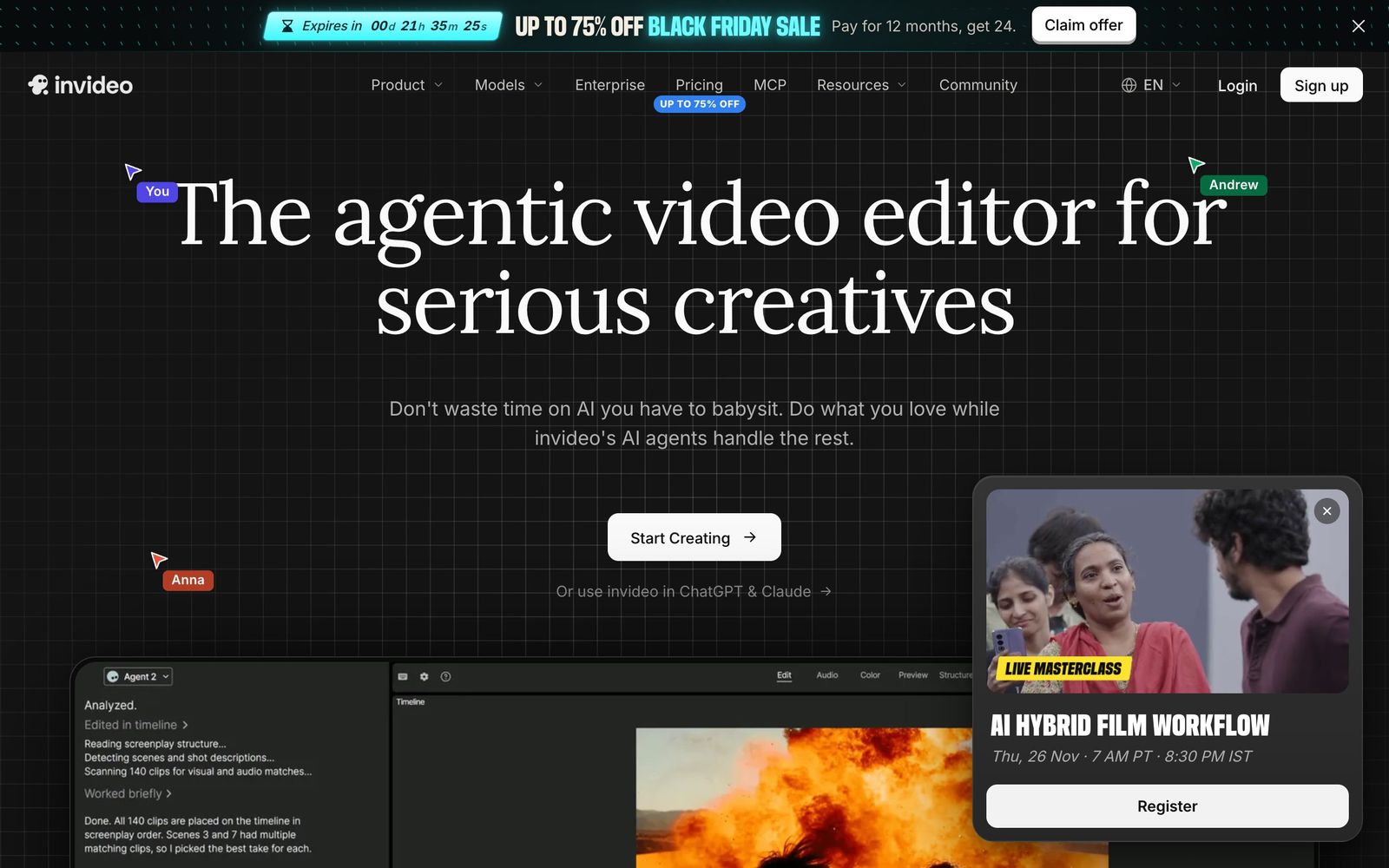
invideo's Agent Two edits by plain-language request on a multitrack timeline with live multiplayer cursors, with many generative video models built in (Seedance 2.5, MiniMax H3, Kling 4.0, Veo 3.1), premium stock and custom agents such as a scriptwriter. It exports editable projects to Premiere Pro, Final Cut Pro and DaVinci Resolve.
Standout feature: Agent Two and an agentic timeline: plain-language edits and many generative video models in one editor.
What's the difference between invideo and Animaker? invideo makes stock and generated footage videos. Animaker makes animated ones.
invideo pros:
- Plain-language edits on a multitrack timeline
- Many generative models (Seedance 2.5, Kling 4.0, Veo 3.1 and more)
- invideo MCP for Claude and ChatGPT
- Exports editable projects to Premiere, Final Cut and Resolve
invideo cons:
- Credits don't roll over, and generation is charged at model prices
- Trustpilot score of 1.8 (1,032 reviews); the low reviews we read mention credits and refunds
Pricing: Starter is $20 per seat a month with 400 credits; the manual editor is free. Credits don't roll over.
Choose invideo over Animaker if: you want live-action or generated footage, not cartoons.
What's new in invideo: Agentic Extend (6 October 2026), after the invideo Editor launch (1 September) and invideo MCP (30 September).
Available for: Web, iPhone and Android
Best simple Animaker alternatives for slideshows and hosting
For photo-led promos and workplace videos you need to share and track.
#14 Animoto: Best for simple slideshow-style videos
Our rating: 4.1/5. Fit for this job 3.5/5, ease of use 4.6/5, value for money 4.1/5.
Animoto is a simple drag-and-drop template editor for photos and clips, with screen and webcam recording, licensed music and Getty Images stock on higher plans, plus 4K export, video analytics and video landing pages. It has no character animation.
Standout feature: A simple template editor with Getty Images stock.
What's the difference between Animoto and Animaker? Animoto is simpler and photo-based. Animaker is animation-based.
Animoto pros:
- Very simple drag-and-drop
- Getty Images stock on higher plans
- Screen and webcam recording
Animoto cons:
- Free videos carry a watermark
- Trustpilot reviewers report deleted videos and auto-renewals
Pricing: Free plan with 720p and a watermark. Basic is $19 a month, or $9 billed yearly.
Choose Animoto over Animaker if: you make slideshow-style marketing videos.
What's new in Animoto: No dated update found; the pricing page marks 4K and video analytics as new (undated).
Available for: Web
#15 Biteable: Best for workplace videos with hosting
Our rating: 3.8/5. Fit for this job 3.6/5, ease of use 4.3/5, value for money 3.5/5.
Biteable makes workplace videos from thousands of templates and stock animations, with AI avatars and unlimited screen recording. Every plan hosts your videos with view analytics, comments and call-to-action buttons. Trustpilot reviews mostly cite refused refunds and unexpected annual charges.
Standout feature: Video hosting with analytics and call-to-action buttons on every plan.
What's the difference between Biteable and Animaker? Biteable adds video hosting and analytics. Animaker has richer animation.
Biteable pros:
- Workplace templates
- Built-in hosting and analytics
Biteable cons:
- Pro has no 4K or captions
- Trustpilot score of 2.3 (1,108 reviews)
Pricing: No free plan, a 7-day trial. Pro is $29 a month, or $15 billed yearly.
Choose Biteable over Animaker if: you need to track who watched your internal videos.
What's new in Biteable: No dated product update found.
Available for: Web
How to choose the best Animaker alternative
Start with the look you want, then check the caps that will bite. Most Animaker alternatives look cheap on the pricing card and get expensive once downloads, credits or resolution run out.
Characters, presenters or motion graphics?
Cartoon characters: Vyond for the workplace, Powtoon for less money. A realistic presenter: Synthesia. Diagrams, charts, kinetic type and narrated explainers you can keep editing: HyperFrames Studio. Templates for intros and promos: Renderforest, Canva or FlexClip.
Who builds the scenes?
In Animaker, Vyond and Powtoon you assemble each scene yourself, which gives control but takes time. In HyperFrames Studio, ngram, VideoGen and Fliki the AI builds a first draft from your idea or text. HyperFrames keeps every scene editable afterwards, so you get both speed and control.
How many videos will you download?
Read the limits, not the headline price. Animaker caps premium downloads at 10 to 50 a month, Powtoon Lite removes the watermark for 5 exports, Renderforest Lite allows 5 template exports at 720p, and most AI tools spend credits that don't roll over. HyperFrames Studio exports without limits on your computer.
Do you need commercial use and 4K?
Animaker's plan table lists commercial rights from Pro and 4K only on Enterprise; Renderforest's free plan is personal use only; Animoto, FlexClip and Biteable put 4K on their upper plans. HyperFrames exports up to 4K, free.
Is it for a team or a company?
For corporate training at scale, Vyond has the enterprise controls and Synthesia translates presenters into 140+ languages. For a small team, a shared brand kit and a review link matter more: HyperFrames Studio has both.
How we compared
Every tool on this list was scored on three things:
- Explainer quality. Characters, scenes, diagrams, voiceover and how high-quality the finished video looks.
- Effort. How quickly you create videos from an idea, and how easy changes and video editing are afterwards.
- Value. Free plan, watermark, download caps, commercial rights and price.
User complaints. We read recent reviews on Trustpilot, Product Hunt and the App Store and say when a complaint comes from a single review, with its date when it is old. Some review sites (G2, Capterra) blocked automated reading, so their scores are not quoted.
Ratings. Each tool gets three scores out of 5: fit for the job this page is about, ease of use, and value for money (free plan, entry price, watermarks and caps). The overall rating is their average. The scores are our judgment from the sources above, not a lab benchmark.
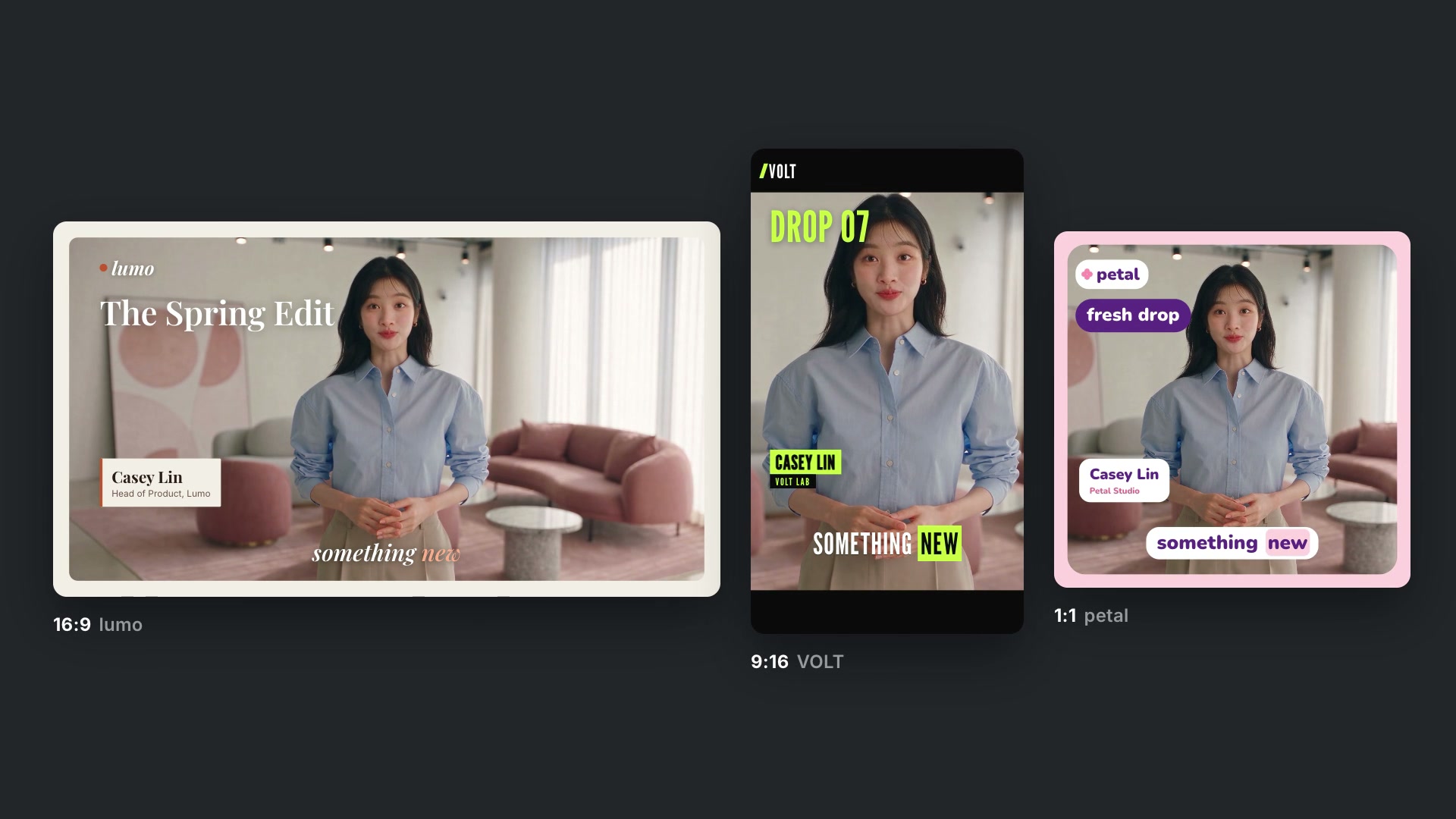
The films. The film near the top was made with HyperFrames for this page. The skit in the HyperFrames section was made with HyperFrames by the HyperFrames team. The cover uses each product's own logo and a still of its own website.
Animaker's plan table was read on app.animaker.com/pricing on 26 November 2026. The same page also shows older Basic, Starter and Pro prices in pop-ups that don't match the plan cards; we quote the plan cards.
Conclusion
If you left Animaker over download caps, billing or a look that feels like every other explainer, HyperFrames Studio is our pick: an AI agent turns your idea into a narrated explainer with diagrams, charts and illustrated characters, every scene stays editable, and exports on your computer are unlimited and free. It suits marketers, educators and founders who make explainers often.
Corporate training teams should look at Vyond for characters and Synthesia for AI presenters, and Powtoon is the closest match to Animaker's cartoon style for less. For quick promos, Canva, Adobe Express and FlexClip cost little or nothing, and Renderforest is the best template library for intros and logo stings. To begin from an explainer you admire, remake a video you love.
Make your first animated explainer, free
Frequently asked questions
What is the best Animaker alternative?
HyperFrames Studio is the best Animaker alternative for animated explainers, rated 4.7 out of 5 here, because an AI agent builds the whole narrated video from your idea with no download caps on your computer. Vyond (4.0) is best for workplace characters, and Powtoon (4.1) is the cheapest cartoon-style tool.
What are some free alternatives to Animaker?
HyperFrames Studio is free to start and exports without limits on your computer, with no watermark. Canva, Adobe Express, Powtoon, FlexClip and Renderforest have free plans with watermarks or limits, and Synthesia and Fliki have small free plans with watermarks.
Which is better, Animaker or Vyond?
Vyond is better for corporate training: a larger workplace character library, enterprise controls and Vyond Turbo for prompt-driven videos, but no free plan and a $99 monthly Starter. Animaker is cheaper, has a free plan and a character builder, and suits small businesses and educators.
Which is the No. 1 animation software?
For professional motion graphics, Adobe After Effects is still the industry standard. For animated explainers without training, it depends on the job: HyperFrames Studio for AI-built explainers and Vyond for workplace characters. Powtoon or Animaker suit cartoon templates.
Is Animaker actually free?
Animaker has a free plan, but exports carry a watermark and premium assets are limited. Paid plans start at $45 a month ($25 billed yearly) and still cap premium downloads at 10 a month on Starter.
Do Animaker alternatives support AI features like script generation and voiceovers?
Most do. HyperFrames' agent writes the script, storyboards the scenes and voices them; Vyond Turbo, Synthesia's Syren, ngram, VideoGen and Fliki generate videos from text; Powtoon bundles HeyGen avatars and ElevenLabs voices.
What is the best tool for whiteboard animation?
Animaker and Vyond have whiteboard scenes built in. In HyperFrames Studio, the agent can draw a sketch stroke by stroke with a pen, as one of its ready-made effects.
Which Animaker alternative is best for training videos?
Vyond is built for workplace training, with office characters and scenes, and Synthesia is best if you want a realistic presenter in many languages. HyperFrames Studio suits training that leans on diagrams, data and narration.
How much does Animaker cost?
Animaker's plan cards list Starter at $45 a month or $25 billed yearly, Pro at $79 or $43 yearly, Max at $139 or $79 yearly, and Enterprise at a custom price. The same pricing page also shows older prices in pop-ups, so confirm at checkout.
Which Animaker alternative is best for beginners?
Canva and Adobe Express are the easiest to pick up because you start from a template. HyperFrames Studio is easy in a different way: you describe the video in plain words and the agent builds it, so there is no editor to learn first.
Can Animaker alternatives handle team collaboration and branding?
Yes. Vyond offers a Brand Management Suite, Synthesia has branded video pages (full brand kits are 'coming soon'); Canva, FlexClip and Adobe Express have brand kits; HyperFrames Studio has brand kits and team review, where people comment on a shared link and the comments come back into Studio.
Can AI make an animated explainer video?
Yes. HyperFrames' agent storyboards the scenes, then writes, animates and voices each one; Vyond Turbo, ngram, VideoGen and invideo also make videos from prompts, and Higgsfield's Shorts Studio makes avatar-hosted reels from a topic.
Is VideoGen an alternative to Animaker?
Yes, for a different style. VideoGen generates explainers and ads from a prompt, script or slides with 20+ AI models and AI avatars, while Animaker animates 2D characters you place yourself. VideoGen's free account can't export; Pro is $29 a month per user, or $19 billed yearly.
Can I keep my Animaker videos if I switch?
Yes, download the finished videos first. Animaker projects don't open in other tools, so keep your scripts, voiceovers and assets to rebuild elsewhere. In HyperFrames you can hand the agent an old Animaker video as a reference and ask for a new version in your brand.
Can I make animated videos on my phone?
Animaker has iPhone and Android apps, and so do Renderforest, invideo and Adobe Express. HyperFrames Studio runs on Mac, Windows and Linux and in the browser, including your phone's browser, with no app to install.
Is HyperFrames free?
Yes, HyperFrames is free to start. HyperFrames Studio is a free download, built on the free, open-source HyperFrames engine (90,000+ GitHub stars). Pro is $25 a month for more (pricing).

Written by Ular Kimsanov
Ular Kimsanov works on HyperFrames at HeyGen, the free, open-source tool where AI agents make videos, and writes about making videos with AI agents. Prices and plans on this page were checked on 26 November 2026.