Adobe Premiere Pro (now just "Adobe Premiere": Adobe dropped the Pro with version 26.0 in January 2026) is still the industry standard. Version 27.0 (10 November 2026) adds a Color Mode grading workspace, an AI Assistant panel that sorts media into bins and assembles rough cuts, Generative Extend for missing transition frames, and Separate Crosstalk for overlapping speakers.
The reasons people leave are mostly about the deal, not the editor: an annual plan with an early termination fee, only 25 generative credits a month, and an Adobe Trustpilot score of 1.2 from 7,656 reviews, mostly about cancellation and billing. The 14 alternatives to Premiere Pro below range from free professional video editing software with colour grading and VFX, to one-time purchases, simple free editors and AI editors where an agent does the post-production with you.
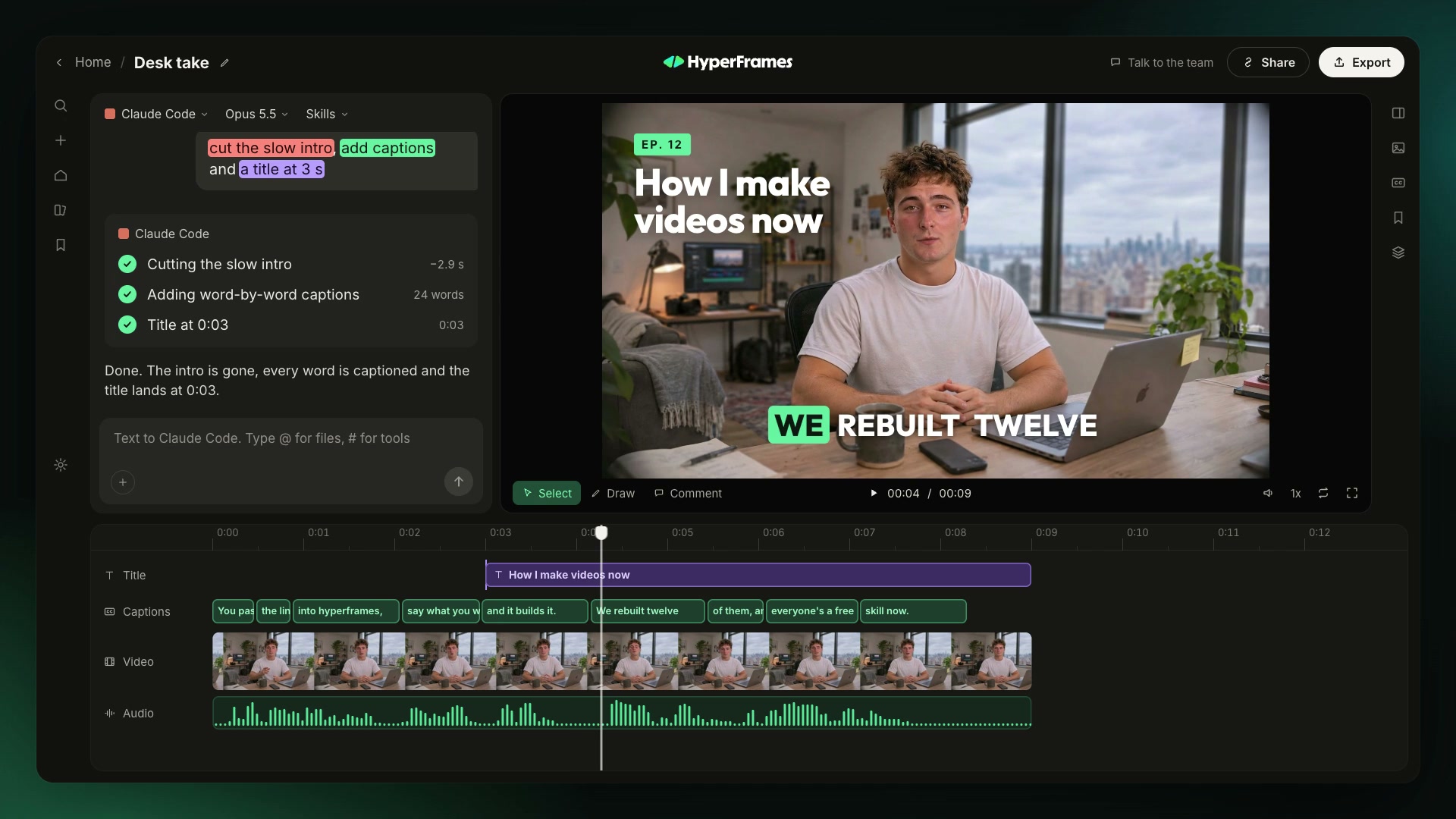
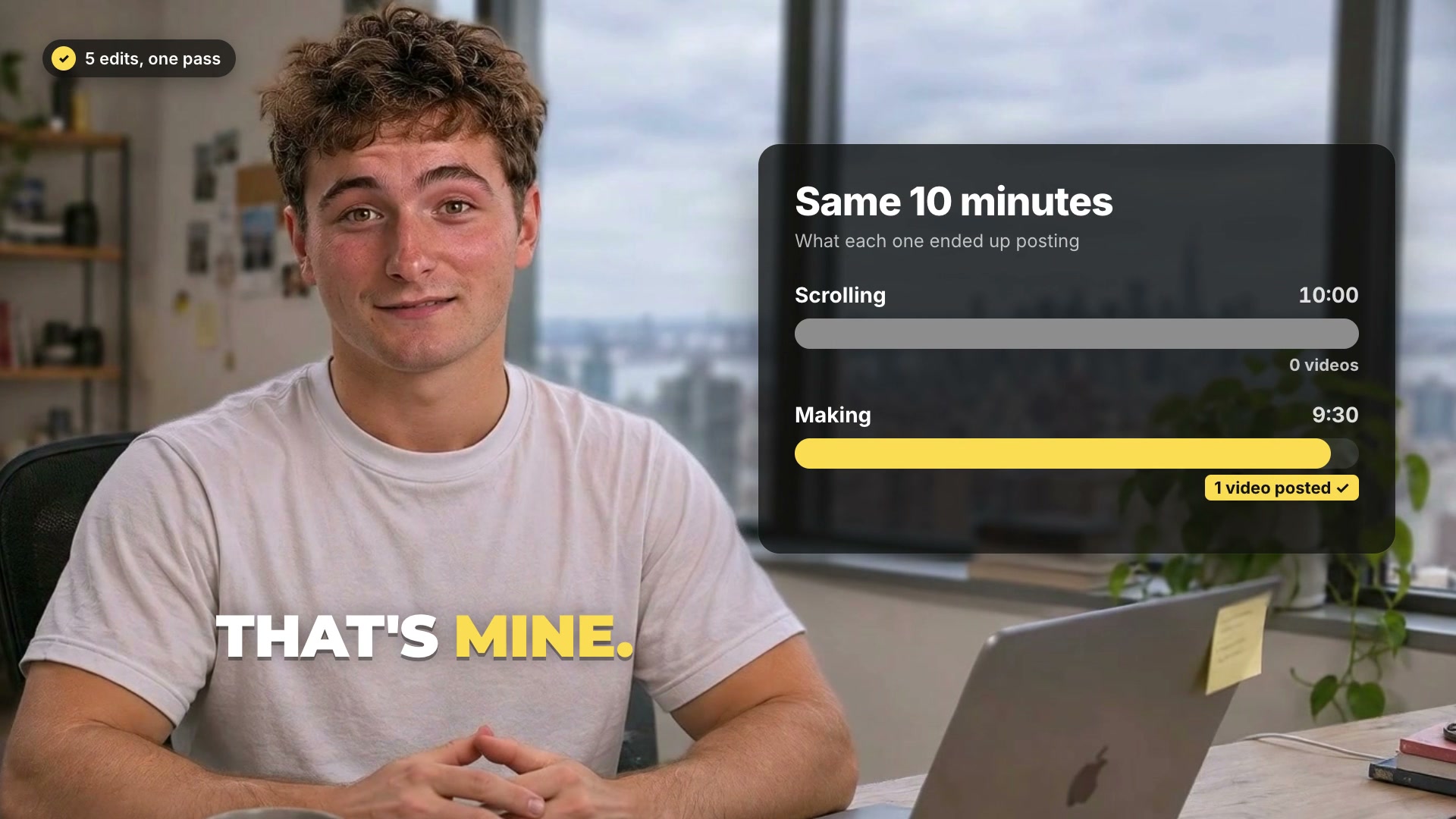
A flat clip is graded through four looks by a sweeping wipe, then a timeline fills with tracks. Made with HyperFrames for this page.
Why look for a Premiere Pro alternative?
Why people look for a Premiere Pro alternative, from Adobe's plans page, its community forums and recent reviews:
Annual contract and cancellation fees
The Premiere plan is an annual commitment billed monthly, and Adobe gives a full refund only within 14 days of the first purchase for most plans. One Trustpilot reviewer (November 2026) was told the early termination fee would be half the remaining year.
Price increases
One Adobe Trustpilot reviewer (November 2026) says their monthly price doubled with no notice. Creative Cloud Pro, with 20+ apps and 4,000 generative credits, lists at $69.99 a month.
Stability
Adobe Community bug reports describe random crashes and freezes that use all system memory on Windows 11 (January 2026), and crashes in Color Mode in the 27.0 beta.
Few AI credits and an AI agent in beta
The Premiere plan includes 25 generative credits a month, shared across Firefly, Kling, Google Veo and other models, and Adobe's AI agent in Premiere is still a public beta (since 18 June 2026) that community staff advised against using for client work.
The learning curve and the After Effects round trip, in our view
Premiere is built for career editors. Titles, kinetic type, charts and maps usually mean After Effects too, a second subscription. That's our judgment, not a review quote.
Quick comparison: the best Premiere Pro alternatives
Fourteen alternatives at a glance, with Premiere last for reference.
Tool | Best for | Our rating | Free plan | Starting price |
|---|---|---|---|---|
HyperFrames | AI editing and motion graphics by request | 4.7/5 | Yes, unlimited local exports | Free to start |
DaVinci Resolve | A free professional editor | 4.3/5 | Yes, UHD, no watermark | Free; Studio $295 once |
Final Cut Pro | A one-time purchase on a Mac | 4.2/5 | No, 30-day trial | $299.99 once |
Palmier Pro | A full editor your AI agent can drive | 4.0/5 | Yes, no generation credits | $49/mo list |
Descript | Editing by transcript | 4.1/5 | Yes, 1 hr/mo, 720p | $24/mo |
ChatCut | Chat edits with XML back to Premiere | 4.2/5 | Yes, unlimited local export | $25/mo list |
VEED | Browser editing with subtitles and avatars | 3.9/5 | Yes, watermark | $25/mo per editor |
Clipchamp | Free browser editing | 4.3/5 | Yes, 1080p, no watermark | Free; M365 $9.99/mo |
iMovie | Free basics on Apple devices | 4.3/5 | Yes, fully free | Free |
Shotcut | A free open-source desktop editor | 4.0/5 | Yes, fully free | Free |
Kdenlive | A free open-source editor with pro features | 4.1/5 | Free (open source) | Free |
CapCut | Free, fast social editing | 4.3/5 | Yes | $19.99/mo |
Filmora | Effects on a desktop budget editor | 4.0/5 | Trial, watermark | $69.99/yr ($49.99 on sale) |
Movavi Video Editor | Beginners on Windows and Mac | 3.9/5 | Trial, watermark, 60 s | $19.95/mo |
Adobe Premiere (for reference) | The industry-standard pro editor | Not rated | No, 7-day trial | $22.99/mo (annual) |
Ratings average our three scores (fit, ease of use, value); see How we compared. Prices on 26 November 2026; Adobe and Filmora showed Black Friday offers.
Why trust us? HeyGen makes HyperFrames and publishes this page, so we compete with the tools below. Every rival's price, plan and feature comes from its own pricing page, help center or changelog, read on 25 and 26 November 2026. User complaints are quoted from public review sites and linked in How we checked. HyperFrames claims come from its pricing page and from the Studio app's current build. Where a rival is the better pick, we say so.
Edit your next video by asking, free
Best professional Premiere Pro alternatives
Full editors for people who know what a timeline can do, or want the result of one without learning it. Resolve and Final Cut Pro replace Premiere feature for feature; HyperFrames Studio replaces the work.
#1 HyperFrames: Best for AI editing and motion graphics by request
The Jensen Affair: a documentary short made with Claude and HyperFrames by Tejas of the HyperFrames team.
Our rating: 4.7/5. Fit for this job 4.5/5, ease of use 4.6/5, value for money 4.9/5.
Premiere is still the industry standard, and nothing on this list beats its depth for frame-precise client work. It stops at two things: you make every cut yourself, and titles, kinetic type and charts mean a second subscription to After Effects. In HyperFrames Studio you drop in the footage and say what you want: the ums and retakes go, every word gets a caption, the cut follows whoever is talking, and the titles, charts and maps are built in the same project. When a client's notes come in, they go in as one round: point at a word, shot or caption and only that changes. It's free to start, with unlimited exports on your computer.
HyperFrames Studio isn't a Premiere clone, and that's the point. Instead of learning panels and shortcuts, you tell an AI agent what you want: "cut the ums and pauses, warm the colour, captions in our font, a lower third for each speaker, a map animation when she says Lisbon." Each change lands as an editable piece on the timeline, and you can still trim by hand or cut by deleting words in the Script tab. A multicam edit syncs cameras by sound and cuts to the speaker, and exports go up to 4K in MP4 or MOV, including transparent video you can lay over a timeline in Resolve or Final Cut.
Where Premiere sends you to After Effects for motion graphics, HyperFrames builds them in the same project: titles, kinetic type, charts, maps, 3D type and transitions, drawing on ready-made effects in the catalog. See AI motion graphics, kinetic typography and our After Effects alternatives.
Standout feature: Change one thing, keep the rest: a client's notes go in as one round, and the agent changes only the word, shot or caption you point at, motion graphics included.
What's the difference between HyperFrames and Premiere Pro? Premiere is a manual pro editor on an annual subscription, with AI helpers. HyperFrames Studio is an AI-first editor where an agent edits and builds motion graphics by request, free to start and open source.
HyperFrames pros:
- Free to start, with unlimited local exports
- The agent does the edit: ums, retakes, captions and speaker cuts
- Motion graphics without a second app
- Client notes in one round: change one part and keep the rest
HyperFrames cons:
- Fewer manual pro tools than Premiere for frame-precise client work
- No Premiere project import or export: you move finished files or transparent overlays
Pricing: Free to start: a free download for Mac, Windows and Linux, or start in your browser, with exports on your computer and no watermark.
Choose HyperFrames if: you want polished, professional-looking results without becoming a career editor.
What's new in HyperFrames: In November 2026 Edit my footage and the Script tab reached every current Studio app build, so cleanup and transcript cuts now sit beside the motion graphics in every project.
Available for: Mac, Windows and Linux (the Studio app), the web, and inside Claude, ChatGPT and Grok through the HyperFrames connector
Shoot it, say it, or show it. HyperFrames makes the video. Bring your footage, describe any motion graphic or format, or paste a video you love.
Try HyperFrames Studio free
#2 DaVinci Resolve: Best for a free professional editor
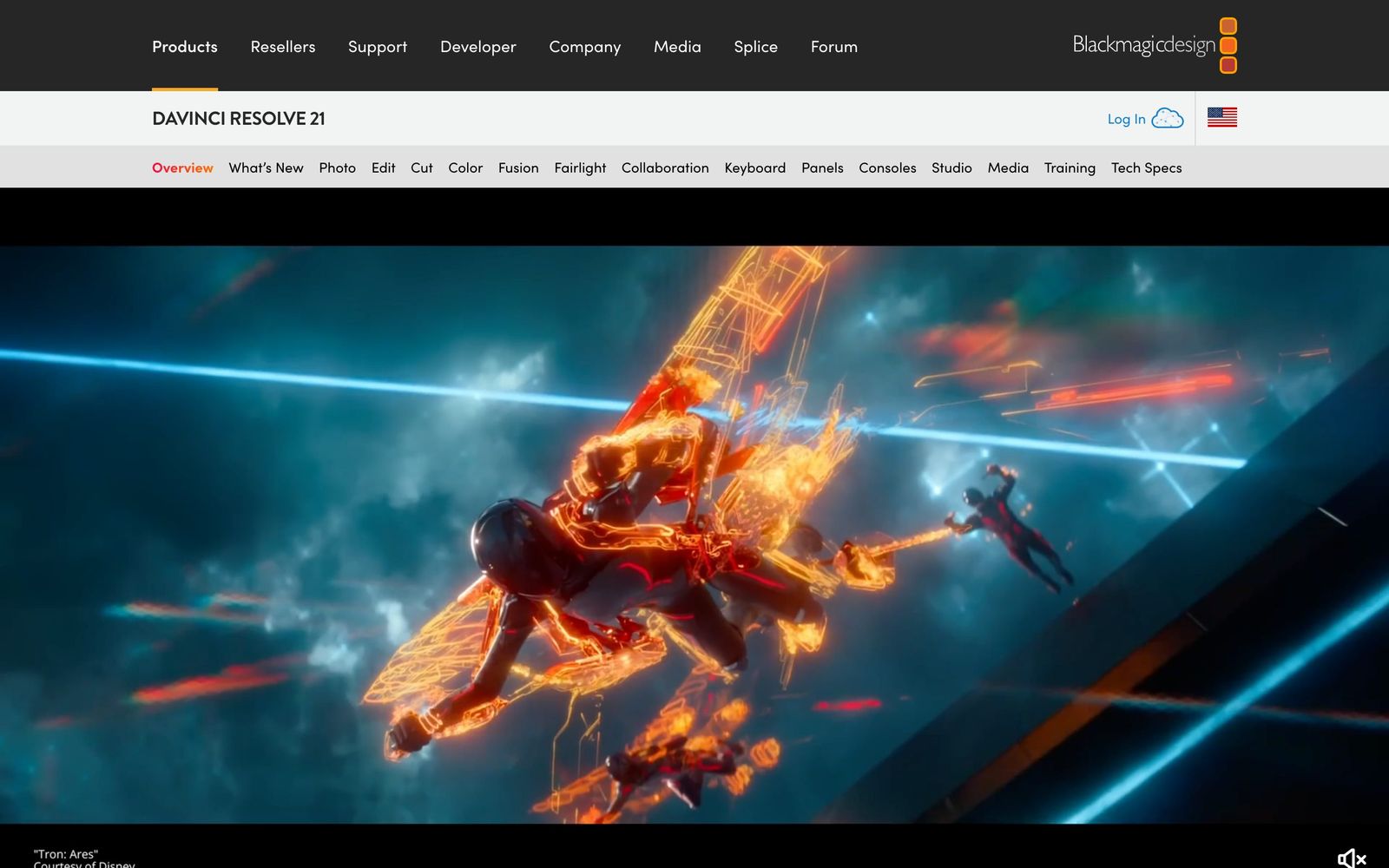
Our rating: 4.3/5. Fit for this job 4.6/5, ease of use 3.4/5, value for money 5.0/5.
DaVinci Resolve's free version is a full professional editor with what Blackmagic calls Hollywood-grade colour tools: Edit and Cut pages, Hollywood-grade grading, Fusion effects and motion graphics, and Fairlight audio post. It works up to Ultra HD at 60 fps with no watermark, and includes multi-user collaboration.
The paid Studio version, with no subscription, adds the AI Neural Engine, Magic Mask, AI noise reduction and text-based editing. It runs on Mac, Windows and Linux, but it is as hard to learn as Premiere, heavy on slower computers, and the free version is supported only through community forums.
Standout feature: A full professional editor (edit, colour, Fusion effects, Fairlight audio) free, with no watermark.
What's the difference between DaVinci Resolve and Premiere Pro? Resolve matches Premiere on pro editing and beats it on colour and price. Premiere wins on Adobe integration and its AI Assistant.
DaVinci Resolve pros:
- A full professional editor, free
- Industry-leading colour grading
- One-time $295 for Studio
- Mac, Windows and Linux
DaVinci Resolve cons:
- Steep learning curve
- Text-based editing and AI tools need Studio
Pricing: Free version with no watermark up to Ultra HD at 60 fps. DaVinci Resolve Studio is $295 once.
Choose DaVinci Resolve over Premiere Pro if: you want pro power without a subscription.
What's new in DaVinci Resolve: Resolve 21.2 (4 November 2026) added faster rendering on M5 Pro and M5 Max Macs and new film looks; Resolve 21 added a Photo page and IntelliSearch.
Available for: Mac, Windows and Linux
#3 Final Cut Pro: Best for a one-time purchase on a Mac
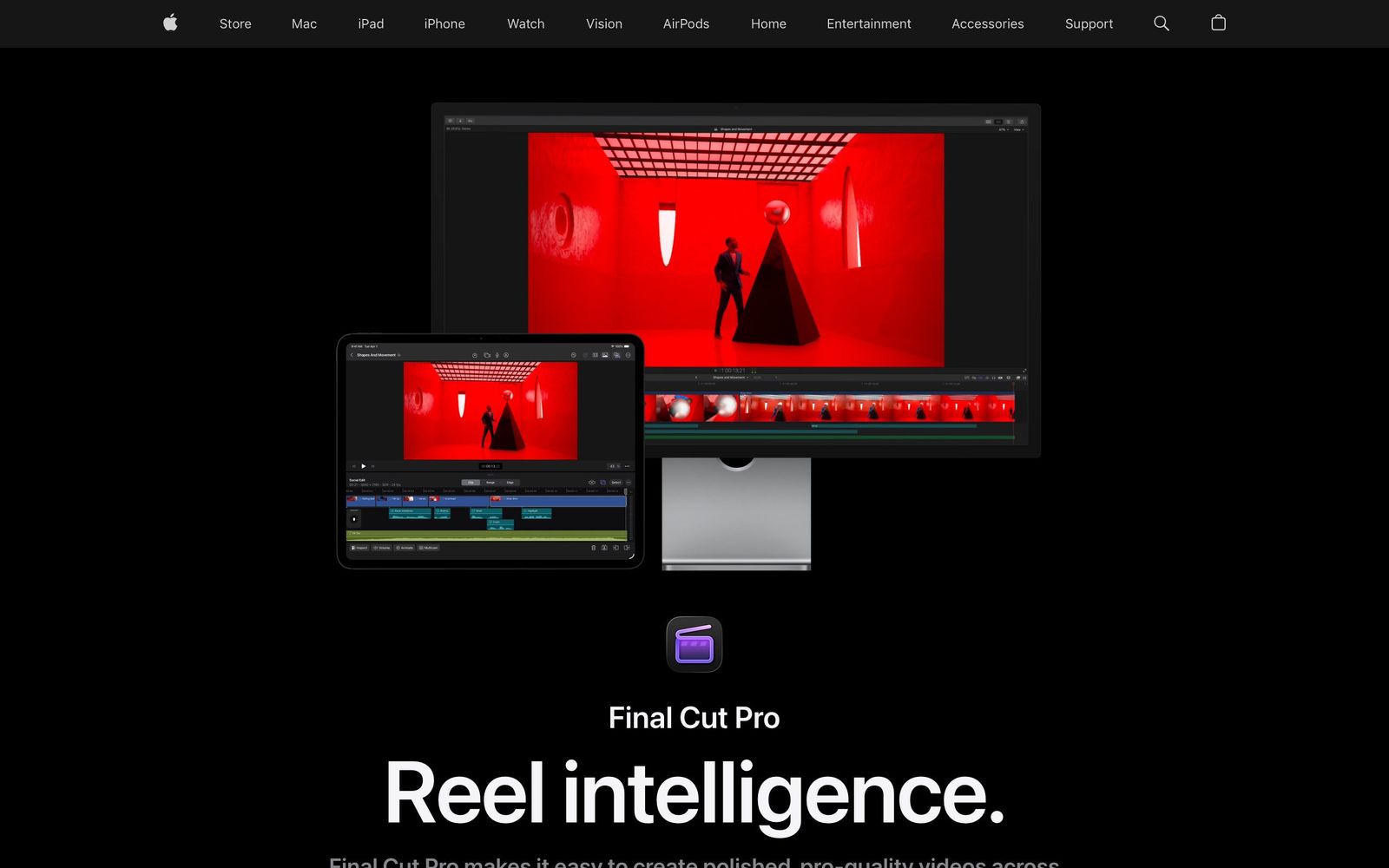
Our rating: 4.2/5. Fit for this job 4.4/5, ease of use 3.9/5, value for money 4.4/5.
Final Cut Pro is a one-time purchase on the Mac App Store, or comes inside Apple Creator Studio with Motion, Logic Pro and Compressor. Its magnetic timeline is tuned for Apple silicon, and Apple Intelligence adds Transcript Search and Beat Detection.
Version 13.0 (18 November 2026) adds finer keyframe easing, captions and transcript search in 23 more languages, and multicam from up to four iPhones or iPads through Final Cut Camera. It is Mac and iPad only, and a November 2026 Mac App Store reviewer reports crashes after 13.0.
Standout feature: The magnetic timeline, tuned for Apple silicon, with transcript search and beat detection.
What's the difference between Final Cut Pro and Premiere Pro? Final Cut Pro is a one-time purchase and faster on Macs. Premiere runs on Windows too and connects to Adobe's other apps.
Final Cut Pro pros:
- One-time price
- Fast on Apple silicon
- Transcript search in 23 more languages (v13)
- Mac and iPad
Final Cut Pro cons:
- Apple only
- Mac An iOS App Store reviewer (November 2026) reports crashes after an update (12.4 and 13.0)
Pricing: $299.99 once on the Mac App Store, or inside Apple Creator Studio at $12.99 a month.
Choose Final Cut Pro over Premiere Pro if: you edit on a Mac and want to own your editor.
What's new in Final Cut Pro: Final Cut Pro 13.0 (18 November 2026) added finer keyframe easing and transcript search in 23 new languages.
Available for: Mac and iPad
#4 Palmier Pro: Best for a full editor your AI agent can drive
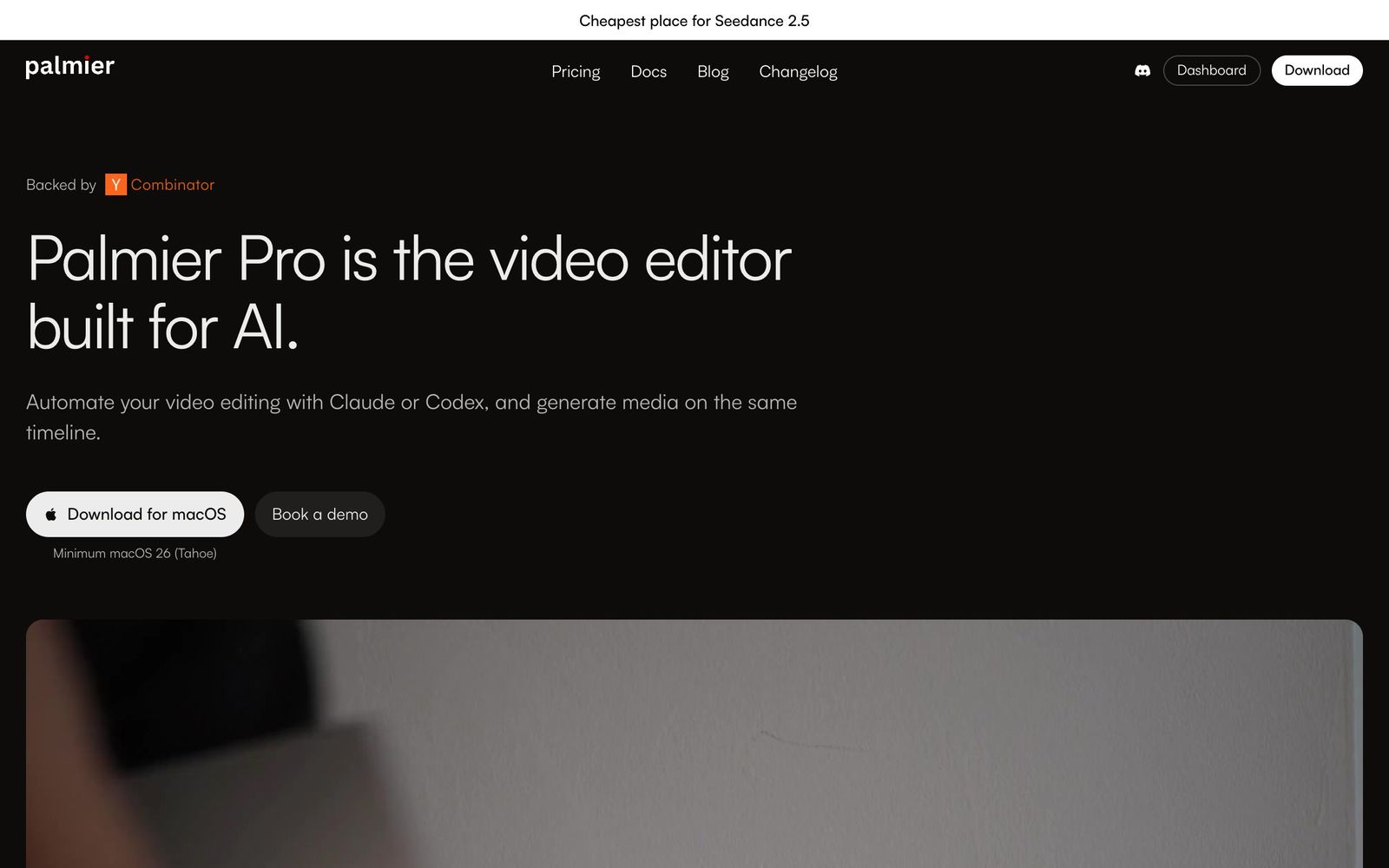
Our rating: 4.0/5. Fit for this job 4.0/5, ease of use 3.7/5, value for money 4.4/5.
Palmier Pro is a free, open-source (GPL-3.0) Mac editor with the pieces a Premiere user expects: a multi-track timeline, keyframes, colour grading and LUTs, masks, chroma key, multicam and captions. The difference is who drives it: Claude Code, Codex or Cursor connect to it on your Mac and edit the timeline for you, or you edit by hand.
It exports ProRes, or XML back to Premiere, Resolve and Final Cut, so a client who wants a Premiere project can still get one. It needs macOS 26 (Tahoe) or newer and is pre-1.0.
Standout feature: Claude, Codex or Cursor edit the timeline through a local connector, and a finished edit can be saved as a reusable Skill for the next video.
What's the difference between Palmier Pro and Premiere Pro? Palmier Pro is a free, open-source editor an AI agent can drive, Mac only. Premiere is the paid industry standard on Mac and Windows, with AI tools built in and its AI agent in public beta.
Palmier Pro pros:
- Free, open-source Mac editor (GPL-3.0) with 14,811 GitHub stars
- Your own agent edits the timeline over MCP, with no account needed
- Image, video, voice and music generation lands on the same timeline
- A full editor: multi-track timeline, keyframes, colour grading, masks and multicam
Palmier Pro cons:
- Mac only, and only on macOS 26 (Tahoe) or newer
- AI generation, cloud transcription and the built-in chat need a paid plan
Pricing: Free plan: the full Mac editor, with no account needed and no generation credits. Pro is shown at $29 a month (marked down from $49) with 5,000 credits a month.
Choose Palmier Pro over Premiere Pro if: you edit on a recent Mac and want a free editor your coding agent can run.
What's new in Palmier Pro: Version 0.12.0 (29 October 2026) added a headless mode that runs several projects at once, timeline history snapshots, caption presets with per-word styles and Kling V4.
Available for: Mac (macOS 26 or newer), driven by Claude, Codex or Cursor over MCP
Best AI and browser Premiere Pro alternatives
For people who want the AI to do more of the edit, or want to edit in a browser. Descript and ChatCut can hand work back to a pro editor if a client needs it.
#5 Descript: Best for editing by transcript
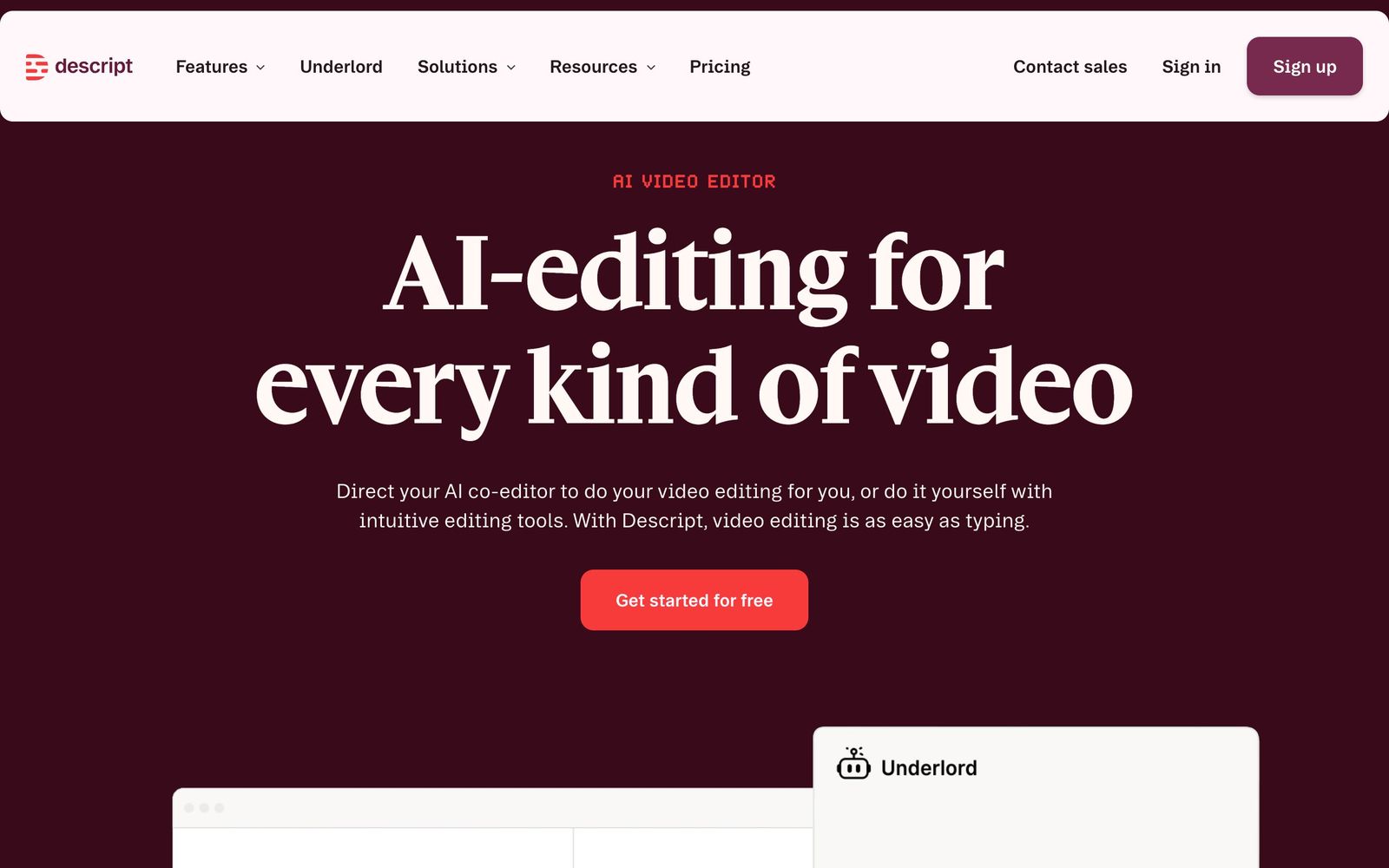
Our rating: 4.1/5. Fit for this job 4.0/5, ease of use 4.2/5, value for money 4.1/5.
Descript edits video by editing its transcript, removes filler words with Underlord, its AI agent, records screens and remote guests, and exports timelines back to Premiere, Resolve and Pro Tools (EDL, AAF, FCPXML, with native .prproj export in beta since November 2026).
Paid plans cap media hours, and its Trustpilot score is 2.4 from 301 reviews.
Standout feature: Edit the video by editing its transcript, with Underlord, its AI agent, cutting a raw recording into shape.
What's the difference between Descript and Premiere Pro? Descript is far easier for talking videos. Premiere is far more powerful overall.
Descript pros:
- Edit the video by editing its transcript
- Screen recording and remote recording (Rooms)
- Timeline export to Premiere, Resolve and Pro Tools
- Underlord skills save your own workflows
Descript cons:
- Paid plans cap media hours (10, 30 or 40 a month)
- Trustpilot score of 2.4 (301 reviews), with bugs and credits spent on weak AI results
Pricing: Free plan with 1 media hour a month and 720p exports. Hobbyist is $24 a month, or $16 a month billed yearly.
Choose Descript over Premiere Pro if: most of your videos are people talking.
What's new in Descript: November 2026 release: Underlord skills, brand layout packs, Rooms dead-mic warnings and native Premiere export in beta (changelog, 6 November).
Available for: Desktop app and web
#6 ChatCut: Best for chat edits with XML back to Premiere
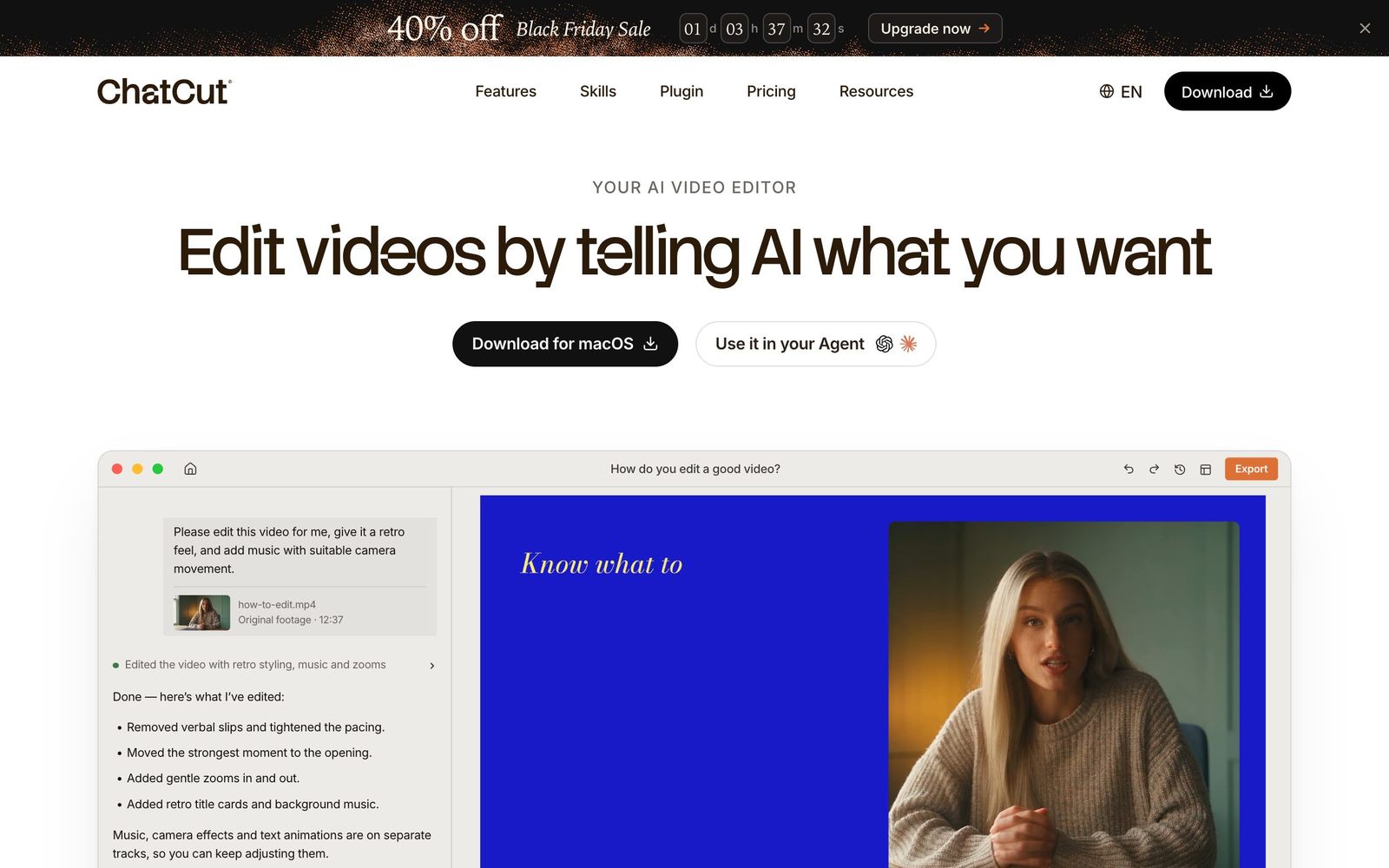
Our rating: 4.2/5. Fit for this job 3.9/5, ease of use 4.4/5, value for money 4.2/5.
ChatCut applies edits you ask for in chat to a real timeline you can adjust, with 100+ one-click skills (speech cleanup, captions, shorts, translation) and built-in generation with Seedance 2.5 and Kling 4.0. It exports XML to Premiere, Resolve, Final Cut and CapCut, so a chat-made rough cut can still finish in a pro editor.
It runs on the web, Mac and Windows and as a plugin for Claude Code, Codex and ChatGPT.
Standout feature: Edits you ask for in chat land on a real timeline you can adjust, and editing through Claude Code or Codex spends no ChatCut credits.
What's the difference between ChatCut and Premiere Pro? ChatCut is AI-first and light to learn. Premiere is a full manual editor with AI helpers.
ChatCut pros:
- Chat edits on an editable timeline
- 100+ one-click skills such as speech cleanup, captions and shorts
- XML export to Resolve, Premiere, Final Cut and CapCut
- Plugins for ChatGPT, Codex, Claude Code and Cursor
ChatCut cons:
- Generation spends credits even through outside agents
- One of its 3 Trustpilot reviews (November 2026) says limits keep moving, such as 4K export now needing Plus
Pricing: Free plan with signup credits, the full editor and unlimited local export. Starter lists at $25 a month; a Black Friday sale showed $21 a month billed yearly on 25 November 2026.
Choose ChatCut over Premiere Pro if: you want an AI rough cut that can go back to Premiere.
What's new in ChatCut: ChatCut Desktop launched on Product Hunt on 26 August 2026, after the July launch inside ChatGPT, desktop and web.
Available for: Web, Mac, Windows, and plugins for ChatGPT, Codex, Claude Code and Cursor
#7 VEED: Best for browser editing with subtitles and avatars
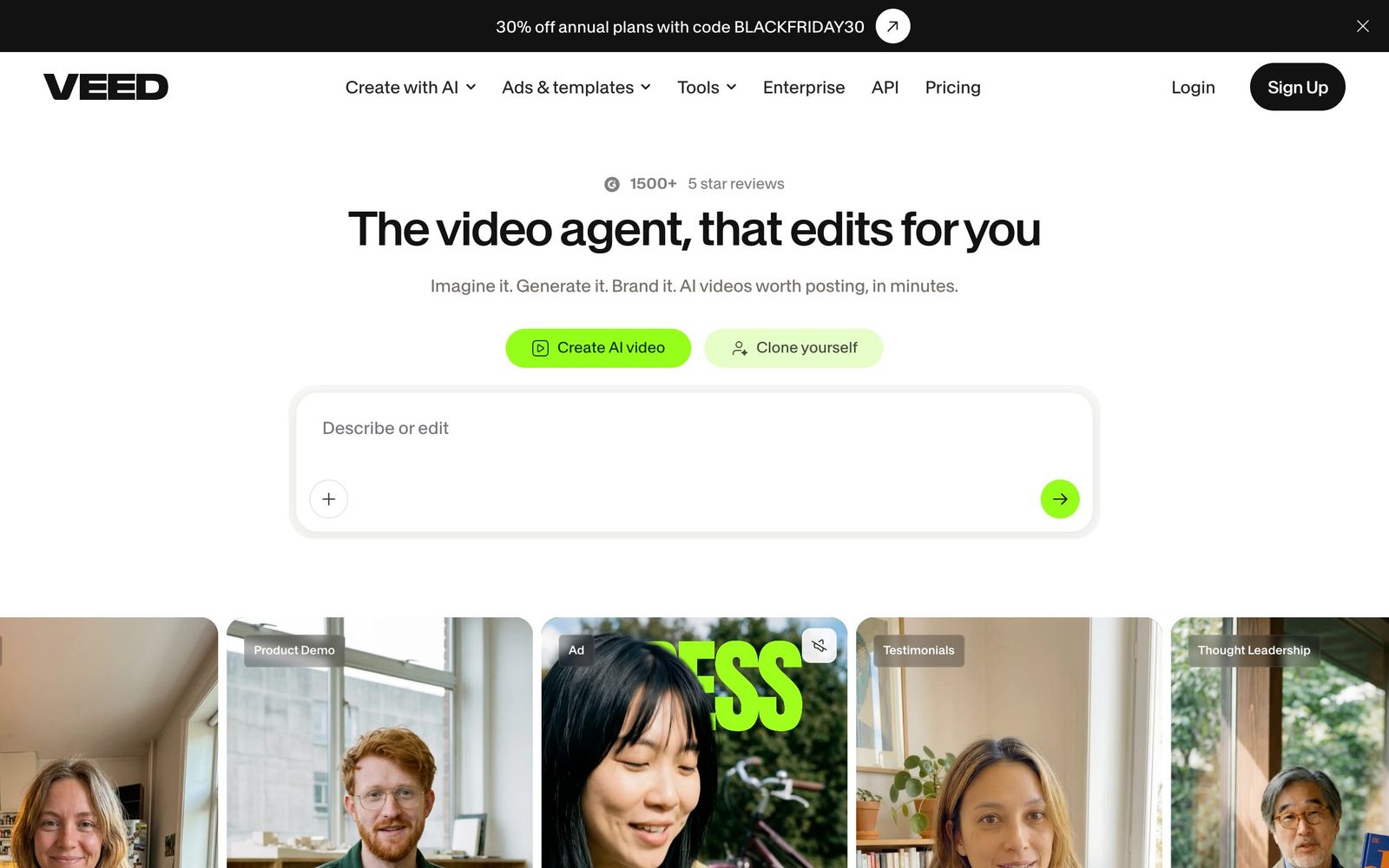
Our rating: 3.9/5. Fit for this job 3.5/5, ease of use 4.5/5, value for money 3.8/5.
VEED is a browser editor with strong automatic subtitles, brand kits, AI avatars, dubbing and Eye Contact AI, plus VEED AI (18 November 2026), an agent that edits uploaded footage into a social video. It also has iPhone and Android apps.
It is priced per editor and rates 4.2 on Trustpilot from 3,961 reviews.
Standout feature: VEED AI (18 November 2026): upload footage or describe an idea and its agent edits a social video.
What's the difference between VEED and Premiere Pro? VEED is a light browser editor for social videos. Premiere is a desktop pro editor for long-form work.
VEED pros:
- Easy browser editor with strong subtitles
- Avatars, dubbing and eye contact fix
- Brand kits
- iPhone and Android apps
VEED cons:
- Priced per editor, so teams pay per seat
- AI credits and translation minutes don't roll over
Pricing: Free plan with watermarked videos and 50 AI credits a month. Creator is $25 a month, or $12 a month billed yearly, per editor.
Choose VEED over Premiere Pro if: your work is short social video and you want to edit anywhere.
What's new in VEED: VEED AI, a video editing agent for social videos, launched on 18 November 2026.
Available for: Web, iPhone and Android
Best free and easy Premiere Pro alternatives
For people who don't need a professional editor and don't want to pay.
#8 Clipchamp: Best for free browser editing

Our rating: 4.3/5. Fit for this job 3.6/5, ease of use 4.6/5, value for money 4.8/5.
Microsoft Clipchamp is free with a personal Microsoft account and exports up to 1080p with no watermark, in the browser or on Windows. It includes AI editing tools, free stock, filters and colour correction, audio-only export, and new text and shape animations (September 2026), with Copilot video creation from its start page.
4K, premium stock and a brand kit come with Microsoft 365. It rates 4.8 on Trustpilot from 7,616 reviews; one recent reviewer wants more text options, transitions and a BPM grid.
Standout feature: Watermark-free 1080p exports on the free plan, with Microsoft's AI editing tools included.
What's the difference between Clipchamp and Premiere Pro? Clipchamp is a simple free editor. Premiere is a pro tool with a subscription.
Clipchamp pros:
- Free 1080p exports with no watermark
- Simple timeline in the browser or on Windows
- Copilot video creation and text animations
- Trustpilot 4.8 from 7,616 reviews
Clipchamp cons:
- 4K needs Microsoft 365
- One recent Trustpilot reviewer wants more text options, transitions and a BPM grid
Pricing: Free with a personal Microsoft account, with watermark-free 1080p exports. 4K and premium stock come with Microsoft 365 Personal ($9.99 a month).
Choose Clipchamp over Premiere Pro if: you need quick, simple edits for free.
What's new in Clipchamp: New text and shape animations launched (September 2026), with Copilot video creation from the Clipchamp start page.
Available for: Web and Windows
#9 iMovie: Best for free basics on Apple devices
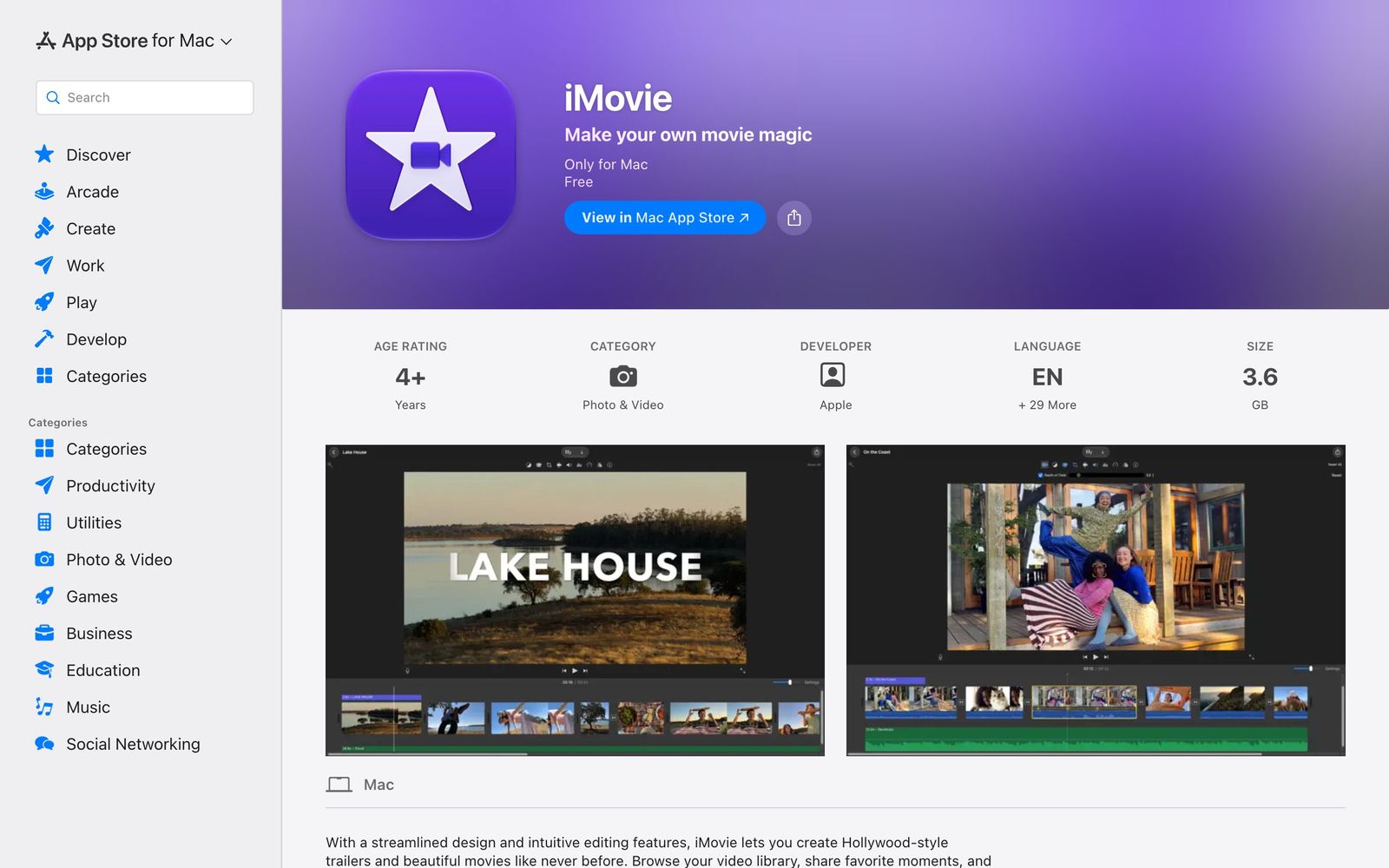
Our rating: 4.3/5. Fit for this job 3.4/5, ease of use 4.6/5, value for money 5.0/5.
iMovie is free on Mac, iPhone and iPad, with simple timeline editing, trailers and themes, and Cinematic mode focus editing for footage from Final Cut Camera (macOS 27). When you outgrow it, Final Cut Pro is the natural next step.
It is basic and Apple only. Recent Mac App Store reviews (October and November 2026) say the redesigned Mac version is harder to use and that an update broke audio recording.
Standout feature: Free, simple editing on every Apple device.
What's the difference between iMovie and Premiere Pro? iMovie is free and simple. Premiere is professional.
iMovie pros:
- Completely free
- Very easy
- Edits Cinematic mode footage
iMovie cons:
- Apple only
- Basic features
Pricing: Free on Mac, iPhone and iPad.
Choose iMovie over Premiere Pro if: you need the basics on Apple devices.
What's new in iMovie: iMovie for Mac 10.4.6 (18 November 2026) brought stability fixes.
Available for: Mac, iPhone and iPad
#10 Shotcut: Best for a free open-source desktop editor
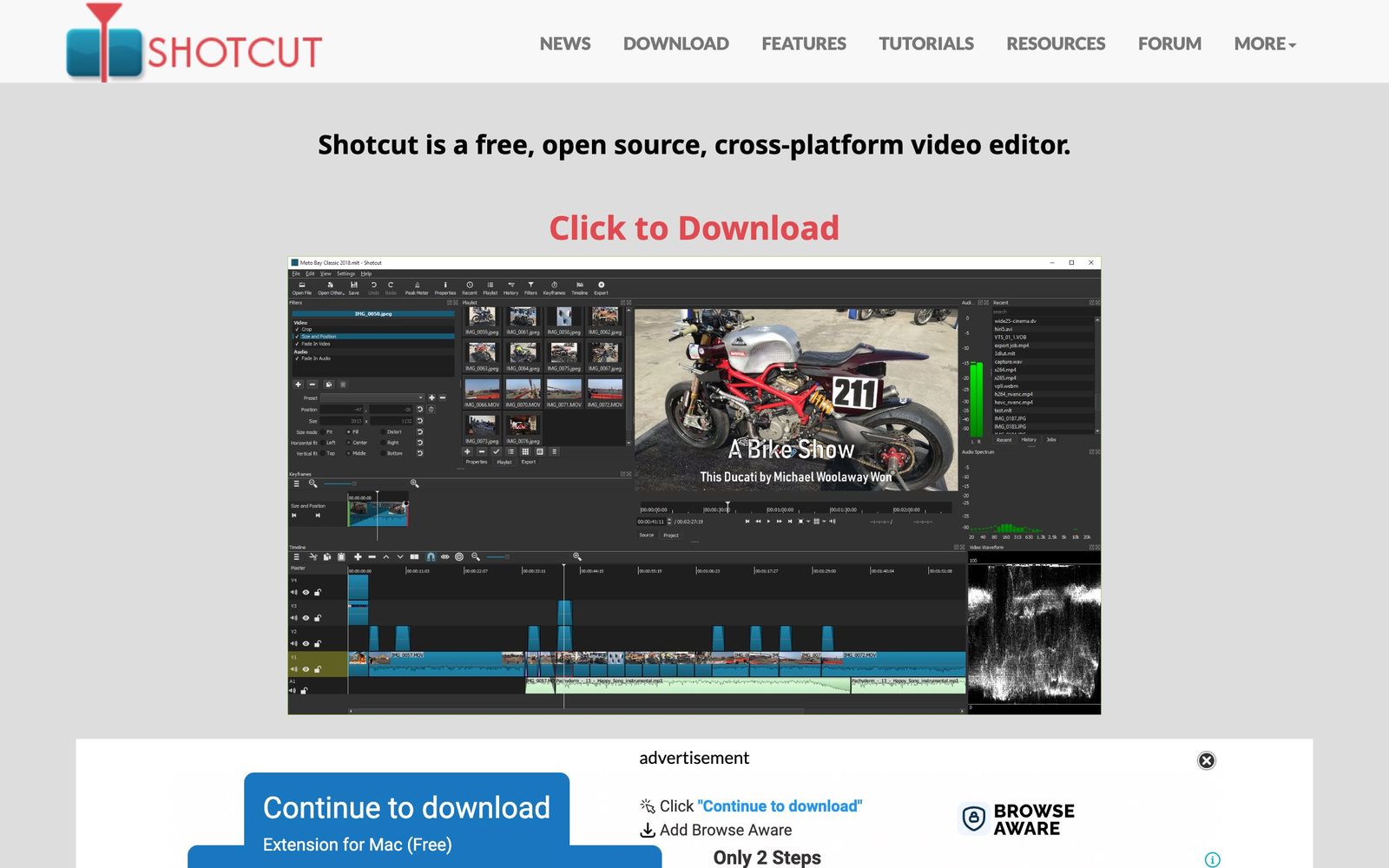
Our rating: 4.0/5. Fit for this job 3.6/5, ease of use 3.3/5, value for money 5.0/5.
Shotcut is free and open source on Windows, Mac and Linux. It edits hundreds of audio and video formats natively through FFmpeg with no import step, up to 4K, with J/K/L keyboard editing and screen and webcam capture. 2026 releases added Auto Duck and an Audio Mixing Assistant.
It has no AI editing and a dated, technical interface, but it costs nothing, forever. SourceForge reviewers rate it 4.9 from 21 reviews.
Standout feature: A free, open-source desktop editor that handles hundreds of formats up to 4K.
What's the difference between Shotcut and Premiere Pro? Shotcut is free and open source with no AI. Premiere is a paid pro editor with AI features.
Shotcut pros:
- Completely free and open source
- Windows, Mac and Linux
- Auto duck and an audio mixing assistant (2026)
Shotcut cons:
- No AI editing
- A traditional editor with no templates
Pricing: Free and open source.
Choose Shotcut over Premiere Pro if: you want a free, open-source timeline editor.
What's new in Shotcut: Version 26.11.15 (15 November 2026) added an Audio Mixing Assistant.
Available for: Windows, Mac and Linux
#11 Kdenlive: Best for a free open-source editor with pro features
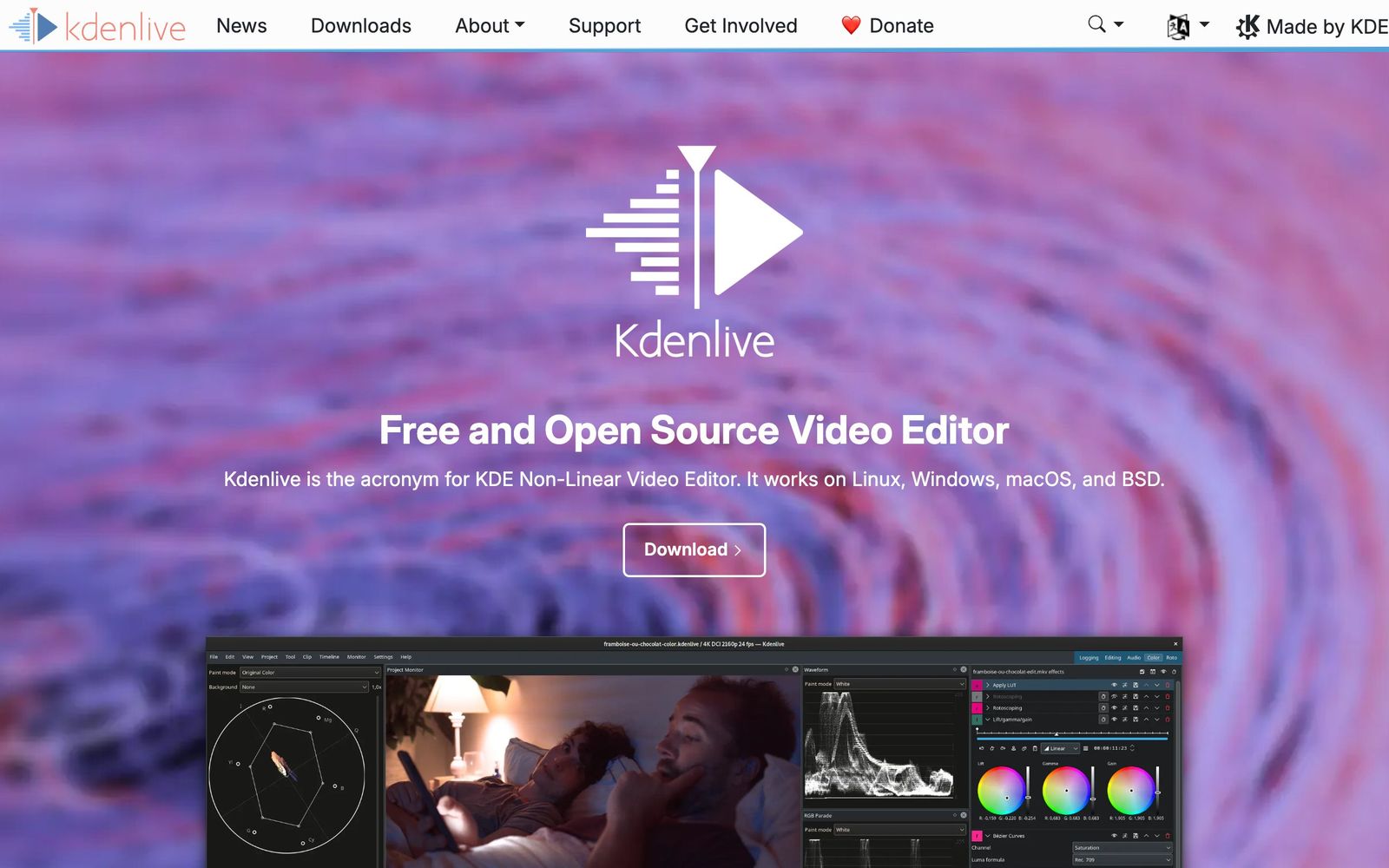
Our rating: 4.1/5. Fit for this job 4.0/5, ease of use 3.3/5, value for money 5.0/5.
Kdenlive, from the KDE community, is a free open-source editor with many Premiere-style tools: multicam and 3-point editing, nested sequences, proxies for slower computers, keyframeable effects, colour correction with LUTs and scopes, and subtitles with automatic transcription. It runs on Windows, Mac (Apple silicon and Intel), Linux and BSD.
A small, mostly volunteer team builds it; motion graphics beyond simple titles need a separate app, Glaxnimate, and one 2024 Trustpilot review (of 6) reports crashes and weak title tools.
Standout feature: A full free editor with multicam and 3-point editing, nested sequences, proxies, scopes and subtitles with automatic transcription.
What's the difference between Kdenlive and Premiere Pro? Kdenlive is free and open source with many pro features. Premiere is more polished and better supported, for a subscription.
Kdenlive pros:
- Completely free, from the KDE community
- Windows, Mac (Apple Silicon and Intel), Linux and BSD
- Automatic transcription for subtitles
- Colour tools with LUTs and scopes
Kdenlive cons:
- Built by a small, mostly volunteer team
- Motion graphics beyond simple titles need a separate app, Glaxnimate
Pricing: Free and open source, with no paid tiers; the project asks for donations.
Choose Kdenlive over Premiere Pro if: you want pro-style editing free and open source.
What's new in Kdenlive: Kdenlive 26.08.3 (7 November 2026) improved recovery of corrupted projects and fixed crashes and freezes; 26.08.0 (31 August) added track reordering and multi-clip speed changes.
Available for: Windows, Mac, Linux and BSD
#12 CapCut: Best for free, fast social editing
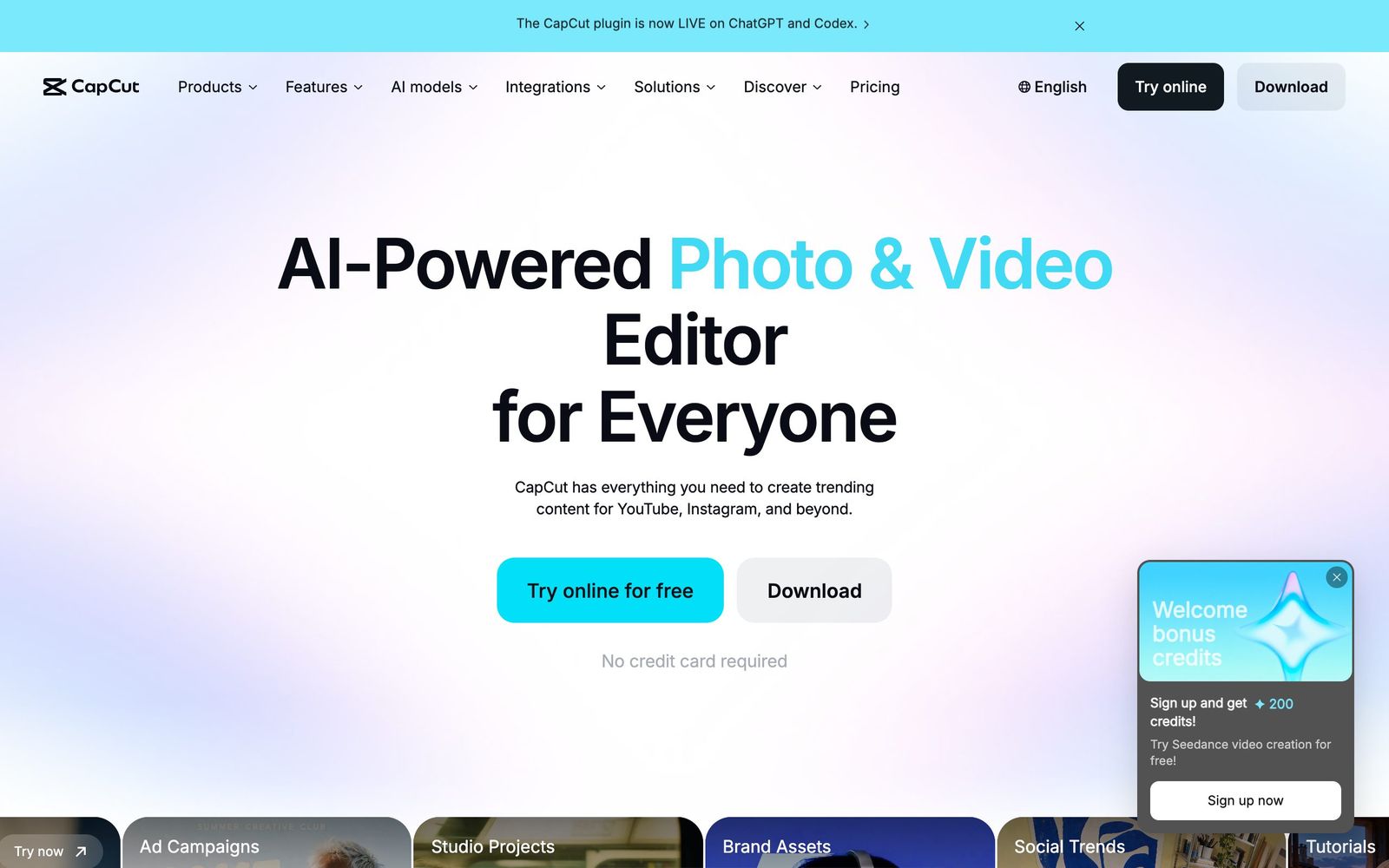
Our rating: 4.3/5. Fit for this job 3.9/5, ease of use 4.6/5, value for money 4.3/5.
CapCut is free on the web, Windows, Mac, iPhone and Android, with trend templates, auto captions, text to speech, a background remover and Seedance video generation.
Its Trustpilot score is 1.2 from 1,416 reviews, mostly about billing after cancelling and paywalls at export. It is owned by ByteDance.
Standout feature: Templates and ByteDance's own AI models, with Seedance generation included in Pro credits.
What's the difference between CapCut and Premiere Pro? CapCut is free and fast for social. Premiere is for long-form and client work.
CapCut pros:
- Free, fast and familiar on phone and desktop
- Templates for trends
- Auto captions, text to speech and background remover
- Plugin for ChatGPT and Codex
CapCut cons:
- Pro paywalls can appear at the export screen
- Trustpilot score of 1.2 (1,416 reviews); the low reviews we read mention charges after cancelling
Pricing: Free plan with basic editing and free templates. Pro is $19.99 a month on the web; the app stores sell other plans.
Choose CapCut over Premiere Pro if: you make social videos.
What's new in CapCut: The CapCut plugin is live in ChatGPT and Codex, and iOS 20.3.0 (24 November 2026) improved trimming.
Available for: Web, Windows, Mac, iPhone and Android
Best budget desktop Premiere Pro alternatives
For people who want a desktop editor with effects, at a fraction of the price.
#13 Filmora: Best for effects on a desktop budget editor
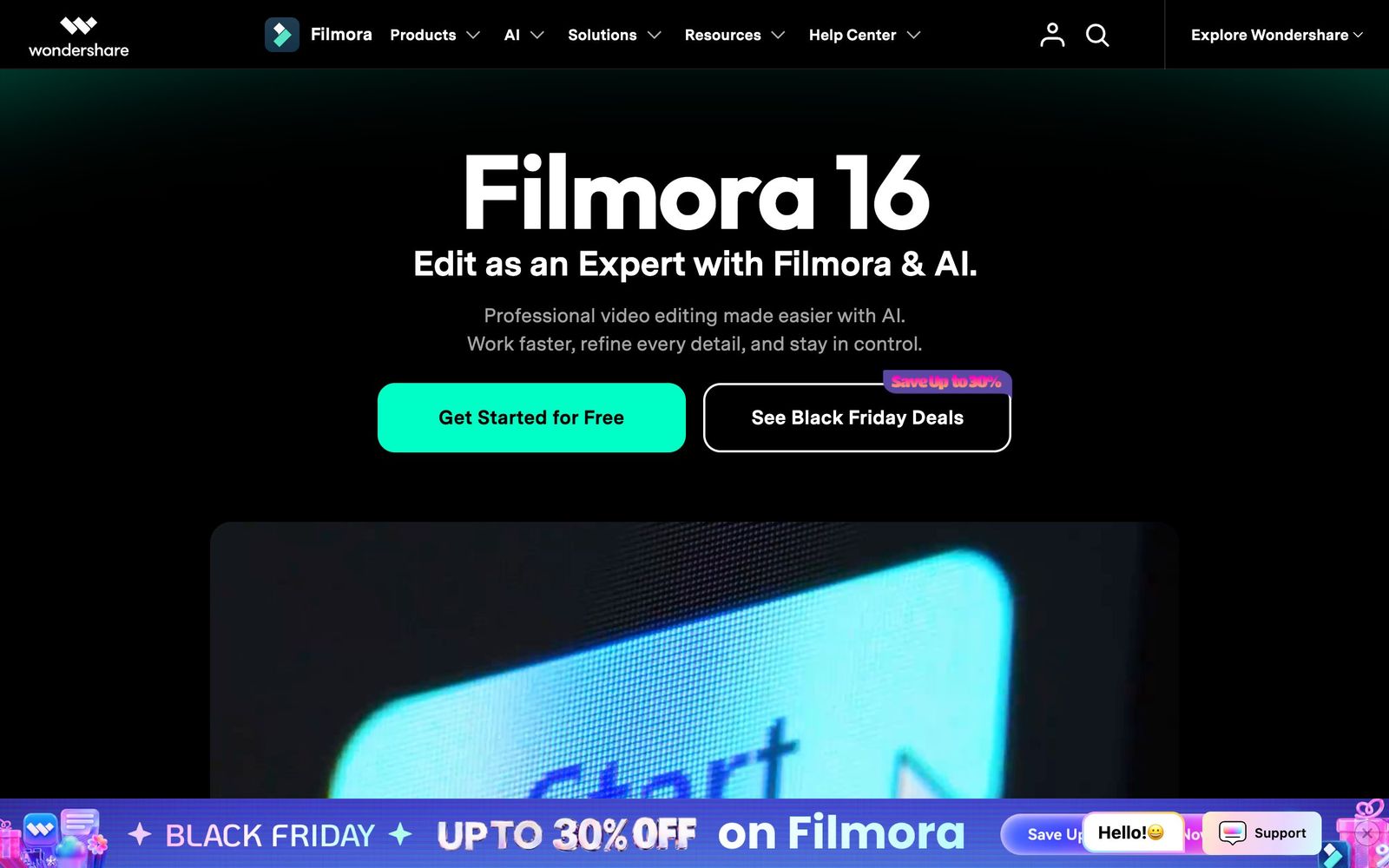
Our rating: 4.0/5. Fit for this job 3.9/5, ease of use 4.3/5, value for money 3.8/5.
Filmora 16.0 (September 2026) added camera tracking, colour masks, 360-degree reframing, AI media analysis, Smart Text Correction for captions and multi-source recording, on top of a big effects and template library.
A perpetual licence covers one version only. Free exports carry a watermark (one reviewer says it covers the whole screen), and stickers, transitions and AI features use extra credits.
Standout feature: A large effects and template library with AI tools like an Idea to Video agent.
What's the difference between Filmora and Premiere Pro? Filmora is cheaper and simpler with lots of effects. Premiere has deeper pro tools.
Filmora pros:
- Big effects library
- AI tools and camera tracking
- Desktop and mobile
- Trustpilot 4.0 from 15,743 reviews
Filmora cons:
- Free exports carry a watermark (one reviewer says it covers the whole screen)
- Effects and AI features cost extra credits
Pricing: Free to download with a watermark on exports. The annual plan is $49.99 a year (sale price; $69.99 regular).
Choose Filmora over Premiere Pro if: you want effects without a pro learning curve.
What's new in Filmora: Filmora 16.0 (September 2026) added camera tracking, colour masks and AI media analysis.
Available for: Windows, Mac, iPhone and Android
#14 Movavi Video Editor: Best for beginners on Windows and Mac
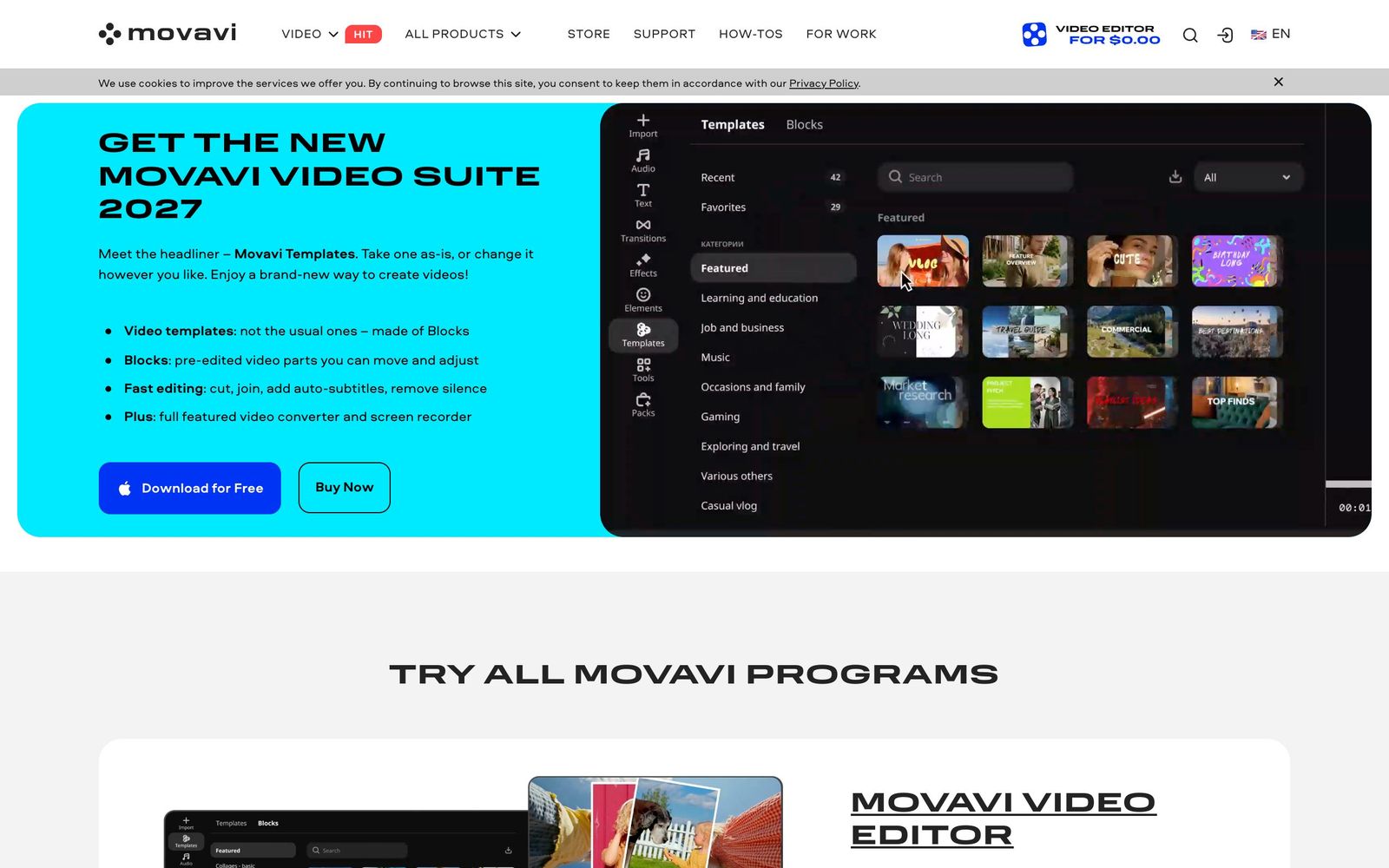
Our rating: 3.9/5. Fit for this job 3.7/5, ease of use 4.5/5, value for money 3.6/5.
Movavi Video Editor 2027 leads with Movavi Templates (pre-edited blocks where you swap in clips and text), one-click silence removal, 30+ auto-subtitle styles, AI noise removal, upscaling and motion tracking.
Checkout adds an effects trial that renews at $49.95 a month unless cancelled, and Trustpilot reviewers report charges after cancelling.
Standout feature: Movavi Templates: pre-edited blocks where you swap in your clips and text, plus one-click silence removal.
What's the difference between Movavi Video Editor and Premiere Pro? Movavi is far simpler, with a lifetime option. Premiere is a full pro editor.
Movavi Video Editor pros:
- Easy for beginners
- Templates, one-click silence removal and 30+ subtitle styles
- AI noise removal and upscaling
- Lifetime licence option
Movavi Video Editor cons:
- Checkout adds an effects trial that renews at $49.95 a month
- Effects and music sit behind an extra subscription
Pricing: Free trial with a centred watermark and 60-second exports. A 1-month subscription is $19.95; Video Editor Plus is $69.95 a year or $149.95 once.
Choose Movavi Video Editor over Premiere Pro if: you are a beginner on a desktop.
What's new in Movavi Video Editor: Movavi Video Editor 2027 (version 27.4.0, 23 November 2026) leads with Movavi Templates.
Available for: Windows and Mac
How to choose the best Premiere Pro alternative
Leaving Premiere is easier when you know which part you need to replace: the editing power, the Adobe ecosystem, or just the subscription. If you also want AI help inside your timeline, see the AutoCut alternatives.
Do you need a professional editor?
If you deliver for clients, cut long-form, or grade colour seriously, you need a pro editor: DaVinci Resolve (free) or Final Cut Pro (one-time, Mac). If you make YouTube, social or marketing videos, a pro editor may be more tool than you need.
Subscription, one-time or free?
Free: DaVinci Resolve, Kdenlive, Shotcut, iMovie, Clipchamp, Palmier Pro's editor and HyperFrames Studio, which is free to start with unlimited local exports. One-time: Final Cut Pro ($299.99), Resolve Studio ($295) and Movavi Video Editor Plus lifetime ($149.95). Monthly: check the terms, because Adobe's Premiere plan is annual, billed monthly.
Mac, Windows or Linux?
Final Cut Pro and iMovie are Apple only. Resolve, Kdenlive, Shotcut and HyperFrames Studio run on Mac, Windows and Linux; Palmier Pro needs macOS 26 or newer. Clipchamp's app is Windows-only, with a browser version for everyone.
How much should the AI do?
Premiere's AI Assistant and Resolve Studio's Neural Engine help an editor. Descript, ChatCut and HyperFrames Studio let the AI do the edit and you review it. In HyperFrames the agent also builds the motion graphics.
Do you need motion graphics?
In Adobe's world that means After Effects. Resolve has Fusion built in; HyperFrames Studio builds titles, charts and maps by request in the same project. See After Effects alternatives.
How we compared
Every tool on this list was scored on three things:
- Editing power. Timeline, colour correction and grading, audio, captions, effects and motion graphics, and how projects move between editors.
- Speed to a result. How quickly a non-specialist gets a finished video, and how much the tool does for you.
- Value. Free version, one-time price or subscription, contract terms, and AI credit limits.
User complaints. We read recent reviews on Trustpilot, Product Hunt and the App Store and say when a complaint comes from a single review, with its date when it is old. Some review sites (G2, Capterra) blocked automated reading, so their scores are not quoted.
Ratings. Each tool gets three scores out of 5: fit for the job this page is about, ease of use, and value for money (free plan, entry price, watermarks and caps). The overall rating is their average. The scores are our judgment from the sources above, not a lab benchmark.
Adobe's reviews. The Trustpilot score is for Adobe overall, not Premiere alone. Adobe renamed Premiere Pro to Premiere in version 26.0 (January 2026). Premiere's EDL export comes from Adobe's own help page on exporting projects to other applications.
Conclusion
For career editors leaving Adobe, DaVinci Resolve is the strongest Premiere Pro alternative: free, professional, with better colour and Fusion built in. On a Mac, Final Cut Pro is a one-time purchase that costs about the same as 13 months of the Premiere plan.
For creators and marketers who want polished videos without a professional's learning curve, HyperFrames Studio is the better fit: an agent edits the footage and builds the motion graphics by request, free to start and open source. Descript suits talk-driven videos, and Clipchamp, iMovie, Shotcut and CapCut are free for simple edits. Whatever you choose, export your EDLs before you cancel Adobe. To try the AI route, start with HyperFrames Studio free and the lessons.
Try an AI editor free
Frequently asked questions
What is the best Premiere Pro alternative?
For creators who want results without the learning curve, HyperFrames Studio, because an AI agent edits and builds motion graphics by request. DaVinci Resolve is the best free pro editor, and Final Cut Pro the best one-time purchase on a Mac.
Is there a free alternative to Premiere Pro?
Yes. DaVinci Resolve's free version is a full professional editor with no watermark, and Kdenlive and Shotcut are free and open source. HyperFrames is free and open source too, and the Studio app is a free download. iMovie and Clipchamp are free for simpler edits.
Is DaVinci Resolve as good as Premiere?
For editing, yes, and it is better at colour grading and price (free, or $295 once for Studio). Premiere is better integrated with Adobe's other apps and has the AI Assistant panel. Both take time to learn.
Is Premiere or CapCut better?
Premiere is better for long-form, client and professional work. CapCut is better for fast, free social videos with trend templates on a phone or desktop. Some creators use CapCut for shorts and a pro editor for everything else.
What is the No. 1 best video editor?
There isn't one for everyone. Premiere and DaVinci Resolve lead for professionals, Final Cut Pro on Macs, and CapCut for social. HyperFrames Studio is the pick if you want an AI agent to do the edit and the motion graphics.
Why is Premiere Pro 2026 crashing?
Adobe Community bug reports from 2026 describe random crashes and freezes that use all system memory on Windows 11, and crashes in Color Mode in the 27.0 beta. Check Adobe's forums for your version and graphics driver, and keep autosave on.
What is the best Premiere Pro alternative for beginners?
HyperFrames Studio, Clipchamp and CapCut are the easiest. HyperFrames Studio lets you edit by asking an AI agent instead of learning tools, and Clipchamp exports 1080p free with no watermark.
Can I switch to a Premiere Pro alternative without losing my projects?
Premiere project files open only in Premiere, so export finished renders and an EDL (CMX3600) for timelines you may need to rebuild, and keep your original media. Descript and ChatCut can export timelines back to Premiere if you keep it for client work.
Which Premiere Pro alternative is best for Mac?
Final Cut Pro, a $299.99 one-time purchase tuned for Apple silicon. DaVinci Resolve and HyperFrames Studio also run on Mac, and iMovie is free.
Can these tools replace Premiere completely?
DaVinci Resolve and Final Cut Pro can for many editors. HyperFrames Studio replaces it for creators who want finished videos and motion graphics, but has fewer manual tools for frame-precise client work.
Is Premiere Pro still called Premiere Pro?
Adobe renamed it Premiere with version 26.0 in January 2026; its help pages say Adobe Premiere on desktop. Many people still search for Premiere Pro.
Can I cancel Premiere Pro without a fee?
Adobe's plan is annual, billed monthly. Adobe gives a full refund only within 14 days of the first purchase for most plans, and a Trustpilot reviewer (November 2026) reports being quoted an early termination fee of half the remaining year.
Is there an alternative to Premiere and After Effects together?
Yes. DaVinci Resolve includes Fusion for effects and motion graphics, and HyperFrames Studio builds titles, charts, maps and kinetic type in the same project as the edit. See AI motion graphics.
Which Premiere alternative has the best AI editing?
HyperFrames Studio lets an agent edit and build graphics by request; Palmier Pro lets Claude Code, Codex or Cursor drive a full Mac editor; ChatCut and Descript are strong for chat and transcript editing. Premiere's own AI agent is still a public beta.
Is HyperFrames free?
Yes, free to start: HyperFrames Studio is a free download, and the open-source engine behind it is free, with 90,000+ GitHub stars. Pro is $25 a month for more (pricing).

Written by Ular Kimsanov
Ular Kimsanov works on HyperFrames at HeyGen, the free, open-source tool where AI agents make videos, and writes about making videos with AI agents. Prices and plans on this page were checked on 26 November 2026.