Eddie AI is an assistant editor for interview-driven work. It transcribes, logs and tags A-roll and B-roll, syncs multicam, finds soundbites, builds a rough cut from the story you describe in chat, and since version 4 (9 September 2026) hands native projects to Premiere and DaVinci Resolve with bins and timecode built. It also has SOC 2 Type II, SSO and an on-premises option.
It is also deliberately a first step: importing costs credits per hour of footage, the finishing happens in another editor, and there are very few public reviews to judge it by. The 14 alternatives below help with interview footage in different ways, grouped by where your film gets finished.
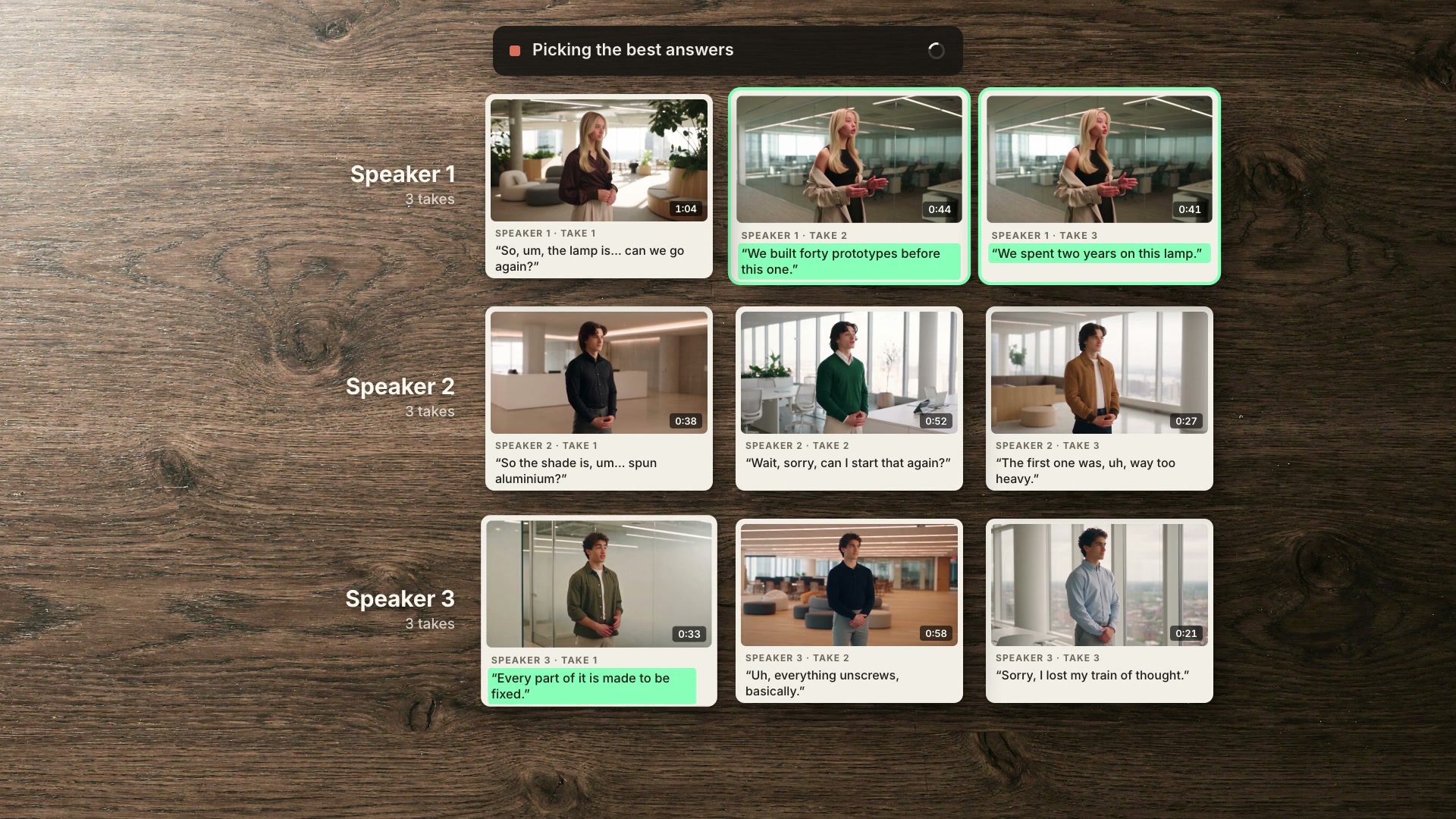
Interview clips sorted into a rough cut by one typed request. Made with HyperFrames for this page.
Why look for an Eddie AI alternative?
Eddie AI has almost no public user reviews (one on Trustpilot, none on Product Hunt), so these reasons come mostly from its own pricing and product pages:
Credits per hour of footage
Importing costs about 250 credits an hour, billed in 15-minute blocks, before any edit happens. A documentary with 20 hours of interviews uses about 5,000 credits just to come in, roughly $45 at the 5,000-credit pack price.
A rough cut, not a finished film
Eddie can add captions, titles, music and colour, but it is built to hand the assembly to Premiere, Resolve, Final Cut or Avid for the final pass, so you will likely still need a second editor.
Few reviews to judge reliability
One Trustpilot review (3.2) and no Product Hunt reviews make it hard to know how it behaves on a deadline. The one Trustpilot reviewer (August 2026) says support didn't reply.
A learning curve
A 2024 No Film School hands-on review says chat-based editing was a struggle at first. Describing a story in words is a different skill from cutting one.
Pro-editor workflow assumed, in our view
Eddie's best features (native .prproj and .drp projects, Avid early access, C2PA-signed exports) serve post houses and agencies. A solo creator without a pro editor gets less from the hand-off than from a tool that finishes the video.
Quick comparison: the best Eddie AI alternatives
Fourteen alternatives at a glance, with Eddie AI last for reference.
Tool | Best for | Our rating | Free plan | Starting price |
|---|---|---|---|---|
HyperFrames | Going from interviews to a finished film | 4.6/5 | Yes, unlimited local exports | Free to start |
ChatCut | Chat edits with pro editor export | 4.3/5 | Yes, unlimited local export | $25/mo list |
Descript | Building the story from a transcript | 4.1/5 | Yes, 1 hr/mo, 720p | $24/mo |
Palmier Pro | An agent-driven editor with XML hand-off | 4.1/5 | Yes, no generation credits | $49/mo list |
Adobe Premiere | AI rough cuts inside the industry standard | 3.9/5 | No, 7-day trial | $22.99/mo (annual) |
DaVinci Resolve | Free pro finishing and colour | 4.1/5 | Yes, UHD, no watermark | Free; Studio $295 once |
Final Cut Pro | Fast finishing on a Mac | 4.0/5 | No, 30-day trial | $299.99 once |
AutoCut | Multicam switching and cleanup in Premiere or Resolve | 4.2/5 | No, 14-day trial | $9.90/mo |
FireCut | First drafts inside Premiere | 4.0/5 | No, trial | $19/mo |
Riverside | Recording remote interviews | 4.0/5 | No, 14-day trial | $35/mo |
Gling | Cleaning up talking footage | 4.0/5 | Yes, 1 hr/mo, watermark | $20/mo |
TimeBolt | Fast local cleanup with no credits | 4.0/5 | Yes, watermark | $17/mo or $347 once |
OpusClip | Social clips from long interviews | 4.1/5 | Yes, 60 credits/mo, watermark | $15/mo |
CapCut | Free social cuts of interview moments | 4.0/5 | Yes | $19.99/mo |
Eddie AI (for reference) | Interview rough cuts handed to a pro editor | Not rated | 500 credits to start | $15 per 1,000 credits |
Ratings average our three scores (fit, ease of use, value); see How we compared. Prices on 26 November 2026; FireCut showed a Black Friday sale, so its monthly prices are listed.
Why trust us? HeyGen makes HyperFrames and publishes this page, so we compete with the tools below. Every rival's price, plan and feature comes from its own pricing page, help center or changelog, read on 25 and 26 November 2026. User complaints are quoted from public review sites and linked in How we checked. HyperFrames claims come from its pricing page and from the Studio app's current build. Where a rival is the better pick, we say so.
Turn interview footage into a finished edit, free
Best Eddie AI alternatives for AI-led interview edits
Tools where an AI does the heavy lifting from raw interviews, and you keep editing in the same place. The difference is where the edit stops.
#1 HyperFrames: Best for going from interviews to a finished film
A 45-second cut of a seven-minute true-crime documentary made in one go in HyperFrames Studio by Miao Yang of the HyperFrames team.
Our rating: 4.6/5. Fit for this job 4.6/5, ease of use 4.4/5, value for money 4.9/5.
Eddie AI is a careful assistant editor: it logs your interviews, finds the soundbites and hands Premiere or Resolve a tidy rough cut. It stops there. The finishing still needs a second editor, and every hour you import costs credits before any cut happens. In HyperFrames Studio you drop in the interviews and say the story you want: the cameras line up, the cut follows whoever is talking, the ums go, and titles, captions and lower thirds go on in your brand. When notes come back, point at one answer, caption or lower third and only that changes; the rest of the film stays as you approved it. It's free to start, with no per-hour import fee and unlimited exports on your computer.
The multicam edit lines up every camera by sound, lets you name the speakers, and cuts to whoever is talking, with noise clean-up on your own computer. Transcription with speaker names is free once you sign in. Then you direct the AI agent like an editor: "a 3-minute story about why they started the company, best answers only, in this order", "lower thirds with names and titles", "an archival-style map when she mentions Lagos". You can also cut by deleting lines in the Script tab, or work the timeline yourself.
Every cut, caption and graphic stays editable, so revising a lower third never means rebuilding the edit. For a social cut, ask for vertical clips and the agent keeps the speaker in frame; for team projects, share a review link and comments come back into Studio. The film below is a 45-second cut of a seven-minute true-crime documentary made in HyperFrames Studio by the HyperFrames team. See the AI video editor page and edit with the agent.
Standout feature: From raw interviews to a finished film in one project, and when notes come back you point at one answer, caption or lower third and only that part changes.
What's the difference between HyperFrames and Eddie AI? Eddie AI logs footage and builds a rough cut, then hands it to Premiere or Resolve, charging credits per hour imported. HyperFrames Studio syncs cameras, cuts the story by conversation and finishes the film with titles, captions and graphics, free to start on your computer.
HyperFrames pros:
- Free to start, with unlimited local exports and no per-hour import fee
- The agent does the edit: cameras synced, speaker cuts, ums gone
- Change one answer, caption or lower third and the rest stays
- Titles, captions, maps and charts made by asking, all editable
HyperFrames cons:
- No native Premiere or Resolve project export: you hand off finished files or transparent overlays
- No built-in recorder: record interviews in Riverside, Zoom or on camera, then bring the files in
Pricing: Free to start: a free download for Mac, Windows and Linux, or start in your browser, with exports on your computer and no watermark.
Choose HyperFrames if: you want one tool from raw interviews to the finished video.
What's new in HyperFrames: In November 2026 the Script tab reached every current Studio app build, so you can cut an interview by deleting lines from its transcript right beside the agent's edit. Edit my footage, the one-pass cleanup, reached every build the same month.
Available for: Mac, Windows and Linux (the Studio app), the web, and inside Claude, ChatGPT and Grok through the HyperFrames connector
Shoot it, say it, or show it. HyperFrames makes the video. Bring your footage, describe any motion graphic or format, or paste a video you love.
Edit interview footage free
#2 ChatCut: Best for chat edits with pro editor export
Our rating: 4.3/5. Fit for this job 4.3/5, ease of use 4.4/5, value for money 4.2/5.
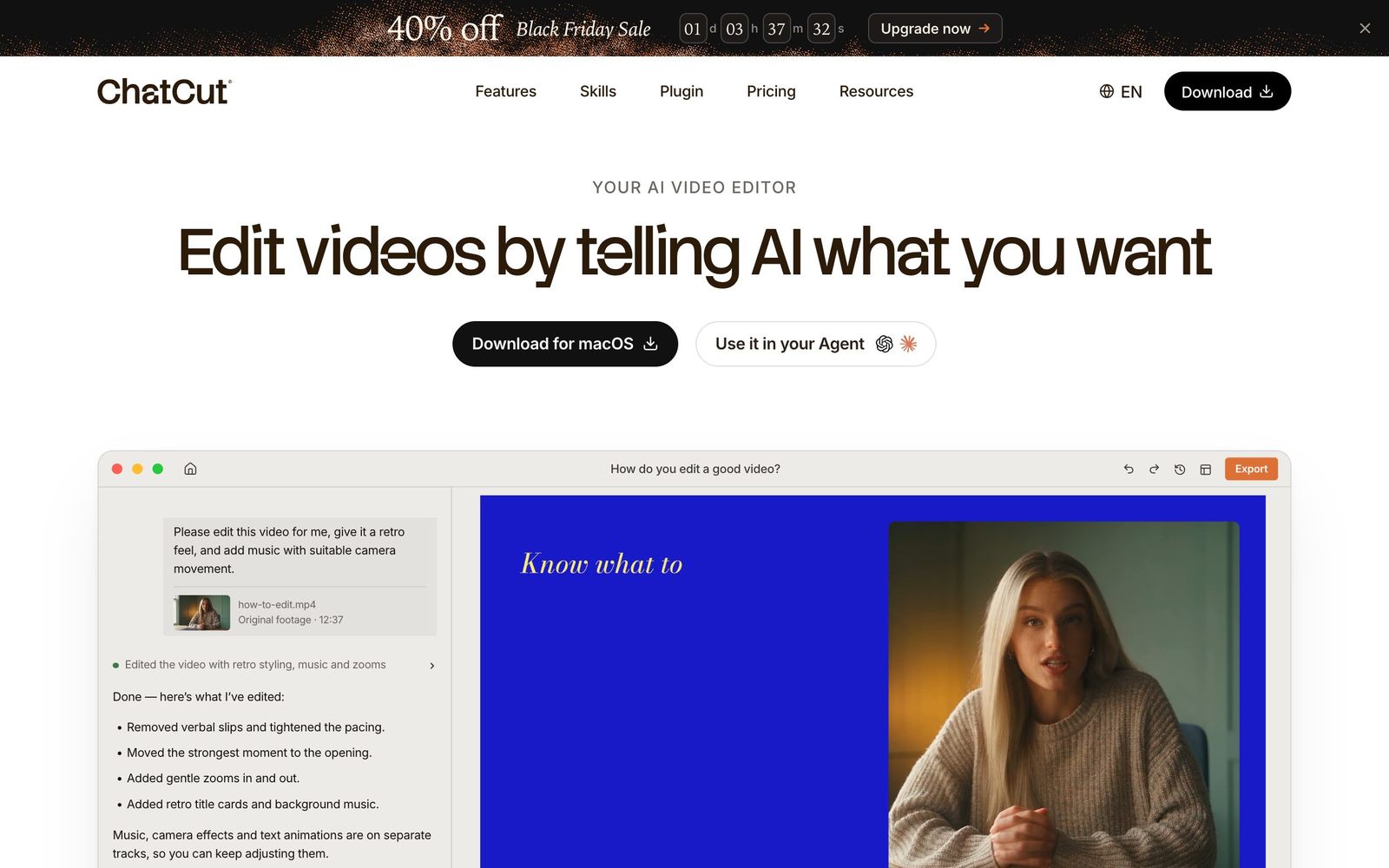
ChatCut applies chat edits to a real timeline and canvas you can change by hand, with 100+ one-click skills such as speech cleanup, captions and long video to shorts. It exports XML to DaVinci Resolve, Premiere, Final Cut Pro and CapCut, so like Eddie it can hand a cut to a pro editor, but it can also finish the video itself.
It runs on the web, Mac and Windows, and as a plugin for ChatGPT, Codex, Claude Code and Cursor; editing through those agents spends no ChatCut credits. Generation spends credits, and it has only a handful of public reviews.
Standout feature: Edits you ask for in chat land on a real timeline you can adjust, and editing through Claude Code or Codex spends no ChatCut credits.
What's the difference between ChatCut and Eddie AI? ChatCut edits to a timeline you can finish in or export. Eddie AI focuses on logging footage and building rough cuts.
ChatCut pros:
- Chat edits on an editable timeline
- 100+ one-click skills such as speech cleanup, captions and shorts
- XML export to Resolve, Premiere, Final Cut and CapCut
- Plugins for ChatGPT, Codex, Claude Code and Cursor
ChatCut cons:
- Generation spends credits even through outside agents
- One of its 3 Trustpilot reviews (November 2026) says limits keep moving, such as 4K export now needing Plus
Pricing: Free plan with signup credits, the full editor and unlimited local export. Starter lists at $25 a month; a Black Friday sale showed $21 a month billed yearly on 25 November 2026.
Choose ChatCut over Eddie AI if: you want chat editing that can still go to a pro editor.
What's new in ChatCut: ChatCut Desktop launched on Product Hunt on 26 August 2026, after the July launch inside ChatGPT, desktop and web.
Available for: Web, Mac, Windows, and plugins for ChatGPT, Codex, Claude Code and Cursor
#3 Descript: Best for building the story from a transcript
Our rating: 4.1/5. Fit for this job 4.2/5, ease of use 4.2/5, value for money 4.0/5.
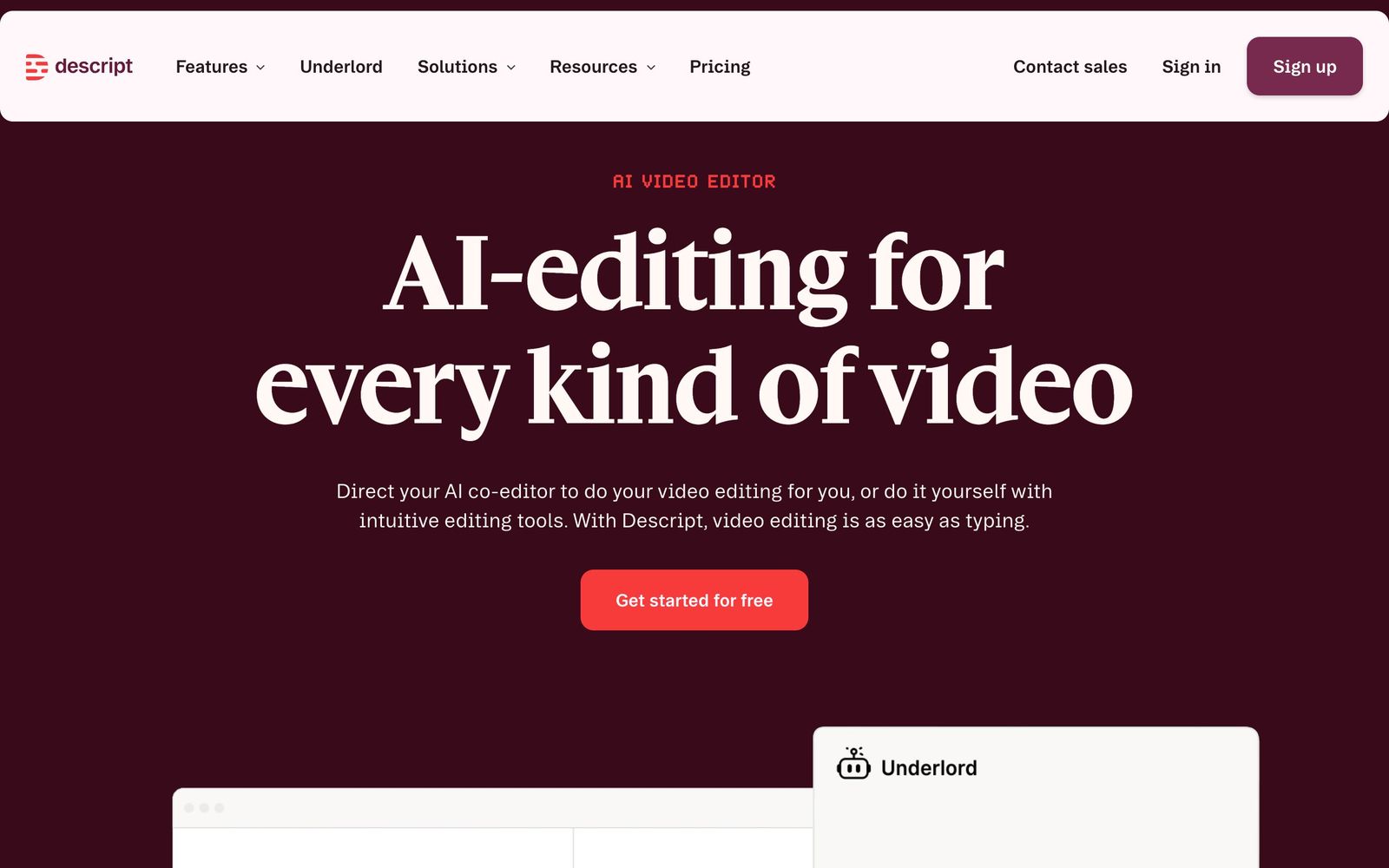
Descript turns interviews into a document you edit: cut words, drag paragraphs into a new order, and Underlord, its agent, tightens the cut. Since November 2026 Underlord saves reusable skills, so a house style for interview cleanup can be run with a slash command. It also records remote interviews and exports timelines to Premiere, Resolve and Pro Tools.
Paid plans cap media hours (10 a month on Hobbyist, 30 on Creator). For a documentary with many hours of interviews, that cap matters as much as Eddie's per-hour import cost. Trustpilot gives 2.4 from 301 reviews, with bugs as the top complaint.
Standout feature: Edit the video by editing its transcript, with Underlord, its AI agent, cutting a raw recording into shape.
What's the difference between Descript and Eddie AI? Descript builds the story by editing text yourself. Eddie AI builds it from a story you describe.
Descript pros:
- Edit the video by editing its transcript
- Screen recording and remote recording (Rooms)
- Timeline export to Premiere, Resolve and Pro Tools
- Underlord skills save your own workflows
Descript cons:
- Paid plans cap media hours (10, 30 or 40 a month)
- Trustpilot score of 2.4 (301 reviews), with bugs and credits spent on weak AI results
Pricing: Free plan with 1 media hour a month and 720p exports. Hobbyist is $24 a month, or $16 a month billed yearly.
Choose Descript over Eddie AI if: you like shaping the story in words.
What's new in Descript: November 2026 release: Underlord skills, brand layout packs, Rooms dead-mic warnings and native Premiere export in beta (changelog, 6 November).
Available for: Desktop app and web
#4 Palmier Pro: Best for an agent-driven editor with XML hand-off
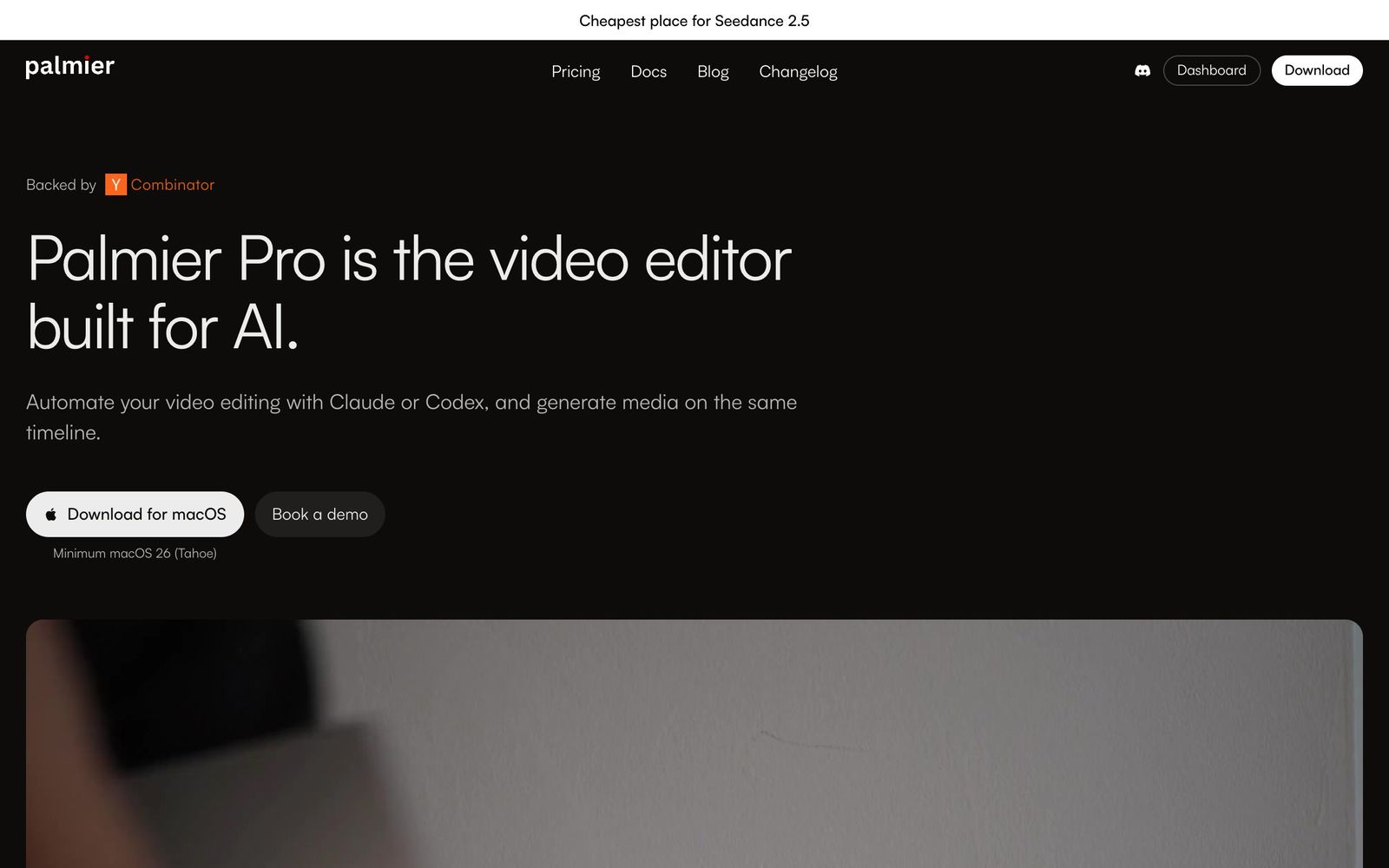
Our rating: 4.1/5. Fit for this job 4.1/5, ease of use 3.8/5, value for money 4.4/5.
Palmier Pro does Eddie's hand-off trick from inside a full editor. It is a free, open-source Mac editor that Claude Code, Codex or Cursor drive, with multicam, keyframes, colour grading, local transcription and footage search, and it exports XML for Premiere Pro, DaVinci Resolve and Final Cut.
For interview work, the agent can search the transcribed footage, assemble a cut on the timeline and save the process as a reusable Skill for the next interview in a series. It runs only on macOS 26 or newer and is still pre-1.0.
Standout feature: Claude, Codex or Cursor edit the timeline through a local connector, and a finished edit can be saved as a reusable Skill for the next video.
What's the difference between Palmier Pro and Eddie AI? Palmier Pro is a full Mac editor your own agent drives, free without generation. Eddie AI is a cloud assistant editor that charges credits per hour imported and hands off native projects.
Palmier Pro pros:
- Free, open-source Mac editor (GPL-3.0) with 14,811 GitHub stars
- Your own agent edits the timeline over MCP, with no account needed
- Image, video, voice and music generation lands on the same timeline
- A full editor: multi-track timeline, keyframes, colour grading, masks and multicam
Palmier Pro cons:
- Mac only, and only on macOS 26 (Tahoe) or newer
- AI generation, cloud transcription and the built-in chat need a paid plan
Pricing: Free plan: the full Mac editor, with no account needed and no generation credits. Pro is shown at $29 a month (marked down from $49) with 5,000 credits a month.
Choose Palmier Pro over Eddie AI if: you want an agent to rough-cut inside a real editor, then hand XML to Premiere or Resolve.
What's new in Palmier Pro: Version 0.12.0 (29 October 2026) added a headless mode that runs several projects at once, timeline history snapshots, caption presets with per-word styles and Kling V4.
Available for: Mac (macOS 26 or newer), driven by Claude, Codex or Cursor over MCP
Best Eddie AI alternatives for pro finishing
Pro editors that now have AI help for interviews built in. If you already finish here, you may not need an assistant at all.
#5 Adobe Premiere: Best for AI rough cuts inside the industry standard
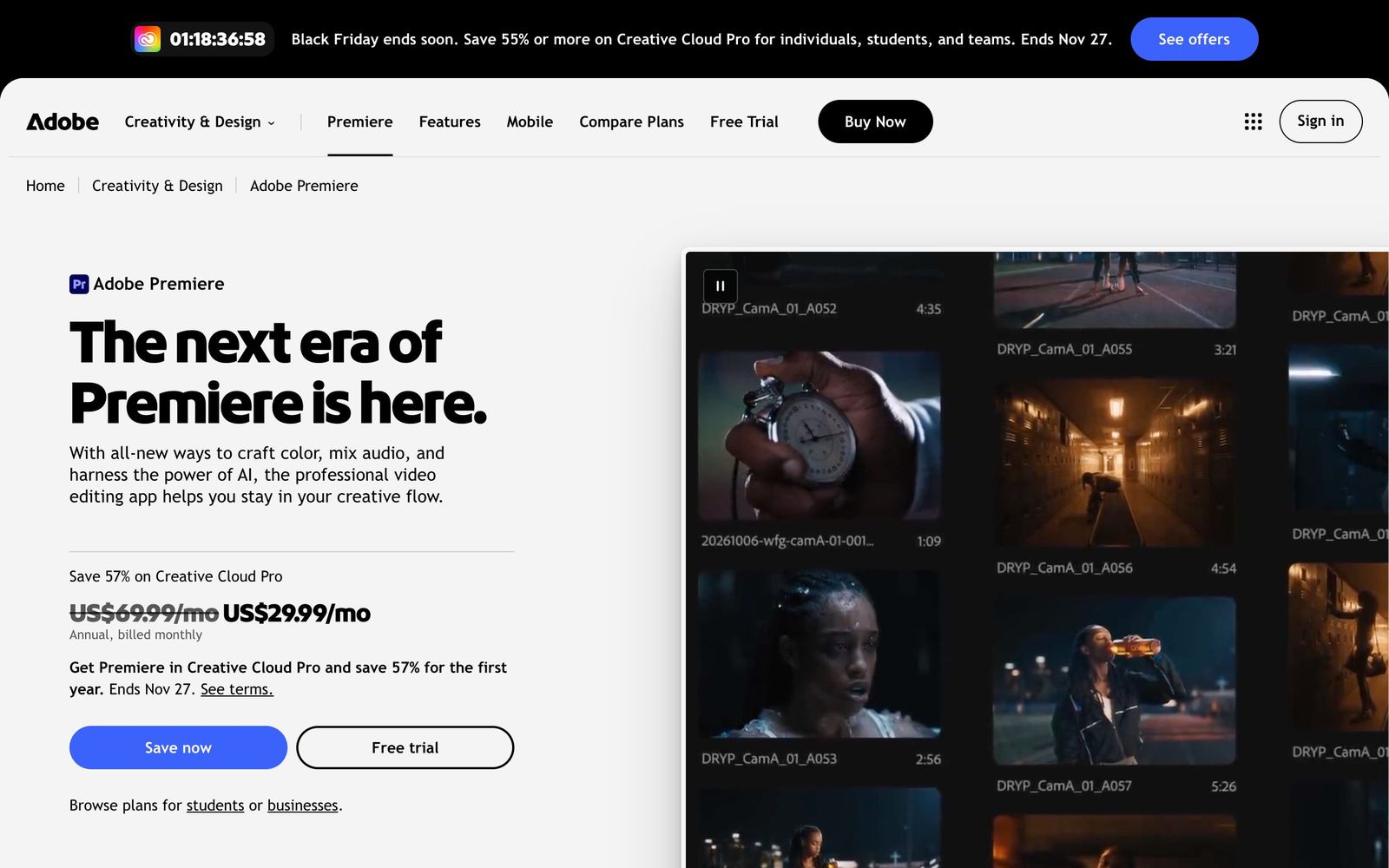
Our rating: 3.9/5. Fit for this job 4.3/5, ease of use 3.6/5, value for money 3.7/5.
Adobe Premiere (formerly Premiere Pro) 27.0, released on 10 November 2026, adds the feature that overlaps most with Eddie: an AI Assistant panel that sorts media into bins, batch-renames clips, finds interview questions and assembles rough cuts. Beside it sit Text-Based Editing, Separate Crosstalk (which splits two overlapping speakers into stems) and Color Mode for grading.
Its AI agent launched as a public beta on 18 June 2026, and Adobe community staff advised against using it for client work yet. Cancelling an annual plan early can bring a termination fee.
Standout feature: The industry-standard timeline, now with Generative Extend, an AI Assistant panel and a Color Mode grading workspace.
What's the difference between Adobe Premiere and Eddie AI? Premiere does the rough cut and the finish in one app. Eddie AI builds the cut elsewhere and hands it to Premiere.
Adobe Premiere pros:
- Industry standard, with every pro feature
- Text-based editing and captions in 20+ languages
- Color Mode and one-click subject masking
- Generative Extend fills missing frames
Adobe Premiere cons:
- Annual commitment; full refund only within 14 days, and one reviewer reports an early termination fee
- Only 25 generative credits a month on the Premiere plan
Pricing: No free plan, a 7-day trial. The Premiere plan is $22.99 a month on an annual plan; Creative Cloud Pro adds 20+ apps.
Choose Adobe Premiere over Eddie AI if: you already finish in Premiere.
What's new in Adobe Premiere: Premiere 27.0 (10 November 2026) added Color Mode, the AI Assistant panel and Separate Crosstalk. Adobe dropped "Pro" from the name in January 2026.
Available for: Windows, Mac and phones
#6 DaVinci Resolve: Best for free pro finishing and colour
Our rating: 4.1/5. Fit for this job 3.9/5, ease of use 3.4/5, value for money 5.0/5.
DaVinci Resolve's free version is a full pro editor (Edit and Cut pages, Hollywood-grade colour, Fusion effects, Fairlight audio) up to Ultra HD 60 fps with no watermark. Resolve 21 added IntelliSearch for finding clips by content, and 21.2 (4 November 2026) brought up to 5x faster rendering on M5 Pro and M5 Max Macs.
Text-based editing and the AI Neural Engine need the paid Studio version. Eddie hands native .drp projects to Resolve, so the two work together. On its own, Resolve doesn't build the rough cut for you, and it takes time to learn.
Standout feature: A full professional editor (edit, colour, Fusion effects, Fairlight audio) free, with no watermark.
What's the difference between DaVinci Resolve and Eddie AI? Resolve is one of the editors Eddie hands its cuts to. It doesn't build the rough cut for you.
DaVinci Resolve pros:
- A full professional editor, free
- Industry-leading colour grading
- One-time $295 for Studio
- Mac, Windows and Linux
DaVinci Resolve cons:
- Steep learning curve
- Text-based editing and AI tools need Studio
Pricing: Free version with no watermark up to Ultra HD at 60 fps. DaVinci Resolve Studio is $295 once.
Choose DaVinci Resolve over Eddie AI if: colour and finishing matter most.
What's new in DaVinci Resolve: Resolve 21.2 (4 November 2026) added faster rendering on M5 Pro and M5 Max Macs and new film looks; Resolve 21 added a Photo page and IntelliSearch.
Available for: Mac, Windows and Linux
#7 Final Cut Pro: Best for fast finishing on a Mac
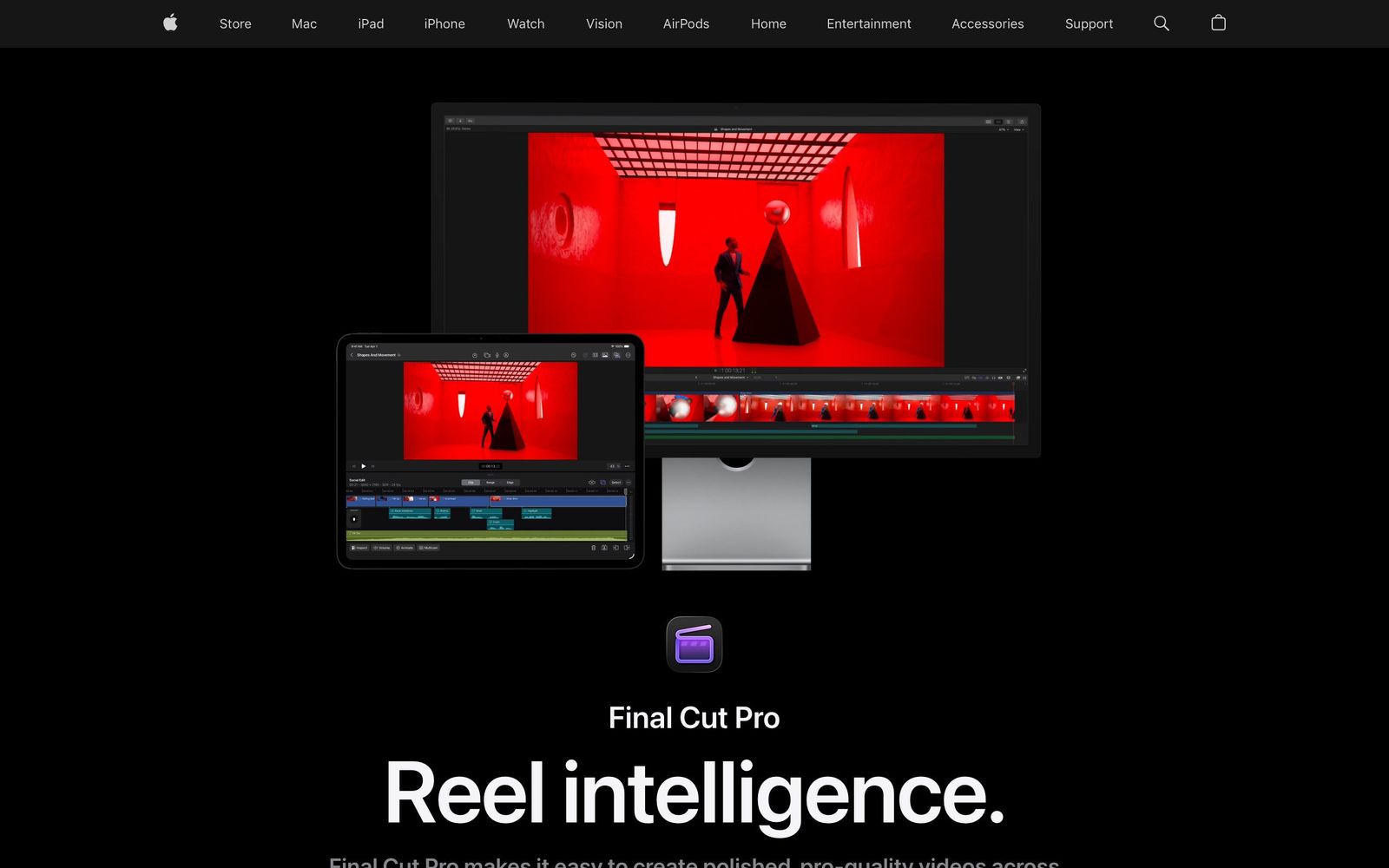
Our rating: 4.0/5. Fit for this job 3.8/5, ease of use 3.9/5, value for money 4.2/5.
Final Cut Pro 13.0 (18 November 2026) adds captions and transcript search in 23 more languages, finer keyframe easing, and Cinematic mode editing from Final Cut Camera, which records multicam from up to four iPhones or iPads. Its magnetic timeline is tuned for Apple silicon.
It is Mac and iPad only, and a November 2026 Mac App Store review reports crashes after version 13.0, and an October one after 12.4.
Standout feature: The magnetic timeline, tuned for Apple silicon, with transcript search and beat detection.
What's the difference between Final Cut Pro and Eddie AI? Final Cut Pro is a fast finishing editor. Eddie AI preps the cut for it.
Final Cut Pro pros:
- One-time price
- Fast on Apple silicon
- Transcript search in 23 more languages (v13)
- Mac and iPad
Final Cut Pro cons:
- Apple only
- Mac An iOS App Store reviewer (November 2026) reports crashes after an update (12.4 and 13.0)
Pricing: $299.99 once on the Mac App Store, or inside Apple Creator Studio at $12.99 a month.
Choose Final Cut Pro over Eddie AI if: you edit on a Mac and hate subscriptions.
What's new in Final Cut Pro: Final Cut Pro 13.0 (18 November 2026) added finer keyframe easing and transcript search in 23 new languages.
Available for: Mac and iPad
Best Eddie AI alternatives that work inside your editor
Plugins that automate the assistant-editor jobs on your own Premiere or Resolve timeline, with no hand-off at all.
#8 AutoCut: Best for multicam switching and cleanup in Premiere or Resolve
Our rating: 4.2/5. Fit for this job 4.1/5, ease of use 4.2/5, value for money 4.3/5.
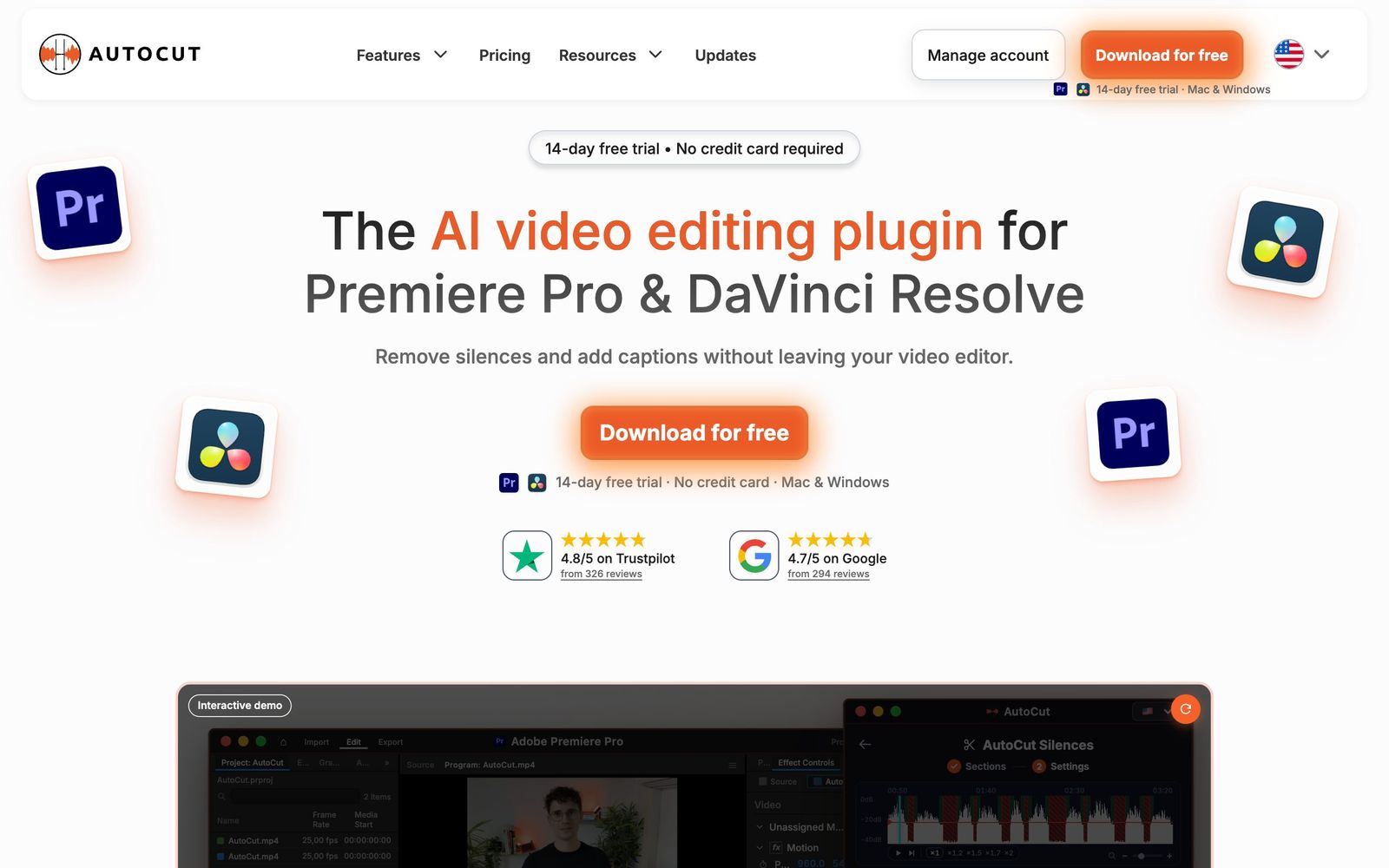
AutoCut is a plugin for Premiere Pro and DaVinci Resolve. AutoCut Angles (24 August 2026) switches between camera angles automatically using silences, voice emotion and transcript topics, which is exactly the multicam interview job. AutoCut Silences, AutoCut Repeat (bad takes), AutoZoom and AutoChapters cover the rest of the cleanup.
Trustpilot gives 4.8 from 380 reviews; one November 2026 reviewer reports it spawning instances and slowing Resolve.
Standout feature: Works inside Premiere Pro and DaVinci Resolve, so every cut lands on your real timeline.
What's the difference between AutoCut and Eddie AI? AutoCut automates cuts inside your own editor. Eddie AI builds the story cut outside it and hands a project over.
AutoCut pros:
- Cuts land in your own Premiere or Resolve timeline
- Silences, bad takes, profanity, zooms and resizing
- AutoCut Angles switches multicam podcasts
- Trustpilot 4.8 from 380 reviews
AutoCut cons:
- Needs Premiere Pro or DaVinci Resolve
- No free plan
Pricing: No free plan, a 14-day trial. The Basic plan (silences) is $9.90 a month, or $6.60 billed yearly; the AI plan is $19.80, or $14.90 yearly.
Choose AutoCut over Eddie AI if: you want multicam switching and cleanup without leaving your editor.
What's new in AutoCut: AutoCaptions Advanced Mode (beta, 17 September 2026) and AutoCut Angles for multicam switching (24 August).
Available for: Premiere Pro and DaVinci Resolve plugin, Mac and Windows
#9 FireCut: Best for first drafts inside Premiere
Our rating: 4.0/5. Fit for this job 4.0/5, ease of use 4.0/5, value for money 3.9/5.
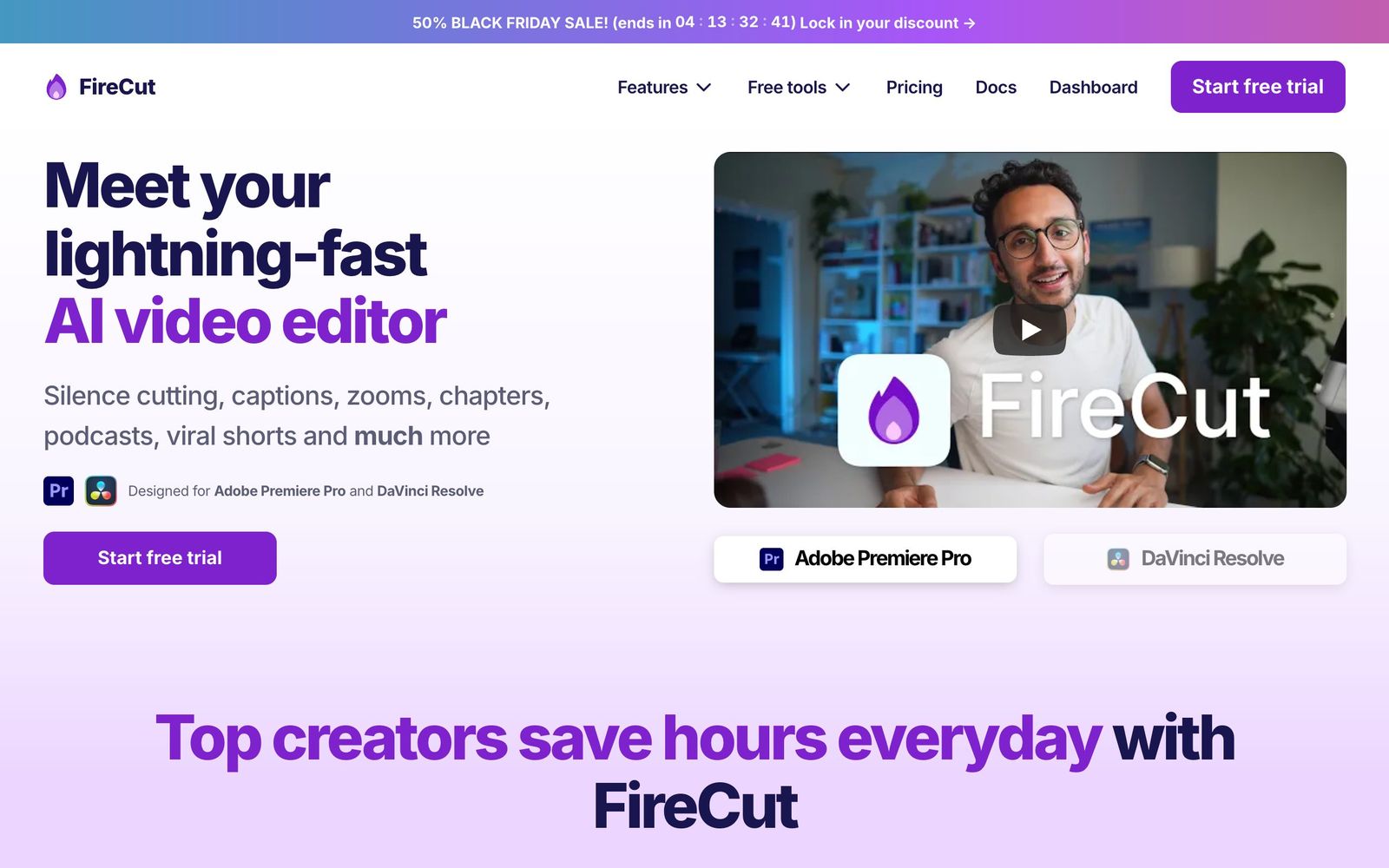
FireCut is an AI plugin for Premiere Pro and DaVinci Resolve. Its Magic cut turns raw footage into a first-draft edit inside Premiere, and edit-to-script assembles a cut to a script automatically; both are on the Max plan. It also cuts silences, adds captions in 50+ languages and edits multi-speaker podcasts.
Transcription is capped at 25 hours a month on Pro and 100 on Max. One independent review blog (July 2026) wants finer control over zooms and silence sensitivity and says speaker switching misses with overlapping dialogue.
Standout feature: Magic cut turns raw footage into a first-draft edit inside Premiere Pro, with Storyblocks stock included.
What's the difference between FireCut and Eddie AI? FireCut drafts the edit inside Premiere. Eddie AI drafts it outside and hands it over.
FireCut pros:
- Silence cuts, captions in 50+ languages, zooms and chapters inside Premiere
- Magic cut and edit-to-script on Max
- Podcast multi-speaker editing
- Storyblocks stock included
FireCut cons:
- Transcription capped at 25 or 100 hours a month
- A review blog wants finer control over zooms and silence sensitivity
Pricing: A free trial, no free plan. Starter is $19 a month; Max, with Magic cut, is $59.
Choose FireCut over Eddie AI if: you cut to a script in Premiere and want the first draft done for you.
What's new in FireCut: No dated release note found for May to November 2026; the Resolve version launched in 2025.
Available for: Premiere Pro and DaVinci Resolve plugin
Best Eddie AI alternatives for recording, cleanup and clips
If the interviews themselves need better recording, faster cleanup, or a stream of social clips.
#10 Riverside: Best for recording remote interviews

Our rating: 4.0/5. Fit for this job 3.9/5, ease of use 4.4/5, value for money 3.8/5.
Riverside records every guest locally in up to 4K video and 48 kHz audio, so a remote interview doesn't depend on the connection. It edits in a text-based editor with Magic Clips and Magic Audio (no credits), and adds in-person multi-camera recording, live streaming and webinars.
It rates 3.9 on Trustpilot from 571 reviews; one November 2026 reviewer calls editing footage recorded elsewhere glitchy.
Standout feature: Records every guest locally in up to 4K and 48 kHz, so remote interviews don't depend on the connection.
What's the difference between Riverside and Eddie AI? Riverside records the interview. Eddie AI edits the footage afterwards.
Riverside pros:
- Studio-quality remote recording
- Text-based editor, Magic Clips and Magic Audio
- Teleprompter and in-person multi-cam
- Live streaming and webinars
Riverside cons:
- No free plan; the trial bills on day 15
- AI translation and B-roll spend credits
Pricing: No free plan, a 14-day trial. Pro is $35 a month, or $24 a month billed yearly.
Choose Riverside over Eddie AI if: your interviews are remote.
What's new in Riverside: Webinar Practice Mode (17 November 2026) and right-click menus in the editor (16 November).
Available for: Web, with recording in the browser and on phones
#11 Gling: Best for cleaning up talking footage
Our rating: 4.0/5. Fit for this job 3.6/5, ease of use 4.4/5, value for money 4.0/5.
Gling removes bad takes, silences and filler words, cleans noise and exports an editable timeline to Premiere, Final Cut or Resolve.
It is built for solo YouTubers' talking-head recordings more than multi-person interviews.
Standout feature: Finds and removes bad takes (repeated attempts at a line), not only silences, then hands the cut to your editor.
What's the difference between Gling and Eddie AI? Gling cleans up one speaker's takes. Eddie AI builds stories from many interviews.
Gling pros:
- Removes bad takes, silences and filler words
- Exports an editable timeline to Premiere, Final Cut or Resolve
- Captions with SRT export and auto zooms
- YouTube titles and chapters
Gling cons:
- Paid plans cap hours of edited media (10, 30 or 100 a month)
- Free exports are watermarked and can't go to an editor
Pricing: Free plan with 1 hour a month and watermarked exports. Plus is $20 a month, or $10 billed yearly, for 10 hours.
Choose Gling over Eddie AI if: you film yourself, not other people.
What's new in Gling: No public changelog; the pricing page now also meters generated video from a link (undated, checked 26 November 2026).
Available for: Desktop app, with export to Premiere, Final Cut and DaVinci Resolve
#12 TimeBolt: Best for fast local cleanup with no credits
Our rating: 4.0/5. Fit for this job 3.5/5, ease of use 4.3/5, value for money 4.3/5.
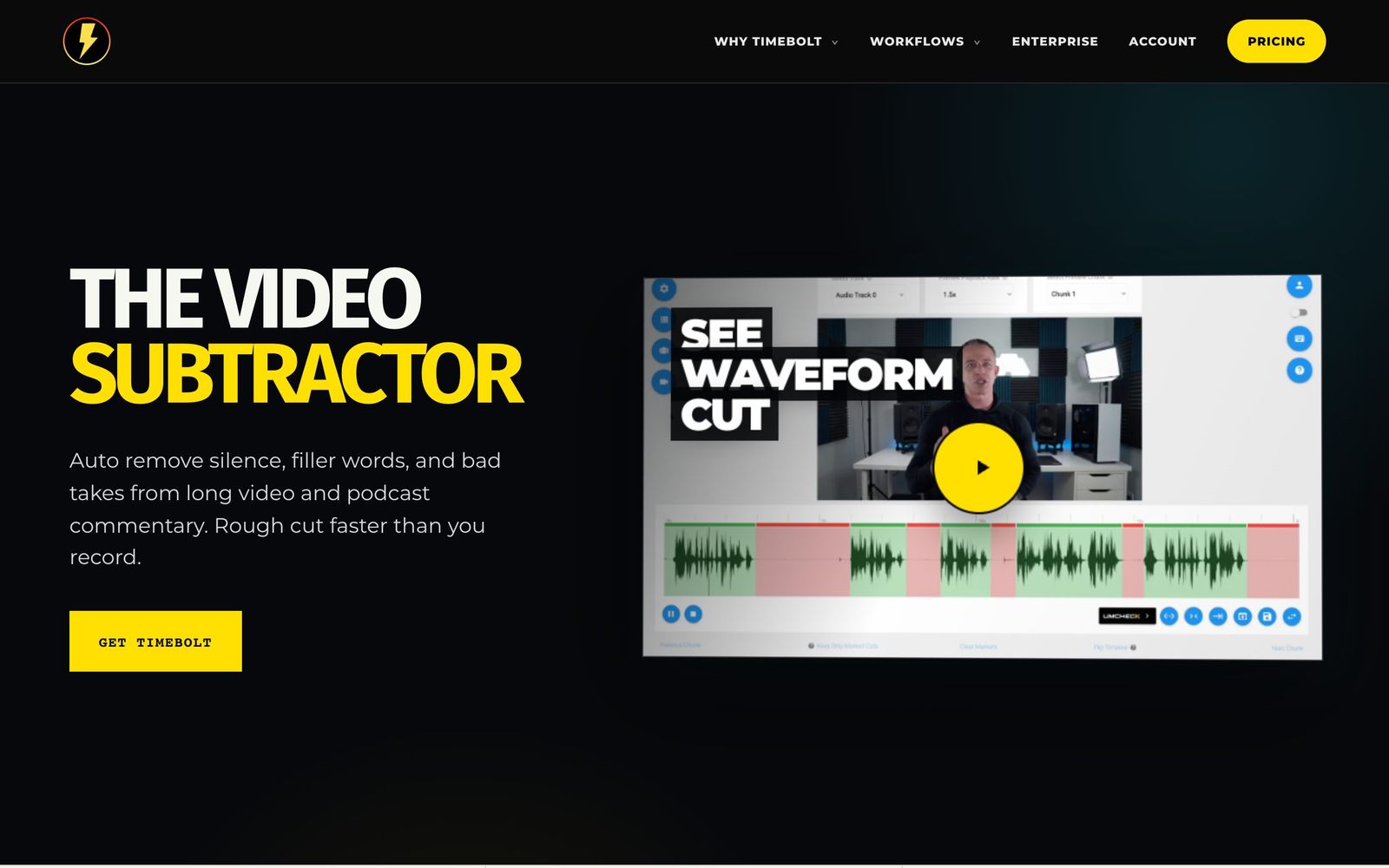
TimeBolt removes silences, filler words, repeats and bad takes on your own Mac or Windows computer, with on-device transcription and no per-minute fees. Its redesigned multi-track editor (November 2026) follows the active speaker, which helps with two-person interviews, and it exports FCPXML to your editor.
A local connector lets Claude or ChatGPT drive it.
Standout feature: Fast jump cuts with free on-device transcription: no per-minute fees or credits.
What's the difference between TimeBolt and Eddie AI? TimeBolt cleans footage locally with no meter. Eddie AI logs and assembles stories and charges per hour imported.
TimeBolt pros:
- Very fast silence and filler removal
- Local transcription with no credits
- Lifetime licence option
- Free 4K screen and camera recorder
TimeBolt cons:
- Free exports are watermarked
- One licence covers 2 machines
Pricing: Free forever with watermarked exports. Pro is $17 a month, or $97 a year; Lifetime is $347 once.
Choose TimeBolt over Eddie AI if: you want cleanup without credits or uploads.
What's new in TimeBolt: Version 8.1.1 (November 2026) redesigned the multi-track editor, after on-device transcription for filler removal in 8.0 (October).
Available for: Mac and Windows, plus a local connector for AI agents
#13 OpusClip: Best for social clips from long interviews
Our rating: 4.1/5. Fit for this job 3.6/5, ease of use 4.5/5, value for money 4.1/5.
OpusClip pulls ranked short clips from long interviews with a Virality Score, captions them in 20+ languages and reframes them to vertical.
It makes clips, not the long-form story. Free uploads are deleted after 3 days.
Standout feature: ClipAnything returns ranked short clips from one long video, each with a Virality Score, captions and reframing.
What's the difference between OpusClip and Eddie AI? OpusClip makes social clips. Eddie AI makes the long-form cut.
OpusClip pros:
- Fast, ranked clips from one upload or link
- Animated captions in 20+ languages
- Exports XML to Premiere Pro and DaVinci Resolve on Pro
- Social scheduler and API on Pro
OpusClip cons:
- Free exports carry a watermark and media expires after 3 days
- One Trustpilot reviewer waited over a day for a human reply; another lost paid credits after cancelling
Pricing: Free plan with 60 credits a month, a watermark and up to 1080p. Starter is $15 a month (monthly only); Pro is $29 a month, or $14.50 a month billed yearly.
Choose OpusClip over Eddie AI if: you need clips for social from each interview.
What's new in OpusClip: OpusClip 4.0 (2 November 2026) added auto-edit for raw talking-head videos, saved edit Recipes, Viral Hook and Motion Graphics.
Available for: Web, plus an API and a Claude connector
#14 CapCut: Best for free social cuts of interview moments
Our rating: 4.0/5. Fit for this job 3.2/5, ease of use 4.6/5, value for money 4.3/5.
CapCut is a free editor for the social version of an interview: trend templates, auto captions, text to speech and a background remover, on the web, Windows, Mac, iPhone and Android. A CapCut plugin now works in ChatGPT and Codex.
It won't log footage or build a story cut. Its Trustpilot score is 1.2 from 1,416 reviews, mostly billing after cancelling and paywalls at export.
Standout feature: Templates and ByteDance's own AI models, with Seedance generation included in Pro credits.
What's the difference between CapCut and Eddie AI? CapCut is a free manual editor for short social cuts. Eddie AI builds long-form story cuts from interviews.
CapCut pros:
- Free, fast and familiar on phone and desktop
- Templates for trends
- Auto captions, text to speech and background remover
- Plugin for ChatGPT and Codex
CapCut cons:
- Pro paywalls can appear at the export screen
- Trustpilot score of 1.2 (1,416 reviews); the low reviews we read mention charges after cancelling
Pricing: Free plan with basic editing and free templates. Pro is $19.99 a month on the web; the app stores sell other plans.
Choose CapCut over Eddie AI if: you need free, fast social cuts after the main edit.
What's new in CapCut: The CapCut plugin is live in ChatGPT and Codex, and iOS 20.3.0 (24 November 2026) improved trimming.
Available for: Web, Windows, Mac, iPhone and Android
How to choose the best Eddie AI alternative
Eddie AI is an assistant editor, so the right alternative depends on who does the finishing. If you are also leaving another editor, we compared the ChatCut and Premiere Pro alternatives the same way.
Where does the film get finished?
If it's finished in Premiere, Resolve or Final Cut by a pro editor, keep an assistant that hands off (Eddie AI, ChatCut) or use Premiere's own AI Assistant. If there is no finishing editor on the team, or you want one tool from footage to finished film, HyperFrames Studio does both halves.
How many hours of footage do you bring in?
Eddie charges about 250 credits per imported hour, and Descript caps media hours per tier. For long documentaries, prefer tools with no import meter: HyperFrames Studio on your computer, DaVinci Resolve, TimeBolt and AutoCut (FireCut caps transcription at 25 or 100 hours a month).
How many cameras?
Multicam interviews need sync and switching. HyperFrames Studio syncs by sound and cuts to the speaker, AutoCut Angles switches angles inside Premiere or Resolve, Eddie syncs and hands off, and Riverside records in-person multicam.
How do you want to find the story?
Some editors think in words: Descript and HyperFrames Studio's Script tab let you cut the transcript. Some prefer to describe the story and react to a draft, which is how the HyperFrames agent, Eddie and ChatCut work.
What does your client or company require?
Enterprise buyers may need SOC 2, SSO or on-premises deployment, which Eddie AI offers. If you need native project files for an agency, Eddie and Premiere lead. If you need the finished film fast with designed graphics, HyperFrames.
How we compared
Every tool on this list was scored on three things:
- Story from footage. Transcribing, logging, finding soundbites, syncing cameras and assembling a cut from interviews.
- Finishing. Titles, captions, graphics, colour and audio after the rough cut, in the same tool or through a clean hand-off.
- Value and workflow. Price per hour of footage, the free plan, and how well it fits the editor you already use.
User complaints. We read recent reviews on Trustpilot, Product Hunt and the App Store and say when a complaint comes from a single review, with its date when it is old. Some review sites (G2, Capterra) blocked automated reading, so their scores are not quoted.
Ratings. Each tool gets three scores out of 5: fit for the job this page is about, ease of use, and value for money (free plan, entry price, watermarks and caps). The overall rating is their average. The scores are our judgment from the sources above, not a lab benchmark.
Eddie AI's reviews are very few (one on Trustpilot, none on Product Hunt), so we describe its product, not user sentiment. Third-party sites quote old subscription prices; we use the vendor's current credit packs. FireCut's complaints come from one independent review blog, as it has no Trustpilot profile.
Conclusion
For creators and small teams who want the finished video, not a hand-off, HyperFrames Studio is the strongest Eddie AI alternative: it syncs cameras, cuts the story by conversation, and adds titles, captions and graphics you can change by asking, free to start on your computer.
If a pro editor finishes your films, the question is where the AI lives. Inside the editor: Premiere's AI Assistant, AutoCut or FireCut. Outside it, with a hand-off: Eddie AI itself, or ChatCut and Palmier Pro with XML, and DaVinci Resolve is the free place to finish either way. Descript suits producers who shape stories in words, and Riverside records the remote interviews. To try the all-in-one route, start with HyperFrames Studio free and the edit with the agent guide.
Edit your interviews free
Frequently asked questions
What is the best Eddie AI alternative?
HyperFrames Studio is the best Eddie AI alternative for creators who want the finished film, because it syncs cameras, cuts the story by conversation and adds titles, captions and graphics. ChatCut is best for chat edits with pro export, Premiere for pro finishing with AI help, and AutoCut for automation inside your own timeline.
How much does Eddie AI cost?
New accounts get 500 free credits (about 2 hours of footage). Then credits are pay as you go: 1,000 for $15, 5,000 for $45, 15,000 for $120 and 50,000 for $350, and they never expire. Importing uses about 250 credits per hour of footage.
What is the best 100% free video editor?
DaVinci Resolve's free version is the most capable free manual editor, with no watermark up to Ultra HD. HyperFrames Studio is free to start, with unlimited local exports and an AI agent that edits by asking. Both are free without a trial.
Can AI make a rough cut from interviews?
Yes. Eddie AI, Adobe Premiere's AI Assistant, FireCut's Magic cut, Descript's Underlord and HyperFrames Studio's agent all build cuts from interview footage. HyperFrames Studio and Descript also let you keep editing in the same tool.
Can Eddie AI handle multicam footage?
Yes. Eddie syncs multicam and builds the multicam into the native Premiere or Resolve project it hands off. HyperFrames Studio's podcast edit and AutoCut Angles also sync or switch cameras automatically.
Can I use Eddie AI from ChatGPT or Claude?
Yes, through its connector for AI agents. HyperFrames works the same way through its hosted connector for Claude, ChatGPT and Grok (beta), and ChatCut ships plugins for ChatGPT and Claude Code.
Can I revise a caption or lower third without rebuilding the edit?
In HyperFrames Studio, yes: every caption, title and graphic is its own editable piece, so you change one by asking or by hand. In Eddie AI, revisions usually happen in the pro editor after the hand-off.
Is there a free alternative to Eddie AI?
Yes. HyperFrames Studio is free to start and exports without limits on your computer, and DaVinci Resolve's free version is a full professional editor. ChatCut also has a free plan with unlimited local export.
Which AI clip editor is considered the best?
For social clips from long videos, OpusClip is the best-known: it ranks clips with a Virality Score and captions and reframes them. For clips with designed titles you can keep editing, HyperFrames Studio's podcast-to-clips keeps the speaker in frame.
What is replacing CapCut?
Nothing replaces it outright; it depends on the job. For free short-form editing, CapCut is still the default; for editing by asking an AI agent, HyperFrames Studio and ChatCut; for interview rough cuts, Eddie AI; for free pro editing, DaVinci Resolve.
Can Eddie AI remove filler words and silences?
Yes, with a review step before export. Gling, TimeBolt, AutoCut and HyperFrames Studio's Edit my footage do the same. TimeBolt runs it locally with no credits.
Does Eddie AI export to DaVinci Resolve?
Yes. Since version 4 (September 2026) it hands off native .drp projects to Resolve and .prproj projects to Premiere, with multicam, bins and timecode built, plus an Avid extension in early access.
Does Eddie AI only make rough cuts?
Mostly. It can add captions, titles, music, voiceover and colour and make social clips, but it is designed to hand the assembly to a pro editor for finishing. HyperFrames Studio is built to take the same footage to a finished film.
Do I need to be tech-savvy to use an AI editor?
No, but chat editing takes adjusting to: a 2024 hands-on review of Eddie says it was a struggle at first. Start with a short interview and plain requests, then check the transcript before asking for the final pass.
Can I keep finishing in Premiere?
Yes. Eddie AI and ChatCut hand off to Premiere, Descript exports timelines, AutoCut and FireCut run inside Premiere, and HyperFrames Studio exports finished files or transparent titles and captions to lay over your Premiere edit. See Premiere Pro alternatives if you want to leave it.
Is HyperFrames free?
Yes, free to start: HyperFrames Studio is a free download, and the open-source engine behind it is free, with 90,000+ GitHub stars. Pro is $25 a month for more (pricing).

Written by Ular Kimsanov
Ular Kimsanov works on HyperFrames at HeyGen, the free, open-source tool where AI agents make videos, and writes about making videos with AI agents. Prices and plans on this page were checked on 26 November 2026.