ChatCut is one of the clearest ideas in video right now: tell the AI what you want, and the edit lands on a real timeline you can still change by hand. It runs on the web, on Mac and Windows, and as a plugin inside ChatGPT, Codex, Claude Code and Cursor, and editing through those agents spends no ChatCut credits.
But reviewers say limits keep moving between plans and generation still spends credits, and others want motion graphics, an open-source project or a native hand-off to Premiere. The 15 AI video editors below all let you edit by talking to an AI, grouped by the job you hired ChatCut for.
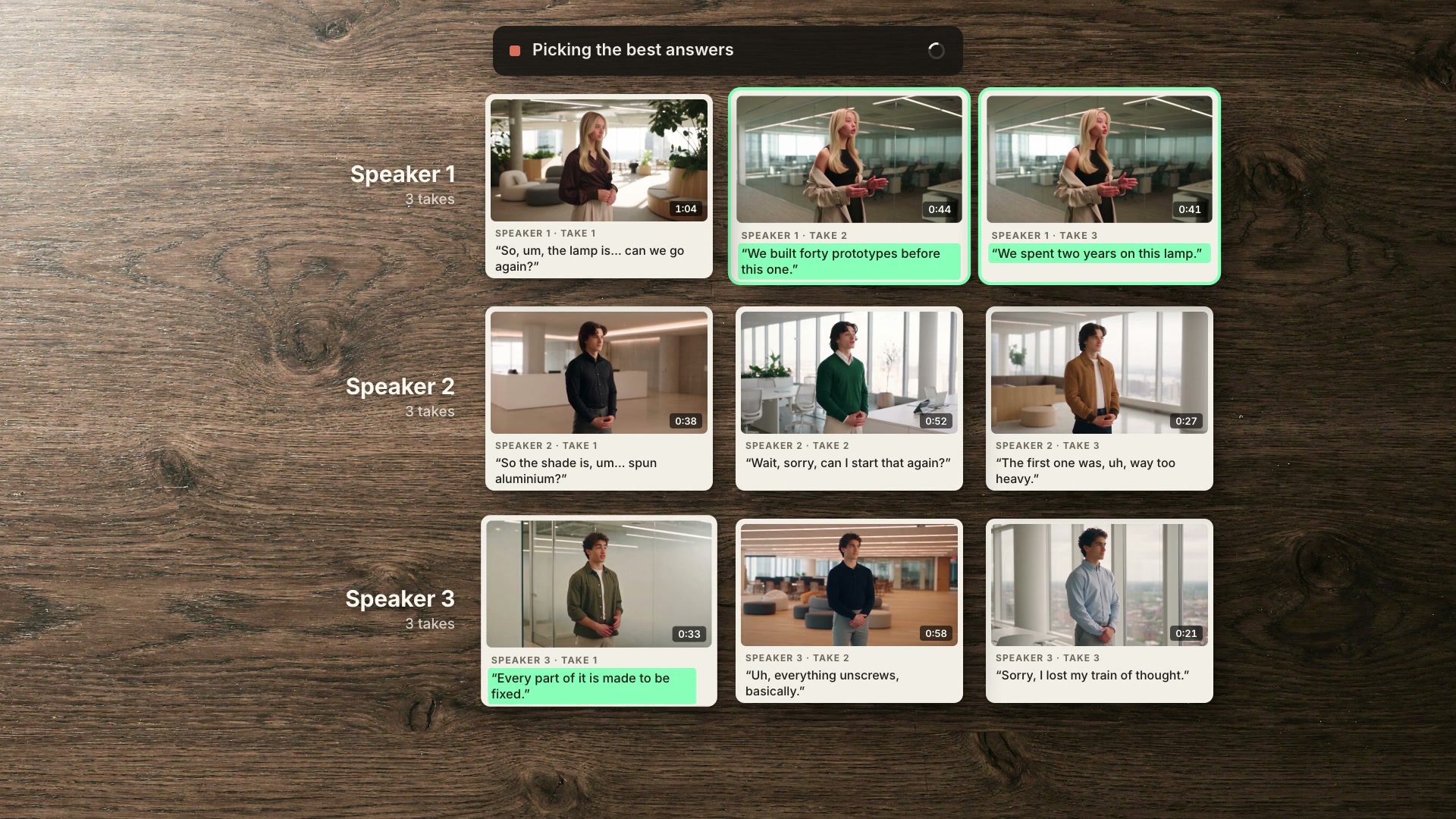
Interview clips sorted into a rough cut by one typed request. Made with HyperFrames for this page.
Why look for a ChatCut alternative?
ChatCut has very few public reviews (3 on Trustpilot, 3 on Product Hunt), so read these as signals, not a verdict:
Moving limits
One November 2026 Trustpilot reviewer says new limits arrive every few weeks, with 4K export moved up to the Plus plan.
Credits for generation
Editing through Claude Code or Codex spends no ChatCut credits, but Seedance, Kling, image, music and voice generation do, even from an outside agent.
Style and pacing
A Product Hunt reviewer says the agent struggles with subjective style and pacing, and that its stock B-roll can feel generic.
Support and reliability
One Trustpilot reviewer (June 2026) found support hard to reach after upgrading, and another (February 2026) saw Seedance generation fail repeatedly during demand spikes.
No phone app and yearly-first pricing
A third-party review counts the missing iOS and Android apps against it, and the pricing page opens on yearly billing; the top Max plan renews at $1,692 a year.
Quick comparison: the best ChatCut alternatives
Fifteen AI editors you talk to, with ChatCut last for reference.
Tool | Best for | Our rating | Free plan | Starting price |
|---|---|---|---|---|
HyperFrames | An open-source editor your own agent drives | 4.7/5 | Yes, unlimited local exports | Free to start |
Descript | Transcript editing with an agent | 4.2/5 | Yes, 1 hr/mo, 720p | $24/mo |
Kapwing | A browser editor with an agent and team tools | 4.0/5 | Yes, 720p, watermark | $24/mo |
Async (formerly Podcastle) | Chat editing with motion graphics from chat | 4.0/5 | Yes | $19.99/mo |
Palmier Pro | An open-source Mac editor your agent drives | 4.2/5 | Yes, no generation credits | $49/mo list |
Eddie AI | Interview rough cuts handed to a pro editor | 4.1/5 | 500 credits to start | $15 per 1,000 credits |
Adobe Premiere | Finishing in the industry standard | 3.7/5 | No, 7-day trial | $22.99/mo (annual) |
VEED | A new social editing agent in the browser | 4.2/5 | Yes, watermark | $25/mo per editor |
Captions | Chat edits on your phone | 4.2/5 | Yes, no AI credits | $24.99/mo (web) |
Vizard | Many clips plus a brief-to-video agent | 4.0/5 | Yes, 720p, watermark | $29/mo list |
OpusClip | Ranked clips from long videos | 4.1/5 | Yes, 60 credits/mo, watermark | $15/mo |
invideo | An agentic timeline with many video models | 3.8/5 | Free manual editor | $20/mo per seat |
CapCut | A free editor most people know | 4.2/5 | Yes | $19.99/mo |
Tella | Screen recordings edited by chat | 4.1/5 | No, 7-day trial | $16/mo per user |
Borumi | A one-time licence with an agent connector | 4.1/5 | Try free, no export | $79 once |
ChatCut (for reference) | Chat edits on an editable timeline | Not rated | Yes, unlimited local export | $25/mo list |
Ratings average our three scores (fit, ease of use, value); see How we compared. Prices on 26 November 2026; ChatCut, invideo and Vizard showed Black Friday sales.
Why trust us? HeyGen makes HyperFrames and publishes this page, so we compete with the tools below. Every rival's price, plan and feature comes from its own pricing page, help center or changelog, read on 25 and 26 November 2026. User complaints are quoted from public review sites and linked in How we checked. HyperFrames claims come from its pricing page and from the Studio app's current build. Where a rival is the better pick, we say so.
Edit your next video by talking to your AI agent, free
Best ChatCut alternatives for agent-driven editing
Closest to ChatCut's idea: an AI you talk to, with a real timeline or transcript underneath. What separates them is what the AI is allowed to touch.
#1 HyperFrames: Best for an open-source editor your own agent drives
Our rating: 4.7/5. Fit for this job 4.8/5, ease of use 4.5/5, value for money 4.9/5.
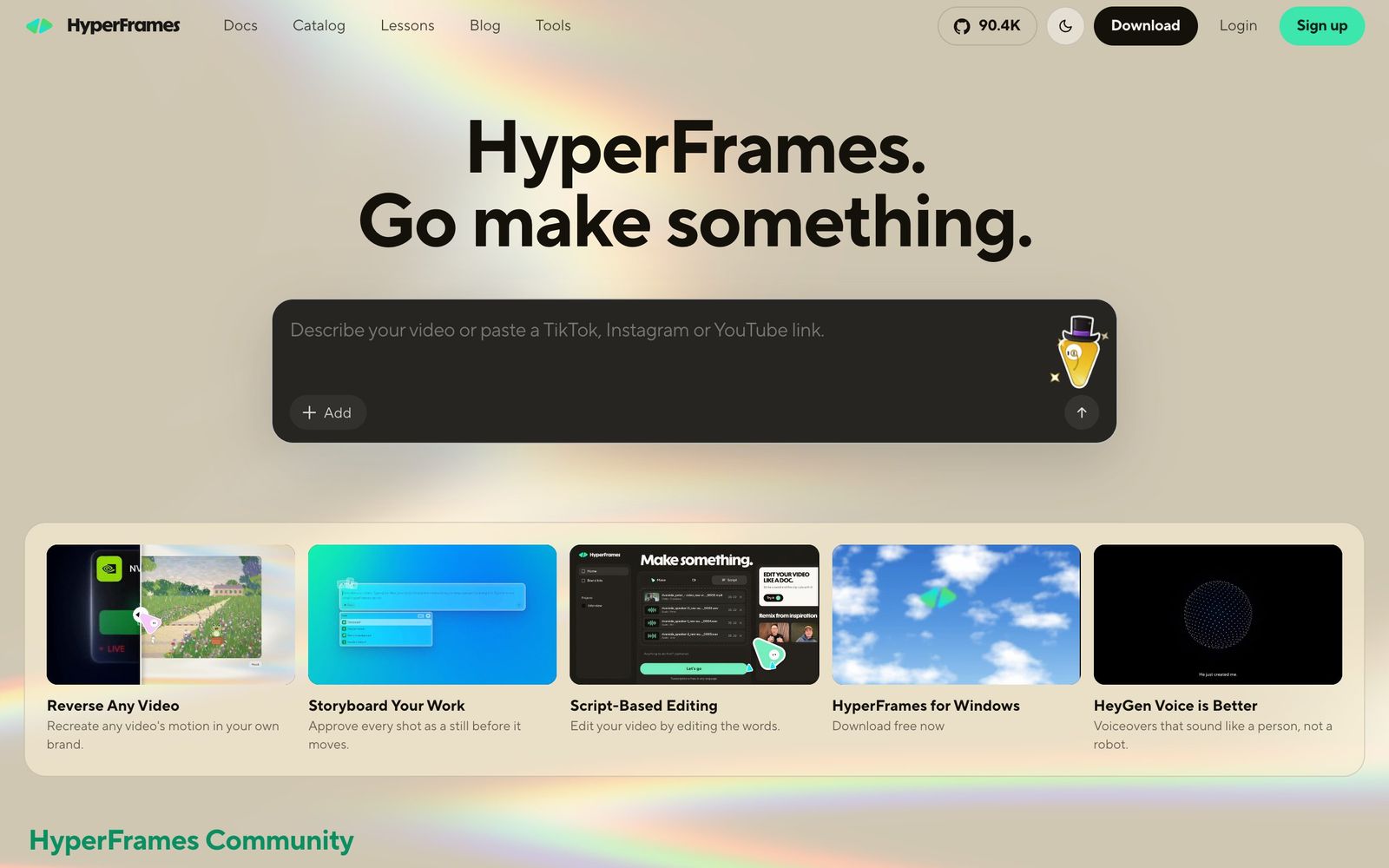
ChatCut gets the core idea right: ask in plain words and the edit lands on a timeline you can still drag by hand. It stops at style. It edits the clips you bring, but it can't take a video you love and hand you its pacing and cuts, and a Product Hunt reviewer says its agent struggles with style and pacing. In HyperFrames Studio you paste a TikTok, Instagram or YouTube link and get the same hook, pace and cuts back as a project with your footage and brand in it. Then you see the video as stills before it renders, point at any word, shot or caption, and only that part changes. It's free to start, with unlimited exports on your computer.
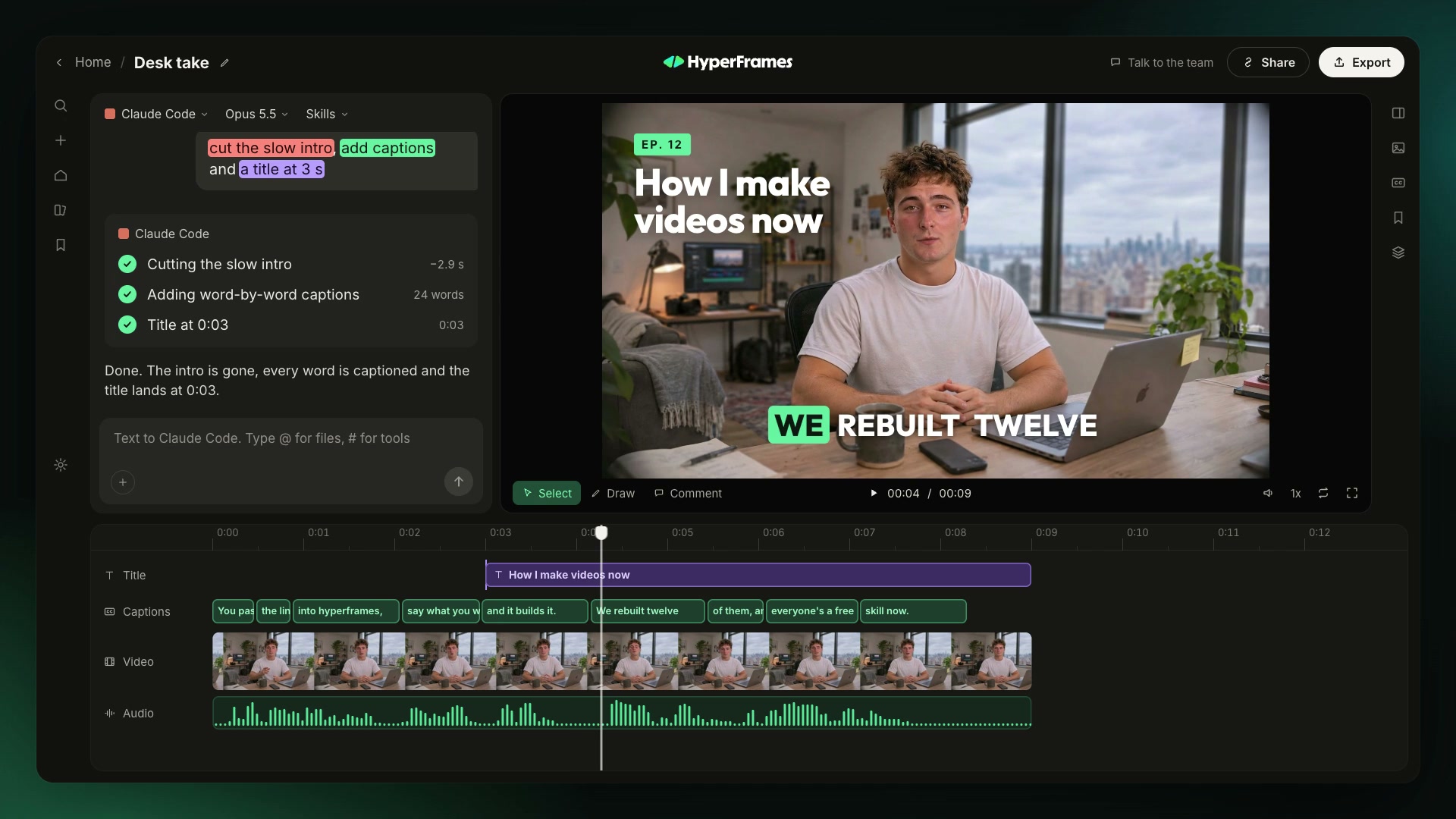
The video is built like a web page, so every title, caption and shot is a part the agent can change. That lets it do more than cut: it builds titles, charts, maps, 3D type and full motion graphics from scratch. You pick the agent: the Studio app has 10 built in, your own Claude Code, Codex and others, or the built-in HyperFrames agent. Ask "cut the ums and the false start", then "add a lower third with my name": each request changes one piece, and the rest stays as it was.
For footage, Edit my footage cuts ums and long pauses, fixes sound and colour, and makes vertical versions; the podcast edit lines up every camera by sound and cuts to whoever is speaking. Captions come in dozens of styles, and ready-made effects from the catalog cover transitions, overlays, charts and kinetic type. See the AI video editor page.
Standout feature: Change one thing, keep the rest: paste a video you love, get its edit back with your footage, then point at any word, shot or caption and only that changes.
What's the difference between HyperFrames and ChatCut? ChatCut is a hosted editor (not open source) whose AI edits a timeline, with built-in generation and XML export to pro editors. HyperFrames rebuilds a video you love as an editable project, builds motion graphics from scratch as well as cutting footage, and local exports are free and unlimited.
HyperFrames pros:
- Free to start, with unlimited exports on your computer
- Paste a video you love and get its edit back with your footage
- Change one word, shot or caption and the rest stays
- Works with the agent you already use, or the built-in HyperFrames agent
HyperFrames cons:
- No native Premiere or Resolve project export: you hand off finished files or transparent overlays
- No phone app: Mac, Windows, Linux and the web
Pricing: Free to start: a free download for Mac, Windows and Linux, or start in your browser, with exports on your computer and no watermark.
Choose HyperFrames if: you want to own the project, pick your own agent, and have the AI build graphics as well as cut.
What's new in HyperFrames: The Script tab and Edit my footage are on in every current Studio app build, as of November 2026: drop in one recording and it comes back cleaned up, captioned and cut for vertical.
Available for: Mac, Windows and Linux (the Studio app), the web, and inside Claude, ChatGPT and Grok through the HyperFrames connector
Shoot it, say it, or show it. HyperFrames makes the video. Bring your footage, describe any motion graphic or format, or paste a video you love.
Try HyperFrames Studio free
#2 Descript: Best for transcript editing with an agent
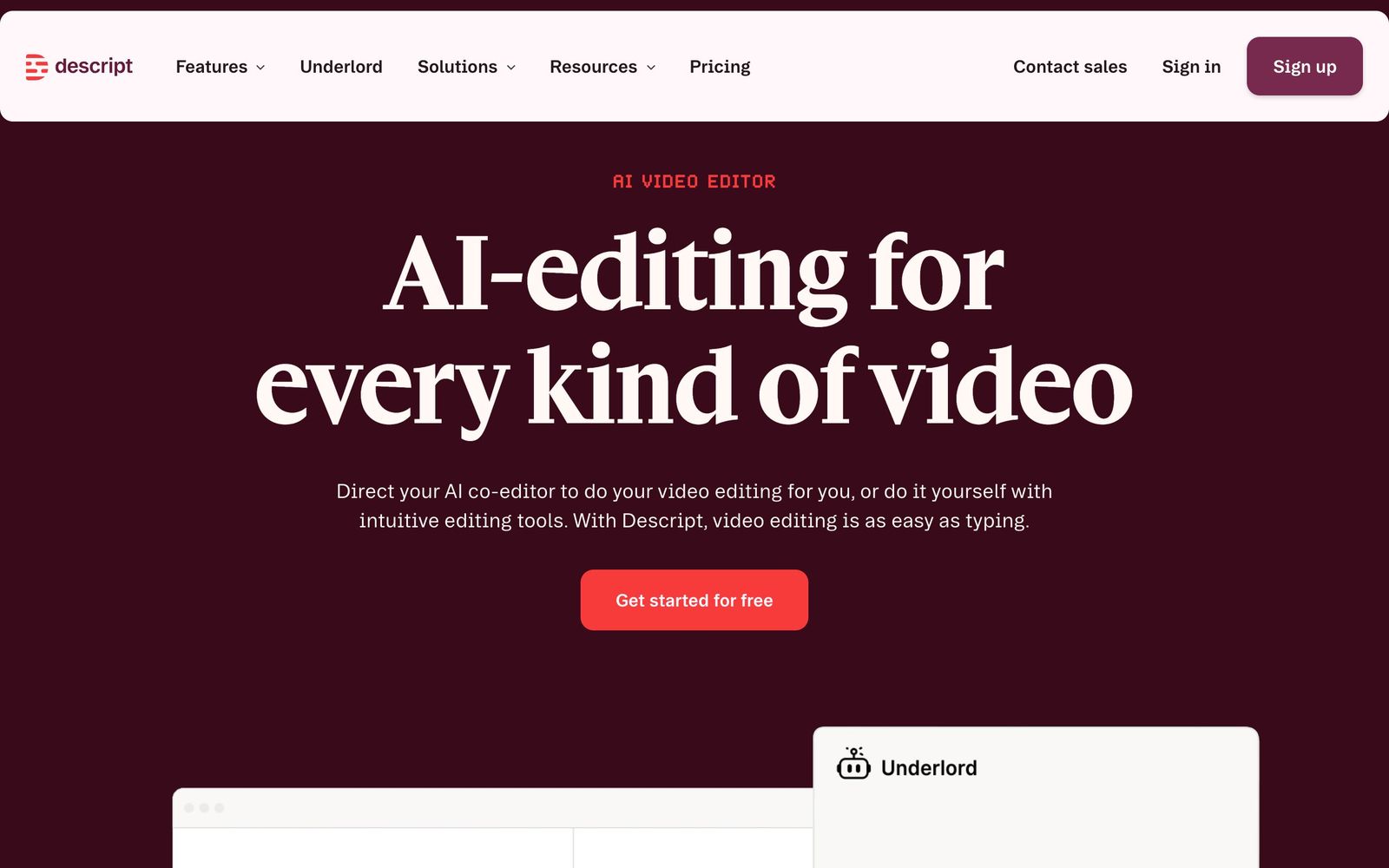
Our rating: 4.2/5. Fit for this job 4.4/5, ease of use 4.2/5, value for money 4.1/5.
Descript pioneered editing video by editing its transcript. Underlord, its agent, turns raw recordings into tight cuts and, since its 6 November 2026 release, saves reusable skills you call with a slash. It also records your screen and remote guests, and exports timelines to Premiere, Resolve and Pro Tools.
Trustpilot gives it 2.4 from 301 reviews, and one reviewer (October 2026) burned 800 credits on weak Underlord results, the same credit worry ChatCut users raise.
Standout feature: Edit the video by editing its transcript, with Underlord, its AI agent, cutting a raw recording into shape.
What's the difference between Descript and ChatCut? Descript centres editing on the transcript and records too. ChatCut centres it on chat and has more built-in generation.
Descript pros:
- Edit the video by editing its transcript
- Screen recording and remote recording (Rooms)
- Timeline export to Premiere, Resolve and Pro Tools
- Underlord skills save your own workflows
Descript cons:
- Paid plans cap media hours (10, 30 or 40 a month)
- Trustpilot score of 2.4 (301 reviews), with bugs and credits spent on weak AI results
Pricing: Free plan with 1 media hour a month and 720p exports. Hobbyist is $24 a month, or $16 a month billed yearly.
Choose Descript over ChatCut if: your videos are talk-driven and you think in words, not timelines.
What's new in Descript: November 2026 release: Underlord skills, brand layout packs, Rooms dead-mic warnings and native Premiere export in beta (changelog, 6 November).
Available for: Desktop app and web
#3 Kapwing: Best for a browser editor with an agent and team tools
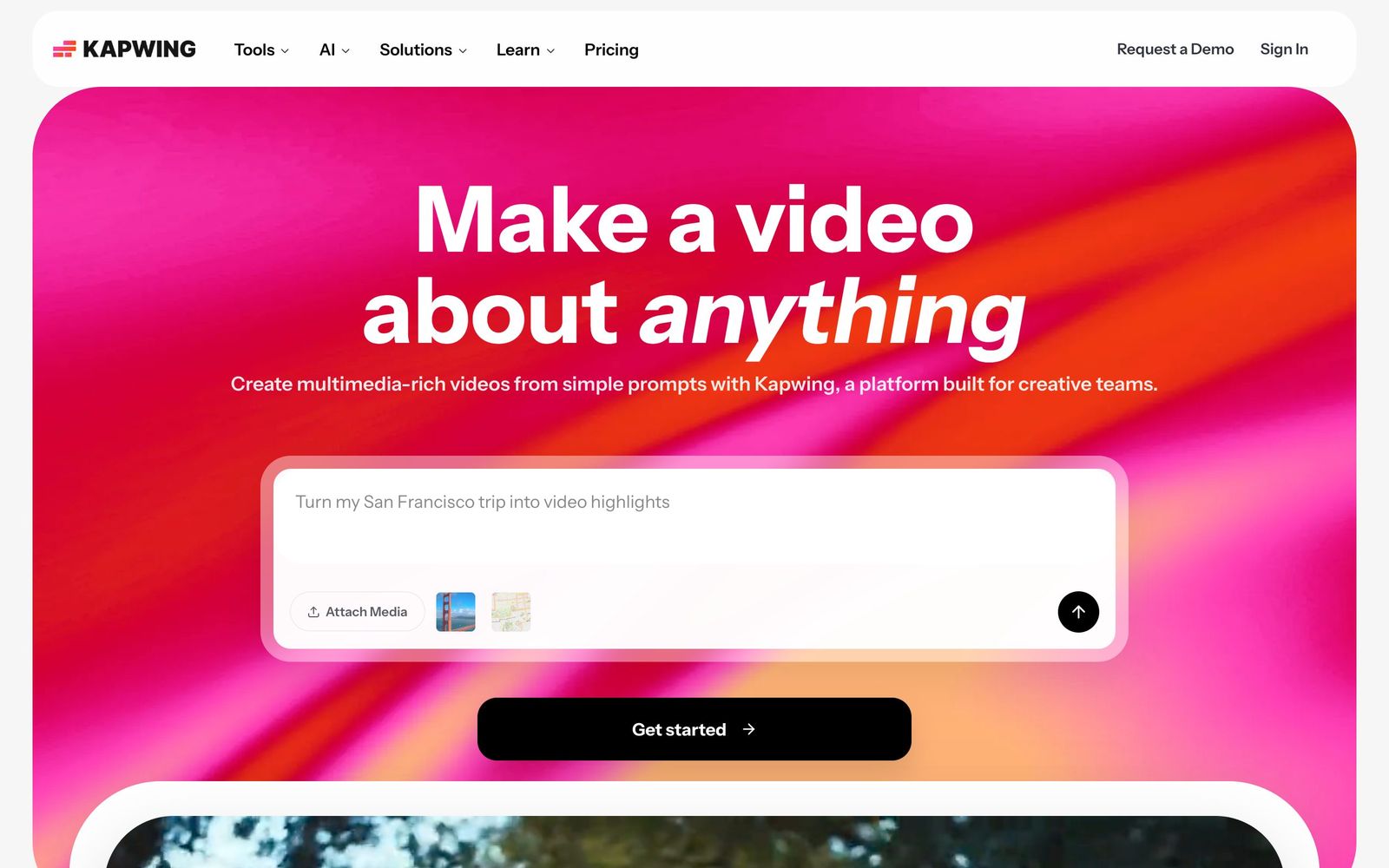
Our rating: 4.0/5. Fit for this job 4.2/5, ease of use 4.3/5, value for money 3.6/5.
Kapwing's agent, Kai, runs multi-step jobs inside a collaborative browser timeline, with Seedance 2.5 and MiniMax H3 for generation. Kapwing MCP 1.1.0 (27 October 2026) lets Claude or ChatGPT drive it.
It adds what ChatCut lacks for teams: a shared timeline, subtitles, translation and dubbing into 40+ languages. Trustpilot gives 1.8 from 1,375 reviews, mostly credits burned on failed AI jobs and refused refunds.
Standout feature: Kai, an AI agent inside the browser editor that runs multi-step jobs, plus an MCP connection for Claude and ChatGPT.
What's the difference between Kapwing and ChatCut? Kapwing adds team collaboration and dubbing in the browser. ChatCut adds desktop apps and free agent editing through plugins.
Kapwing pros:
- Full browser timeline with team collaboration
- Subtitles, translation and dubbing into 40+ languages
- Repurpose Studio for social clips
- Kai agent and MCP connector
Kapwing cons:
- Free exports are watermarked, 720p and 4 minutes at most
- Trustpilot score of 1.8 (1,375 reviews); the low reviews we read mention credits lost on failed AI jobs and refused refunds
Pricing: Free plan with a watermark, 720p and videos up to 4 minutes. Pro is $24 a month, or $16 a month billed yearly.
Choose Kapwing over ChatCut if: a team edits together in the browser.
What's new in Kapwing: Kapwing MCP 1.1.0 (27 October 2026) lets Kai generate images and video with reference media; August added Kai autonomous mode and Seedance 2.5.
Available for: Web
#4 Async (formerly Podcastle): Best for chat editing with motion graphics from chat
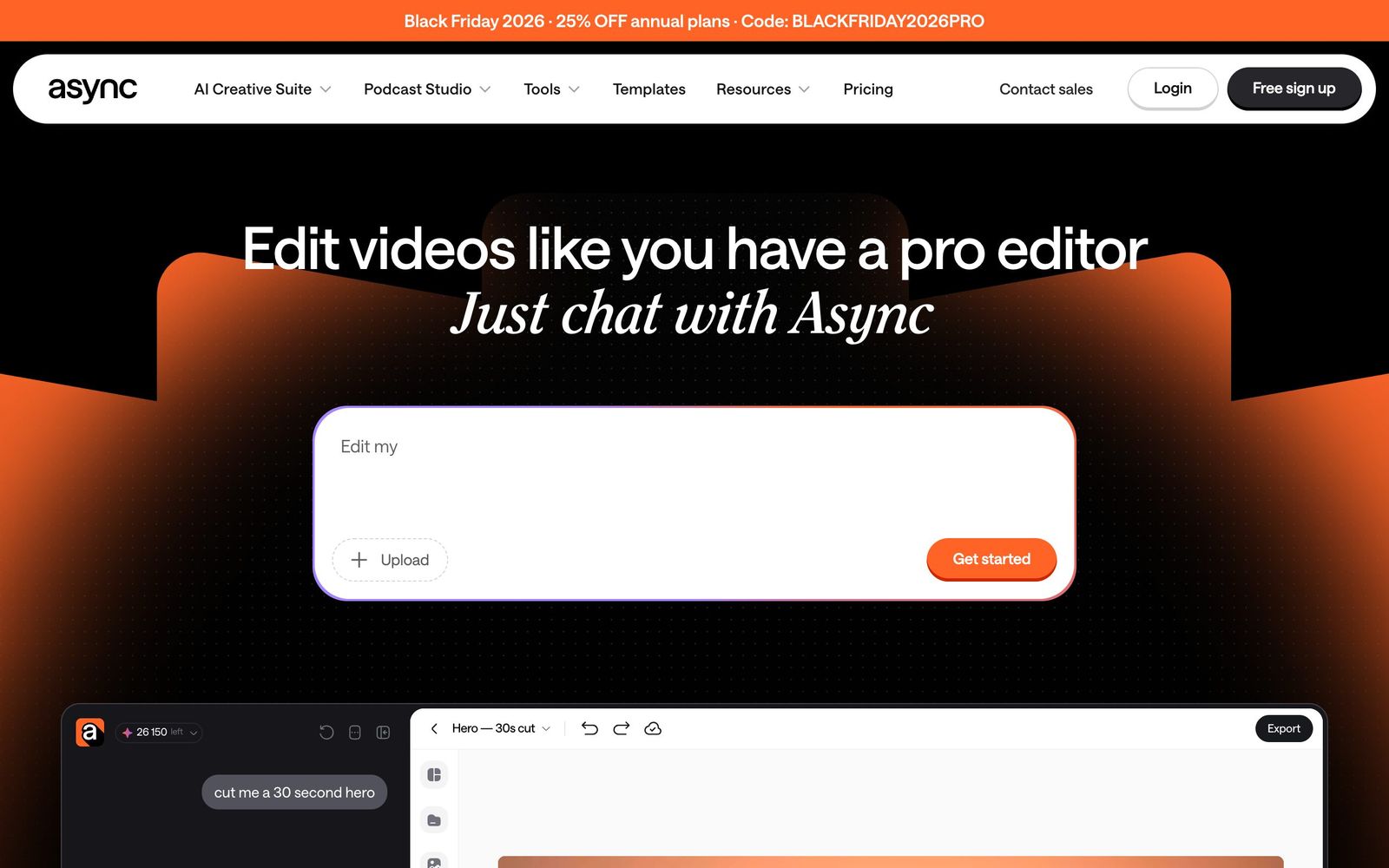
Our rating: 4.0/5. Fit for this job 4.1/5, ease of use 4.2/5, value for money 3.8/5.
Async (Podcastle until 28 January 2026) is an AI creative suite where you edit by chatting with an AI editor, beside a podcast recording studio and AI video and image models.
Its newest feature is the one ChatCut users should watch: Async Motion (25 November 2026) makes animated titles, lower thirds, callouts, transitions and overlays from a chat request. Trustpilot gives 3.5 from 269 reviews; one reviewer (September 2026) says it renewed without a reminder.
Standout feature: Edit by chatting with an AI editor, plus recording, podcast tools and new chat-made motion graphics.
What's the difference between Async (formerly Podcastle) and ChatCut? Async pairs chat editing with recording and chat-made motion graphics. ChatCut pairs chat editing with NLE export and agent plugins.
Async (formerly Podcastle) pros:
- Chat-based video editing
- Recording and podcast tools
- Async Motion makes titles and overlays from a chat request
Async (formerly Podcastle) cons:
- Generation runs on monthly credits
- One Trustpilot reviewer (September 2026) mentions renewal without a reminder; another (August 2026) a refused refund
Pricing: Free sign-up. Essentials is $19.99 a month, or $11.99 billed yearly.
Choose Async (formerly Podcastle) over ChatCut if: you also record podcasts and want motion graphics from a chat request.
What's new in Async (formerly Podcastle): Async Motion launched on 25 November 2026; Podcastle renamed itself Async on 28 January 2026.
Available for: Web and iPhone
#5 Palmier Pro: Best for an open-source Mac editor your agent drives
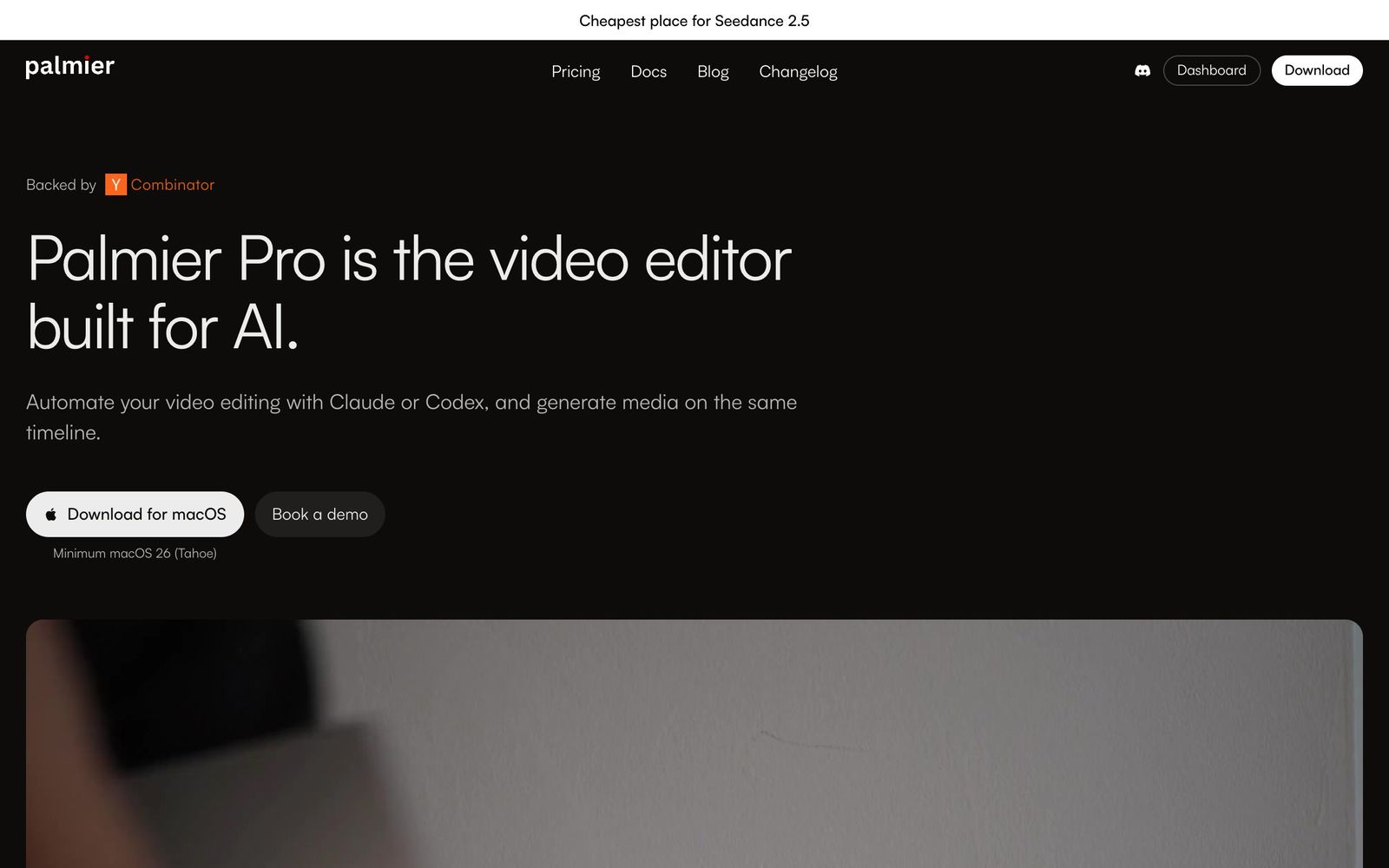
Our rating: 4.2/5. Fit for this job 4.3/5, ease of use 3.9/5, value for money 4.4/5.
Palmier Pro is the closest thing to ChatCut's plugin idea, made open source. It is a full Mac editor (timeline, keyframes, colour grading, masks, multicam) that Claude Code, Codex or Cursor connect to, so they can inspect your project and edit the timeline.
Generation lands on the same timeline, and it exports ProRes or XML for Premiere Pro, DaVinci Resolve and Final Cut, much like ChatCut's hand-off. The limits are real: Mac only, macOS 26 (Tahoe) or newer, and pre-1.0.
Standout feature: Claude, Codex or Cursor edit the timeline through a local connector, and a finished edit can be saved as a reusable Skill for the next video.
What's the difference between Palmier Pro and ChatCut? Palmier Pro is an open-source Mac editor your own agent drives, with no credits spent on edits. ChatCut is an editor on web, Mac and Windows with its own chat and plugins.
Palmier Pro pros:
- Free, open-source Mac editor (GPL-3.0) with 14,811 GitHub stars
- Your own agent edits the timeline over MCP, with no account needed
- Image, video, voice and music generation lands on the same timeline
- A full editor: multi-track timeline, keyframes, colour grading, masks and multicam
Palmier Pro cons:
- Mac only, and only on macOS 26 (Tahoe) or newer
- AI generation, cloud transcription and the built-in chat need a paid plan
Pricing: Free plan: the full Mac editor, with no account needed and no generation credits. Pro is shown at $29 a month (marked down from $49) with 5,000 credits a month.
Choose Palmier Pro over ChatCut if: you edit on a recent Mac, want open source, and want your agent to drive a full editor.
What's new in Palmier Pro: Version 0.12.0 (29 October 2026) added a headless mode that runs several projects at once, timeline history snapshots, caption presets with per-word styles and Kling V4.
Available for: Mac (macOS 26 or newer), driven by Claude, Codex or Cursor over MCP
Best ChatCut alternatives for interviews and long footage
When the footage is hours of interviews and the job is finding the story: one assistant editor that hands off, and the editor where the hand-off lands.
#6 Eddie AI: Best for interview rough cuts handed to a pro editor
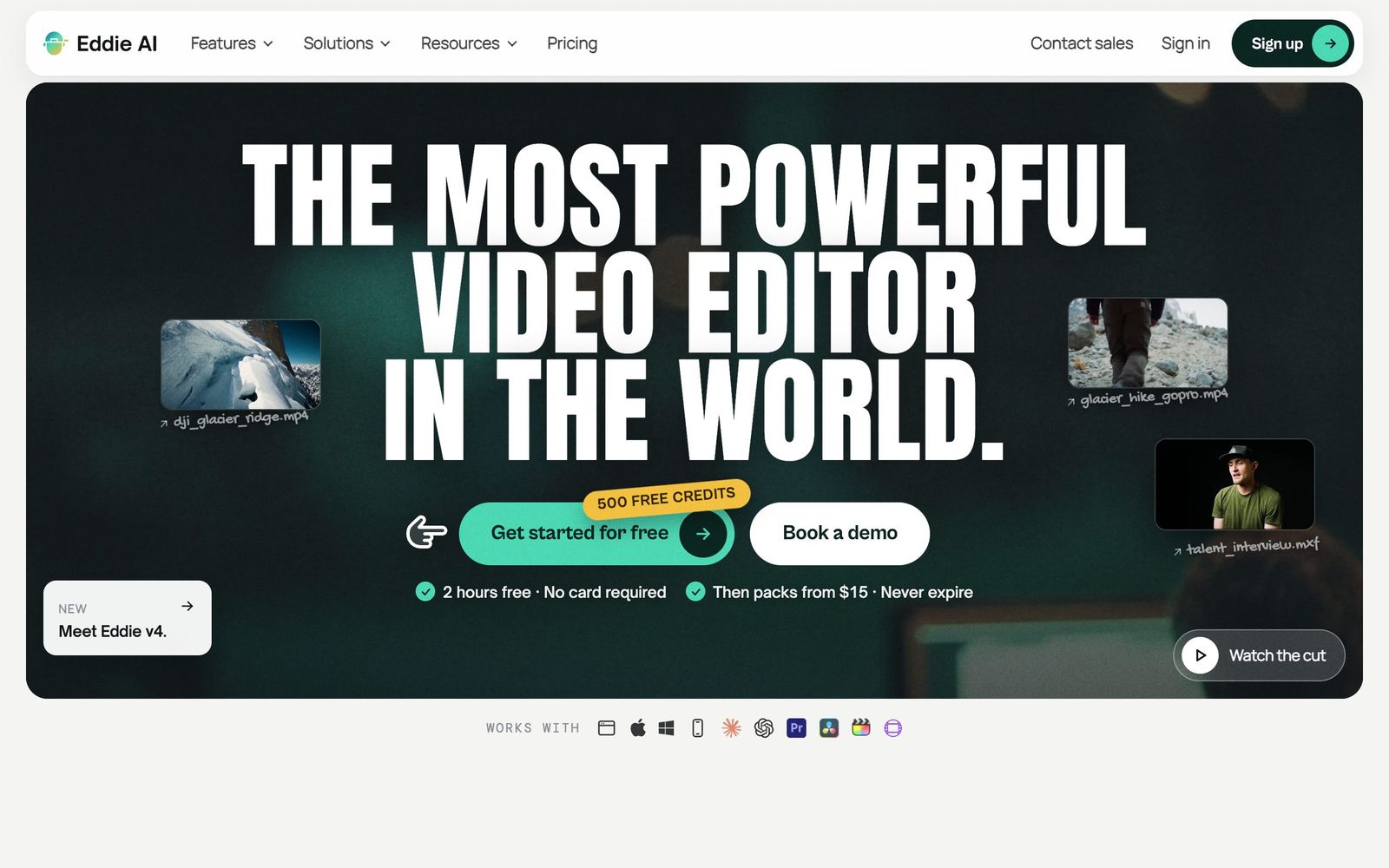
Our rating: 4.1/5. Fit for this job 4.3/5, ease of use 4.0/5, value for money 4.0/5.
Eddie AI is an assistant editor for interview-driven work. It transcribes, logs and tags A-roll and B-roll, syncs multicam, finds soundbites and builds rough cuts from a story you describe in chat. Version 4 (9 September 2026) hands the result to Premiere (.prproj) or DaVinci Resolve (.drp) as a native project with multicam, bins and timecode built.
Importing costs about 250 credits per hour of footage, billed in 15-minute blocks. It has SOC 2 Type II and SSO, and public reviews are very few.
Standout feature: Hands finished assemblies to Premiere (.prproj) and DaVinci Resolve (.drp) with multicam, bins and timecode built.
What's the difference between Eddie AI and ChatCut? Eddie AI is built for interview footage and hands off a native project to a pro editor. ChatCut edits all the way to export and hands off XML.
Eddie AI pros:
- Logs, tags and syncs interview footage
- Rough cuts from a story described in chat
- Native project hand-off to pro editors
- SOC 2 Type II, SSO and on-premises options
Eddie AI cons:
- Importing costs about 250 credits per hour of footage
- Built for interview and documentary footage, not finishing
Pricing: 500 free credits to start (about 2 hours of footage). Then pay as you go: 1,000 credits for $15, credits never expire.
Choose Eddie AI over ChatCut if: you cut documentaries or interviews and finish in Premiere or Resolve.
What's new in Eddie AI: Eddie AI v4 (9 September 2026): native Premiere and Resolve projects, an Avid extension in early access and C2PA-signed exports.
Available for: Web, Mac, Windows, iPhone, and Claude or ChatGPT through MCP
#7 Adobe Premiere: Best for finishing in the industry standard
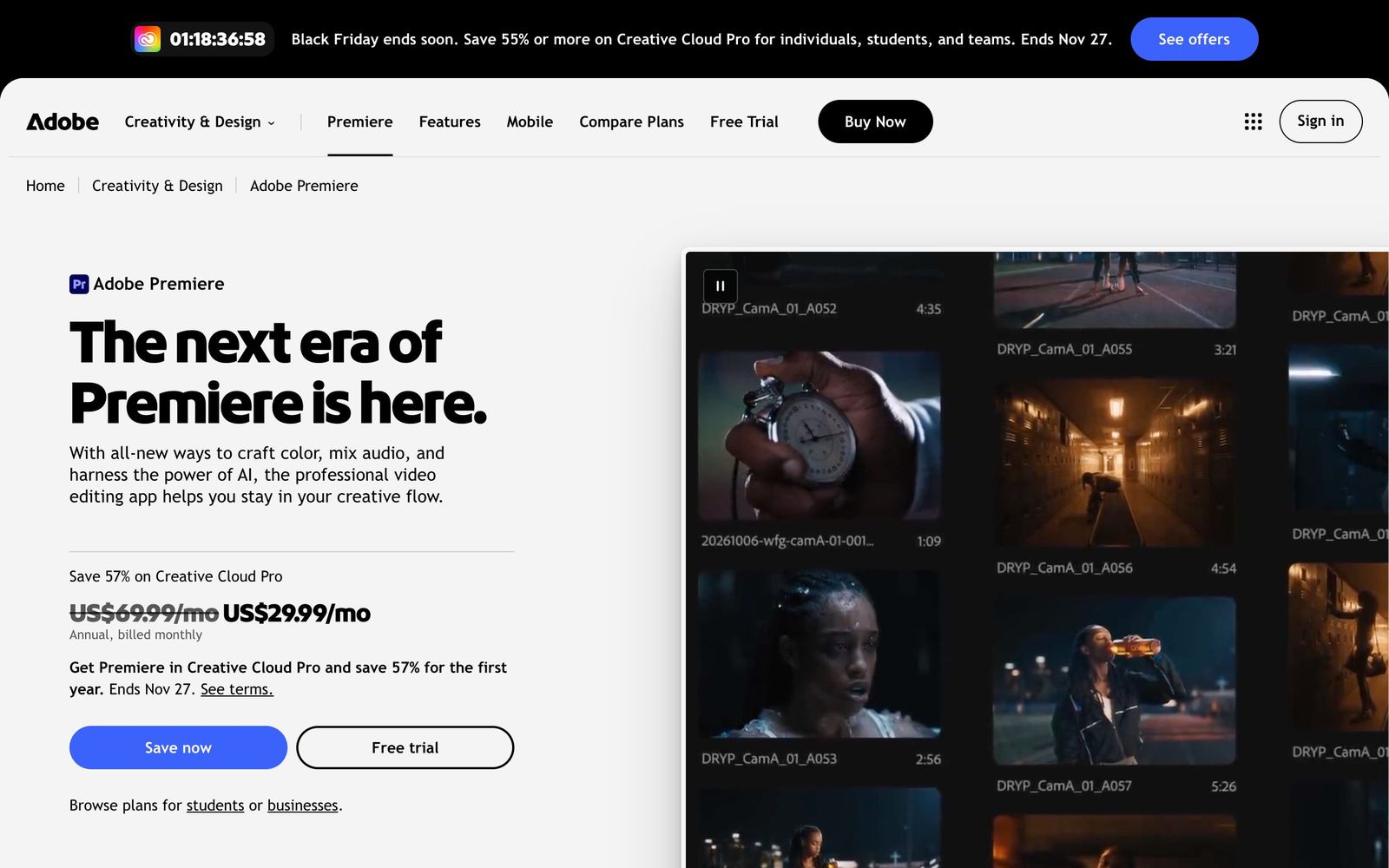
Our rating: 3.7/5. Fit for this job 3.8/5, ease of use 3.6/5, value for money 3.7/5.
Adobe Premiere (formerly Premiere Pro) 27.0, released on 10 November 2026, adds an AI Assistant panel that sorts media into bins, batch-renames, finds interview questions and assembles rough cuts, beside Text-Based Editing and Color Mode.
Its AI agent launched as a public beta on 18 June 2026, and Adobe community staff advised against using it for client work yet. The annual plan charges an early termination fee if you cancel.
Standout feature: The industry-standard timeline, now with Generative Extend, an AI Assistant panel and a Color Mode grading workspace.
What's the difference between Adobe Premiere and ChatCut? Premiere is a full professional editor with AI helpers. ChatCut is AI-first and much lighter to learn.
Adobe Premiere pros:
- Industry standard, with every pro feature
- Text-based editing and captions in 20+ languages
- Color Mode and one-click subject masking
- Generative Extend fills missing frames
Adobe Premiere cons:
- Annual commitment; full refund only within 14 days, and one reviewer reports an early termination fee
- Only 25 generative credits a month on the Premiere plan
Pricing: No free plan, a 7-day trial. The Premiere plan is $22.99 a month on an annual plan; Creative Cloud Pro adds 20+ apps.
Choose Adobe Premiere over ChatCut if: you edit for clients and need every professional tool.
What's new in Adobe Premiere: Premiere 27.0 (10 November 2026) added Color Mode, the AI Assistant panel and Separate Crosstalk. Adobe dropped "Pro" from the name in January 2026.
Available for: Windows, Mac and phones
Best ChatCut alternatives for social videos
If your chat edits are mostly short social videos, these four return vertical, captioned videos quickly.
#8 VEED: Best for a new social editing agent in the browser
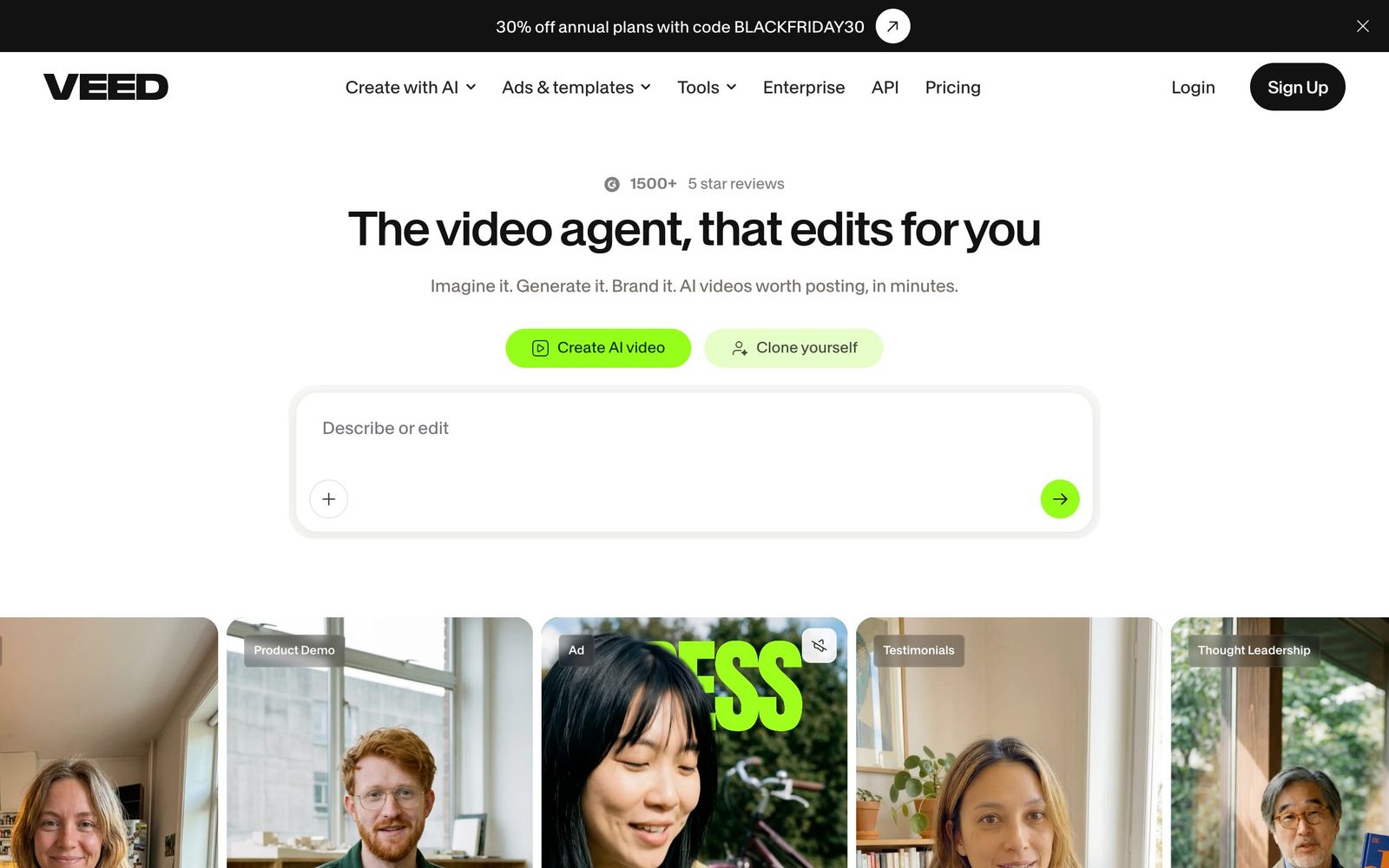
Our rating: 4.2/5. Fit for this job 4.1/5, ease of use 4.5/5, value for money 3.9/5.
VEED AI, launched on 18 November 2026, edits uploaded footage or an idea into a social video, and VEED says exports from VEED AI on the free plan carry no watermark. The wider editor adds automatic subtitles, AI avatars, dubbing and brand kits, with phone apps.
VEED is priced per editor. It rates 4.2 on Trustpilot from 3,961 reviews, though recent reviewers complain about the paywall at download.
Standout feature: VEED AI (18 November 2026): upload footage or describe an idea and its agent edits a social video.
What's the difference between VEED and ChatCut? VEED AI is new and social-first, inside a mature team editor. ChatCut covers longer edits and NLE export.
VEED pros:
- Easy browser editor with strong subtitles
- Avatars, dubbing and eye contact fix
- Brand kits
- iPhone and Android apps
VEED cons:
- Priced per editor, so teams pay per seat
- AI credits and translation minutes don't roll over
Pricing: Free plan with watermarked videos and 50 AI credits a month. Creator is $25 a month, or $12 a month billed yearly, per editor.
Choose VEED over ChatCut if: you make social videos in a team that already uses VEED.
What's new in VEED: VEED AI, a video editing agent for social videos, launched on 18 November 2026.
Available for: Web, iPhone and Android
#9 Captions: Best for chat edits on your phone
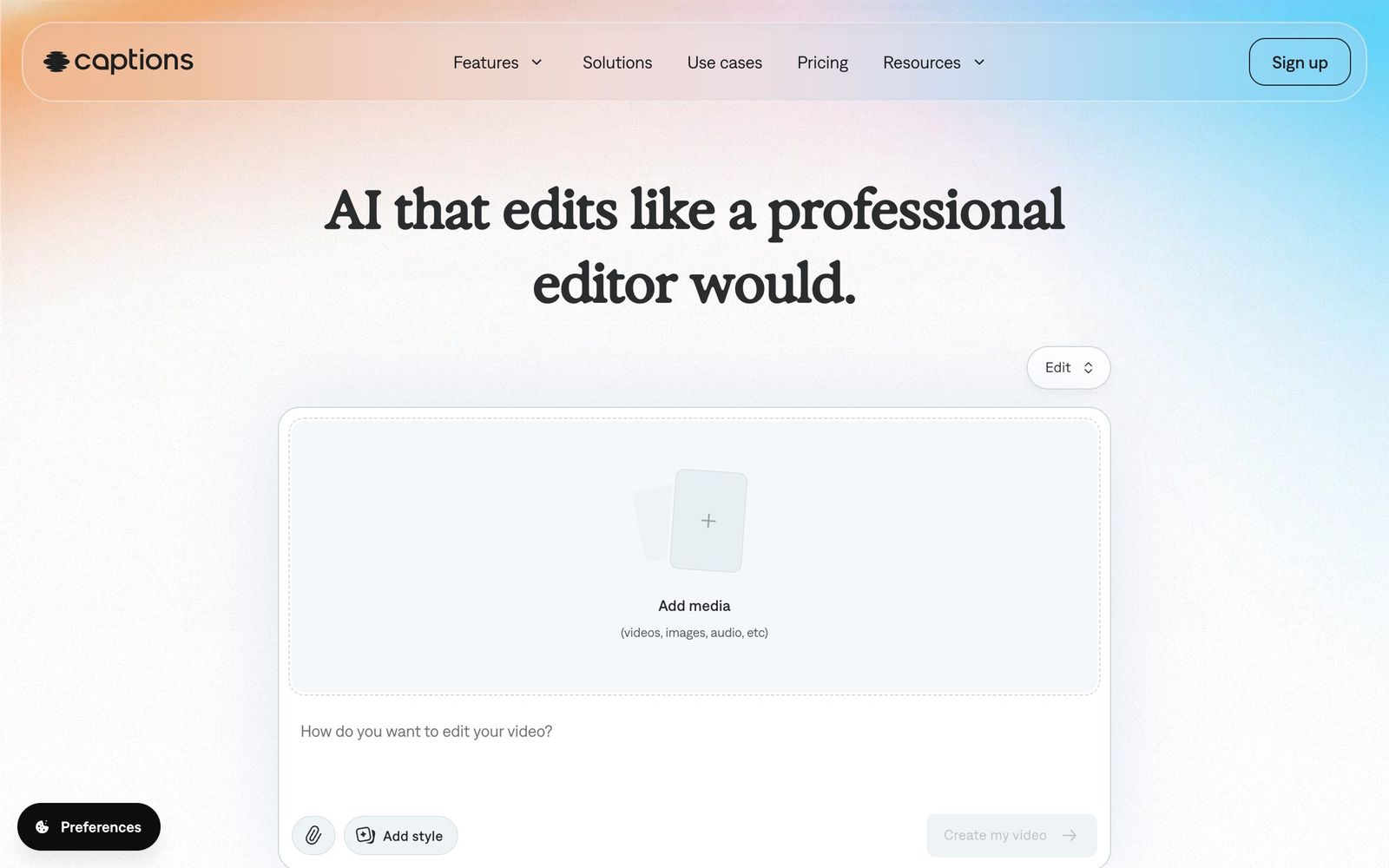
Our rating: 4.2/5. Fit for this job 4.0/5, ease of use 4.6/5, value for money 4.0/5.
Captions' AI Edit cuts a talking-head video at once (scenes, B-roll, music), then you change it in a chat-based editor, on iPhone or the web. It adds captions in 100+ languages and 100+ styles, eye contact correction, AI Lipdub and clips from long videos.
It rates 4.7 on the App Store from 39,000 US ratings. One App Store reviewer says credits went on fixing the AI's own mistakes.
Standout feature: AI Edit cuts the scenes, adds B-roll and music to a whole video at once, then you change it by chatting.
What's the difference between Captions and ChatCut? Captions brings chat editing to the iPhone. ChatCut has no phone app.
Captions pros:
- Captions in 100+ languages and 100+ styles
- AI Edit and a chat-based editor
- Eye contact fix, translation and lip-dub
- Strong iPhone app (4.7 stars from 39,000 US ratings)
Captions cons:
- Free plan has no AI credits
- One App Store reviewer says credits went on fixing the AI's own mistakes
Pricing: Free sign-up with basic trimming and no AI credits. Max is $24.99 a month on the web; the iPhone app sells Basic at $9.99 a month.
Choose Captions over ChatCut if: you edit on your phone.
What's new in Captions: Mirage Studio was merged into Captions, and iOS 13.45.0 shipped around 25 November 2026. The company is now called Mirage; the product is still Captions.
Available for: iPhone and web
#10 Vizard: Best for many clips plus a brief-to-video agent

Our rating: 4.0/5. Fit for this job 3.6/5, ease of use 4.4/5, value for money 4.0/5.
Vizard turns one long upload into many clips (it advertises 30+ from one click) with face-tracking reframe, subtitles and auto B-roll. Vizard Agent, now on every plan, edits a finished video from a written brief.
Trustpilot gives 4.7 from 2,522 reviews, with complaints about lost credits on cancelling.
Standout feature: One upload can return 30+ clips, and paid plans take uploads up to 10 hours and export in 4K.
What's the difference between Vizard and ChatCut? Vizard is built around clips from long videos and briefs. ChatCut edits any footage on an open timeline.
Vizard pros:
- Many clips from one long upload
- Face-tracking reframe, subtitles, translation and keyword highlights
- Vizard Agent edits a finished video from a brief
- Team workspace, brand kit and scheduler
Vizard cons:
- Free exports are 720p with a watermark, and videos are deleted after 3 days
- No refunds, and unused credits are lost when you cancel (per Vizard's terms as quoted by a Trustpilot reviewer)
Pricing: Free plan with 60 credits a month, 720p exports and a watermark. Paid plans list at $29 and $39 a month, less when billed yearly.
Choose Vizard over ChatCut if: your chat requests are mostly "make clips from this".
What's new in Vizard: Vizard Agent, an editing agent that works from a written brief (blog post, 29 June 2026), now appears on every plan.
Available for: Web, plus an API and an MCP connector
#11 OpusClip: Best for ranked clips from long videos
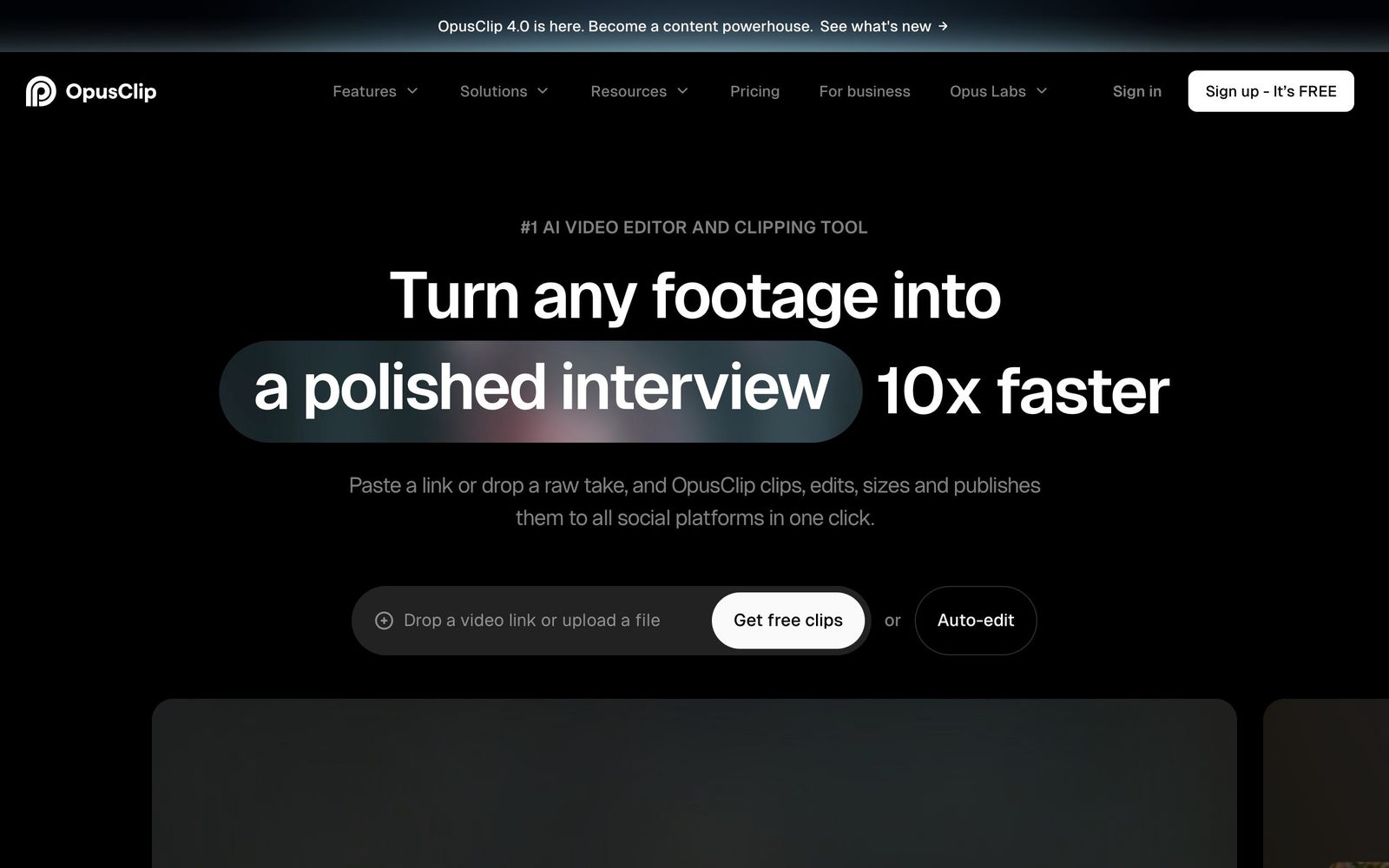
Our rating: 4.1/5. Fit for this job 3.6/5, ease of use 4.5/5, value for money 4.1/5.
OpusClip is built for the "long video to shorts" job. ClipAnything returns ranked short clips with a Virality Score, animated captions in 20+ languages and reframing to 9:16, 1:1 or 16:9, and OpusClip 4.0 (2 November 2026) added auto-edit for raw talking-head videos.
Standout feature: ClipAnything returns ranked short clips from one long video, each with a Virality Score, captions and reframing.
What's the difference between OpusClip and ChatCut? OpusClip is built only for clips from long videos, ranked by AI. ChatCut is a general editor where clipping is one skill among 100+.
OpusClip pros:
- Fast, ranked clips from one upload or link
- Animated captions in 20+ languages
- Exports XML to Premiere Pro and DaVinci Resolve on Pro
- Social scheduler and API on Pro
OpusClip cons:
- Free exports carry a watermark and media expires after 3 days
- One Trustpilot reviewer waited over a day for a human reply; another lost paid credits after cancelling
Pricing: Free plan with 60 credits a month, a watermark and up to 1080p. Starter is $15 a month (monthly only); Pro is $29 a month, or $14.50 a month billed yearly.
Choose OpusClip over ChatCut if: your main chat request is turning long videos into shorts.
What's new in OpusClip: OpusClip 4.0 (2 November 2026) added auto-edit for raw talking-head videos, saved edit Recipes, Viral Hook and Motion Graphics.
Available for: Web, plus an API and a Claude connector
Best ChatCut alternatives with built-in AI generation
If you use ChatCut for Seedance and Kling as much as for editing.
#12 invideo: Best for an agentic timeline with many video models
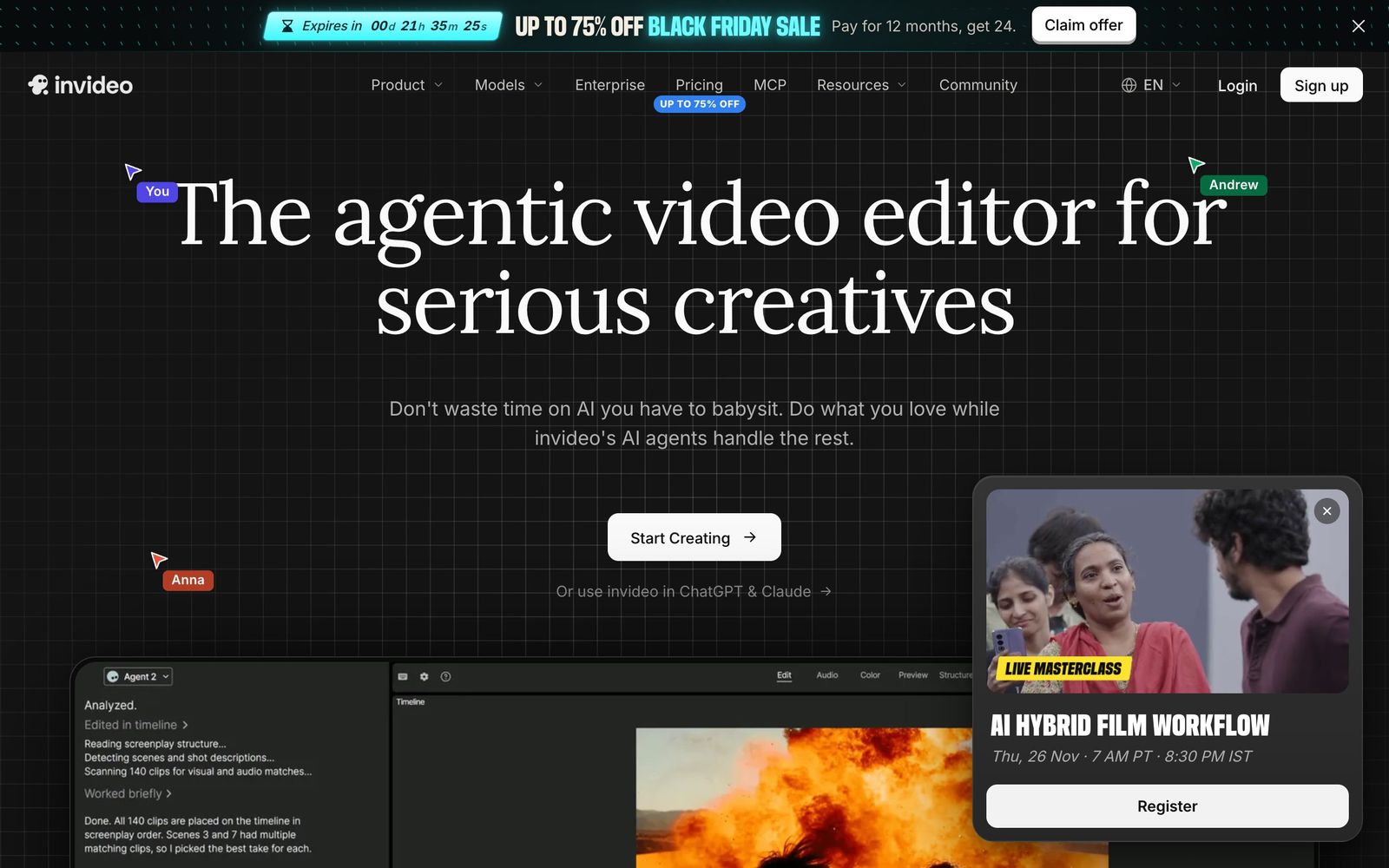
Our rating: 3.8/5. Fit for this job 3.9/5, ease of use 4.0/5, value for money 3.4/5.
invideo is the closest match to ChatCut's whole package. Agent Two applies plain-language edits on a multitrack timeline with live cursors for multiplayer editing, and generation covers Seedance 2.5, MiniMax H3, Kling 4.0, Veo 3.1 and more. Its connector lets Claude and ChatGPT work on the same timeline, and projects export to Premiere, Final Cut and Resolve.
Trustpilot gives 1.8 from 1,032 reviews, mostly about credits running out fast and refused refunds.
Standout feature: Agent Two and an agentic timeline: plain-language edits and many generative video models in one editor.
What's the difference between invideo and ChatCut? invideo is a near match with more generative models and multiplayer editing. ChatCut has desktop apps and spends no credits when outside agents edit.
invideo pros:
- Plain-language edits on a multitrack timeline
- Many generative models (Seedance 2.5, Kling 4.0, Veo 3.1 and more)
- invideo MCP for Claude and ChatGPT
- Exports editable projects to Premiere, Final Cut and Resolve
invideo cons:
- Credits don't roll over, and generation is charged at model prices
- Trustpilot score of 1.8 (1,032 reviews); the low reviews we read mention credits and refunds
Pricing: Starter is $20 per seat a month with 400 credits; the manual editor is free. Credits don't roll over.
Choose invideo over ChatCut if: you want many generative models and multiplayer editing in one timeline.
What's new in invideo: Agentic Extend (6 October 2026), after the invideo Editor launch (1 September) and invideo MCP (30 September).
Available for: Web, iPhone and Android
#13 CapCut: Best for a free editor most people know
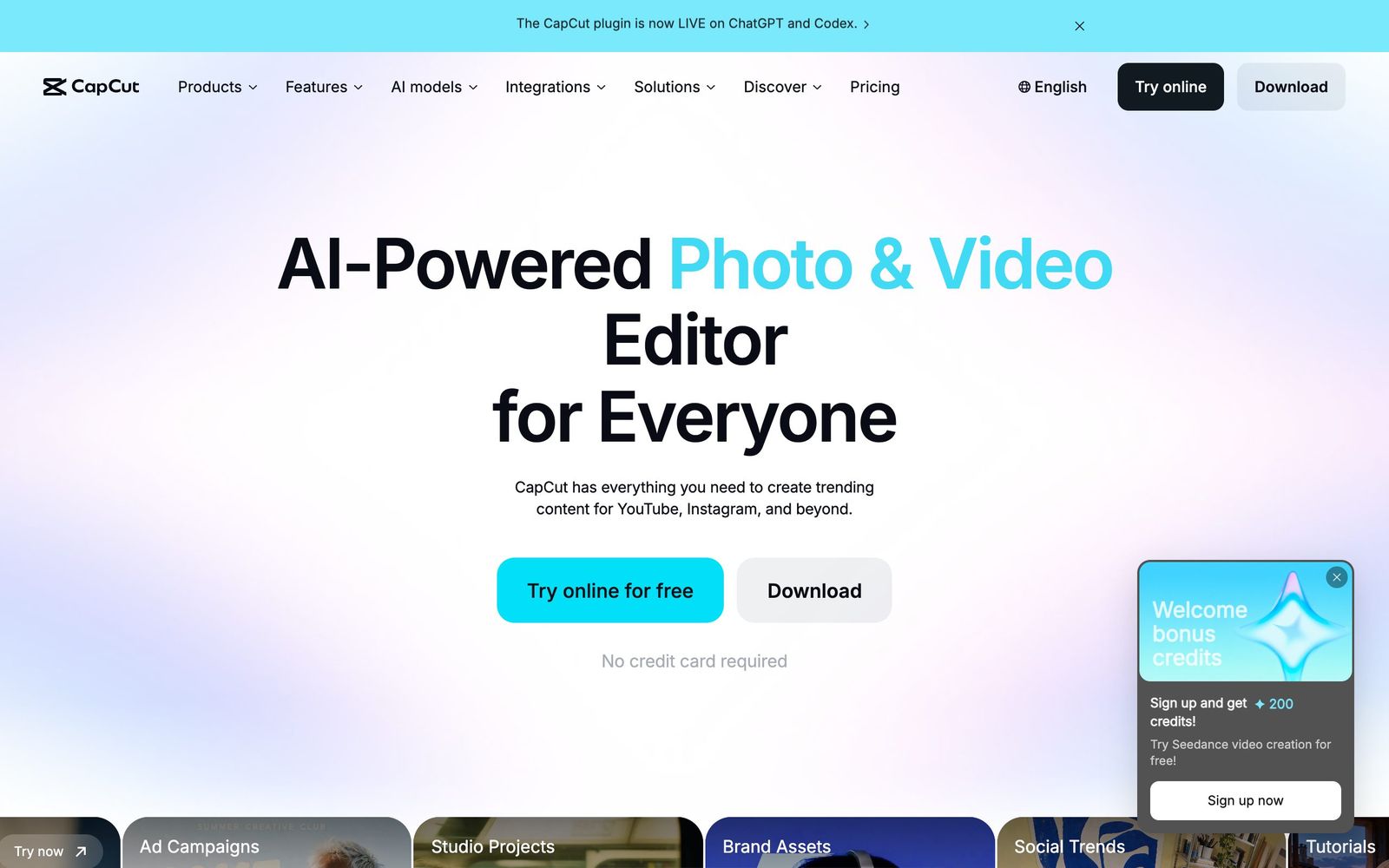
Our rating: 4.2/5. Fit for this job 3.6/5, ease of use 4.6/5, value for money 4.4/5.
CapCut is free on the web, Windows, Mac, iPhone and Android, with trend templates, auto captions, text to speech and a background remover. The CapCut plugin is now live in ChatGPT and Codex, which brings it closer to ChatCut's plugin model.
Trustpilot gives 1.2 from 1,416 reviews, mostly billing after cancelling and paywalls that appear at the export screen.
Standout feature: Templates and ByteDance's own AI models, with Seedance generation included in Pro credits.
What's the difference between CapCut and ChatCut? CapCut is a manual template editor with a chat plugin. ChatCut is built around chat from the start.
CapCut pros:
- Free, fast and familiar on phone and desktop
- Templates for trends
- Auto captions, text to speech and background remover
- Plugin for ChatGPT and Codex
CapCut cons:
- Pro paywalls can appear at the export screen
- Trustpilot score of 1.2 (1,416 reviews); the low reviews we read mention charges after cancelling
Pricing: Free plan with basic editing and free templates. Pro is $19.99 a month on the web; the app stores sell other plans.
Choose CapCut over ChatCut if: you mostly edit by hand and want it free.
What's new in CapCut: The CapCut plugin is live in ChatGPT and Codex, and iOS 20.3.0 (24 November 2026) improved trimming.
Available for: Web, Windows, Mac, iPhone and Android
Best ChatCut alternatives for recording yourself
If you record screen or camera videos and want the editor and recorder in one place.
#14 Tella: Best for screen recordings edited by chat
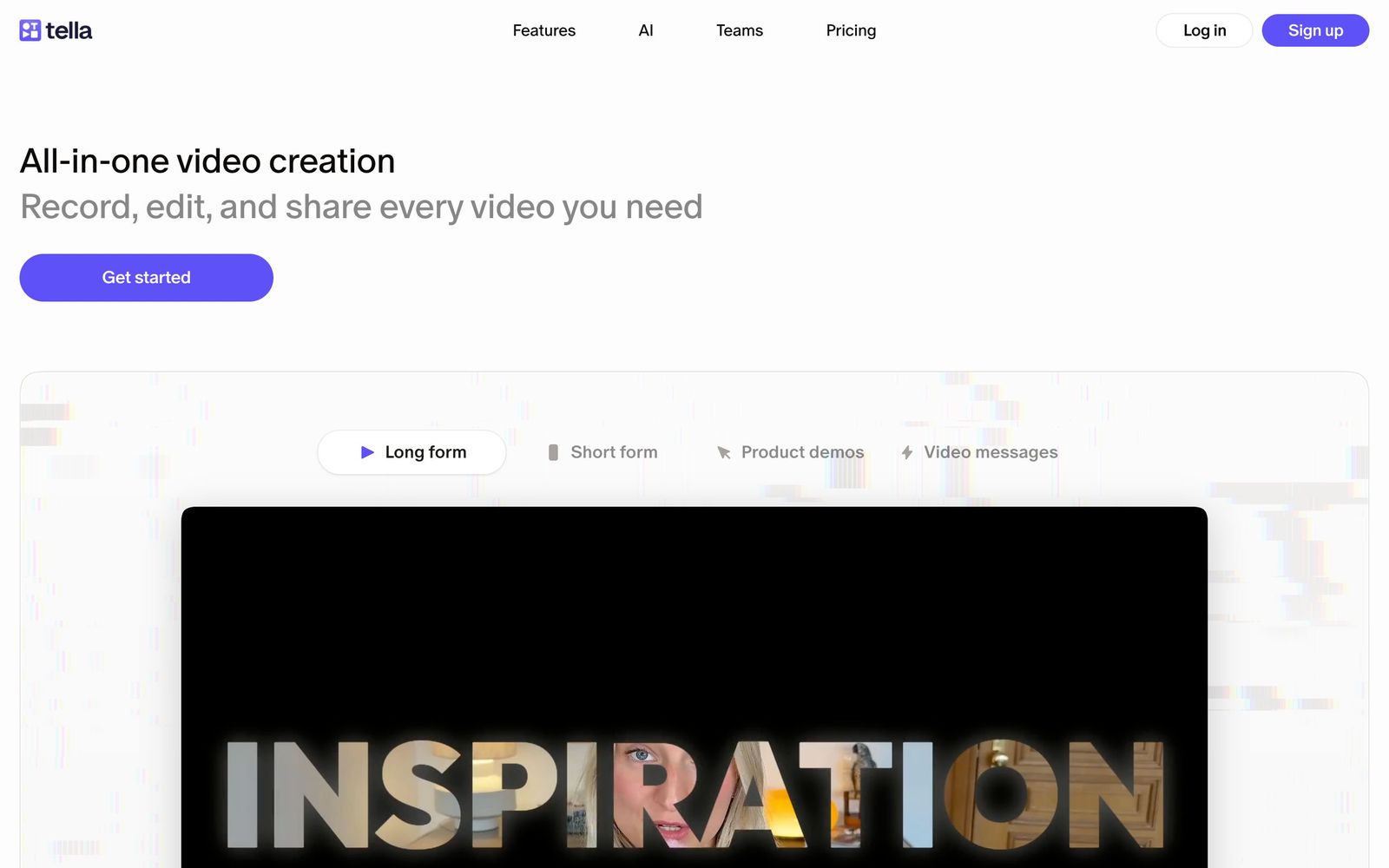
Our rating: 4.1/5. Fit for this job 4.0/5, ease of use 4.4/5, value for money 3.8/5.
Tella records your screen and camera, then Tella Agent (30 October 2026) cuts filler words, adds subtitles, clips a Short and, since 25 November, writes and narrates AI voiceovers in 24 languages.
Trustpilot reviewers (2.6 from 15 reviews) report slow cloud editing on long recordings.
Standout feature: Record your screen and camera, then let Tella Agent cut filler words, add subtitles, clip a Short and narrate in 24 languages.
What's the difference between Tella and ChatCut? Tella records and edits demos and tutorials. ChatCut edits footage you bring.
Tella pros:
- Polished screen and camera recording
- Tella Agent chat editing and AI voiceovers
- Share links, embeds and viewer analytics
- Very active weekly changelog
Tella cons:
- No free plan
- Credits expire monthly; removing Tella branding needs Premium
Pricing: No free plan, a 7-day trial. Pro is $16 a month per user, or $13 billed yearly.
Choose Tella over ChatCut if: most of your videos are screen recordings.
What's new in Tella: AI voiceovers in 24 languages (25 November 2026), after Tella Agent, Tella Motion and Auto Capture launched on 30 October.
Available for: Mac, Windows, a Chrome extension and a web recorder
#15 Borumi: Best for a one-time licence with an agent connector
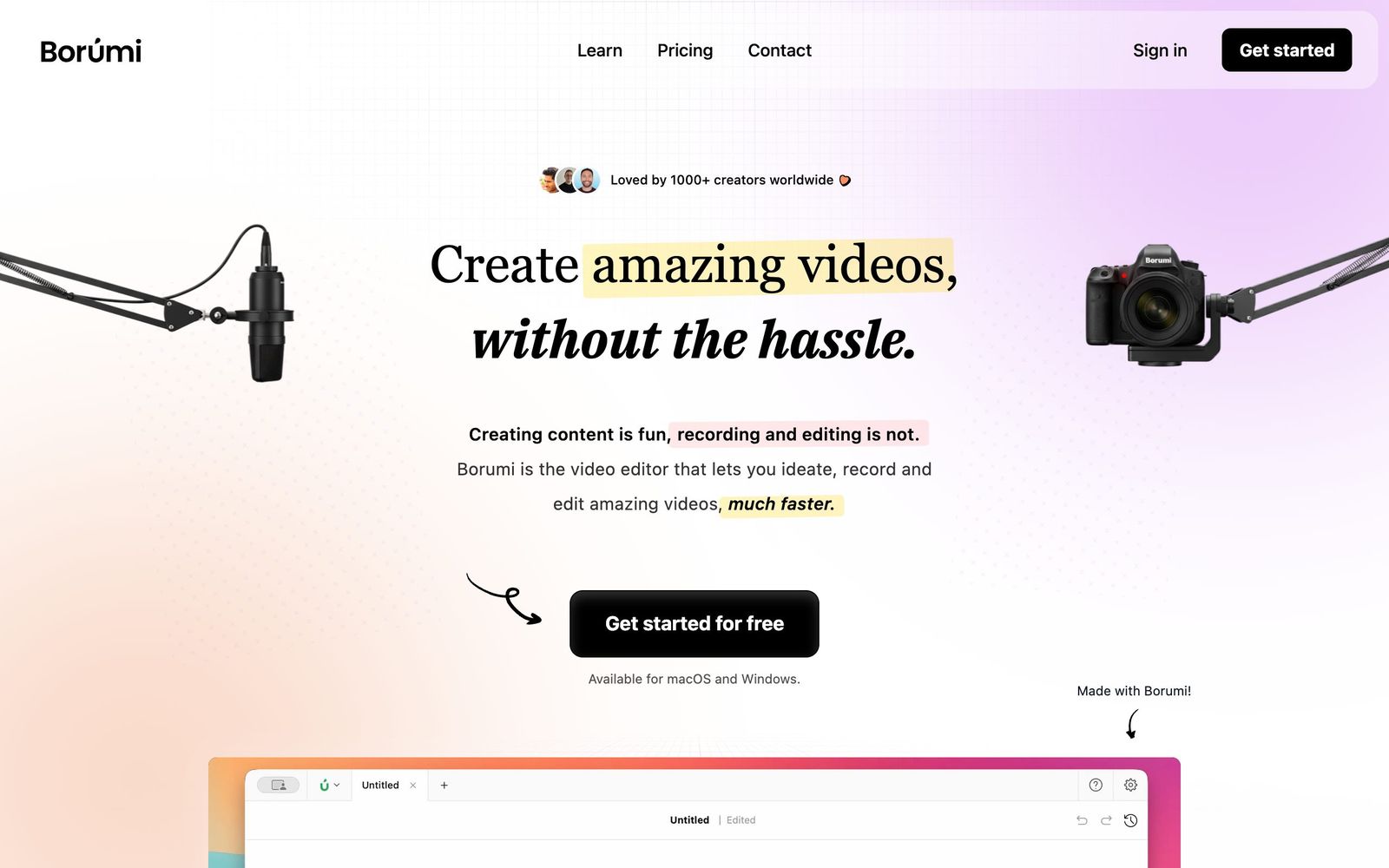
Our rating: 4.1/5. Fit for this job 3.9/5, ease of use 4.1/5, value for money 4.3/5.
Borumi records talking or screen videos scene by scene with your script on screen, keeps every take, builds the timeline automatically and edits by transcript. Its connector lets Claude, ChatGPT or another AI agent edit the video, and version 0.33.0 (6 November 2026) added motion graphics that agents can drive.
It runs on Mac and Windows only, is still pre-1.0, and the licence has a 30-day money-back guarantee.
Standout feature: Record scene by scene with your script on screen, then let Claude or ChatGPT edit through its MCP link.
What's the difference between Borumi and ChatCut? Borumi is a one-time purchase that records and edits on your desktop. ChatCut is a subscription editor for footage you bring.
Borumi pros:
- One-time licence, no subscription
- Scene-by-scene recorder for camera, screen and mic that keeps every take
- Transcript editing and automatic zooms
- MCP link so Claude or ChatGPT can edit and export
Borumi cons:
- No export until you buy
- Still pre-1.0 (version 0.33)
Pricing: Free to try; exporting needs a $79 one-time lifetime licence (early-adopter price, $99 list). No subscription.
Choose Borumi over ChatCut if: you record yourself and want to pay once.
What's new in Borumi: Version 0.33.0 (6 November 2026) added motion graphics the MCP can drive, social call-to-action callouts and a web dashboard.
Available for: Mac and Windows
How to choose the best ChatCut alternative
Every ChatCut alternative answers the same question differently: what is the AI allowed to do, and what do you get back? If you are also leaving another editor, we compared the Descript and Eddie AI alternatives the same way.
What should the AI do?
Cutting footage is common ground. Building the whole video, graphics included, is rarer: HyperFrames writes titles, charts and motion graphics from scratch, and Async Motion makes simpler overlays. Rough-cutting interviews for a pro editor is Eddie AI's job.
Which agent do you want to talk to?
ChatCut's best trick is plugins for Claude Code and Codex. HyperFrames Studio has 10 agents built in plus a hosted connector for Claude, ChatGPT and Grok. Palmier Pro, Descript, Kapwing and invideo connect to AI agents too. See how to make videos with Claude Code.
Where does the edit end up?
In Premiere or Resolve: Eddie AI (native projects), ChatCut, Palmier Pro and invideo (XML or project export). Straight to social: VEED, Captions, Vizard, OpusClip or CapCut. A finished film with graphics: HyperFrames Studio.
How do you want to pay?
Check what spends credits: in ChatCut, generation; in Descript and Kapwing, AI edits too; in Eddie AI, importing footage. HyperFrames Studio's manual edits and local exports are free, Borumi is a one-time licence, and CapCut and invideo have free manual editors.
Do you need a phone app or a team?
ChatCut has no phone app. Captions and CapCut edit on a phone. Kapwing and invideo let several people edit the same timeline, and HyperFrames team review shares a link whose comments come back into Studio.
How we compared
Every tool on this list was scored on three things:
- Editing by conversation. How well the AI understands an ask, how much of the edit it can do (cuts, captions, graphics, generation), and whether it can be driven from Claude, ChatGPT or Codex.
- Control and ownership. Whether every change stays editable by hand, whether the project exports to a pro editor, and whether the project files are yours to keep.
- Value. Free plan, export limits, credit rules and the entry price.
User complaints. We read recent reviews on Trustpilot, Product Hunt and the App Store and say when a complaint comes from a single review, with its date when it is old. Some review sites (G2, Capterra) blocked automated reading, so their scores are not quoted.
Ratings. Each tool gets three scores out of 5: fit for the job this page is about, ease of use, and value for money (free plan, entry price, watermarks and caps). The overall rating is their average. The scores are our judgment from the sources above, not a lab benchmark.
ChatCut's prices were read during a Black Friday sale with yearly billing shown by default; the list prices ($25, $50, $100 a month) are the struck-through figures on its pricing page.
Conclusion
For people who already work with an AI agent, HyperFrames Studio is the strongest ChatCut alternative: it edits footage, builds motion graphics from scratch, remakes a video you love with your footage, and lets you change one part and keep the rest, free to start.
If your videos are talk and you think in sentences, Descript is the mature choice. If you cut interviews for Premiere or Resolve, Eddie AI's native hand-off saves the most time. For social output, Captions on a phone and VEED or Vizard in the browser are faster, and invideo is the closest match if you generate as much as you edit. Test any of them on one real project first, or start with HyperFrames Studio free and the lessons.
Start editing with your agent, free
Frequently asked questions
What is the best ChatCut alternative?
HyperFrames Studio is the best ChatCut alternative for most people who already edit by asking: it remakes a video you love with your footage, its agent edits footage and builds motion graphics, and local exports are free and unlimited. Descript is best for transcript editing, and Eddie AI for interview rough cuts.
Is ChatCut free, and how much does it cost?
ChatCut has a free plan with signup credits, the full editor, AI captions and unlimited local export. Starter is $21 a month, Plus $38 and Pro $72, each billed yearly (list prices $25, $50 and $100), read during a Black Friday sale on 26 November 2026.
Is ChatCut better than CapCut?
They suit different people. ChatCut is built around chat edits on a timeline with agent plugins and pro-editor export; CapCut is a free manual editor with templates on every device, including phones.
Can I use ChatCut with Claude Code or Codex?
Yes. ChatCut ships plugins for Claude Code, Codex, Cursor and ChatGPT, and editing through them spends no ChatCut credits. HyperFrames works with the same agents and writes the whole video as an editable project; see how to make videos with Claude Code.
Can I move a ChatCut edit into Premiere, Resolve or CapCut?
Yes. ChatCut exports XML to DaVinci Resolve, Premiere, Final Cut Pro and CapCut. Eddie AI goes further with native Premiere and Resolve projects.
Does ChatCut have a mobile app?
No. ChatCut runs on the web, Mac and Windows, and as plugins inside AI agents. For chat editing on a phone, try Captions; CapCut and VEED also have phone apps.
Is there an open-source or one-time-purchase ChatCut alternative?
Yes. HyperFrames is open source (Apache 2.0) and runs on Mac, Windows, Linux and the web, with your agent writing the whole video. Palmier Pro is an open-source Mac editor (GPL-3.0) that Claude Code, Codex or Cursor drive. Borumi sells a $79 one-time licence, and Eddie AI sells credits that never expire.
Why are people leaving CapCut?
CapCut's Trustpilot score is 1.2 from 1,416 reviews, and most complaints are about charges after cancelling, Pro paywalls at the export screen and credits spent on AI tools that fail. In the US, CapCut users have contracted with TikTok USDS Joint Venture since January 2026.
What is replacing CapCut for AI editing?
For chat-driven editing, ChatCut and HyperFrames Studio; for a free manual editor, DaVinci Resolve; for phone editing with AI, Captions. Which one replaces it depends on whether you edit by hand or by asking.
What is the best fully free editing app?
DaVinci Resolve's free version is the most capable free manual editor, with no watermark. HyperFrames Studio is free with unlimited local exports and edits by asking an agent. CapCut is free to start but puts some features behind Pro.
How many credits does a 20-minute edit use?
In ChatCut, editing through an outside agent spends no ChatCut credits, so a 20-minute cut costs only your agent plan's usage; generating clips, images, music or voice does spend credits, and ChatCut's estimates are labelled illustrative. In HyperFrames Studio, manual edits and local exports are free, and you can drive the edit with the agent you already use.
Does ChatCut work on desktop?
Yes. ChatCut Desktop launched in August 2026 for Mac (Apple silicon and Intel) and Windows. HyperFrames Studio also runs on Mac, Windows and Linux, plus the web.
Is HyperFrames free?
Yes, free to start: HyperFrames Studio is a free download, and the open-source engine behind it is free (Apache 2.0, 90,000+ GitHub stars). Pro is $25 a month for more (pricing).

Written by Ular Kimsanov
Ular Kimsanov works on HyperFrames at HeyGen, the free, open-source tool where AI agents make videos, and writes about making videos with AI agents. Prices and plans on this page were checked on 26 November 2026.