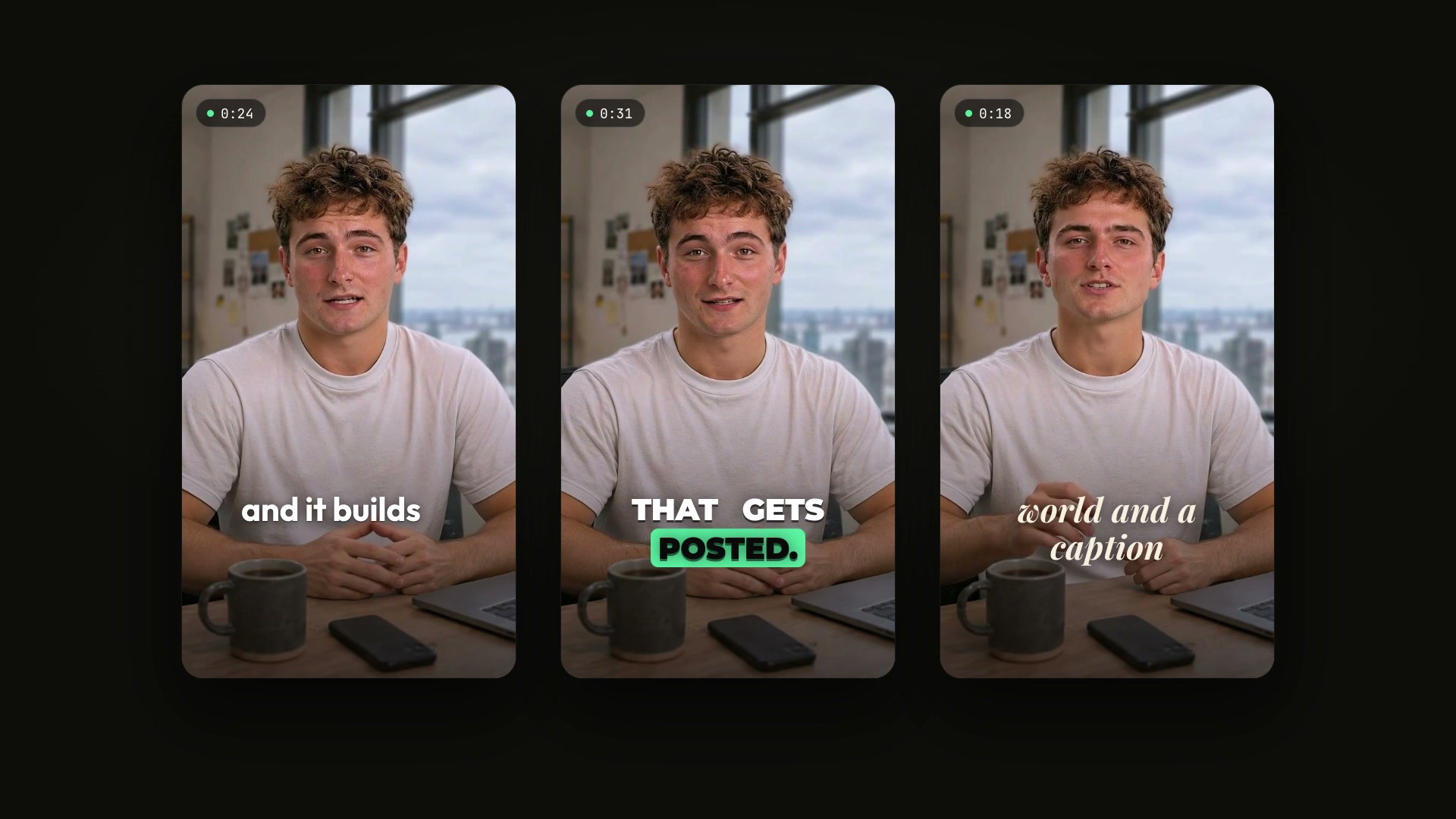
Choppity does two jobs in one browser tab: an AI clipper that turns long videos into captioned shorts, framed on the active speaker, and a screen and webcam recorder with automatic zooms. You can ask for specific clips in plain words, edit by transcript, auto-beep profanity and, since April 2026, plan and schedule posts. It claims 500,000+ podcasters, creators and marketers.
The friction shows in the details. The free plan can't export at all, the What's new page has been quiet since 24 April 2026, and Trustpilot reviewers (3.3 from 16 reviews, mostly 2025) describe failed clip jobs and re-uploads that burn more credits. The 15 alternatives below clip and caption too, or record better, and most have free plans that export, grouped by the job you use Choppity for.
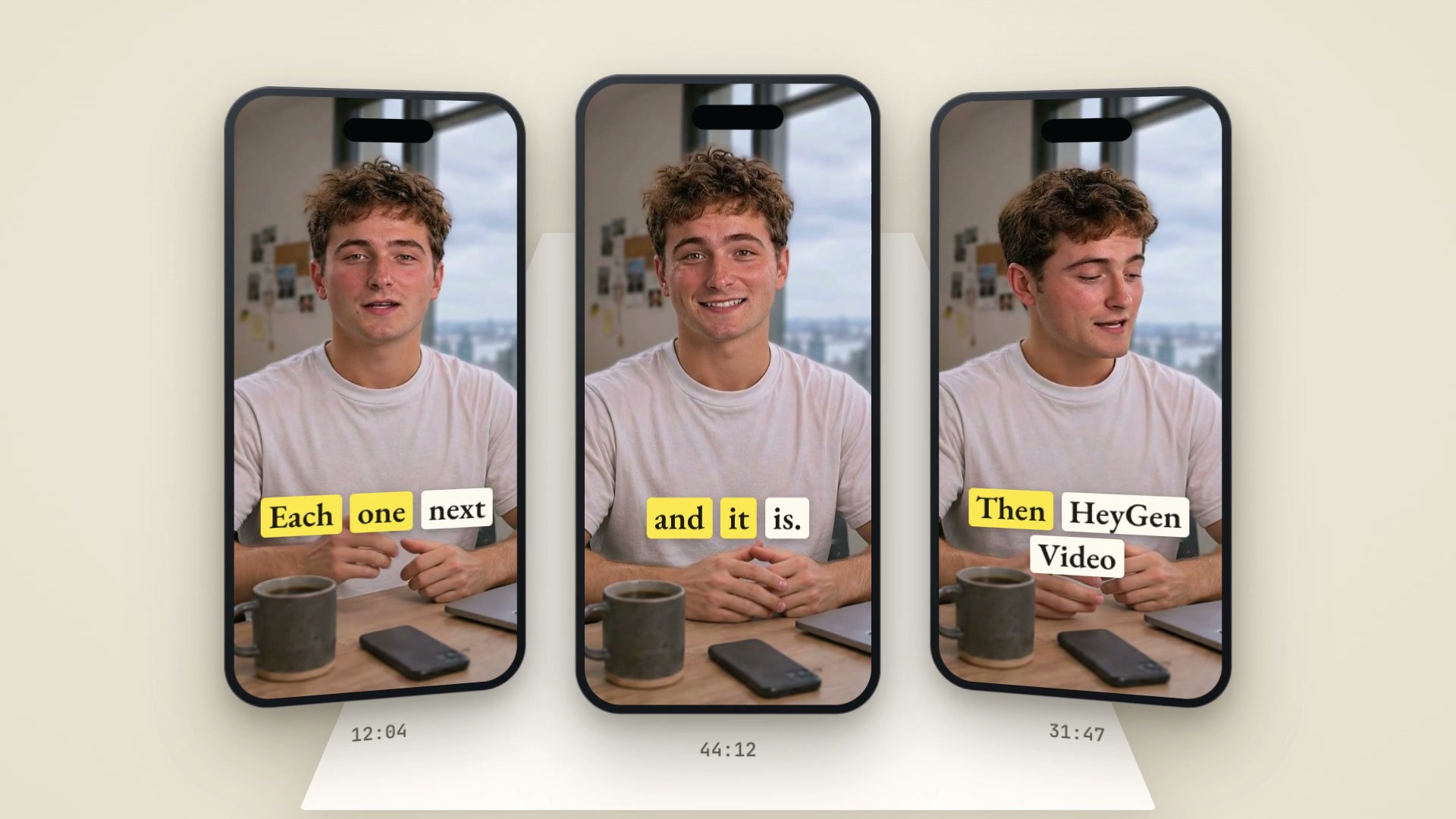
A clip cut from a long take starts on the wrong line. One ask moves the start, another colours the keyword, and the clip plays again.
Why look for a Choppity alternative?
Why people look for a Choppity alternative, from its pricing page, changelog and reviews:
No free exports
The free plan includes 45 minutes of AI analysis, 2 GB of storage and one seat, but no downloads, and projects are kept 3 days. Is Choppity free to use? To try, yes; to publish, no.
Reliability
A 2025 Trustpilot reviewer says "it just fails to generate clips at all", and another describes corrupted projects. The owner replied that a support backlog predates a 2025 handover, but there are few newer reviews to show these are fixed.
Fixes cost credits
One 2025 reviewer says fixing errors meant re-uploading, which "costs you processing credits", and another couldn't upload their own subtitles to correct mistakes.
Slow support and updates
Tickets and emails went unanswered, per one reviewer. The changelog says Choppity ships "every single week", but its newest entry on 26 November 2026 was dated 24 April.
Refund terms
Choppity offers no refunds for partial months after a 14-day window. Combined with no free exports, that means you pay before you know whether the clips are usable for you.
Quick comparison: the best Choppity alternatives
Fifteen alternatives at a glance, with Choppity last for reference.
Tool | Best for | Our rating | Free plan | Starting price |
|---|---|---|---|---|
HyperFrames | Clips you direct and fix by asking | 4.7/5 | Yes, unlimited local exports | Free to start |
OpusClip | Ranked clips from one upload | 4.4/5 | Yes, 60 credits/mo, watermark | $15/mo |
Vizard | Many clips from long videos | 4.4/5 | Yes, 720p, watermark | $29/mo list |
Submagic | Polished captions on shorts | 4.2/5 | 15 one-time credits, watermark | $19/mo |
quso.ai | Clips, calendar and analytics | 4.3/5 | Yes, 720p, watermark | $29/mo |
Klap | Per-clip pricing with posting | 4.1/5 | No, 1-video trial | $29/mo |
Wisecut | Clips posted on autopilot | 4.0/5 | Yes, 480p, no watermark | $29/mo |
Reap | Clips, dubbing and an API from $9.99 | 4.1/5 | Yes, 1 hr/mo, watermark | $9.99/mo billed yearly |
Spikes Studio | Stream clips with a scheduler | 3.8/5 | Yes, 720p, watermark | $32.99/mo |
Screen Studio | Polished screen recordings on a Mac | 4.2/5 | No | $29/mo |
Tella | Recording plus an editing agent | 4.0/5 | No, 7-day trial | $16/mo per user |
2short.ai | Free clips with no watermark | 4.3/5 | Yes, 30 min/mo, no watermark | $9.90/mo |
CapCut | A free editor for cutting clips by hand | 4.2/5 | Yes | $19.99/mo |
Descript | Editing the whole episode by text | 4.1/5 | Yes, 1 hr/mo, 720p | $24/mo |
Recast Studio | Clips and written recaps from webinars | 3.8/5 | Trial only | $14/mo yearly |
Choppity (for reference) | Clips plus a screen recorder in the browser | Not rated | Yes, no exports | $24/mo |
Ratings average our three scores (fit, ease of use, value); see How we checked. Monthly list prices on 26 November 2026.
Why trust us? HeyGen makes HyperFrames and publishes this page, so we compete with the tools below. Every rival's price, plan and feature comes from its own pricing page, help center or changelog, read on 25 and 26 November 2026. User complaints are quoted from public review sites and linked in How we checked. HyperFrames claims come from its pricing page and from the Studio app's current build. Where a rival is the better pick, we say so.
Make clips that export free
Best Choppity alternatives for editable clips
For clips you can fix without re-uploading, and free exports that let you keep what you make.
#1 HyperFrames: Best for clips you direct and fix by asking
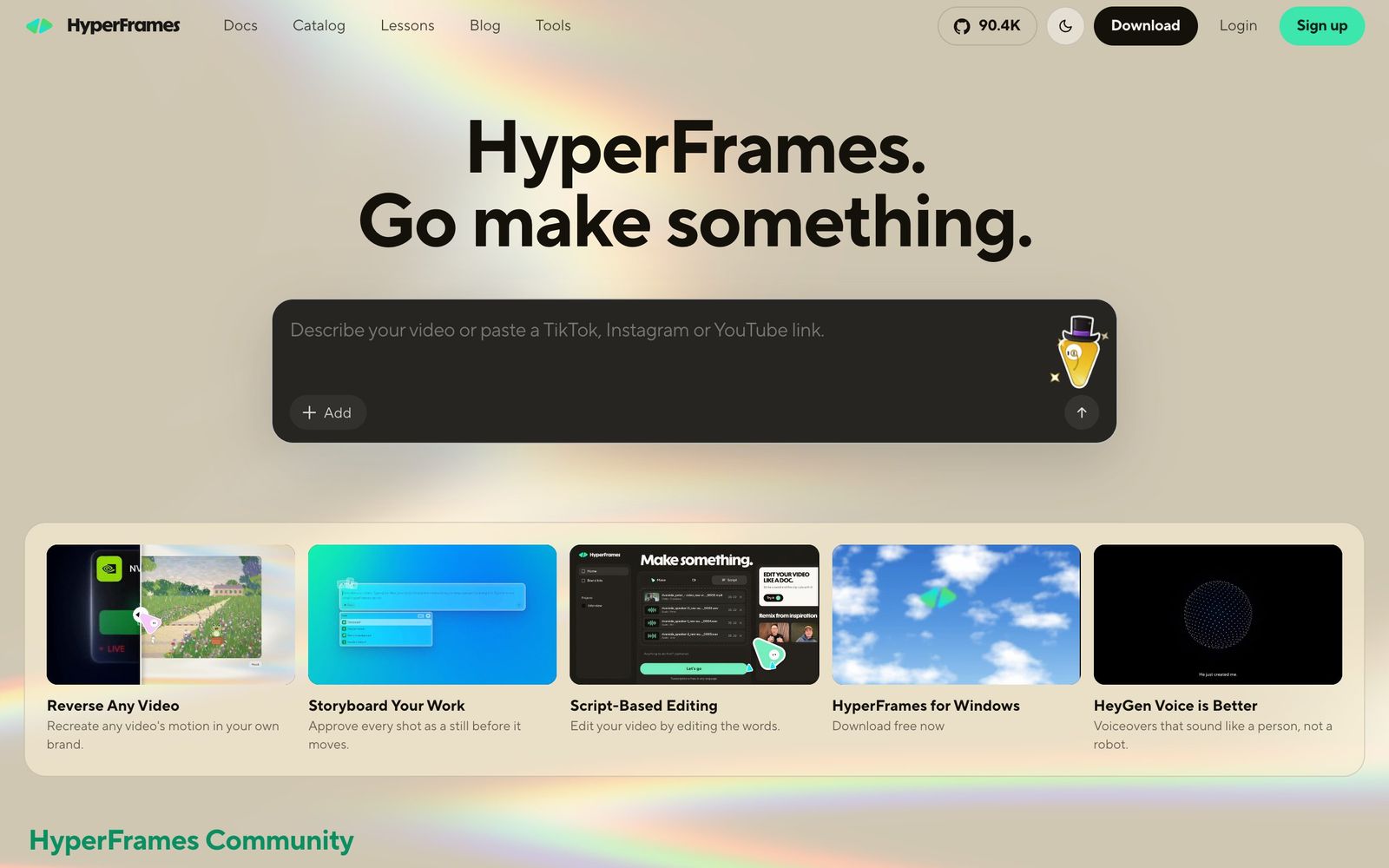
Our rating: 4.7/5. Fit for this job 4.6/5, ease of use 4.5/5, value for money 4.9/5.
Choppity gets two things right: you ask for clips in plain words, and it records your screen too. But its free plan can't export, and one reviewer says fixing a clip meant re-uploading it. In HyperFrames one episode or webinar becomes a week of captioned vertical clips that open on the best moment, cut where you ask. Then fix any of them with one sentence, and only that part changes: a start line, a misheard name, a hook title. Saw a short whose edit you love? Paste it and get its hook, pace and cuts back with your footage. It is free to start, and it exports from your computer with no watermark.
HyperFrames Studio clips by conversation, like Choppity's plain-word requests, but the conversation keeps going. Ask the AI agent for "three vertical clips, each a complete answer to a question, captions with the keyword highlighted", and it cuts the moments, keeps the speaker in frame and captions each one. A fix is an ask, not a re-upload: "start clip two on 'the real reason'", "fix the guest's name", or cut words out in the Script tab and put them back.
For two-camera podcasts, the podcast edit lines up the cameras by sound and cuts to whoever is speaking, and podcast-to-clips makes vertical shorts from the episode. Edit my footage cleans any recording first (ums and long pauses cut, sound and colour fixed), and captions come in dozens of styles (animated captions).
Standout feature: A wrong start line or a misheard name is fixed by one sentence to the agent, with no re-upload.
What's the difference between HyperFrames and Choppity? Choppity clips and records in the browser, with no exports on its free plan. HyperFrames Studio's AI agent cuts and captions clips you can fix by asking, with free exports on your computer. It has no screen recorder.
HyperFrames pros:
- Free, with unlimited exports on your computer and no watermark
- Fixes never mean re-uploading the recording
- Edit by asking, clicking the frame, or by transcript
- Desktop app for Mac, Windows and Linux, plus the web
HyperFrames cons:
- No screen recorder, and no scheduler for other networks: stream clips post themselves to YouTube, the rest you post yourself
Pricing: Free to start: a free download for Mac, Windows and Linux, or start in your browser, with exports on your computer and no watermark.
Choose HyperFrames if: you need clips you can trust and fix, and want to export for free.
What's new in HyperFrames: In November 2026, Edit my footage reached every current Studio app build. The agent now keeps the speaker in frame on vertical clips, and podcast-to-clips makes shorts from a full episode.
Available for: Mac, Windows and Linux (the Studio app), the web, and inside Claude, ChatGPT and Grok through the HyperFrames connector
See a video you love? Make it yours. Or film it, or just describe it. Your footage, edited for you. Any motion graphic, format or style. Every word and shot stays yours to change.
Make clips free in HyperFrames Studio
#2 OpusClip: Best for ranked clips from one upload
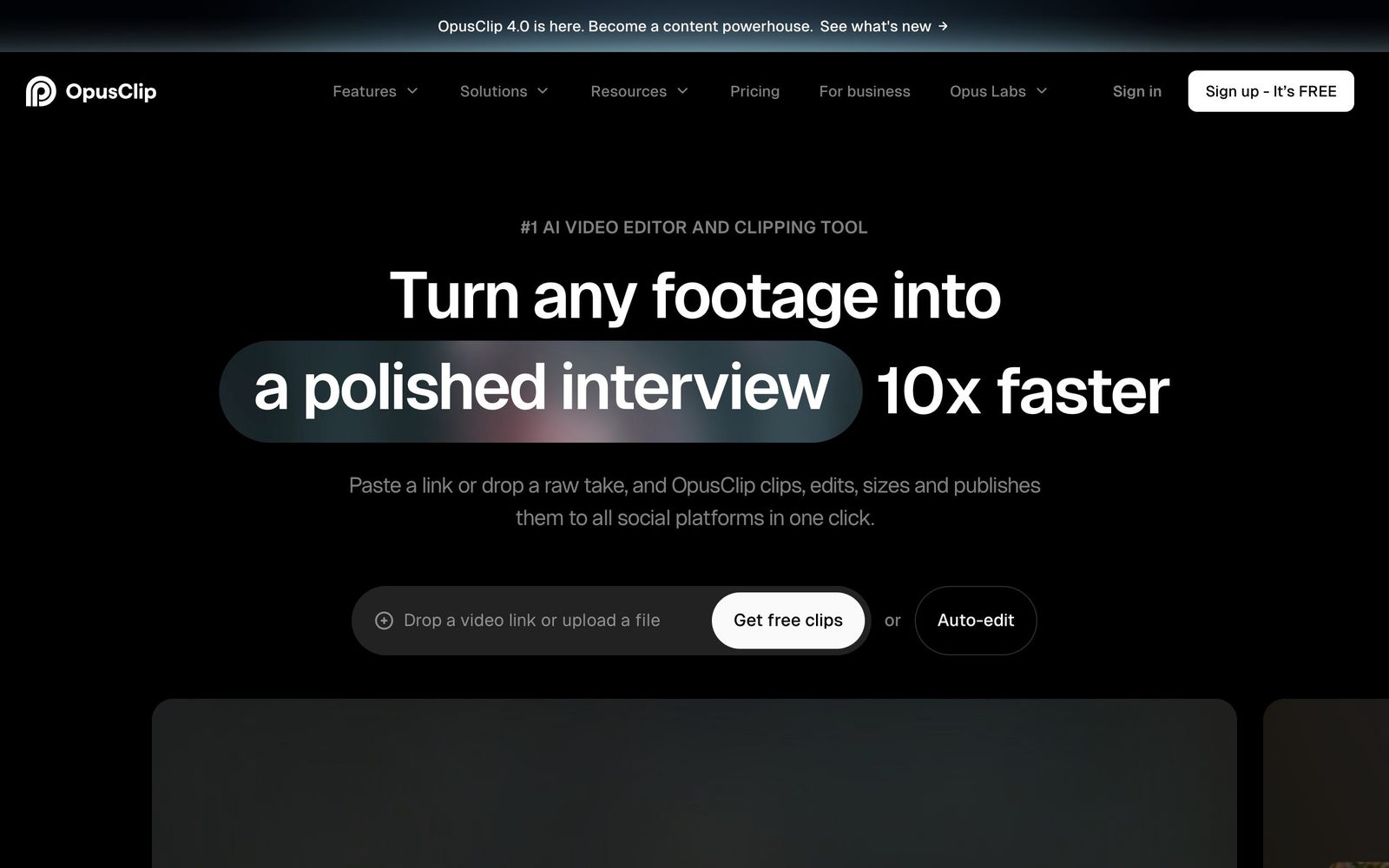
Our rating: 4.4/5. Fit for this job 4.5/5, ease of use 4.5/5, value for money 4.1/5.
Choppity vs Opus Clip: which is better? OpusClip is the bigger, better-reviewed clip machine (Trustpilot 4.0 from 533 reviews), with captions in 20+ languages and reframing, and its free plan exports up to 1080p with a watermark, which Choppity's free plan can't do at all. It has no screen recorder.
Standout feature: Ranked clips and a free plan that exports at 1080p, which Choppity's free plan can't do.
What's the difference between OpusClip and Choppity? OpusClip exports on its free plan, ranks clips and has far more users and reviews. Choppity adds a screen recorder and plain-word clip objectives.
OpusClip pros:
- Fast, ranked clips from one upload or link
- Animated captions in 20+ languages
- Exports XML to Premiere Pro and DaVinci Resolve on Pro
- Social scheduler and API on Pro
OpusClip cons:
- Free exports carry a watermark and media expires after 3 days
- One Trustpilot reviewer waited over a day for a human reply; another lost paid credits after cancelling
Pricing: Free plan with 60 credits a month, a watermark and up to 1080p. Starter is $15 a month (monthly only); Pro is $29 a month, or $14.50 a month billed yearly.
Choose OpusClip over Choppity if: you want the best-known clip machine.
What's new in OpusClip: OpusClip 4.0 (2 November 2026) added auto-edit for raw talking-head videos, saved edit Recipes, Viral Hook and Motion Graphics.
Available for: Web, plus an API and a Claude connector
#3 Vizard: Best for many clips from long videos
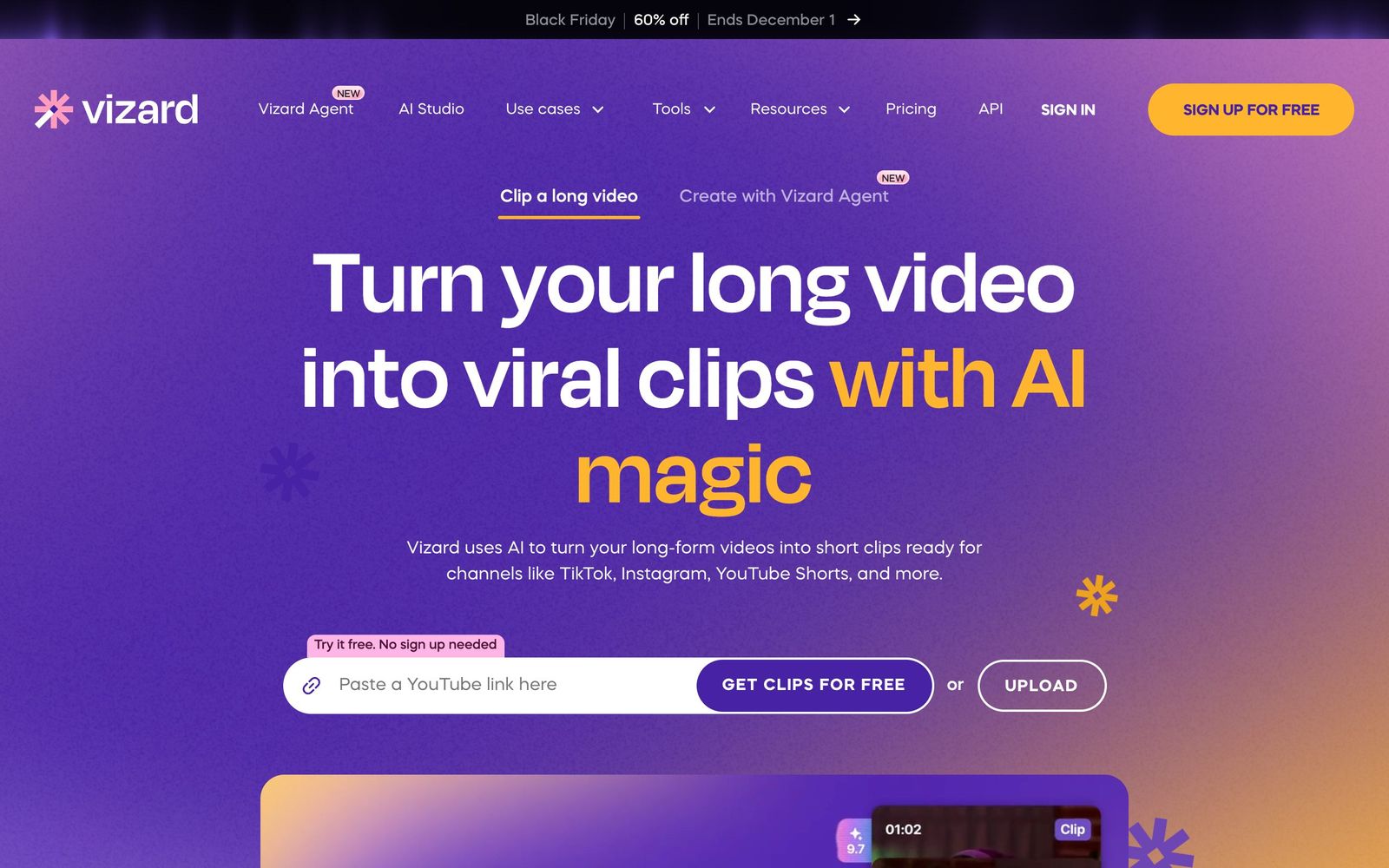
Our rating: 4.4/5. Fit for this job 4.4/5, ease of use 4.5/5, value for money 4.3/5.
Vizard returns 30+ clips per upload, takes 10-hour uploads on paid plans and exports 4K, with a scheduler, brand kit and team workspace, and Vizard Agent edits a finished video from a written brief. Its free plan exports 720p with a watermark, and Trustpilot shows a high 4.7 from 2,522 reviews.
Standout feature: Long uploads (10 hours on paid plans) and 4K, with a free plan that exports.
What's the difference between Vizard and Choppity? Vizard handles longer uploads, up to 10 hours on paid plans, and exports from its free plan. Choppity adds a screen recorder.
Vizard pros:
- Many clips from one long upload
- Face-tracking reframe, subtitles, translation and keyword highlights
- Vizard Agent edits a finished video from a brief
- Team workspace, brand kit and scheduler
Vizard cons:
- Free exports are 720p with a watermark, and videos are deleted after 3 days
- No refunds, and unused credits are lost when you cancel (per Vizard's terms as quoted by a Trustpilot reviewer)
Pricing: Free plan with 60 credits a month, 720p exports and a watermark. Paid plans list at $29 and $39 a month, less when billed yearly.
Choose Vizard over Choppity if: you clip long webinars or streams.
What's new in Vizard: Vizard Agent, an editing agent that works from a written brief (blog post, 29 June 2026), now appears on every plan.
Available for: Web, plus an API and an MCP connector
#4 Submagic: Best for polished captions on shorts
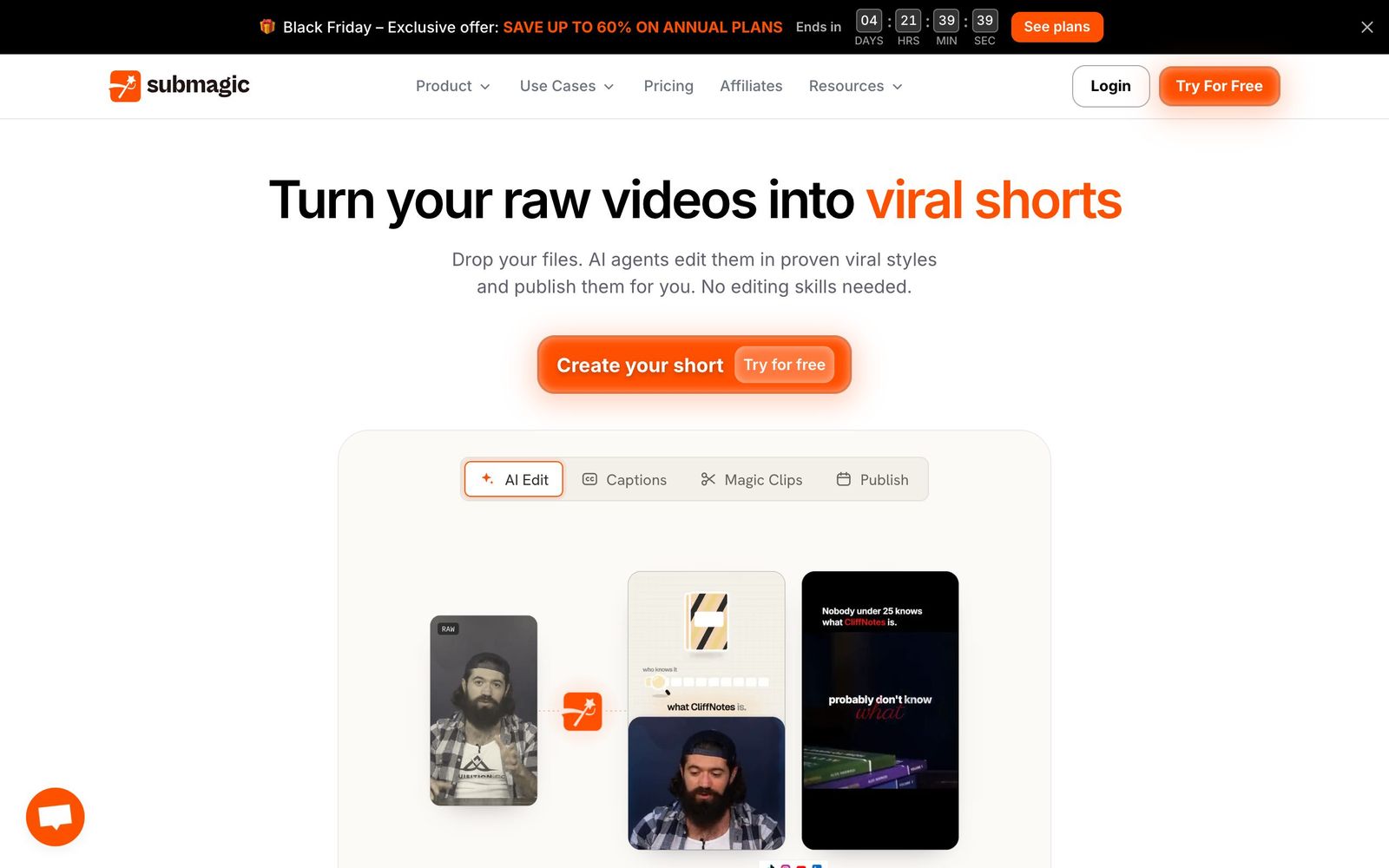
Our rating: 4.2/5. Fit for this job 4.1/5, ease of use 4.6/5, value for money 4.0/5.
If Choppity's captions are the part you use most, Submagic is the caption specialist: animated templates, auto-zooms, and Iris, an agent that adds cuts, B-roll, motion graphics and music to a short. Its free plan is small, but it does export.
Standout feature: Caption templates and an editing agent, with a free plan that exports (watermarked).
What's the difference between Submagic and Choppity? Submagic is built around animated caption templates and auto-zooms. Choppity takes plain-word clip requests and records screens.
Submagic pros:
- Strong animated caption templates
- Magic Clips turns videos up to 3 hours into shorts
- Removes bad takes and silences
- API, Zapier and n8n
Submagic cons:
- Starter caps each captioned video at 2 minutes and 1080p
- Free credits are one-time, not monthly
Pricing: Free sign-up with 15 one-time credits and watermarked exports. Starter is $19 a month, or $12 a month billed yearly.
Choose Submagic over Choppity if: captions matter more than recording.
What's new in Submagic: Iris, the editing agent, is the site-wide launch banner (live on 26 November 2026, no dated post).
Available for: Web, plus an API and ChatGPT and Claude integrations
Best Choppity alternatives with scheduling
Choppity added a planner and scheduler in April 2026. These tools have scheduled for longer, or post to more places.
#5 quso.ai: Best for clips, calendar and analytics
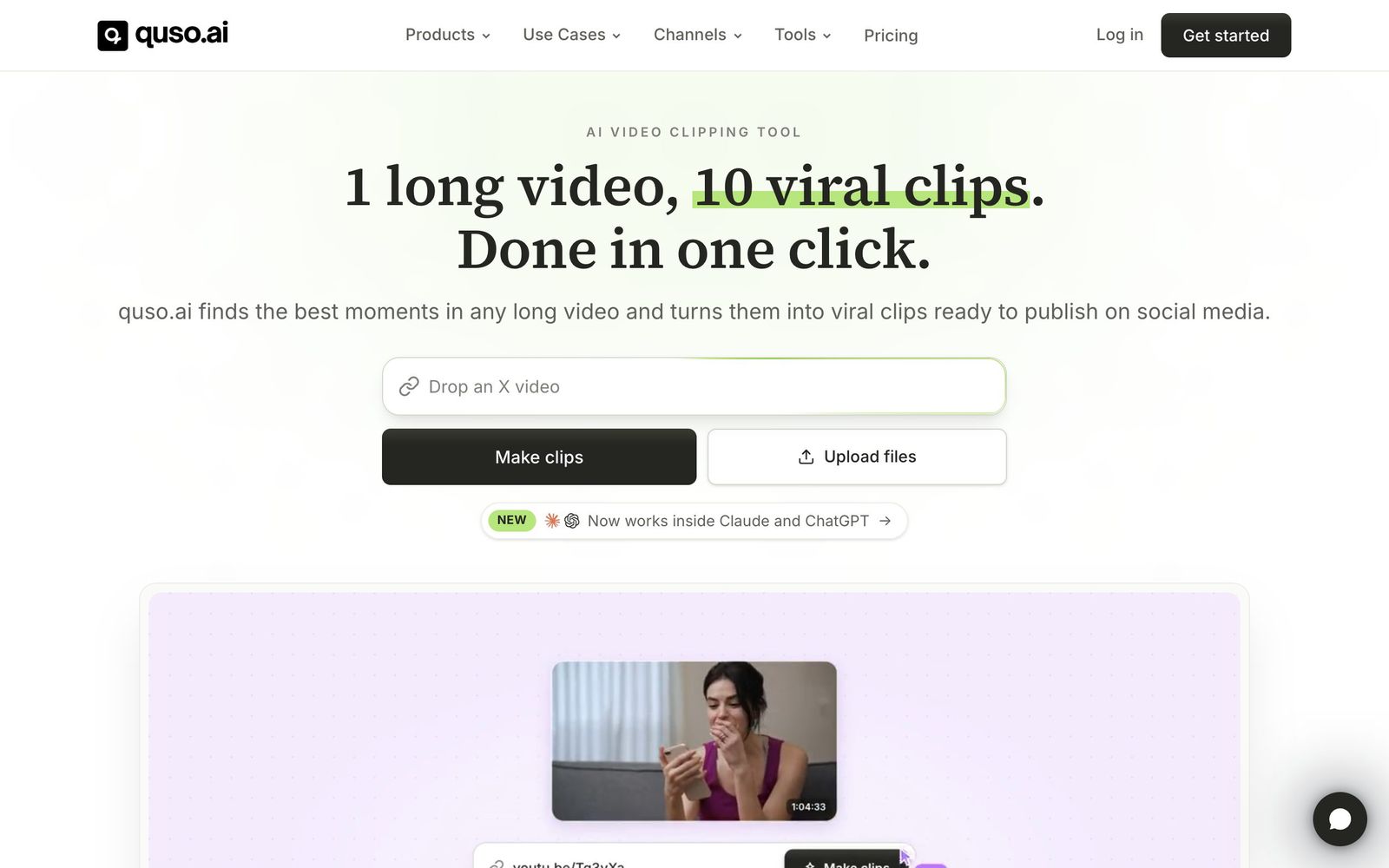
Our rating: 4.3/5. Fit for this job 4.3/5, ease of use 4.3/5, value for money 4.2/5.
quso.ai is the closest all-in-one to Choppity: it clips with auto-reframe, captions in 99 languages, and plans, schedules and reports, with a connector that works inside Claude and ChatGPT on every plan. Its free plan exports 720p with a watermark, which beats Choppity's no-export free plan.
Standout feature: Clips, captions, scheduling and analytics in one app, and it works inside Claude and ChatGPT on every plan.
What's the difference between quso.ai and Choppity? quso.ai adds analytics (on Growth), subtitles in 99 languages and a free plan that exports. Choppity adds a screen recorder.
quso.ai pros:
- Clip detection with auto-reframe
- Subtitles in 99 languages with SRT export
- Filler word and silence removal on Essential
- Schedules to 7 platforms on Essential
quso.ai cons:
- Free exports are 720p with a watermark, kept 7 days
- Lite publishes to TikTok only
Pricing: Free plan with 75 credits a month, 720p and a watermark. Lite is $29 a month billed monthly; Essential is $39.
Choose quso.ai over Choppity if: you want the calendar and analytics too.
What's new in quso.ai: quso.ai for Claude and ChatGPT, an MCP connector, is marked New on its site (checked 26 November 2026). quso.ai was called Vidyo.ai until January 2025.
Available for: Web and mobile, plus a Claude and ChatGPT connector
#6 Klap: Best for per-clip pricing with posting
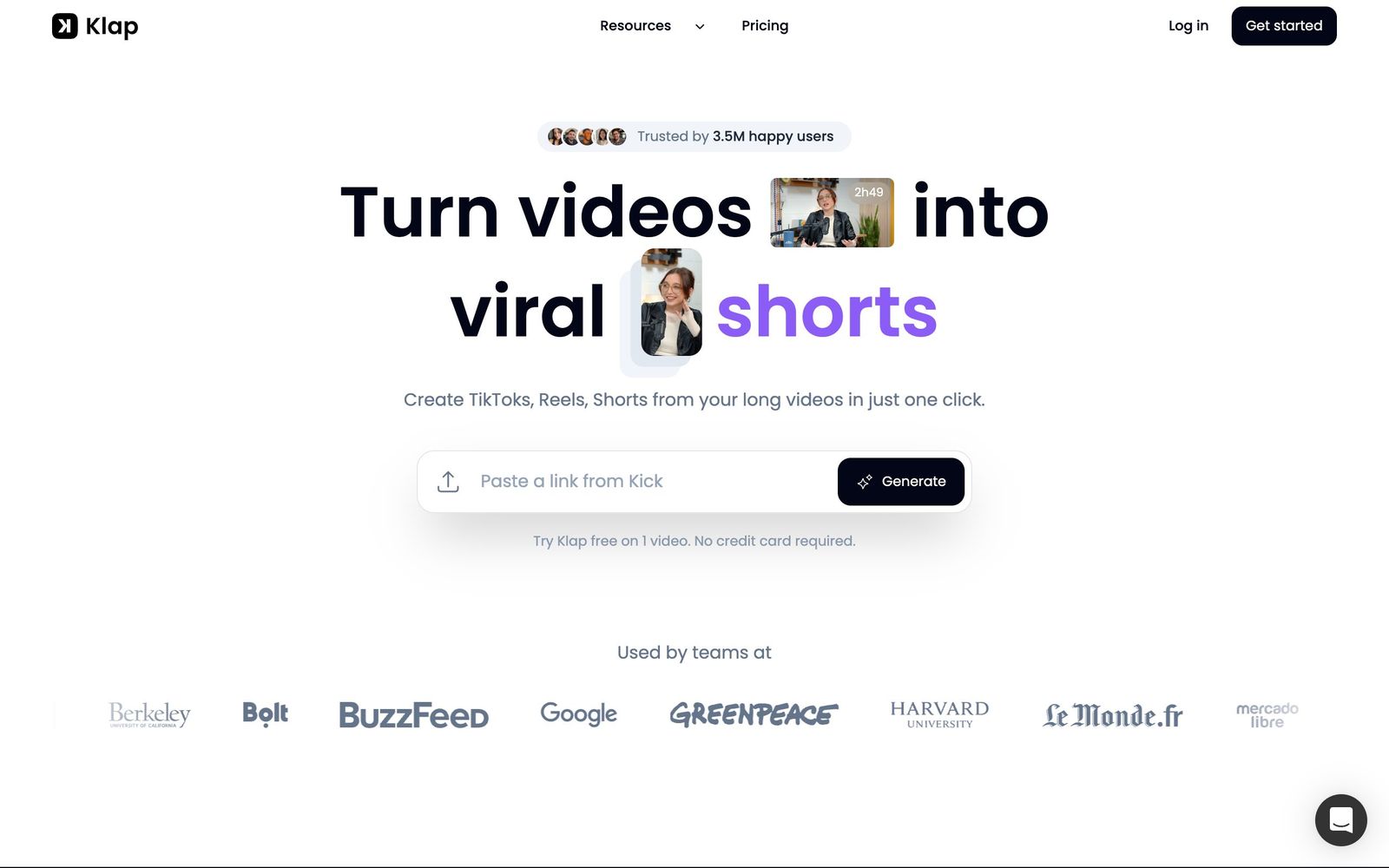
Our rating: 4.1/5. Fit for this job 4.2/5, ease of use 4.4/5, value for money 3.8/5.
Klap prices by finished clips and posts to unlimited social accounts. AI Reframe 2 handles screen recordings and split screens, the kind of footage Choppity's recorder produces. Paste a YouTube link or upload a file of up to 3 hours, and each clip comes back with a virality score, captions and a hook title.
Standout feature: Plans are counted in finished clips (100, 300 or 1,000 a month) instead of upload minutes.
What's the difference between Klap and Choppity? Klap counts clips and posts everywhere. Choppity counts minutes of analysis.
Klap pros:
- Simple, output-based pricing
- AI Reframe 2 handles split screen, screencasts and gaming layouts
- Posts to unlimited social accounts with analytics
- Self-serve API
Klap cons:
- No free plan, and trial clips can't be downloaded
- Source videos are capped at 3 hours
Pricing: No free plan; a free trial covers 1 video, and downloading clips needs a paid plan. Basic is $29 a month, or $14.50 a month billed yearly, for 100 clips.
Choose Klap over Choppity if: you want simple, per-clip pricing.
What's new in Klap: No public changelog. The homepage marks AI Reframe 2 as new (undated, checked 26 November 2026).
Available for: Web, plus an API
#7 Wisecut: Best for clips posted on autopilot
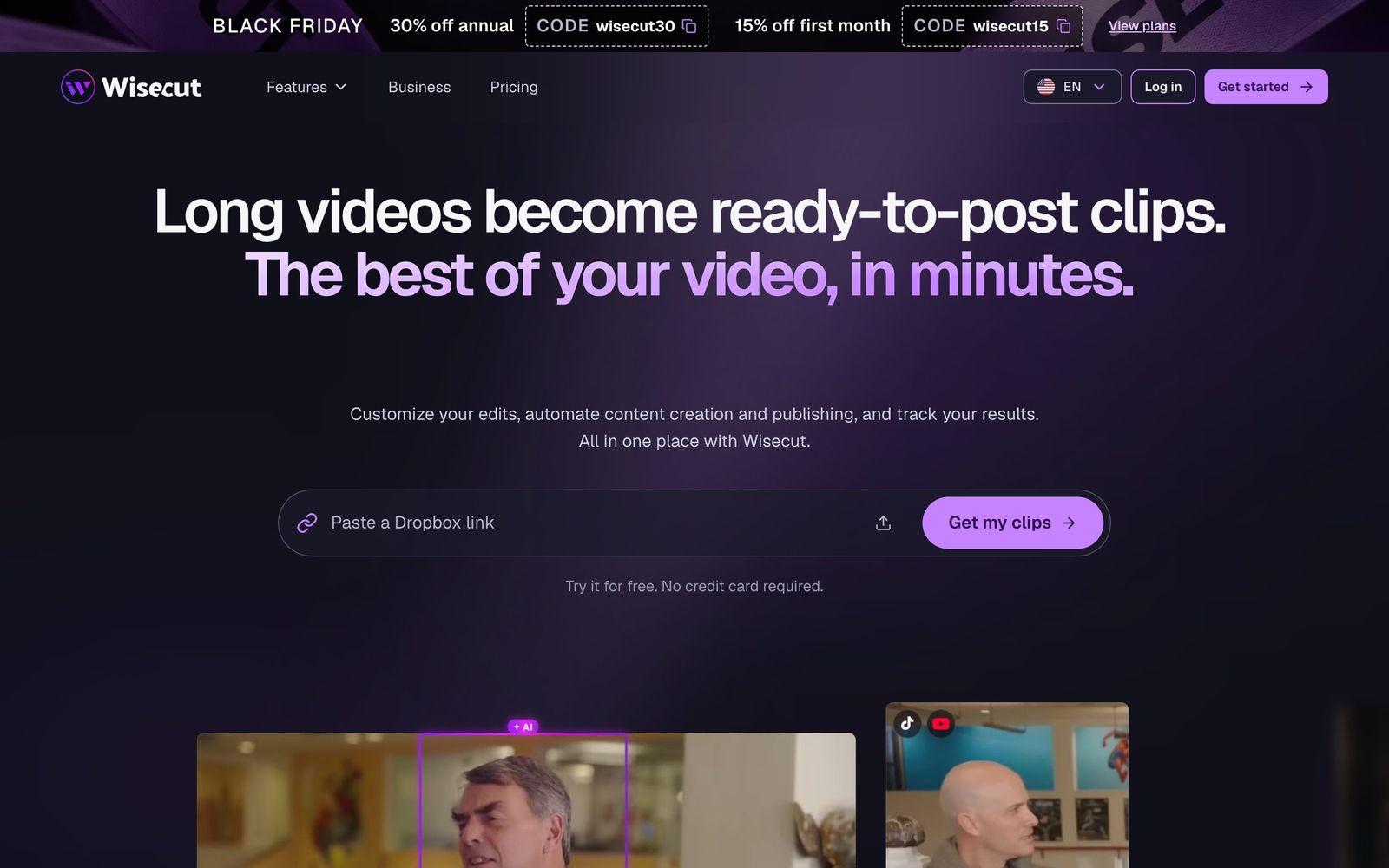
Our rating: 4.0/5. Fit for this job 3.9/5, ease of use 4.2/5, value for money 3.9/5.
Wisecut's Autopilot connects to your channel and, with each new video, finds the best moments, edits, captions and publishes clips. It can clip live streams as they happen, and its free tier exports without a watermark, at 480p.
Standout feature: Autopilot: with each new video on your channel, it finds moments, edits, captions and publishes clips.
What's the difference between Wisecut and Choppity? Wisecut posts clips automatically from each upload. Choppity expects you to bring and plan each video.
Wisecut pros:
- Removes silences and false starts automatically
- Edit by transcript or by asking its assistant
- Auto captions, punch-in zooms and music ducking
- Auto-publishing on Plus plans
Wisecut cons:
- Free plan is 480p with 3-minute exports
- AppSumo reviewers want more control over captions and clip length
Pricing: Free plan with 30 minutes a month at 480p and no watermark. Starter+ is $29 a month, or $279 a year.
Choose Wisecut over Choppity if: you want posting fully automated.
What's new in Wisecut: No public changelog entry found; the pricing page now lists Autopilot, Social Hub and MCP (undated, checked 26 November 2026).
Available for: Web
#8 Reap: Best for clips, dubbing and an API from $9.99
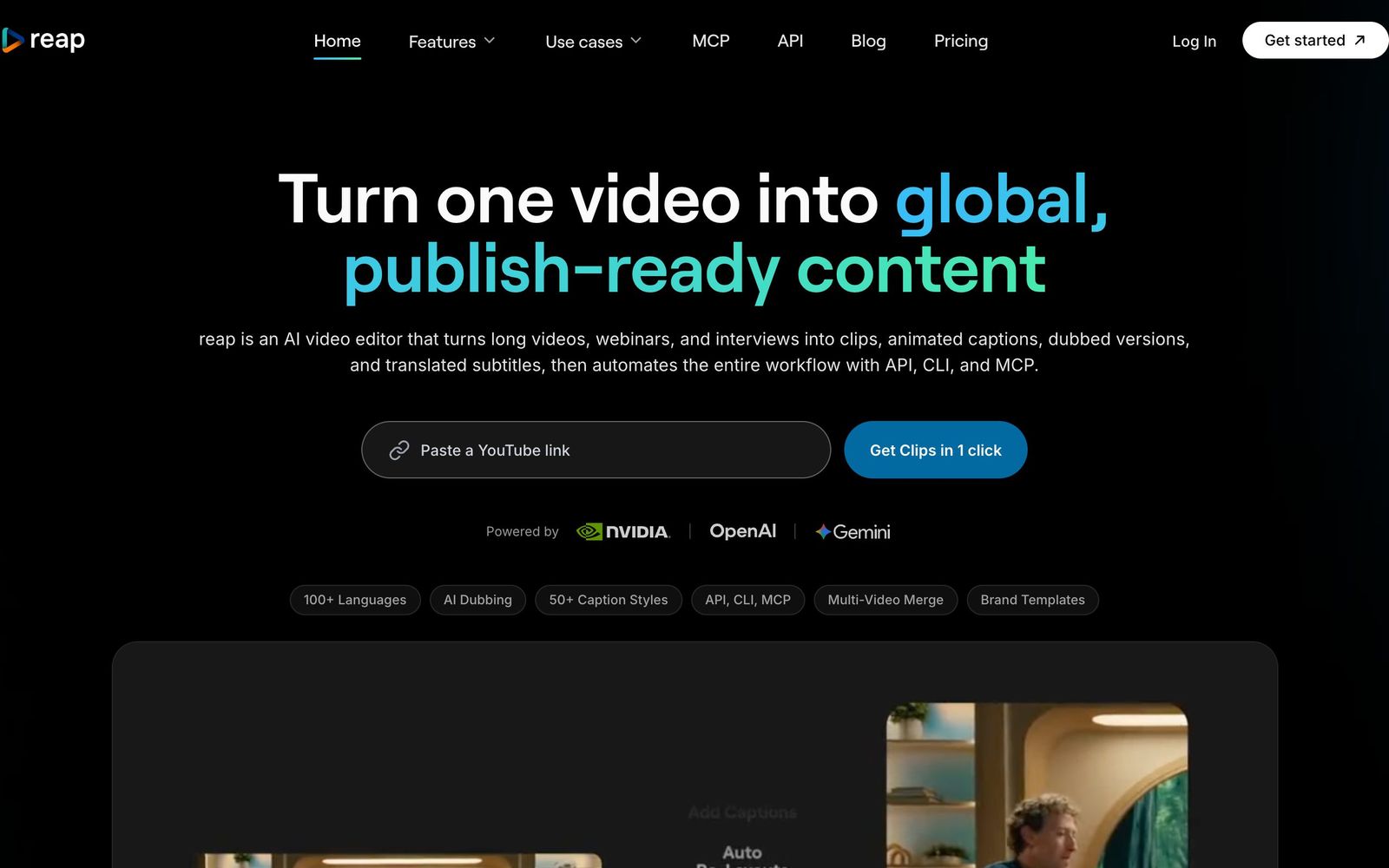
Our rating: 4.1/5. Fit for this job 4.0/5, ease of use 4.2/5, value for money 4.2/5.
reap (it writes its name in lower case) clips long videos and webinars with prompt-first topic search, much like Choppity's plain-word requests, and its scheduler posts to TikTok, Reels, Shorts, LinkedIn, X and Facebook. Its v2.0 release (23 November 2026) shows a far fresher changelog than Choppity's, though AppSumo reviewers (4.4 from 80) mention stability problems and wrong split-screen layouts on some gaming clips.
Standout feature: Full API, command-line and AI-connector access from the $9.99 plan, instead of enterprise-only pricing.
What's the difference between Reap and Choppity? reap adds dubbing, an API on its cheapest plan and a weekly changelog. Choppity adds a screen recorder.
Reap pros:
- AI clipping with prompt-based topic search and a virality score
- 50+ animated caption presets and captions in 100+ languages
- AI dubbing in 80+ languages
- Speaker tracking and auto reframe
Reap cons:
- Free exports are 720p with a watermark, and projects are deleted after 7 days
- Filler-word removal, noise removal and voice cloning are still marked coming soon
Pricing: Free forever plan with 1 hour a month of watermarked 720p clipping. Creator is $9.99 a month billed yearly ($119.88 a year), shown against a struck-through $24; monthly billing costs more, but the page doesn't show that price.
Choose Reap over Choppity if: you want plain-word clipping, dubbing and an API for less.
What's new in Reap: Reap v2.0 (23 November 2026) added clips from videos without speech, a workflow builder, a new editor with keyframes and shapes, and Auto Top-Up.
Available for: Web, plus a REST API, a command-line tool, MCP for Claude and ChatGPT, Zapier, Make and n8n
#9 Spikes Studio: Best for stream clips with a scheduler
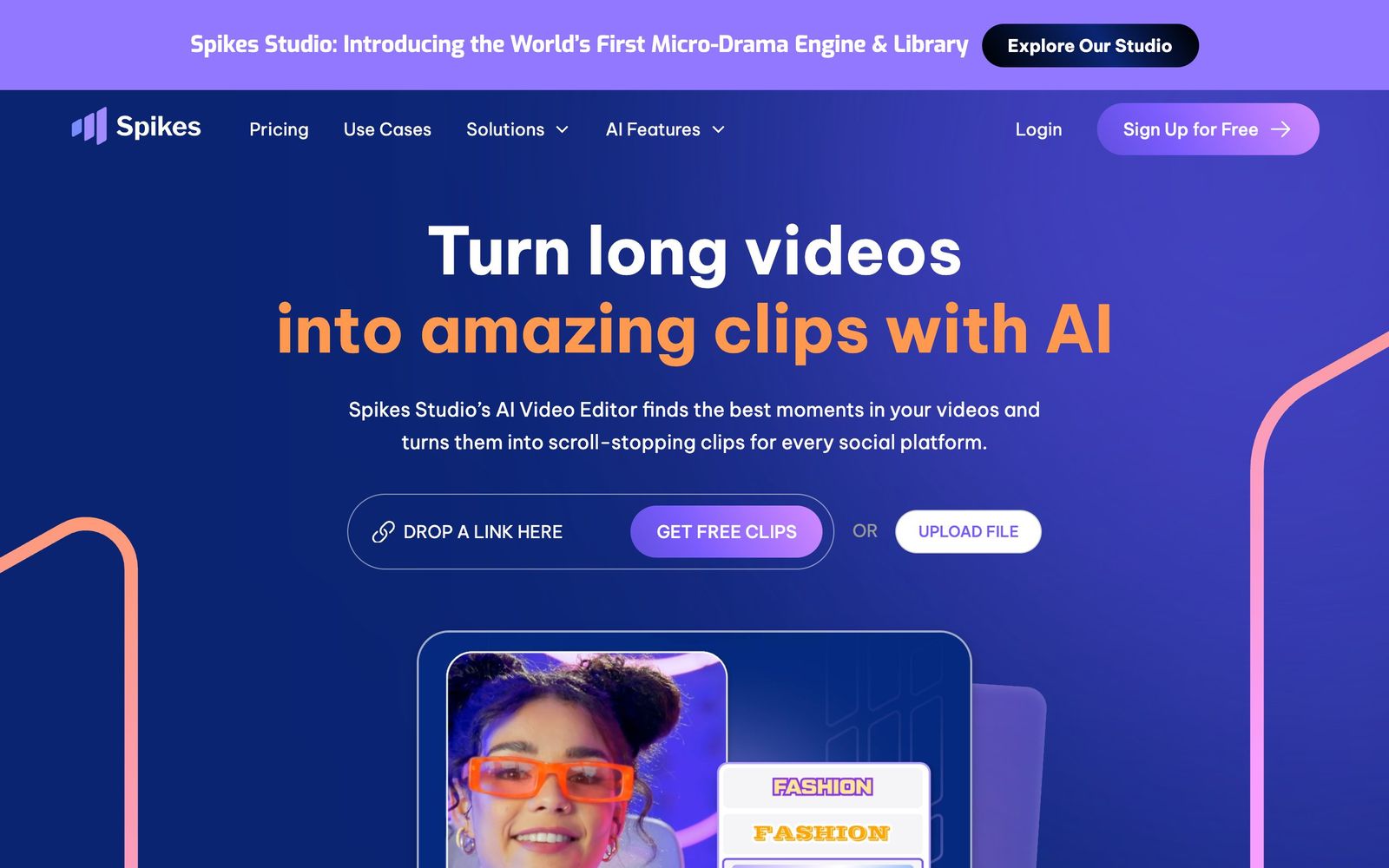
Our rating: 3.8/5. Fit for this job 3.8/5, ease of use 4.1/5, value for money 3.6/5.
Spikes Studio finds highlights in Twitch and YouTube streams and podcasts, adds captions, AI B-roll and music, and schedules posts on PRO+. Its free plan exports 720p with a watermark, and the company now leads with a micro-drama product.
Standout feature: Built for clipping Twitch and YouTube streams, with AI B-roll and a scheduler.
What's the difference between Spikes Studio and Choppity? Spikes Studio is tuned for streams and gaming. Choppity is tuned for podcasts and tutorials.
Spikes Studio pros:
- Highlight detection made for streams and gaming
- AI titles, descriptions and hashtags
- Scheduler and analytics on PRO+
Spikes Studio cons:
- Exports top out at 1080p on every plan
- Trustpilot score of 2.3 (18 reviews), with billing complaints
Pricing: Free plan with a watermark, 720p and about 30 minutes a month. PRO+ is $32.99 a month, or $14.09 a month billed yearly.
Choose Spikes Studio over Choppity if: you clip live streams.
What's new in Spikes Studio: Spikes announced a micro-drama partnership with Deepdub on 8 October 2026; no clipping update found.
Available for: Web
Best Choppity alternatives for screen recording
If you use Choppity mainly for its recorder, a dedicated recorder does that job better.
#10 Screen Studio: Best for polished screen recordings on a Mac
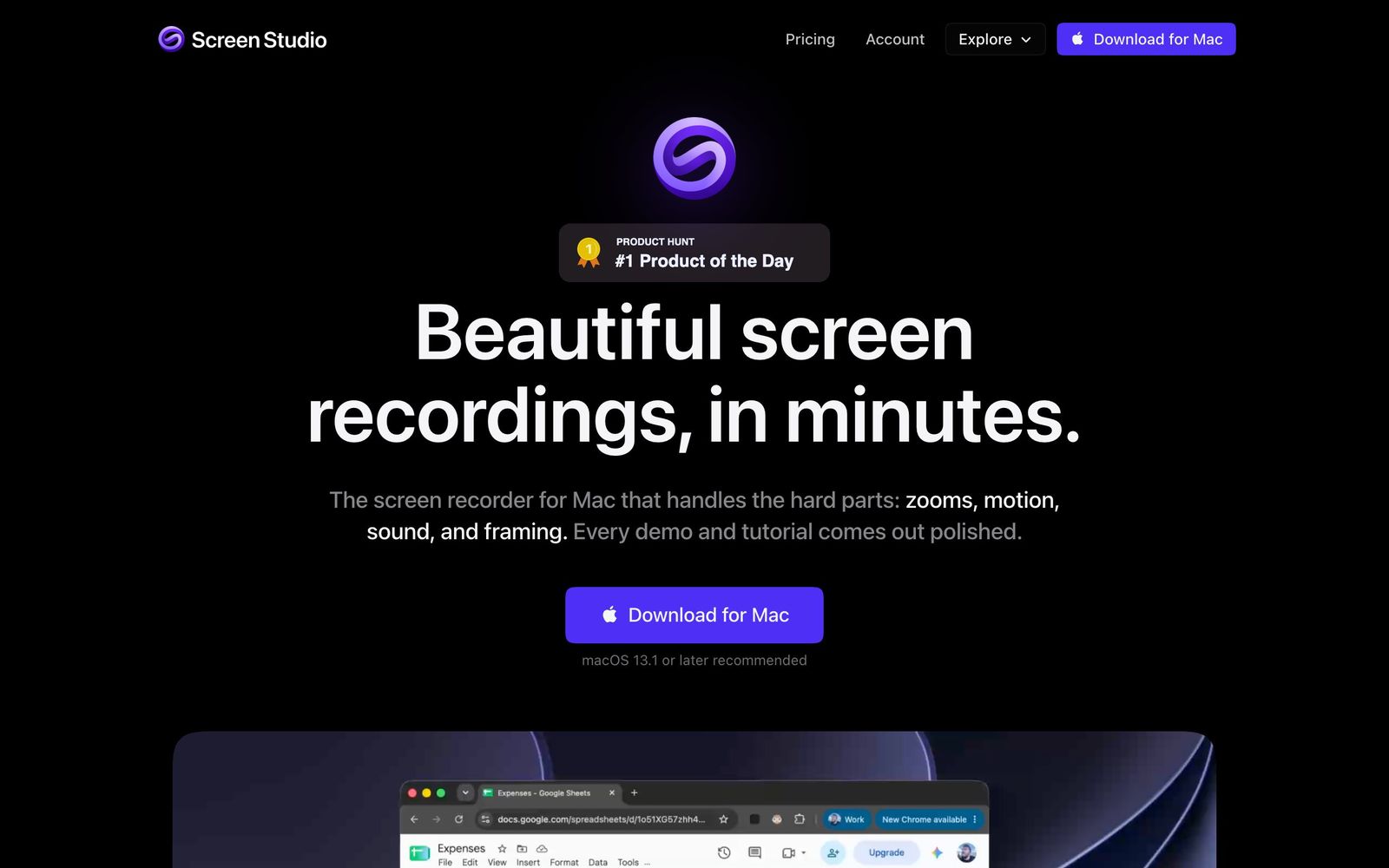
Our rating: 4.2/5. Fit for this job 4.0/5, ease of use 4.7/5, value for money 4.0/5.
Screen Studio is a Mac recorder built around automatic zooms: it watches where you click, smooths the cursor and keeps your webcam off it with smart framing. It exports up to 4K at 60 fps as a native Mac app, but it doesn't clip long videos into shorts.
Standout feature: Automatic zooms on your clicks and smooth cursor motion make screen recordings look produced.
What's the difference between Screen Studio and Choppity? Screen Studio is a dedicated Mac recorder with automatic zooms and smooth cursor motion. Choppity also clips and schedules.
Screen Studio pros:
- Beautiful automatic zooms
- Every feature on every plan
- 4K 60 fps and ProRes export
- Hides sensitive data automatically
Screen Studio cons:
- Mac only
- No free plan
Pricing: No free plan. $29 a month, or $9 a month billed yearly.
Choose Screen Studio over Choppity if: you record tutorials on a Mac and care how they look.
What's new in Screen Studio: Screen Studio 4.1 (20 October 2026) added automatic masking of sensitive data and ProRes export.
Available for: Mac
#11 Tella: Best for recording plus an editing agent
Our rating: 4.0/5. Fit for this job 3.9/5, ease of use 4.4/5, value for money 3.8/5.
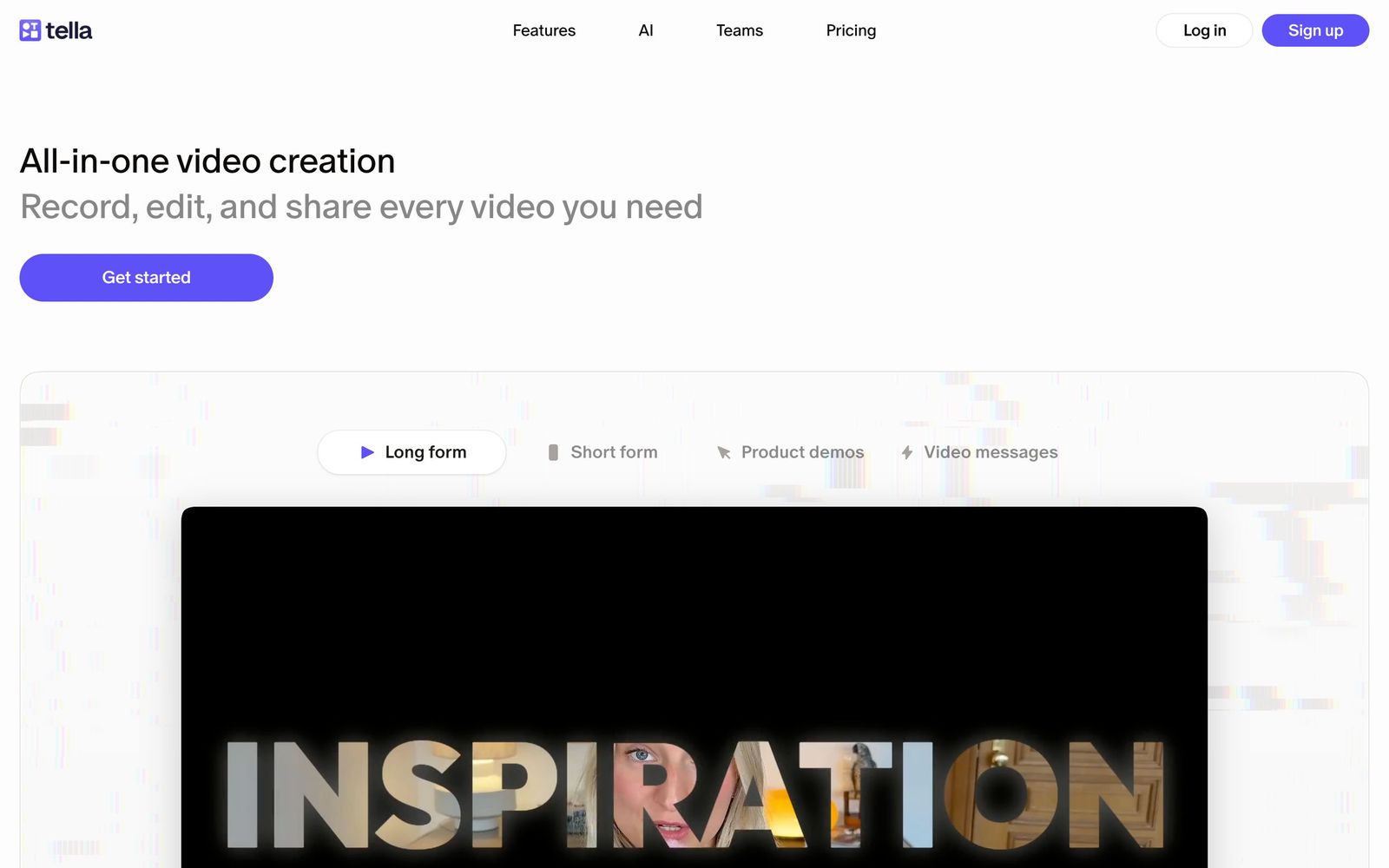
Tella records screen, camera and audio on Mac, Windows, a Chrome extension or the web, then Tella Agent edits from a chat: cut filler words, add subtitles, clip a Short. Trustpilot reviewers (2.6 from 15 reviews) report slow cloud editing on long recordings.
Standout feature: Record your screen and camera, then let Tella Agent cut filler words, add subtitles, clip a Short and narrate in 24 languages.
What's the difference between Tella and Choppity? Tella is a recorder first, with an agent that can clip a Short. Choppity is a clipper first, with a recorder.
Tella pros:
- Polished screen and camera recording
- Tella Agent chat editing and AI voiceovers
- Share links, embeds and viewer analytics
- Very active weekly changelog
Tella cons:
- No free plan
- Credits expire monthly; removing Tella branding needs Premium
Pricing: No free plan, a 7-day trial. Pro is $16 a month per user, or $13 billed yearly.
Choose Tella over Choppity if: recording and sharing demos is the main job.
What's new in Tella: AI voiceovers in 24 languages (25 November 2026), after Tella Agent, Tella Motion and Auto Capture launched on 30 October.
Available for: Mac, Windows, a Chrome extension and a web recorder
Best Choppity alternatives for budget clips and full episodes
For a free clipper, or when the full episode needs editing too.
#12 2short.ai: Best for free clips with no watermark
Our rating: 4.3/5. Fit for this job 3.9/5, ease of use 4.4/5, value for money 4.6/5.
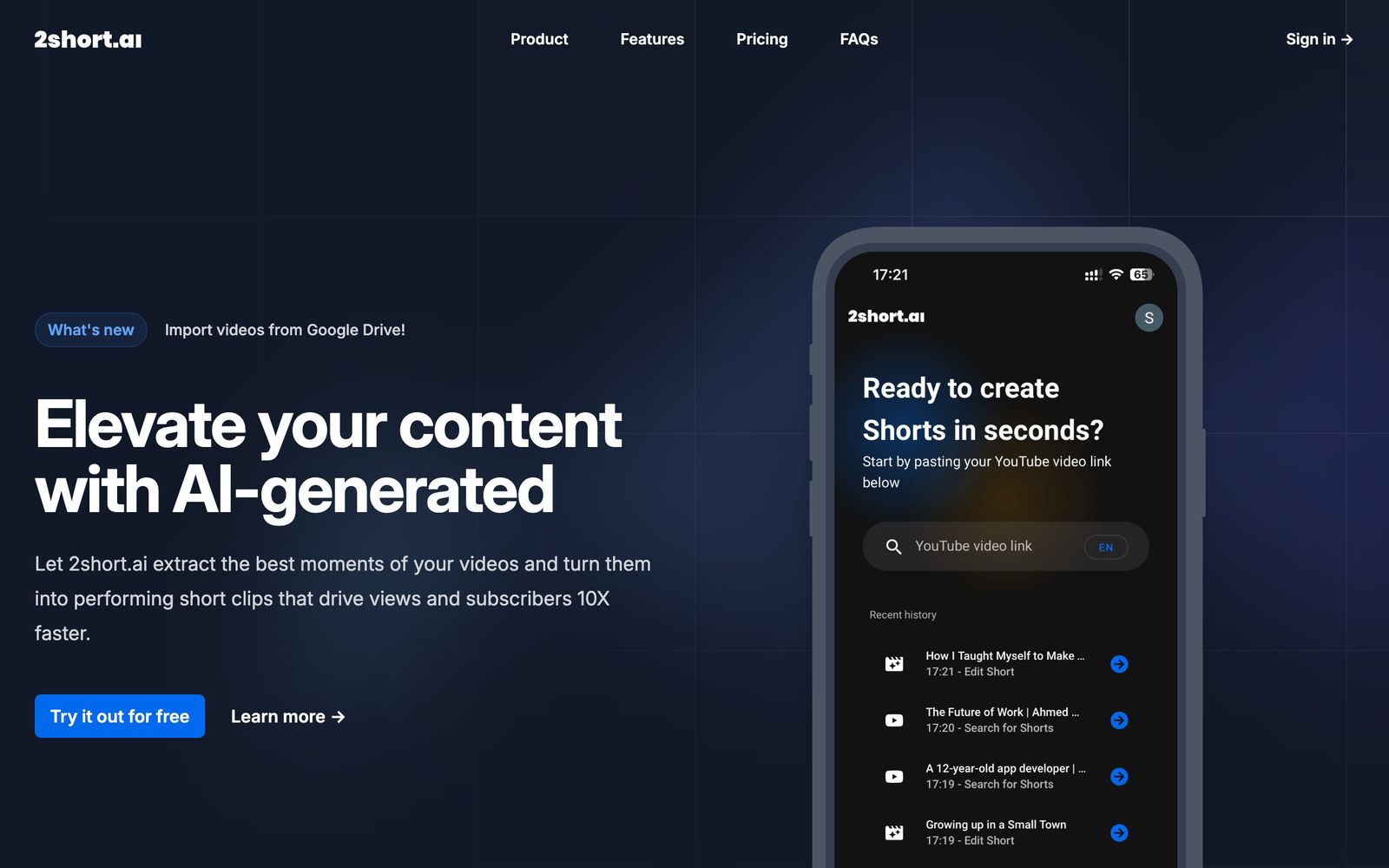
2short.ai finds moments in long YouTube videos, tracks the speaker and adds subtitles. Every plan, free included, exports 1080p with no watermark, so it is the answer to Choppity's no-export free plan.
Standout feature: Every plan, the free one included, gets every feature and 1080p exports with no watermark.
What's the difference between 2short.ai and Choppity? 2short.ai exports free with no watermark. Choppity's free plan can't export.
2short.ai pros:
- No watermark, even free
- Speaker face tracking and one-click subtitles
- Cheap paid plans billed by hours of analysis
2short.ai cons:
- Built around YouTube videos
- No scheduler, teams or API listed
Pricing: Free plan with 30 minutes of AI analysis a month and ads. Lite is $9.90 a month.
Choose 2short.ai over Choppity if: you want free clips you can actually download.
What's new in 2short.ai: No public changelog. The homepage banner announces Google Drive imports (undated, checked 26 November 2026).
Available for: Web
#13 CapCut: Best for a free editor for cutting clips by hand
Our rating: 4.2/5. Fit for this job 3.7/5, ease of use 4.5/5, value for money 4.4/5.
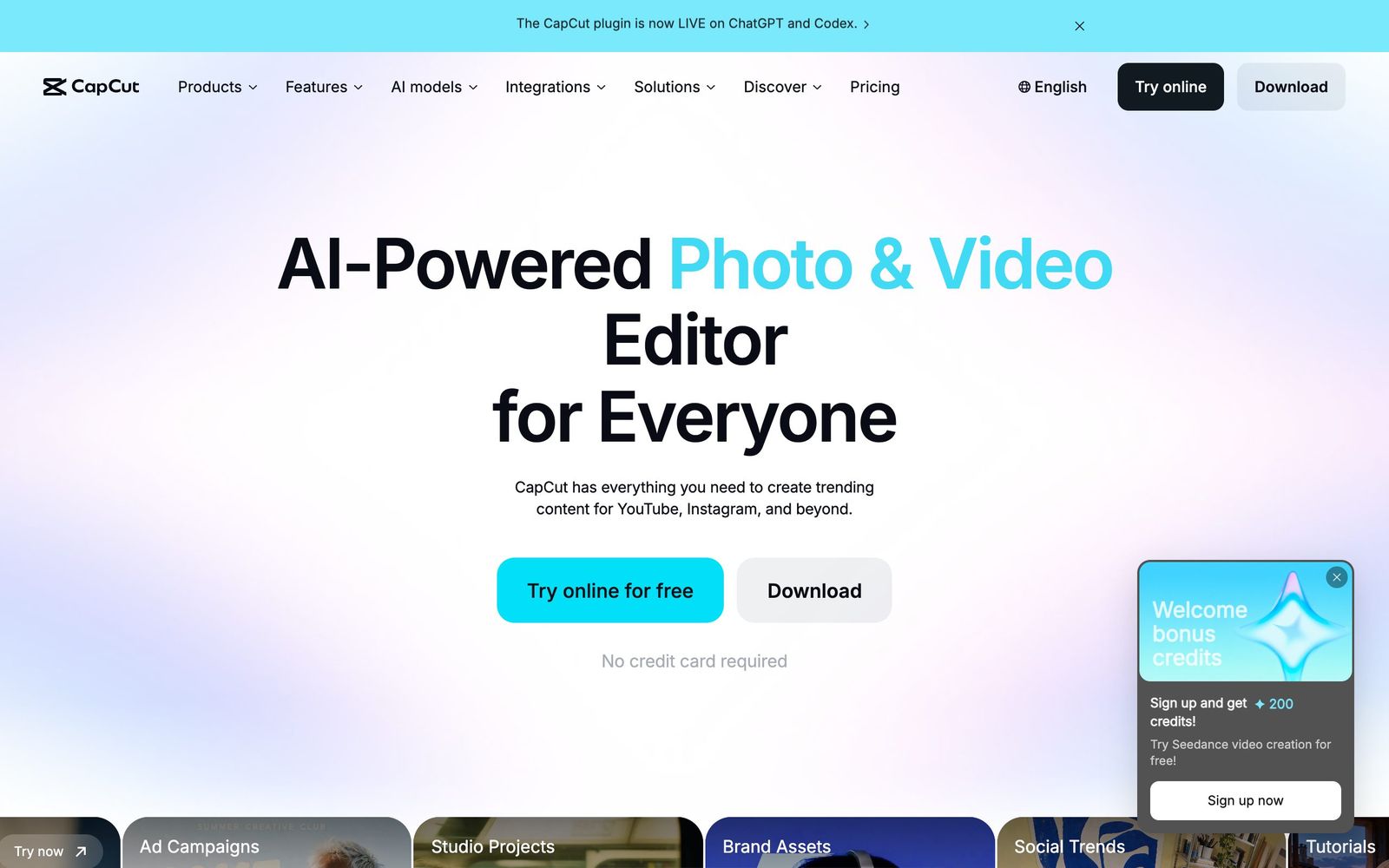
If you know which moments you want, CapCut cuts them for free on the web, Windows, Mac, iPhone and Android, with auto captions and text to speech. Unlike Choppity's free plan, it exports.
Standout feature: A free editor that exports, for moments you pick yourself.
What's the difference between CapCut and Choppity? CapCut makes you find and cut the moments. Choppity finds them, frames the speaker and schedules.
CapCut pros:
- Free, fast and familiar on phone and desktop
- Templates for trends
- Auto captions, text to speech and background remover
- Plugin for ChatGPT and Codex
CapCut cons:
- Pro paywalls can appear at the export screen
- Trustpilot score of 1.2 (1,416 reviews); the low reviews we read mention charges after cancelling
Pricing: Free plan with basic editing and free templates. Pro is $19.99 a month on the web; the app stores sell other plans.
Choose CapCut over Choppity if: you already know your best moments.
What's new in CapCut: The CapCut plugin is live in ChatGPT and Codex, and iOS 20.3.0 (24 November 2026) improved trimming.
Available for: Web, Windows, Mac, iPhone and Android
#14 Descript: Best for editing the whole episode by text
Our rating: 4.1/5. Fit for this job 4.0/5, ease of use 4.1/5, value for money 4.2/5.
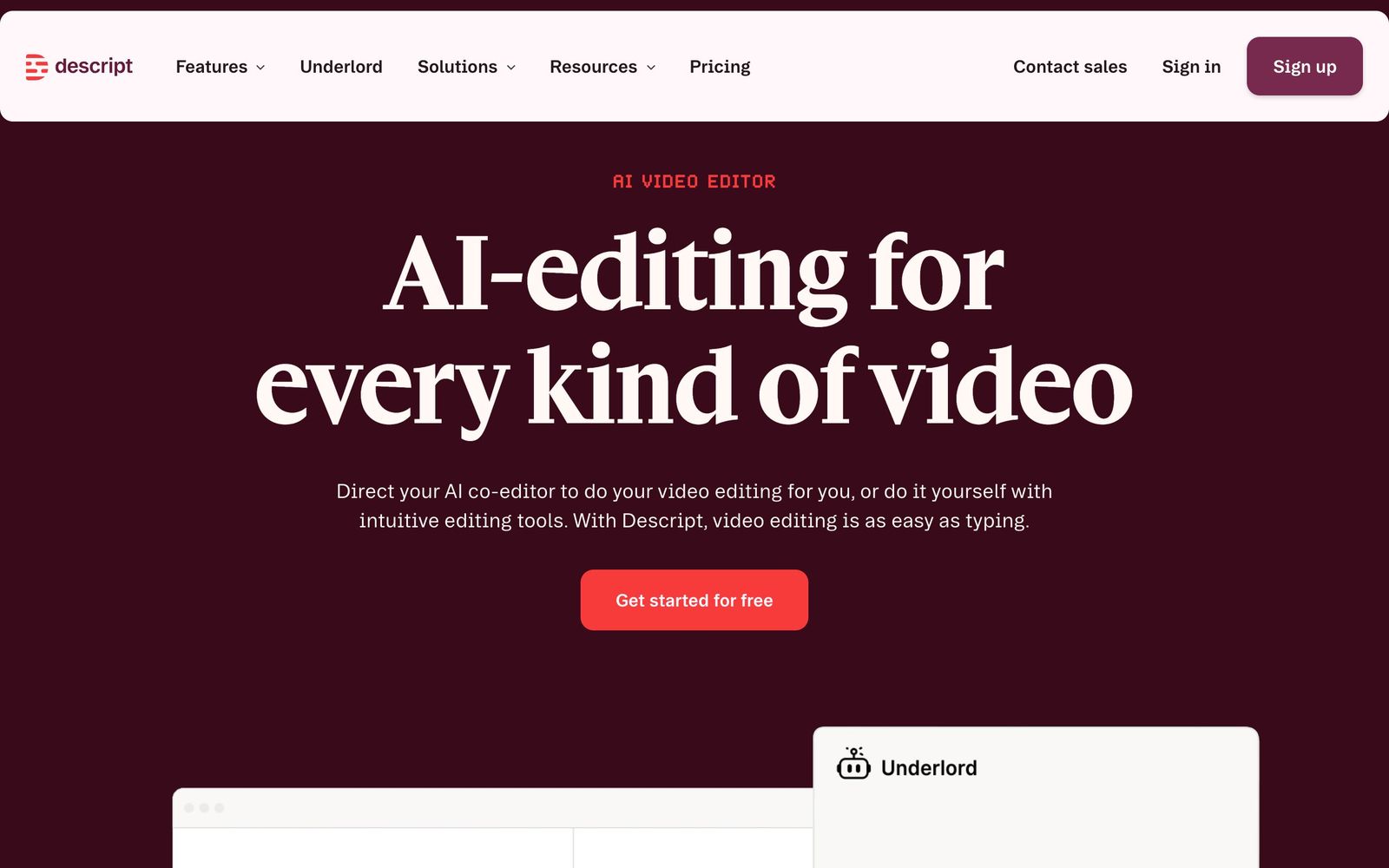
Descript edits by transcript, like Choppity, but for the whole episode, and it records screens and remote guests. Underlord, its agent, cuts a raw recording into shape. The free plan exports 720p, so you can test it on a real episode, though Trustpilot reviewers (2.4 from 301 reviews) mention bugs and credits spent on weak AI results.
Standout feature: Transcript editing and screen recording for the full episode, not only the clips.
What's the difference between Descript and Choppity? Descript edits full episodes and records. Choppity clips short pieces from them.
Descript pros:
- Edit the video by editing its transcript
- Screen recording and remote recording (Rooms)
- Timeline export to Premiere, Resolve and Pro Tools
- Underlord skills save your own workflows
Descript cons:
- Paid plans cap media hours (10, 30 or 40 a month)
- Trustpilot score of 2.4 (301 reviews), with bugs and credits spent on weak AI results
Pricing: Free plan with 1 media hour a month and 720p exports. Hobbyist is $24 a month, or $16 a month billed yearly.
Choose Descript over Choppity if: the full episode matters as much as the clips.
What's new in Descript: November 2026 release: Underlord skills, brand layout packs, Rooms dead-mic warnings and native Premiere export in beta (changelog, 6 November).
Available for: Desktop app and web
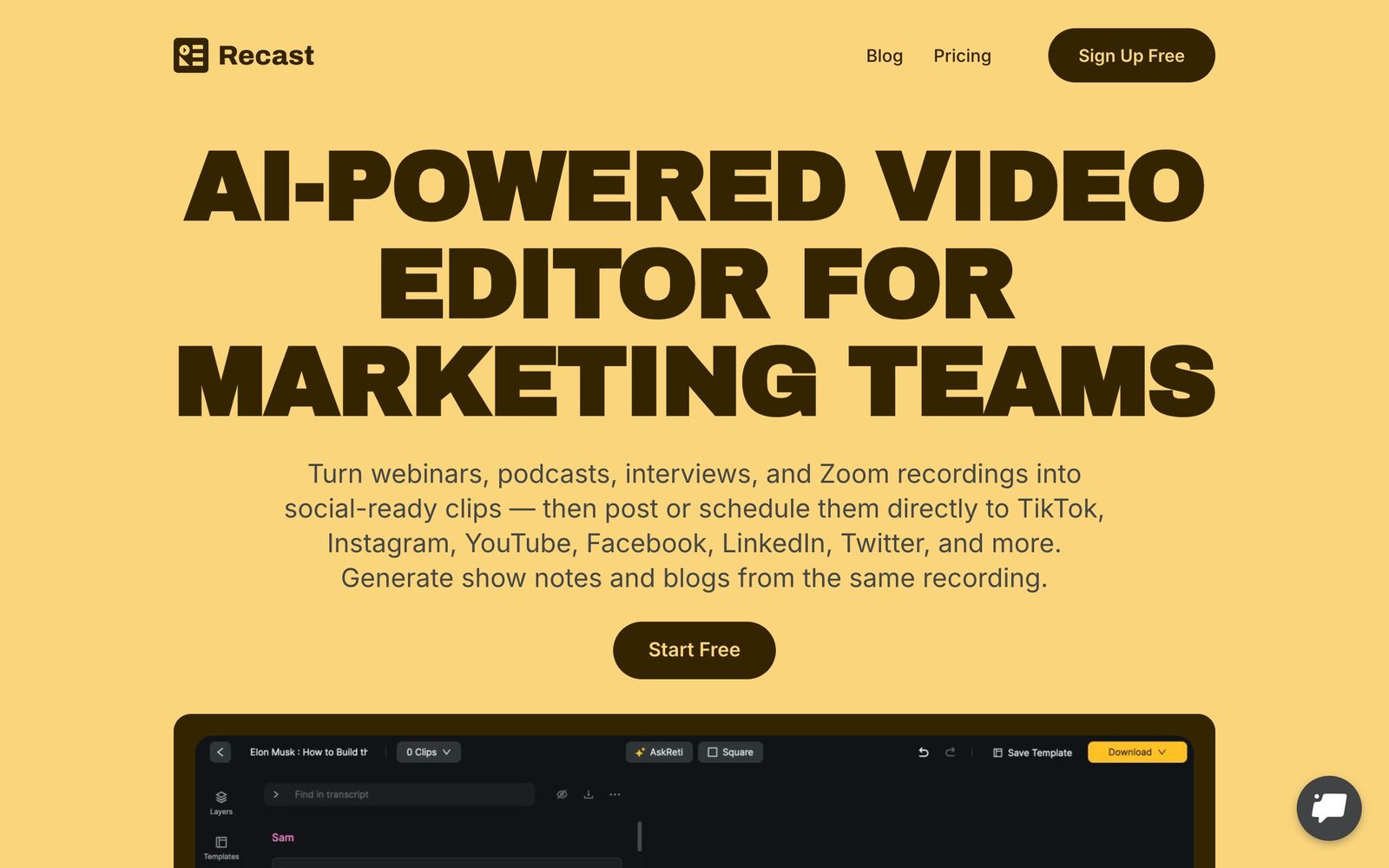
#15 Recast Studio: Best for clips and written recaps from webinars
Our rating: 3.8/5. Fit for this job 3.8/5, ease of use 4.0/5, value for money 3.7/5.
Recast Studio turns webinars and Zoom recordings into clips, audiograms, show notes and blog posts, and publishes to six networks. It edits by text and removes fillers and silences.
Standout feature: One recording becomes clips, audiograms, show notes and blog posts, then publishes to six networks.
What's the difference between Recast Studio and Choppity? Recast Studio writes the recap too. Choppity records screens.
Recast Studio pros:
- Clips, audiograms and written content in one place
- Filler and silence removal
- Animated captions in 20+ languages
- Direct publishing and scheduling
Recast Studio cons:
- No ongoing free plan
- Trustpilot score of 2.9 (87 reviews), with support and download complaints
Pricing: Trial only: 60 one-time credits and 5 export minutes. Starter is $14 a month billed yearly ($170 a year).
Choose Recast Studio over Choppity if: each webinar also needs a blog post.
What's new in Recast Studio: No public changelog found; the blog's latest posts date from April 2026.
Available for: Web
How to choose the best Choppity alternative
Choppity bundles a clipper, a recorder and a scheduler. Most people use one of the three more than the others; replace that one well.
Are the clips the job?
Pick a clipping tool by what happens after the first batch. Post as-is: OpusClip or Vizard. Fix most of them: HyperFrames Studio, where a fix is one sentence and never a re-upload. Free and simple: 2short.ai. Plain-word requests and dubbing for less: reap.
Is the recorder the job?
On a Mac, Screen Studio adds automatic zooms and smooth cursor motion to your recordings. On Windows or in a browser, Tella records and lets its agent clip a Short. Then bring the file to any clipper.
Is the calendar the job?
quso.ai is the closest all-in-one. Klap posts to unlimited accounts. Wisecut posts clips from each new upload automatically.
Do you need free exports?
Choppity's free plan can't export. HyperFrames Studio (unlimited on your computer), 2short.ai and Wisecut export free with no watermark; OpusClip, Vizard and quso.ai export free with a watermark.
Does the full episode need editing too?
Descript edits the whole episode by text and records it; Recast Studio adds show notes and a blog post; HyperFrames Studio's podcast edit cuts a two-camera episode to whoever is speaking before it makes the clips.
How we compared
Every tool on this list was scored on three things:
- Clips. Finding moments, speaker framing and captions.
- Reliability and control. Fixing a clip without starting over.
- Value. Free exports, watermark and price.
User complaints. We read recent reviews on Trustpilot, Product Hunt and the App Store and say when a complaint comes from a single review, with its date when it is old. Some review sites (G2, Capterra) blocked automated reading, so their scores are not quoted.
Ratings. Each tool gets three scores out of 5: fit for the job this page is about, ease of use, and value for money (free plan, entry price, watermarks and caps). The overall rating is their average. The scores are our judgment from the sources above, not a lab benchmark.
Choppity's reviews are mostly from 2025; the owner says some support problems predate a 2025 handover. We say so wherever we quote them.
Conclusion
For clips you can trust and fix, HyperFrames Studio is the best Choppity alternative: ask for the moments, and fix any clip by asking, with no re-uploads. It is free to start, with free exports on your computer.
If you want the same clip machine with a free plan that exports, OpusClip and Vizard are the leaders, 2short.ai is free with no watermark, and quso.ai is the closest all-in-one if scheduling is why you chose Choppity. If you mostly used the recorder, Screen Studio (Mac) and Tella are dedicated recorders. Keep Choppity if you want recording, clipping and scheduling in one browser tab.
Make clips you can fix, free
Frequently asked questions
What is the best Choppity alternative?
HyperFrames Studio is the best Choppity alternative for creators who want clips they can fix, rated 4.7 out of 5 here. OpusClip (4.4) and Vizard (4.4) are the best clip machines, and Screen Studio our pick for recording on a Mac.
Is Choppity free to use?
You can try it free: the free plan gives 45 minutes of AI analysis, 2 GB of storage and one seat. But it has no exports or downloads, so publishing a clip needs Starter at $24 a month, or $16.80 billed yearly.
Do Choppity's clips have a watermark?
The free plan can't export at all, so the question doesn't arise; paid plans export 1080p and 4K. Among alternatives, HyperFrames Studio, 2short.ai and Wisecut export free with no watermark.
Which AI video clipper is the best?
For ranked batches, OpusClip; for very long uploads, Vizard; for clips you direct and fix by asking, HyperFrames Studio. The best one is the one whose fixes are cheapest for how you work. To turn long videos into short clips with a scheduler attached, quso.ai or Klap.
Choppity vs Opus Clip: which is better?
OpusClip is better for ranked clips and has a free plan that exports up to 1080p. Choppity is better if you want a screen recorder and plain-word clip objectives in the same tab.
What is the best 100% free video editor?
For clips, HyperFrames Studio is free to start and exports without limits on your computer. 2short.ai is free with no watermark too. For a full manual editor, DaVinci Resolve's free version has no watermark up to Ultra HD at 60 fps.
Does Choppity add captions automatically?
Yes, with custom styles, and it auto-beeps profanity. One 2025 reviewer couldn't upload their own subtitles to fix errors. HyperFrames Studio fixes misheard words when you tell the agent.
Which alternative records the screen like Choppity?
Screen Studio (Mac), Tella and Descript all record screens. HyperFrames Studio doesn't record; bring in a recording and it clips and captions it.
Which is the best app for clips?
On a computer, HyperFrames Studio, OpusClip or Vizard. On a phone, Captions clips long videos into posts on iPhone. For streams, Spikes Studio.
Can I use Choppity as an AI shorts maker?
Yes, it turns long videos into short captioned clips, framed on the active speaker. The alternatives in the first two groups do the same, most with a free plan that exports.
Do Choppity alternatives work with YouTube links?
Klap takes a YouTube link, and 2short.ai is built for YouTube videos. HyperFrames Studio works from your own recording file.
Do I need video editing experience?
No. Every clipper here takes an upload and returns clips, and HyperFrames Studio takes plain-word requests. Experience helps you judge a hook, not run the tools.
What happens to my Choppity projects if I switch?
Download any exported clips first. Projects are kept 3 days on the free plan and don't move to other tools.
Is HyperFrames free?
Yes, HyperFrames is free to start: a free download, built on the free, open-source engine with 90,000+ GitHub stars. Pro is $25 a month for more (pricing).

Written by Ular Kimsanov
Ular Kimsanov works on HyperFrames at HeyGen, the free, open-source tool where AI agents make videos, and writes about making videos with AI agents. Prices and plans on this page were checked on 26 November 2026.