quso.ai (called Vidyo.ai until January 2025) bundles a lot: AI clip detection with auto-reframe, captions in 99 languages with SRT export, filler and silence removal, a content planner, scheduling and analytics, and a connector that works inside Claude and ChatGPT on every plan. It claims over 4 million creators.
The bundle has limits: the free plan exports 720p with a watermark, Lite publishes only to TikTok, and reviews are few, with one on Trustpilot and 11 on Product Hunt from the Vidyo.ai days. The 15 alternatives below either cut clips better, schedule to more networks for less, run your whole social calendar, or give podcasters more control over each clip, grouped by job.
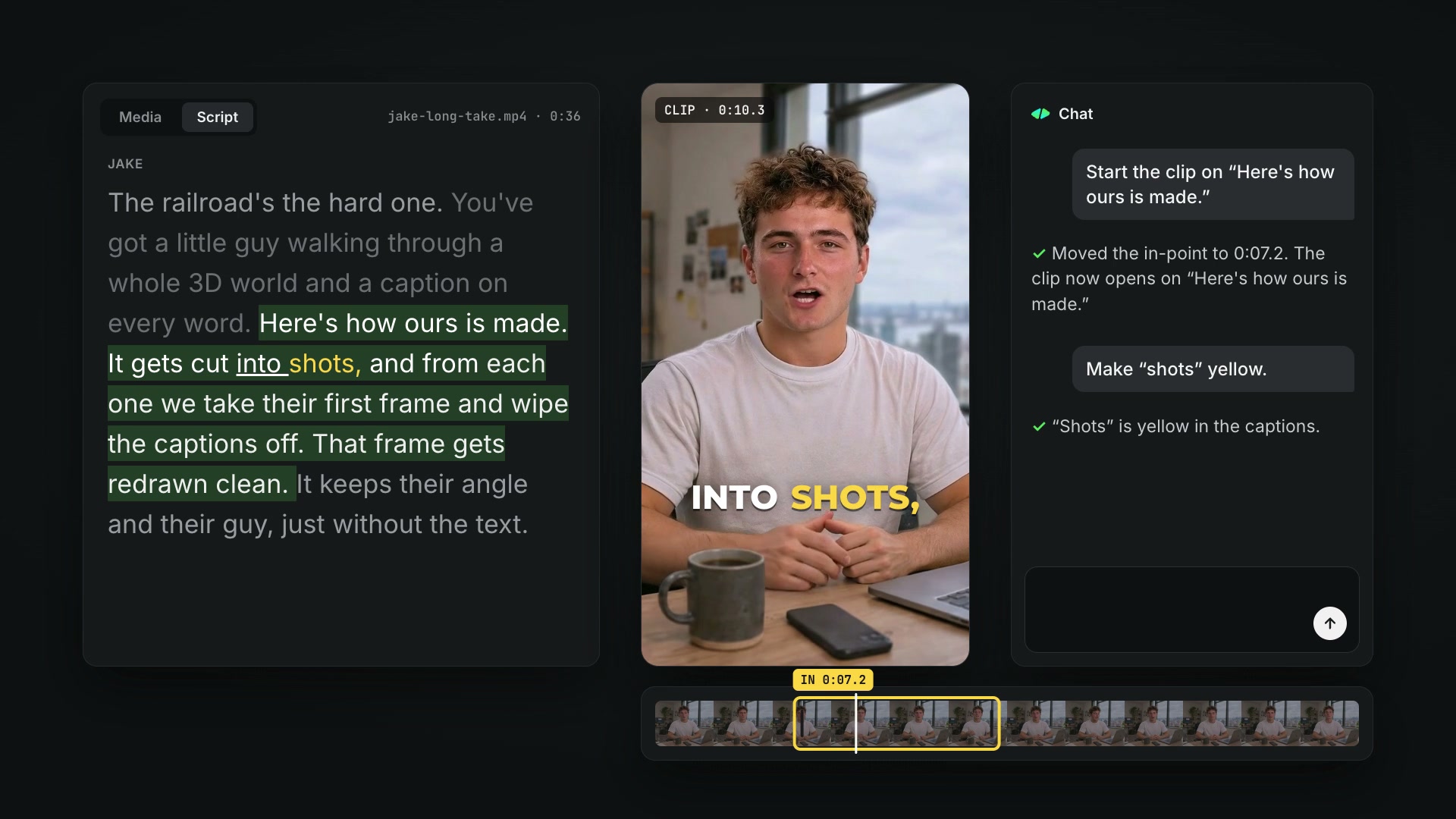
Highlighted transcript lines lift off the page into captioned vertical clips. Made with HyperFrames for this page.
Why look for a quso.ai alternative?
Why people look for a quso.ai alternative, from its pricing page and the reviews we could find:
Free plan quality
Free exports are 720p with a quso.ai watermark, CutMagic auto-editing covers only your first 3 videos, and data is kept for 7 days. One older Product Hunt reviewer noticed when the watermark arrived: "Recently they changed their free plan to include a water mark on your free video."
Plan gates on posting
Lite ($29 a month) publishes to TikTok only. Scheduling to 7 platforms and filler-word removal start on Essential ($39), and the brand kit and analytics on Growth ($49). If you post anywhere besides TikTok, the real entry price is $39.
Editor reliability
One older Product Hunt review, under the Vidyo.ai name, says the editor is "SO buggy" and that work was lost and had to be redone. It is old and from one person, but it is the most specific complaint on record.
Thin, old reviews
Quso.ai has one Trustpilot review (3.2) and 11 Product Hunt reviews from its Vidyo.ai days, averaging 4.3, which makes it hard to judge before you pay; tools with more public reviews are easier to vet.
Prices that vary by country
The pricing page says to "see pricing for your country", and on 26 November it showed a Black Friday offer that ends 1 December 2026. Budget on the monthly list prices.
Quick comparison: the best quso.ai alternatives
Fifteen alternatives at a glance, with quso.ai last for reference.
Tool | Best for | Our rating | Free plan | Starting price |
|---|---|---|---|---|
HyperFrames | Clips you direct and restyle | 4.7/5 | Yes, unlimited local exports | Free to start |
OpusClip | Ranked clips from long videos | 4.3/5 | Yes, 60 credits/mo, watermark | $15/mo |
2short.ai | Free clips with no watermark | 4.3/5 | Yes, 30 min/mo, no watermark | $9.90/mo |
Vizard | Long uploads and many clips | 4.4/5 | Yes, 720p, watermark | $29/mo list |
Klap | Posting to unlimited accounts | 4.2/5 | No, 1-video trial | $29/mo |
Wisecut | Automatic clips from every new video | 4.0/5 | Yes, 480p, no watermark | $29/mo |
Spikes Studio | Stream highlights with a scheduler | 3.8/5 | Yes, 720p, watermark | $32.99/mo |
Munch Studio | An AI social media manager | 3.8/5 | No, 7-day trial | $68/mo |
Repurpose.io | Cross-posting only | 3.9/5 | No, 14-day trial | $35/mo |
Headliner | Audiograms and clips for podcasters | 4.1/5 | Yes, ads, watermark | $9.99/mo |
Higgsfield | Filling the calendar without filming | 3.7/5 | Yes, no credits | $19/mo |
Submagic | Caption templates and an editing agent | 4.2/5 | 15 one-time credits, watermark | $19/mo |
Choppity | Clips on request plus a planner | 3.9/5 | Yes, no exports | $24/mo |
Descript | Editing the full podcast before clipping | 4.0/5 | Yes, 1 hr/mo, 720p | $24/mo |
Recast Studio | Clips plus show notes from webinars | 3.8/5 | Trial only | $14/mo yearly |
quso.ai (for reference) | Clips, captions and scheduling in one app | Not rated | Yes, 720p, watermark | $29/mo |
Ratings average our three scores (fit, ease of use, value); see How we checked. Monthly list prices on 26 November 2026; quso.ai and Vizard showed Black Friday offers.
Why trust us? HeyGen makes HyperFrames and publishes this page, so we compete with the tools below. Every rival's price, plan and feature comes from its own pricing page, help center or changelog, read on 25 and 26 November 2026. User complaints are quoted from public review sites and linked in How we checked. HyperFrames claims come from its pricing page and from the Studio app's current build. Where a rival is the better pick, we say so.
Make clips you control, free
Best quso.ai alternatives for clips you control
For creators who want every clip to look right, not only to exist.
#1 HyperFrames: Best for clips you direct and restyle
Our rating: 4.7/5. Fit for this job 4.6/5, ease of use 4.5/5, value for money 4.9/5.
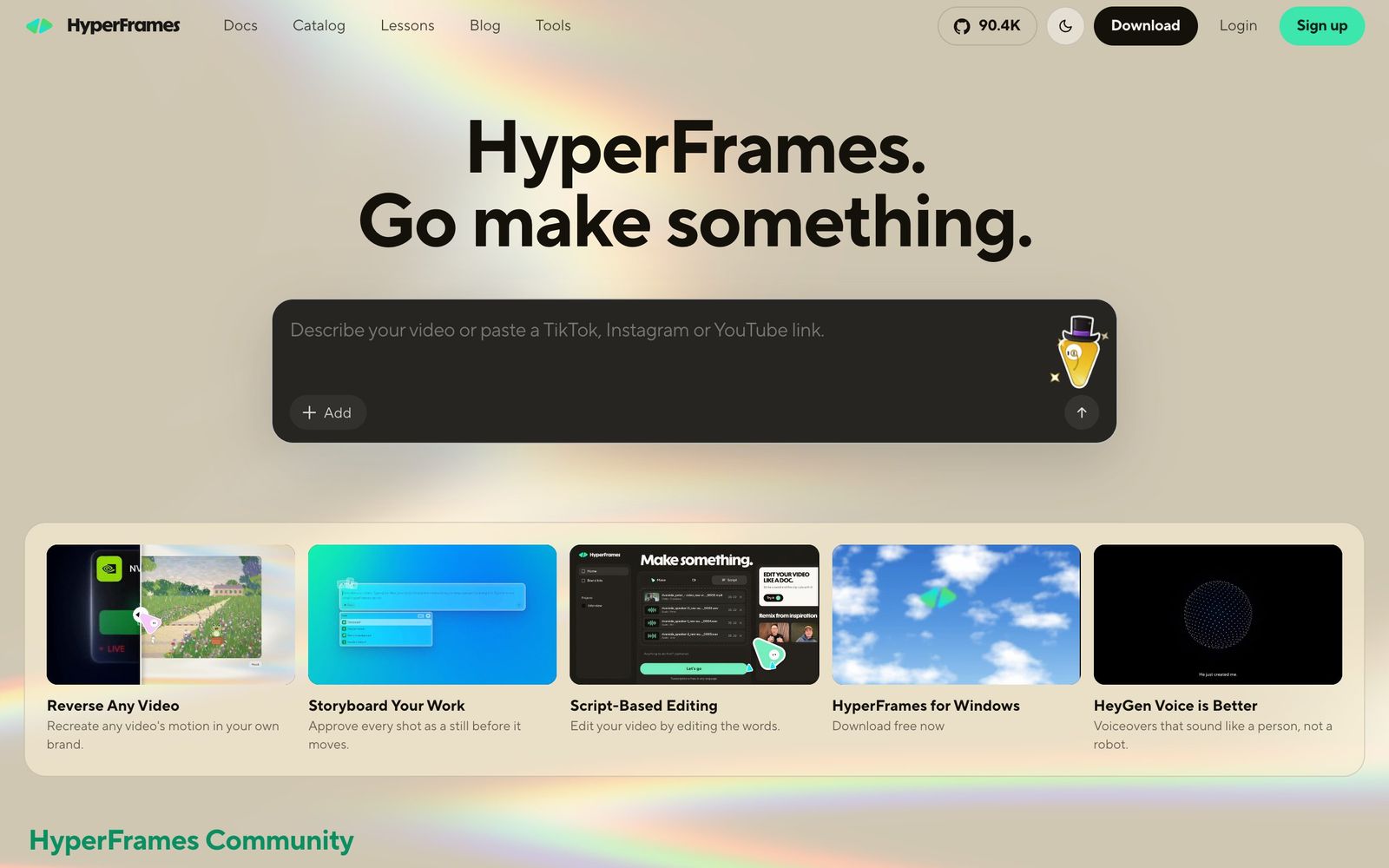
quso.ai bundles a lot into one plan: clips, captions in 99 languages, and a scheduler that posts to 7 platforms. Where it stops is the clip itself: you get its pick, in its look. In HyperFrames one podcast or stream becomes a week of captioned vertical clips that open on the best moment, cut where you say, in your colours, logo and fonts. Then point at a hook, a caption or a cut and only that changes. When one clip works, make twenty versions of it with new hooks, and the captions and cuts re-fit each one. Stream clips can post themselves to YouTube; for other networks you post the files. It is free to start, with no watermark on your computer.
Drop in the episode and ask the AI agent: "find four moments where I give a tip, each under 45 seconds, vertical, captions with my keyword in yellow." It reads the transcript, cuts each moment into a vertical clip, keeps the speaker in frame and captions it in one of dozens of caption styles. Then start a clip one sentence earlier or add a hook title by asking or pointing; nothing is re-generated. For a podcast, podcast-to-clips works from the multicam episode, with each speaker captioned separately.
quso.ai's chat connector has a counterpart here. HyperFrames makes short videos inside Claude, ChatGPT (Business, Enterprise and Edu, on the web) and Grok through its hosted connector, in beta, and you can bring your own footage through it (the HyperFrames connector).
Standout feature: You say which moments to cut and how they should look, and the agent keeps every caption, title and cut separately editable.
What's the difference between HyperFrames and quso.ai? quso.ai bundles clipping, captions, scheduling and analytics with plan gates. HyperFrames Studio focuses on making each clip right: an AI agent cuts and captions where you say, in your look, and it is free to start with no watermark on your computer. It has no scheduler; only stream clips post themselves, to YouTube.
HyperFrames pros:
- Clips that match your brand, fixed piece by piece
- No watermark on free local exports, and no 7-day data limit on your own files
- Works from chat apps too, through the hosted connector
- Twenty versions of a clip that works, without re-cutting
HyperFrames cons:
- No planner or analytics, and no scheduler for other networks: stream clips post themselves to YouTube, the rest you post with another tool
Pricing: Free to start: a free download for Mac, Windows and Linux, or start in your browser, with exports on your computer and no watermark.
Choose HyperFrames if: how each clip looks matters more than an all-in-one calendar.
What's new in HyperFrames: In November 2026, Edit my footage reached every current Studio app build. Podcast-to-clips now cuts shorts straight from an episode, and the agent keeps the speaker in frame when it cuts vertical clips.
Available for: Mac, Windows and Linux (the Studio app), the web, and inside Claude, ChatGPT and Grok through the HyperFrames connector
One winner, twenty versions. When a video works, its hook, pace and cuts carry over. Only the footage changes.
Make clips free in HyperFrames Studio
#2 OpusClip: Best for ranked clips from long videos
Our rating: 4.3/5. Fit for this job 4.4/5, ease of use 4.5/5, value for money 4.1/5.
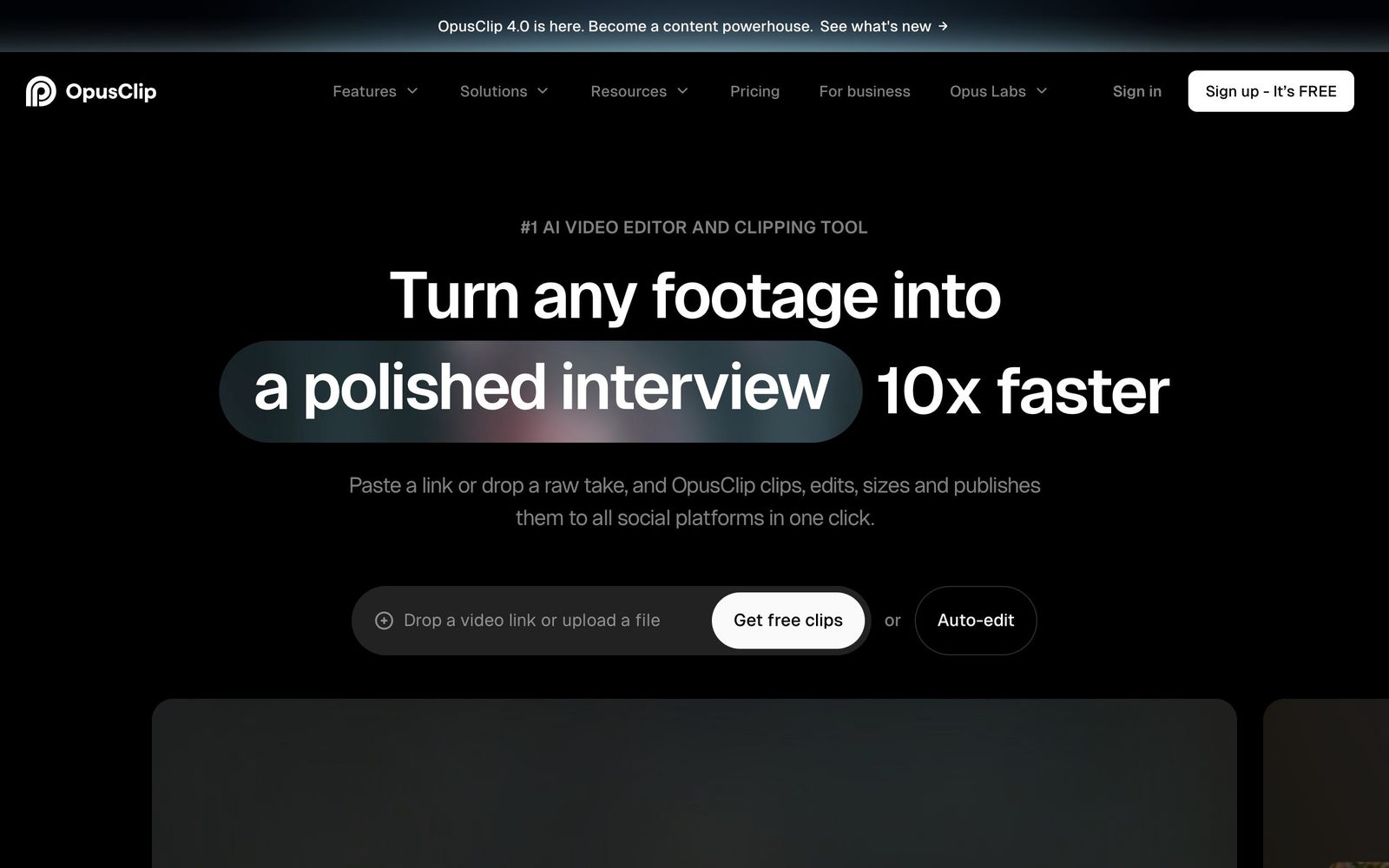
OpusClip is the best-known clipper in this group: ClipAnything ranks clips with a Virality Score, captions in 20+ languages and reframes to 9:16, 1:1 or 16:9. Its free plan exports up to 1080p with a watermark, sharper than quso.ai's 720p, and like quso.ai it has a Claude connector. Trustpilot shows 4.0 from 533 reviews, far more than quso.ai's one.
Standout feature: Ranked clips, and on Pro a scheduler, XML export and an API.
What's the difference between OpusClip and quso.ai? OpusClip ranks clips more famously and exports 1080p free. quso.ai bundles a planner and analytics, and its connector works on every plan.
OpusClip pros:
- Fast, ranked clips from one upload or link
- Animated captions in 20+ languages
- Exports XML to Premiere Pro and DaVinci Resolve on Pro
- Social scheduler and API on Pro
OpusClip cons:
- Free exports carry a watermark and media expires after 3 days
- One Trustpilot reviewer waited over a day for a human reply; another lost paid credits after cancelling
Pricing: Free plan with 60 credits a month, a watermark and up to 1080p. Starter is $15 a month (monthly only); Pro is $29 a month, or $14.50 a month billed yearly.
Choose OpusClip over quso.ai if: finding the best clips matters most.
What's new in OpusClip: OpusClip 4.0 (2 November 2026) added auto-edit for raw talking-head videos, saved edit Recipes, Viral Hook and Motion Graphics.
Available for: Web, plus an API and a Claude connector
#3 2short.ai: Best for free clips with no watermark
Our rating: 4.3/5. Fit for this job 3.8/5, ease of use 4.4/5, value for money 4.6/5.
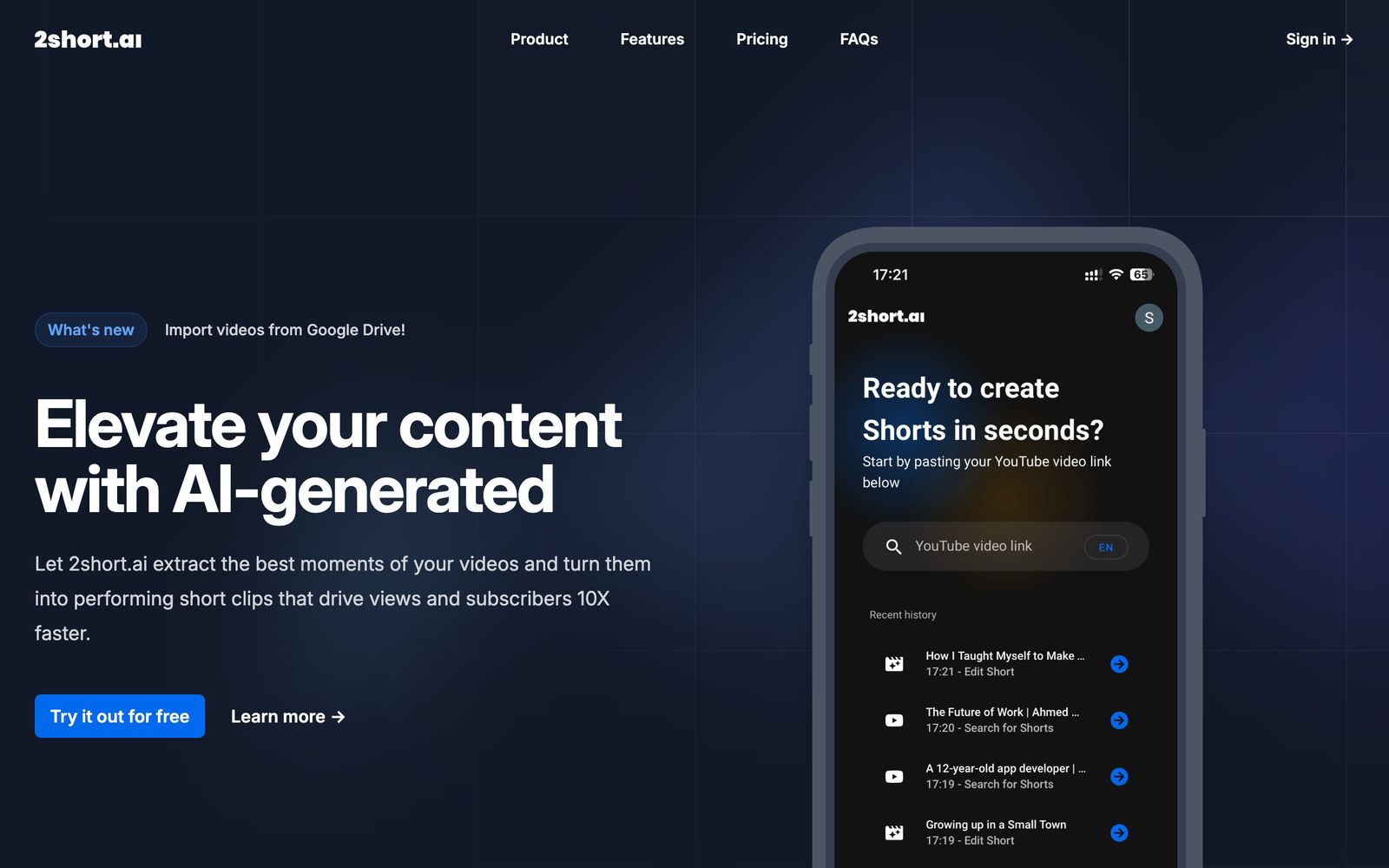
2short.ai is the budget answer to quso.ai's watermarked free plan. It finds the moments in long YouTube videos, tracks the speaker's face and adds animated subtitles, with 1080p exports in vertical, square or landscape. It has no scheduler, so you post the clips yourself.
Standout feature: Every plan, the free one included, gets every feature and 1080p exports with no watermark.
What's the difference between 2short.ai and quso.ai? 2short.ai is cheaper and watermark-free, with no scheduling. quso.ai schedules, plans and reports.
2short.ai pros:
- No watermark, even free
- Speaker face tracking and one-click subtitles
- Cheap paid plans billed by hours of analysis
2short.ai cons:
- Built around YouTube videos
- No scheduler, teams or API listed
Pricing: Free plan with 30 minutes of AI analysis a month and ads. Lite is $9.90 a month.
Choose 2short.ai over quso.ai if: you only need the clips, free.
What's new in 2short.ai: No public changelog. The homepage banner announces Google Drive imports (undated, checked 26 November 2026).
Available for: Web
Best quso.ai alternatives with scheduling
Clip makers that also post for you, like quso.ai, with different limits or pricing. The difference is what they count: minutes, finished clips or new uploads.
#4 Vizard: Best for long uploads and many clips
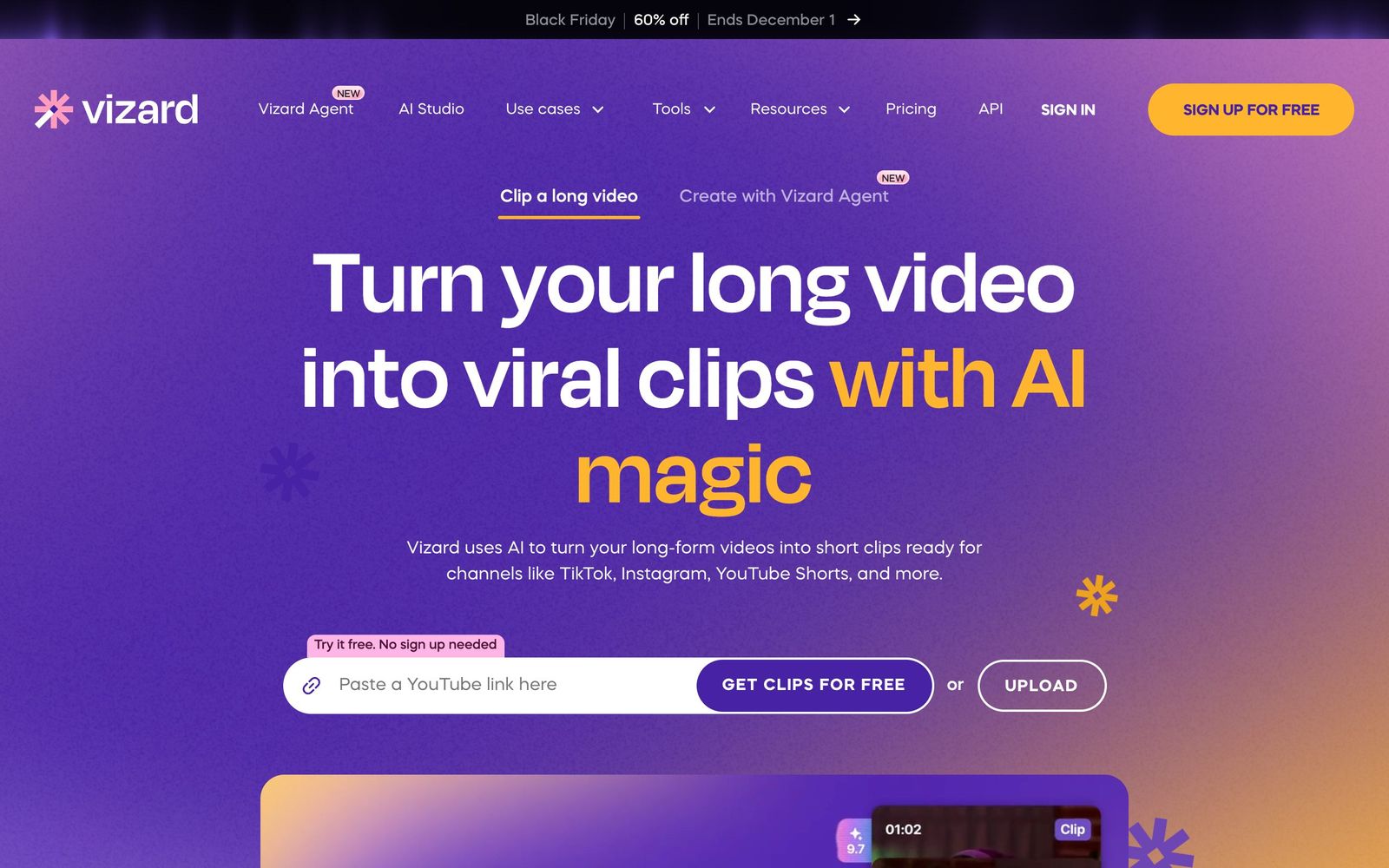
Our rating: 4.4/5. Fit for this job 4.5/5, ease of use 4.4/5, value for money 4.2/5.
Vizard returns 30+ clips from one upload and takes recordings up to 10 hours on paid plans, with face-tracking reframe, subtitle translation and keyword highlights. Its free plan matches quso.ai's on quality (720p, watermark), and Business adds seats at $5 a month.
Standout feature: 30+ clips per upload and 20 social accounts on Business.
What's the difference between Vizard and quso.ai? Vizard handles longer uploads and more clips per upload. quso.ai adds a planner, analytics on Growth, and a chat connector on every plan.
Vizard pros:
- Many clips from one long upload
- Face-tracking reframe, subtitles, translation and keyword highlights
- Vizard Agent edits a finished video from a brief
- Team workspace, brand kit and scheduler
Vizard cons:
- Free exports are 720p with a watermark, and videos are deleted after 3 days
- No refunds, and unused credits are lost when you cancel (per Vizard's terms as quoted by a Trustpilot reviewer)
Pricing: Free plan with 60 credits a month, 720p exports and a watermark. Paid plans list at $29 and $39 a month, less when billed yearly.
Choose Vizard over quso.ai if: you clip very long videos.
What's new in Vizard: Vizard Agent, an editing agent that works from a written brief (blog post, 29 June 2026), now appears on every plan.
Available for: Web, plus an API and an MCP connector
#5 Klap: Best for posting to unlimited accounts
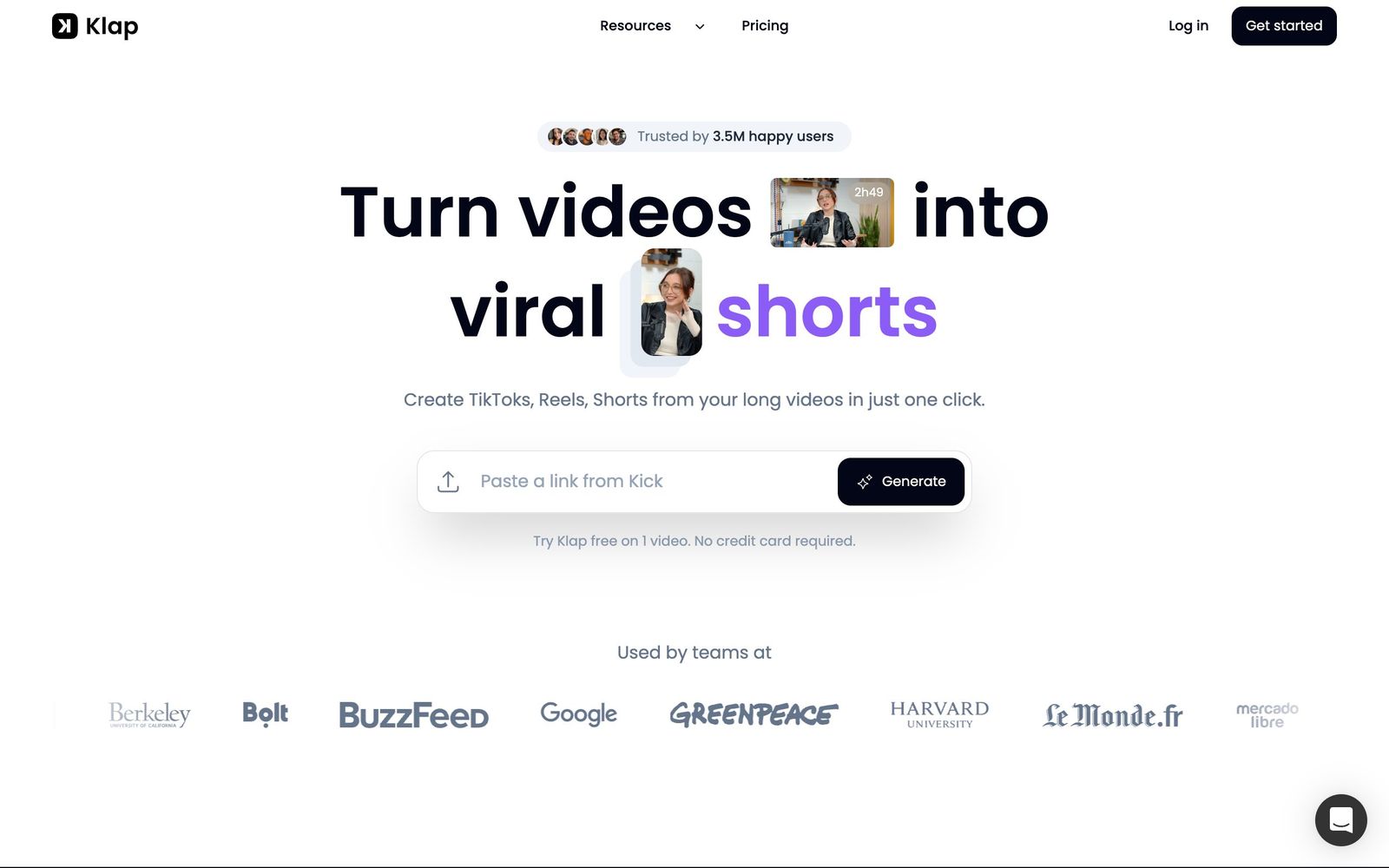
Our rating: 4.2/5. Fit for this job 4.3/5, ease of use 4.4/5, value for money 3.8/5.
Klap prices by finished clips and posts to unlimited social accounts with analytics, where quso.ai's Lite posts to TikTok only. Each clip gets a virality score, captions and hook titles, and AI Reframe 2 handles split screens and screen recordings.
Standout feature: Plans are counted in finished clips (100, 300 or 1,000 a month) instead of upload minutes.
What's the difference between Klap and quso.ai? Klap counts clips and posts everywhere from its first plan. quso.ai counts minutes and gates networks by plan.
Klap pros:
- Simple, output-based pricing
- AI Reframe 2 handles split screen, screencasts and gaming layouts
- Posts to unlimited social accounts with analytics
- Self-serve API
Klap cons:
- No free plan, and trial clips can't be downloaded
- Source videos are capped at 3 hours
Pricing: No free plan; a free trial covers 1 video, and downloading clips needs a paid plan. Basic is $29 a month, or $14.50 a month billed yearly, for 100 clips.
Choose Klap over quso.ai if: you post to many accounts on many networks.
What's new in Klap: No public changelog. The homepage marks AI Reframe 2 as new (undated, checked 26 November 2026).
Available for: Web, plus an API
#6 Wisecut: Best for automatic clips from every new video
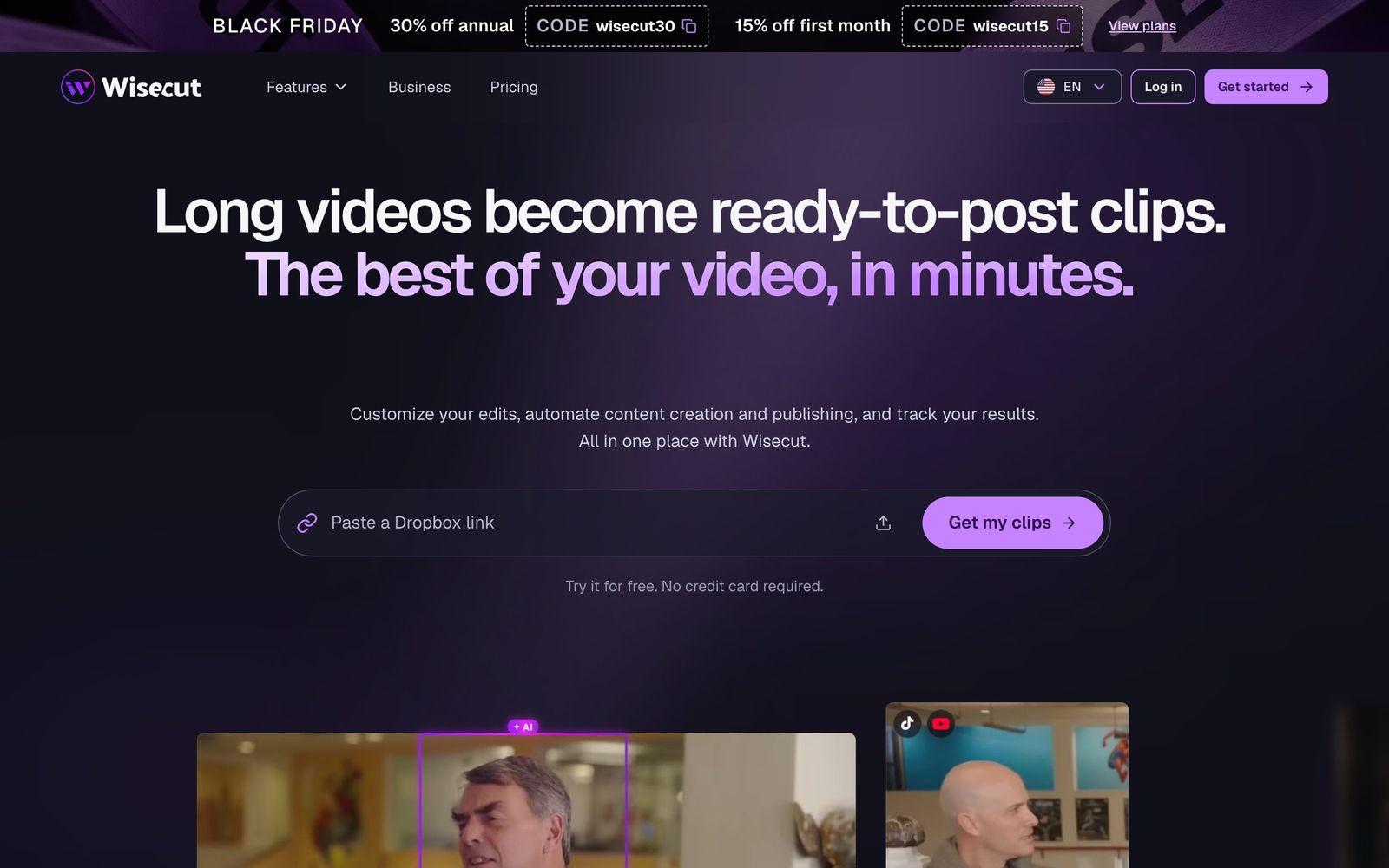
Our rating: 4.0/5. Fit for this job 4.0/5, ease of use 4.2/5, value for money 3.9/5.
Wisecut's Autopilot watches a channel you connect and, with each new video, finds the best moments, edits, captions and publishes clips. It also clips live streams while they happen, and its free plan has no watermark.
Standout feature: Autopilot: with each new video on your channel, it finds moments, edits, captions and publishes clips.
What's the difference between Wisecut and quso.ai? Wisecut automates clipping from each new upload. quso.ai expects you to bring each video and plan the posts.
Wisecut pros:
- Removes silences and false starts automatically
- Edit by transcript or by asking its assistant
- Auto captions, punch-in zooms and music ducking
- Auto-publishing on Plus plans
Wisecut cons:
- Free plan is 480p with 3-minute exports
- AppSumo reviewers want more control over captions and clip length
Pricing: Free plan with 30 minutes a month at 480p and no watermark. Starter+ is $29 a month, or $279 a year.
Choose Wisecut over quso.ai if: you want clips made and posted on autopilot.
What's new in Wisecut: No public changelog entry found; the pricing page now lists Autopilot, Social Hub and MCP (undated, checked 26 November 2026).
Available for: Web
#7 Spikes Studio: Best for stream highlights with a scheduler
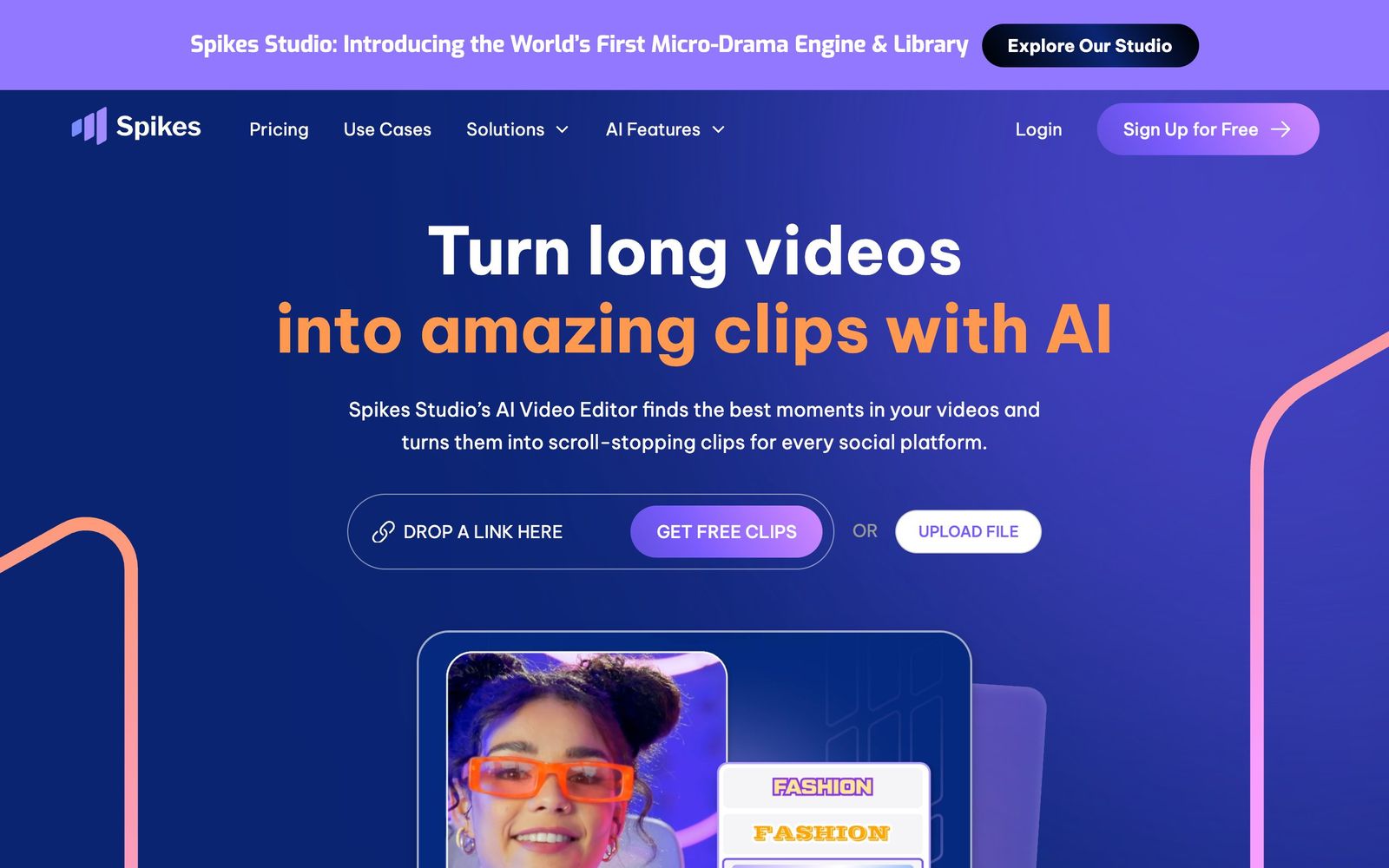
Our rating: 3.8/5. Fit for this job 3.7/5, ease of use 4.1/5, value for money 3.6/5.
Spikes Studio finds highlights in Twitch and YouTube streams and podcasts, captions them, and adds AI B-roll, music and sound effects. The company now leads with a micro-drama product.
Standout feature: Built for clipping Twitch and YouTube streams, with AI B-roll and a scheduler.
What's the difference between Spikes Studio and quso.ai? Spikes Studio is tuned for streams and gaming. quso.ai is tuned for podcasts and talking heads.
Spikes Studio pros:
- Highlight detection made for streams and gaming
- AI titles, descriptions and hashtags
- Scheduler and analytics on PRO+
Spikes Studio cons:
- Exports top out at 1080p on every plan
- Trustpilot score of 2.3 (18 reviews), with billing complaints
Pricing: Free plan with a watermark, 720p and about 30 minutes a month. PRO+ is $32.99 a month, or $14.09 a month billed yearly.
Choose Spikes Studio over quso.ai if: your source is a live stream.
What's new in Spikes Studio: Spikes announced a micro-drama partnership with Deepdub on 8 October 2026; no clipping update found.
Available for: Web
Best quso.ai alternatives for social managers and distribution
If the calendar and the posting are the real job, and clips are one input, these tools put distribution first.
#8 Munch Studio: Best for an AI social media manager

Our rating: 3.8/5. Fit for this job 3.8/5, ease of use 4.2/5, value for money 3.3/5.
Munch Studio has moved beyond clipping: it learns your brand from your website, then writes and designs posts, repurposes your long videos and schedules everything after you approve it. Essential also generates 10 videos a month.
It is priced like a service, with a 7-day trial instead of a free plan, and Trustpilot shows 1.8 from 41 reviews, many from before its January 2026 relaunch.
Standout feature: It learns your brand from your website, then writes, designs and schedules posts and repurposed videos for approval.
What's the difference between Munch Studio and quso.ai? Munch Studio runs your whole social presence from your website. quso.ai is a clip, caption and schedule tool you drive yourself.
Munch Studio pros:
- Learns your brand voice and colours from your site
- Writes posts and weekly video scripts
- Repurposes 500 minutes of video a month on Essential
- Plans and schedules the content
Munch Studio cons:
- No free plan
- Entry plan covers one brand and one person
Pricing: No free plan, a 7-day trial. Essential is $68 a month, or $38 a month billed yearly.
Choose Munch Studio over quso.ai if: you want an AI to plan and write your posts, not only cut clips.
What's new in Munch Studio: Munch relaunched as Munch Studio, an AI social media manager, on Product Hunt on 28 January 2026. No later dated update found.
Available for: Web
#9 Repurpose.io: Best for cross-posting only
Our rating: 3.9/5. Fit for this job 3.7/5, ease of use 4.3/5, value for money 3.8/5.
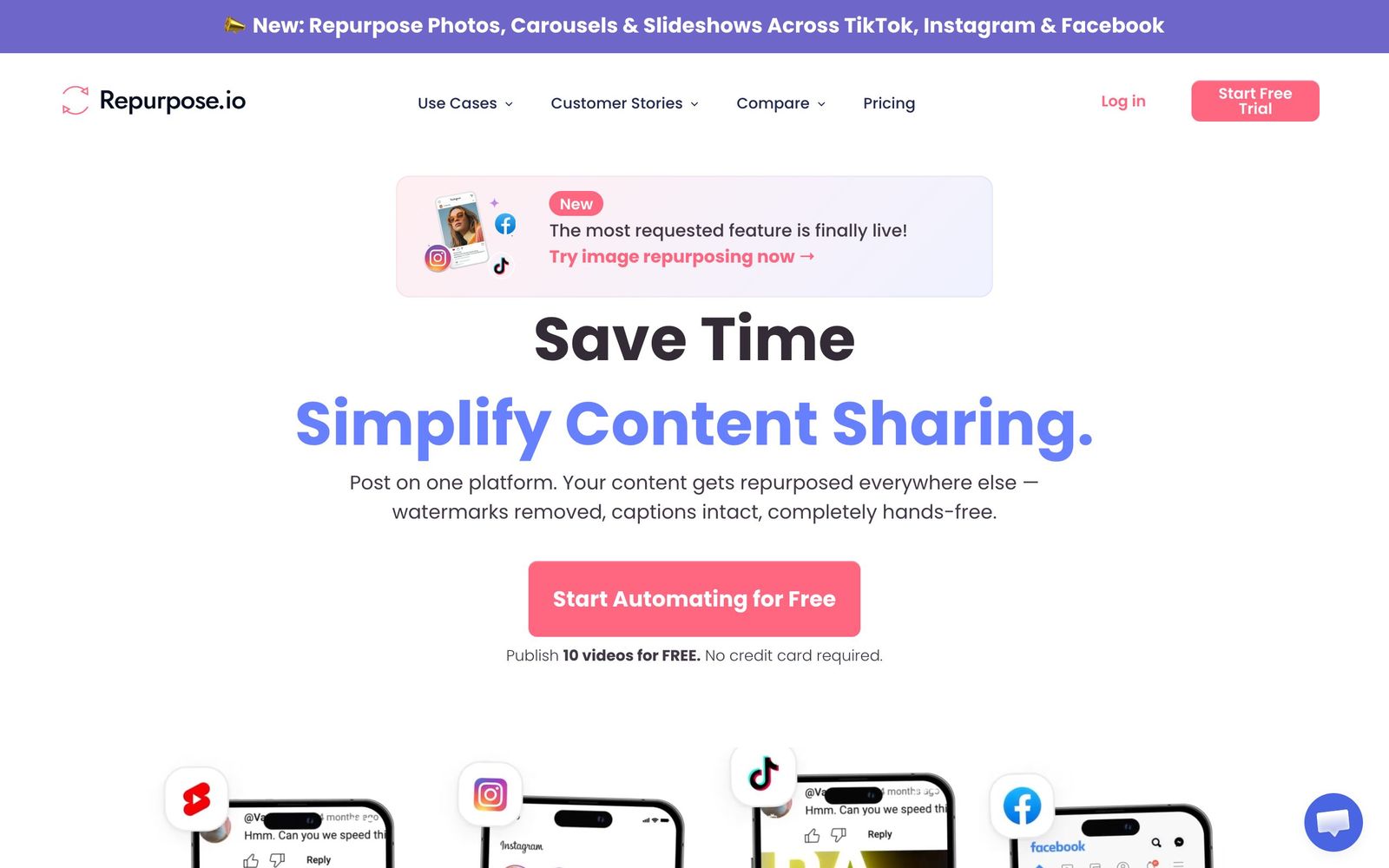
Repurpose.io takes what you post on one network and republishes it to the others, with the watermark removed and captions intact, from TikTok and Instagram to Snapchat, Bluesky, Threads, Pinterest, X and LinkedIn.
It doesn't cut clips, so it pairs with any clipper on this page, and it now handles photos and carousels too.
Standout feature: Post once and it republishes to your other accounts, with the watermark removed and captions kept.
What's the difference between Repurpose.io and quso.ai? Repurpose.io only distributes. quso.ai clips and distributes.
Repurpose.io pros:
- Hands-free cross-posting
- Works across TikTok, Instagram, Facebook and YouTube Shorts
- Agency plans for many accounts
Repurpose.io cons:
- It doesn't cut clips from long videos
- One Trustpilot reviewer says workflows broke without warning
Pricing: No free plan; a 14-day trial covers 10 videos. Starter is $35 a month, or $349 a year.
Choose Repurpose.io over quso.ai if: your clips are made elsewhere and posting is the chore.
What's new in Repurpose.io: A 28 September 2026 release added Google Drive as an image source and image posts to Pinterest, LinkedIn and X.
Available for: Web
#10 Headliner: Best for audiograms and clips for podcasters
Our rating: 4.1/5. Fit for this job 3.7/5, ease of use 4.4/5, value for money 4.1/5.
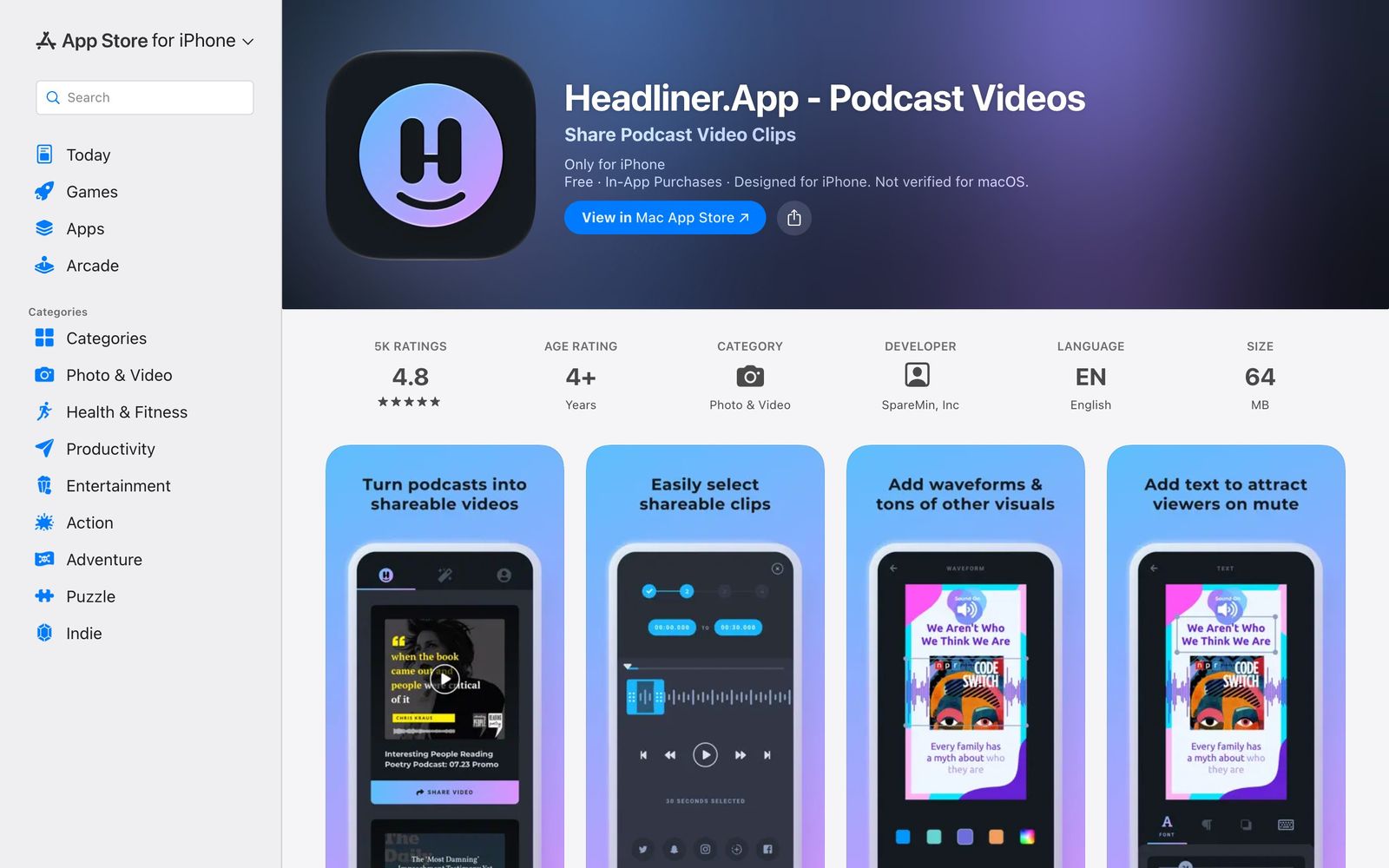
Headliner turns podcast episodes into audiograms and captioned clips, and can pick a clip from each new episode, make the video and post it for you. It added AI clip scoring on 28 October 2026.
The free plan is ad-supported, and Eddy, its editor, edits a podcast like a document. For an audio-first show it is a low-cost way to get something moving on social every week.
Standout feature: Automatic audiograms and clips: it picks a moment from each new episode, makes the video and posts it.
What's the difference between Headliner and quso.ai? Headliner is built for audio podcasts and audiograms. quso.ai is built for video clips.
Headliner pros:
- Automatic audiograms for every episode
- Free plan with unlimited watermarked audiograms
- Eddy edits podcasts like a document
- Rated 4.8 on the App Store (about 5,000 ratings)
Headliner cons:
- Only 1 unwatermarked audiogram a month on Free, 10 on Basic
- Scheduling is Pro-only
Pricing: Free forever with ads, unlimited watermarked audiograms and 1 unwatermarked audiogram a month. Basic is $9.99 a month (shown reduced from $14.99), or $7.99 billed yearly.
Choose Headliner over quso.ai if: your podcast is audio-first.
What's new in Headliner: A social calendar and post scheduler on Pro (9 November 2026), after AI clip scoring (28 October).
Available for: Web, iPhone and an API
#11 Higgsfield: Best for filling the calendar without filming
Our rating: 3.7/5. Fit for this job 3.2/5, ease of use 4.2/5, value for money 3.6/5.
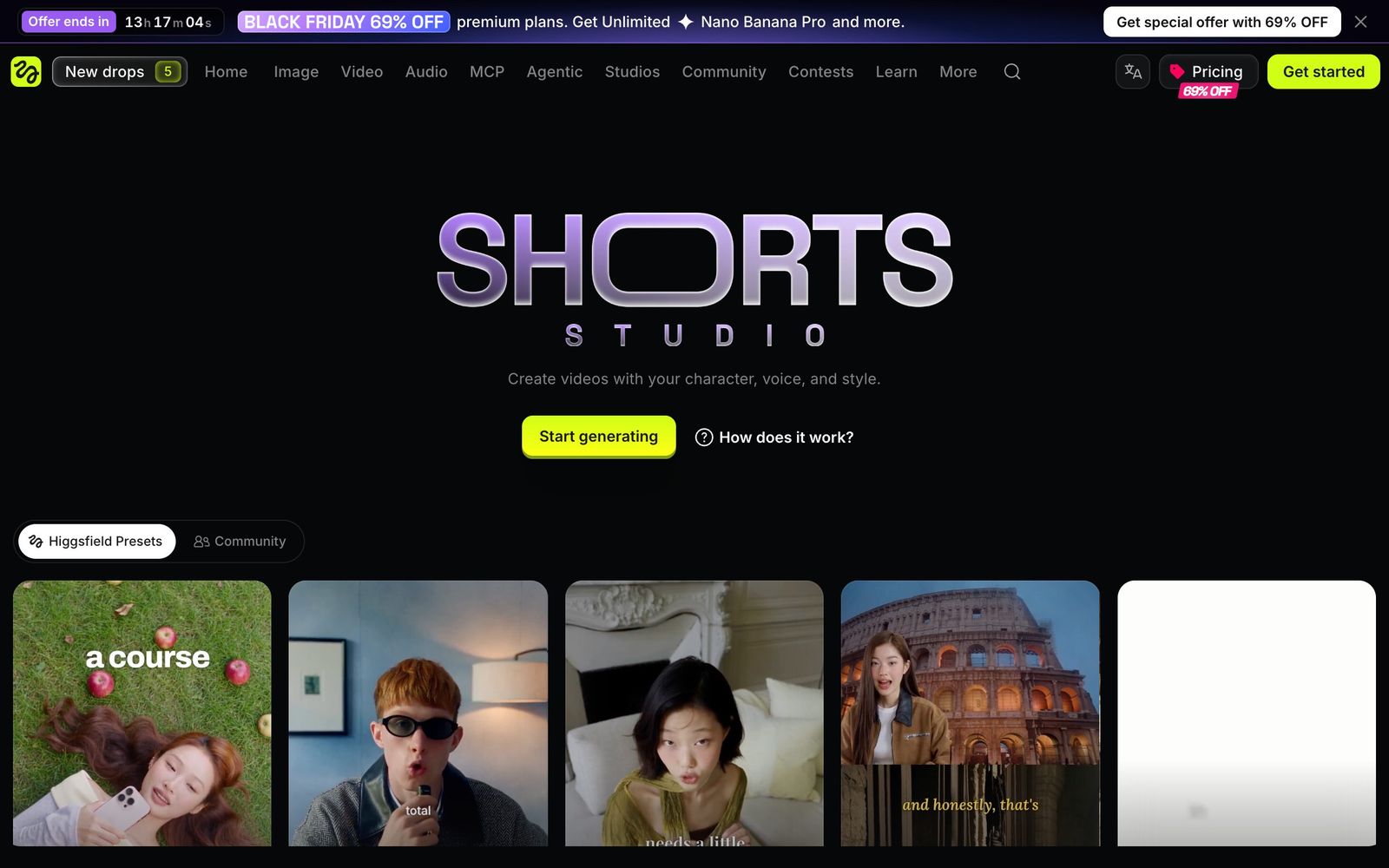
When the calendar needs more posts than your recordings provide, Higgsfield generates them: Shorts Studio turns a topic into a 9:16 reel with an AI avatar host, and Ads Studio makes static product ads from your website. Its pages show no clipping of your own long video.
Like quso.ai, it works from Claude. Trustpilot shows 4.0 from 5,678 reviews.
Standout feature: Generates new shorts from a topic when your recordings run out.
What's the difference between Higgsfield and quso.ai? Higgsfield generates new shorts. quso.ai clips your recordings and schedules them.
Higgsfield pros:
- Many video models in one place, including Seedance 2.5, Kling 4.0 and its own exclusive MAGI-2
- Ads Studio and Marketing Studio make product ads from your website
- Editing Room swaps the person, angle, location or lighting in your own clip
- MCP for Claude, an API, a command-line tool and an After Effects plugin
Higgsfield cons:
- Free plan has no credits, and Starter covers selected models only
- Unlimited and free generations work only on the website, not through its connector or command-line tool
Pricing: Free plan with 0 credits and selected models only. Starter is $19 a month with 270 credits, the same billed monthly or yearly; Plus is $59 a month.
Choose Higgsfield over quso.ai if: you need more shorts than you have footage for.
What's new in Higgsfield: Shorts Studio (3 November 2026) added avatar-hosted vertical reels; Editing Room followed on 20 November and MAGI-2 on 24 November.
Available for: Web, plus an API, a command-line tool, MCP for Claude and an After Effects plugin
Best quso.ai alternatives for captions and webinars
When the caption look, the full episode or the written recap matters most.
#12 Submagic: Best for caption templates and an editing agent
Our rating: 4.2/5. Fit for this job 4.1/5, ease of use 4.6/5, value for money 4.0/5.
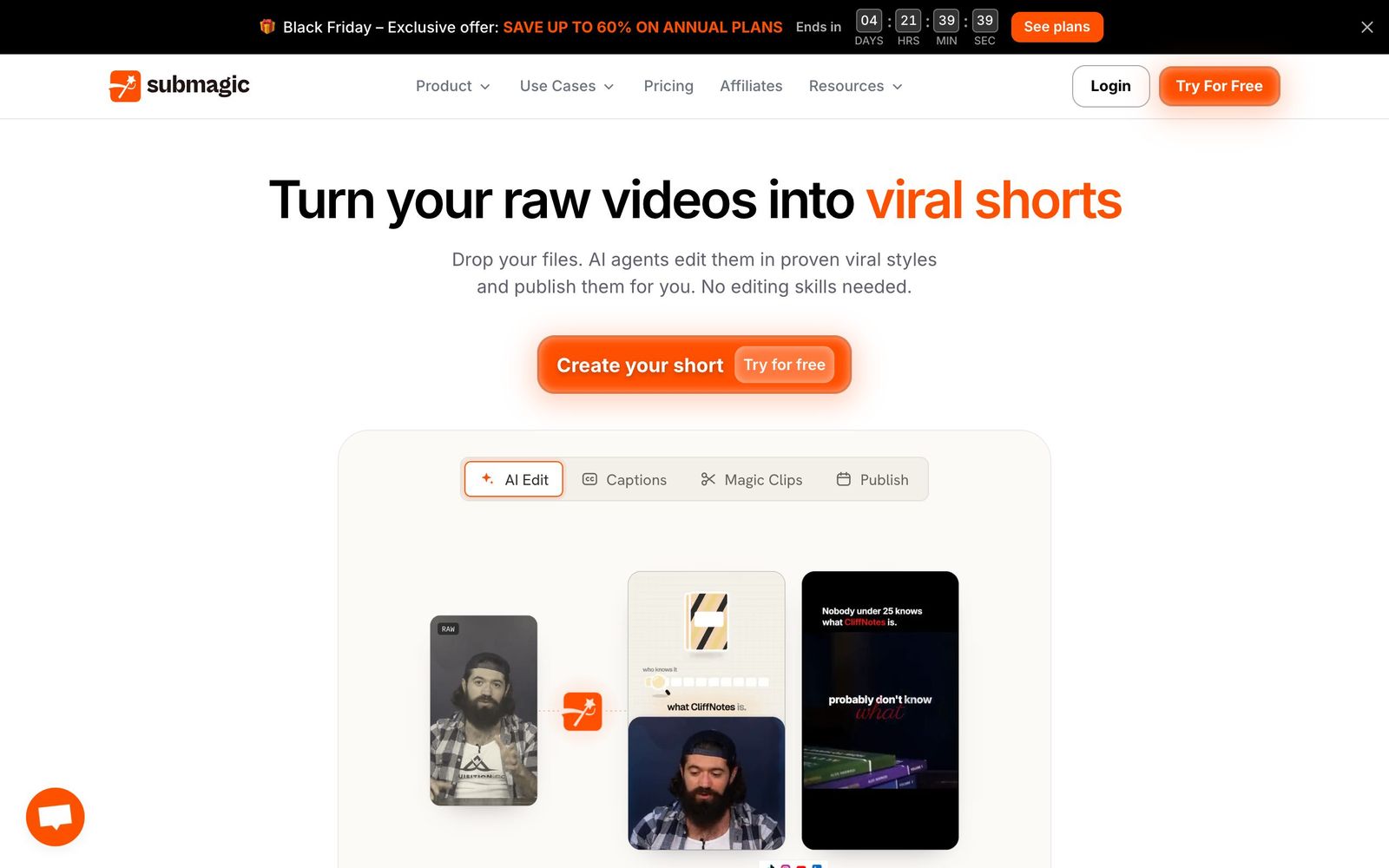
Submagic is the caption specialist: animated templates, auto-zooms and Iris, an agent that adds cuts, B-roll and music to a short. Magic Clips handles videos up to 3 hours, with publishing and analytics alongside.
Standout feature: Caption templates first, with publishing and analytics alongside.
What's the difference between Submagic and quso.ai? Submagic is built around animated caption templates. quso.ai lists subtitles in 99 languages and has a planner.
Submagic pros:
- Strong animated caption templates
- Magic Clips turns videos up to 3 hours into shorts
- Removes bad takes and silences
- API, Zapier and n8n
Submagic cons:
- Starter caps each captioned video at 2 minutes and 1080p
- Free credits are one-time, not monthly
Pricing: Free sign-up with 15 one-time credits and watermarked exports. Starter is $19 a month, or $12 a month billed yearly.
Choose Submagic over quso.ai if: caption style matters more than scheduling.
What's new in Submagic: Iris, the editing agent, is the site-wide launch banner (live on 26 November 2026, no dated post).
Available for: Web, plus an API and ChatGPT and Claude integrations
#13 Choppity: Best for clips on request plus a planner
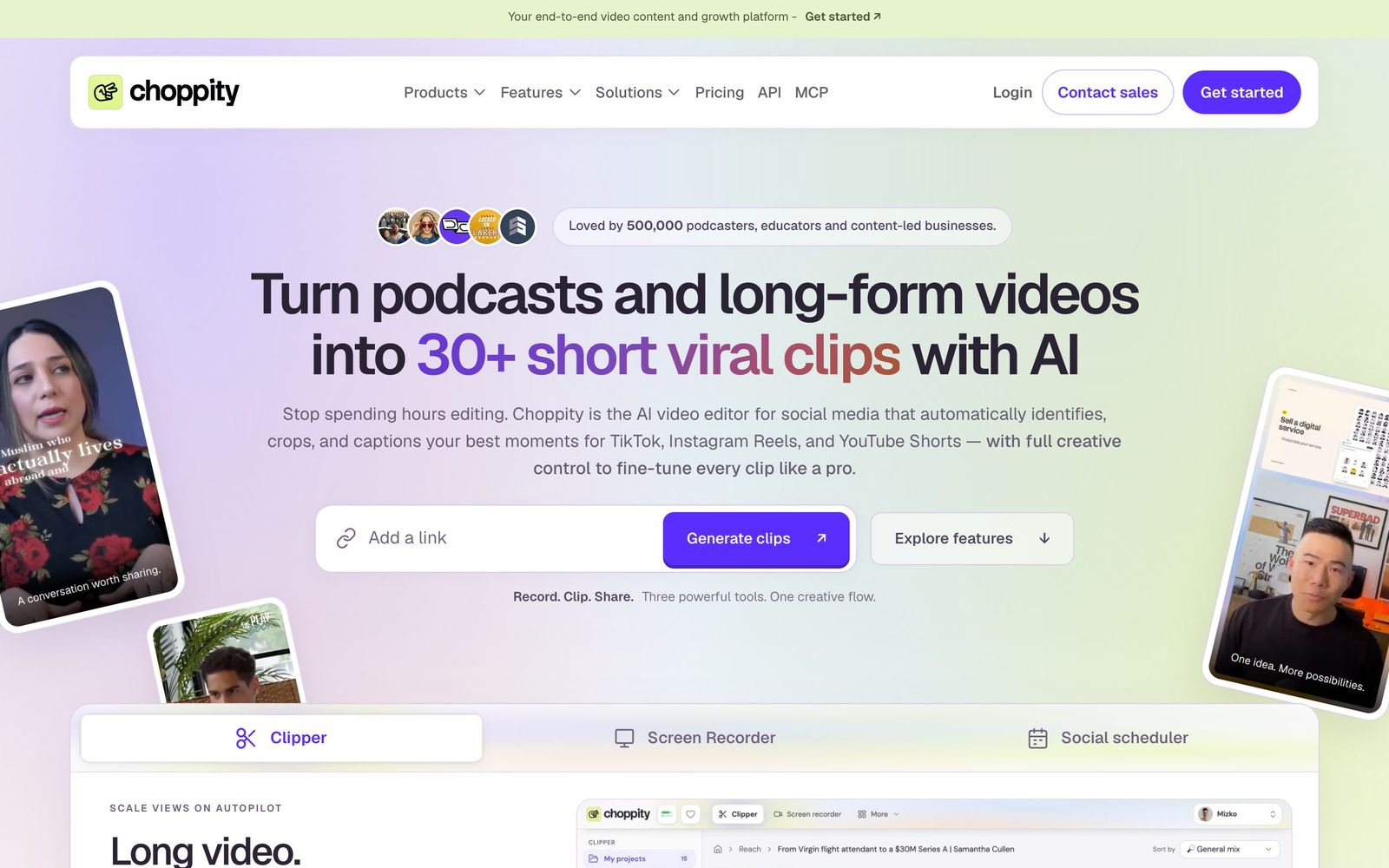
Our rating: 3.9/5. Fit for this job 3.9/5, ease of use 4.0/5, value for money 3.8/5.
Choppity makes clips from plain-word requests, edits by transcript, and added an ideas board, planner and scheduler in April 2026. Its screen recorder adds automatic zooms.
Standout feature: A built-in screen recorder with automatic zooms, next to the clip maker.
What's the difference between Choppity and quso.ai? Choppity adds a screen recorder. quso.ai adds 99 caption languages and analytics.
Choppity pros:
- Clip requests in plain words
- Active-speaker framing and custom caption styles
- Transcript editing and auto-beep for profanity
- Content calendar and scheduler
Choppity cons:
- Free plan can't export
- 2025 Trustpilot reviews mention failed clip jobs and unanswered support tickets (the owner says the backlog predates a 2025 handover)
Pricing: Free plan with 45 minutes of AI analysis but no exports. Starter is $24 a month, or $16.80 a month billed yearly.
Choose Choppity over quso.ai if: you record tutorials too.
What's new in Choppity: The latest entry on its What's new page is 24 April 2026: an ideas board, planner and social scheduler.
Available for: Web, plus an API and MCP
#14 Descript: Best for editing the full podcast before clipping
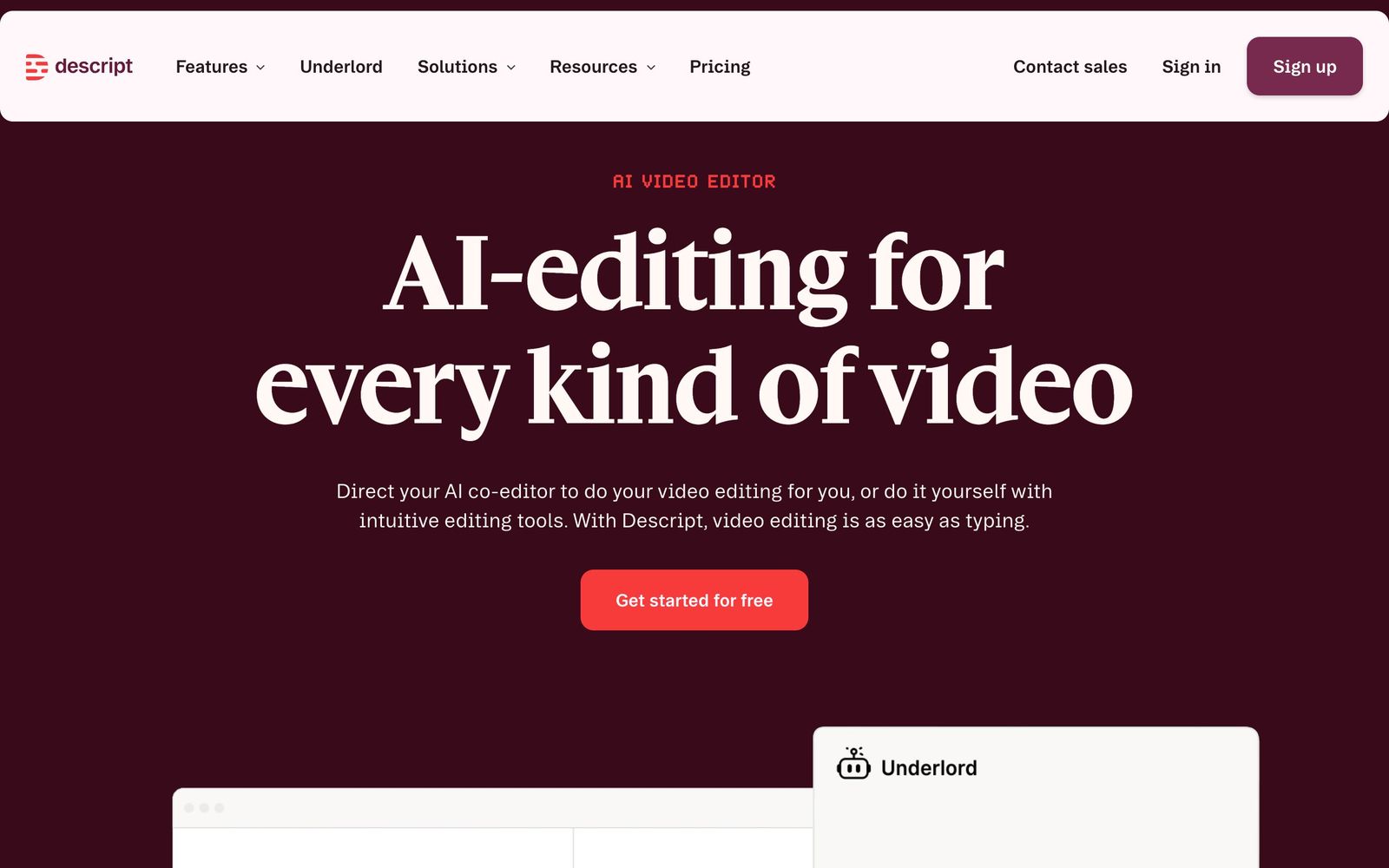
Our rating: 4.0/5. Fit for this job 3.8/5, ease of use 4.1/5, value for money 4.1/5.
quso.ai is built for clips, not for editing the full episode. Descript is a video editor that cuts the full episode by its transcript first, records remote guests and screens, and lets its agent Underlord tighten a raw recording. It doesn't schedule posts.
Its Rooms recorder now warns about dead mics (November 2026), and Trustpilot reviewers (2.4 from 301 reviews) mention bugs and credits spent on weak AI results.
Standout feature: Edits the full episode by transcript, the part quso.ai leaves out.
What's the difference between Descript and quso.ai? Descript edits the whole episode. quso.ai clips, captions and schedules but doesn't edit the long version.
Descript pros:
- Edit the video by editing its transcript
- Screen recording and remote recording (Rooms)
- Timeline export to Premiere, Resolve and Pro Tools
- Underlord skills save your own workflows
Descript cons:
- Paid plans cap media hours (10, 30 or 40 a month)
- Trustpilot score of 2.4 (301 reviews), with bugs and credits spent on weak AI results
Pricing: Free plan with 1 media hour a month and 720p exports. Hobbyist is $24 a month, or $16 a month billed yearly.
Choose Descript over quso.ai if: the full episode needs editing before any clip.
What's new in Descript: November 2026 release: Underlord skills, brand layout packs, Rooms dead-mic warnings and native Premiere export in beta (changelog, 6 November).
Available for: Desktop app and web
#15 Recast Studio: Best for clips plus show notes from webinars
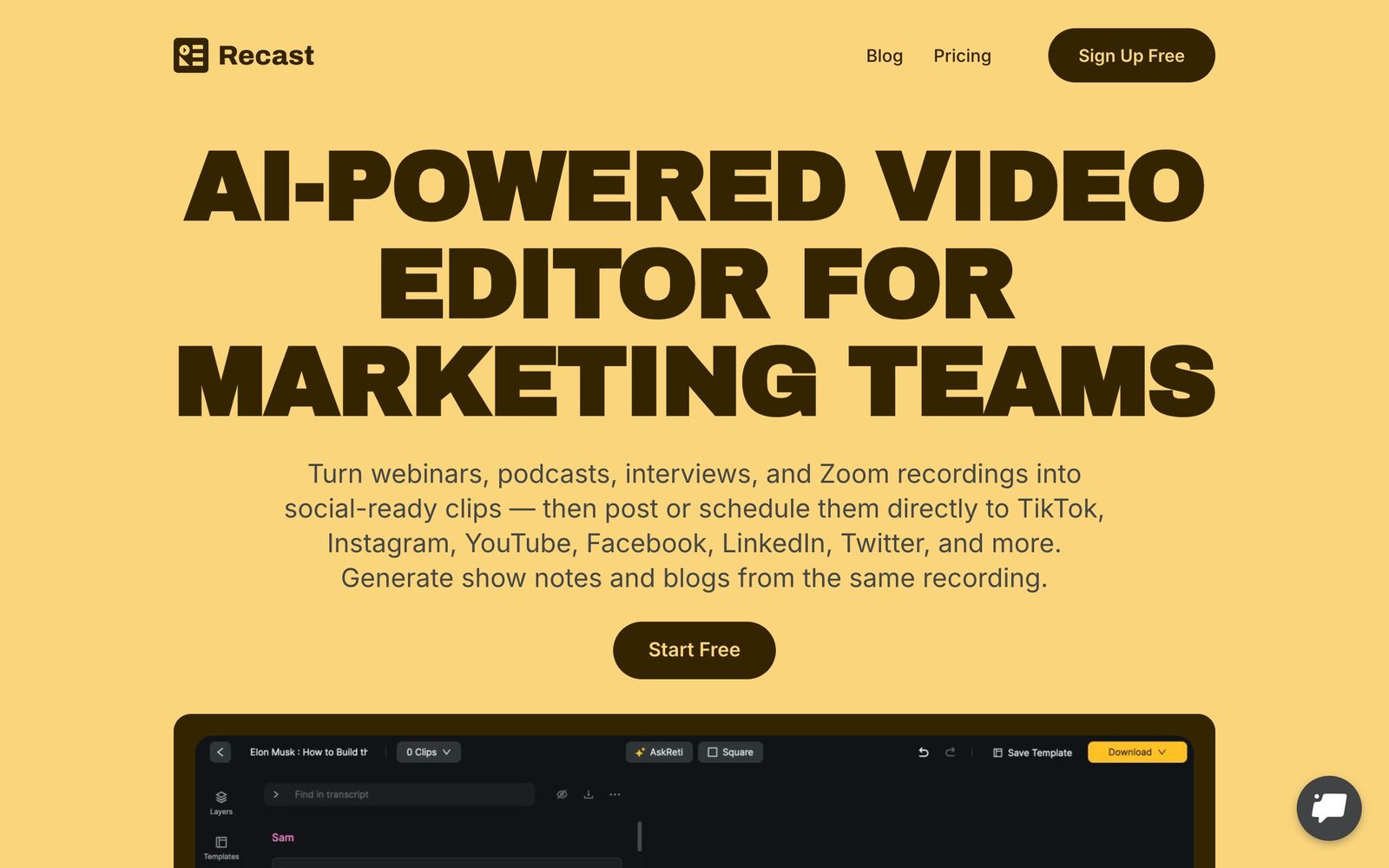
Our rating: 3.8/5. Fit for this job 3.8/5, ease of use 4.0/5, value for money 3.7/5.
Recast Studio turns webinars and podcasts into clips, audiograms, show notes, blog posts and social posts, then publishes to six networks, so one recording feeds a week of repurposing.
Standout feature: One recording becomes clips, audiograms, show notes and blog posts, then publishes to six networks.
What's the difference between Recast Studio and quso.ai? Recast Studio writes the recap too. quso.ai focuses on video clips and analytics.
Recast Studio pros:
- Clips, audiograms and written content in one place
- Filler and silence removal
- Animated captions in 20+ languages
- Direct publishing and scheduling
Recast Studio cons:
- No ongoing free plan
- Trustpilot score of 2.9 (87 reviews), with support and download complaints
Pricing: Trial only: 60 one-time credits and 5 export minutes. Starter is $14 a month billed yearly ($170 a year).
Choose Recast Studio over quso.ai if: each recording should also become a blog post.
What's new in Recast Studio: No public changelog found; the blog's latest posts date from April 2026.
Available for: Web
How to choose the best quso.ai alternative
quso.ai does four jobs: clips, captions, scheduling and analytics. Decide which one you would replace it for.
How much control do you want over each clip?
If clips carry your name, you will want to change the start line, the hook and the caption look. HyperFrames Studio keeps every piece editable; OpusClip ranks clips; 2short.ai is free with no watermark.
Where and how do you post?
Count your networks. quso.ai needs Essential ($39) for 7 platforms, though Lite is enough for TikTok only. Klap posts to unlimited accounts, Vizard Business manages 20, Wisecut Autopilot posts with little effort, Munch Studio plans everything for you, and Repurpose.io handles cross-posting for any clipper.
Do you work from a chat app?
quso.ai works inside Claude and ChatGPT on every plan. OpusClip has a Claude connector, and Wisecut has MCP on Plus plans. HyperFrames' hosted connector makes short videos in Claude, ChatGPT and Grok (beta).
What is your source?
Podcast video: HyperFrames Studio, OpusClip or Recast Studio. Audio-only podcast: Headliner. Streams: Spikes Studio or Wisecut. Very long webinars: Vizard. A full episode to edit first: Descript.
Does the free plan matter?
quso.ai's free plan is 720p with a watermark and keeps data 7 days. HyperFrames Studio and 2short.ai export free with no watermark. Wisecut's free tier has no watermark but stops at 480p, and OpusClip exports 1080p free with a watermark.
How we compared
Every tool on this list was scored on three things:
- Clips. Finding moments, reframing and captions.
- Control and publishing. Editing each clip, and scheduling to your networks.
- Value. Free plan, watermark and price.
User complaints. We read recent reviews on Trustpilot, Product Hunt and the App Store and say when a complaint comes from a single review, with its date when it is old. Some review sites (G2, Capterra) blocked automated reading, so their scores are not quoted.
Ratings. Each tool gets three scores out of 5: fit for the job this page is about, ease of use, and value for money (free plan, entry price, watermarks and caps). The overall rating is their average. The scores are our judgment from the sources above, not a lab benchmark.
quso.ai's prices were read on 26 November 2026 from a US connection while a Black Friday offer was running; the page says prices vary by country.
Conclusion
For creators who want each clip right, HyperFrames Studio is the best quso.ai alternative: an agent cuts and captions where you say, every piece stays editable, and it is free to start, with no watermark on your computer. Stream clips post themselves to YouTube; other files you post yourself.
If you want the same clip-and-post bundle, Vizard and OpusClip are the closest, Klap posts to unlimited accounts, and Wisecut posts clips from each new upload on autopilot; add Repurpose.io to any clipper if posting is the only job. Keep quso.ai if you like its chat connector on every plan and only post to TikTok or can justify Essential, and look at Munch Studio if you want everything done for you.
Make clips you can edit, free
Frequently asked questions
What is the best quso.ai alternative?
HyperFrames Studio is the best quso.ai alternative for creators who care how each clip looks, rated 4.7 out of 5 here. Vizard (4.4) and OpusClip (4.3) are the closest clip-and-schedule swaps.
Is quso.ai the same as Vidyo.ai?
Yes. Vidyo.ai renamed itself quso.ai in January 2025. Older reviews are listed under the Vidyo.ai name.
Can vidyo.ai turn long videos into short clips?
Yes. Under its current name, quso.ai, it finds moments in long videos with Intelliclips, reframes them and adds captions. Every tool in the first two groups here does the same job.
Does quso.ai have a free plan?
Yes: 75 credits a month (about 75 minutes of video), 720p exports with a quso.ai watermark, CutMagic on your first 3 videos, and 7 days of data retention.
Does quso.ai watermark exports?
On the free plan, yes: exports are 720p with a quso.ai watermark. Paid plans export 1080p without it. HyperFrames Studio (free to start) and 2short.ai export without a watermark for free.
Can I use quso.ai inside ChatGPT or Claude?
Yes. quso.ai's connector works inside Claude and ChatGPT on every plan, Free included, though Pinterest isn't available from AI apps yet. HyperFrames' hosted connector also makes videos inside Claude, ChatGPT and Grok, in beta.
Can I tell the AI which moments to clip?
In HyperFrames Studio, yes: ask for "every moment where I give a tip" and the agent cuts those. Choppity also takes plain-word clip requests. Most clip makers, quso.ai included, pick moments for you.
Is there a free quso.ai alternative?
Yes. HyperFrames Studio is free to start and exports without limits on your computer with no watermark. 2short.ai exports 1080p free with no watermark for 30 minutes of video a month. OpusClip's free plan exports 1080p with a watermark.
Which quso.ai alternative posts to LinkedIn?
Repurpose.io publishes to LinkedIn, and Recast Studio publishes to LinkedIn and five other networks. quso.ai itself reaches 7 platforms on Essential.
What happens to my quso.ai clips if I switch?
Download the clips you want before you cancel. The free plan keeps data for only 7 days, and projects don't move between tools, but exported clips are yours to post anywhere.
Can my team use these tools together?
Vizard has team workspaces and $5 extra seats on Business, OpusClip Pro includes 2 seats, and Munch Studio has multi-brand plans. HyperFrames Studio has team review links, with comments coming back into Studio.
How do I turn one long video into clips for every platform?
Cut the clips in a clipper or HyperFrames Studio, export vertical, square and widescreen versions, then post them with a scheduler. In HyperFrames Studio, the aspect-ratio switch makes the extra shapes from one project.
Is HyperFrames free?
Yes, HyperFrames is free to start: a free download, built on the free, open-source engine with 90,000+ GitHub stars. Pro is $25 a month for more (pricing).

Written by Ular Kimsanov
Ular Kimsanov works on HyperFrames at HeyGen, the free, open-source tool where AI agents make videos, and writes about making videos with AI agents. Prices and plans on this page were checked on 26 November 2026.