Creatomate does a lot from its cheapest plan. You design a visual template in a browser editor, then fill it from a REST API, a spreadsheet, a shareable form, or Zapier, Make and n8n. Every template is stored as RenderScript, a JSON format, and one POST to /v2/renders with a template_id and a list of modifications returns a video.
Teams outgrow it on cost, limits and control: credits run out and renders stop, finished files expire after 30 days, and templates live only in Creatomate's editor. The 14 alternatives below automate video in four ways: frameworks you run yourself, hosted template APIs, After Effects pipelines and AI video platforms with an API.
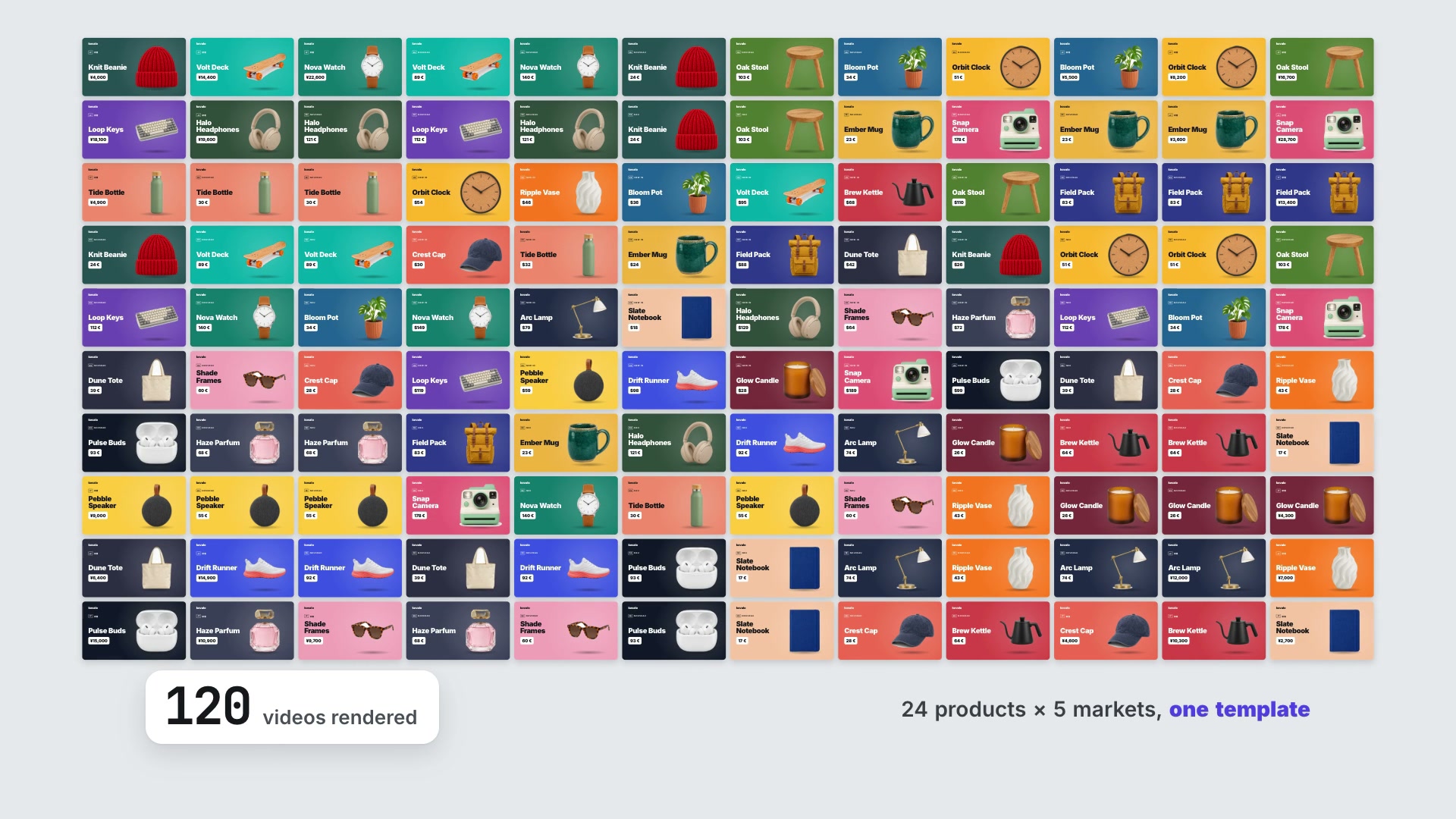
One video design fills with data rows and multiplies into a grid of finished videos. Made with HyperFrames for this page.
Why look for a Creatomate alternative?
Why teams look past Creatomate:
Cost climbs with volume
Credits are spent per render, and longer or larger videos use more of them: a 30-second 720p Short costs 6.91 credits, so Essential's 2,000 credits run out after 289 of them. G2 reviews quoted on Plainly's blog (a competitor, so weak evidence) say it "can get expensive at scale".
Hard stops and short retention
Creatomate's pricing page says that when credits run out, new renders stop until your credits renew or you move to a bigger plan. Finished videos and images are kept for 30 days, so a pipeline that links to Creatomate's URLs has to copy every file to its own storage first.
Rate limits for bulk work
The API reference allows 30 requests per 10 seconds per account, counted across all projects, with 2 MB request bodies. A job that renders 10,000 videos has to queue its calls and respect the Retry-After header on 429 responses.
Templates are locked to one editor
Templates are built in Creatomate's own editor and stored as RenderScript, with no After Effects import (per Plainly's April 2026 review), and final renders run only in Creatomate's cloud. In our view this is the biggest long-term cost.
Plan rigidity
Annual plans can't be cancelled midway, team invites start on Growth at $129 a month, and the free tier renders 480-pixel previews only.
Quick comparison: the best Creatomate alternatives
Fourteen video automation tools at a glance, with Creatomate last for reference.
Tool | Best for | Our rating | Free plan | Starting price |
|---|---|---|---|---|
HyperFrames | Data-driven videos your AI agent writes, rendered anywhere | 4.7/5 | Yes, unlimited local exports | Free to start |
Remotion | React teams building video into apps | 4.0/5 | Yes, up to 3 people | $25/mo per seat (4+) |
Editframe | Cheap rendering inside your own app | 4.0/5 | Yes, up to 3 people | $49/mo |
Shotstack | A per-minute hosted video API | 4.1/5 | Trial credits, sandbox | $39/mo or 20¢/min |
Plainly | After Effects templates at scale | 3.8/5 | No, 14-day trial | $69/mo |
JSON2Video | Simple per-second credits that never expire | 4.0/5 | 600 credits, watermark | $49.95 prepaid |
Bannerbear | Images first, short videos second | 3.8/5 | 30-credit trial | $49/mo |
Orshot | One design template for images, PDFs and short videos | 3.9/5 | Yes, 100 credits/mo | $39/mo |
Placid | No-code template automation for images and video | 3.9/5 | Trial only | $19/mo |
Synthesia | Personalised presenter videos | 3.8/5 | Yes, watermark | $19/mo |
Pictory | Videos from scripts and articles by API | 3.6/5 | Trial only | $29/mo list |
Lumen5 | Blog-to-video automation for marketers | 3.7/5 | Yes, branded outro | $29/mo |
Runway | Generated footage to drop into templates | 3.4/5 | 125 one-time credits | $15/mo |
Submagic | Captions and short-form edits by API | 3.8/5 | 15 one-time credits, watermark | $19/mo |
Creatomate (for reference) | Template video automation for no-code and API | Not rated | 50 credits, 480px | $54/mo |
Ratings average our three scores (fit, ease of use, value); see How we compared. Monthly list prices on 26 November 2026; where a vendor shows yearly billing first, the tool section gives both.
Why trust us? HeyGen makes HyperFrames and publishes this page, so we compete with the tools below. Every rival's price, plan and feature comes from its own pricing page, help center or changelog, read on 25 and 26 November 2026. User complaints are quoted from public review sites and linked in How we checked. HyperFrames claims come from its pricing page and from the Studio app's current build. Where a rival is the better pick, we say so.
Render your first data-driven video free
Best Creatomate alternatives you can run yourself
Frameworks where the template is code you own and the renderer runs on your machines or your cloud account. Instead of credits per render you pay for compute, and a template becomes a file in your repository that goes through code review like anything else.
#1 HyperFrames: Best for data-driven videos your AI agent writes, rendered anywhere
A HyperFrames bar chart race block: ranked bars overtake each other as the data changes, ready to be filled from a data file.
Our rating: 4.7/5. Fit for this job 4.7/5, ease of use 4.3/5, value for money 5.0/5.
Creatomate is a fast start for automation: design a template in its browser editor, then fill it from an API, a spreadsheet or Zapier. It stops at its own editor and its credits: the design lives only as RenderScript, and renders stop when the credits run out. With HyperFrames you give your AI agent one ad that already works and say "like this, for every customer": it rebuilds the hook, pacing and captions in your brand, marks the name, price and chart as variables, and renders one video per data row in 16:9, 9:16, 1:1 or 4:5. Anything a browser can draw goes in, from kinetic type and D3 charts to Three.js scenes, and when you change one line, only that line changes in every output on the next render. It is free and open source, and renders are free on your own computer or your own cloud.
A HyperFrames video is a web page. You ask your AI agent (Claude Code, Codex, Cursor or the agent in the HyperFrames Studio app) for "a 20-second renewal reminder: the customer's name, their tier, a bar chart of their usage, our logo at the end, 9:16 and 16:9". The agent writes the scenes in HTML, CSS and GSAP and marks the parts that change as variables: a name is a string, the accent is a colour, the tier is a choice from a list, and the chart data is a number set. Then one command renders a video per row:
npx hyperframes render --batch rows.json --strict-variables --output "renders/{name}.mp4"rows.json is a plain JSON array, one object per video. --strict-variables stops the batch if a column name is misspelt instead of quietly rendering the default, the bug that ruins most bulk runs. When one machine is too slow, the same template deploys to your own AWS Lambda or Google Cloud Run, or to HeyGen's managed cloud with a --callback-url when you want no servers. See HTML to video for the full developer tour.
Standout feature: Change one thing, keep the rest: the video is a web page with declared variables, so your AI agent writes it, one fix reaches every output on the next render, and the same file renders one video per data row on your laptop or your own cloud.
What's the difference between HyperFrames and Creatomate? Creatomate is a hosted platform with its own template editor, credits per render and a 30-day file life. HyperFrames is open source: your AI agent writes the video as HTML with variables, you render one video per data row for free on your own machines, AWS or Google Cloud, and every file stays in your git repository.
HyperFrames pros:
- Free and open source (Apache 2.0) at any company size
- Your AI agent writes and edits the videos
- One render per data row, with the same input always making the same video
- Render locally, on your own AWS Lambda or Cloud Run, or in HeyGen's cloud with webhooks
HyperFrames cons:
- No spreadsheet, form or no-code template UI for marketers: rows come from a JSON file or your own code, and the documented way into HeyGen's managed cloud is the CLI
Pricing: Free and open source (Apache 2.0) at any company size. Renders are free on your own computer or your own cloud (AWS Lambda or Google Cloud Run), where you pay only for compute.
Choose HyperFrames if: you have developers or a coding agent, want video as code you can version and review, and want render costs that are only compute.
What's new in HyperFrames: HyperFrames v0.9.94 (25 November 2026) renders a chosen part of a film, from a start to an end time, in one pass and in any format and frame rate. HyperFrames by HeyGen also joined the official MCP registry on 13 November.
Available for: Mac, Windows and Linux (the Studio app), the web, and inside Claude, ChatGPT and Grok through the HyperFrames connector
See a video you love? Make it yours. Or film it, or just describe it. Your footage, edited for you. Any motion graphic, format or style. Every word and shot stays yours to change.
Install the HyperFrames skills free
#2 Remotion: Best for React teams building video into apps
Our rating: 4.0/5. Fit for this job 4.5/5, ease of use 3.6/5, value for money 4.0/5.
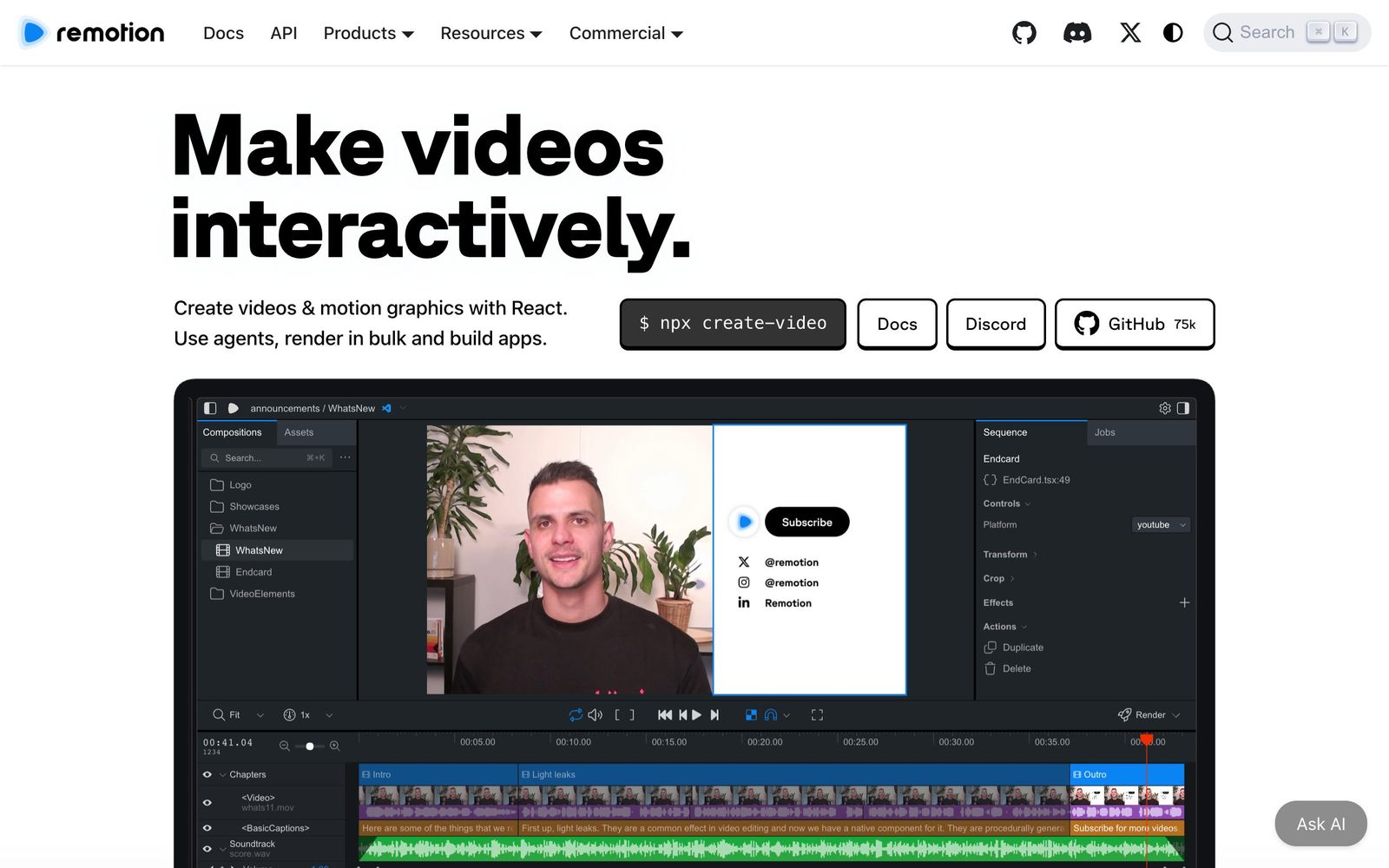
Remotion writes videos as React components. You render it locally, on your own servers or on AWS with Remotion Lambda, and the Remotion Player previews the same component inside your web app. On 11 November 2026 it added Agent Skills for AI coding agents.
Read the licence first: companies of 4 or more need a Company License, and Enterprise starts at $500 a month. Compared with Creatomate, you trade a visual editor and hosted rendering for full control, and you take on the infrastructure.
Standout feature: Videos written as React components, with Agent Skills for AI coding agents.
What's the difference between Remotion and Creatomate? Remotion gives React developers full control and self-hosting under a company licence. Creatomate gives no-code users a template editor and hosted rendering billed in credits.
Remotion pros:
- Anything a web page shows can be a video
- Lambda rendering and a Player for apps
Remotion cons:
- Paid company licence from 4 people
- Requires React and TypeScript
Pricing: Free for individuals and companies of up to 3 people. Companies of 4+ pay $25 a month per seat, or $0.01 per render with a $100 monthly minimum.
Choose Remotion over Creatomate if: your team writes React and wants video inside its product, and the company licence fits your size.
What's new in Remotion: Agent Skills and an interactive Remotion Studio (11 November 2026); v4.0.547 on 24 November.
Available for: Node.js and React, Remotion Studio, AWS Lambda
#3 Editframe: Best for cheap rendering inside your own app
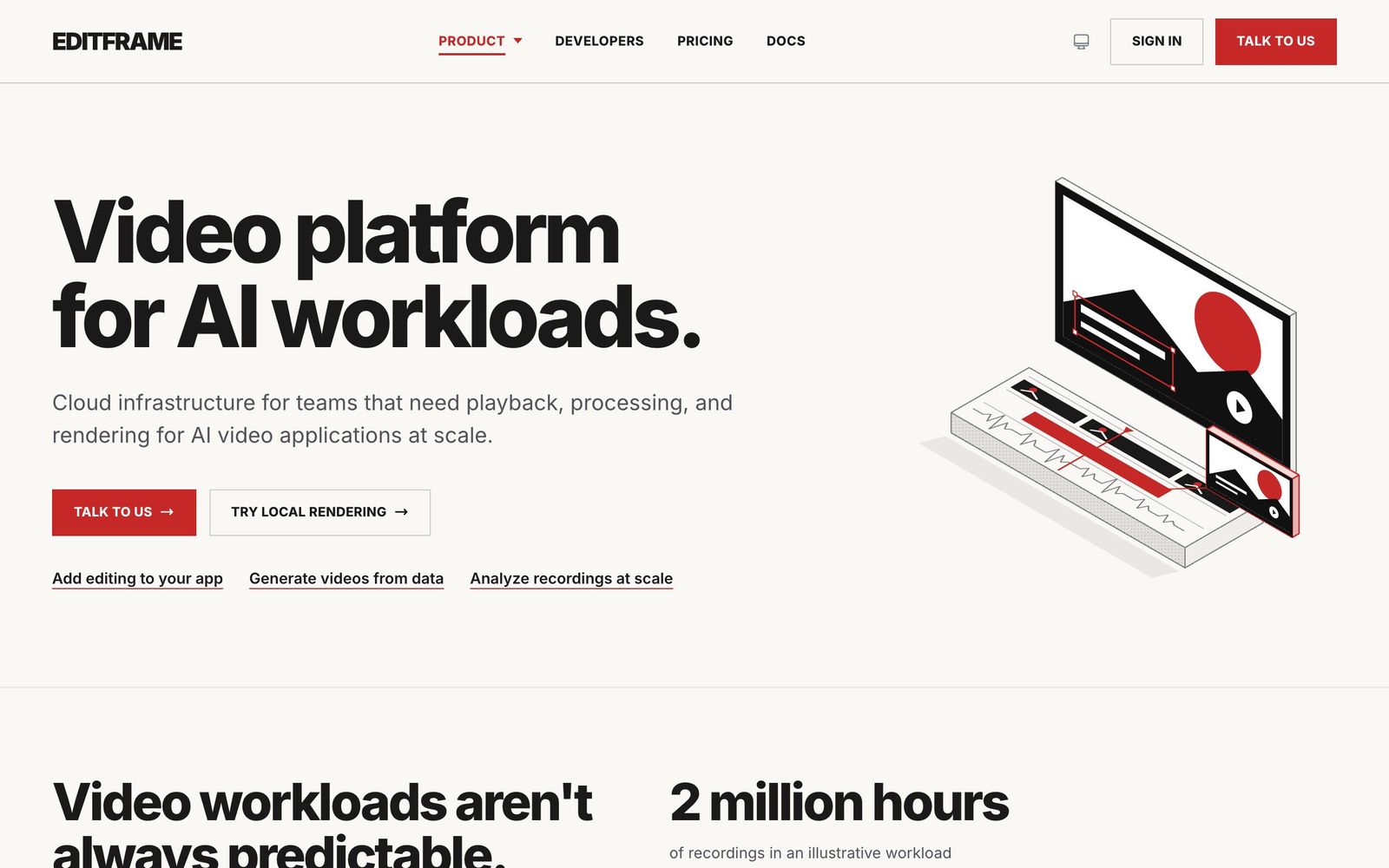
Our rating: 4.0/5. Fit for this job 4.0/5, ease of use 3.6/5, value for money 4.4/5.
Editframe is video infrastructure for developers. Its Elements SDK handles ingestion, playback, an editor and rendering inside your app, in the user's browser with WebCodecs or from the CLI, priced by your organisation's headcount.
Cloud rendering needs the Cloud plan at $99 a month plus $0.02 per render minute up to 1080p. A render minute is server processing time, not video length, so measure a few renders before you budget.
Standout feature: Free local rendering in the browser via WebCodecs, and cloud renders from $0.02 a minute.
What's the difference between Editframe and Creatomate? Editframe is an SDK you build into your own product, with very low cloud render rates. Creatomate is a finished platform with a template editor, forms and spreadsheets.
Editframe pros:
- Very cheap cloud render minutes
- Renders in the browser
- SDK for your own app
Editframe cons:
- Pricing follows total company headcount
- Little public news since April 2026
Pricing: Free for organisations of up to 3 people, rendering in the browser or from the command line. Team is $49 a month for 4 to 10 people.
Choose Editframe over Creatomate if: you are building video features into an app and want to render in the browser or pay cents per cloud minute.
What's new in Editframe: Its only recent post is a tutorial on sports graphics with transparency (3 April 2026).
Available for: Browser SDK, command line and cloud API
Best hosted Creatomate alternatives
Hosted APIs if you don't want to run anything yourself: you send JSON or data, they send back a file. Compare the price of a minute of finished video at your volume.
#4 Shotstack: Best for a per-minute hosted video API
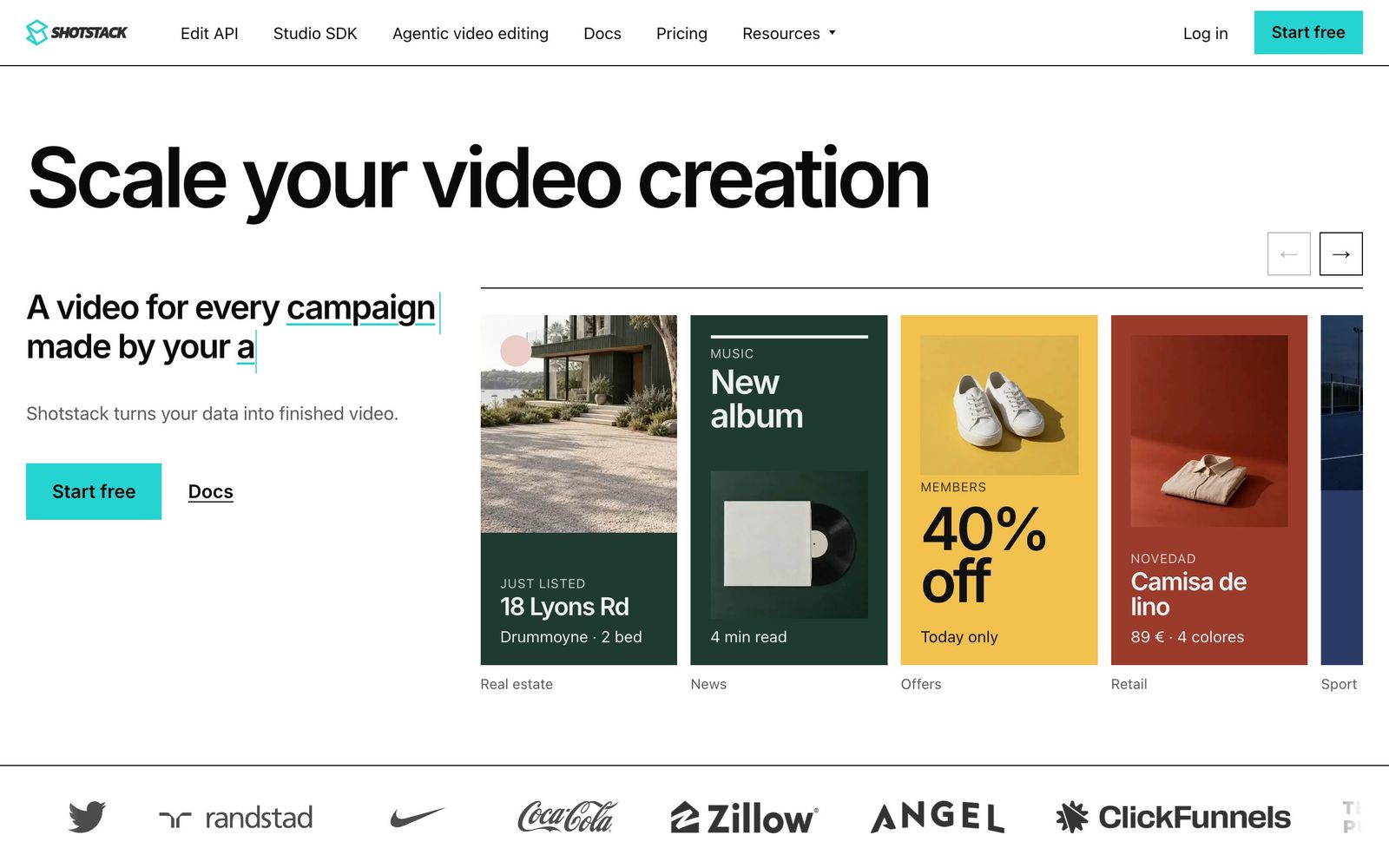
Our rating: 4.1/5. Fit for this job 4.4/5, ease of use 3.9/5, value for money 4.0/5.
Shotstack's Edit API takes a JSON edit (a timeline of tracks and clips, plus an output block) and returns a file: POST it with an x-api-key header, get a render id back, and poll it or pass a callback URL. Templates are saved edits with merge fields such as , much like Creatomate's modifications.
Billing is per rendered second, falling to 5 cents a minute on Volume ($499 for 10,000 minutes), and plan minutes roll over for 3 months.
Standout feature: A JSON Edit API billed per rendered second, plus a white-label Studio editor SDK.
What's the difference between Shotstack and Creatomate? Shotstack bills per rendered minute and is built for developers who write JSON. Creatomate bills credits and adds no-code forms, spreadsheets and a friendlier template editor.
Shotstack pros:
- Simple per-minute pricing from 5¢ to 20¢
- Studio SDK editor you can embed
- A connector for AI agents and the Director agent
- Make, Zapier and n8n
Shotstack cons:
- 1080p only until Pro ($99 a month)
- The Studio SDK is source-available, not open source
Pricing: 10 trial credits and a free developer sandbox. Pay as you go is $10 for 50 minutes; Starter is $39 a month for 250 minutes.
Choose Shotstack over Creatomate if: you want a hosted API, are happy writing JSON, and want a price you can work out per minute.
What's new in Shotstack: Studio SDK 2.33.0 (18 November 2026) added audio ducking.
Available for: REST API, Studio SDK, a connector for AI agents and no-code tools
#5 Plainly: Best for After Effects templates at scale
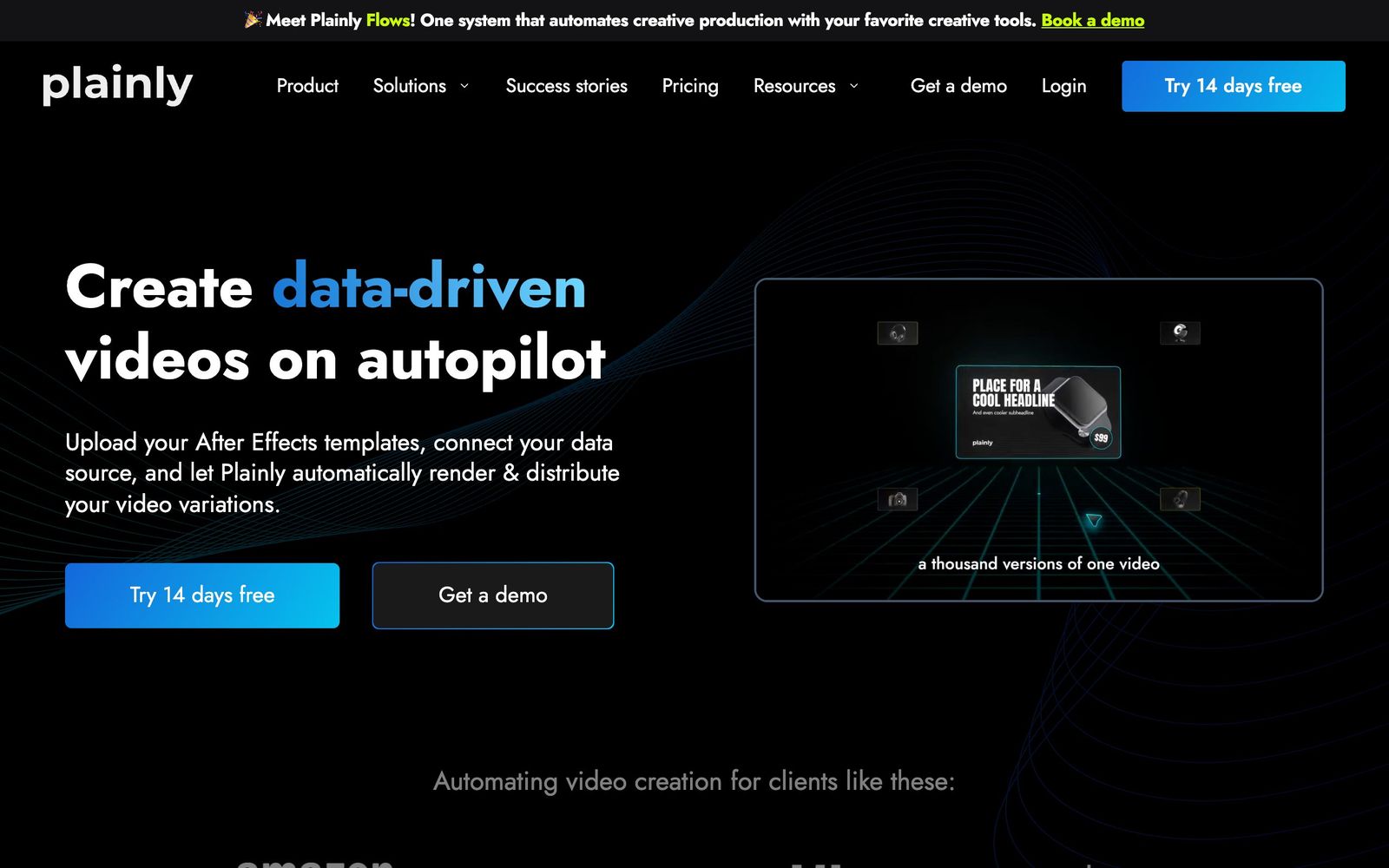
Our rating: 3.8/5. Fit for this job 4.2/5, ease of use 3.8/5, value for money 3.4/5.
Plainly turns real After Effects projects into data-driven templates. You upload the project, Plainly detects the dynamic text, image, video and audio layers, and renders variations from a CSV, its REST API or 20+ integrations, up to 4K.
It is the most expensive per minute here (about $1.38 a minute on Starter, with videos kept 24 hours). Version 0.29.0 (19 November 2026) added After Effects 2027 support.
Standout feature: Turns real After Effects projects into data-driven templates.
What's the difference between Plainly and Creatomate? Plainly uses real After Effects templates, so motion quality matches After Effects. Creatomate uses its own browser editor and has no After Effects import.
Plainly pros:
- After Effects-quality motion
- CSV, API and 20+ integrations
- Detects dynamic layers automatically
Plainly cons:
- Someone has to build the template in After Effects
- Renders kept 24 hours to 7 days, depending on plan
Pricing: No free plan, a 14-day trial. Starter is $69 a month, or $48 billed yearly, for 50 render minutes.
Choose Plainly over Creatomate if: your motion designers already work in After Effects and quality matters more than price per minute.
What's new in Plainly: Version 0.29 (19 to 24 November 2026) added After Effects 2027 support.
Available for: Web, REST API and After Effects
#6 JSON2Video: Best for simple per-second credits that never expire
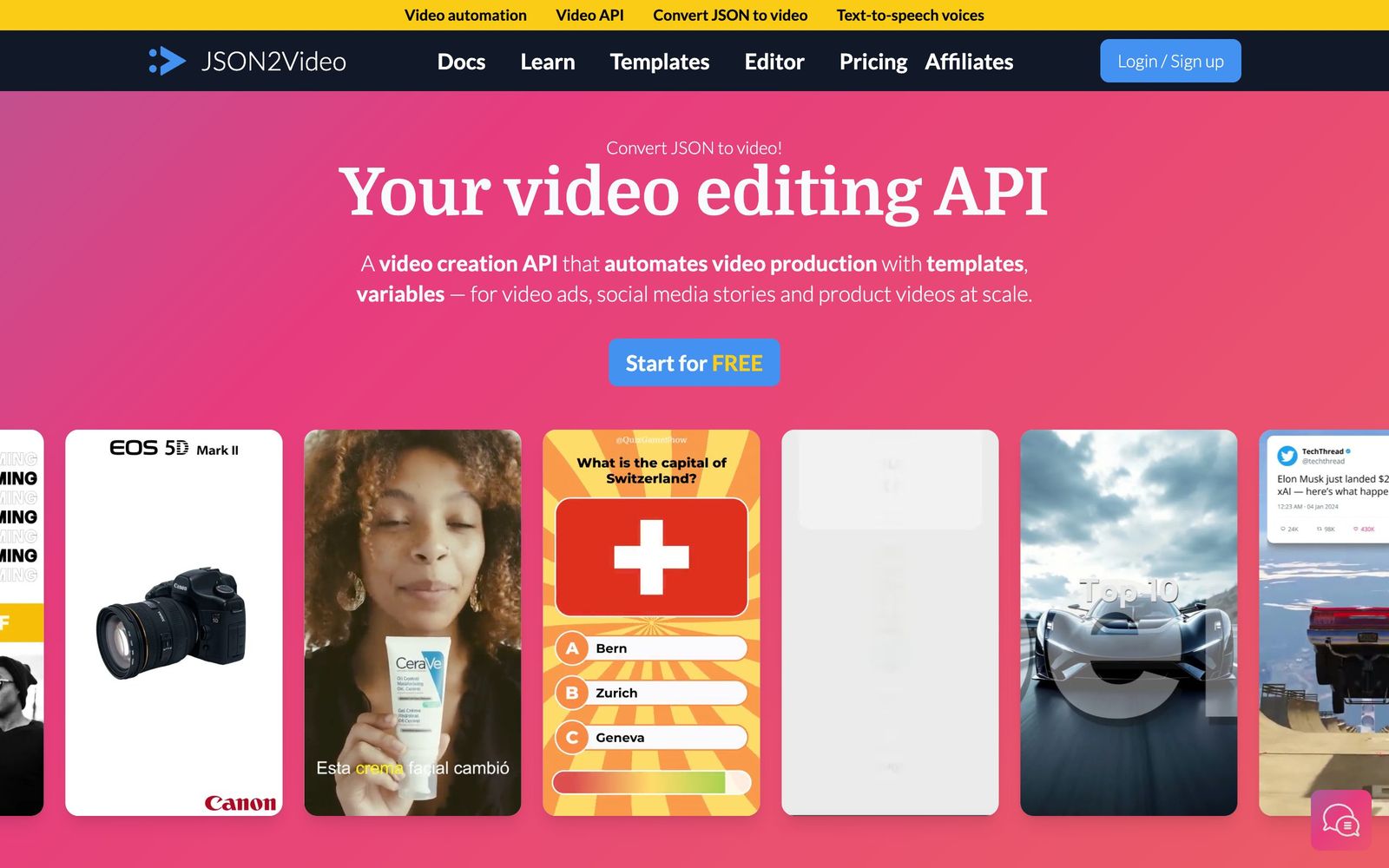
Our rating: 4.0/5. Fit for this job 3.9/5, ease of use 4.0/5, value for money 4.2/5.
JSON2Video renders a movie from JSON: POST scenes and elements (image, video, text, HTML, audio, voice and subtitles) or a saved template id with variables, then poll for the result or set a webhook destination.
One credit is one second of video, and subscriptions are cheaper per minute than pre-paid packs, but their credits expire monthly. There is no public changelog.
Standout feature: Per-second billing with pre-paid credits that never expire.
What's the difference between JSON2Video and Creatomate? JSON2Video sells per-second credits, including pre-paid packs that never expire. Creatomate's credits renew monthly and new renders stop when they run out.
JSON2Video pros:
- Simple JSON to video
- Make and n8n nodes
- Pre-paid credits never expire
JSON2Video cons:
- Free videos are watermarked
- Subscription credits expire monthly
Pricing: 600 free credits (about 10 minutes) with a watermark. A $49.95 pre-paid pack covers 120 minutes and never expires.
Choose JSON2Video over Creatomate if: your volume is uneven and you hate credits that expire.
What's new in JSON2Video: No public changelog or blog found (checked 26 November 2026).
Available for: REST API, SDKs, Make and n8n
#7 Bannerbear: Best for images first, short videos second
Our rating: 3.8/5. Fit for this job 3.6/5, ease of use 4.1/5, value for money 3.8/5.
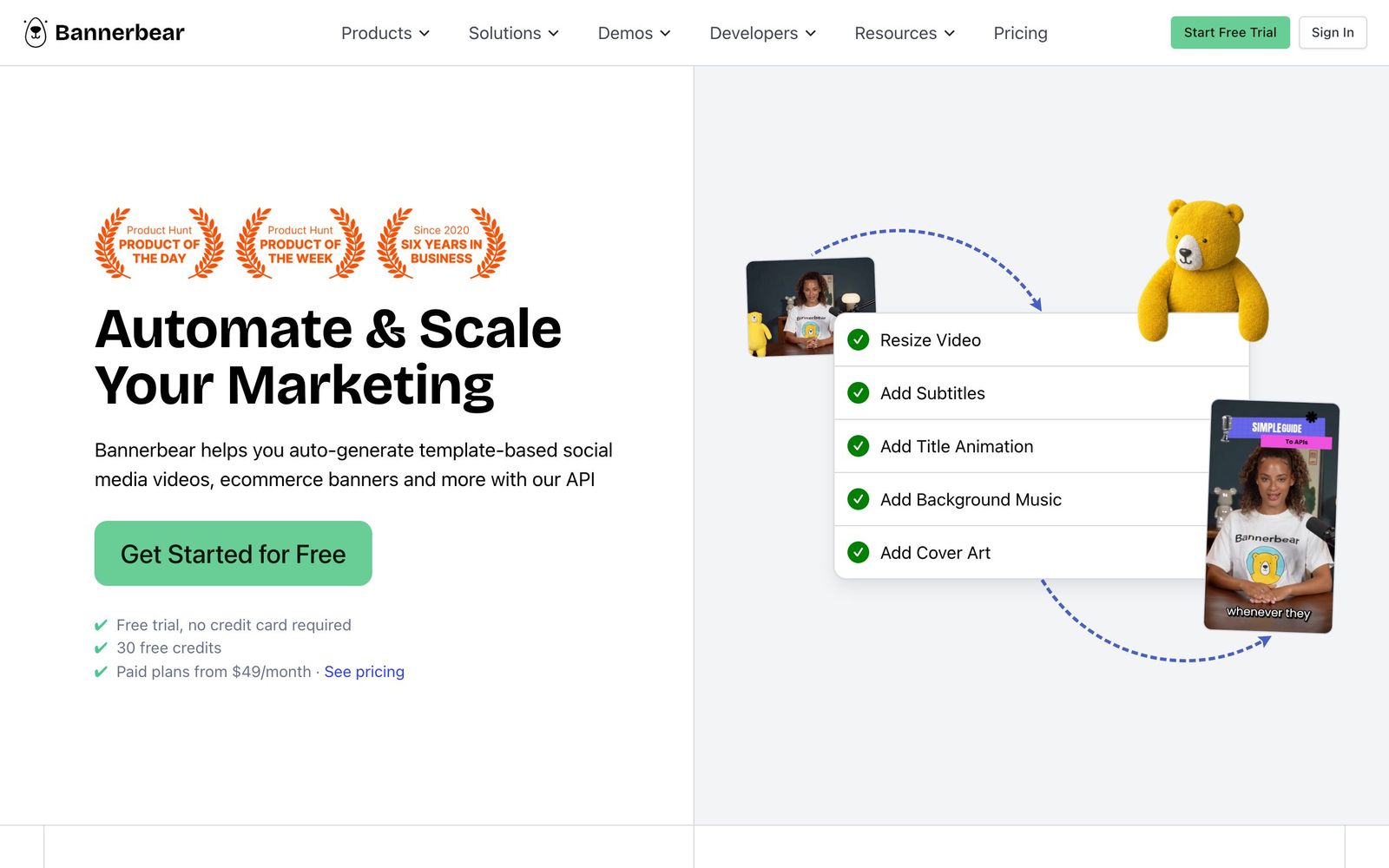
Bannerbear automates images, PDFs, animations and short videos from templates, through a REST API, an MCP server, Zapier, Airtable, Make and forms. On 17 November 2026 it added 17 one-click Recipes and Generate AI Video.
A render is charged when it is created, so a failure after that still counts, and video is assembled from short animation templates rather than a full timeline.
Standout feature: Image-first automation with templates, instant image URLs, animations and video tools.
What's the difference between Bannerbear and Creatomate? Bannerbear is image-first, with video tools on the side. Creatomate is stronger on full video templates.
Bannerbear pros:
- Images, PDFs, animations and video from one API
- Zapier, Airtable and Make
- A connector for AI agents and one-click recipes
Bannerbear cons:
- Video is built from short templates, not a full timeline
- Failed renders still count
Pricing: A trial with 30 API credits. Automate is $49 a month for 1,000 API credits.
Choose Bannerbear over Creatomate if: most of your automated assets are images, with some short video.
What's new in Bannerbear: Recipes, Generate AI Video, Generate Music and Narrated Slideshow tools (17 November 2026).
Available for: REST API, a connector for AI agents, Zapier, Airtable and Make
#8 Orshot: Best for one design template for images, PDFs and short videos
Our rating: 3.9/5. Fit for this job 3.6/5, ease of use 4.3/5, value for money 3.9/5.
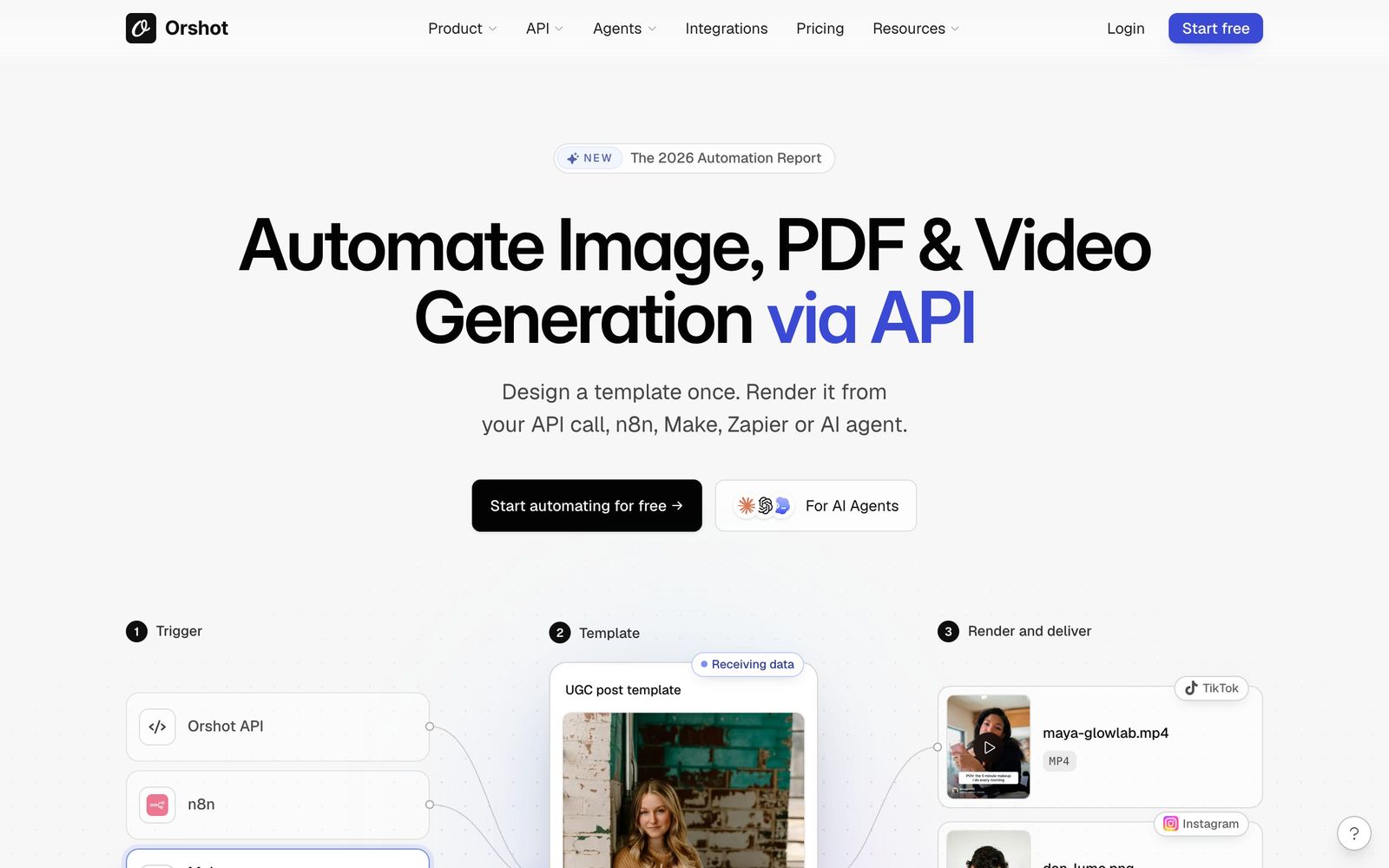
Orshot turns a design template into an API: every text, image and colour layer becomes a parameter, and one call renders an image, a multi-page PDF or a video. Templates come from its own editor or from Figma and Canva, and Smart Resize adapts one template to every size.
It is run by one person, with few public reviews.
Standout feature: One design template becomes an API: every text, image and colour layer is a parameter, and Smart Resize adapts it to every size.
What's the difference between Orshot and Creatomate? Orshot is image-first and caps video length by plan (3 minutes on Launch). Creatomate is video-first with RenderScript JSON templates.
Orshot pros:
- Images, PDFs and videos from templates through an API
- Imports designs from Figma and Canva
- connector for AI agents so agents like Claude Code build templates and renders
- Publishes to 26 social platforms
Orshot cons:
- Video length caps: 30 seconds free, 3 minutes on Launch
- Refunds only within 24 hours and with no more than half the credits used
Pricing: Free forever plan with 100 credits a month (1 credit is 1 image or 1 second of video) and videos up to 30 seconds. Launch is $39 a month billed monthly; yearly billing gives 2 months free.
Choose Orshot over Creatomate if: most of your output is images and PDFs, with some short video, from Figma or Canva designs.
What's new in Orshot: On 24 November 2026 it added live agent and team activity, showing when Claude or a teammate is editing a template; colour grading with 12 looks arrived on 6 November.
Available for: Web, a REST API and SDKs, MCP, n8n, Make, Zapier and a Figma plugin
#9 Placid: Best for no-code template automation for images and video

Our rating: 3.9/5. Fit for this job 3.6/5, ease of use 4.2/5, value for money 3.8/5.
Placid is a creative automation toolkit: you design a template in its drag-and-drop editor, then generate images and PDFs from it through a REST API, a URL API, Zapier, Make, n8n, Airtable or its MCP server, and videos through the REST API. Video templates change text, images, videos and colours per request, with animations and transitions.
When credits run out, only free previews work until you upgrade.
Standout feature: One drag-and-drop template becomes images, PDFs and videos through a REST API or no-code tools, with unlimited free previews.
What's the difference between Placid and Creatomate? Placid is a no-code template tool built around images and PDFs, with video at up to full HD. Creatomate is video-first, with RenderScript templates and output up to 4K.
Placid pros:
- Images, PDFs and videos from the same templates
- REST API, URL API, Zapier, Make, n8n, Airtable and an MCP server
- Unused credits roll over, with no overage fees
- Embeddable editor SDK and white-label option
Placid cons:
- Videos top out at full HD (1920 x 1080)
- No permanent free plan, only a trial with a few credits
Pricing: Free trial with a few credits and no card needed. Basic is $19 a month with 500 credits (video costs 1 credit a second); Pro is $39 with 2,500 credits. Yearly billing gives 2 months free.
Choose Placid over Creatomate if: marketers run the automation from no-code tools and most output is images, PDFs and short videos.
What's new in Placid: Recent changelog entries add right-to-left text (Arabic, Hebrew, Persian), per-project font management and an MCP tool that searches the Placid docs.
Available for: Web, a REST API, an MCP server, Zapier, Make, n8n and Airtable
Best AI video platforms with an API
If the bottleneck is not filling a template but making the video in the first place: presenters, scripts, generated footage and captions, called from code. These belong in a pipeline next to a template renderer.
#10 Synthesia: Best for personalised presenter videos
Our rating: 3.8/5. Fit for this job 3.6/5, ease of use 4.3/5, value for money 3.4/5.
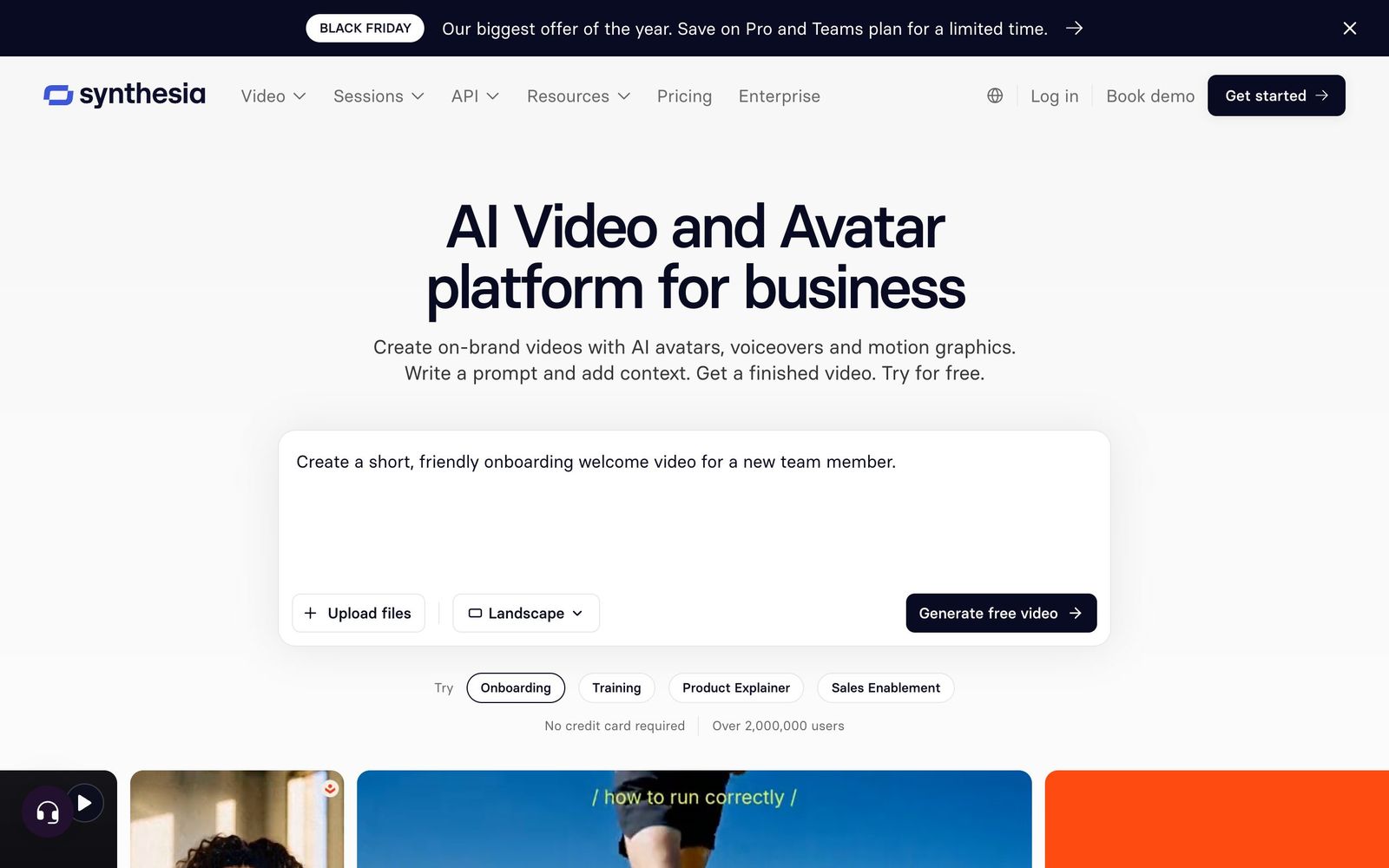
Synthesia makes videos with AI presenters: 180+ stock avatars, personal avatars of you or your team, and 140+ languages with one-click translation and dubbing. Its API generates those videos from code, priced separately from its plans.
Trustpilot gives 3.8 from 1,835 reviews; one one-star reviewer (November 2026) says a 30-second video used all their credits.
Standout feature: Studio-quality AI presenters in 140+ languages for enterprise training.
What's the difference between Synthesia and Creatomate? Synthesia generates presenter-led videos from a script. Creatomate fills motion templates with data and has no presenters.
Synthesia pros:
- 180+ stock avatars and personal avatars
- 140+ languages
- Syren video agent and a Claude connector
Synthesia cons:
- One Trustpilot reviewer says a 30-second video used all their credits
- One reviewer calls the content moderation extreme
Pricing: Free plan with 10 minutes of watermarked video a month. Starter is $19 a month, or $14 billed yearly.
Choose Synthesia over Creatomate if: your personalised videos need a presenter speaking, not only motion graphics.
What's new in Synthesia: Synthesia brought its video agent into Claude on 18 November 2026.
Available for: Web, plus an API and a Claude connector
#11 Pictory: Best for videos from scripts and articles by API

Our rating: 3.6/5. Fit for this job 3.4/5, ease of use 4.2/5, value for money 3.3/5.
Pictory turns a brief, script, URL, slide deck or audio into a video with stock footage, AI voices and avatars. Pictory 3 (22 October 2026) adds an agent that drafts the script and scenes.
The API has its own plans, priced by video minutes, with no public prices. One Trustpilot reviewer (September 2026) says 11 of 19 projects never rendered.
Standout feature: Pictory 3's agent drafts a script, scenes and a preview from a brief, using millions of licensed stock clips.
What's the difference between Pictory and Creatomate? Pictory writes and assembles a stock-footage video from text. Creatomate renders your own designed template from data.
Pictory pros:
- Videos from a brief, script, URL or slides
- Getty Images and Storyblocks stock
- AI voices and avatars
- An API and a connector for AI agents
Pictory cons:
- No free plan, only a trial
- API priced separately
Pricing: 14-day trial with 300 credits and Pictory branding. Starter lists at $29 a month (a Black Friday sale showed less).
Choose Pictory over Creatomate if: you need whole videos written from text, not templates filled with fields.
What's new in Pictory: Pictory 3, an AI video agent, launched on 22 October 2026.
Available for: Web, plus an API and a connector for AI agents
#12 Lumen5: Best for blog-to-video automation for marketers

Our rating: 3.7/5. Fit for this job 3.3/5, ease of use 4.4/5, value for money 3.5/5.
Lumen5 turns a blog post or script into branded scenes with templates, stock media and AI voices, and its conversational Agent edits videos scene by scene. Around 7 November 2026 it launched Integrations: create videos from ChatGPT or Claude, or automate with Zapier, Make or the API. Basic exports below 1080p.
Standout feature: Turns a blog post or script into branded scenes, now with a conversational agent.
What's the difference between Lumen5 and Creatomate? Lumen5 builds a new video from each article. Creatomate keeps one fixed template and swaps the data.
Lumen5 pros:
- Blog-post-to-video
- Brand templates
- ChatGPT, Claude, Zapier and API integrations
Lumen5 cons:
- Basic exports below 1080p
- Tight animation minutes
Pricing: Free plan with branding, 2-minute videos and 5 videos a month. Basic is $29 a month, or $19 billed yearly.
Choose Lumen5 over Creatomate if: each video starts from a blog post rather than a row of data.
What's new in Lumen5: Lumen5 Integrations (about 7 November 2026) create videos from ChatGPT, Claude, Zapier, Make or the API.
Available for: Web
#13 Runway: Best for generated footage to drop into templates
Our rating: 3.4/5. Fit for this job 3.2/5, ease of use 3.9/5, value for money 3.0/5.
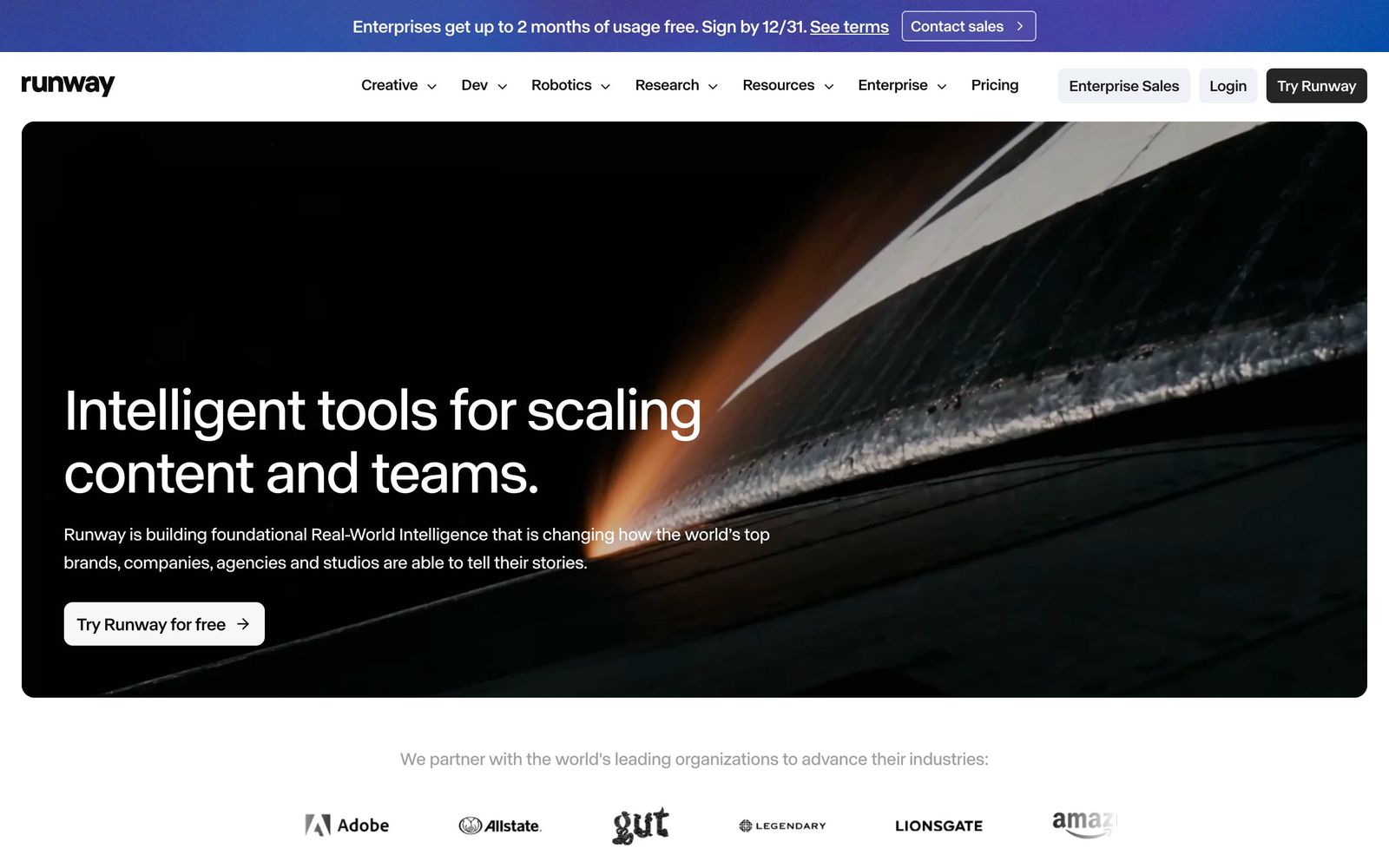
Runway generates video and images with its own Gen-4.5 model and models such as Kling, Seedance and Veo, and its API is billed by the second: credits cost $0.01, and Gen-4.5 uses 12 a second ($7.20 per minute of output). A template renderer then puts the brand and data on top.
Trustpilot gives 1.1 from 412 reviews, with complaints that credits are spent on unusable results.
Standout feature: Its own Gen-4.5 video model plus third-party models, an agentic collaborator and Runway Ads.
What's the difference between Runway and Creatomate? Runway generates new footage from prompts. Creatomate assembles footage and graphics you already have into a fixed template.
Runway pros:
- Frontier generated footage
- Many models in one tool
- API and MCP
Runway cons:
- Credits go fast: about 52 seconds of Gen-4.5 a month on Standard
- Trustpilot score of 1.1 from 412 reviews
Pricing: 125 one-time free credits. Standard is $15 a month, or $12 billed yearly, for 625 credits (about 52 seconds of Gen-4.5).
Choose Runway over Creatomate if: your variations need fresh generated footage, not only new text and images.
What's new in Runway: 3D model generation in Runway MCP (18 November 2026) and MiniMax H3 Image (20 November).
Available for: Web, plus an API and MCP
#14 Submagic: Best for captions and short-form edits by API
Our rating: 3.8/5. Fit for this job 3.3/5, ease of use 4.5/5, value for money 3.6/5.
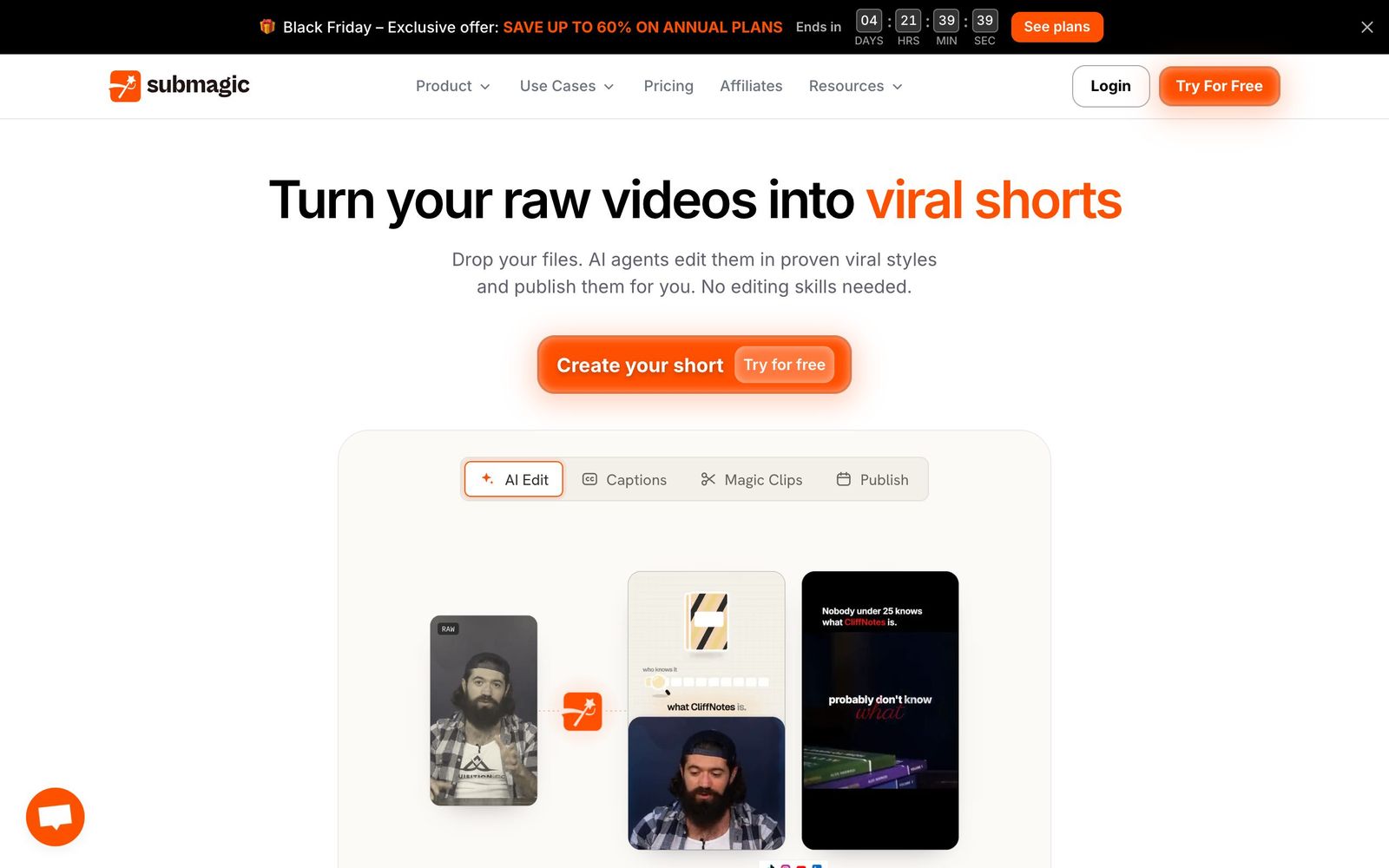
Submagic adds animated captions, zooms, B-roll, music and cuts to short videos, and its Iris agent edits a short on its own. In a pipeline the template makes the video and Submagic captions it, through its video editing API (on the Business plan, with 100 API minutes a month) or its Zapier and n8n apps.
Standout feature: Iris, an AI agent that adds captions, cuts, B-roll, zooms, motion graphics and music to a short on its own.
What's the difference between Submagic and Creatomate? Submagic captions and edits footage you already have. Creatomate builds the video from a template and data.
Submagic pros:
- Strong animated caption templates
- Magic Clips turns videos up to 3 hours into shorts
- Removes bad takes and silences
- API, Zapier and n8n
Submagic cons:
- Starter caps each captioned video at 2 minutes and 1080p
- Free credits are one-time, not monthly
Pricing: Free sign-up with 15 one-time credits and watermarked exports. Starter is $19 a month, or $12 a month billed yearly.
Choose Submagic over Creatomate if: your pipeline already makes the video and needs styled captions added by API.
What's new in Submagic: Iris, the editing agent, is the site-wide launch banner (live on 26 November 2026, no dated post).
Available for: Web, plus an API and ChatGPT and Claude integrations
How to choose the best Creatomate alternative
Start with two questions: who builds the templates, and where should the renderer run? The answers narrow 14 tools to two or three.
Who builds and changes the templates?
If developers or an AI coding agent build them, pick a code framework: HyperFrames (HTML, CSS and JavaScript) or Remotion (React). If motion designers build them, Plainly keeps them in After Effects. If marketers build them without code, Creatomate's editor is still the easiest, with Placid and Bannerbear for image-heavy work. HyperFrames narrows the gap, because the agent writes the video from a plain-language ask; start with the quickstart.
What does a minute cost at your volume?
Credits hide the real price, so convert everything to a minute of finished video. Take 10,000 personalised 30-second videos a month, 5,000 minutes in all. On Shotstack that fits Volume ($499 for 10,000 minutes). On Creatomate, at 6.91 credits per 30-second 720p Short, it is about 69,100 credits, above Beyond's 50,000-credit allowance at $329. Remotion's Automators licence is exactly its $100 minimum, plus your AWS bill. Self-hosted HyperFrames costs only compute.
Where does the renderer run, and where do files live?
Creatomate keeps files 30 days, Plainly 24 hours to 7 days, and Shotstack serves them from its CDN or your own storage. If your product links to rendered videos, copy them to your own bucket either way. Self-hosted HyperFrames writes to your own disk or bucket.
How does it handle rate limits, webhooks and failures?
Bulk work fails at the edges. Creatomate allows 30 requests per 10 seconds and calls a webhook when a render succeeds or fails; Shotstack takes a callback URL per render; JSON2Video warns its create call is not idempotent. HyperFrames' managed cloud takes a --callback-url and an idempotency key, and lambda render-batch has a --dry-run that checks every row first.
Can you live with the licence and lock-in?
HyperFrames is Apache 2.0 at any company size. Remotion and Editframe are free for teams of up to 3 people, then charge by seats, renders or headcount. Shotstack's Studio SDK is source-available under PolyForm Shield. Creatomate templates can only be rendered by Creatomate. For the closest code-first comparison, read HyperFrames vs Remotion.
How we compared
Every tool on this list was scored on three things:
- Automation. API shape, batch rendering from data, webhooks, rate limits, no-code connectors and support for AI agents.
- Template quality and control. How rich the motion can be, what format the template lives in, who can build and change it, and whether it can be versioned.
- Cost and ownership. Price per rendered minute at your real volume, file retention, licence, and whether you can run the renderer yourself.
User complaints. We read recent reviews on Trustpilot, Product Hunt and the App Store and say when a complaint comes from a single review, with its date when it is old. Some review sites (G2, Capterra) blocked automated reading, so their scores are not quoted.
Ratings. Each tool gets three scores out of 5: fit for the job this page is about, ease of use, and value for money (free plan, entry price, watermarks and caps). The overall rating is their average. The scores are our judgment from the sources above, not a lab benchmark.
Creatomate's complaints are G2 quotes reprinted on Plainly's blog; Plainly is a competitor, so treat them as weak evidence. Its rate limit and 30-day retention come from its API reference (creatomate.com/llms/api.md).
Per-minute prices are derived from each vendor's plan prices and included minutes or credits, as listed on 26 November 2026.
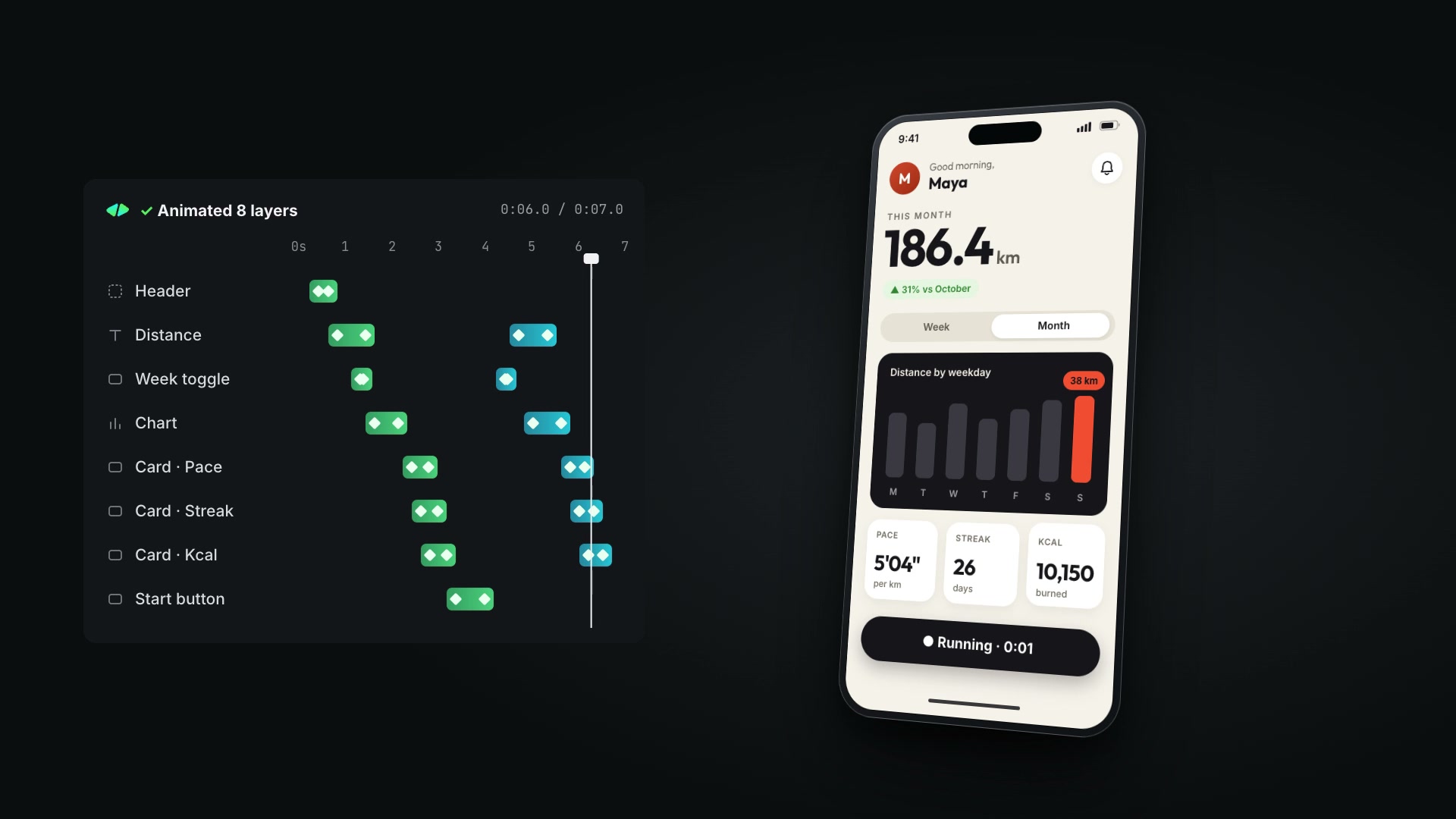
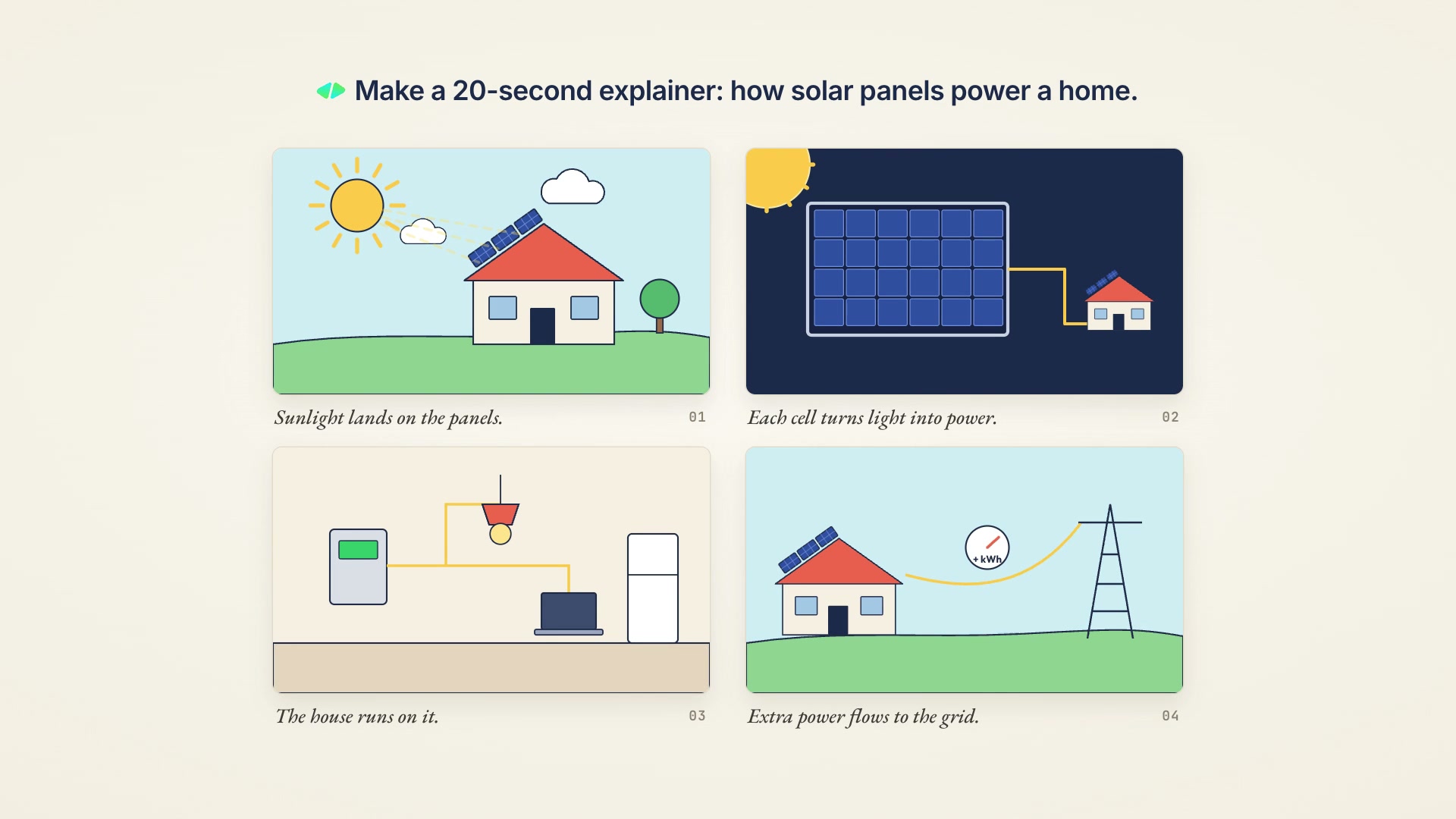
The films. The film near the top was made with HyperFrames for this page; the bar chart race is a HyperFrames block. The cover uses each product's own logo and a still of its own website.
Conclusion
For developers and teams with an AI coding agent, HyperFrames is the strongest long-term Creatomate alternative. The agent writes the template, you keep it in git, one command renders a video per data row, and the renderer runs wherever suits the job: your laptop for tests, your AWS or Google Cloud account for volume, or HeyGen's cloud with webhooks when you want no servers. You give up Creatomate's spreadsheet and form UI, which matters if marketers run the pipeline on their own.
If you want to keep everything hosted, Shotstack is the cleanest swap, with per-second billing that falls to 5 cents a minute at volume, and Placid suits no-code teams. React teams should look at Remotion after checking the licence, and agencies whose motion lives in After Effects should pick Plainly. If you need a presenter, a script or captions rather than a filled template, Synthesia, Pictory, Lumen5 and Submagic each do one of those jobs by API.
Install HyperFrames and render your first data-driven video, free
Frequently asked questions
What is the best Creatomate alternative?
HyperFrames is the best Creatomate alternative for teams with a developer or AI coding agent, rated 4.7 out of 5 here, because it is open source, the agent writes each video as HTML, and renders are free on your own computer or your own cloud. Shotstack (4.1) is the best hosted API, Remotion (4.0) the best for React teams, and Plainly (3.8) the best for After Effects templates.
Is Creatomate free?
Creatomate gives 50 credits to try everything, with no credit card and no time limit, but free videos and images render as small previews of up to 480 pixels. Paid plans start with Essential at $54 a month, or $45 billed yearly, for 2,000 credits.
Is there a free Creatomate alternative?
Yes. HyperFrames is free and open source at any company size, with free rendering on your own machines and no watermark. Remotion and Editframe are free for teams of up to 3 people, and JSON2Video gives 600 free credits, about 10 minutes, with a watermark.
What is the cheapest Creatomate alternative?
Rendering yourself is cheapest: HyperFrames costs only compute at any company size, and Remotion is free up to 3 people. For hosted APIs, Shotstack falls to 5 cents a minute on its $499 Volume plan, and Editframe's cloud starts at $0.02 a processing minute on top of $99 a month.
Can I migrate my Creatomate templates to another platform?
Not directly. Creatomate templates are RenderScript JSON, and none of these tools imports it, so plan to rebuild each template once. With HyperFrames you can hand your AI agent the RenderScript and an exported MP4 and ask it to rebuild the video as HTML with variables, then check it scene by scene.
Which Creatomate alternative is best for developers?
HyperFrames for developers who work with AI coding agents and want an Apache 2.0 licence, and Remotion for React teams that accept a company licence above 3 people. Shotstack is the best hosted option for developers who don't want to run a renderer.
Can I use After Effects templates with any of these tools?
Yes, with Plainly, which uploads real After Effects projects and renders data-driven variations up to 4K. Creatomate and Shotstack have no After Effects import, according to Plainly's reviews of them. HyperFrames plays Lottie files exported from After Effects inside its videos.
Do these tools support batch rendering?
Yes. Creatomate renders spreadsheet rows (1,000 on Essential) and tagged templates in one call. HyperFrames renders one video per row of a JSON file or JSONL batch on Lambda, Plainly renders variations from a CSV, Placid renders videos from its REST API, and Shotstack and JSON2Video take one render per API call.
How do I get a Creatomate API key?
The API key belongs to a project in your Creatomate account. You send it as a Bearer token in the Authorization header when you POST to /v2/renders.
How are Creatomate video credits calculated?
Credits depend on the video's length and size. Creatomate's own example says a 30-second vertical 720p video at 25 fps uses 6.91 credits and an image uses 1, so Essential's 2,000 credits cover 289 such Shorts or 2,000 images.
Does Creatomate have an MCP server?
Yes. Creatomate documents a hosted MCP integration for Claude, ChatGPT, Cursor and VS Code. Shotstack and Bannerbear have MCP servers too, and HyperFrames has a hosted connector for Claude, ChatGPT and Grok, in beta, plus skills for coding agents.
Which alternative supports AI image and video generation?
Shotstack generates images, video, voice and music during a render, charged per model. Runway generates footage by the second through its API, Synthesia and Pictory make presenter-led or stock-footage videos, and HyperFrames Studio has HeyGen Video 1, Seedance 2.5 and other image and video models built in.
Can several teams share one automation account?
Creatomate team invites start on Growth ($129 a month, or $108 yearly). Shotstack's Pro plan includes 3 seats and Bannerbear adds team members on Scale. HyperFrames videos are files in git, so any number of people review and change them like code.
How do I make 500 personalised videos from a spreadsheet?
Export the sheet as JSON, mark the changing parts of a HyperFrames video as variables, and run the batch render with one output per row. On Creatomate you upload the spreadsheet to Bulk Generation; on Shotstack you call the render-template endpoint once per row with merge fields.
Is HyperFrames free?
Yes, HyperFrames is free to start. The engine is free and open source (Apache 2.0, 90,000+ GitHub stars), and HyperFrames Studio is a free download. Pro is $25 a month for more (pricing).

Written by Ular Kimsanov
Ular Kimsanov works on HyperFrames at HeyGen, the free, open-source tool where AI agents make videos, and writes about making videos with AI agents. Prices and plans on this page were checked on 26 November 2026.