Jitter made motion design feel like Figma: open a browser, drop in a design, add a few animations, export. Its AI agents now turn a described idea into editable animations, it has 400+ free templates and 1,500+ fonts, and it says 20,000+ creative teams use it.
Designers look elsewhere when the work outgrows it: transparent export, 4K and 120 fps sit on the Max plan, and there are no true 3D transforms yet. The right replacement depends on where your animation ends up, a video file or an app file, so the 14 tools below are grouped by that job.
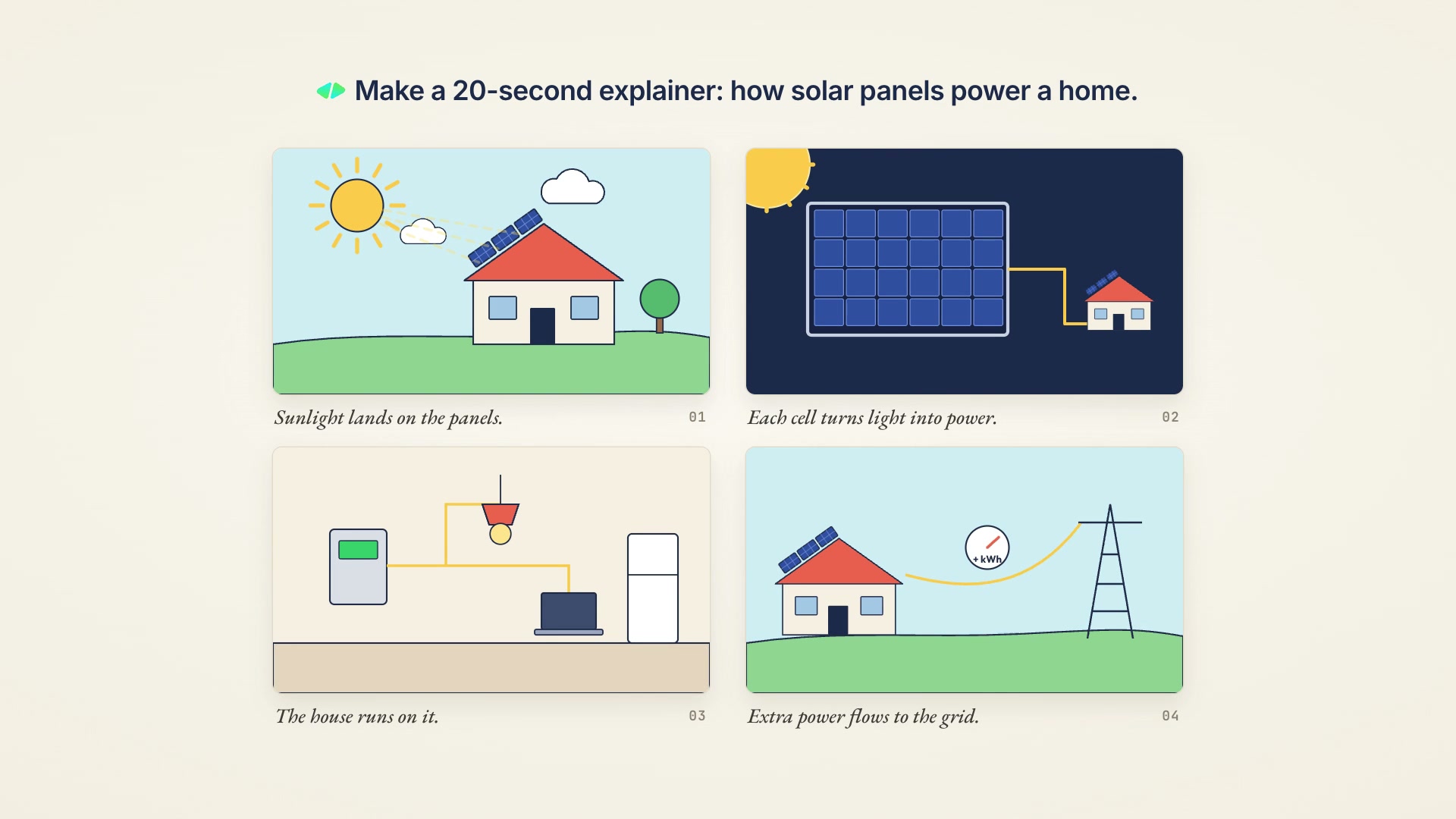
A flat product UI design comes alive layer by layer and tilts into a 3D device. Made with HyperFrames for this page.
Why look for a Jitter alternative?
What Jitter users ask for, from its own pricing page and public reviews:
Export formats cost extra
The free plan exports video, GIF and Lottie at 720p and 30 fps with a watermark. ProRes and WebM need Pro ($19 per editor a month, or $15 billed yearly), and transparent, frame-by-frame and batch export need Max ($49, or $35 billed yearly). One Trustpilot reviewer (September 2024) called the price high for the toolset.
No true 3D
A Product Hunt reviewer asks for real X, Y and Z transforms, and Jitter replied that 3D is on its roadmap. A device mockup that tilts into depth or an extruded logo has to be faked in 2D or built in another tool.
Free plan caps
Three workspace files, 720p at 30 fps, 20 MB uploads, limited AI credits and a watermark. That is enough to learn Jitter, not to run client work, and Pro is per editor, so a team of five pays five times.
More depth, more templates
Reviewers on Trustpilot (January 2024) and Product Hunt want more animation options and more community templates. Designers who want procedural rigs, expressions or particle effects move to Cavalry or After Effects. That is our reading of the reviews, not a survey.
Video output that needs more than motion
Jitter animates designs; it does not cut footage, caption a talking head or mix a voiceover with music. Teams that turn a product animation into a full launch film finish it in a video editor (our view).
Quick comparison: the best Jitter alternatives
Fourteen motion design tools at a glance, with Jitter last for reference.
Tool | Best for | Our rating | Free plan | Starting price |
|---|---|---|---|---|
HyperFrames | Motion videos an AI agent builds from your designs | 4.7/5 | Yes, unlimited local exports | Free to start |
Adobe After Effects | The deepest motion toolset | 3.9/5 | No, 7-day trial | $22.99/mo (annual) |
Cavalry | Free, procedural pro animation | 4.3/5 | Yes, fully free for individuals | Free |
Apple Motion | A one-time price on Mac | 4.0/5 | No | $49.99 once |
Figma Motion | Animating designs without leaving Figma | 4.2/5 | Starter plan, limited | $20/mo per Full seat |
Rive | Interactive animations in apps and games | 4.1/5 | Yes, splash screen | $17/mo per seat |
Lottie Creator | Lottie with an AI agent | 4.1/5 | Yes, few exports | $19.99/mo yearly |
Lottielab | Figma to Lottie for product teams | 4.1/5 | Yes, no Lottie export | $18/mo per editor |
SVGator | Animated SVG for websites | 4.1/5 | Yes, static SVG only | $20/mo |
Remotion | Motion written as React code | 3.7/5 | Yes, up to 3 people | $25/mo per seat (4+) |
Runway | Generated motion from images and prompts | 3.4/5 | 125 one-time credits | $15/mo |
Canva | Quick animated social posts | 4.2/5 | Yes, limited AI | $18/mo |
Adobe Express | Free animated templates with Adobe stock | 4.1/5 | Yes, limited AI | $9.99/mo |
Linearity Move | Cheap motion on Mac and iPad | 4.1/5 | 7-day credits | $10/mo |
Jitter (for reference) | Browser motion design for UI and brands | Not rated | Yes, 3 files, 720p, watermark | $19/mo per editor |
Ratings average our three scores (fit, ease of use, value); see How we compared. Monthly list prices on 26 November 2026; LottieFiles and SVGator showed Black Friday offers.
Why trust us? HeyGen makes HyperFrames and publishes this page, so we compete with the tools below. Every rival's price, plan and feature comes from its own pricing page, help center or changelog, read on 25 and 26 November 2026. User complaints are quoted from public review sites and linked in How we checked. HyperFrames claims come from its pricing page and from the Studio app's current build. Where a rival is the better pick, we say so.
Animate your next design with your AI agent, free
Best Jitter alternatives for motion videos
For product launches, social graphics and brand motion that ends up as a video file. The difference is who does the animating: you, keyframe by keyframe, or an AI agent you direct.
#1 HyperFrames: Best for motion videos an AI agent builds from your designs
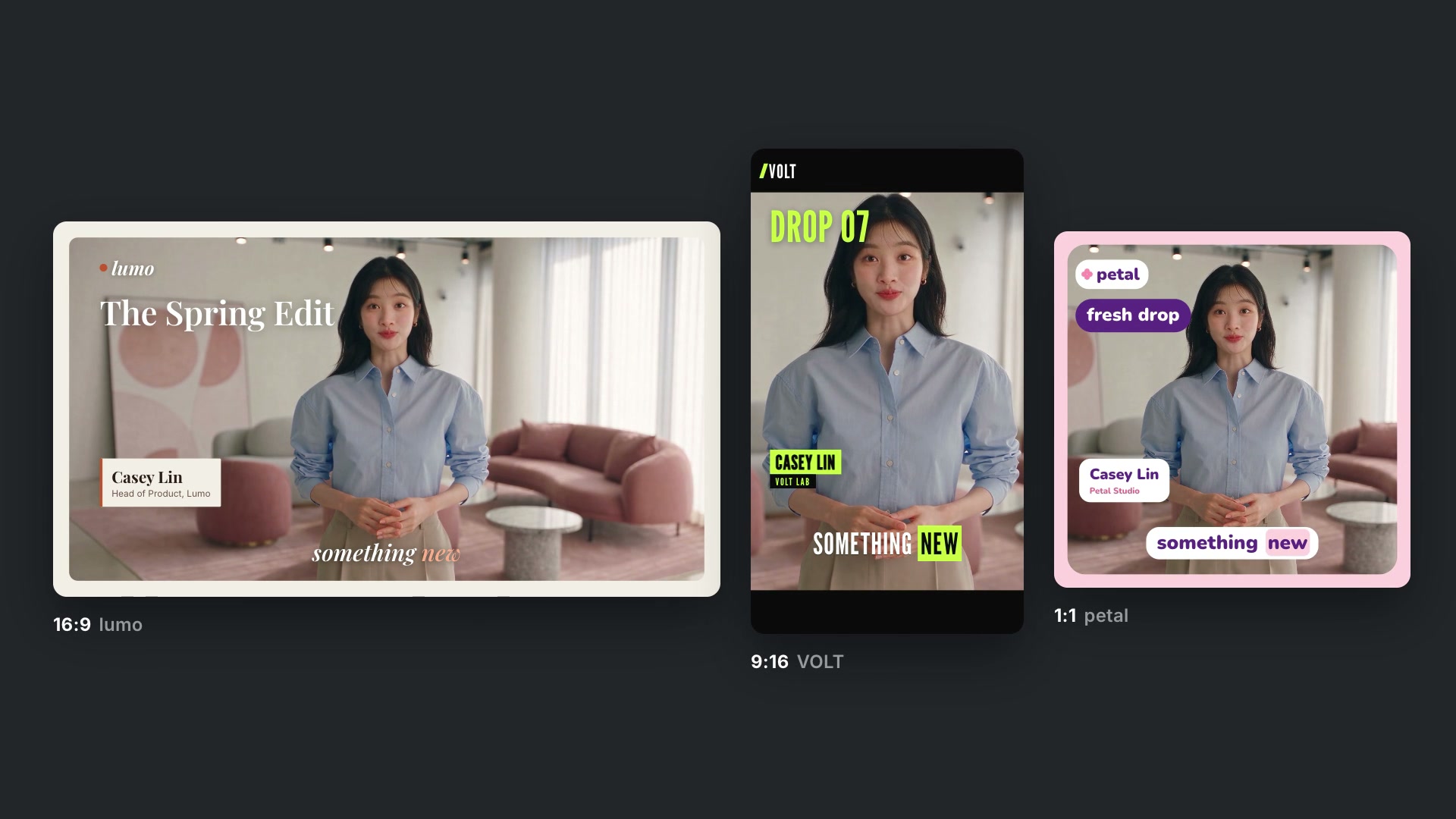
From a HeyGen post: a Figma design brought into HyperFrames and turned into motion.
Our rating: 4.7/5. Fit for this job 4.8/5, ease of use 4.4/5, value for money 4.9/5.
Jitter makes quick UI and brand motion easy in a browser, and its AI agents now draft editable animations. It stops where launch work starts: no true 3D, and transparent video and 4K wait on its Max plan. In HyperFrames you describe any motion or show it: say "the cards slide in, the chart counts up to 12,480, the phone tilts into 3D", or paste a launch video you love and get its pacing, type and transitions back with your screens, logo and colours. You see it as stills in minutes, then point at one layer, word or shot and only that changes. It is free to start, with 3D, transparent video and 4K exported on your computer.
Bring your design (screens, a logo, brand colours) and ask in plain words. Because the video is built like a web page, every layer stays its own editable piece, so you can change one card's timing without touching the rest. Tilt any element in X, Y and Z with perspective, or ask for a ready-made 3D effect such as an extruded logo or a spinning product model. Export transparent WebM or ProRes 4444 MOV for Premiere, Final Cut, Resolve or After Effects, MP4 for social, and up to 4K at 1 to 240 fps. Ready-made effects cover charts, maps, transitions and kinetic type.
Motion designers who want their hands on it open the browser editor: press K to keyframe any change at the playhead, drag diamonds to retime, and set motion blur to Off, Subtle or Strong. Lottie files play frame-accurately inside a video, and Figma assets, brand tokens and frames come in with your own Figma token. See AI motion graphics for examples.
Standout feature: Change one thing, keep the rest: point at one layer, word or shot and only that changes, with 3D, transparent video and 4K free on your computer.
What's the difference between HyperFrames and Jitter? Jitter is a hands-on browser animation tool whose AI agents turn a described idea into editable animations. HyperFrames lets an AI agent build the whole motion piece from your designs, with 3D, transparent video and 4K free on your computer, and keeps every layer editable for hand-keyframing in the browser editor.
HyperFrames pros:
- Free, with unlimited exports on your own computer
- Edit by asking, by pointing at the frame, or on a timeline
- Captions, titles, charts and motion graphics stay editable after the first draft
- Works with the AI agent you already use, or the built-in HyperFrames agent
HyperFrames cons:
- No Lottie export: HyperFrames plays Lottie files inside videos but exports video, not Lottie
- Hand keyframing lives in the browser editor; the desktop app hides keyframe lanes
Pricing: Free to start: a free download for Mac, Windows and Linux, or start in your browser, with exports on your computer and no watermark.
Choose HyperFrames if: your motion ends up as video (launches, social, product demos) and you want the agent to do the animating.
What's new in HyperFrames: Edit my footage is on in every Studio app build (checked 26 November 2026), so the project that holds your motion design can also take a recorded voiceover or a product demo and cut it clean.
Available for: Mac, Windows and Linux (the Studio app), the web, and inside Claude, ChatGPT and Grok through the HyperFrames connector
See a video you love? Make it yours. Or film it, or just describe it. Your footage, edited for you. Any motion graphic, format or style. Every word and shot stays yours to change.
Animate a design free in HyperFrames Studio
#2 Adobe After Effects: Best for the deepest motion toolset
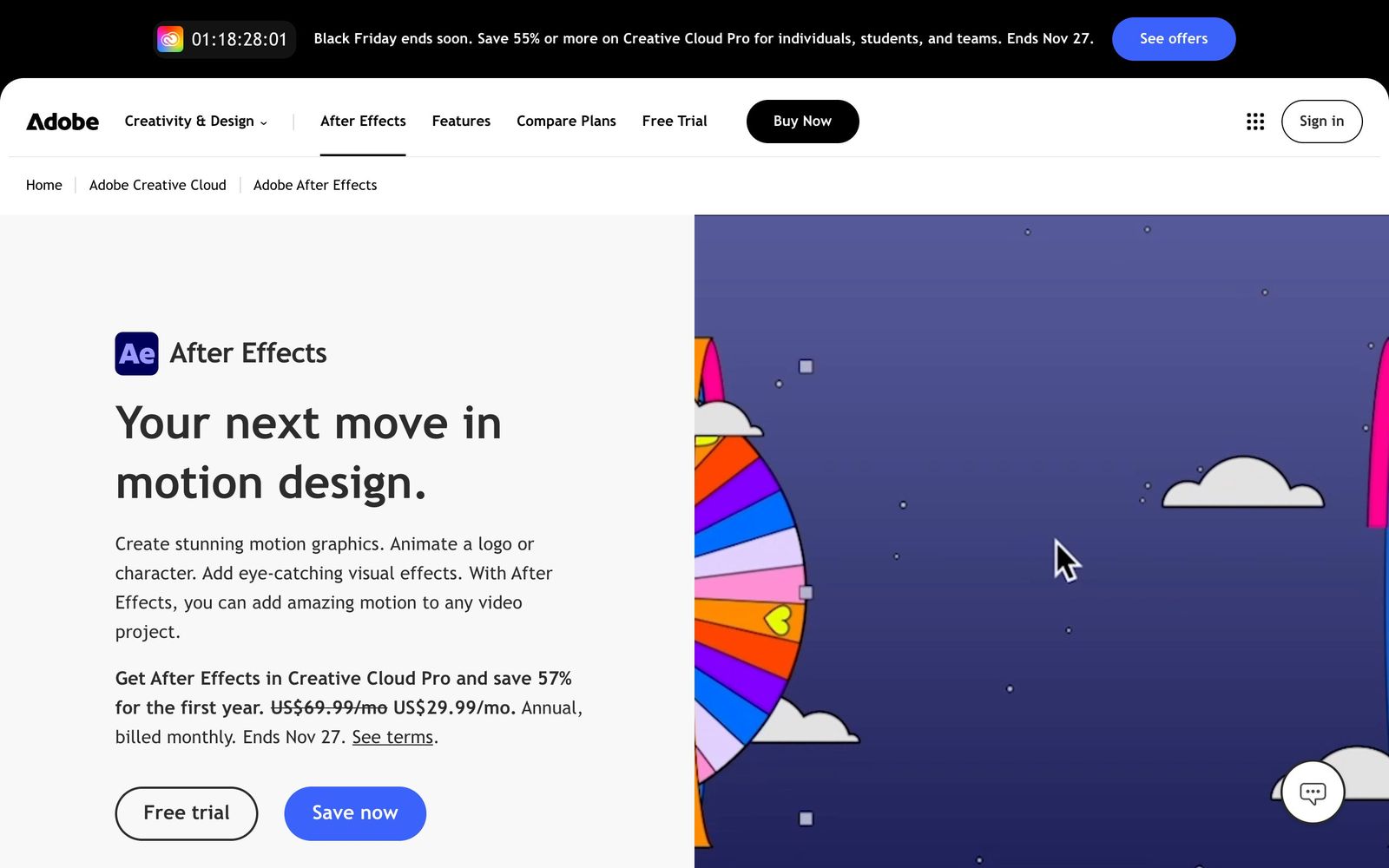
Our rating: 3.9/5. Fit for this job 4.6/5, ease of use 3.4/5, value for money 3.6/5.
After Effects is still the standard for motion graphics: keyframes, a graph editor, expressions, precomps, compositing, an advanced 3D renderer with Substance 3D materials and a huge plugin and template ecosystem. Version 27.0 (November 2026) adds an AI Assistant panel that writes and fixes expressions, plus Illustrator text import as editable layers.
It answers every depth complaint about Jitter: true 3D, particles, expressions driven by data and transparent export as standard, and the LottieFiles plugin turns compositions into Lottie. The trade-off is a subscription, desktop rendering with no shared browser workspace, and a learning curve measured in months.
Standout feature: The deepest keyframe, expression, compositing and 3D toolset in motion design.
What's the difference between Adobe After Effects and Jitter? After Effects goes much deeper than Jitter on 3D, compositing and expressions, but takes far longer to learn, runs on the desktop and has no shared browser workspace.
Adobe After Effects pros:
- Industry standard for motion graphics
- Expressions, compositing and 3D
- Huge ecosystem of plugins and templates
- AI Assistant panel in version 27.0
Adobe After Effects cons:
- Subscription only, with annual commitments
- Annual plans carry an early cancellation fee
Pricing: No free plan, a 7-day trial. $22.99 a month on an annual plan.
Choose Adobe After Effects over Jitter if: motion design is your profession and you need every tool.
What's new in Adobe After Effects: After Effects 27.0 (November 2026) added an AI Assistant panel, Substance 3D materials on 3D text and Illustrator text import.
Available for: Mac and Windows
#3 Cavalry: Best for free, procedural pro animation
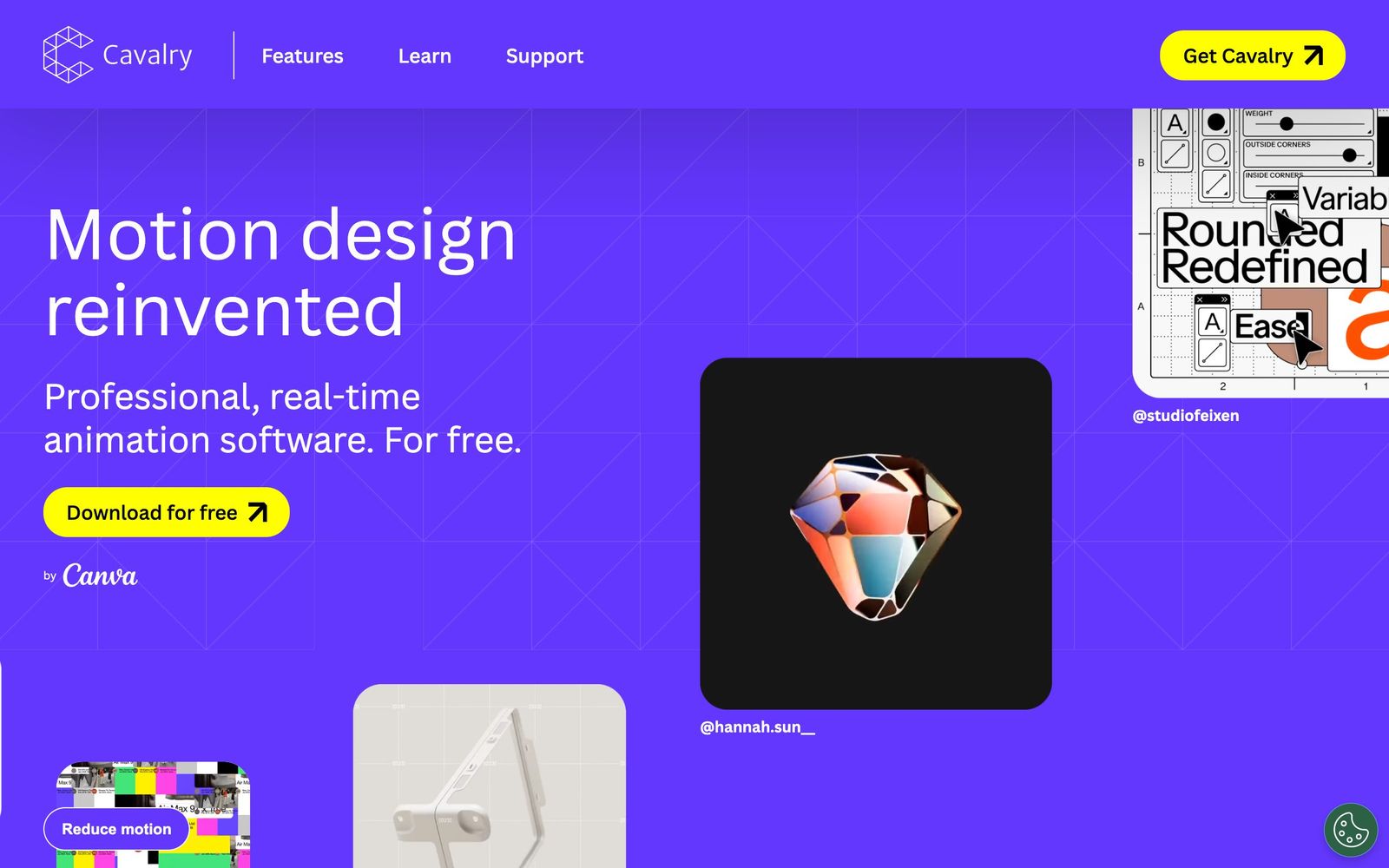
Our rating: 4.3/5. Fit for this job 4.4/5, ease of use 3.6/5, value for money 5.0/5.
Cavalry builds motion procedurally. Instead of keyframing forty dots one by one, you build a rig (a duplicator, a falloff and a behaviour), and the dots move as a system you change with one value. Rubber Hose rigs, Forge Dynamics, Magic Easing and data import from spreadsheets sit in a real-time viewport, and it exports Lottie as well as video.
Canva bought Cavalry in February 2026 and on 16 April made the full app free for individuals, commercial work included. It is a desktop app for Mac and Windows that asks for a free Canva account at launch, and there are almost no public reviews yet.
Standout feature: Procedural motion design (rigs, duplicators, data-driven sequences) in a real-time viewport.
What's the difference between Cavalry and Jitter? Cavalry is a free, pro-level procedural tool on the desktop. Jitter is simpler, browser-based and collaborative.
Cavalry pros:
- The full app is free for individuals
- Procedural and data-driven animation
- Real-time playback
Cavalry cons:
- Desktop only
- Needs a Canva account since version 2.7
Pricing: Free for individuals, commercial work included, with a free Canva account. Studios go through Canva Enterprise.
Choose Cavalry over Jitter if: you want pro motion design without a subscription.
What's new in Cavalry: Canva bought Cavalry in February 2026 and made it free for individuals on 16 April 2026.
Available for: Mac and Windows
#4 Apple Motion: Best for a one-time price on Mac
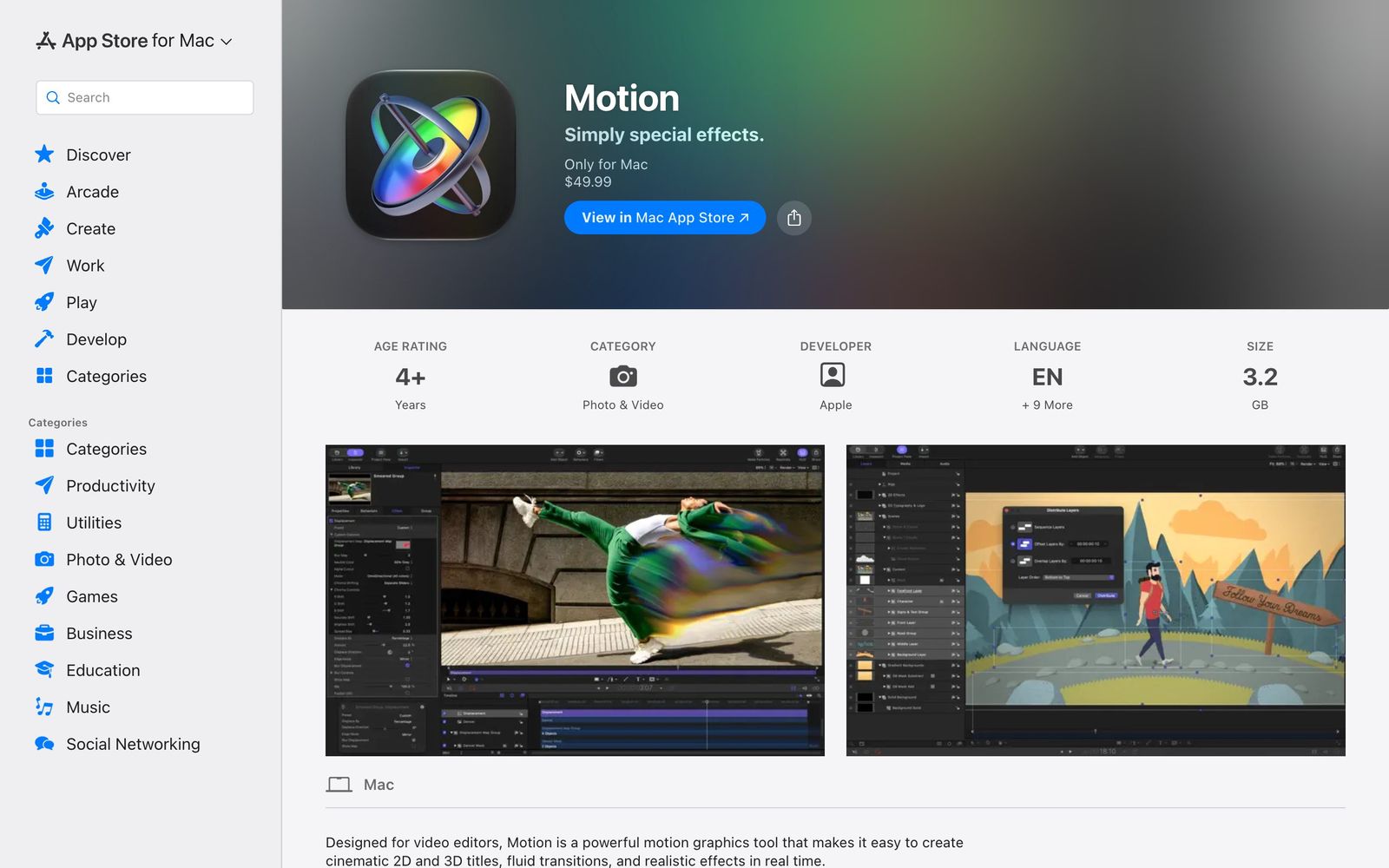
Our rating: 4.0/5. Fit for this job 3.8/5, ease of use 3.7/5, value for money 4.4/5.
Apple Motion makes 2D, 3D and 360-degree titles, transitions and effects, with 90+ materials for 3D titles, 1,900+ royalty-free graphics and 60 USDZ 3D models. Behaviours such as gravity, throw and vortex animate without keyframes, close to Jitter's preset feel, and Smart Motion Templates publish adjustable controls into Final Cut Pro.
Motion 7.0 (18 November 2026) added precise keyframe easing and a Displacement filter. It needs macOS 26.6 or later, and one 2024 Mac App Store reviewer called the app outdated.
Standout feature: Smart Motion Templates that publish their controls into Final Cut Pro.
What's the difference between Apple Motion and Jitter? Apple Motion is a one-time desktop purchase tied to Final Cut Pro, with real 3D. Jitter is a subscription browser tool built for sharing.
Apple Motion pros:
- One-time price
- Behaviours animate without keyframes
- Tight Final Cut Pro integration
Apple Motion cons:
- Mac only
- A 2024 Mac App Store review calls the interface outdated
Pricing: $49.99 once on the Mac App Store, or inside Apple Creator Studio at $12.99 a month.
Choose Apple Motion over Jitter if: you edit in Final Cut Pro and hate subscriptions.
What's new in Apple Motion: Motion 7.0 (18 November 2026) added MotionVFX tools, keyframe easing and a Displacement filter.
Available for: Mac
Best Jitter alternatives for product, web and app animation
If your animations ship inside apps and websites as Lottie, SVG, code or interactive files, not as video. If your engineers ask for a .json, a .riv or CSS instead of an MP4, start here.
#5 Figma Motion: Best for animating designs without leaving Figma
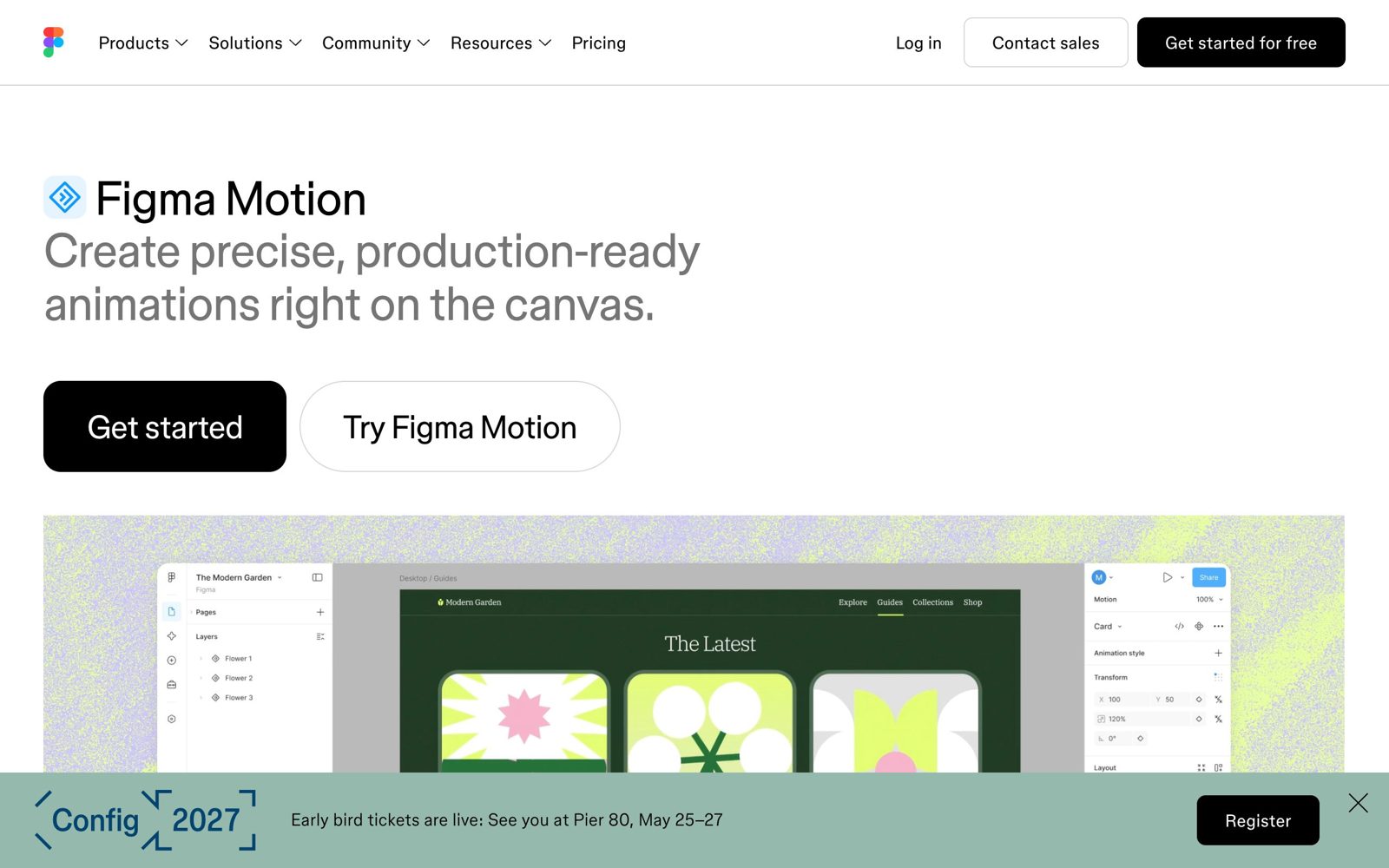
Our rating: 4.2/5. Fit for this job 4.3/5, ease of use 4.4/5, value for money 4.0/5.
Figma Motion puts a keyframe timeline on the Figma canvas, so the file you design in is the file you animate. Pre-made styles (Fade, Rotate, Scale, Resize) stack, autokey records your moves, and each keyframe takes bezier curves or springs. Figma's agent builds animations from a prompt, and 3D transforms give designs depth.
Developers inspect the timeline in Dev Mode and copy the animation as CSS, JSON or React, and any animated frame exports as MP4, GIF, SVG or WebM. It is still in beta, and screen-to-screen transition timelines are marked coming soon.
Standout feature: A keyframe timeline right on the Figma canvas, so the file you design in is the file you animate.
What's the difference between Figma Motion and Jitter? Figma Motion animates inside the design file and hands code to developers. Jitter is a separate browser tool that imports Figma designs and focuses on exported video, GIF and Lottie.
Figma Motion pros:
- Timeline, keyframes, bezier curves and springs inside Figma
- Figma's agent builds animations from a prompt
- Motion systems: animated components, easing and timing variables
- Code out to CSS, JSON or React, and MP4, GIF, SVG or WebM files
Figma Motion cons:
- Still in beta, and full access needs a Full seat
- Screen-to-screen transition timelines and custom styles are still "coming soon"
Pricing: Figma Motion is in beta on Full seats. A Professional Full seat is $20 a month, or $16 billed yearly; the free Starter plan gives limited access to Figma products.
Choose Figma Motion over Jitter if: your team already designs in Figma and the motion is UI that developers will build.
What's new in Figma Motion: Marked New on figma.com and in beta on its pricing page (26 November 2026); it offers 3D transforms and hands animation code, with its easing and timing, to coding agents.
Available for: Web and the Figma desktop app
#6 Rive: Best for interactive animations in apps and games
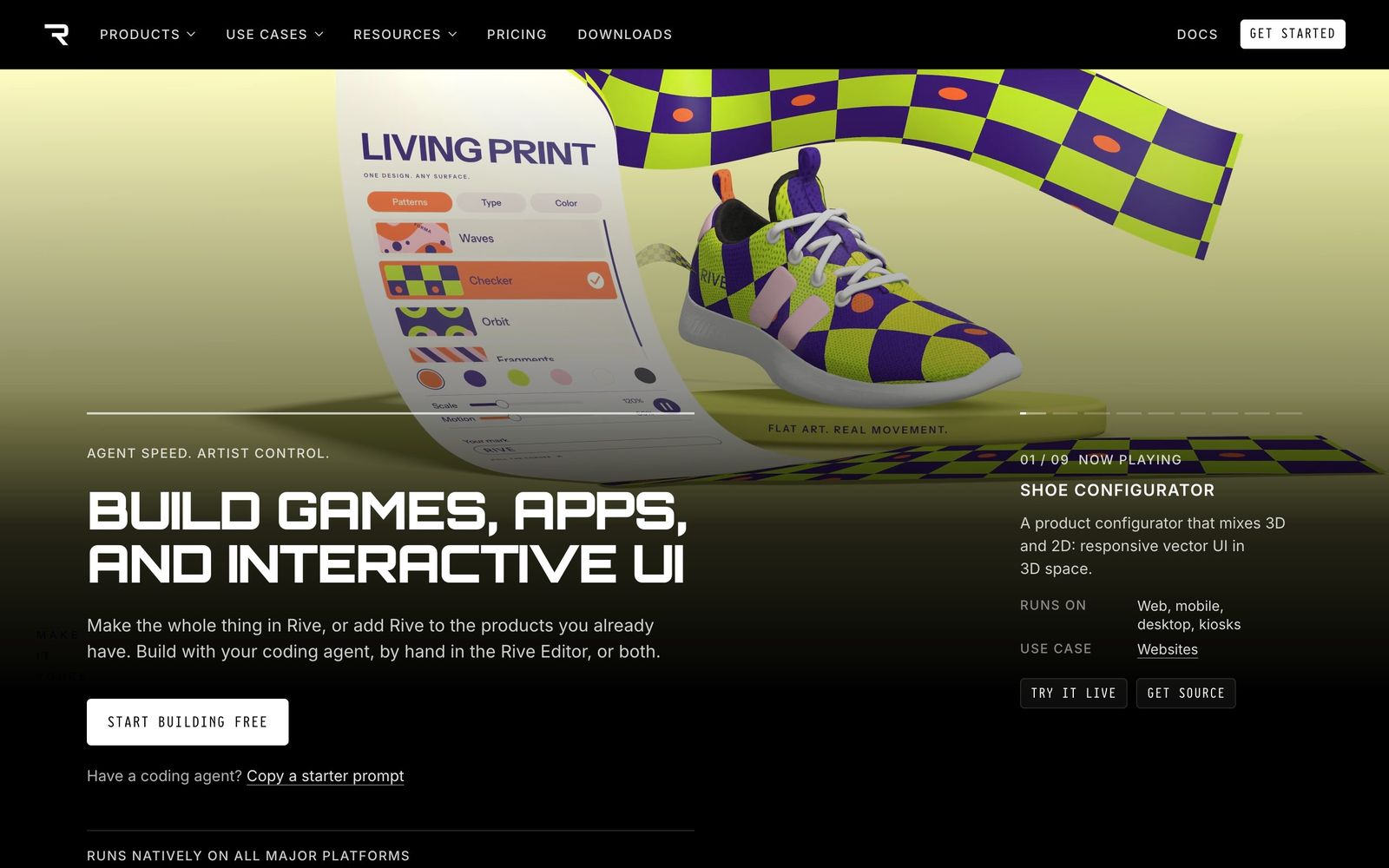
Our rating: 4.1/5. Fit for this job 4.4/5, ease of use 3.8/5, value for money 4.2/5.
Rive's state machines make animations that react to taps, hovers and data: a toggle that springs, a character that follows the cursor, a progress ring driven by real values. One .riv file runs natively on iOS, Android, the web, Flutter, React Native and Unity through MIT open-source runtimes, with no runtime fees.
Its AI Agent in the editor became free for everyone on 30 April 2026, its command-line tool lets Claude Code, Codex or Cursor build Rive files, and it imports Adobe Animate .fla files. The output is an app file, not a video.
Standout feature: Interactive animations with state machines that run natively in apps, games and websites through open-source runtimes.
What's the difference between Rive and Jitter? Rive makes interactive animations that run in apps. Jitter makes linear animations you export as video, GIF or Lottie.
Rive pros:
- Interactive state machines
- Runtimes for iOS, Android, web, Flutter, Unity and more
- No runtime fees or royalties
- A free AI agent in the editor
Rive cons:
- One Product Hunt review (about 3 years old) notes a steep learning curve
- Output is a .riv file for apps, not mainly a video
Pricing: Free plan with the editor and 3 collaborative files; free exports show a Rive splash screen. Cadet is $17 per seat a month, or $9 billed yearly.
Choose Rive over Jitter if: the animation lives inside your product and responds to users.
What's new in Rive: The Rive AI Agent became free for everyone on 30 April 2026.
Available for: Web editor, Mac and Windows, plus runtimes for apps and games
#7 Lottie Creator: Best for Lottie with an AI agent
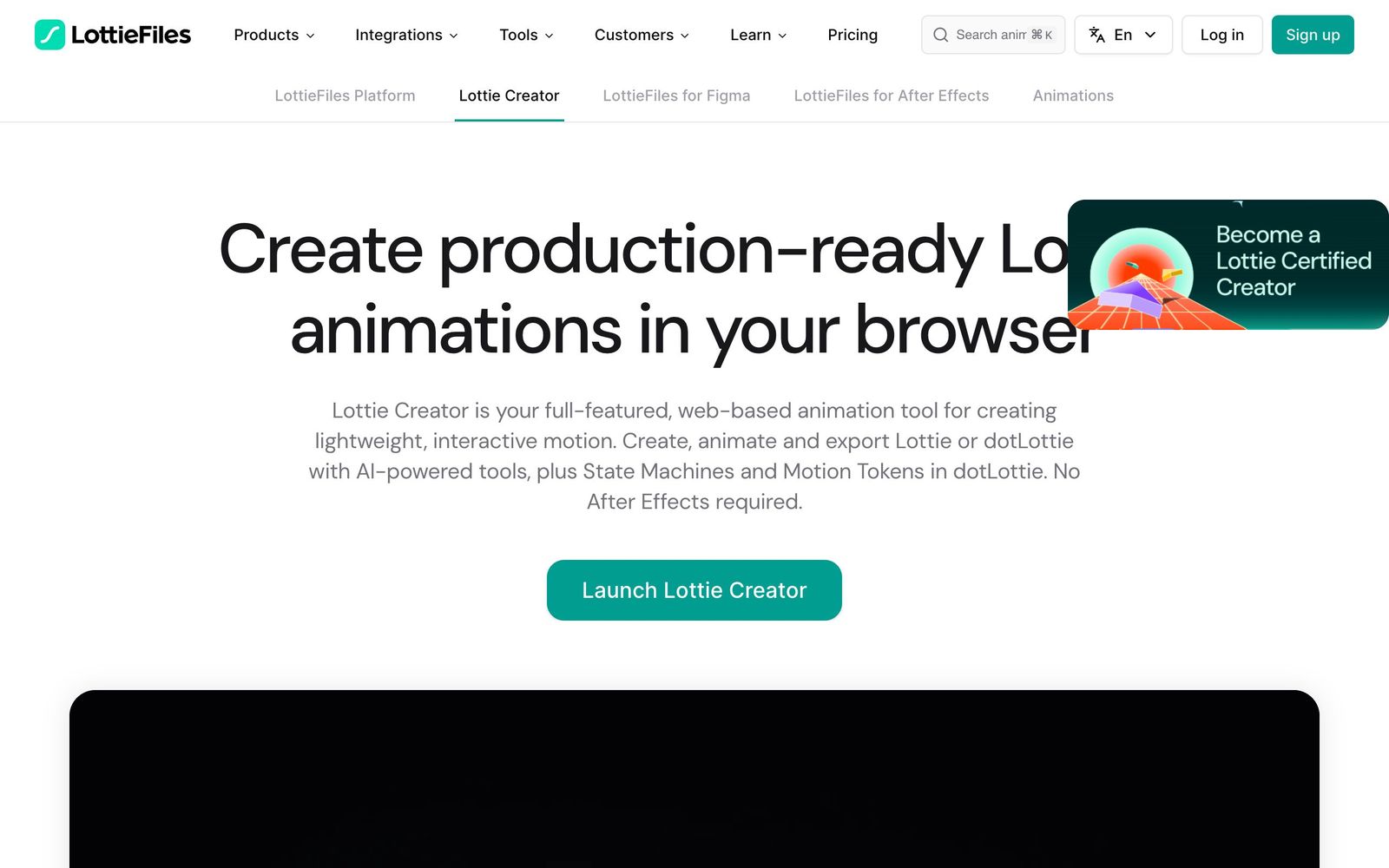
Our rating: 4.1/5. Fit for this job 4.2/5, ease of use 4.2/5, value for money 3.8/5.
Lottie Creator, from LottieFiles, animates natively in Lottie and dotLottie in the browser, with keyframes, a graph editor, masks, motion paths, State Machines for interactive dotLottie, and GIF, MP4, MOV and WebM out. Motion Copilot turns a text prompt into an editable animation, and the Creator MCP (10 November 2026) lets AI agents build them.
LottieFiles' Trustpilot score is 3.2 from 73 reviews for the whole platform; one reviewer (September 2026) says free downloads were cut to five.
Standout feature: Native Lottie and dotLottie output with state machines, plus a Creator MCP so AI agents can build animations.
What's the difference between Lottie Creator and Jitter? Lottie Creator is Lottie-native with state machines and its own AI. Jitter exports Lottie as one of several formats.
Lottie Creator pros:
- Lottie output made for apps and websites
- Figma, After Effects and Canva plugins
- Motion Copilot and text-to-Lottie AI
- Creator MCP for agents
Lottie Creator cons:
- Free exports are capped
- One Trustpilot reviewer (February 2026) says a monthly option was billed yearly
Pricing: Free to use with a small export allowance (five per its FAQ). Individual is $19.99 a month billed yearly.
Choose Lottie Creator over Jitter if: Lottie is your main deliverable.
What's new in Lottie Creator: Creator MCP, "the motion engine for AI agents" (10 November 2026), and Lottie AI text-to-Lottie (9 November).
Available for: Web, with Figma, After Effects and Canva plugins
#8 Lottielab: Best for Figma to Lottie for product teams
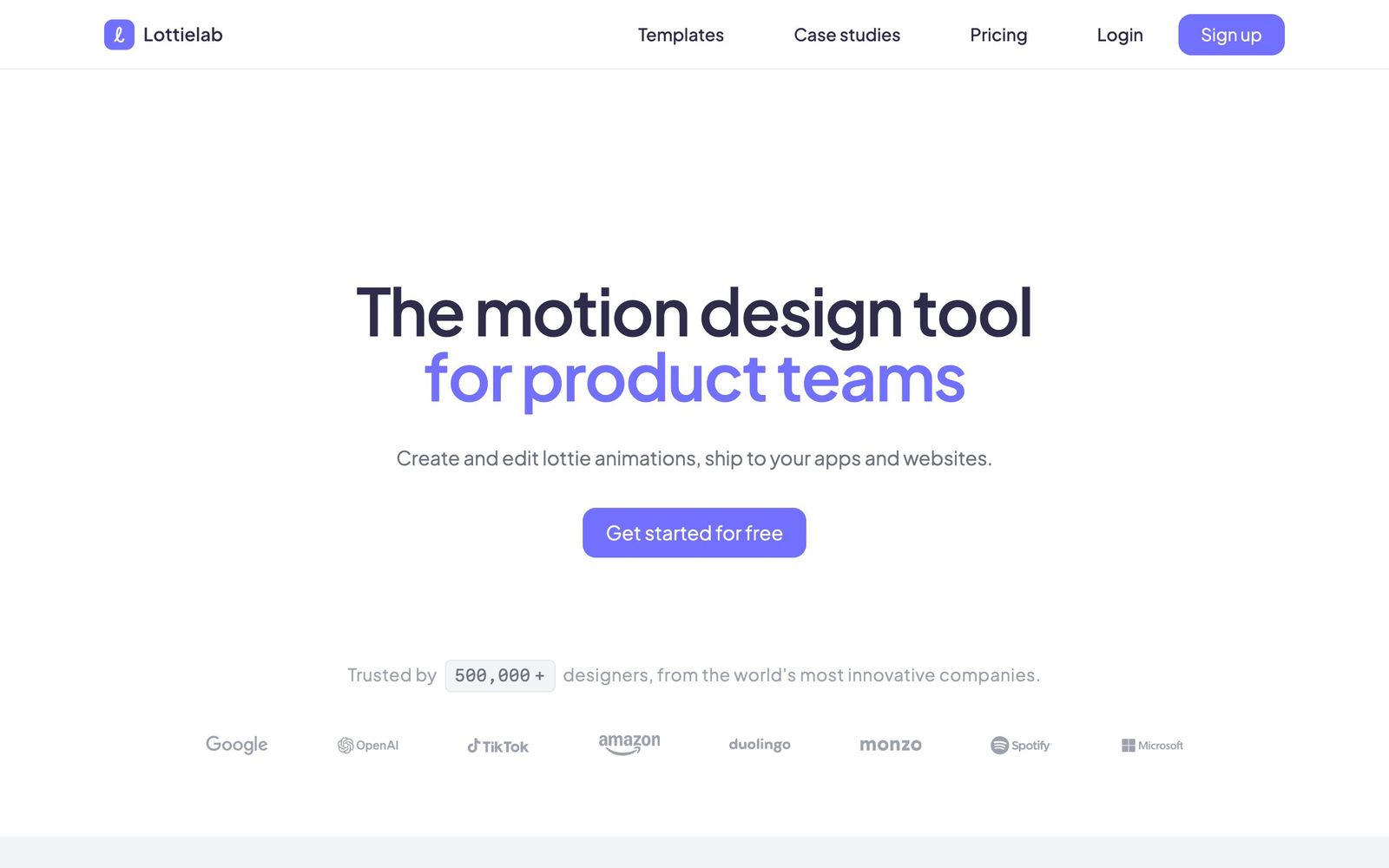
Our rating: 4.1/5. Fit for this job 4.1/5, ease of use 4.3/5, value for money 3.9/5.
Lottielab is built around one hand-off: import from Figma, animate, and ship Lottie that plays one-to-one on iOS, Android and the web. It handles large Figma and After Effects files, optimises file size and runs free converters (SVG to Lottie, Lottie to GIF or MP4).
Product Hunt reviews (about a year old) mention slow loading and bugs on large files, so test it on your heaviest Figma file first.
Standout feature: Figma to Lottie with one-to-one output on iOS, Android and the web, plus hosting.
What's the difference between Lottielab and Jitter? Lottielab focuses on Figma-to-Lottie for apps. Jitter covers more social and brand formats.
Lottielab pros:
- Clean Figma import
- One-to-one Lottie output on iOS, Android and the web (its own claim)
- Lottie hosting and CDN on Pro
Lottielab cons:
- Lottie export needs Pro
- Product Hunt reviews (about a year old) report slow loading, bugs and trouble with large files
Pricing: Free plan with unlimited files and GIF or MP4 export, but no Lottie export. Pro is $18 per editor a month.
Choose Lottielab over Jitter if: your team ships Lottie from Figma every week.
What's new in Lottielab: No public changelog found (checked 26 November 2026).
Available for: Web
#9 SVGator: Best for animated SVG for websites
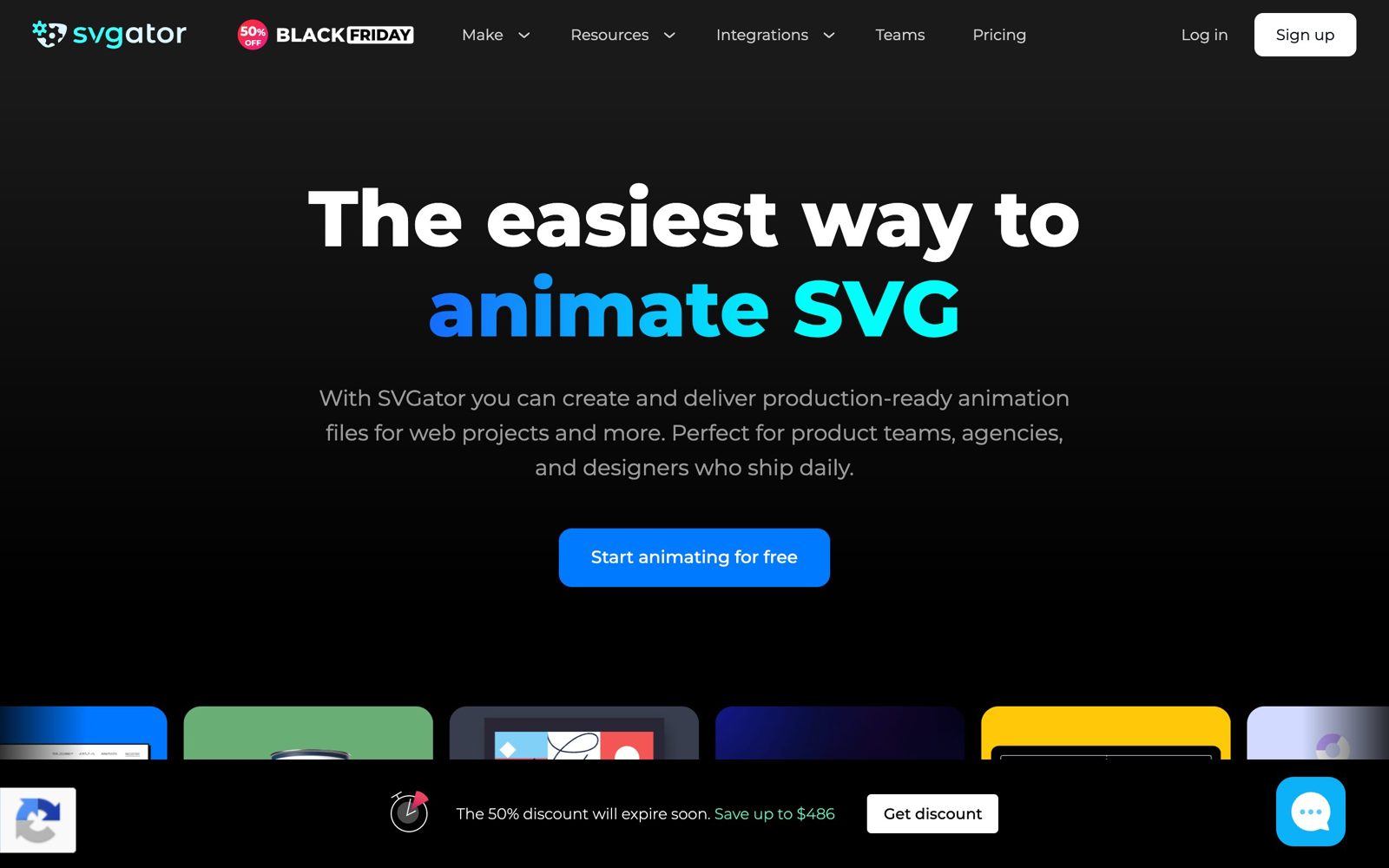
Our rating: 4.1/5. Fit for this job 3.9/5, ease of use 4.1/5, value for money 4.2/5.
SVGator animates vector graphics in the browser and exports animated SVG that runs natively in any browser with no player library. Morph, motion path, mask and stroke animators cover logo and icon motion, and click and hover triggers make the SVG interactive. It also exports Lottie and React Native or Flutter code.
Version 4.13 (12 November 2026) added CSS animation import, including CSS from Figma Motion. Trustpilot gives it 4.3 from 13 reviews; one May 2026 reviewer reports lag with many objects.
Standout feature: Animated SVG that runs natively in browsers with no player library, plus click and hover interactions.
What's the difference between SVGator and Jitter? SVGator exports animated and interactive SVG for websites. Jitter exports video, GIF and Lottie, not animated SVG.
SVGator pros:
- Animated SVG (CSS or JavaScript), Lottie, and React Native or Flutter code
- Click, hover and Player API interactions for websites
- Morph, motion path, mask and stroke animators
- A Figma plugin, and MCP so AI agents can animate and export
SVGator cons:
- Animated exports need a paid plan; video and GIF start on Pro
- A May 2026 Trustpilot reviewer reports lag with many objects
Pricing: Free plan with the full editor and unlimited static SVG exports, but no animated exports. Starter is $20 a month, or $10 billed yearly, with animated SVG, Lottie and code export; Pro ($24, or $12 yearly) adds video and GIF. A Black Friday tab showed 50% off yearly plans.
Choose SVGator over Jitter if: your animation lives on a website as a light, scalable SVG.
What's new in SVGator: Version 4.13 (12 November 2026) added CSS animation import (including CSS from Figma Motion), a shared team asset library and two-factor sign-in.
Available for: Web, with a Figma plugin and MCP for AI agents
Best Jitter alternatives for coded and AI-generated motion
Two different ways to skip keyframes: write the motion in code, or have a model generate it.
#10 Remotion: Best for motion written as React code
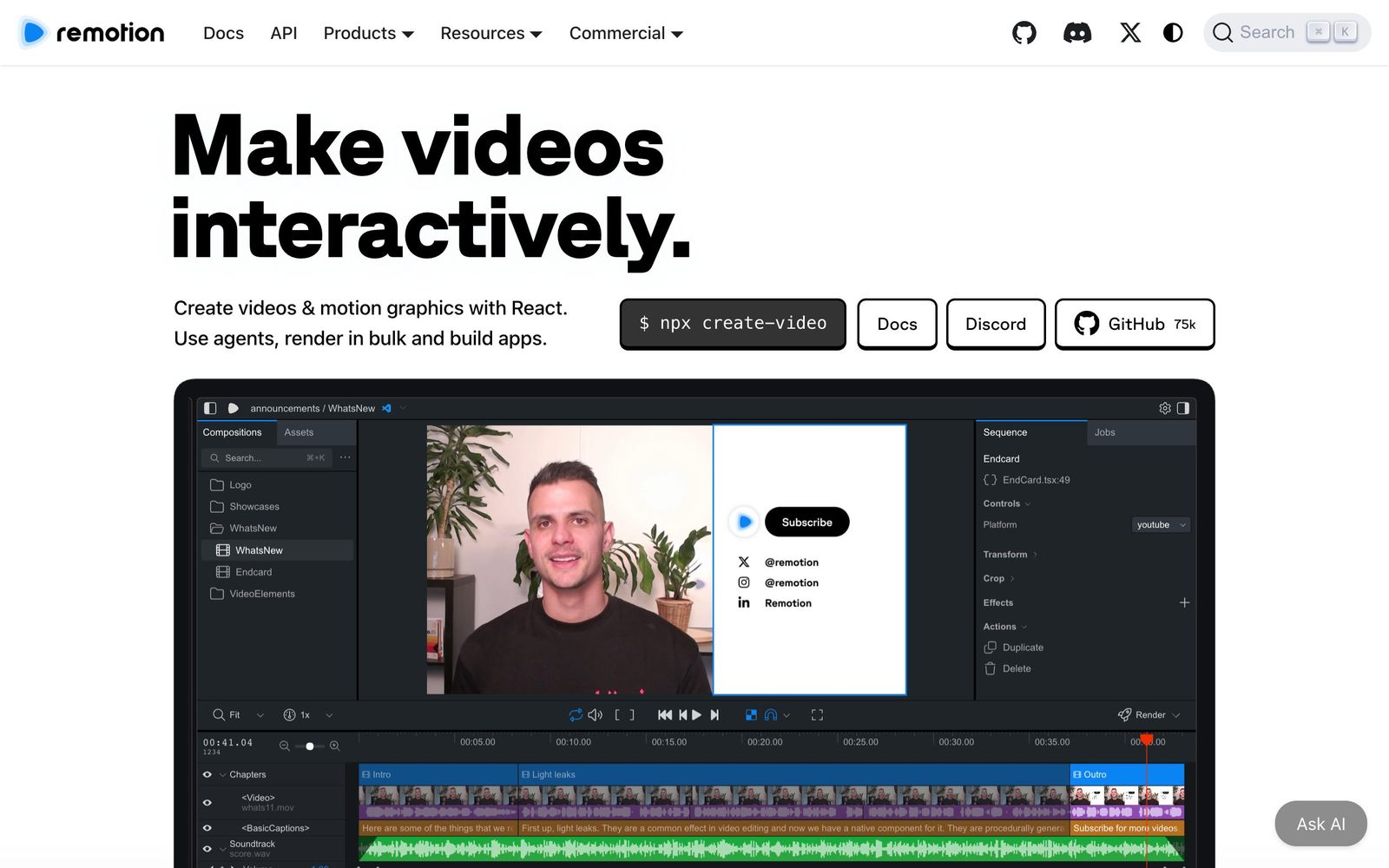
Our rating: 3.7/5. Fit for this job 3.9/5, ease of use 2.8/5, value for money 4.3/5.
Remotion writes videos as React components, so a data-driven chart, a personalised greeting or a UI walkthrough built from your real components can become a video. Agent Skills let AI coding agents write the components (11 November 2026), and renders run locally, on your servers or on AWS Lambda.
It makes sense when the motion repeats with different data, such as a thousand customer recap videos. It is not a design tool: there is no canvas to drag shapes on.
Standout feature: Videos written as React components, with Agent Skills for AI coding agents.
What's the difference between Remotion and Jitter? Remotion is code-first and made for developers. Jitter is a visual canvas made for designers.
Remotion pros:
- Anything a web page shows can be a video
- Lambda rendering and a Player for apps
Remotion cons:
- Paid company licence from 4 people
- Requires React and TypeScript
Pricing: Free for individuals and companies of up to 3 people. Companies of 4+ pay $25 a month per seat, or $0.01 per render with a $100 monthly minimum.
Choose Remotion over Jitter if: you write React and want motion driven by data.
What's new in Remotion: Agent Skills and an interactive Remotion Studio (11 November 2026); v4.0.547 on 24 November.
Available for: Node.js and React, Remotion Studio, AWS Lambda
#11 Runway: Best for generated motion from images and prompts
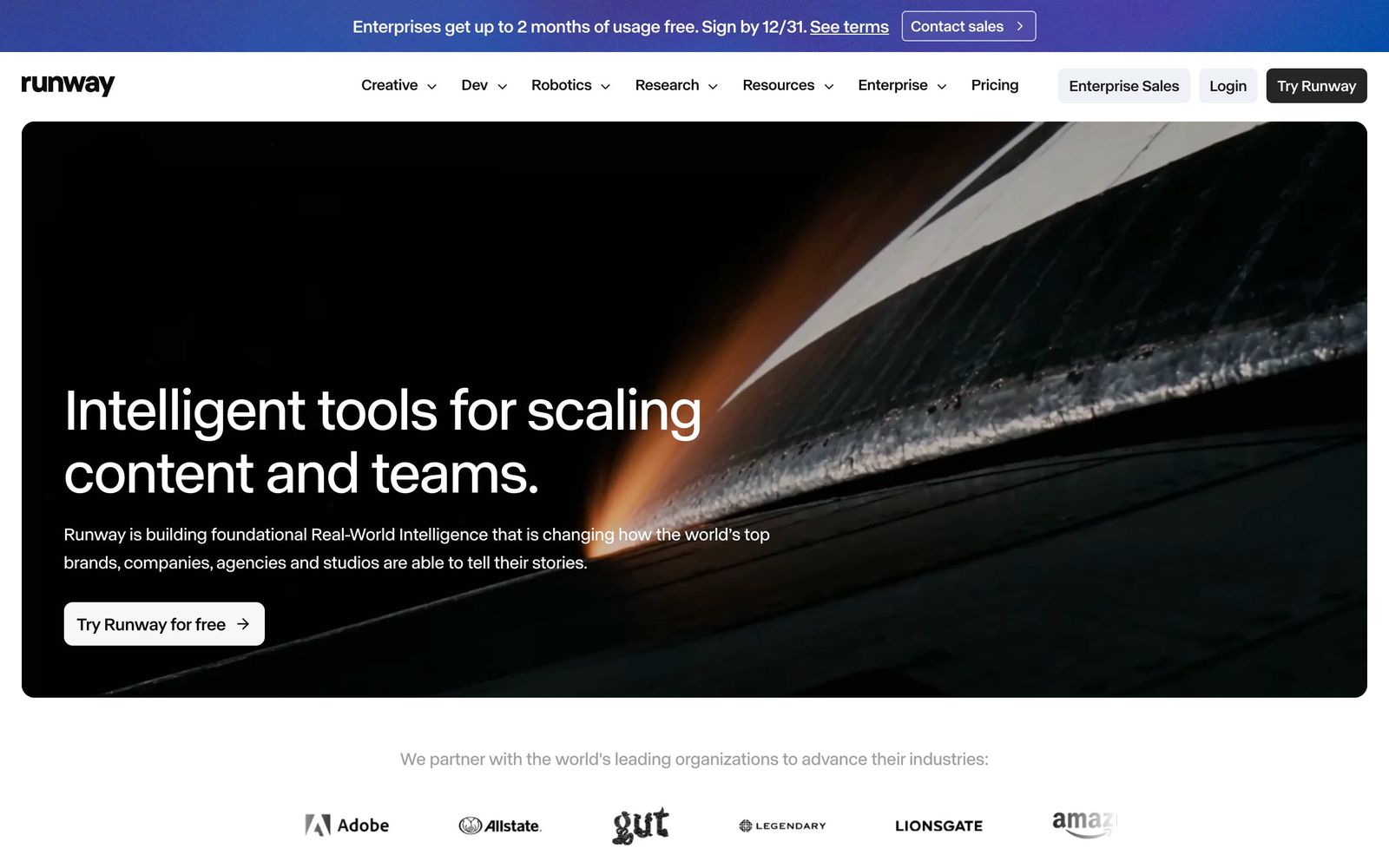
Our rating: 3.4/5. Fit for this job 3.3/5, ease of use 4.0/5, value for money 3.0/5.
Runway generates video rather than animating layers. Its Gen-4.5 model sits beside Kling 4.0, Seedance 2.5, Veo 3.1 and others, so you can turn a still product render into a moving shot or generate a background loop for a motion piece.
You can't keyframe a logo or set easing on a card, and credits go fast. Its Trustpilot score is 1.1 from 412 reviews; recent ones cite credits spent on failed generations.
Standout feature: Its own Gen-4.5 video model plus third-party models, an agentic collaborator and Runway Ads.
What's the difference between Runway and Jitter? Runway generates footage from prompts and images. Jitter animates your own design layers with precise control.
Runway pros:
- Frontier generated footage
- Many models in one tool
- API and MCP
Runway cons:
- Credits go fast: about 52 seconds of Gen-4.5 a month on Standard
- Trustpilot score of 1.1 from 412 reviews
Pricing: 125 one-time free credits. Standard is $15 a month, or $12 billed yearly, for 625 credits (about 52 seconds of Gen-4.5).
Choose Runway over Jitter if: you need generated shots, not animated layers.
What's new in Runway: 3D model generation in Runway MCP (18 November 2026) and MiniMax H3 Image (20 November).
Available for: Web, plus an API and MCP
Best simple and budget Jitter alternatives
For quick social graphics, template animations or Apple-only teams.
#12 Canva: Best for quick animated social posts
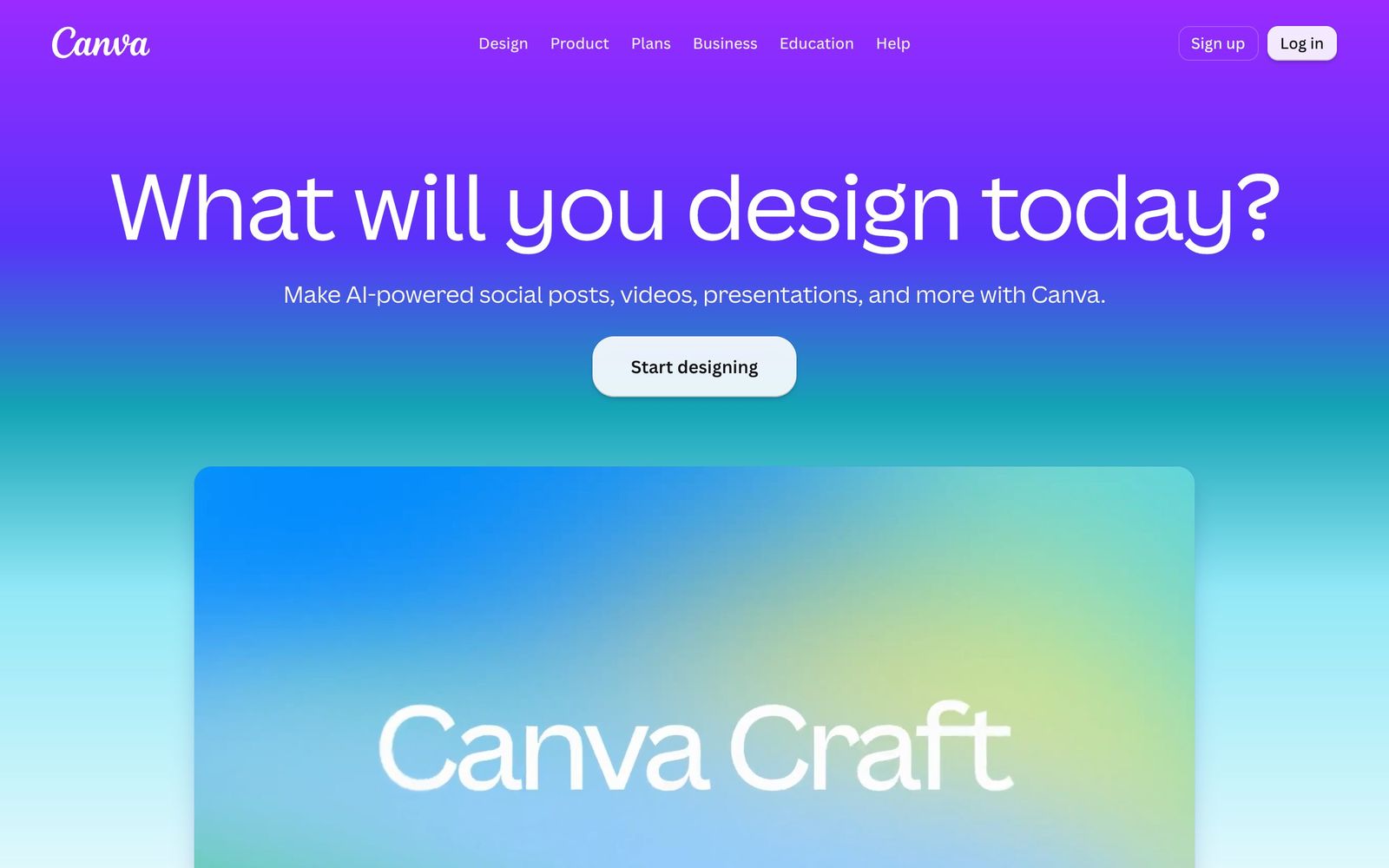
Our rating: 4.2/5. Fit for this job 3.8/5, ease of use 4.7/5, value for money 4.2/5.
Canva animates text and elements on templates, resizes a design for every channel and keeps brand kits, with 1.6M+ templates, a multi-layer timeline and Magic Video. Canva MCP, generally available from 23 November 2026, builds editable on-brand videos from a brief inside Claude and ChatGPT.
Its motion is template-level: you pick an animation style for an element rather than drawing a curve. Canva also owns Cavalry, so teams can start simple and move up.
Standout feature: Template-first video with trending hooks, one-click captions and Magic Video, inside the tool teams use for every other design.
What's the difference between Canva and Jitter? Canva is faster for template posts. Jitter gives far more control over custom motion.
Canva pros:
- 1.6M+ templates and a huge media library
- One-click captions, Highlights and background remover
- Brand kits and resizing for every channel
- Canva MCP makes editable videos from a brief in Claude and ChatGPT
Canva cons:
- Premium AI tools share a monthly allowance
- Trustpilot reviewers cite surprise renewals and a rigid editor
Pricing: Free plan with templates and a small AI allowance. Canva Pro is $18 a month, or $12 a month billed yearly.
Choose Canva over Jitter if: speed and templates beat custom motion.
What's new in Canva: On 23 November 2026, Canva MCP became generally available, with brief-to-video generation inside Claude and ChatGPT.
Available for: Web, and Claude or ChatGPT through Canva MCP
#13 Adobe Express: Best for free animated templates with Adobe stock
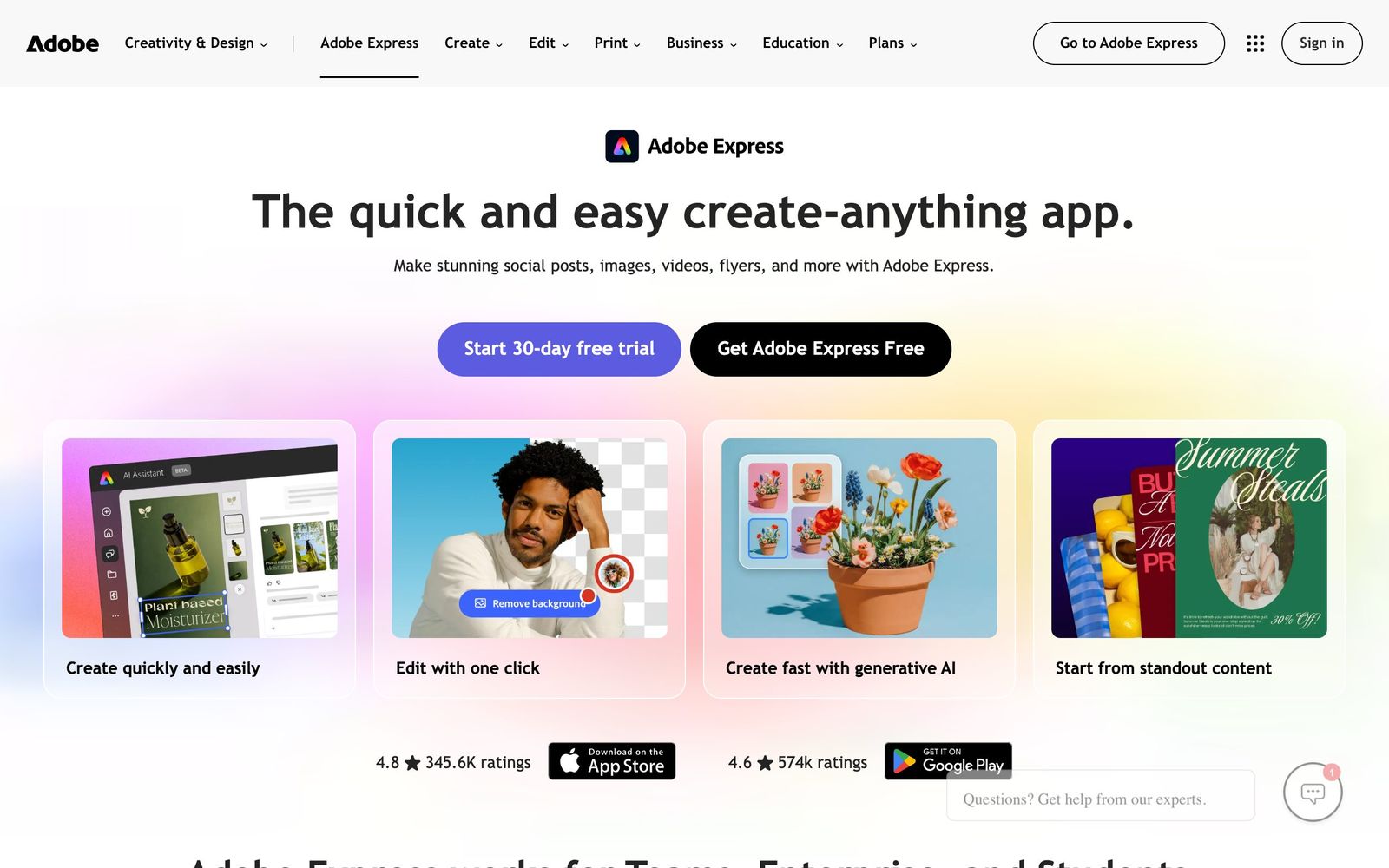
Our rating: 4.1/5. Fit for this job 3.5/5, ease of use 4.6/5, value for money 4.3/5.
Adobe Express is Adobe's template-led design and short-video app, with 345,000+ templates, 1M+ royalty-free Adobe Stock assets on the free plan and scheduling to social networks from the same app. It runs on the web, iPhone and Android.
We found no keyframe timeline or Figma import in its feature list, and one recent App Store reviewer on a paid plan reports daily bugs and crashes.
Standout feature: A huge free template and stock library with commercially safe Firefly AI.
What's the difference between Adobe Express and Jitter? Adobe Express animates templates and schedules posts. Jitter animates your own designs with keyframes.
Adobe Express pros:
- 345,000+ free templates
- Commercially safe Firefly AI
- Web, iPhone and Android
- Rated 4.8 from 370,000 US App Store ratings
Adobe Express cons:
- Video editing is basic
- One recent paid App Store reviewer reports daily bugs, lag and crashes
Pricing: Free plan with 345,000+ templates and limited AI credits. Premium is $9.99 a month.
Choose Adobe Express over Jitter if: you want templates and stock more than custom motion.
What's new in Adobe Express: iOS 31.3.0 shipped on 20 November 2026; no dated 2026 video feature announcement found.
Available for: Web, iPhone and Android
#14 Linearity Move: Best for cheap motion on Mac and iPad
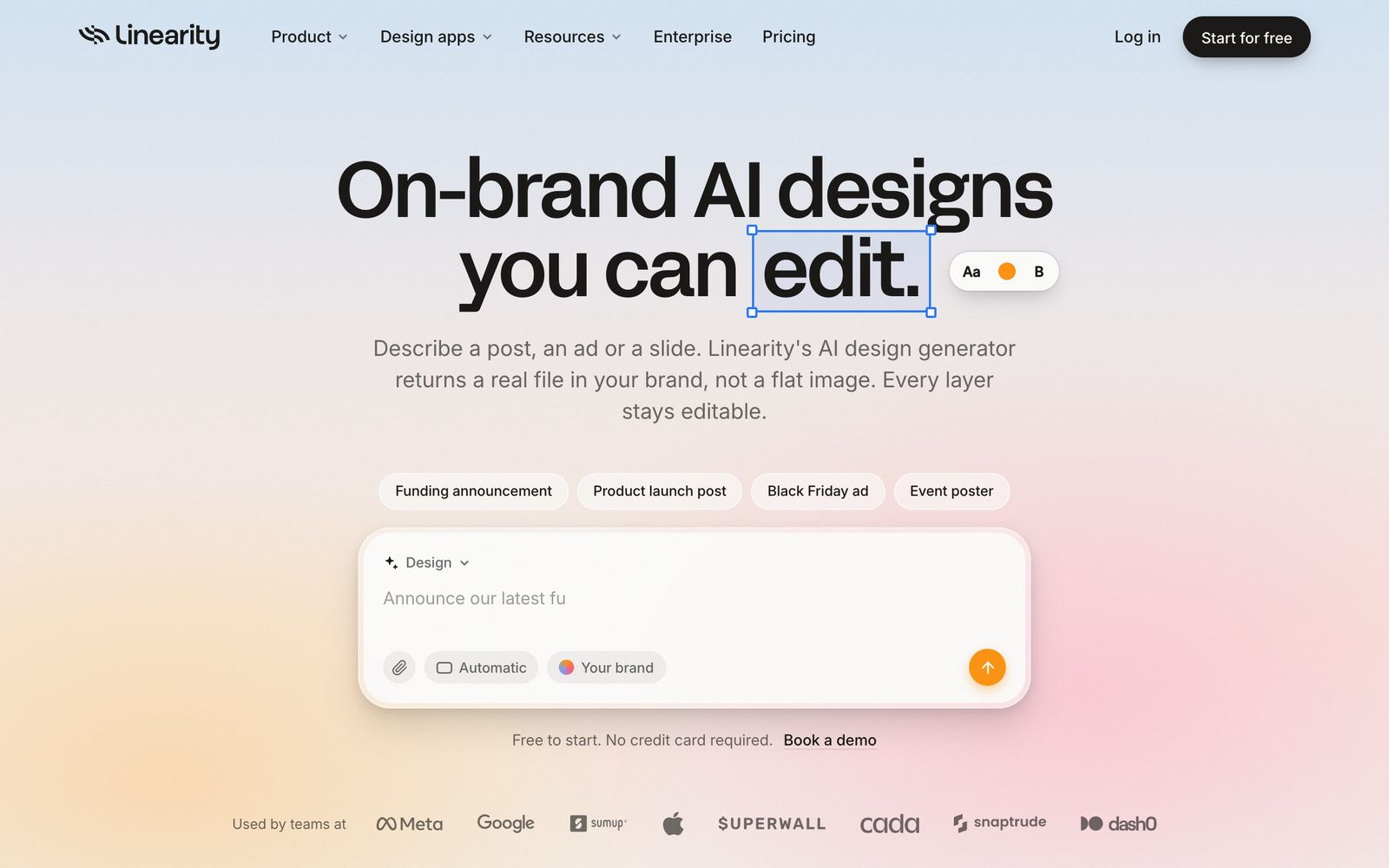
Our rating: 4.1/5. Fit for this job 3.9/5, ease of use 4.2/5, value for money 4.3/5.
Linearity Move's Auto Animate builds transitions between artboards imported from Linearity Curve, Figma or Illustrator, close to Jitter's design-first feel. It has keyframes with morphing and pinning, numeric easing, and MP4, MOV or GIF export up to 4K.
It is Apple-only (macOS 13+ and iPadOS 16+), and 2024 App Store reviewers mention a crash after adding a clip.
Standout feature: Auto Animate builds motion between artboards imported from Figma, Illustrator or Linearity Curve.
What's the difference between Linearity Move and Jitter? Linearity Move is a cheap Apple app with Auto Animate. Jitter runs in any browser with team sharing.
Linearity Move pros:
- Cheap, with the vector app included
- Auto Animate between artboards
- Good on iPad
Linearity Move cons:
- Apple-only (Mac and iPad)
- 2024 App Store reviews mention a crash after adding a clip and no video import
Pricing: A 7-day start with 2,000 credits. Pro is $10 a month, or $8 billed yearly, with Linearity Curve included.
Choose Linearity Move over Jitter if: you design on a Mac or iPad and want a low price.
What's new in Linearity Move: Linearity's recent updates are platform-wide: GPT Image 2.6 (11 November 2026) and Linearity in ChatGPT (4 November).
Available for: Mac, iPad and web
How to choose the best Jitter alternative
Start with where your animation ends up, then with who does the animating. Those two questions settle most choices before price comes in.
Video file or app file?
A launch video, an ad or a social post is a video file: HyperFrames Studio, After Effects, Cavalry or Apple Motion. A spinner, an onboarding screen or a button that reacts to taps lives inside an app or site as Lottie, Rive, SVG or code: Figma Motion, Rive, Lottie Creator, Lottielab or SVGator. Jitter sits between the two, which is why it is easy to outgrow.
Who keyframes?
If you enjoy setting easing curves, pick After Effects for depth, Cavalry for procedural rigs, or Figma Motion and Linearity Move for simplicity. If you would rather describe the motion and review it, pick an agent that builds the whole piece. HyperFrames Studio does that and still lets you keyframe by hand in its browser editor.
Which export formats can't you do without?
Transparent video, 4K and 120 fps are on Jitter's Max plan; HyperFrames exports transparent WebM, ProRes 4444 and 4K free on your computer. For Lottie, use Lottie Creator, Lottielab or Cavalry. For animated SVG, SVGator is the specialist, and Figma Motion exports SVG and code.
Do you need 3D?
Jitter has no true 3D yet. After Effects (Substance 3D materials), Apple Motion (3D titles and USDZ models), Figma Motion (3D transforms) and HyperFrames (X, Y, Z transforms, ready-made 3D effects and full 3D scenes) all do.
How big is your team?
Jitter, Lottielab, Figma and Rive charge per editor or seat, so a five-person team pays five times. Cavalry is free for individuals, Apple Motion is $49.99 once, Remotion is free up to 3 people, and HyperFrames is free to start with no export limits on your computer.
How we compared
Every tool on this list was scored on three things:
- Motion quality. Easing, 3D, text animation, Figma import and how polished a result you can reach.
- Speed to a finished piece. How long from a design to an exported animation, with or without an AI agent.
- Value and output. Free plan, export formats (MP4, MOV, ProRes, WebM, GIF, Lottie, SVG, transparent, 4K) and price per editor.
User complaints. We read recent reviews on Trustpilot, Product Hunt and the App Store and say when a complaint comes from a single review, with its date when it is old. Some review sites (G2, Capterra) blocked automated reading, so their scores are not quoted.
Ratings. Each tool gets three scores out of 5: fit for the job this page is about, ease of use, and value for money (free plan, entry price, watermarks and caps). The overall rating is their average. The scores are our judgment from the sources above, not a lab benchmark.
The films. The film near the top was made with HyperFrames for this page. The Figma film in the HyperFrames section is from HeyGen's own post. The cover uses each product's own logo and a still of its own website.
Jitter's plan table was read on jitter.video/pricing on 26 November 2026: video, GIF and Lottie on every plan; ProRes and WebM from Pro; transparent, frame-by-frame and batch export, 4K and 120 fps on Max.
Conclusion
For most people searching for a Jitter alternative, the motion ends up as video, and the pain is export formats, 3D or the time it takes to keyframe. HyperFrames Studio solves all three: an AI agent builds the animation from your designs, 3D and transparent 4K video are free on your computer, and every layer stays editable.
Pro motion designers should look at Cavalry first and After Effects for compositing and expressions. Product teams shipping animation inside apps and sites should pick Figma Motion, Rive, Lottie Creator, Lottielab or SVGator by format, and quick social posts are cheapest in Canva or Adobe Express. Start free with the lessons.
Turn a design into motion, free
Frequently asked questions
What is the best Jitter alternative?
HyperFrames Studio is the best Jitter alternative for motion videos, rated 4.7 out of 5 here, because an AI agent animates your designs with 3D, transparent video and 4K, free to start. Rive (4.1) is best for interactive app animation, and Cavalry (4.3) is the best free pro tool.
What are some free alternatives to Jitter?
Cavalry is fully free for individuals since April 2026, commercial work included. HyperFrames Studio is free to start and exports as much as you like on your computer with no watermark, including 3D and transparent video. Rive, Lottie Creator, SVGator, Canva and Adobe Express also have free plans with limits.
Is Jitter worth it?
Jitter is worth it if you want simple, collaborative motion design in the browser and your outputs are 1080p video, GIF or Lottie. It is less good value if you need transparent export, 4K or batch export, because those sit on the Max plan at $49 per editor a month ($35 billed yearly).
How does Jitter compare with Lottie-based animation tools?
Jitter exports Lottie as one format among video and GIF, and its strength is quick social and UI motion. Lottie Creator and Lottielab treat Lottie as the main output, with state machines, hosting and one-to-one playback on iOS, Android and the web, so they suit product teams better.
Does Jitter export animated SVG?
Jitter's pricing page lists video, GIF, Lottie, ProRes and WebM exports, not animated SVG. SVGator is the specialist: its Starter plan ($20 a month, or $10 billed yearly) exports animated SVG, Lottie and React Native or Flutter code, and Figma Motion exports SVG too.
Can I animate Figma designs without Jitter?
Yes. Figma Motion animates right in the Figma file, Lottielab, Lottie Creator and Linearity Move import from Figma, and HyperFrames brings in Figma assets, tokens and frames with your own Figma token, then the agent animates them.
Which Jitter alternative has 3D?
After Effects, Apple Motion, Figma Motion and HyperFrames do 3D. HyperFrames tilts any element in X, Y and Z, adds ready-made 3D effects like extruded logos, and renders full 3D scenes. Jitter says 3D is on its roadmap.
What is a good replacement for Flash animation?
Rive is the closest modern replacement for interactive Flash work: it imports Adobe Animate .fla files and runs animations natively in apps and websites. For linear animation that ends as video, HyperFrames, Cavalry and After Effects all replace what Flash used to do.
What is the best free animation site?
For motion videos, HyperFrames Studio is free to start on the web or as a desktop app for Mac, Windows and Linux, and exports on your computer carry no watermark. For app animation, Rive's free plan and Lottie Creator are good starting points, and for template animations Canva's free plan is the quickest.
Can a Jitter animation be interactive?
Not in the way Rive or Lottie Creator files are. Jitter exports linear animations as video, GIF or Lottie. For animations that react to taps, hovers or data, use Rive's state machines, Lottie Creator's State Machines or SVGator's interactive SVG.
Is SVGator better than Jitter?
SVGator is better if you need animated SVG or interactive SVG for websites, because that is its core format. Jitter is better for social video, brand motion and team collaboration. SVGator's free plan exports only static SVG; animated exports need a paid plan.
Does Jitter use AI to generate animations?
Yes. Jitter's AI agents turn a described idea into editable animations, effects and variations, and its Jitter MCP (beta since 20 October 2026) lets Claude or ChatGPT create and edit files. HyperFrames goes further: its agent builds the whole motion video, with 3D, charts and sound.
Jitter vs After Effects for marketing motion: which is better?
Jitter is faster to learn and better for teams sharing quick social and UI animations in a browser. After Effects is far deeper on 3D, compositing and expressions, but costs $22.99 a month on an annual plan and takes months to master.
Is there a Jitter alternative that doesn't use a timeline?
Yes. In HyperFrames Studio you describe the motion and the agent builds it, then you change it by asking; the timeline is there only if you want it. Runway and Canva's Magic Video also work from prompts, though with less control over layers.
Can my team review motion work outside Jitter?
Yes. HyperFrames Studio has team review: share a review link, and comments come back into Studio. Lottielab has real-time collaboration and comments, and Lottie Creator's Team plan adds version history and a team library.
Is HyperFrames free?
Yes, HyperFrames is free to start. HyperFrames Studio is a free download, built on the free, open-source HyperFrames engine (90,000+ GitHub stars). Pro is $25 a month for more (pricing).

Written by Ular Kimsanov
Ular Kimsanov works on HyperFrames at HeyGen, the free, open-source tool where AI agents make videos, and writes about making videos with AI agents. Prices and plans on this page were checked on 26 November 2026.