Shotstack is a clean idea. You describe a video as JSON (a timeline of tracks, each track a list of clips, each clip an asset with a start and a length, plus an output block), POST it to the Edit API with an x-api-key header, and get a file back, billed per rendered second. Shotstack's homepage says over 100,000 businesses from 119 countries use it.
Developers look elsewhere when the JSON timeline limits the motion, when 4K and team seats wait for a higher plan, or when they want to run the renderer themselves. The 14 alternatives below cover open-source frameworks an AI agent can write for, hosted template APIs, an After Effects pipeline, and generation and caption APIs.
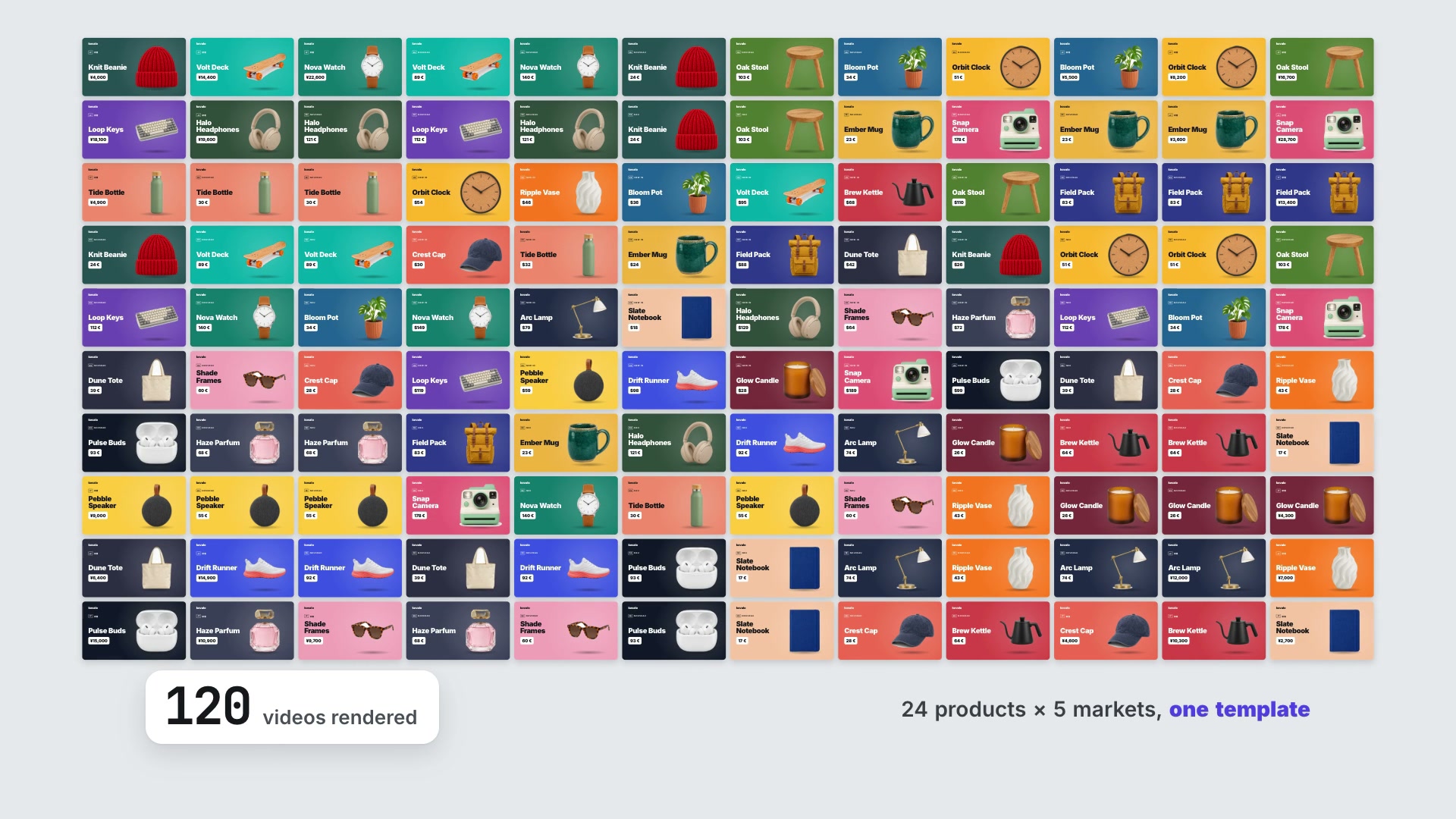
One video design fills with data rows and multiplies into a grid of finished videos. Made with HyperFrames for this page.
Why look for a Shotstack alternative?
Why developers look past Shotstack:
The JSON timeline takes time to learn
An older Capterra review (Plainly, a competitor, says most Shotstack reviews date from 2021) says the documentation is "a little brief and the JSON format hard to get around when starting off". What you learn in its schema doesn't carry to other tools.
Creative range is set by the schema
A Hacker News commenter wrote in June 2024 that they kept "running into limitations" with Shotstack's visual template editor. Motion is what the timeline format and its asset list support.
Resolution and seats are gated
Pay as you go and Starter render up to 1080p with no team seats; 4K and 3 seats start on Pro at $99 a month. Plan minutes roll over for 3 months only.
No-code connectors expose only part of the API
Another older Capterra review quoted by Plainly says that with Zapier and similar tools "only a subset of API parameters can be used", so a no-code pipeline is "a compromise".
The licence and the lock-in
The Studio SDK is source-available under PolyForm Shield, which restricts use in competing products, and apart from a partial, unaffiliated open-source re-implementation (ShotTower), Shotstack JSON renders only on Shotstack. In our view, teams building video into a product should weigh that first.
Quick comparison: the best Shotstack alternatives
Fourteen video APIs and frameworks at a glance, with Shotstack last for reference.
Tool | Best for | Our rating | Free plan | Starting price |
|---|---|---|---|---|
HyperFrames | Open-source rendering your AI agent writes for | 4.7/5 | Yes, unlimited local exports | Free to start |
Remotion | React developers | 4.0/5 | Yes, up to 3 people | $25/mo per seat (4+) |
Editframe | Rendering inside your own app | 4.0/5 | Yes, up to 3 people | $49/mo |
Creatomate | An API plus a no-code template editor | 4.1/5 | 50 credits, 480px | $54/mo |
JSON2Video | Pay-once credits that never expire | 4.0/5 | 600 credits, watermark | $49.95 prepaid |
Plainly | After Effects quality from data | 3.7/5 | No, 14-day trial | $69/mo |
Bannerbear | Automated images with some video | 3.8/5 | 30-credit trial | $49/mo |
Orshot | Design-led templates without writing a JSON timeline | 3.9/5 | Yes, 100 credits/mo | $39/mo |
Placid | No-code template automation for images and video | 3.8/5 | Trial only | $19/mo |
Runway | Generated footage by the second | 3.4/5 | 125 one-time credits | $15/mo |
Synthesia | Presenter videos by API | 3.7/5 | Yes, watermark | $19/mo |
Pictory | Stock-footage videos from text | 3.6/5 | Trial only | $29/mo list |
Submagic | Styled captions by API | 3.8/5 | 15 one-time credits, watermark | $19/mo |
Lumen5 | A video per blog post, by API | 3.6/5 | Yes, branded outro | $29/mo |
Shotstack (for reference) | A hosted per-minute video API | Not rated | Trial credits, sandbox | $39/mo or 20¢/min |
Ratings average our three scores (fit, ease of use, value); see How we compared. Monthly list prices on 26 November 2026; where a vendor shows yearly billing first, the tool section gives both.
Why trust us? HeyGen makes HyperFrames and publishes this page, so we compete with the tools below. Every rival's price, plan and feature comes from its own pricing page, help center or changelog, read on 25 and 26 November 2026. User complaints are quoted from public review sites and linked in How we checked. HyperFrames claims come from its pricing page and from the Studio app's current build. Where a rival is the better pick, we say so.
Render your first video from code, free
Best open-source and self-hosted Shotstack alternatives
Render on your own infrastructure, with templates you keep in git. When the renderer is yours, you choose the concurrency, the storage, the region and the upgrade schedule, and nobody can change the pricing under a running product.
#1 HyperFrames: Best for open-source rendering your AI agent writes for
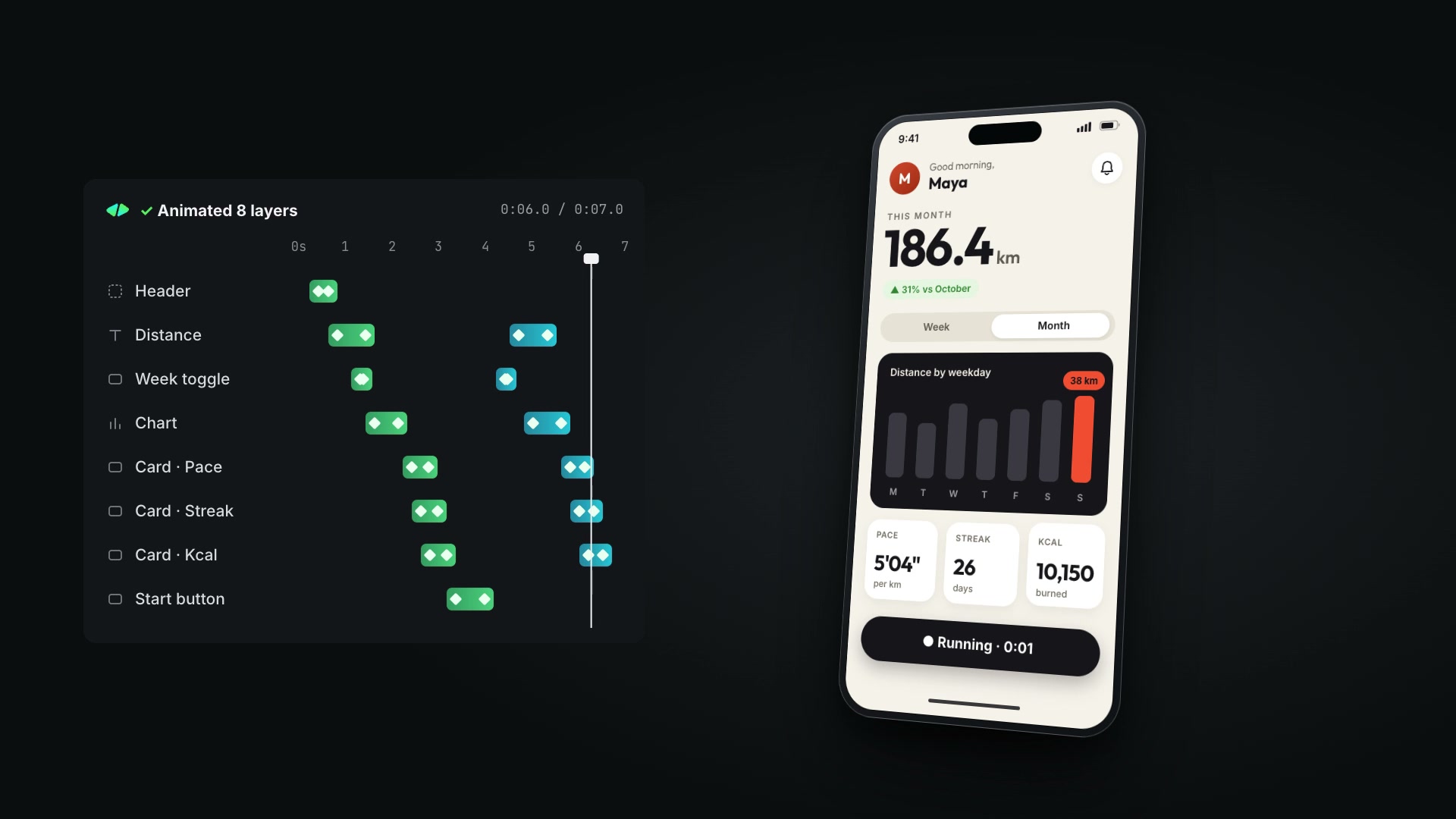
Made with HyperFrames by the HyperFrames team: a launch film for a skill that turns a pull request into a video.
Our rating: 4.7/5. Fit for this job 4.7/5, ease of use 4.3/5, value for money 5.0/5.
Shotstack is a solid hosted API: post a JSON timeline, get a video back, and test for free in its stage sandbox. It stops at its own schema: the motion you can make is what its JSON describes, and every minute of output is billed. In HyperFrames the video is an HTML page, so anything a browser can draw goes in, from kinetic type and D3 charts to Three.js scenes, and your AI agent writes it. Hand it a video your team already likes, one of your Shotstack renders or an ad you admire, and say "like this, with our data": it rebuilds the pacing, captions and transitions in your brand and marks the changing parts as variables, so one video becomes a version per data row in 16:9, 9:16, 1:1 or 4:5. Change one line and only that line changes in every output. It is free and open source, and renders are free on your own computer or your own cloud.
Map Shotstack's concepts and the switch is clearer. A Shotstack edit is a timeline of tracks and clips; a HyperFrames composition is an HTML page where the motion lives on one paused GSAP timeline the renderer seeks frame by frame, so the same input always makes the same video. Merge fields become variables, the output block becomes render flags, and the callback becomes a webhook URL. Install the skills and your coding agent knows the rules:
npx skills add heygen-com/hyperframesThen ask for "a 15-second product card: name, price, three feature bullets, our colours, 9:16". The agent writes the HTML and runs about 148 checks for broken timing, missing media and overflowing text before you render. For no servers, HeyGen's managed cloud takes --variables, a --callback-url and an idempotency key; for volume, lambda render-batch starts one render per row of a JSONL file on your own AWS account, with --dry-run checking every row first. See HTML to video for the developer tour.
Standout feature: Change one thing, keep the rest: where Shotstack takes a JSON timeline, HyperFrames takes an HTML page with a paused animation timeline, rendered frame by frame, so any coding agent can write, read and fix exactly the part you point at.
What's the difference between HyperFrames and Shotstack? Shotstack is a hosted API that renders a JSON timeline and bills per minute. HyperFrames is an open-source renderer for HTML videos that AI agents write, running free on your own machines, AWS or Google Cloud.
HyperFrames pros:
- Apache 2.0 at any company size
- Videos are HTML any coding agent can write and fix
- Same input, same video: frame-accurate, deterministic renders up to 4K
- Local, AWS Lambda, Cloud Run or HeyGen cloud rendering, with webhooks in the cloud
HyperFrames cons:
- No JSON-over-REST endpoint like Shotstack's Edit API in the docs: you reach HeyGen's managed cloud through the CLI, or run the renderer yourself
Pricing: Free and open source (Apache 2.0) at any company size. Renders are free on your own computer or your own cloud (AWS Lambda or Google Cloud Run), where you pay only for compute.
Choose HyperFrames if: you want video as code in git, an AI agent that can write them, the web's full creative range, and an Apache 2.0 licence.
What's new in HyperFrames: HyperFrames v0.9.97 (26 November 2026) lets the CLI render one part of a film, from a start to an end time, in any format, frame rate or HDR; v0.9.94 (25 November) added the same partial render to the producer.
Available for: Mac, Windows and Linux (the Studio app), the web, and inside Claude, ChatGPT and Grok through the HyperFrames connector
See a video you love? Make it yours. Or film it, or just describe it. Your footage, edited for you. Any motion graphic, format or style. Every word and shot stays yours to change.
Install the HyperFrames skills free
#2 Remotion: Best for React developers
Our rating: 4.0/5. Fit for this job 4.5/5, ease of use 3.6/5, value for money 4.0/5.
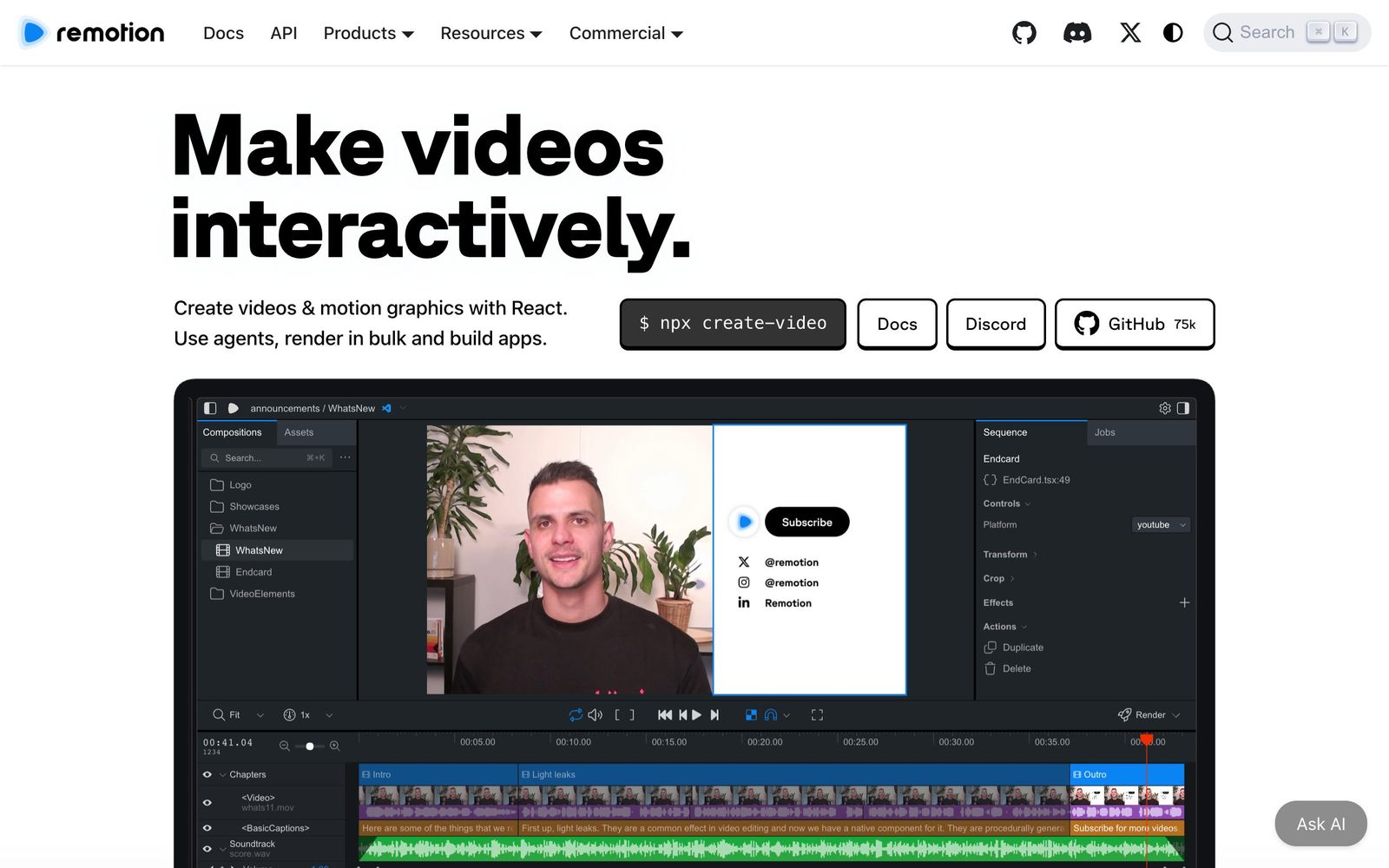
Remotion writes videos as React components with props: a Shotstack template's merge fields become typed props, and your data layer is ordinary TypeScript. You render locally, on your own servers or on AWS with Remotion Lambda, and the Remotion Player embeds the same component in your app for live previews. Its 11 November 2026 release added Agent Skills for coding agents.
It is source-available, not open source, and companies above 3 people buy a Company License. Against Shotstack it wins on creative range and loses on convenience: there is no hosted render endpoint, so you own queues, retries and storage.
Standout feature: Videos written as React components, with Agent Skills for AI coding agents.
What's the difference between Remotion and Shotstack? Remotion gives React teams code-level control and self-hosting under a company licence. Shotstack is hosted JSON with no React and no infrastructure to run.
Remotion pros:
- Anything a web page shows can be a video
- Lambda rendering and a Player for apps
Remotion cons:
- Paid company licence from 4 people
- Requires React and TypeScript
Pricing: Free for individuals and companies of up to 3 people. Companies of 4+ pay $25 a month per seat, or $0.01 per render with a $100 monthly minimum.
Choose Remotion over Shotstack if: your team writes React and wants video in its product, and you accept the company licence above 3 people.
What's new in Remotion: Agent Skills and an interactive Remotion Studio (11 November 2026); v4.0.547 on 24 November.
Available for: Node.js and React, Remotion Studio, AWS Lambda
#3 Editframe: Best for rendering inside your own app
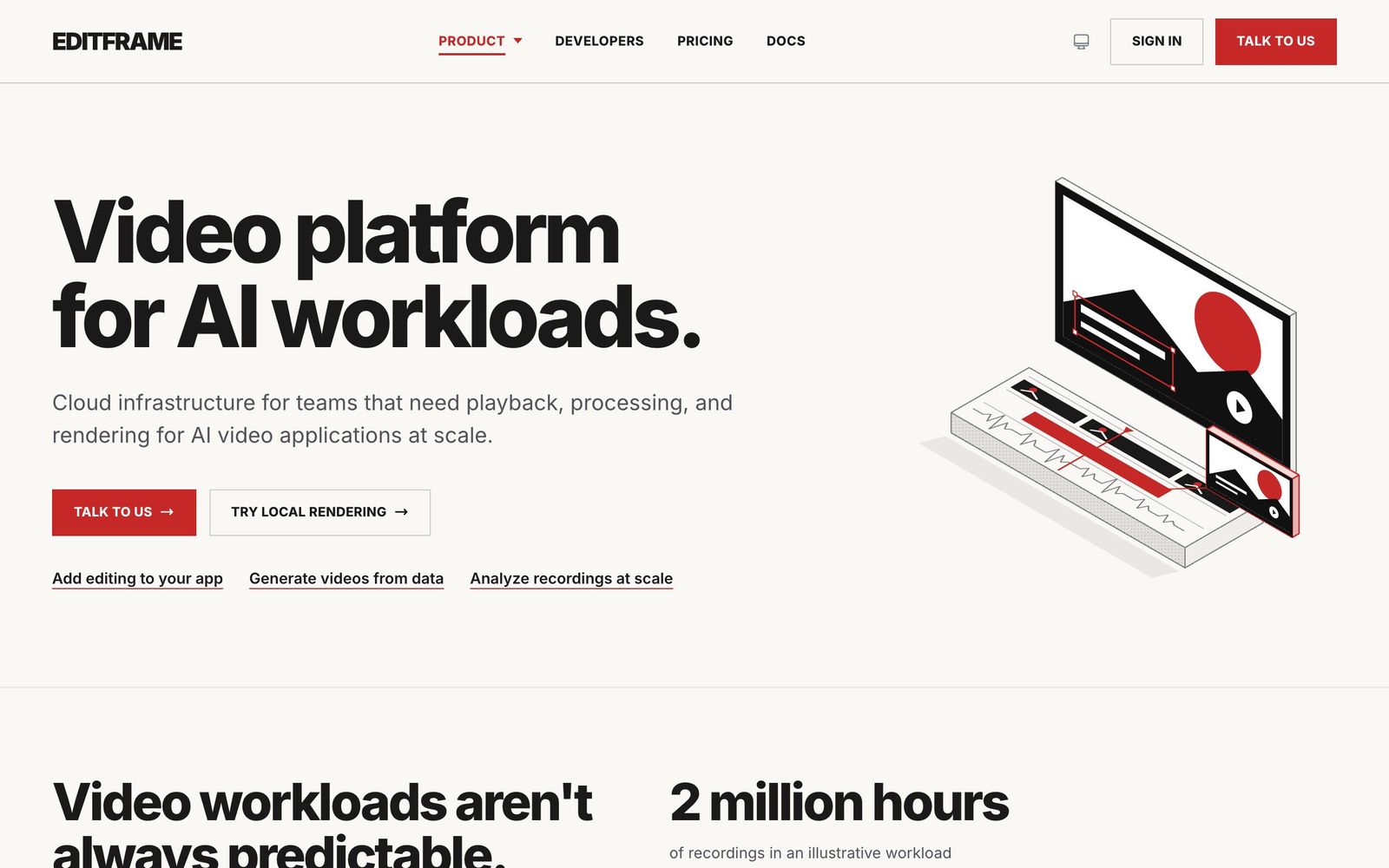
Our rating: 4.0/5. Fit for this job 4.1/5, ease of use 3.6/5, value for money 4.4/5.
Editframe's Elements SDK brings ingestion, playback, an editor and rendering into your own app, rendering in the browser with WebCodecs or from a CLI. Its Cloud plan ($99 a month) adds parallel cloud rendering from $0.02 a render minute, but a render minute is server processing time, so it is not directly comparable to Shotstack's minutes of output.
The most recent blog post we found is from 3 April 2026, and there is no public changelog.
Standout feature: Free local rendering in the browser via WebCodecs, and cloud renders from $0.02 a minute.
What's the difference between Editframe and Shotstack? Editframe renders in the browser and has a lower per-minute cloud rate on a $99 plan. Shotstack has more integrations, an editor SDK and output-based billing.
Editframe pros:
- Very cheap cloud render minutes
- Renders in the browser
- SDK for your own app
Editframe cons:
- Pricing follows total company headcount
- Little public news since April 2026
Pricing: Free for organisations of up to 3 people, rendering in the browser or from the command line. Team is $49 a month for 4 to 10 people.
Choose Editframe over Shotstack if: you need cheap rendering inside your own web app and can live with headcount-based pricing.
What's new in Editframe: Its only recent post is a tutorial on sports graphics with transparency (3 April 2026).
Available for: Browser SDK, command line and cloud API
Best hosted Shotstack alternatives
Hosted APIs for teams that want no infrastructure: you send JSON or data, they return a file. Convert each plan to a price per minute of finished video, then check what happens to files after the render.
#4 Creatomate: Best for an API plus a no-code template editor
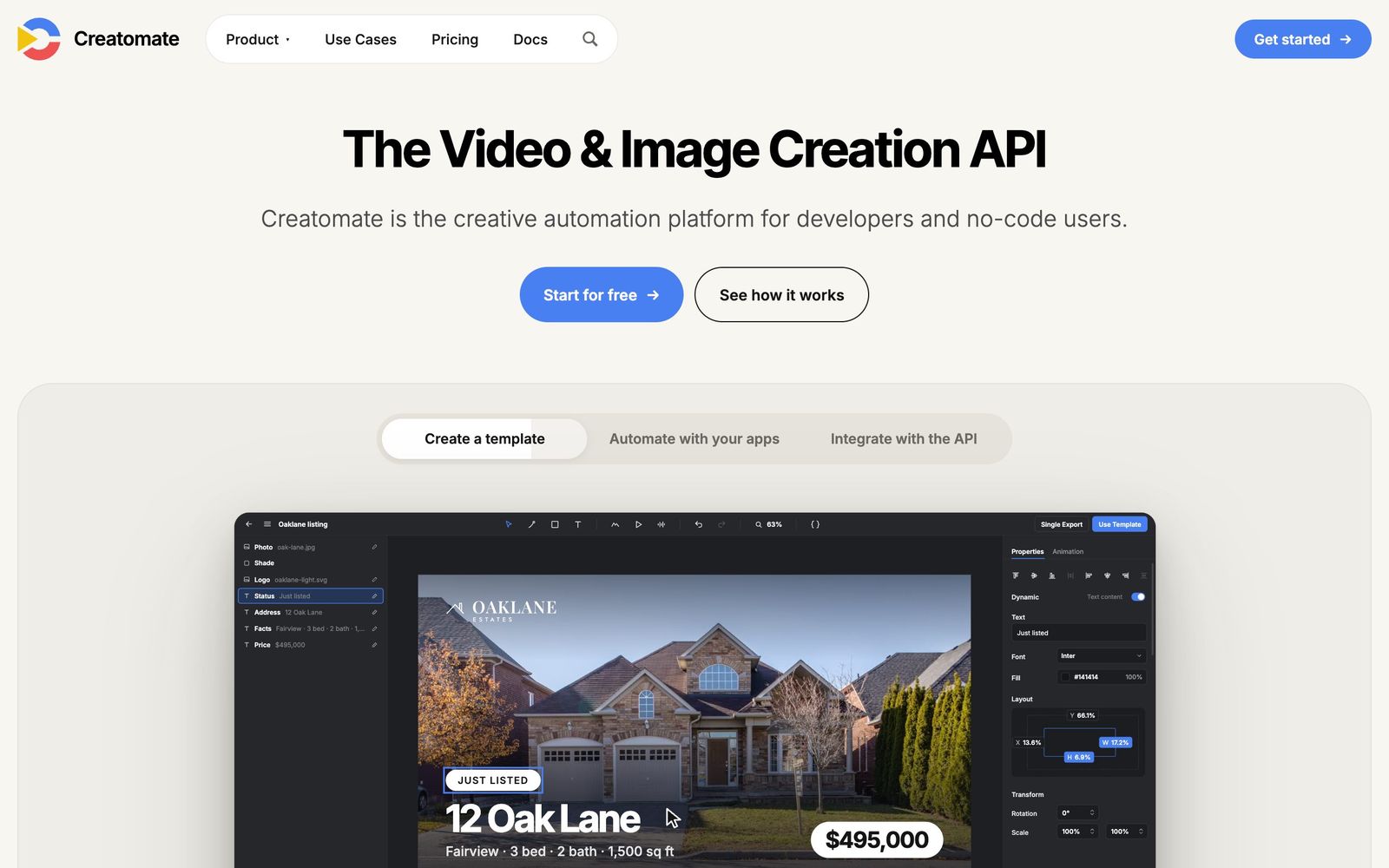
Our rating: 4.1/5. Fit for this job 4.3/5, ease of use 4.3/5, value for money 3.7/5.
Creatomate is the closest hosted rival. Templates are designed in a browser editor and stored as RenderScript JSON; you POST to /v2/renders with a template_id plus modifications, or a whole RenderScript document. dry_run: true validates a request without spending credits, and a webhook fires when a render succeeds or fails. Plan around 30 requests per 10 seconds per account and files that expire after 30 days.
Where it beats Shotstack is everyone who isn't a developer: Bulk Generation renders spreadsheet rows, shareable forms turn submissions into videos, and Zapier, Make and n8n come with the first plan.
Standout feature: A browser template editor plus API, spreadsheet bulk generation, forms and no-code automation on every plan.
What's the difference between Creatomate and Shotstack? Creatomate lets non-developers build templates visually and bills credits. Shotstack is more developer-first, billed by the rendered second, with a cheaper minute at volume.
Creatomate pros:
- API, bulk generation and forms from the first plan
- Zapier, Make and n8n
- A hosted connector for AI agents
- Video and image templates
Creatomate cons:
- Renders kept for 30 days only
- Annual plans can't be cancelled midway
Pricing: 50 free credits with 480-pixel previews. Essential is $54 a month, or $45 billed yearly, for 2,000 credits.
Choose Creatomate over Shotstack if: marketers build the templates, developers wire the API, and spreadsheets or forms feed the data.
What's new in Creatomate: No dated changelog found; its docs now include a hosted MCP integration (undated, checked 26 November 2026).
Available for: Web, REST API and a JavaScript preview SDK
#5 JSON2Video: Best for pay-once credits that never expire
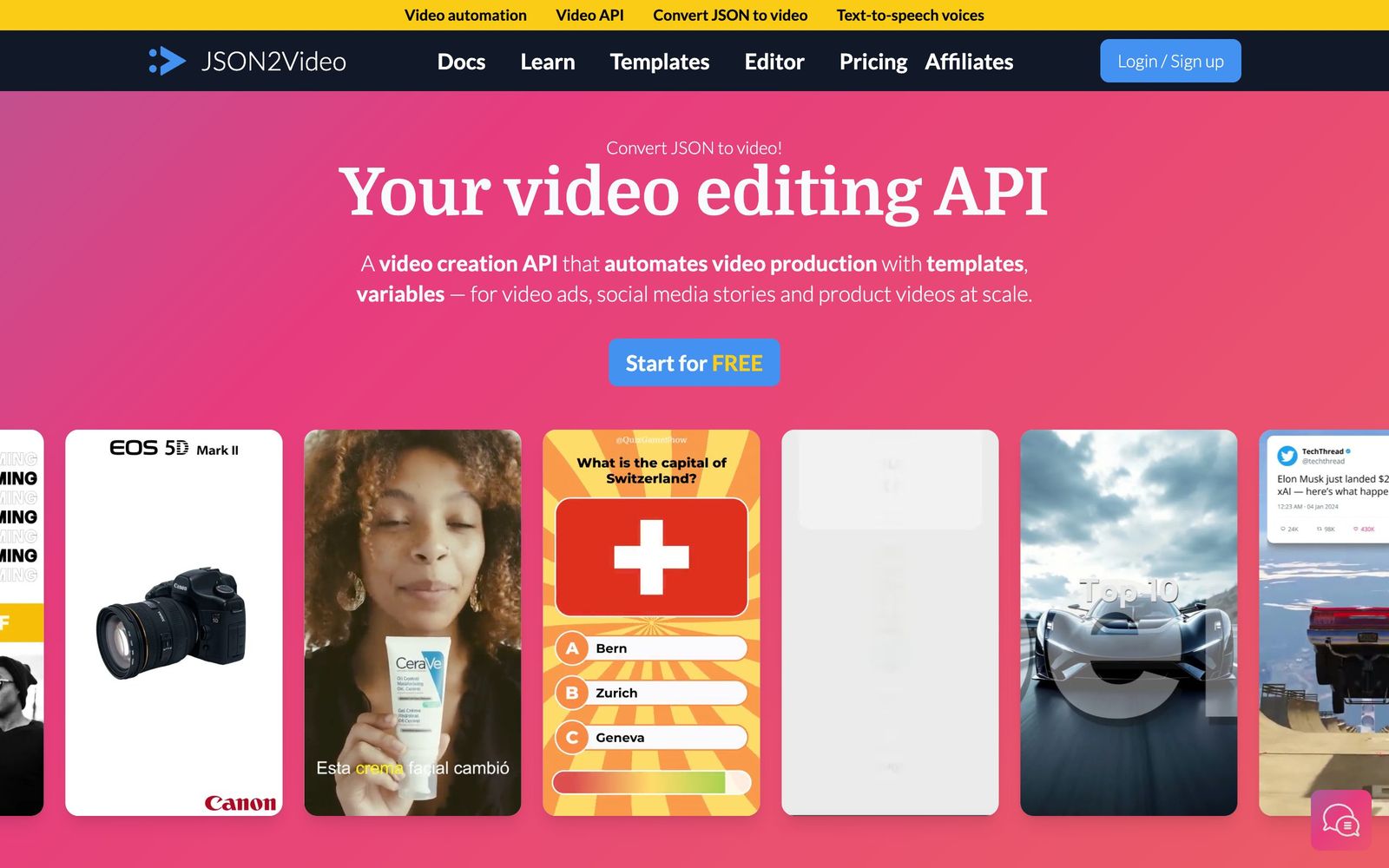
Our rating: 4.0/5. Fit for this job 3.9/5, ease of use 4.0/5, value for money 4.2/5.
JSON2Video is the most similar API shape to Shotstack: a movie made of scenes, each with elements (image, video, text, HTML, audio, voice and subtitles), POSTed with an x-api-key header, or a saved template id with variables. Poll for the result or use a webhook destination; the create call is not idempotent, so guard your retries.
One credit is one second of video. Per minute it costs more than Shotstack's plans, but pre-paid credits that never expire suit uneven volume.
Standout feature: Per-second billing with pre-paid credits that never expire.
What's the difference between JSON2Video and Shotstack? JSON2Video uses a similar JSON approach with pre-paid credits that never expire. Shotstack has the cheaper minute at volume and the bigger platform, with an editor SDK.
JSON2Video pros:
- Simple JSON to video
- Make and n8n nodes
- Pre-paid credits never expire
JSON2Video cons:
- Free videos are watermarked
- Subscription credits expire monthly
Pricing: 600 free credits (about 10 minutes) with a watermark. A $49.95 pre-paid pack covers 120 minutes and never expires.
Choose JSON2Video over Shotstack if: your volume is uneven and you want credits that never expire.
What's new in JSON2Video: No public changelog or blog found (checked 26 November 2026).
Available for: REST API, SDKs, Make and n8n
#6 Plainly: Best for After Effects quality from data
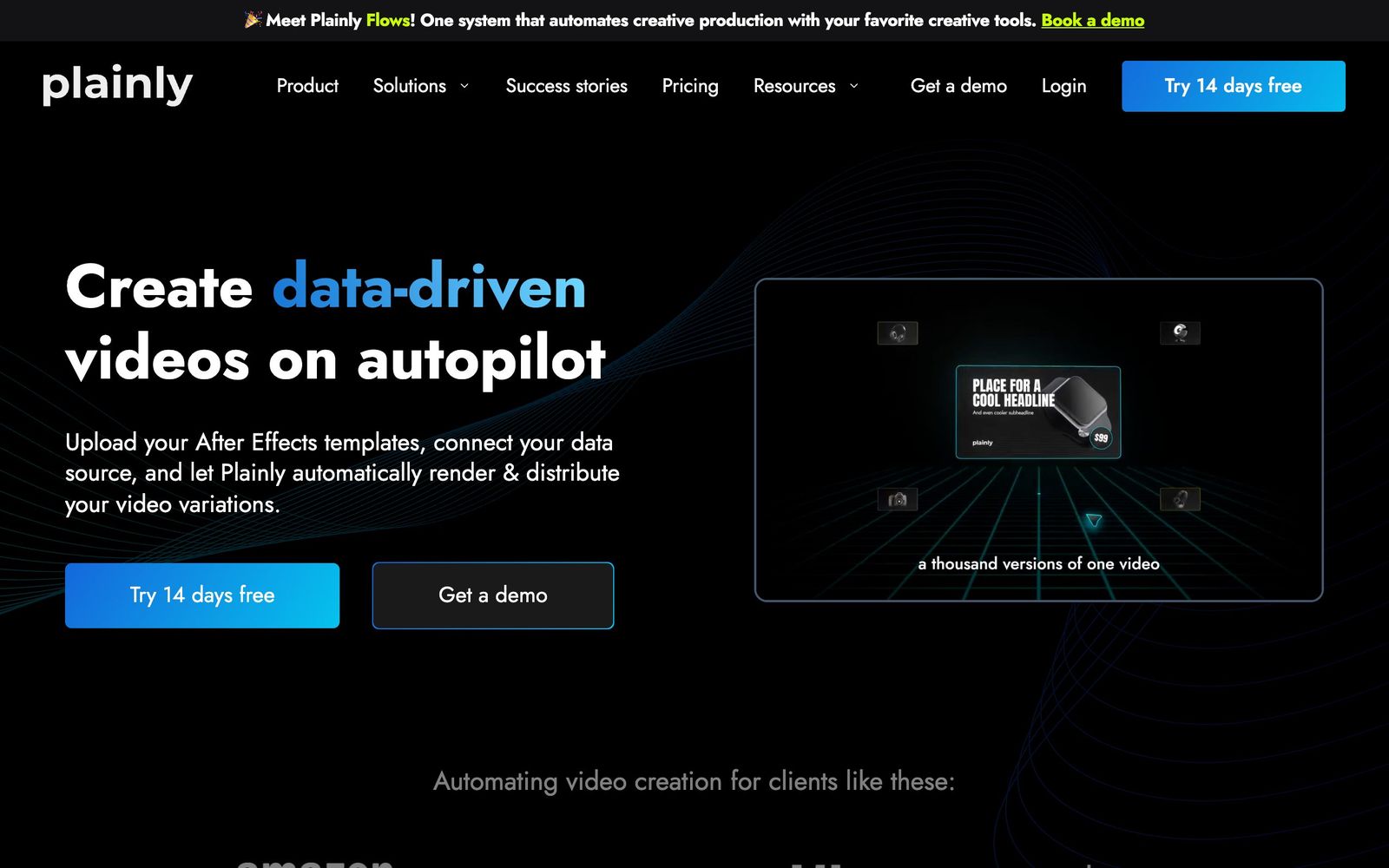
Our rating: 3.7/5. Fit for this job 4.0/5, ease of use 3.8/5, value for money 3.4/5.
Plainly renders data-driven videos from real After Effects projects. Upload a project and it detects the dynamic text, image, video and audio layers; then feed it a CSV, its REST API or one of 20+ integrations, up to 4K. If Shotstack's schema is what limits your motion, this removes the limit, at about $1.08 to $1.38 a rendered minute.
Version 0.29.0 (19 November 2026) added After Effects 2027 support.
Standout feature: Turns real After Effects projects into data-driven templates.
What's the difference between Plainly and Shotstack? Plainly brings After Effects motion quality to an API. Shotstack is many times cheaper per minute with simpler motion.
Plainly pros:
- After Effects-quality motion
- CSV, API and 20+ integrations
- Detects dynamic layers automatically
Plainly cons:
- Someone has to build the template in After Effects
- Renders kept 24 hours to 7 days, depending on plan
Pricing: No free plan, a 14-day trial. Starter is $69 a month, or $48 billed yearly, for 50 render minutes.
Choose Plainly over Shotstack if: your designers work in After Effects and motion quality matters more than price per minute.
What's new in Plainly: Version 0.29 (19 to 24 November 2026) added After Effects 2027 support.
Available for: Web, REST API and After Effects
#7 Bannerbear: Best for automated images with some video
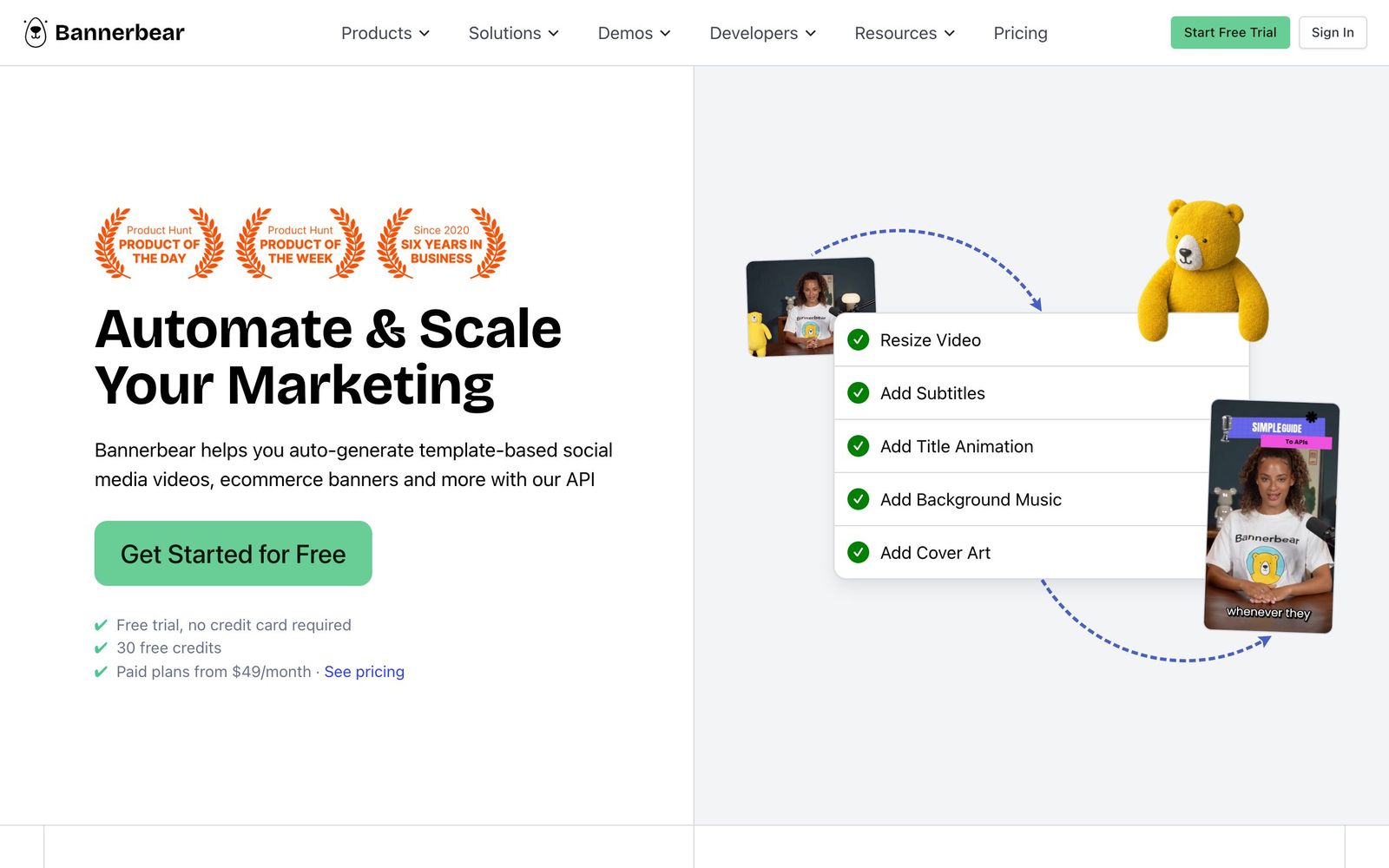
Our rating: 3.8/5. Fit for this job 3.5/5, ease of use 4.1/5, value for money 3.8/5.
Bannerbear automates images, PDFs, animations and short videos from templates, through a REST API, an MCP server and Zapier, Airtable, Make and WordPress. Its 17 November 2026 update added 17 one-click Recipes and AI video tools. Video is assembled from short animation templates, not a full timeline, and failed renders still count once created.
Standout feature: Image-first automation with templates, instant image URLs, animations and video tools.
What's the difference between Bannerbear and Shotstack? Bannerbear is image-first. Shotstack is video-first, with a full timeline.
Bannerbear pros:
- Images, PDFs, animations and video from one API
- Zapier, Airtable and Make
- A connector for AI agents and one-click recipes
Bannerbear cons:
- Video is built from short templates, not a full timeline
- Failed renders still count
Pricing: A trial with 30 API credits. Automate is $49 a month for 1,000 API credits.
Choose Bannerbear over Shotstack if: most of your assets are images and video is a smaller part.
What's new in Bannerbear: Recipes, Generate AI Video, Generate Music and Narrated Slideshow tools (17 November 2026).
Available for: REST API, a connector for AI agents, Zapier, Airtable and Make
#8 Orshot: Best for design-led templates without writing a JSON timeline
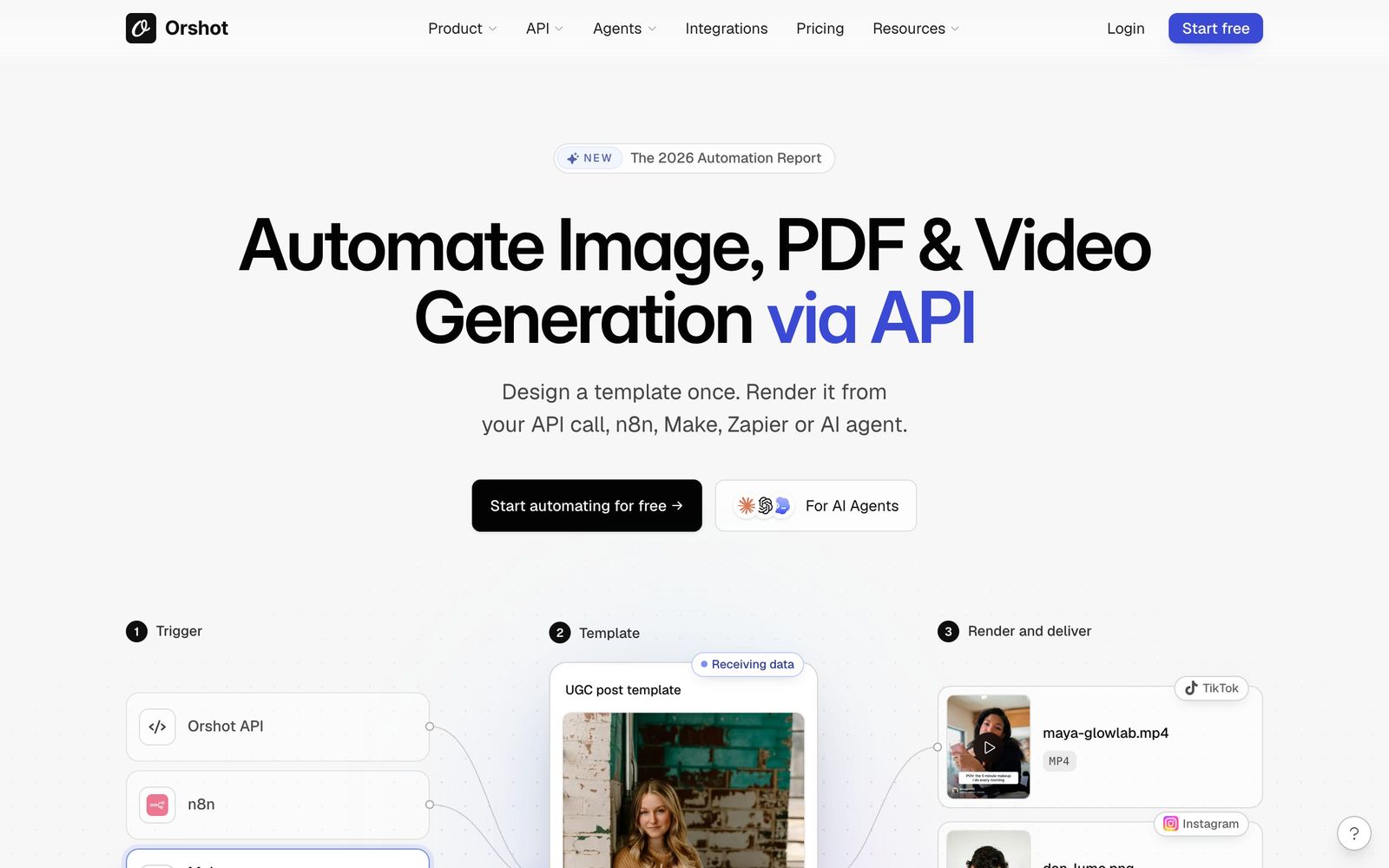
Our rating: 3.9/5. Fit for this job 3.5/5, ease of use 4.3/5, value for money 3.9/5.
Shotstack makes you describe every clip and track in JSON. Orshot works the other way round: you design a template visually (or import it from Figma or Canva), and every text, image and colour layer becomes an API parameter. One POST renders a video, an image or a multi-page PDF.
Per minute it is dearer than Shotstack for long renders and better suited to short social clips, and it is a one-person company with few reviews.
Standout feature: One design template becomes an API: every text, image and colour layer is a parameter, and Smart Resize adapts it to every size.
What's the difference between Orshot and Shotstack? Orshot templates are designed visually and parameterised; Shotstack edits are JSON timelines. Orshot caps video length by plan; Shotstack bills per rendered minute.
Orshot pros:
- Images, PDFs and videos from templates through an API
- Imports designs from Figma and Canva
- connector for AI agents so agents like Claude Code build templates and renders
- Publishes to 26 social platforms
Orshot cons:
- Video length caps: 30 seconds free, 3 minutes on Launch
- Refunds only within 24 hours and with no more than half the credits used
Pricing: Free forever plan with 100 credits a month (1 credit is 1 image or 1 second of video) and videos up to 30 seconds. Launch is $39 a month billed monthly; yearly billing gives 2 months free.
Choose Orshot over Shotstack if: your designers own the templates and your videos are short.
What's new in Orshot: On 24 November 2026 it added live agent and team activity, showing when Claude or a teammate is editing a template; colour grading with 12 looks arrived on 6 November.
Available for: Web, a REST API and SDKs, MCP, n8n, Make, Zapier and a Figma plugin
#9 Placid: Best for no-code template automation for images and video
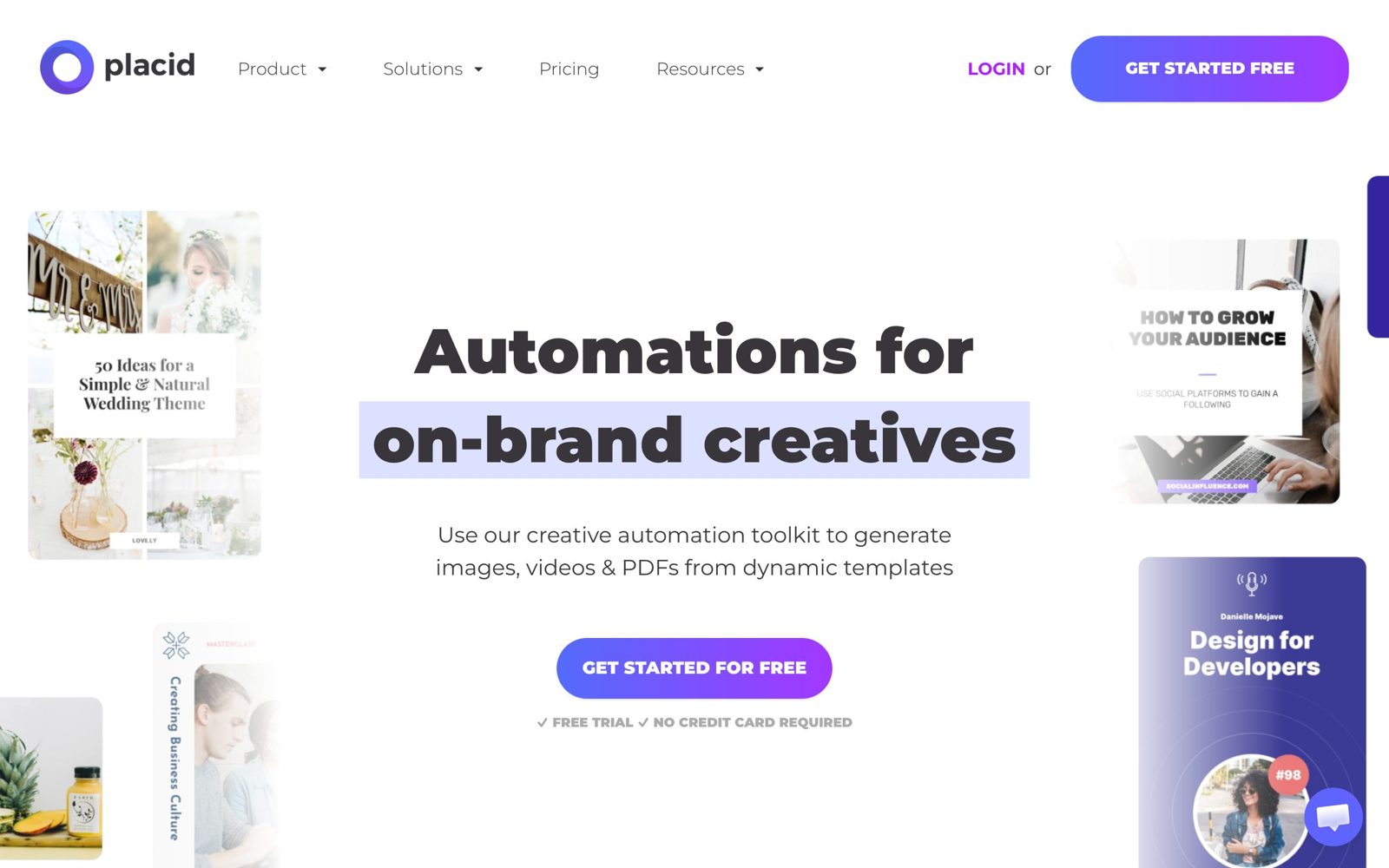
Our rating: 3.8/5. Fit for this job 3.5/5, ease of use 4.2/5, value for money 3.8/5.
Placid is a creative automation toolkit built around a drag-and-drop template editor instead of a JSON timeline. Images and PDFs generate through a REST API, a URL API, Zapier, Make, n8n, Airtable or its MCP server, and videos through the REST API, changing text, images, videos and colours per request, with animations and transitions.
Video costs 1 credit a second and tops out at full HD, so it suits short social videos next to lots of images.
Standout feature: One drag-and-drop template becomes images, PDFs and videos through a REST API or no-code tools, with unlimited free previews.
What's the difference between Placid and Shotstack? Placid is a no-code template tool for images, PDFs and short full-HD videos. Shotstack is a developer API with a full JSON timeline and output up to 4K.
Placid pros:
- Images, PDFs and videos from the same templates
- REST API, URL API, Zapier, Make, n8n, Airtable and an MCP server
- Unused credits roll over, with no overage fees
- Embeddable editor SDK and white-label option
Placid cons:
- Videos top out at full HD (1920 x 1080)
- No permanent free plan, only a trial with a few credits
Pricing: Free trial with a few credits and no card needed. Basic is $19 a month with 500 credits (video costs 1 credit a second); Pro is $39 with 2,500 credits. Yearly billing gives 2 months free.
Choose Placid over Shotstack if: marketers design the templates and most output is images, with some short video.
What's new in Placid: Recent changelog entries add right-to-left text (Arabic, Hebrew, Persian), per-project font management and an MCP tool that searches the Placid docs.
Available for: Web, a REST API, an MCP server, Zapier, Make, n8n and Airtable
Best AI generation APIs beside or instead of Shotstack
Shotstack's Create API generates images, video, voice and music during a render. These tools specialise in that generation step; most teams still put a template renderer after them for branding.
#10 Runway: Best for generated footage by the second
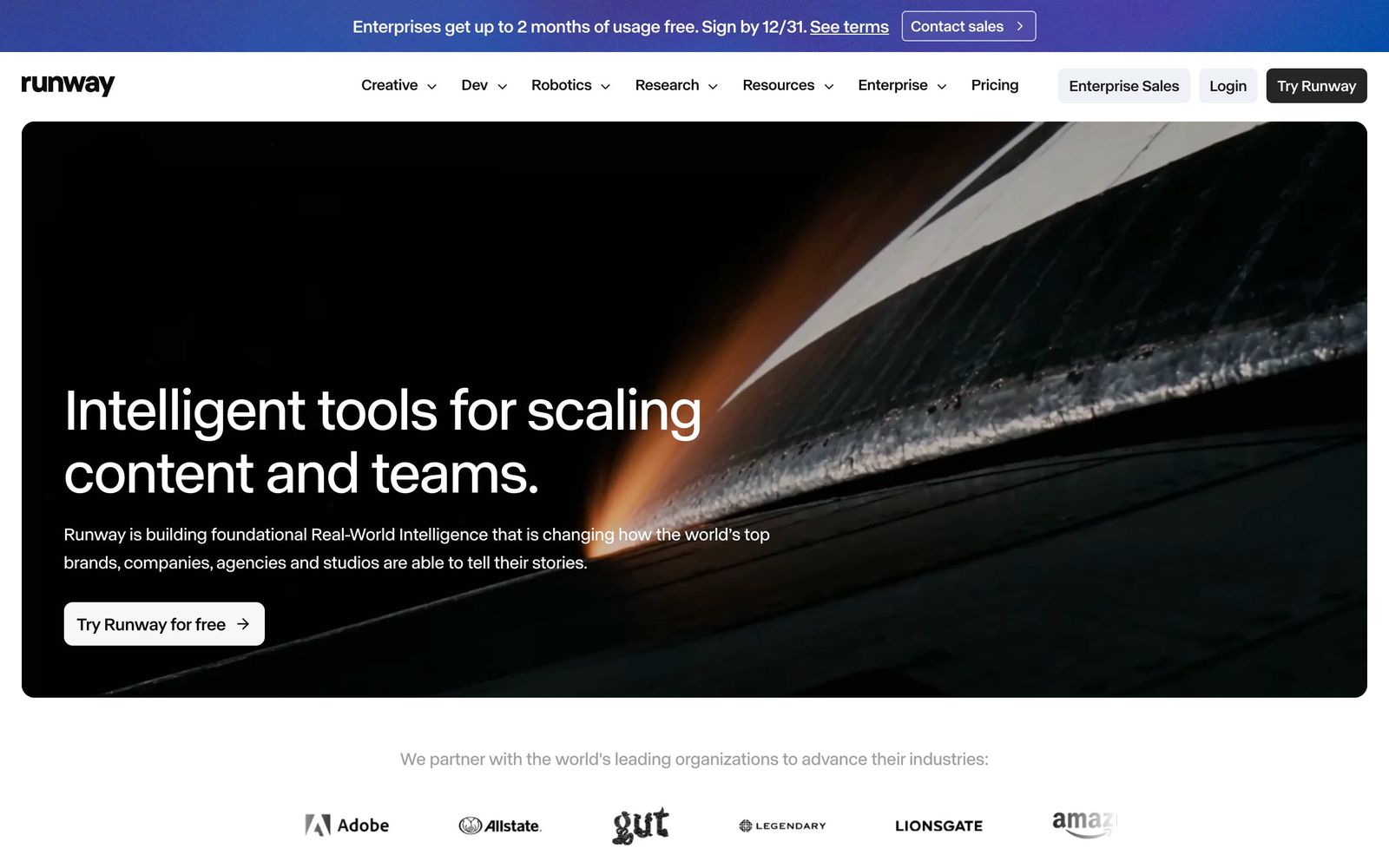
Our rating: 3.4/5. Fit for this job 3.3/5, ease of use 3.9/5, value for money 3.0/5.
Runway's API generates video with its own Gen-4.5 model and third-party models including Kling, Seedance and Veo. API credits cost $0.01, and Gen-4.5 uses 12 a second ($7.20 a minute of output). For comparison, Shotstack charges per model for generation too: a 5-second MiniMax H3 clip at 768p costs 38 cents.
Trustpilot gives 1.1 from 412 reviews, with complaints that failed results still spend credits.
Standout feature: Its own Gen-4.5 video model plus third-party models, an agentic collaborator and Runway Ads.
What's the difference between Runway and Shotstack? Runway generates the footage. Shotstack edits and renders footage into a finished video, with optional generation per clip.
Runway pros:
- Frontier generated footage
- Many models in one tool
- API and MCP
Runway cons:
- Credits go fast: about 52 seconds of Gen-4.5 a month on Standard
- Trustpilot score of 1.1 from 412 reviews
Pricing: 125 one-time free credits. Standard is $15 a month, or $12 billed yearly, for 625 credits (about 52 seconds of Gen-4.5).
Choose Runway over Shotstack if: generated footage is the core of each video and you will brand it elsewhere.
What's new in Runway: 3D model generation in Runway MCP (18 November 2026) and MiniMax H3 Image (20 November).
Available for: Web, plus an API and MCP
#11 Synthesia: Best for presenter videos by API
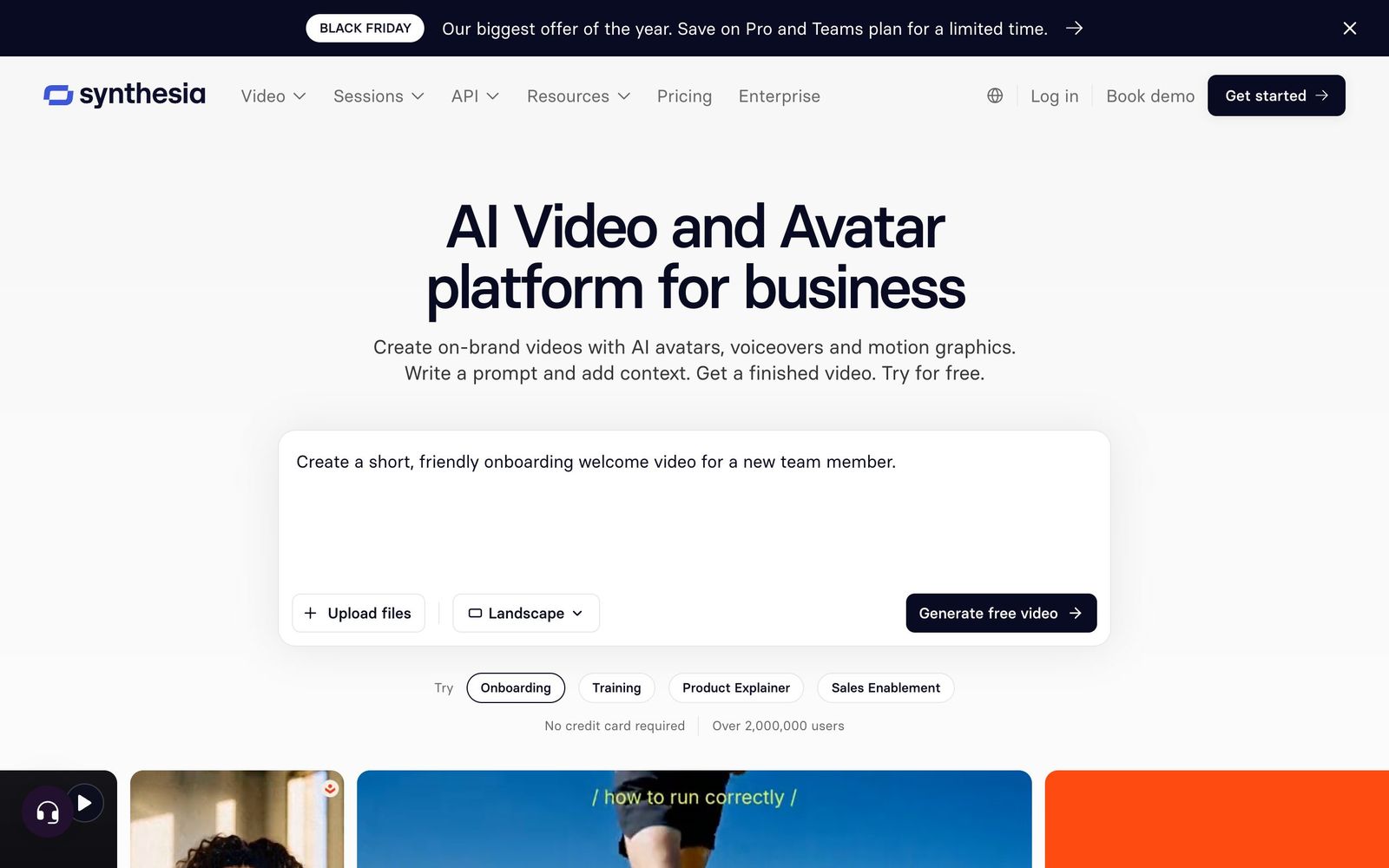
Our rating: 3.7/5. Fit for this job 3.4/5, ease of use 4.3/5, value for money 3.4/5.
Synthesia generates videos with AI presenters (180+ stock avatars and personal avatars) in 140+ languages, with translation and dubbing. Its API makes those videos from code, priced separately from its plans, and its Syren agent came to Claude on 18 November 2026. One November 2026 Trustpilot reviewer says a 30-second video used all their credits.
Standout feature: Studio-quality AI presenters in 140+ languages for enterprise training.
What's the difference between Synthesia and Shotstack? Synthesia makes presenter-led videos from a script. Shotstack assembles assets on a timeline and has no presenters.
Synthesia pros:
- 180+ stock avatars and personal avatars
- 140+ languages
- Syren video agent and a Claude connector
Synthesia cons:
- One Trustpilot reviewer says a 30-second video used all their credits
- One reviewer calls the content moderation extreme
Pricing: Free plan with 10 minutes of watermarked video a month. Starter is $19 a month, or $14 billed yearly.
Choose Synthesia over Shotstack if: your API-generated videos need someone speaking on screen.
What's new in Synthesia: Synthesia brought its video agent into Claude on 18 November 2026.
Available for: Web, plus an API and a Claude connector
#12 Pictory: Best for stock-footage videos from text
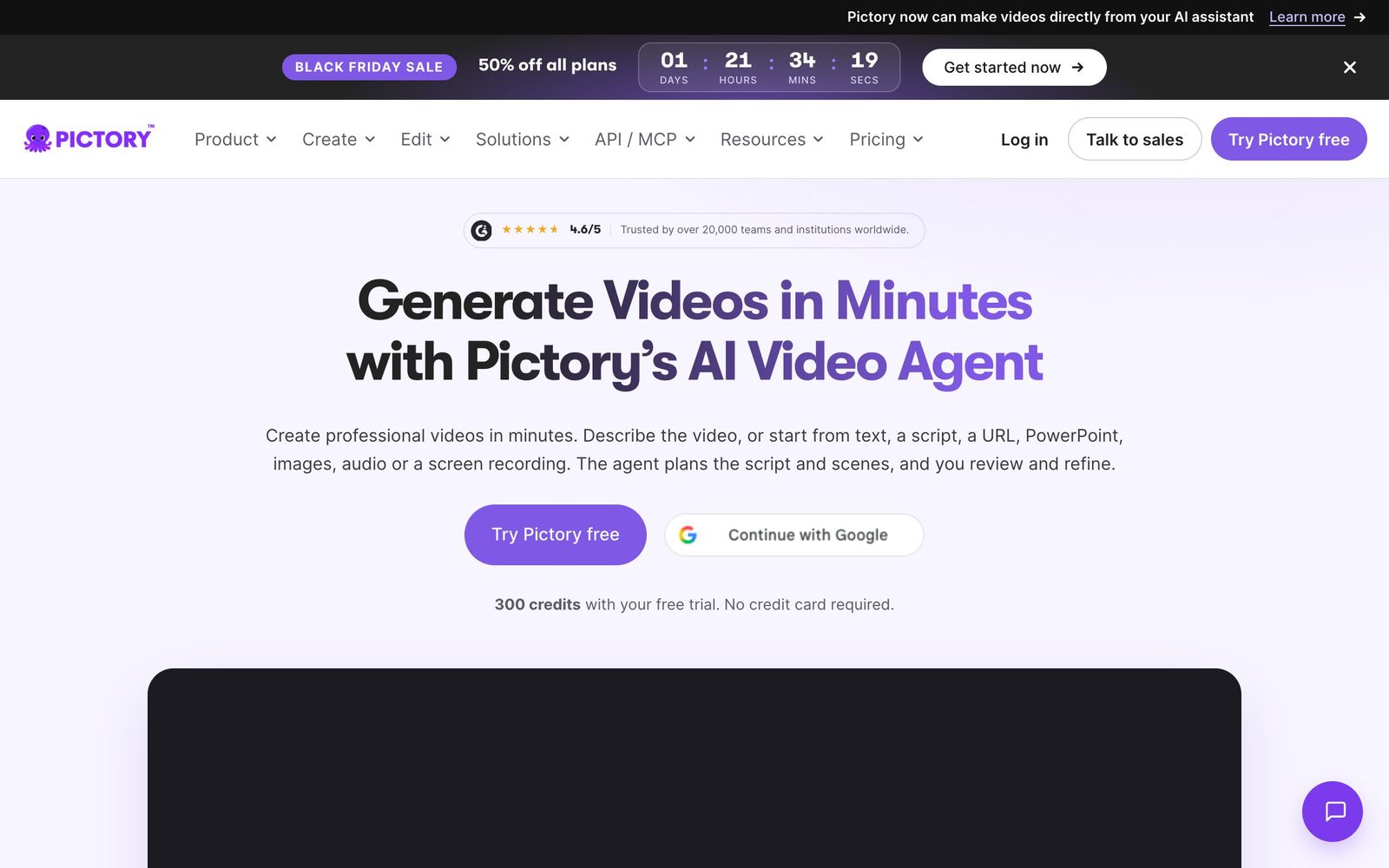
Our rating: 3.6/5. Fit for this job 3.2/5, ease of use 4.2/5, value for money 3.3/5.
Pictory turns a script, article URL, slide deck or audio into a video with stock footage, ElevenLabs voices and avatars, and Pictory 3 (22 October 2026) adds an agent that drafts the script and scenes. Its API is sold on separate plans with no public prices, and one reviewer in September 2026 says 11 of 19 projects never rendered.
Standout feature: Pictory 3's agent drafts a script, scenes and a preview from a brief, using millions of licensed stock clips.
What's the difference between Pictory and Shotstack? Pictory writes and assembles a video from text and stock. Shotstack renders exactly the timeline you send.
Pictory pros:
- Videos from a brief, script, URL or slides
- Getty Images and Storyblocks stock
- AI voices and avatars
- An API and a connector for AI agents
Pictory cons:
- No free plan, only a trial
- API priced separately
Pricing: 14-day trial with 300 credits and Pictory branding. Starter lists at $29 a month (a Black Friday sale showed less).
Choose Pictory over Shotstack if: you want the API to decide the scenes and footage, not just render them.
What's new in Pictory: Pictory 3, an AI video agent, launched on 22 October 2026.
Available for: Web, plus an API and a connector for AI agents
Best caption and content APIs
Narrower APIs that replace one part of a Shotstack pipeline: captions on existing footage, or a video drafted from each article.
#13 Submagic: Best for styled captions by API
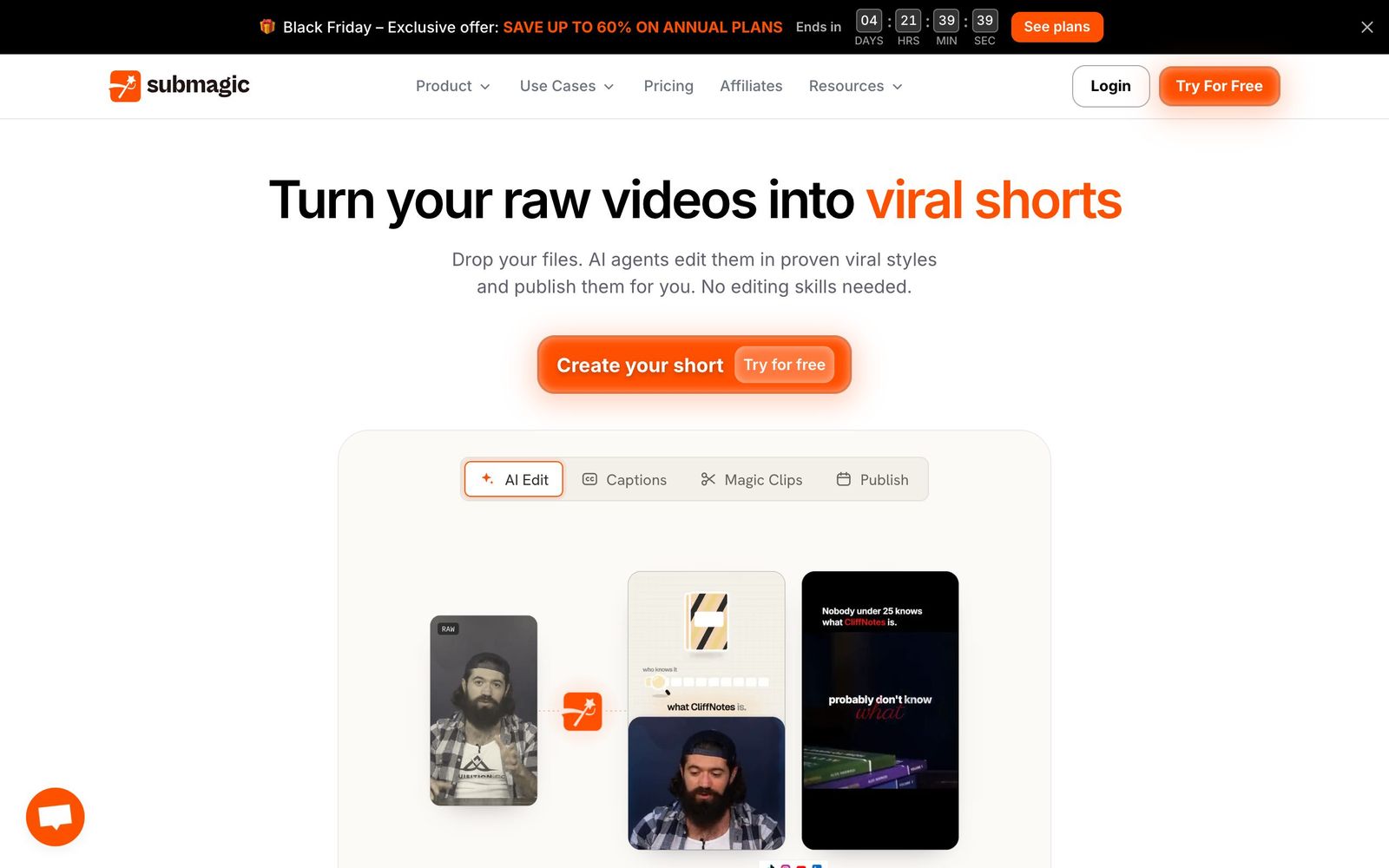
Our rating: 3.8/5. Fit for this job 3.3/5, ease of use 4.5/5, value for money 3.6/5.
Submagic adds animated captions, auto-zoom, B-roll, music and cuts to short videos, and its Iris agent edits a short on its own. Shotstack has caption assets too, but Submagic's caption styles are the product. The video editing API comes with the Business plan, with 100 API minutes a month.
Standout feature: Iris, an AI agent that adds captions, cuts, B-roll, zooms, motion graphics and music to a short on its own.
What's the difference between Submagic and Shotstack? Submagic captions and edits footage you already have. Shotstack composes and renders a whole timeline from JSON.
Submagic pros:
- Strong animated caption templates
- Magic Clips turns videos up to 3 hours into shorts
- Removes bad takes and silences
- API, Zapier and n8n
Submagic cons:
- Starter caps each captioned video at 2 minutes and 1080p
- Free credits are one-time, not monthly
Pricing: Free sign-up with 15 one-time credits and watermarked exports. Starter is $19 a month, or $12 a month billed yearly.
Choose Submagic over Shotstack if: captions on existing clips are the job, not composing new videos.
What's new in Submagic: Iris, the editing agent, is the site-wide launch banner (live on 26 November 2026, no dated post).
Available for: Web, plus an API and ChatGPT and Claude integrations
#14 Lumen5: Best for a video per blog post, by API

Our rating: 3.6/5. Fit for this job 3.0/5, ease of use 4.4/5, value for money 3.5/5.
Lumen5 turns a blog post or script into branded scenes with stock media and AI voices, and its Agent edits scene by scene. Integrations launched around 7 November 2026 let you create videos from ChatGPT or Claude, or automate with Zapier, Make or the API. Basic exports below 1080p.
Standout feature: Turns a blog post or script into branded scenes, now with a conversational agent.
What's the difference between Lumen5 and Shotstack? Lumen5 drafts a new video for each article. Shotstack renders the exact edit you describe.
Lumen5 pros:
- Blog-post-to-video
- Brand templates
- ChatGPT, Claude, Zapier and API integrations
Lumen5 cons:
- Basic exports below 1080p
- Tight animation minutes
Pricing: Free plan with branding, 2-minute videos and 5 videos a month. Basic is $29 a month, or $19 billed yearly.
Choose Lumen5 over Shotstack if: each video starts from an article and you want the layout decided for you.
What's new in Lumen5: Lumen5 Integrations (about 7 November 2026) create videos from ChatGPT, Claude, Zapier, Make or the API.
Available for: Web
How to choose the best Shotstack alternative
Decide two things first: do you want to host the renderer, and who writes the templates? Those answers cut 14 options to two or three.
Hosted or self-hosted?
No servers at all: Creatomate, JSON2Video, Plainly, Placid or HeyGen's managed cloud for HyperFrames projects. Your own infrastructure, with no per-minute fee: HyperFrames (local, AWS Lambda or Google Cloud Run), Remotion (local or Lambda) or Editframe (browser or CLI). Self-hosting means you own queues, retries and storage, but also the concurrency and the bill.
Which template format, and who writes it?
Shotstack JSON, Creatomate RenderScript and JSON2Video movies are all vendor schemas. HyperFrames videos are HTML, CSS and JavaScript, a format every coding agent already knows; Remotion templates are React. If designers write them, Plainly keeps them in After Effects, and Orshot and Placid use visual editors. For the two code-first options, read HyperFrames vs Remotion.
What does a minute cost at your volume?
Shotstack runs 20 cents a minute on pay as you go, 15.6 on Starter, 13.2 on Pro, 10 on Scale and 5 on Volume. JSON2Video is about $0.42 on its pre-paid pack and $0.20 to $0.25 on subscriptions. Creatomate's Essential works out at about $0.37 a minute of 720p video, and Plainly at $1.08 to $1.38. Remotion adds $0.01 a render (minimum $100 a month) above 3 people, and self-hosted HyperFrames adds nothing but compute.
How does it handle webhooks, retries and limits?
Shotstack takes a callback URL per render. Creatomate's webhook fires on success or failure, under a 30-requests-per-10-seconds account limit. JSON2Video warns its create call is not idempotent. HeyGen's managed cloud for HyperFrames takes a --callback-url and an idempotency key, and lambda render-batch has --dry-run and --max-concurrent for big batches.
Can you live with the licence?
HyperFrames is Apache 2.0 at any company size. Remotion and Editframe are free for teams of up to 3 people, then charge by seat, render or headcount. Shotstack's Studio SDK is PolyForm Shield. If you plan to embed an editor in a product you sell, that difference decides it.
How we compared
Every tool on this list was scored on three things:
- Developer experience. How templates are written, tested and versioned, what the API and SDKs look like, and how well AI coding agents can work with them.
- Creative range. How rich the motion, typography, data visualisation and effects can be.
- Cost and control. Price per rendered minute at your real volume, concurrency, webhooks, self-hosting and licence.
User complaints. We read recent reviews on Trustpilot, Product Hunt and the App Store and say when a complaint comes from a single review, with its date when it is old. Some review sites (G2, Capterra) blocked automated reading, so their scores are not quoted.
Ratings. Each tool gets three scores out of 5: fit for the job this page is about, ease of use, and value for money (free plan, entry price, watermarks and caps). The overall rating is their average. The scores are our judgment from the sources above, not a lab benchmark.
Shotstack's complaints are few and old: Capterra quotes reprinted on Plainly's blog (a competitor, which notes most Shotstack reviews date from 2021) and one Hacker News comment from June 2024.
API details (endpoints, output options, rate limits) come from each vendor's API reference, read on 26 November 2026. Per-minute prices are derived from plan prices and included minutes or credits.
The films. The film near the top was made with HyperFrames for this page, and the launch film in the HyperFrames section by the HyperFrames team. The cover uses each product's own logo and a still of its own website.
Conclusion
For developers who work with AI coding agents, HyperFrames is the strongest long-term Shotstack alternative. There is no JSON dialect to learn, the template can use anything a browser draws, renders cost only compute on your own machines or cloud account, HeyGen's managed cloud covers the no-servers case with webhooks, and the licence is Apache 2.0. Its real gap is the absence of a documented JSON-over-REST endpoint, so plan the CLI or a self-hosted render service into your stack.
If you want to stay fully hosted, Creatomate is the best swap when non-developers build templates, JSON2Video when you want Shotstack's JSON style with credits that never expire, and Placid for no-code image-and-video automation. React teams should pick Remotion and check the licence; agencies with After Effects designers should pick Plainly. And if Shotstack's schema covers your motion, 5 cents a minute at volume is hard to beat for a hosted service.
Render your first HyperFrames video, free
Frequently asked questions
What is the best Shotstack alternative?
HyperFrames is the best Shotstack alternative for developers, rated 4.7 out of 5 here, because each video is plain HTML any AI coding agent can write, renders run free on your own machines or cloud account, and the licence is Apache 2.0. Creatomate (4.1) is the best hosted alternative, and Remotion (4.0) the best for React teams.
What is Shotstack?
Shotstack is a cloud video API: you describe a video as a JSON timeline of tracks and clips, POST it to the Edit API, and it renders an MP4, GIF, audio file or image. It also offers Ingest and Serve APIs, a white-label Studio SDK, an MCP server and an agent called Director.
How much does the Shotstack API cost?
Shotstack bills per rendered second, rounded down. Pay as you go is $10 for 50 minutes (20 cents a minute); plans run from Starter at $39 a month for 250 minutes to Volume at $499 for 10,000 minutes (5 cents a minute), and AI generation is charged per model on top.
Does Shotstack have a free plan?
No ongoing free plan. You get 10 credits at sign-up, valid for 30 days, and an unlimited development sandbox (the stage environment) for testing; production renders without watermarks use the v1 environment.
What is the difference between Shotstack and Creatomate?
Shotstack is developer-first: you write a JSON timeline and pay per rendered minute. Creatomate adds a visual template editor, spreadsheet bulk generation and forms, and bills in credits, with a 30-requests-per-10-seconds rate limit and files kept 30 days.
Is there an open-source alternative to Shotstack?
Yes. HyperFrames is open source under Apache 2.0 at any company size. Remotion uses its own licence and charges companies of 4 or more, Editframe is free only for teams of up to 3, and Shotstack's Studio SDK is source-available under PolyForm Shield.
Can I self-host the Shotstack API?
Not Shotstack itself. ShotTower, an unaffiliated open-source Go project under AGPL-3.0, re-implements part of the Edit API, but its README says templates are not implemented and output is MP4 or GIF only. For production self-hosting, HyperFrames or Remotion are the mature options.
Can I migrate my Shotstack templates?
No tool imports Shotstack JSON directly, so plan to rebuild each template once. With HyperFrames, give your coding agent the Shotstack JSON and a rendered sample and ask for the same video as HTML with the merge fields as variables, then compare the two renders side by side.
Is JSON2Video cheaper than Shotstack?
Usually not per minute. JSON2Video costs about $0.20 to $0.25 a minute on subscriptions and $0.42 on its pre-paid pack, against 5 to 20 cents on Shotstack. JSON2Video's pre-paid credits never expire, which can win for uneven volume.
Can I test a pipeline before going to production?
Yes. Shotstack's stage environment is a free sandbox and Creatomate accepts dry_run: true to validate a request without credits. HyperFrames renders locally for free, with lambda render-batch --dry-run checking every row of a batch before anything runs on AWS.
Do any Shotstack alternatives generate video with AI?
Yes. Runway generates footage by the second through its API, Synthesia makes presenter videos and Pictory builds stock-footage videos from text. HyperFrames Studio has HeyGen Video 1, Seedance 2.5 and MiniMax H3 Max built in for generated clips.
Does it work with AI assistants?
Shotstack, Creatomate and Bannerbear have MCP servers, and Remotion has Agent Skills. HyperFrames has skills for coding agents and a hosted connector for Claude, ChatGPT (Business, Enterprise and Edu, on the web) and Grok, in beta.
Is Remotion overkill for simple videos?
Often, yes. For a few title cards with merge fields, a hosted API such as Shotstack or JSON2Video is less work. Remotion and HyperFrames pay off when you need custom motion, data-driven graphics or rendering on your own infrastructure; HyperFrames also lets a coding agent write the video for you.
Can I render After Effects projects through an API?
Yes, with Plainly, which turns real After Effects projects into data-driven templates and renders them in the cloud up to 4K, at about $1.08 to $1.38 a minute. Shotstack has no After Effects import.
Does HyperFrames export 4K and transparent video?
Yes. HyperFrames renders up to 4K at 1 to 240 fps, and exports transparent video (WebM with alpha or ProRes 4444 MOV) for compositing, free on your own computer. Shotstack starts 4K on its Pro plan.
Is HyperFrames free?
Yes, HyperFrames is free to start. The engine is free and open source (Apache 2.0, 90,000+ GitHub stars), and HyperFrames Studio is a free download. Pro is $25 a month for more (pricing).

Written by Ular Kimsanov
Ular Kimsanov works on HyperFrames at HeyGen, the free, open-source tool where AI agents make videos, and writes about making videos with AI agents. Prices and plans on this page were checked on 26 November 2026.