Jupitrr AI makes talking-head videos less of a talking head: it matches B-roll to what you say (including licensed Getty Images and iStock clips on paid plans), adds editable subtitles and viral formats like tier lists and green screen, and its Levio agent edits by chat. It claims 200K+ creators, and Product Hunt reviewers rate it 4.8 from 37 reviews.
The limits are in the plans: no free plan (only a sample video), no refunds, 3 videos a month of up to 2 minutes on Lite, and a single seat on every plan. The 15 tools below add visuals and captions to talking heads too, with different looks, limits and prices: some insert stock, some generate, and one builds charts and titles from what you say.
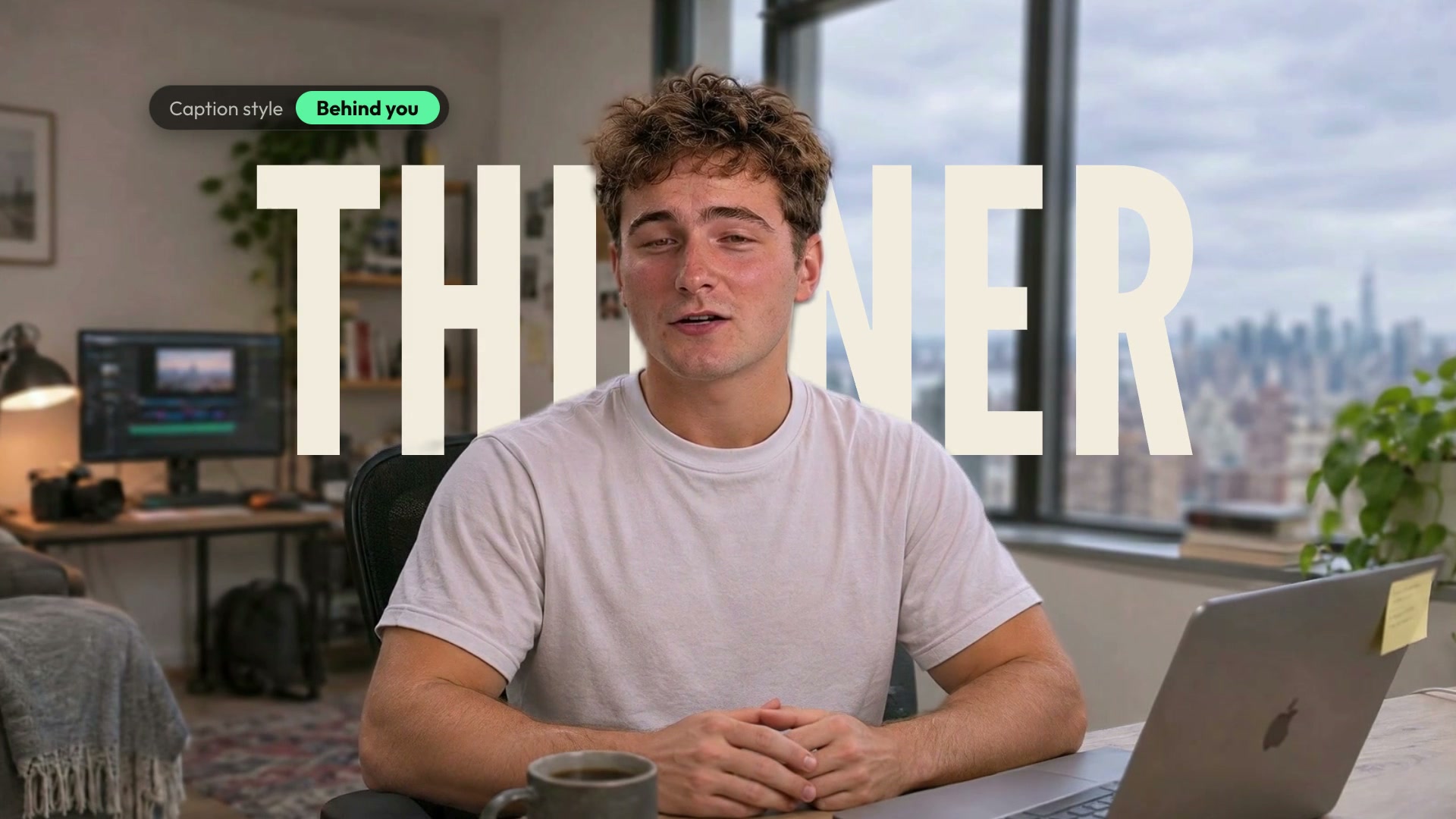
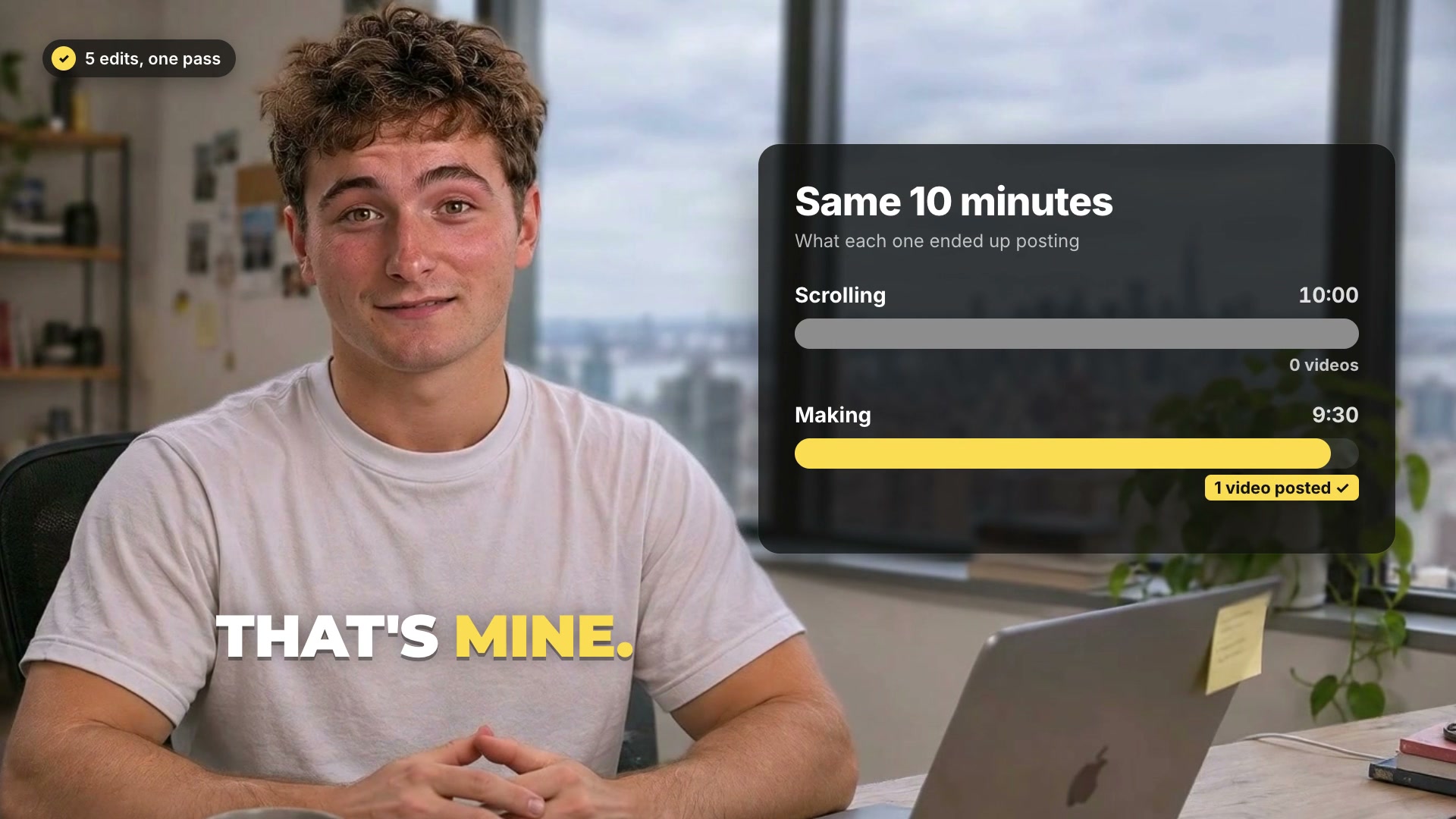
A 13-second cut from HeyGen's post: a talking-head take kept intact while HyperFrames lays out overlays, a picture-in-picture and a stat for each beat.
Why look for a Jupitrr AI alternative?
Why people look for a Jupitrr alternative, from its pricing page and reviews:
No free plan, no refunds
You can try a sample video inside the product, and "subscriptions are non-refundable", per the pricing page. You commit before you have edited your own footage.
Tight video caps
Lite covers 3 videos a month of up to 2 minutes each, Starter 5 videos of up to 5 minutes, and Pro ($49 a month, or $34 billed yearly) 30 videos of up to 20 minutes. A weekly 8-minute YouTube video needs Pro.
A stock look
Licensed B-roll is a strength, but stock is stock: one older Product Hunt review asks for an image library that is easier to browse and personalise. Footage that illustrates a word can't show your own numbers or steps. That last point is our view.
Single seat
Every plan is for one person, so an assistant or editor can't share the workspace.
Pace of features
One older Product Hunt reviewer, otherwise happy, wished features shipped faster. Jupitrr has shipped since: VideoOS (30 April 2026) and Jupitrr Cut, an open-source teleprompter recorder (8 September 2026).
Quick comparison: the best Jupitrr AI alternatives
Fifteen alternatives at a glance, with Jupitrr AI last for reference.
Tool | Best for | Our rating | Free plan | Starting price |
|---|---|---|---|---|
HyperFrames | Graphics, charts and B-roll timed to your words | 4.7/5 | Yes, unlimited local exports | Free to start |
Captions | AI edits with B-roll on iPhone | 4.3/5 | Yes, no AI credits | $24.99/mo (web) |
Submagic | Caption-led shorts with auto B-roll | 4.3/5 | 15 one-time credits, watermark | $19/mo |
Pictory | Licensed stock footage at scale | 3.9/5 | Trial only | $29/mo list |
Descript | Editing by transcript, then adding layers | 4.1/5 | Yes, 1 hr/mo, 720p | $24/mo |
VEED | Subtitles, avatars and stock in a browser | 4.1/5 | Yes, watermark | $25/mo per editor |
CapCut | Free hands-on editing | 4.3/5 | Yes | $19.99/mo |
Gling | Cleaning up takes before adding visuals | 4.0/5 | Yes, 1 hr/mo, watermark | $20/mo |
Zubtitle | A simple branded look | 4.0/5 | Yes, 2 videos/mo, watermark | $19/mo |
InShot | Cheap phone editing | 4.1/5 | Yes, ads and watermark | $4.99/mo or $49.99 once |
Edits | Free Reels with no watermark | 4.3/5 | Yes, 4K, no watermark | Free |
OpusClip | Clips with AI B-roll from long videos | 4.1/5 | Yes, 60 credits/mo, watermark | $15/mo |
Synthesia | An AI presenter instead of filming | 3.7/5 | Yes, watermark | $19/mo |
Higgsfield | Generated shots and reshoots of your own clip | 3.7/5 | Yes, no credits | $19/mo |
Palmier Pro | Generation and editing driven by your own agent | 3.8/5 | Yes, no generation credits | $49/mo list |
Jupitrr AI (for reference) | B-roll matched to talking-head videos | Not rated | No, sample video only | $15/mo |
Ratings average our three scores (fit, ease of use, value); see How we checked. Monthly list prices on 26 November 2026.
Why trust us? HeyGen makes HyperFrames and publishes this page, so we compete with the tools below. Every rival's price, plan and feature comes from its own pricing page, help center or changelog, read on 25 and 26 November 2026. User complaints are quoted from public review sites and linked in How we checked. HyperFrames claims come from its pricing page and from the Studio app's current build. Where a rival is the better pick, we say so.
Add graphics to your next talking-head video, free
Best Jupitrr alternatives for graphics on talking heads
For coaches, consultants and personal brands who talk to camera and want the screen to help explain.
#1 HyperFrames: Best for graphics, charts and B-roll timed to your words
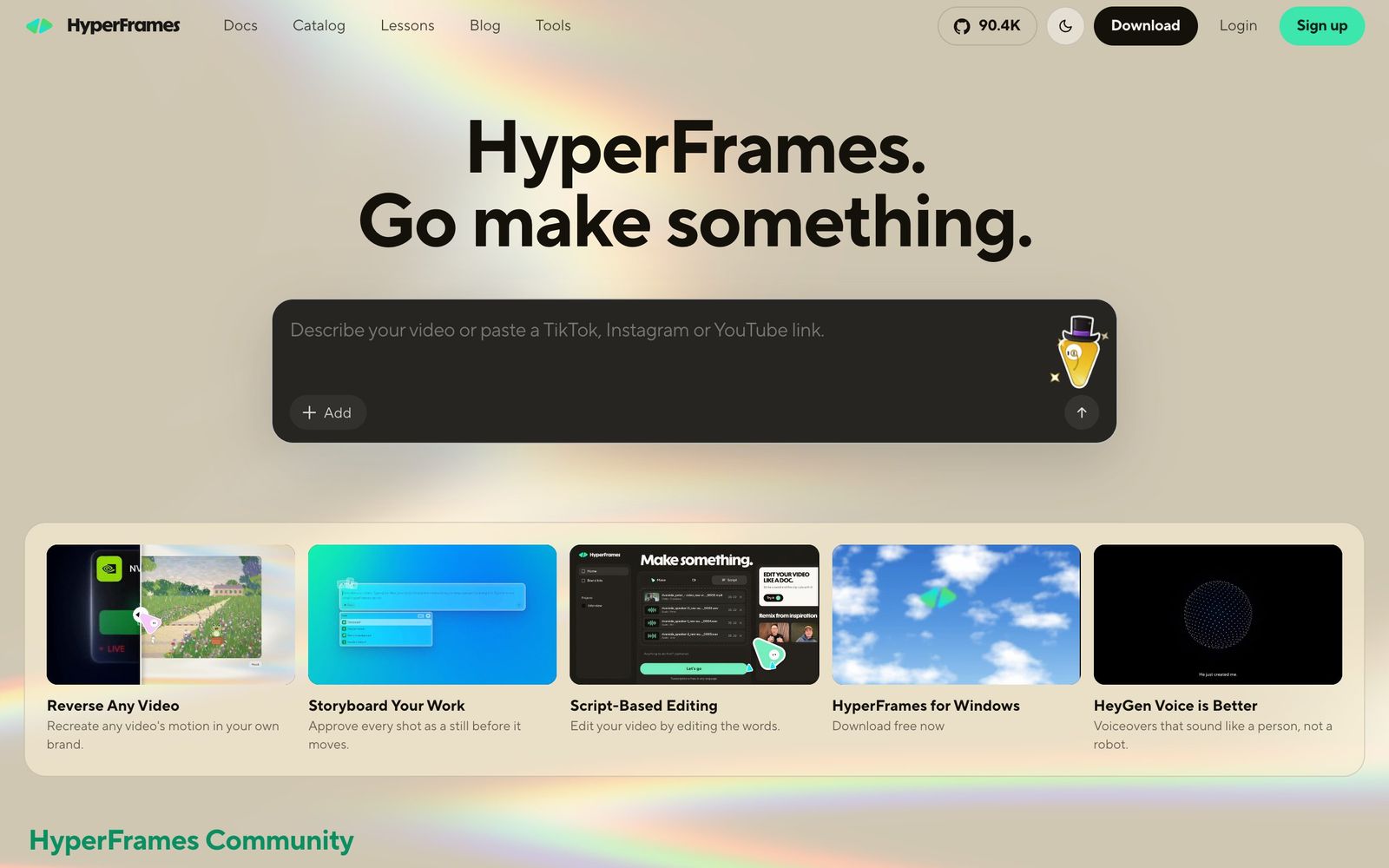
Our rating: 4.7/5. Fit for this job 4.7/5, ease of use 4.5/5, value for money 4.9/5.
Jupitrr is good at one thing: it matches licensed stock B-roll to what you say. A stock clip illustrates a word, though; it doesn't show your three steps or your 40%. In HyperFrames you say what you want on screen, or show a coach's video you love, and the agent builds it on your take: the steps as you say them, a big 40% on the word, a chart from your numbers, all in your fonts, colours and logo. Change one card or one word and only that changes. When a video lands, make twenty versions with new hooks and no reshoot. It is free to start, with no monthly video cap on your computer.
HyperFrames Studio keeps your take and builds around it. Ask the AI agent: "put the three steps on screen as I say them, a big 40% when I mention it, my name and title for the first two seconds, a quote card for the client story." Each graphic lands on the word, the video underneath stays untouched, and every graphic, caption and cut stays editable by asking or on the timeline.
Beyond stock B-roll, it builds what stock can't: charts from your numbers, maps, kinetic type, words set behind you, and cards that match your brand kit. When you do want footage, image and footage search finds it, and HeyGen's video models can generate the shot. See add text to video and AI motion graphics.
Standout feature: It puts your actual points on screen (the steps, the 40%, the quote) on the word you say them, instead of a stock clip that only illustrates the word.
What's the difference between HyperFrames and Jupitrr AI? Jupitrr AI matches stock B-roll and subtitles to your talking head, within monthly video caps and no free plan. HyperFrames Studio's AI agent builds graphics, charts, titles and B-roll timed to your words, and is free to start, with no video cap on your computer.
HyperFrames pros:
- Visuals that explain your content, not only decorate it
- Free, with no monthly video or length cap on your computer
- Every graphic stays editable by asking
- Twenty versions of a video that works, without reshooting
HyperFrames cons:
- No licensed Getty or iStock library: footage comes from your own files, image and footage search, or HeyGen's video models
Pricing: Free to start: a free download for Mac, Windows and Linux, or start in your browser, with exports on your computer and no watermark.
Choose HyperFrames if: you want visuals that explain, not only stock clips, and want to try free.
What's new in HyperFrames: In November 2026, Edit my footage reached every current Studio app build, so cleanup and graphics happen in one session. The aspect-ratio switch turns a finished talking-head video into vertical, square or widescreen.
Available for: Mac, Windows and Linux (the Studio app), the web, and inside Claude, ChatGPT and Grok through the HyperFrames connector
One winner, twenty versions. When a video works, its hook, pace and cuts carry over. Only the footage changes.
Add graphics to a video free
#2 Captions: Best for AI edits with B-roll on iPhone
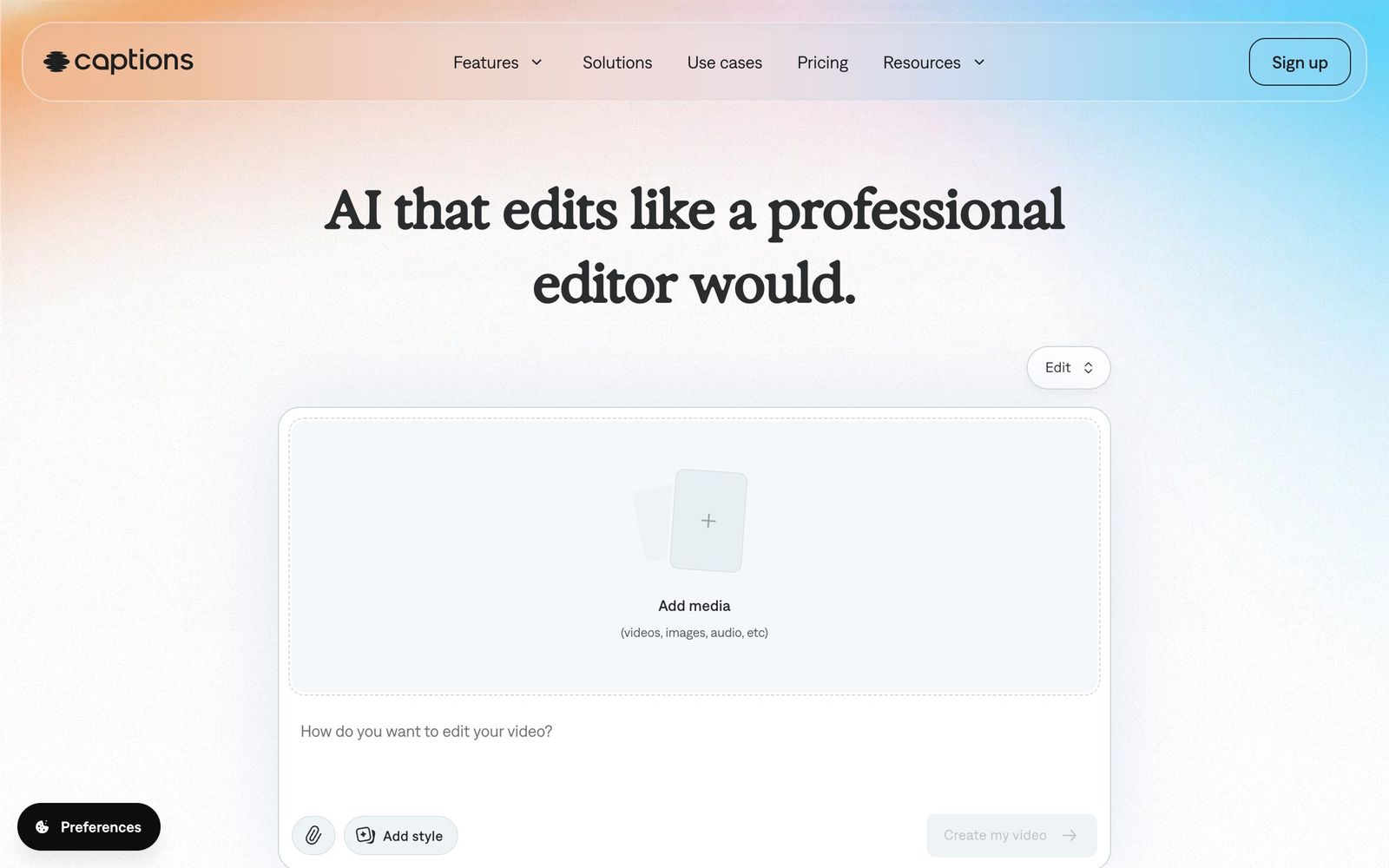
Our rating: 4.3/5. Fit for this job 4.3/5, ease of use 4.6/5, value for money 4.0/5.
Captions, a phone-first AI video editor, cuts a talking-head video, overlays generated B-roll and adds music at once with AI Edit, then you change it by chatting. It also corrects eye contact, trims pauses and filler words, and has AI avatars and a digital twin.
Standout feature: AI Edit adds generated B-roll and music to the whole take on an iPhone.
What's the difference between Captions and Jupitrr AI? Captions generates B-roll and edits on iPhone, with avatars and translation. Jupitrr is web-only with licensed stock.
Captions pros:
- Captions in 100+ languages and 100+ styles
- AI Edit and a chat-based editor
- Eye contact fix, translation and lip-dub
- Strong iPhone app (4.7 stars from 39,000 US ratings)
Captions cons:
- Free plan has no AI credits
- One App Store reviewer says credits went on fixing the AI's own mistakes
Pricing: Free sign-up with basic trimming and no AI credits. Max is $24.99 a month on the web; the iPhone app sells Basic at $9.99 a month.
Choose Captions over Jupitrr AI if: you film and edit on your phone.
What's new in Captions: Mirage Studio was merged into Captions, and iOS 13.45.0 shipped around 25 November 2026. The company is now called Mirage; the product is still Captions.
Available for: iPhone and web
#3 Submagic: Best for caption-led shorts with auto B-roll
Our rating: 4.3/5. Fit for this job 4.2/5, ease of use 4.6/5, value for money 4.0/5.
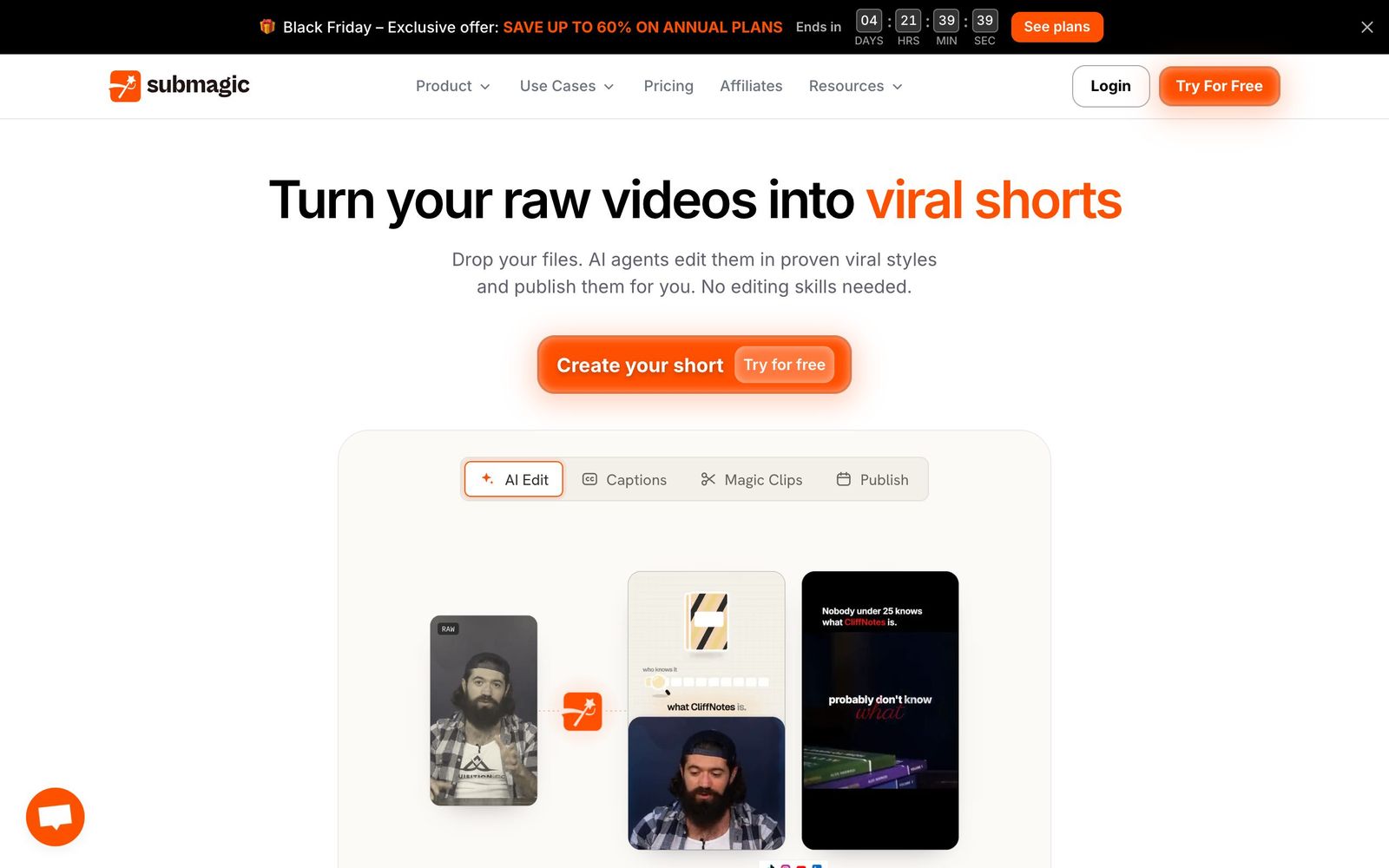
Submagic adds animated captions, auto-zooms, B-roll, transitions, sound effects and music to shorts for TikTok and Reels, and Iris, its agent, does all of it on its own. Its Starter plan has the same 2-minute cap as Jupitrr Lite but covers about 15 videos a month instead of 3.
Standout feature: Storyblocks B-roll on Pro and about 15 short videos a month on Starter.
What's the difference between Submagic and Jupitrr AI? Submagic leads with caption templates and zooms and allows more videos per dollar. Jupitrr leads with Getty and iStock B-roll matched to meaning.
Submagic pros:
- Strong animated caption templates
- Magic Clips turns videos up to 3 hours into shorts
- Removes bad takes and silences
- API, Zapier and n8n
Submagic cons:
- Starter caps each captioned video at 2 minutes and 1080p
- Free credits are one-time, not monthly
Pricing: Free sign-up with 15 one-time credits and watermarked exports. Starter is $19 a month, or $12 a month billed yearly.
Choose Submagic over Jupitrr AI if: your videos are short and captions carry them.
What's new in Submagic: Iris, the editing agent, is the site-wide launch banner (live on 26 November 2026, no dated post).
Available for: Web, plus an API and ChatGPT and Claude integrations
#4 Pictory: Best for licensed stock footage at scale
Our rating: 3.9/5. Fit for this job 3.9/5, ease of use 4.2/5, value for money 3.6/5.
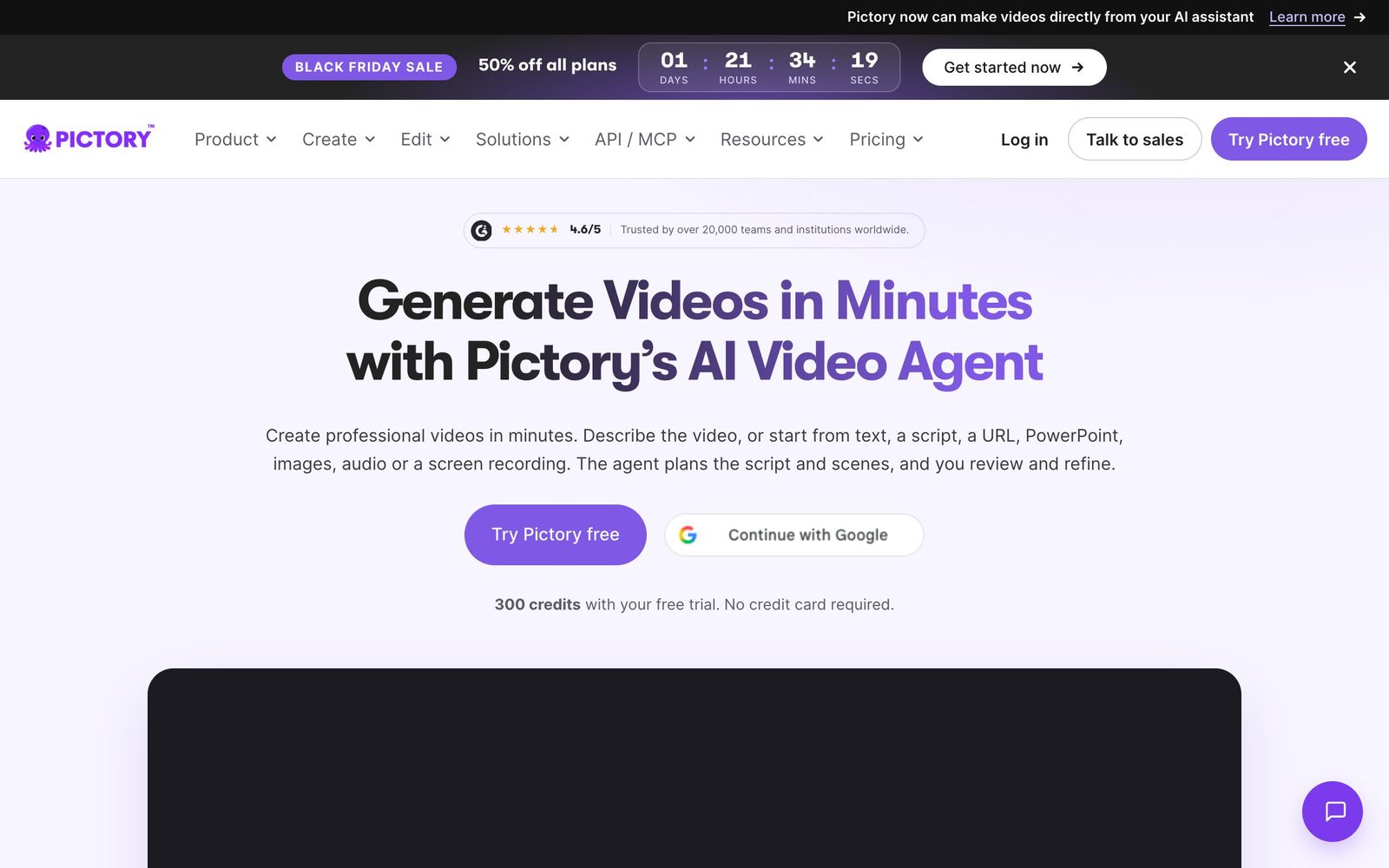
Pictory is the closest match to Jupitrr's stock-footage strength: 5M+ Getty Images and Storyblocks clips (18M+ on Professional), matched to a script, URL, slides or audio. It is built for stock-based video creation more than for decorating a talking head, and Trustpilot shows 4.2 from 701 reviews, with low ones mentioning render failures and copyright claims on its music.
Standout feature: Pictory 3's agent drafts a script, scenes and a preview from a brief, using millions of licensed stock clips.
What's the difference between Pictory and Jupitrr AI? Pictory builds stock-footage videos from a script or audio. Jupitrr layers stock over your own talking head.
Pictory pros:
- Videos from a brief, script, URL or slides
- Getty Images and Storyblocks stock
- AI voices and avatars
- An API and a connector for AI agents
Pictory cons:
- No free plan, only a trial
- API priced separately
Pricing: 14-day trial with 300 credits and Pictory branding. Starter lists at $29 a month (a Black Friday sale showed less).
Choose Pictory over Jupitrr AI if: you need many stock-based videos without filming.
What's new in Pictory: Pictory 3, an AI video agent, launched on 22 October 2026.
Available for: Web, plus an API and a connector for AI agents
Best Jupitrr alternatives for editing the whole video
Jupitrr decorates a take. These tools edit the take itself as well, and add B-roll or captions on top.
#5 Descript: Best for editing by transcript, then adding layers
Our rating: 4.1/5. Fit for this job 4.0/5, ease of use 4.1/5, value for money 4.1/5.
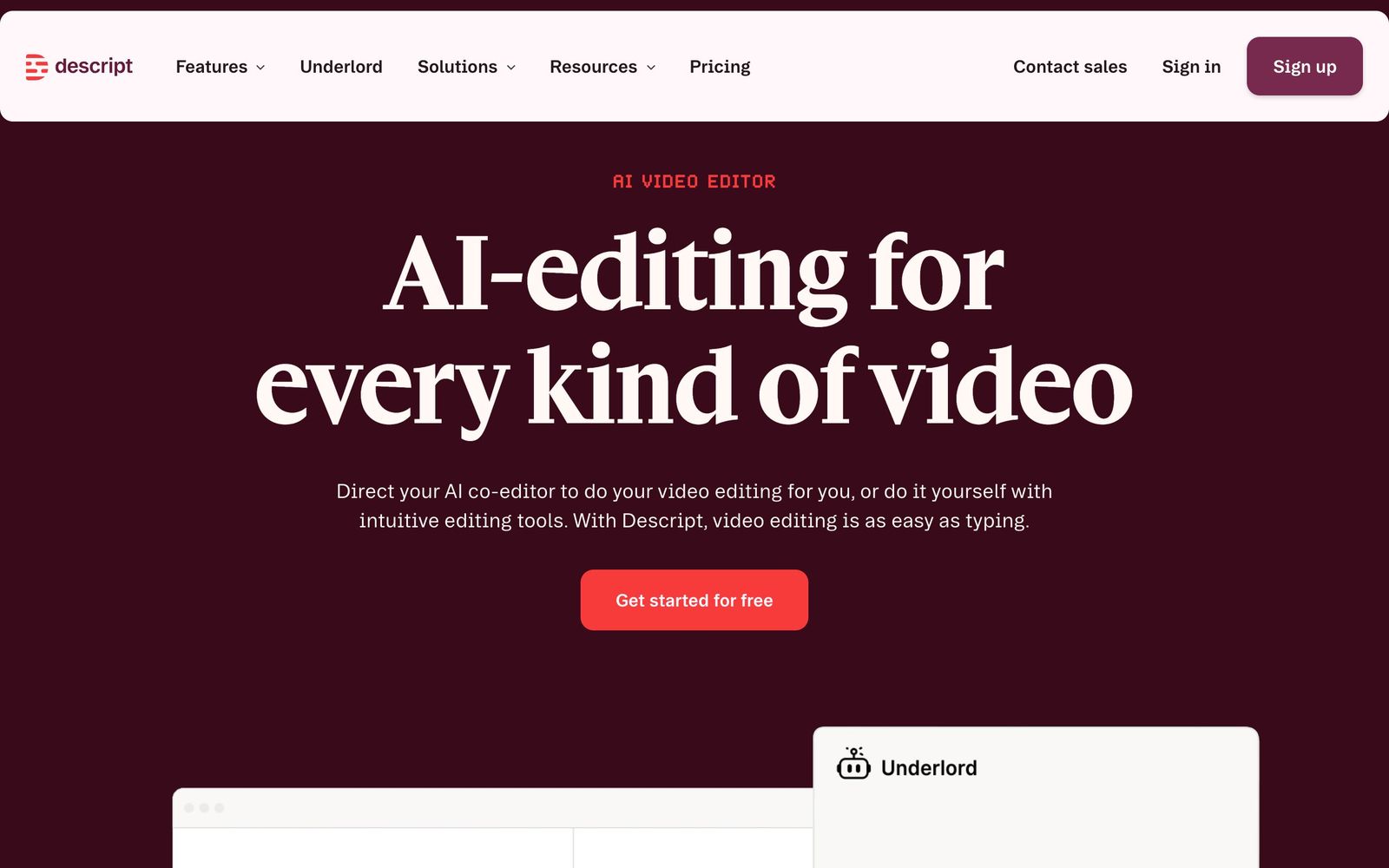
Descript edits video by editing the transcript, so cutting mistakes from a talking head is like editing a document. Generative layout packs (November 2026) build on-brand layouts from your brand guidelines, and there is no per-video length cap like Jupitrr's.
Standout feature: Cut the talking head by deleting words, then add layouts from your brand guidelines.
What's the difference between Descript and Jupitrr AI? Descript edits the whole video by text and handles long recordings. Jupitrr focuses on B-roll and subtitles for short videos.
Descript pros:
- Edit the video by editing its transcript
- Screen recording and remote recording (Rooms)
- Timeline export to Premiere, Resolve and Pro Tools
- Underlord skills save your own workflows
Descript cons:
- Paid plans cap media hours (10, 30 or 40 a month)
- Trustpilot score of 2.4 (301 reviews), with bugs and credits spent on weak AI results
Pricing: Free plan with 1 media hour a month and 720p exports. Hobbyist is $24 a month, or $16 a month billed yearly.
Choose Descript over Jupitrr AI if: your videos are long and need real editing.
What's new in Descript: November 2026 release: Underlord skills, brand layout packs, Rooms dead-mic warnings and native Premiere export in beta (changelog, 6 November).
Available for: Desktop app and web
#6 VEED: Best for subtitles, avatars and stock in a browser
Our rating: 4.1/5. Fit for this job 4.0/5, ease of use 4.4/5, value for money 3.8/5.
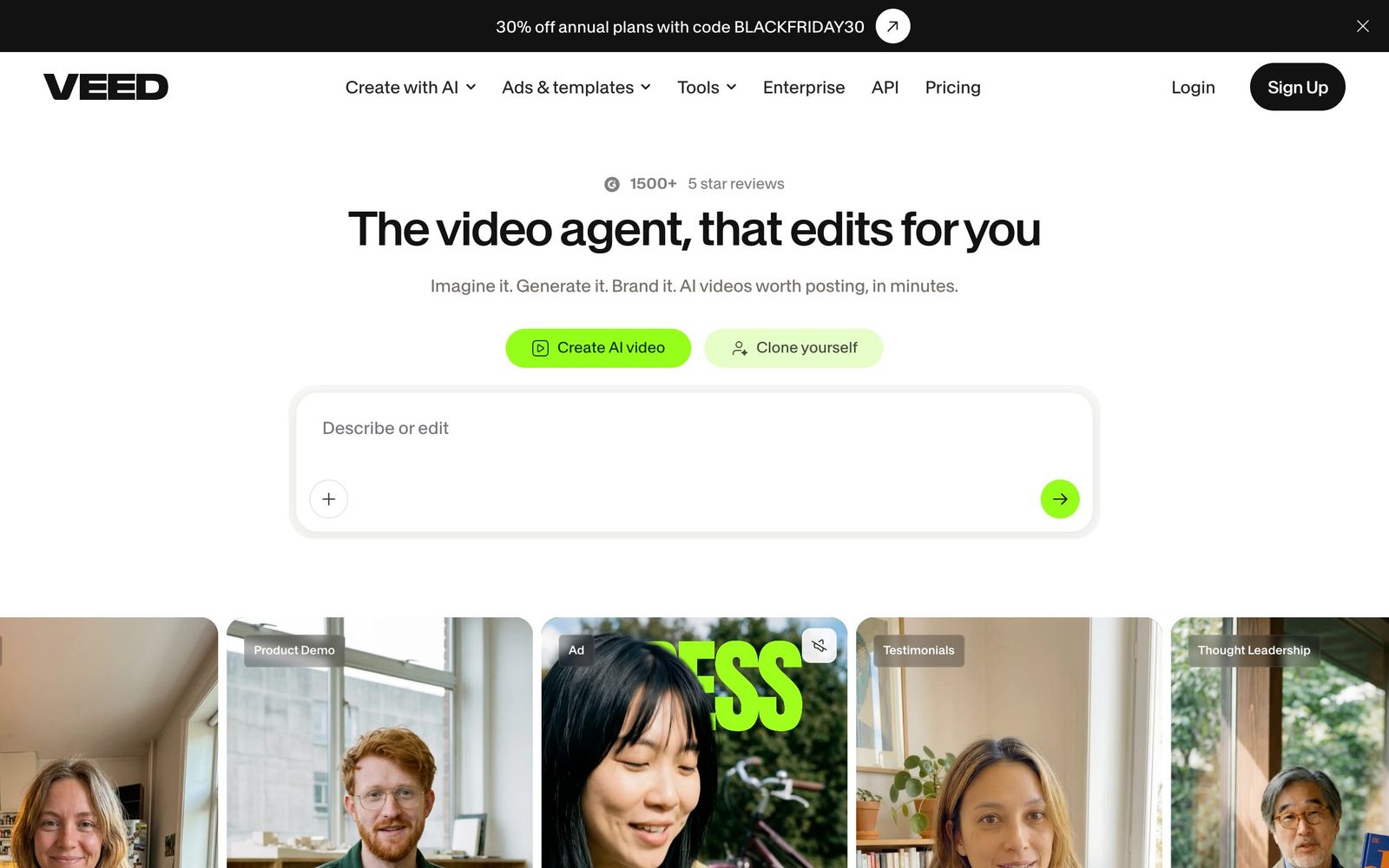
How much does Jupitrr AI cost compared to VEED? VEED Creator costs the same each month as Jupitrr Starter, but adds a full browser editor with unlimited subtitles on paid plans, Eye Contact AI, avatars and dubbing. Unlike Jupitrr, it has a free plan and phone apps.
Standout feature: A full browser editor with subtitles, avatars and a free plan.
What's the difference between VEED and Jupitrr AI? VEED is a full editor with avatars and dubbing and a free plan. Jupitrr is built around matched stock B-roll, including licensed Getty Images and iStock clips.
VEED pros:
- Easy browser editor with strong subtitles
- Avatars, dubbing and eye contact fix
- Brand kits
- iPhone and Android apps
VEED cons:
- Priced per editor, so teams pay per seat
- AI credits and translation minutes don't roll over
Pricing: Free plan with watermarked videos and 50 AI credits a month. Creator is $25 a month, or $12 a month billed yearly, per editor.
Choose VEED over Jupitrr AI if: you want a full editor and a free plan.
What's new in VEED: VEED AI, a video editing agent for social videos, launched on 18 November 2026.
Available for: Web, iPhone and Android
#7 CapCut: Best for free hands-on editing
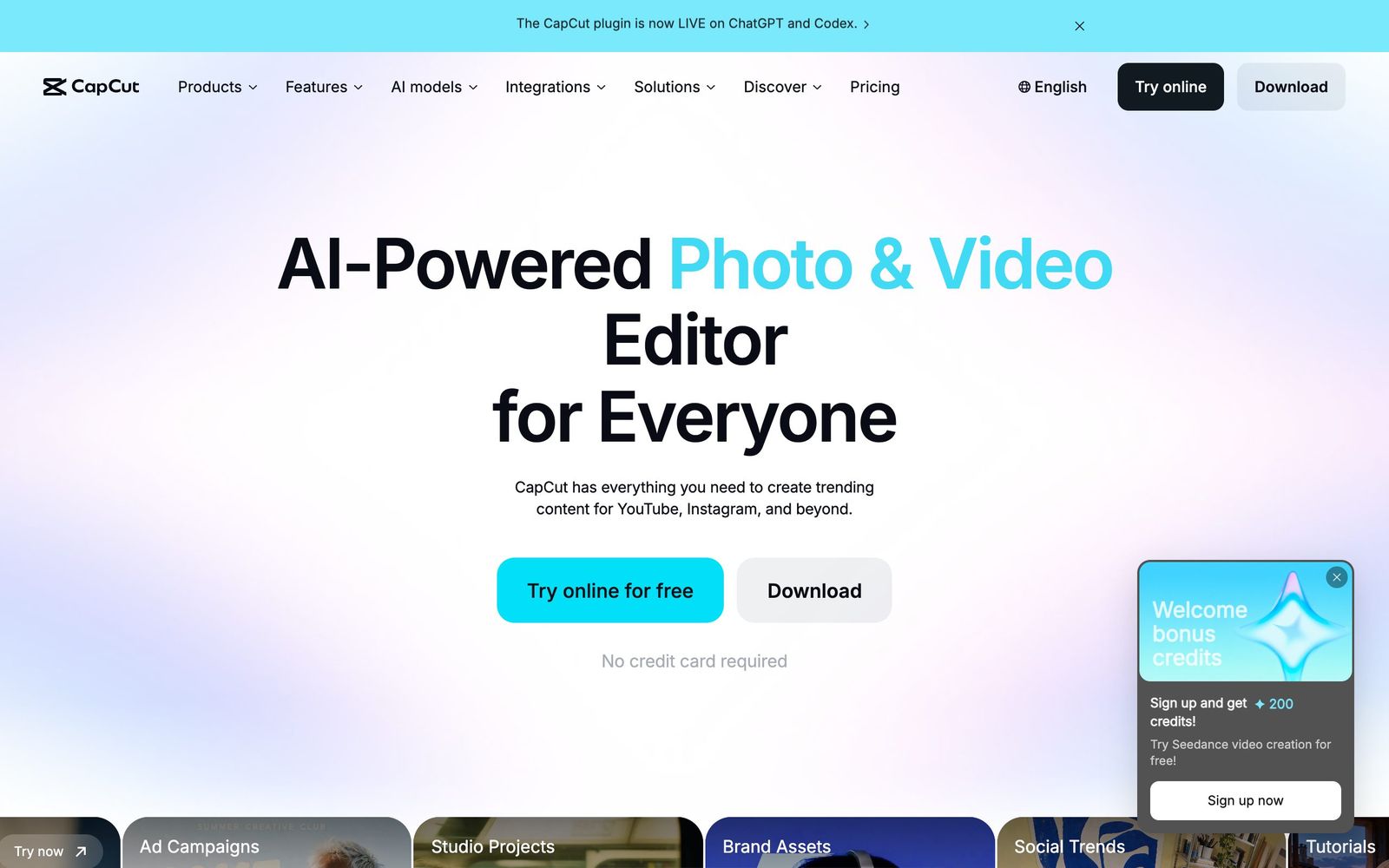
Our rating: 4.3/5. Fit for this job 3.8/5, ease of use 4.5/5, value for money 4.5/5.
CapCut is free to start on every device. You place the B-roll yourself, so it is slower than Jupitrr, but it costs nothing to try, and Pro credits include Seedance video generation for your own shots.
Standout feature: Free editing with your own B-roll, plus Seedance generation on Pro.
What's the difference between CapCut and Jupitrr AI? CapCut is free and manual. Jupitrr matches B-roll for you.
CapCut pros:
- Free, fast and familiar on phone and desktop
- Templates for trends
- Auto captions, text to speech and background remover
- Plugin for ChatGPT and Codex
CapCut cons:
- Pro paywalls can appear at the export screen
- Trustpilot score of 1.2 (1,416 reviews); the low reviews we read mention charges after cancelling
Pricing: Free plan with basic editing and free templates. Pro is $19.99 a month on the web; the app stores sell other plans.
Choose CapCut over Jupitrr AI if: you want a free editor and will place visuals yourself.
What's new in CapCut: The CapCut plugin is live in ChatGPT and Codex, and iOS 20.3.0 (24 November 2026) improved trimming.
Available for: Web, Windows, Mac, iPhone and Android
#8 Gling: Best for cleaning up takes before adding visuals
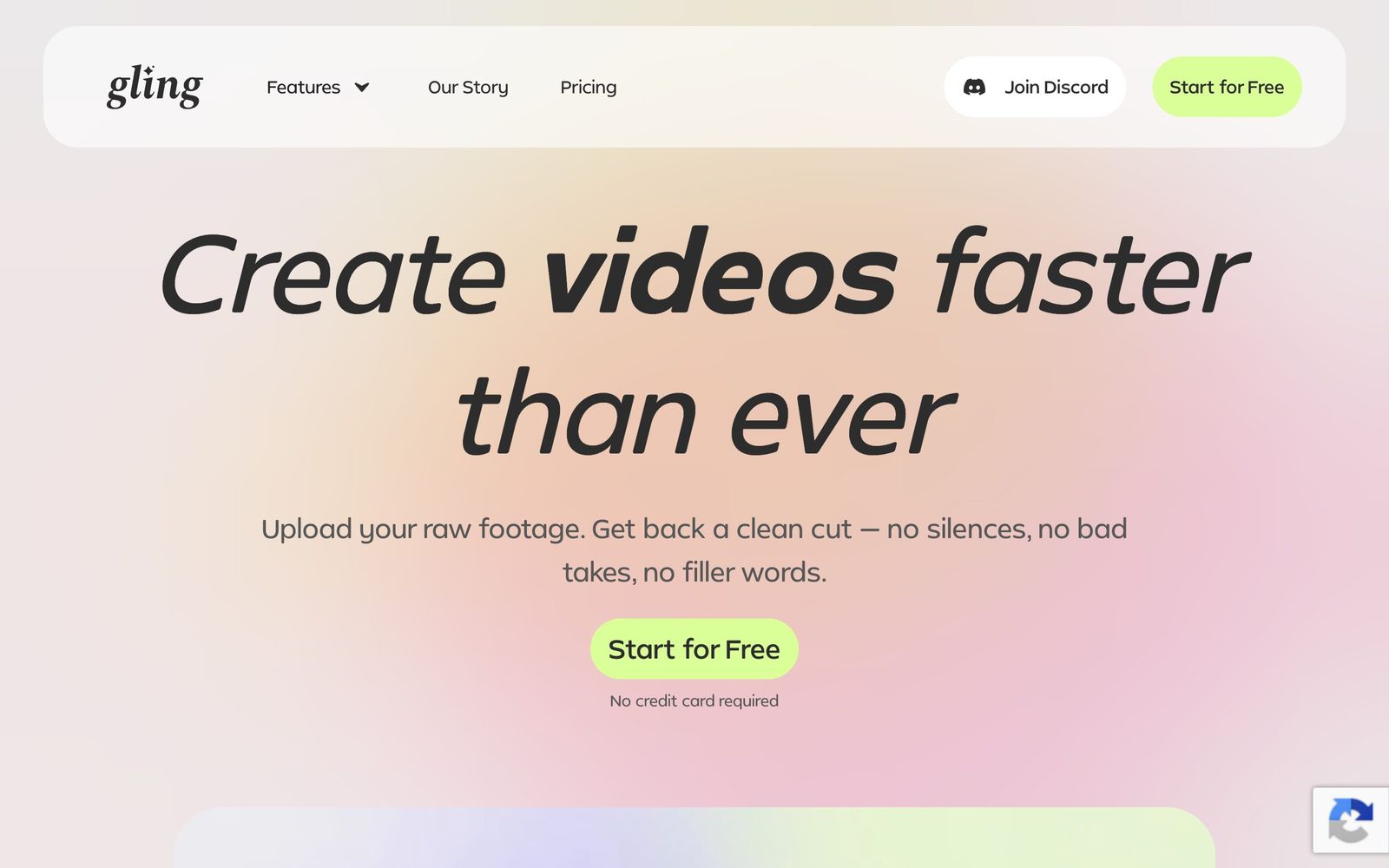
Our rating: 4.0/5. Fit for this job 3.7/5, ease of use 4.3/5, value for money 4.0/5.
For some talking-head creators, retakes take more time than B-roll. Gling finds and removes bad takes, silences and filler words, then hands an editable timeline to Premiere, Final Cut or Resolve. It adds no B-roll.
Standout feature: Finds and removes bad takes (repeated attempts at a line), not only silences, then hands the cut to your editor.
What's the difference between Gling and Jupitrr AI? Gling cleans the raw take. Jupitrr decorates a clean take with B-roll.
Gling pros:
- Removes bad takes, silences and filler words
- Exports an editable timeline to Premiere, Final Cut or Resolve
- Captions with SRT export and auto zooms
- YouTube titles and chapters
Gling cons:
- Paid plans cap hours of edited media (10, 30 or 100 a month)
- Free exports are watermarked and can't go to an editor
Pricing: Free plan with 1 hour a month and watermarked exports. Plus is $20 a month, or $10 billed yearly, for 10 hours.
Choose Gling over Jupitrr AI if: retakes, not B-roll, are your bottleneck.
What's new in Gling: No public changelog; the pricing page now also meters generated video from a link (undated, checked 26 November 2026).
Available for: Desktop app, with export to Premiere, Final Cut and DaVinci Resolve
Budget and simple Jupitrr alternatives
For creators who want a cheaper or simpler way to dress up a talking head.
#9 Zubtitle: Best for a simple branded look
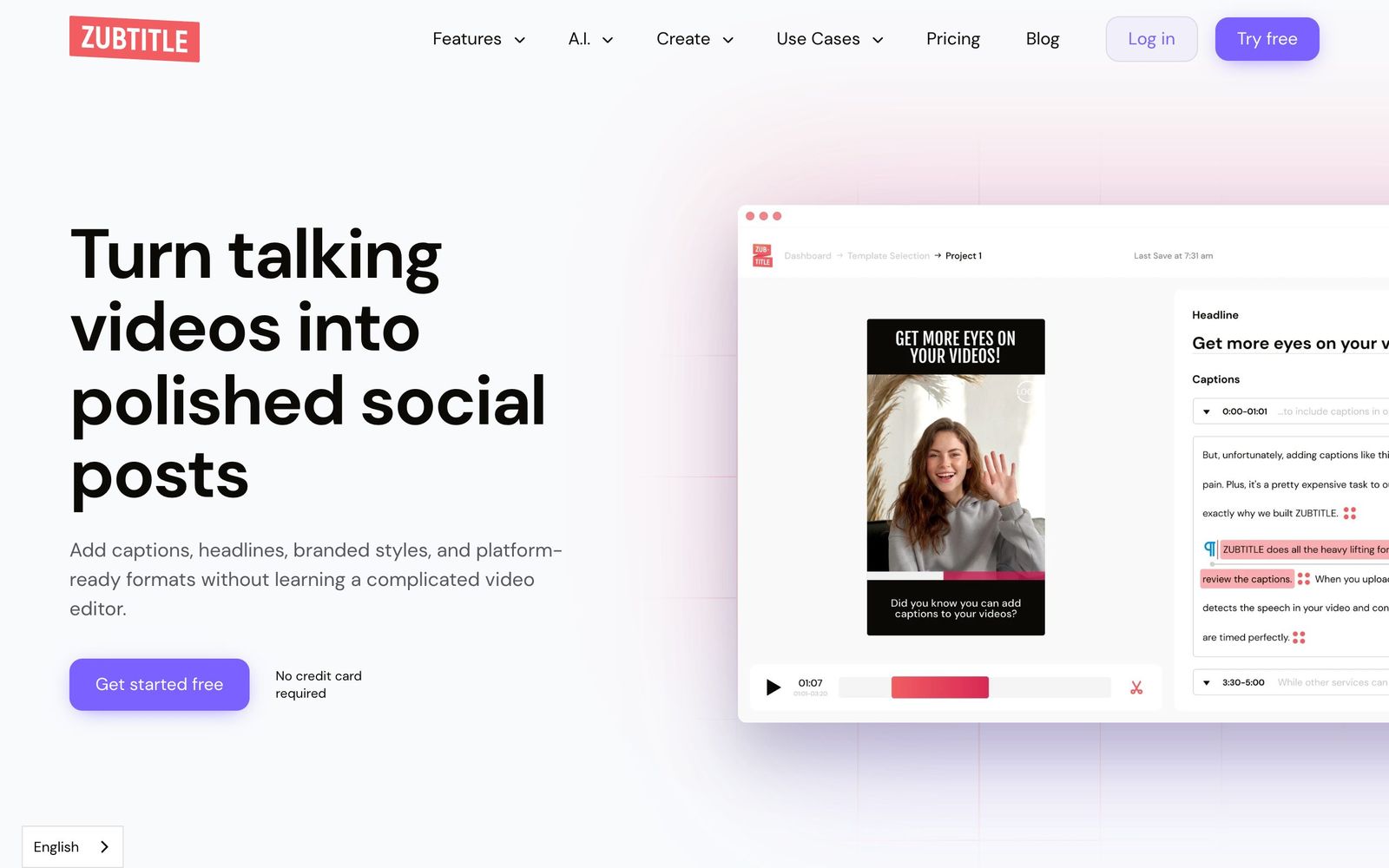
Our rating: 4.0/5. Fit for this job 3.6/5, ease of use 4.6/5, value for money 3.9/5.
Zubtitle adds captions, a headline, a progress bar and your logo to a talking video, then resizes it, priced per video rather than per credit. It adds no B-roll, but its clean, consistent look suits coaches who post often.
Standout feature: Simple per-video pricing for captioned talking videos with a headline and progress bar.
What's the difference between Zubtitle and Jupitrr AI? Zubtitle gives a simple branded frame with no B-roll, and allows 20-minute uploads. Jupitrr adds stock B-roll to shorter videos.
Zubtitle pros:
- Very simple to learn
- Headline, progress bar and logo on every video
- SRT export
Zubtitle cons:
- Uploads capped at 20 minutes
- No clipping of long videos
Pricing: Free plan with 2 videos a month, 720p and a watermark. Guru is $19 a month for 10 videos.
Choose Zubtitle over Jupitrr AI if: you want a clean branded look without stock footage.
What's new in Zubtitle: No public changelog or dated update found (checked 26 November 2026).
Available for: Web
#10 InShot: Best for cheap phone editing
Our rating: 4.1/5. Fit for this job 3.5/5, ease of use 4.5/5, value for money 4.4/5.
InShot is a phone editor with auto captions, AI Cut for silences and filler words, keyframes and picture-in-picture for your own B-roll. You add the B-roll yourself.
Standout feature: A cheap lifetime option: Pro for $49.99 once, exporting up to 4K at 60 fps.
What's the difference between InShot and Jupitrr AI? InShot is cheap and manual, on your phone. Jupitrr automates the B-roll on the web.
InShot pros:
- Very cheap, with a lifetime option
- AI Cut removes silences and filler words
- Auto captions, keyframes and background removal
- 4K 60 fps export
InShot cons:
- Free version shows ads and a watermark
- Phone-first, with Apple-silicon Macs only on desktop
Pricing: Free with ads and a watermark. Pro is $4.99 a month, $19.99 a year or $49.99 once (US App Store).
Choose InShot over Jupitrr AI if: budget matters most.
What's new in InShot: iOS 2.1.0 (3 November 2026) added AI Write for text and Clip Animation.
Available for: iPhone, iPad, Android and Apple-silicon Macs
#11 Edits: Best for free Reels with no watermark
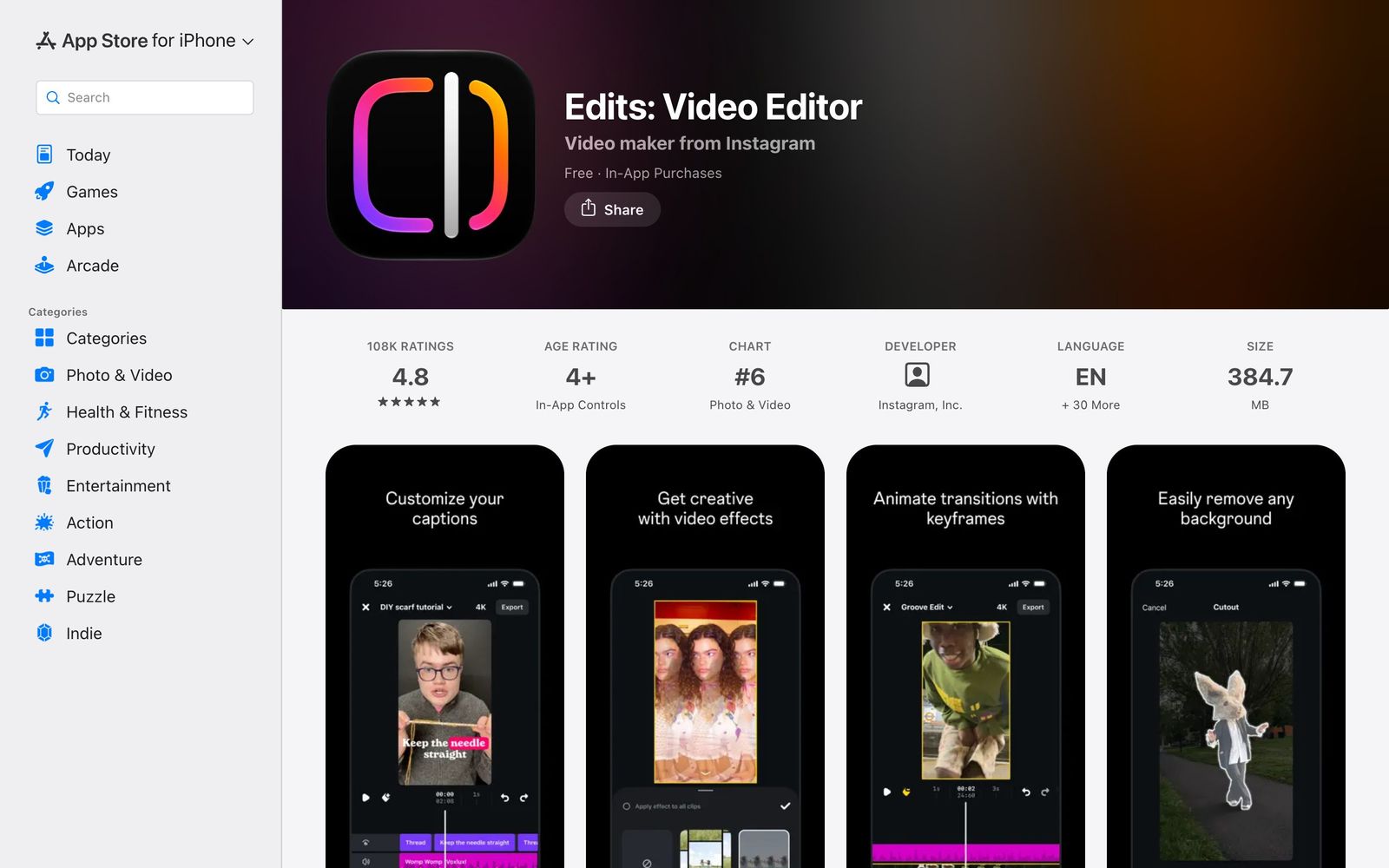
Our rating: 4.3/5. Fit for this job 3.5/5, ease of use 4.6/5, value for money 4.9/5.
Edits, Instagram's free editor, captions automatically and has green screen, cutouts and overlays for laying your own B-roll over a talking head. It can also animate a still image with AI.
Standout feature: Free 4K exports with no watermark, plus live Reels insights inside the editor.
What's the difference between Edits and Jupitrr AI? Edits is free and phone-only, with your own B-roll. Jupitrr is paid and supplies licensed stock.
Edits pros:
- Free 4K exports with no watermark
- Trending audio, captions and effects for Reels
- Reels insights in the same app
- Rated 4.8 from 108,000 US App Store ratings
Edits cons:
- Phone and iPad only, no desktop or web
- Built around Instagram, with no clipping of long videos
Pricing: Free, from Instagram (Meta), with 4K exports and no watermark.
Choose Edits over Jupitrr AI if: you post Reels and want to pay nothing.
What's new in Edits: iOS 457.0 (around 24 November 2026) added trimming before import, background captions, an iPad version and LUT support in Labs.
Available for: iPhone, iPad and Android
#12 OpusClip: Best for clips with AI B-roll from long videos
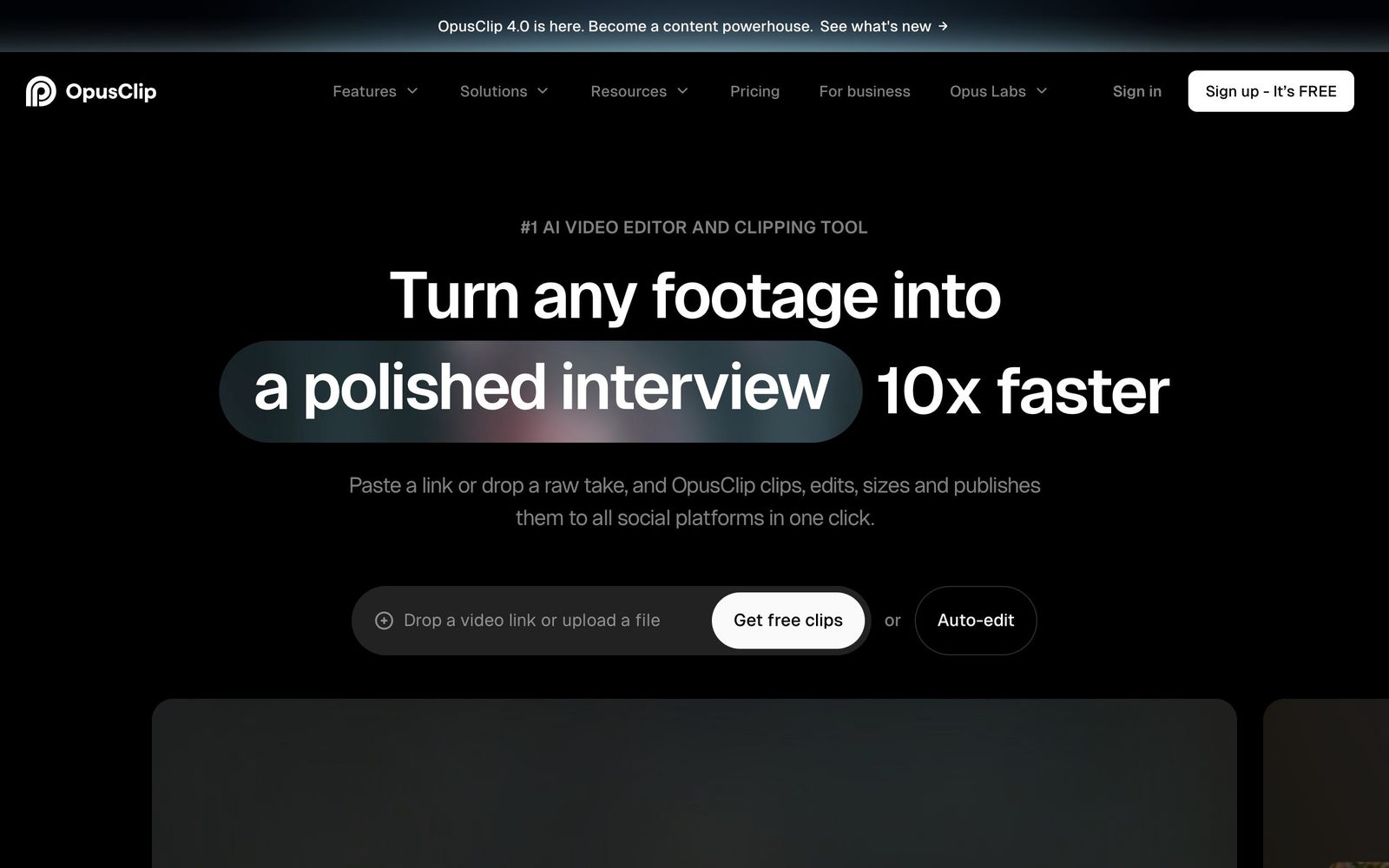
Our rating: 4.1/5. Fit for this job 3.6/5, ease of use 4.5/5, value for money 4.1/5.
OpusClip cuts long videos into ranked clips and adds AI B-roll from AI images and stock. It suits talking heads that start as long recordings.
Standout feature: AI B-roll added while it clips a long recording into shorts.
What's the difference between OpusClip and Jupitrr AI? OpusClip clips long videos and adds B-roll. Jupitrr dresses up a single short take.
OpusClip pros:
- Fast, ranked clips from one upload or link
- Animated captions in 20+ languages
- Exports XML to Premiere Pro and DaVinci Resolve on Pro
- Social scheduler and API on Pro
OpusClip cons:
- Free exports carry a watermark and media expires after 3 days
- One Trustpilot reviewer waited over a day for a human reply; another lost paid credits after cancelling
Pricing: Free plan with 60 credits a month, a watermark and up to 1080p. Starter is $15 a month (monthly only); Pro is $29 a month, or $14.50 a month billed yearly.
Choose OpusClip over Jupitrr AI if: your talking heads are long recordings.
What's new in OpusClip: OpusClip 4.0 (2 November 2026) added auto-edit for raw talking-head videos, saved edit Recipes, Viral Hook and Motion Graphics.
Available for: Web, plus an API and a Claude connector
#13 Synthesia: Best for an AI presenter instead of filming
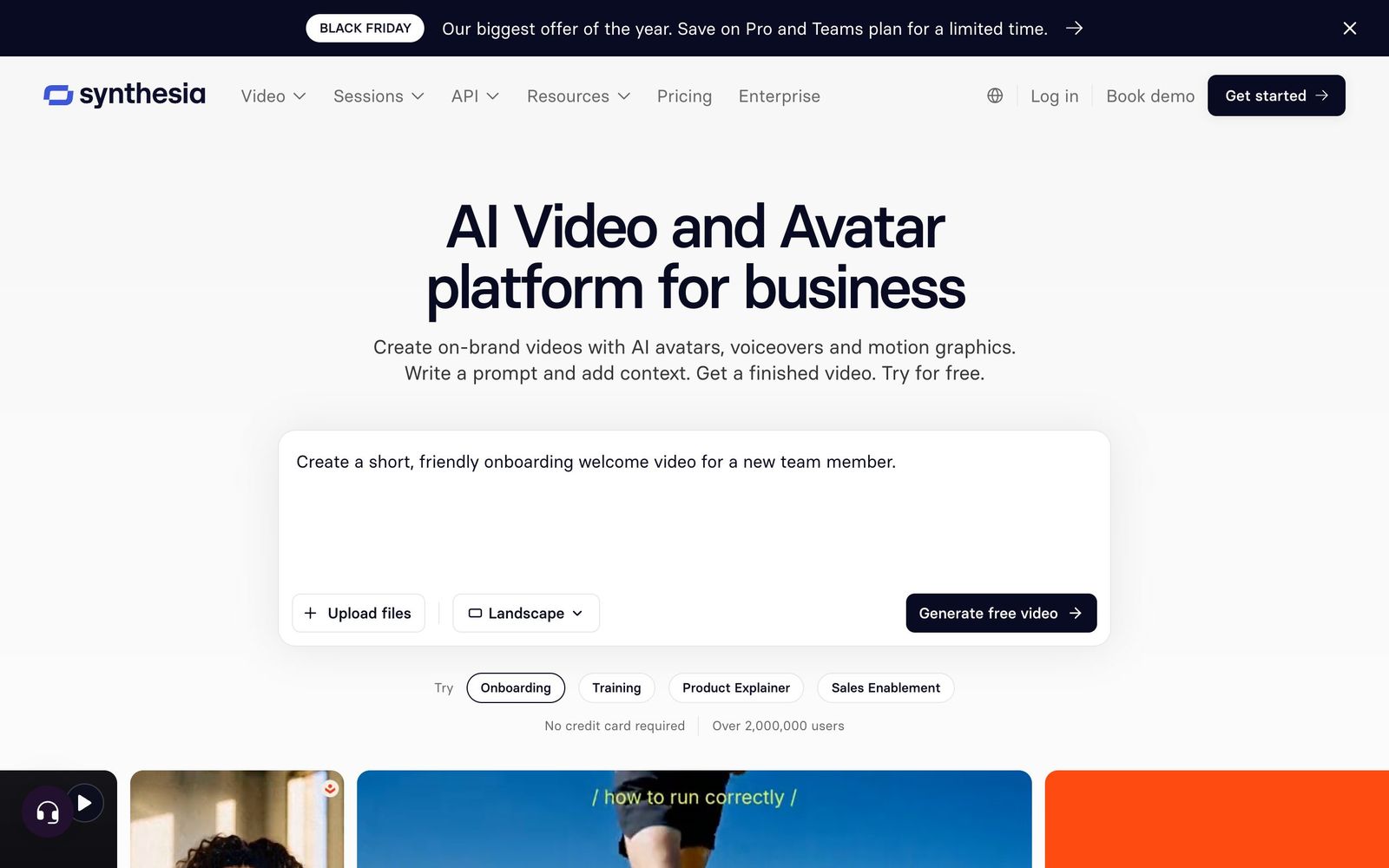
Our rating: 3.7/5. Fit for this job 3.3/5, ease of use 4.2/5, value for money 3.5/5.
How does Jupitrr AI compare to Synthesia? They solve opposite problems. Jupitrr dresses up a video of you; Synthesia replaces you with a stock or personal AI avatar, built for training and corporate video. Its free plan gives 10 minutes of watermarked video a month, and Trustpilot shows 3.8 from 1,835 reviews.
Standout feature: Studio-quality AI presenters in 140+ languages for enterprise training.
What's the difference between Synthesia and Jupitrr AI? Synthesia generates a presenter. Jupitrr decorates your own talking head.
Synthesia pros:
- 180+ stock avatars and personal avatars
- 140+ languages
- Syren video agent and a Claude connector
Synthesia cons:
- One Trustpilot reviewer says a 30-second video used all their credits
- One reviewer calls the content moderation extreme
Pricing: Free plan with 10 minutes of watermarked video a month. Starter is $19 a month, or $14 billed yearly.
Choose Synthesia over Jupitrr AI if: you would rather not be on camera.
What's new in Synthesia: Synthesia brought its video agent into Claude on 18 November 2026.
Available for: Web, plus an API and a Claude connector
Best Jupitrr alternatives for generated B-roll and agent editing
Instead of licensed stock, these two generate shots: one as a web studio, one inside a Mac editor your own agent drives.
#14 Higgsfield: Best for generated shots and reshoots of your own clip
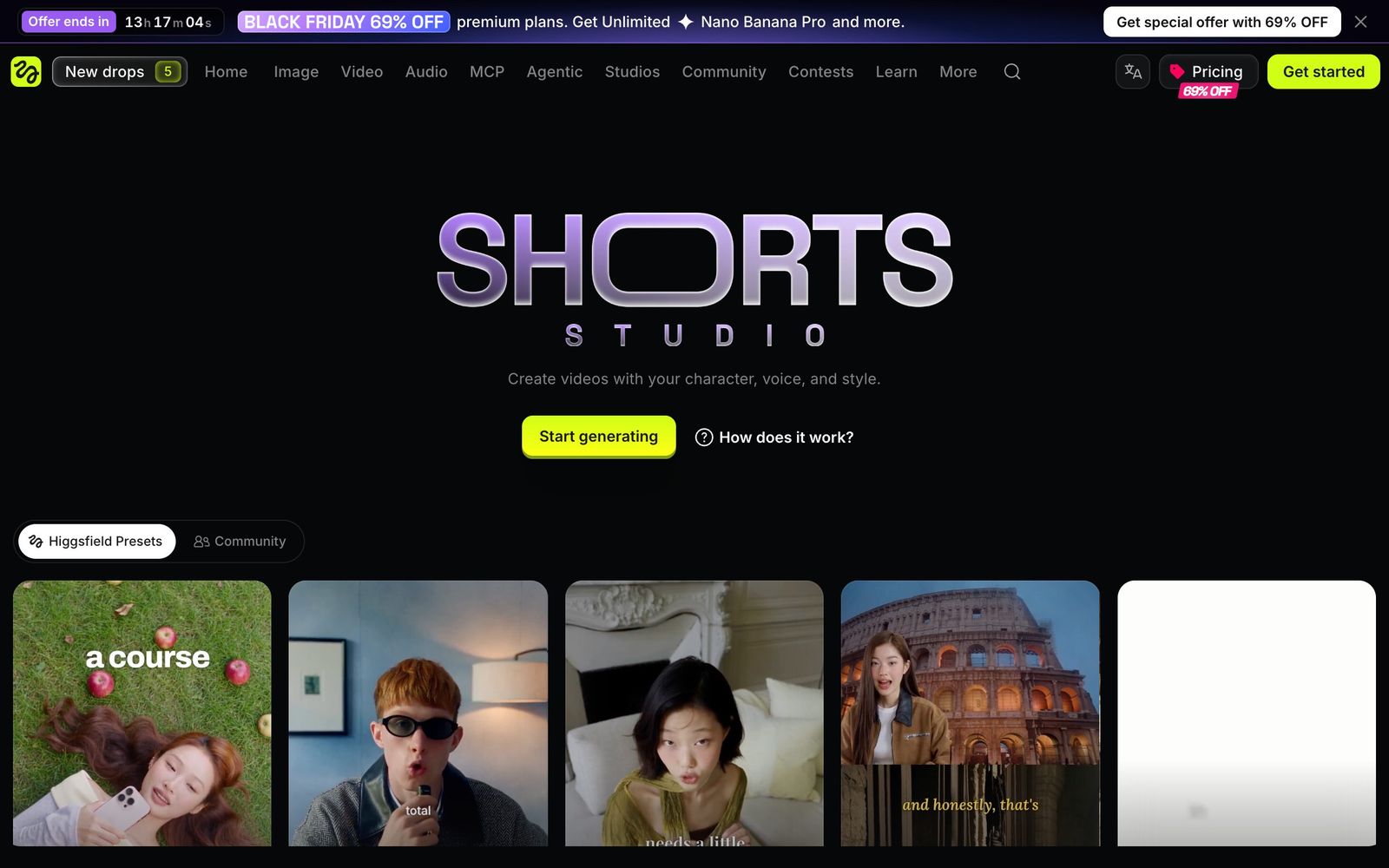
Our rating: 3.7/5. Fit for this job 3.5/5, ease of use 4.1/5, value for money 3.6/5.
Higgsfield generates the B-roll you can't buy as stock, from Seedance 2.5, Kling 4.0 and its own MAGI-2 in one place, and Editing Room swaps the person, angle, location or lighting in a clip you upload. Shorts Studio makes avatar-hosted reels from a topic. It doesn't lay graphics over a talking head the way Jupitrr does.
Standout feature: Generated cutaways and shot swaps instead of licensed stock.
What's the difference between Higgsfield and Jupitrr AI? Higgsfield generates new shots with many models. Jupitrr places licensed stock over your talking head automatically.
Higgsfield pros:
- Many video models in one place, including Seedance 2.5, Kling 4.0 and its own exclusive MAGI-2
- Ads Studio and Marketing Studio make product ads from your website
- Editing Room swaps the person, angle, location or lighting in your own clip
- MCP for Claude, an API, a command-line tool and an After Effects plugin
Higgsfield cons:
- Free plan has no credits, and Starter covers selected models only
- Unlimited and free generations work only on the website, not through its connector or command-line tool
Pricing: Free plan with 0 credits and selected models only. Starter is $19 a month with 270 credits, the same billed monthly or yearly; Plus is $59 a month.
Choose Higgsfield over Jupitrr AI if: stock looks too generic and you want generated shots.
What's new in Higgsfield: Shorts Studio (3 November 2026) added avatar-hosted vertical reels; Editing Room followed on 20 November and MAGI-2 on 24 November.
Available for: Web, plus an API, a command-line tool, MCP for Claude and an After Effects plugin
#15 Palmier Pro: Best for generation and editing driven by your own agent
Our rating: 3.8/5. Fit for this job 3.5/5, ease of use 3.7/5, value for money 4.2/5.
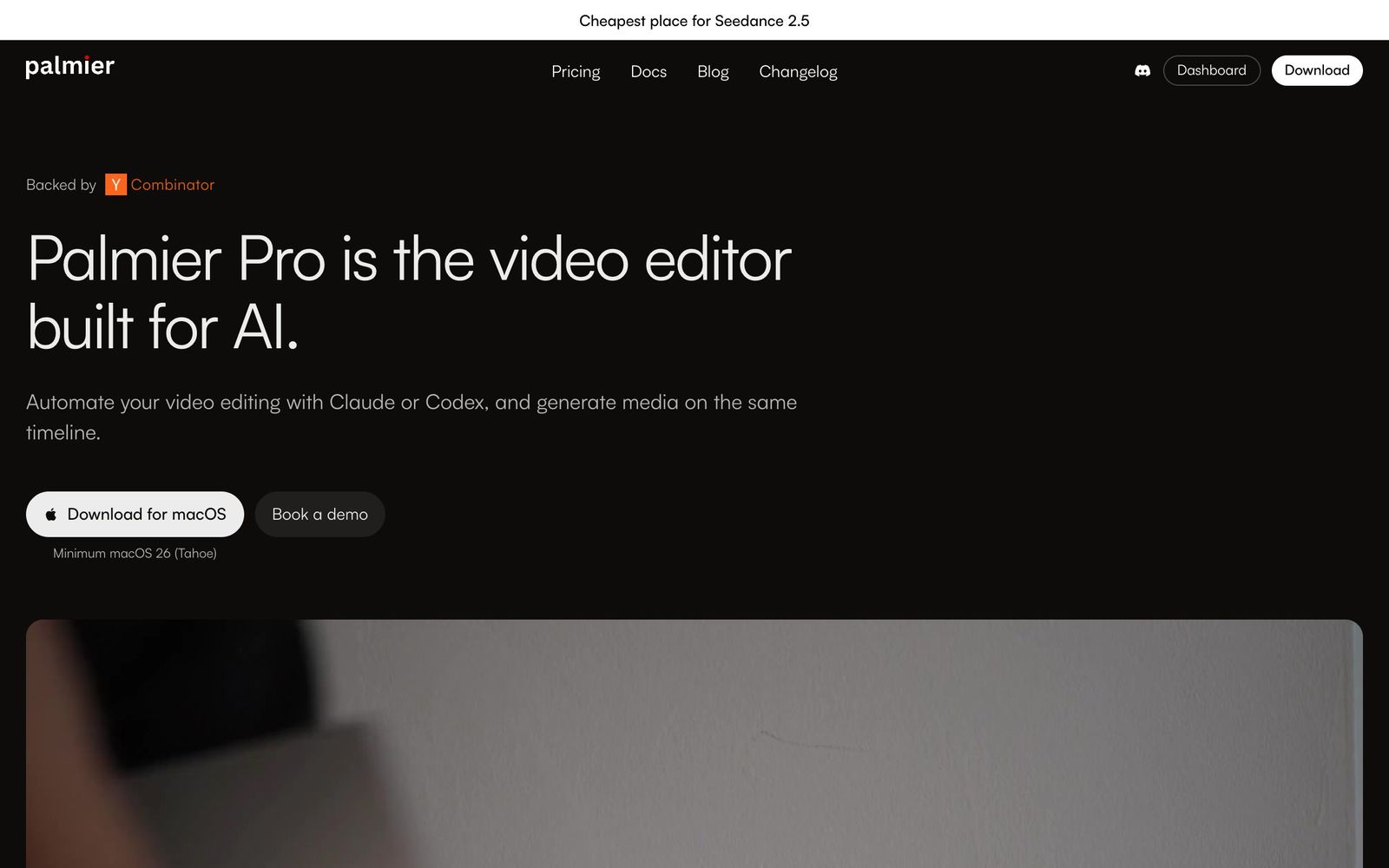
Palmier Pro is an open-source Mac editor that your own Claude Code, Codex or Cursor drives, the way Levio drives Jupitrr. Generated images, video, voiceovers and music land on the same timeline as your talking head, and a finished edit saves as a Skill for the next video. It needs macOS 26 or newer.
Standout feature: Generation and editing on one Mac timeline that your own agent drives.
What's the difference between Palmier Pro and Jupitrr AI? Palmier Pro is a full Mac editor your own agent drives, with generation. Jupitrr is a simple web tool with licensed stock and its own agent.
Palmier Pro pros:
- Free, open-source Mac editor (GPL-3.0) with 14,811 GitHub stars
- Your own agent edits the timeline over MCP, with no account needed
- Image, video, voice and music generation lands on the same timeline
- A full editor: multi-track timeline, keyframes, colour grading, masks and multicam
Palmier Pro cons:
- Mac only, and only on macOS 26 (Tahoe) or newer
- AI generation, cloud transcription and the built-in chat need a paid plan
Pricing: Free plan: the full Mac editor, with no account needed and no generation credits. Pro is shown at $29 a month (marked down from $49) with 5,000 credits a month.
Choose Palmier Pro over Jupitrr AI if: you want generated B-roll and full editing on a recent Mac.
What's new in Palmier Pro: Version 0.12.0 (29 October 2026) added a headless mode that runs several projects at once, timeline history snapshots, caption presets with per-word styles and Kling V4.
Available for: Mac (macOS 26 or newer), driven by Claude, Codex or Cursor over MCP
How to choose the best Jupitrr AI alternative
Start with what should be on screen while you talk: stock footage, your ideas spelled out, or a cleaner take.
Stock footage or explanation?
Licensed stock makes a video look produced; on-screen steps, numbers and quotes make it easier to follow. Jupitrr and Pictory lead on stock, and Higgsfield generates shots instead. HyperFrames Studio leads on explanation: charts, titles and cards built from what you say.
How many videos, and how long?
Jupitrr caps both count and length (3 videos of 2 minutes on Lite). Submagic caps length at 2 minutes on Starter but allows about 15 videos, Zubtitle allows 20-minute uploads, and Descript caps media hours, not videos. HyperFrames Studio is free to start and puts no cap on local exports.
Where do you edit?
On an iPhone: Captions, Edits or InShot. In a browser: VEED, Submagic, Pictory or Zubtitle. On a computer, free: HyperFrames Studio or CapCut.
Do you need to be on camera?
If filming is the bottleneck, Synthesia's avatars or Pictory's stock videos skip it. If retakes are the bottleneck, Gling removes them before any B-roll goes on.
Can you try before paying?
Jupitrr has no free plan and no refunds. HyperFrames Studio, Captions, VEED, CapCut, Edits, Zubtitle and Gling all let you export something for free first.
How we compared
Every tool on this list was scored on three things:
- Visuals on talking heads. B-roll, graphics, charts and captions timed to your words.
- Control. How easily you change what the AI added.
- Value. Free plan, video caps and price.
User complaints. We read recent reviews on Trustpilot, Product Hunt and the App Store and say when a complaint comes from a single review, with its date when it is old. Some review sites (G2, Capterra) blocked automated reading, so their scores are not quoted.
Ratings. Each tool gets three scores out of 5: fit for the job this page is about, ease of use, and value for money (free plan, entry price, watermarks and caps). The overall rating is their average. The scores are our judgment from the sources above, not a lab benchmark.
Jupitrr's reviews are few and one to three years old; we found no recent negative reviews. The film at the top is from HeyGen's own post.
Conclusion
For coaches and consultants who teach on camera, HyperFrames Studio is the best Jupitrr AI alternative: the agent puts your steps, numbers and quotes on screen as you say them, every graphic stays editable, and it is free to start, with no monthly video cap on your computer.
If you love Jupitrr's stock footage, Pictory draws on 5M+ Getty Images and Storyblocks clips, and Submagic adds Storyblocks B-roll on Pro with far more videos per month. If you edit on an iPhone, Captions; for a full editor and a free plan, VEED. Keep Jupitrr if matched Getty and iStock B-roll is exactly what your audience responds to and 3 to 5 short videos a month is your pace.
Add graphics to your next talking-head video, free
Frequently asked questions
What is the best Jupitrr AI alternative?
HyperFrames Studio is the best Jupitrr AI alternative for talking-head videos, rated 4.7 out of 5 here, because an AI agent adds graphics, charts, titles and B-roll timed to your words, and it is free to start. Captions (4.3) is best on iPhone, and Submagic (4.3) for caption-led shorts.
Is Jupitrr AI free?
No. Jupitrr has no free plan: you can try a sample video inside the product, and subscriptions are non-refundable. Lite starts at $15 a month for 3 videos of up to 2 minutes.
Is there a free Jupitrr alternative?
Yes. HyperFrames Studio is free to start and exports without limits on your computer. Captions, CapCut, Edits, VEED and Zubtitle have free plans too. Jupitrr has no free plan, only a sample video.
Can Jupitrr add B-roll automatically from my narration?
Yes, that is its main feature: it matches B-roll to what you say, including Getty Images and iStock clips on paid plans. Captions, Submagic and OpusClip also add B-roll automatically.
How do I add B-roll to a talking-head video automatically?
Jupitrr, Captions, Submagic and OpusClip add B-roll automatically. In HyperFrames Studio you ask the agent for graphics or clips at specific words; image and footage search finds clips, and HeyGen's video models can generate shots.
Can I turn an audio file or voiceover into a video with B-roll?
Jupitrr's audio-to-video is on Starter and up, and Pictory turns audio into stock-footage videos. In HyperFrames Studio you can ask the agent to build titles, charts and motion graphics over your voiceover.
Which tool adds charts and numbers to a video?
HyperFrames Studio builds charts, stat cards and maps from your numbers as you say them (AI motion graphics). Most B-roll tools insert stock footage instead.
Which Jupitrr alternative is best for coaches?
HyperFrames Studio for explaining with steps, numbers and quotes on screen; Captions for quick phone edits; Zubtitle for a simple branded look.
Does Jupitrr AI have AI avatars or dubbing?
Its pricing page lists B-roll, subtitles, Levio, clipping, audio-to-video, scripts and publishing; we didn't see avatars or dubbing there. For avatars, Synthesia or Captions; for dubbing, VEED or Kapwing.
How does Jupitrr AI compare to Synthesia?
They are opposites. Jupitrr adds B-roll and subtitles to a video of you; Synthesia makes a video with an AI presenter, so you don't film at all. Synthesia is built for corporate training in 140+ languages.
Is Jupitrr an alternative to Submagic, Captions or Gling?
Partly. It overlaps with Submagic and Captions on subtitles and B-roll, but bad-take removal isn't among the features its pricing page lists, unlike Gling, and it is web-only where Captions is phone-first.
Can I replace the AI-generated edit?
In Jupitrr you change it through Levio or the editor. In HyperFrames Studio every graphic, caption and cut stays a separate piece, so you replace one without redoing the rest.
Do I need video editing experience?
No. Jupitrr, Captions, Submagic and HyperFrames Studio all take plain requests or presets. Gling and Descript help if you later finish in a desktop editor.
Does Jupitrr offer refunds?
No. Jupitrr's pricing page says subscriptions are non-refundable, so try its sample video first.
Is HyperFrames free?
Yes, HyperFrames is free to start: a free download, built on the free, open-source engine with 90,000+ GitHub stars. Pro is $25 a month for more (pricing).

Written by Ular Kimsanov
Ular Kimsanov works on HyperFrames at HeyGen, the free, open-source tool where AI agents make videos, and writes about making videos with AI agents. Prices and plans on this page were checked on 26 November 2026.