Riverside (formerly riverside.fm, now riverside.com) still makes the best promise in remote recording: every guest is recorded locally in up to 4K with 48 kHz audio, then uploaded, so a bad connection doesn't ruin the episode. Its text-based editor, Magic Clips and Magic Audio don't use AI credits, and it adds a teleprompter, in-person multi-camera recording, live streaming and webinars. It has 3.9 on Trustpilot from 571 reviews and 4.7 from 20,566 ratings on the App Store.
People look around when the bill arrives or the edit gets serious: there is no free plan, Pro is $35 a month ($24 billed yearly), and one November 2026 Trustpilot reviewer calls editing footage recorded elsewhere glitchy. Many shows split the job, one tool to record, one to edit, one to make clips, so the 14 alternatives below are grouped by which part each does best.
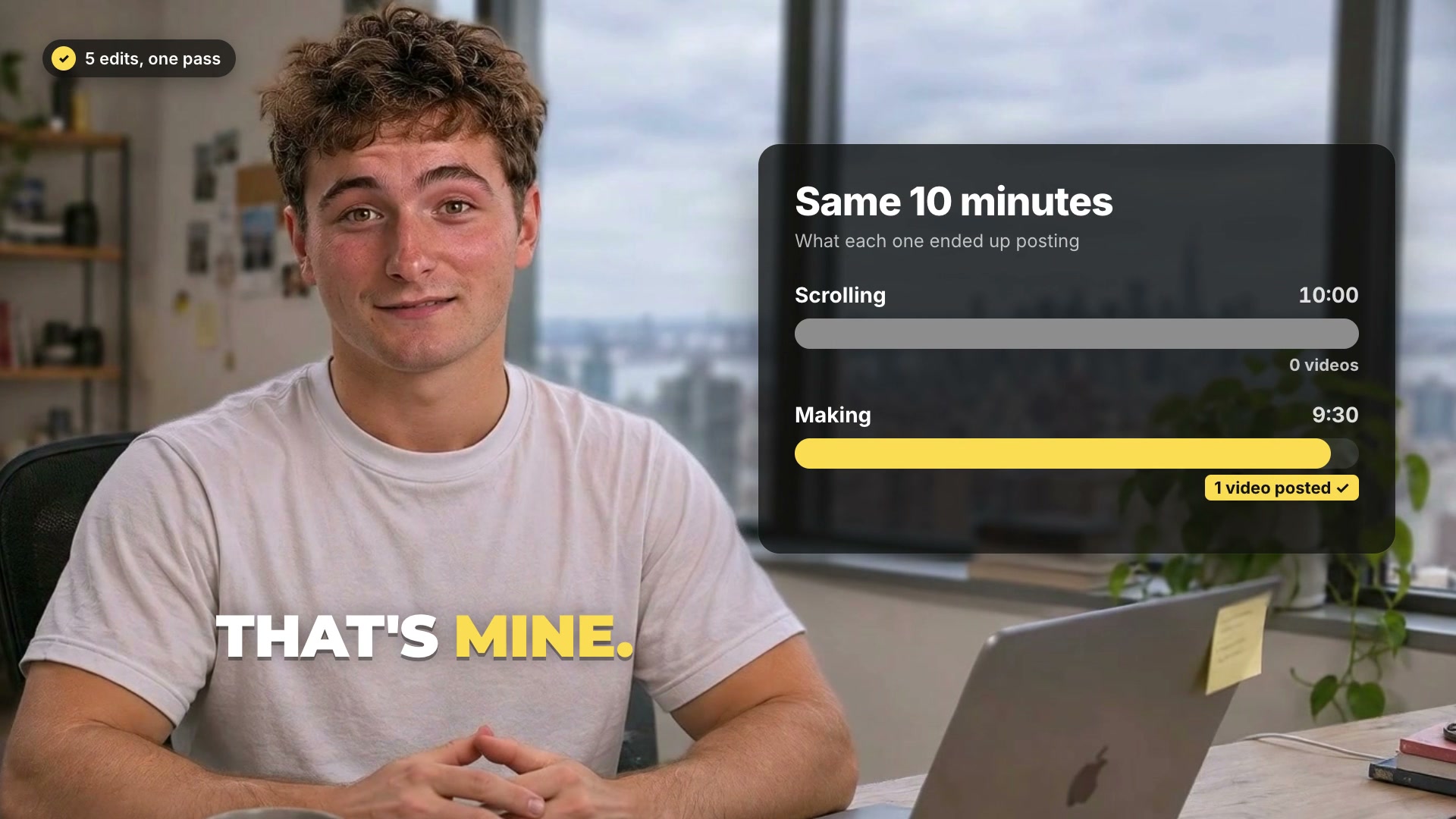
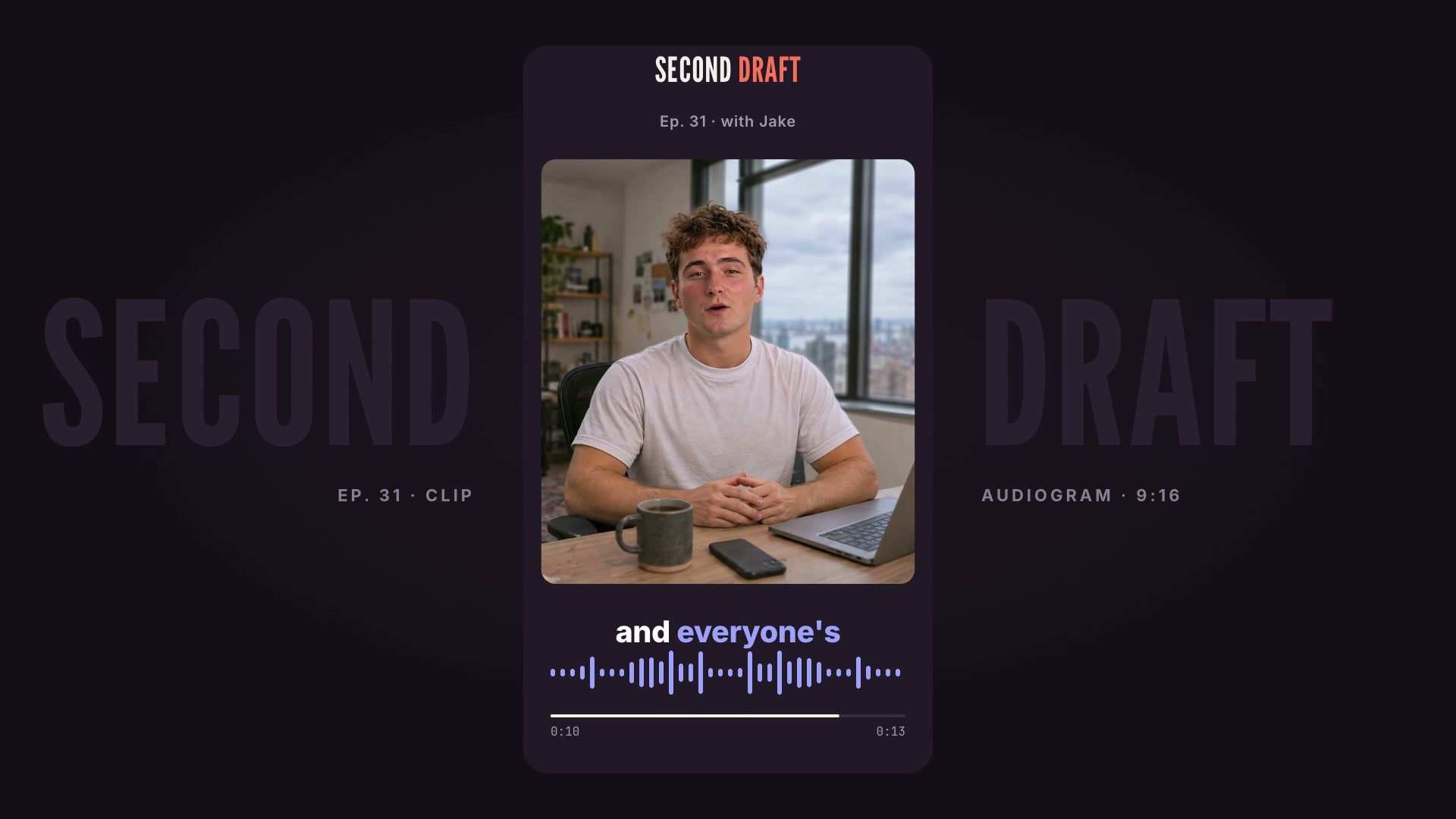
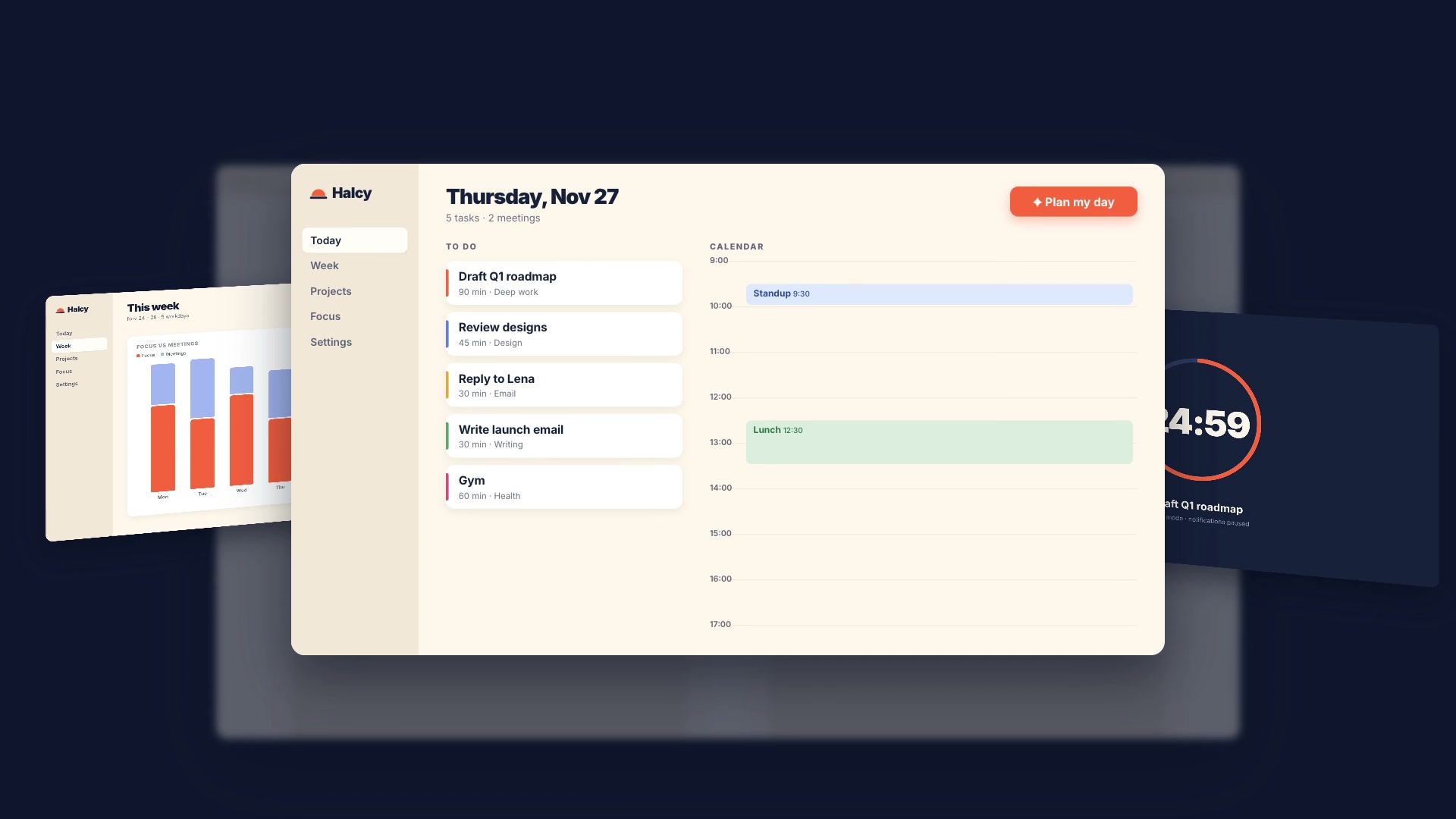
A podcast waveform pulses while two camera angles cut to the speaker and reflow into a vertical audiogram. Made with HyperFrames for this page.
Why look for a Riverside alternative?
Why podcasters look for a Riverside alternative, from its pricing page and recent reviews:
No free plan
Riverside's pricing page and its own blog (updated September 2026) say it replaced the free plan with a 14-day trial, which charges the chosen plan on day 15 unless you cancel. Zencastr now records at the same 4K and 48 kHz for free.
Renewals and refunds
One Trustpilot reviewer (November 2026) reports auto-renewal without an advance reminder and a strict 14-day refund policy, and an App Store reviewer (October 2026) says cancelling is tedious.
Editing is the weaker half
One November 2026 Trustpilot reviewer says editing externally recorded footage is buggy and glitchy, and an October 2026 App Store reviewer says recent updates removed editing features they relied on.
Credits for AI extras
AI Translation, AI B-Roll and Animated Clips spend credits, and Pro starts with 400.
Reliability on the road
One App Store reviewer (October 2026) lost important work recording without an internet connection, and another (November 2026) notes there is no Brave or Firefox support.
Quick comparison: the best Riverside alternatives
Fourteen alternatives at a glance, with Riverside last for reference.
Tool | Best for | Our rating | Free plan | Starting price |
|---|---|---|---|---|
HyperFrames | Multicam podcast editing and clips | 4.7/5 | Yes, unlimited local exports | Free to start |
Descript | Recording and editing by transcript | 4.2/5 | Yes, 1 hr/mo, 720p | $24/mo |
Adobe Premiere | Pro podcast editing with crosstalk repair | 3.7/5 | No, 7-day trial | $22.99/mo (annual) |
DaVinci Resolve | Free pro audio and video editing | 4.1/5 | Yes, UHD, no watermark | Free; Studio $295 once |
AutoCut | Automatic camera switching in your editor | 4.2/5 | No, 14-day trial | $9.90/mo |
Zencastr | Free studio-quality remote recording | 4.6/5 | Yes, fully free | Free |
StreamYard | Live shows and multistreaming | 4.2/5 | Yes, logo on stream | $18.99/mo |
OBS Studio | Free local recording and streaming on your own setup | 3.9/5 | Free (open source) | Free |
Async (formerly Podcastle) | Recording plus chat editing | 4.1/5 | Yes | $19.99/mo |
OpusClip | Ranked clips from long episodes | 4.2/5 | Yes, 60 credits/mo, watermark | $15/mo |
Vizard | Many clips per episode with a team | 4.1/5 | Yes, 720p, watermark | $29/mo list |
Headliner | Automatic audiograms for each episode | 4.3/5 | Yes, ads, watermark | $9.99/mo |
Recast Studio | Clips, audiograms and show notes | 3.9/5 | Trial only | $14/mo yearly |
VEED | Subtitled clips and edits in the browser | 3.9/5 | Yes, watermark | $25/mo per editor |
Riverside (for reference) | Studio-quality remote recording | Not rated | No, 14-day trial | $35/mo |
Ratings average our three scores (fit, ease of use, value); see How we compared. Monthly list prices on 26 November 2026; Riverside shows yearly prices by default.
Why trust us? HeyGen makes HyperFrames and publishes this page, so we compete with the tools below. Every rival's price, plan and feature comes from its own pricing page, help center or changelog, read on 25 and 26 November 2026. User complaints are quoted from public review sites and linked in How we checked. HyperFrames claims come from its pricing page and from the Studio app's current build. Where a rival is the better pick, we say so.
Edit your next episode free
Best Riverside alternatives for editing podcasts
If you record anywhere (Riverside included) and need the episode edited well. Riverside exports separate tracks per speaker and an XML timeline, so you can keep recording there and edit somewhere stronger.
#1 HyperFrames: Best for multicam podcast editing and clips
Our rating: 4.7/5. Fit for this job 4.6/5, ease of use 4.5/5, value for money 4.9/5.
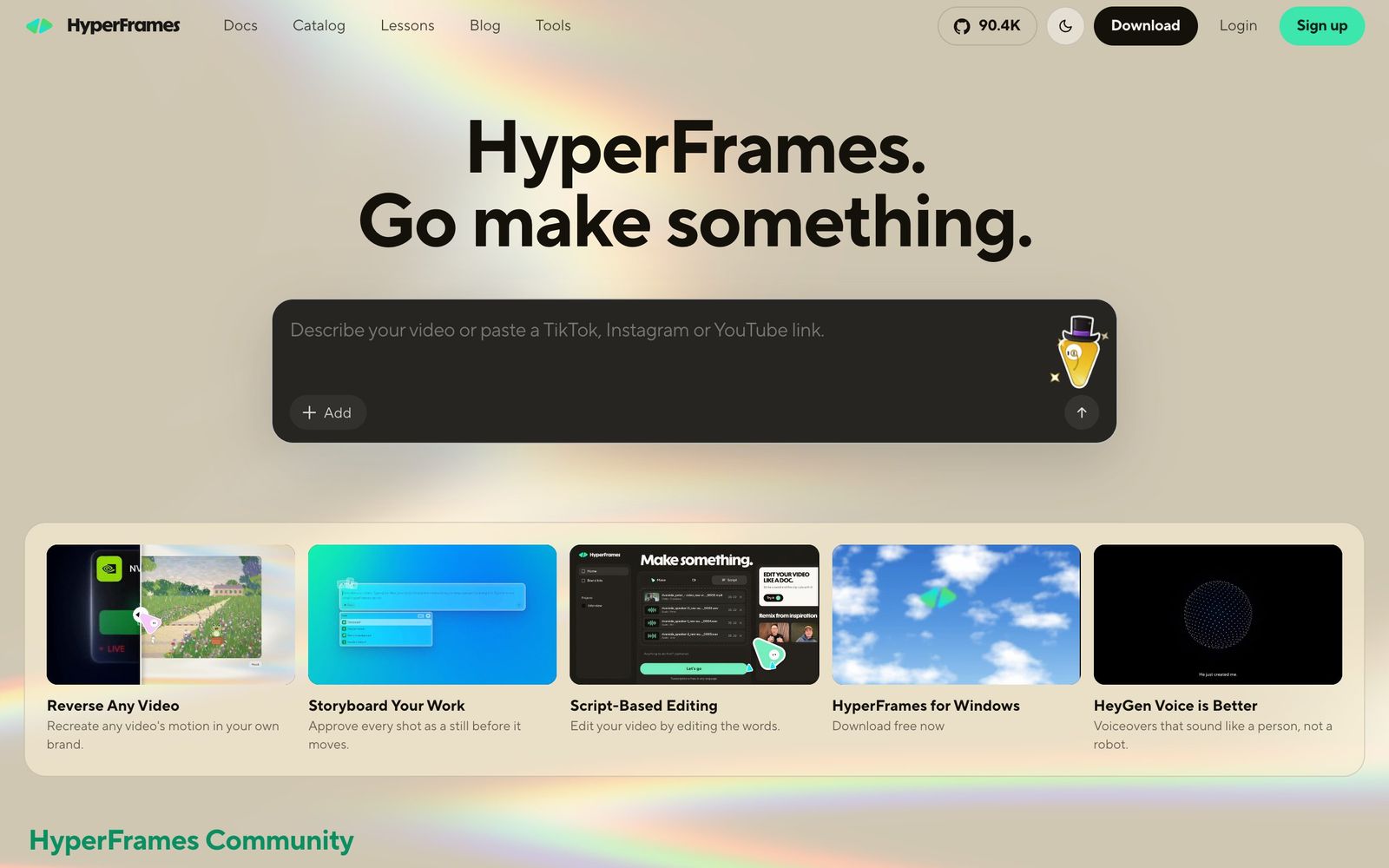
Riverside is still the safest way to record remote guests: every track is saved on the guest's own computer, so a bad connection doesn't ruin the episode. It stops at the edit. One November 2026 Trustpilot reviewer calls editing footage glitchy, and its more produced clips (Animated Clips, AI B-roll) spend credits. In HyperFrames Studio the same episode becomes a week of captioned vertical clips that open on the best moment, the speaker kept in frame and your show's colours, fonts and caption style on every one. Then change the hook, a caption or a title on any clip and only that part changes. It's free to start, with no hour meter and unlimited exports on your computer.
The podcast edit is built for the job Riverside's editor struggles with. Bring every camera and mic, or import Riverside's XML export (Final Cut XML works too), and it lines the cameras up by sound, lets you name who's who, and cuts to whoever is speaking, with per-speaker captions, show notes and noise clean-up on your own computer. Then direct the AI agent: "cut every um and repeat", "remove the tangent at 14 minutes", "a lower third for each guest the first time they speak". You can also delete words in the Script tab.
For promotion, ask for vertical clips of the best moments: podcast-to-clips picks them, captions them in one of dozens of styles (animated captions), and keeps the speaker in frame when it crops to 9:16. If a producer or guest needs to sign off, share a team review link and their comments come back into Studio. Transcription with speaker names is free once you sign in, so a weekly show doesn't hit an hour meter.
Standout feature: One recording, a week of posts: the multicam edit imports Riverside's XML and cuts to whoever is speaking, then the episode becomes vertical clips in your show's style, each one still editable.
What's the difference between HyperFrames and Riverside? Riverside records remote guests and edits in a text-based editor. HyperFrames Studio doesn't record, but its multicam edit imports Riverside's XML export, cuts to the speaker and finishes the episode and clips by asking an AI agent.
HyperFrames pros:
- Free to start, with unlimited local exports and no hour meter
- Imports Riverside XML and cuts multicam to the speaker
- Clips that open on the best moment, in your show's colours, fonts and captions
- Change one hook, caption or title and the rest of the clip stays
HyperFrames cons:
- No remote recording: record in Riverside, Zencastr or your own setup, then edit here
- No podcast hosting or multi-network scheduler: you publish the episode and clips yourself
Pricing: Free to start: a free download for Mac, Windows and Linux, or start in your browser, with exports on your computer and no watermark.
Choose HyperFrames if: you record anywhere and want the edit to feel produced.
What's new in HyperFrames: As of November 2026, podcast-to-clips, speaker framing and team review are rolling out across the Studio app, so one project now covers the episode, the clips and the sign-off. The Script tab reached every current build the same month.
Available for: Mac, Windows and Linux (the Studio app), the web, and inside Claude, ChatGPT and Grok through the HyperFrames connector
Shoot it, say it, or show it. HyperFrames makes the video. Bring your footage, describe any motion graphic or format, or paste a video you love.
Edit an episode free in HyperFrames Studio
#2 Descript: Best for recording and editing by transcript
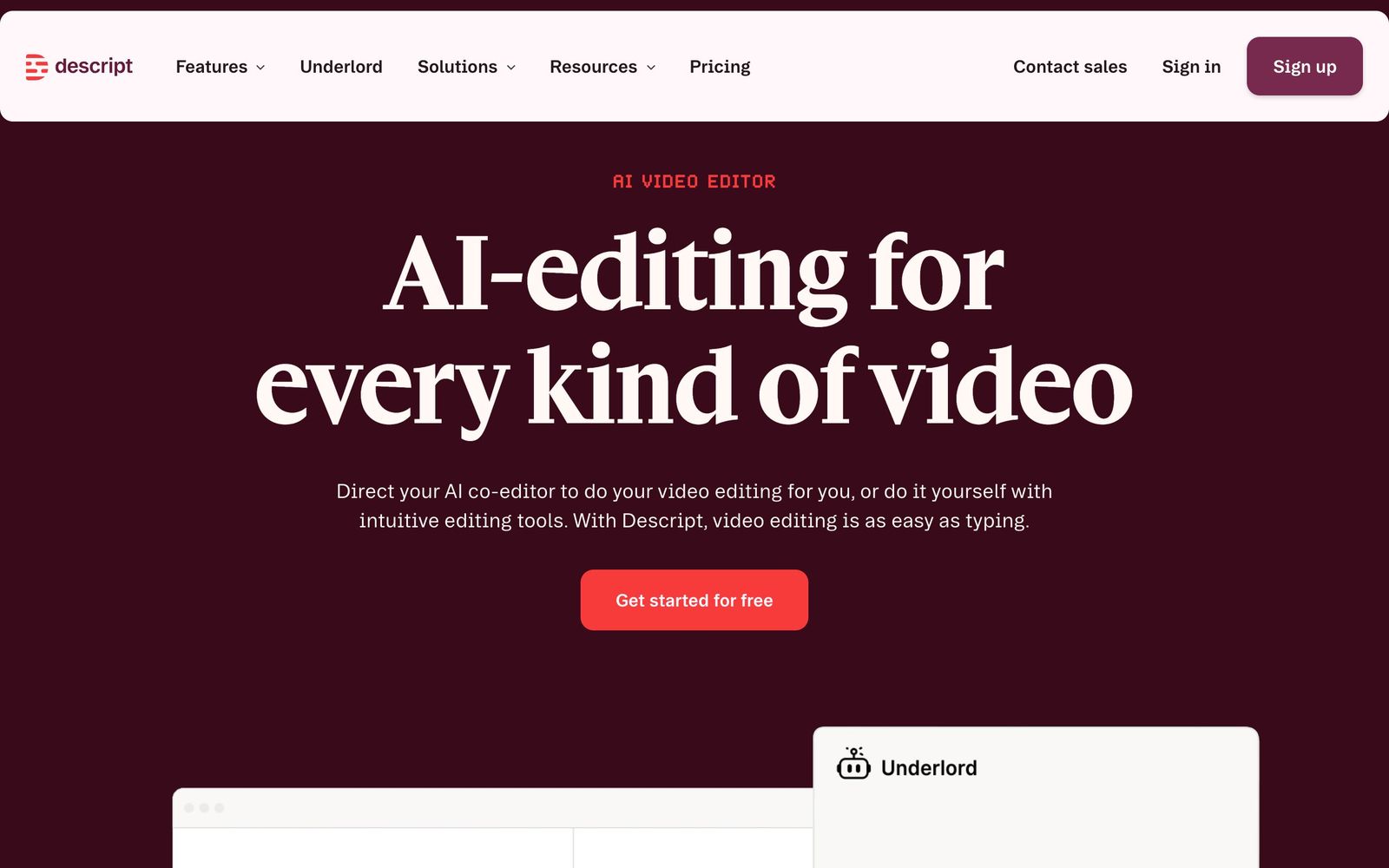
Our rating: 4.2/5. Fit for this job 4.3/5, ease of use 4.2/5, value for money 4.0/5.
Descript records remote guests in Rooms (now with dead-mic and dead-camera warnings) and edits by transcript: delete a word and the video is cut. Underlord, its agent, tightens the cut, and Descript exports timelines to Premiere, Resolve and Pro Tools.
It does both halves in one app. Paid plans cap media hours (10 a month on Hobbyist), and its Trustpilot score is 2.4 from 301 reviews.
Standout feature: Edit the video by editing its transcript, with Underlord, its AI agent, cutting a raw recording into shape.
What's the difference between Descript and Riverside? Descript records and edits in one app, by transcript. Riverside records each guest locally in up to 4K and 48 kHz and adds live streaming.
Descript pros:
- Edit the video by editing its transcript
- Screen recording and remote recording (Rooms)
- Timeline export to Premiere, Resolve and Pro Tools
- Underlord skills save your own workflows
Descript cons:
- Paid plans cap media hours (10, 30 or 40 a month)
- Trustpilot score of 2.4 (301 reviews), with bugs and credits spent on weak AI results
Pricing: Free plan with 1 media hour a month and 720p exports. Hobbyist is $24 a month, or $16 a month billed yearly.
Choose Descript over Riverside if: you want one app and edit by transcript.
What's new in Descript: November 2026 release: Underlord skills, brand layout packs, Rooms dead-mic warnings and native Premiere export in beta (changelog, 6 November).
Available for: Desktop app and web
#3 Adobe Premiere: Best for pro podcast editing with crosstalk repair
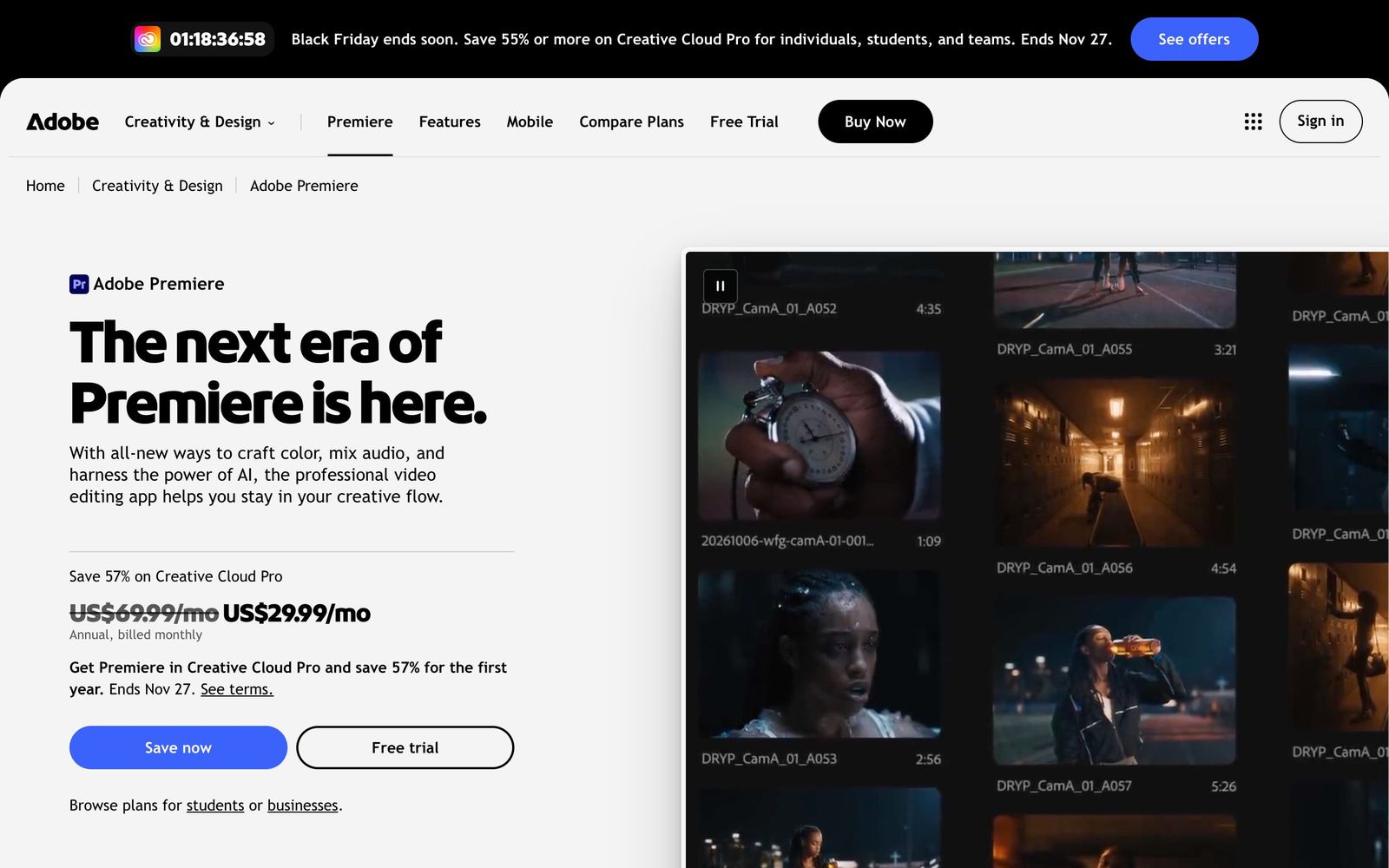
Our rating: 3.7/5. Fit for this job 3.9/5, ease of use 3.6/5, value for money 3.7/5.
Adobe Premiere (formerly Premiere Pro) 27.0 (10 November 2026) added Separate Crosstalk, which splits two overlapping speakers into their own stems, a common problem in interview podcasts. It also has Text-Based Editing, captions translated into 20+ languages, and an AI Assistant panel that finds interview questions and assembles rough cuts.
The annual plan has an early termination fee if you cancel, and it takes real time to learn.
Standout feature: The industry-standard timeline, now with Generative Extend, an AI Assistant panel and a Color Mode grading workspace.
What's the difference between Adobe Premiere and Riverside? Premiere is a full pro editor with crosstalk repair. Riverside records and does a lighter edit.
Adobe Premiere pros:
- Industry standard, with every pro feature
- Text-based editing and captions in 20+ languages
- Color Mode and one-click subject masking
- Generative Extend fills missing frames
Adobe Premiere cons:
- Annual commitment; full refund only within 14 days, and one reviewer reports an early termination fee
- Only 25 generative credits a month on the Premiere plan
Pricing: No free plan, a 7-day trial. The Premiere plan is $22.99 a month on an annual plan; Creative Cloud Pro adds 20+ apps.
Choose Adobe Premiere over Riverside if: you edit professionally and overlapping voices are a weekly problem.
What's new in Adobe Premiere: Premiere 27.0 (10 November 2026) added Color Mode, the AI Assistant panel and Separate Crosstalk. Adobe dropped "Pro" from the name in January 2026.
Available for: Windows, Mac and phones
#4 DaVinci Resolve: Best for free pro audio and video editing
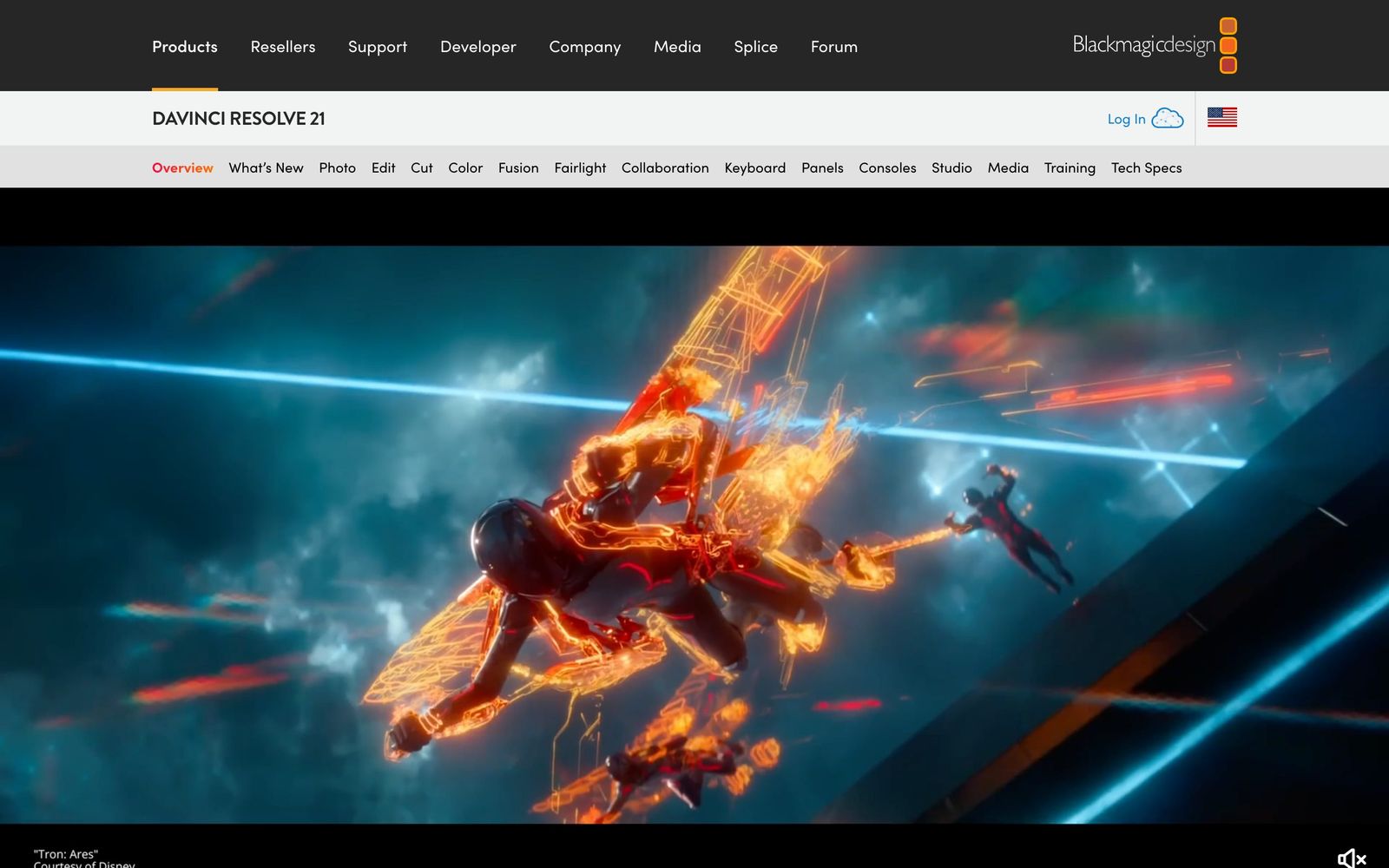
Our rating: 4.1/5. Fit for this job 3.8/5, ease of use 3.4/5, value for money 5.0/5.
DaVinci Resolve's free version includes Fairlight, a full audio post-production suite, beside pro editing and colour, up to Ultra HD 60 fps with no watermark. For podcasters willing to learn it, that covers levels, noise and mixing without a subscription.
Text-based editing and AI noise reduction need the paid Studio version. It runs on Mac, Windows and Linux, but it is hard to learn and heavy on slower computers.
Standout feature: A full professional editor (edit, colour, Fusion effects, Fairlight audio) free, with no watermark.
What's the difference between DaVinci Resolve and Riverside? Resolve is a free pro editor with deep audio tools. Riverside is a recorder with a simple editor.
DaVinci Resolve pros:
- A full professional editor, free
- Industry-leading colour grading
- One-time $295 for Studio
- Mac, Windows and Linux
DaVinci Resolve cons:
- Steep learning curve
- Text-based editing and AI tools need Studio
Pricing: Free version with no watermark up to Ultra HD at 60 fps. DaVinci Resolve Studio is $295 once.
Choose DaVinci Resolve over Riverside if: you want pro audio editing for free.
What's new in DaVinci Resolve: Resolve 21.2 (4 November 2026) added faster rendering on M5 Pro and M5 Max Macs and new film looks; Resolve 21 added a Photo page and IntelliSearch.
Available for: Mac, Windows and Linux
#5 AutoCut: Best for automatic camera switching in your editor
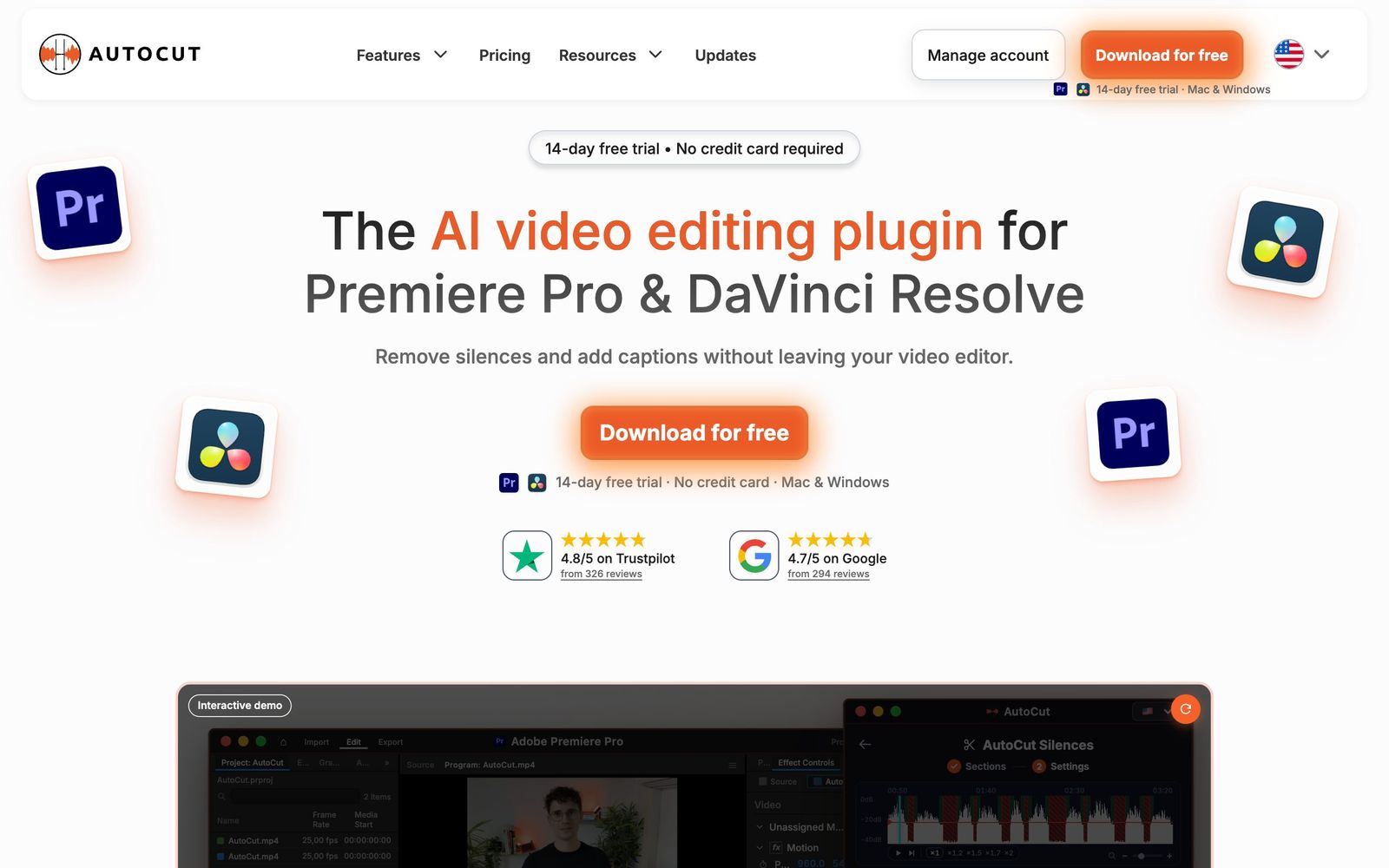
Our rating: 4.2/5. Fit for this job 4.1/5, ease of use 4.2/5, value for money 4.3/5.
AutoCut is a plugin for Premiere Pro and DaVinci Resolve. AutoCut Podcast and AutoCut Angles (24 August 2026) switch between camera angles automatically using silences, voice emotion and transcript topics, and AutoCut Silences, Repeat and AutoCaptions handle the cleanup, all on your own timeline.
Trustpilot gives 4.8 from 380 reviews.
Standout feature: Works inside Premiere Pro and DaVinci Resolve, so every cut lands on your real timeline.
What's the difference between AutoCut and Riverside? AutoCut switches cameras inside Premiere or Resolve. Riverside records the cameras.
AutoCut pros:
- Cuts land in your own Premiere or Resolve timeline
- Silences, bad takes, profanity, zooms and resizing
- AutoCut Angles switches multicam podcasts
- Trustpilot 4.8 from 380 reviews
AutoCut cons:
- Needs Premiere Pro or DaVinci Resolve
- No free plan
Pricing: No free plan, a 14-day trial. The Basic plan (silences) is $9.90 a month, or $6.60 billed yearly; the AI plan is $19.80, or $14.90 yearly.
Choose AutoCut over Riverside if: you already edit in Premiere or Resolve and want the camera switching automated.
What's new in AutoCut: AutoCaptions Advanced Mode (beta, 17 September 2026) and AutoCut Angles for multicam switching (24 August).
Available for: Premiere Pro and DaVinci Resolve plugin, Mac and Windows
Best Riverside alternatives for recording remote guests
If you want Riverside's recording job done for less, or done live. Local recording (each guest's computer saves its own high-quality file) is what makes Riverside good.
#6 Zencastr: Best for free studio-quality remote recording
Our rating: 4.6/5. Fit for this job 4.5/5, ease of use 4.4/5, value for money 5.0/5.
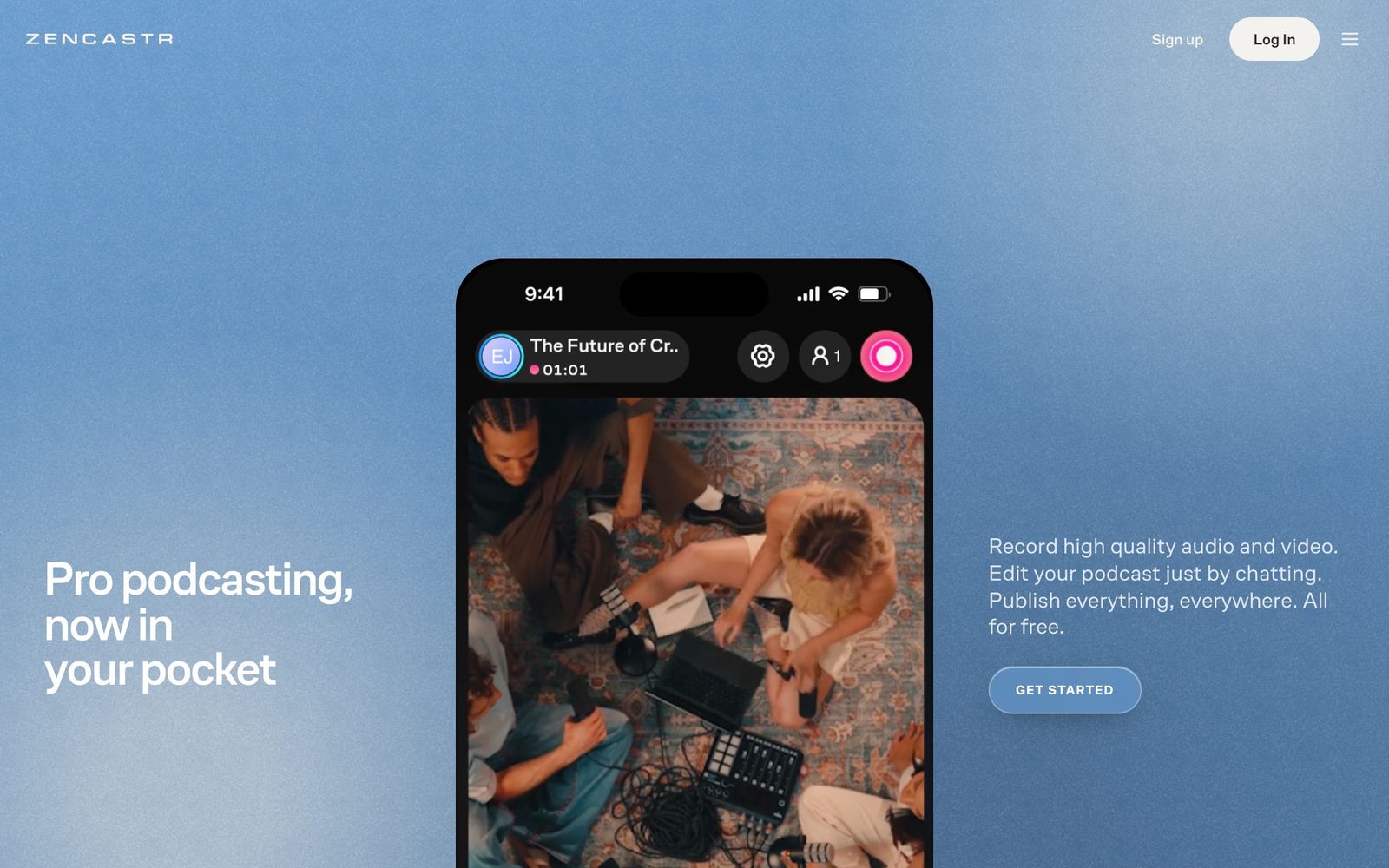
Zencastr is the most direct Riverside alternative for recording, and it is now free for individuals: unlimited recording and hosting, 4K video and 48 kHz WAV audio, local recording with cloud backup, and up to 6 participants. It publishes to Spotify, Apple Podcasts and YouTube and schedules clips to social platforms.
Editing happens by chatting with an AI Producer that removes pauses and filler words and writes show notes. It is lighter than a full editor, so pair it with one if your show is produced. Its iPhone app is rated 4.9 from 723 ratings.
Standout feature: Free 4K remote recording and hosting, with editing by chatting to an AI Producer.
What's the difference between Zencastr and Riverside? Zencastr matches Riverside's recording quality for free and adds hosting. Riverside has the stronger editor, live streaming and webinars.
Zencastr pros:
- Free remote recording in 4K and 48 kHz
- Hosting and publishing included
- AI Producer removes pauses and filler words
- Rated 4.9 on the iPhone App Store
Zencastr cons:
- 6 participants on the free tier
- Few public reviews
Pricing: Free for individuals: unlimited recording and hosting, 4K video and 48 kHz audio for up to 6 people. Enterprise is custom.
Choose Zencastr over Riverside if: you want Riverside-quality recording for free.
What's new in Zencastr: iOS 2.8 shipped on 19 November 2026.
Available for: Web, iPhone and desktop
#7 StreamYard: Best for live shows and multistreaming
Our rating: 4.2/5. Fit for this job 4.1/5, ease of use 4.6/5, value for money 4.0/5.
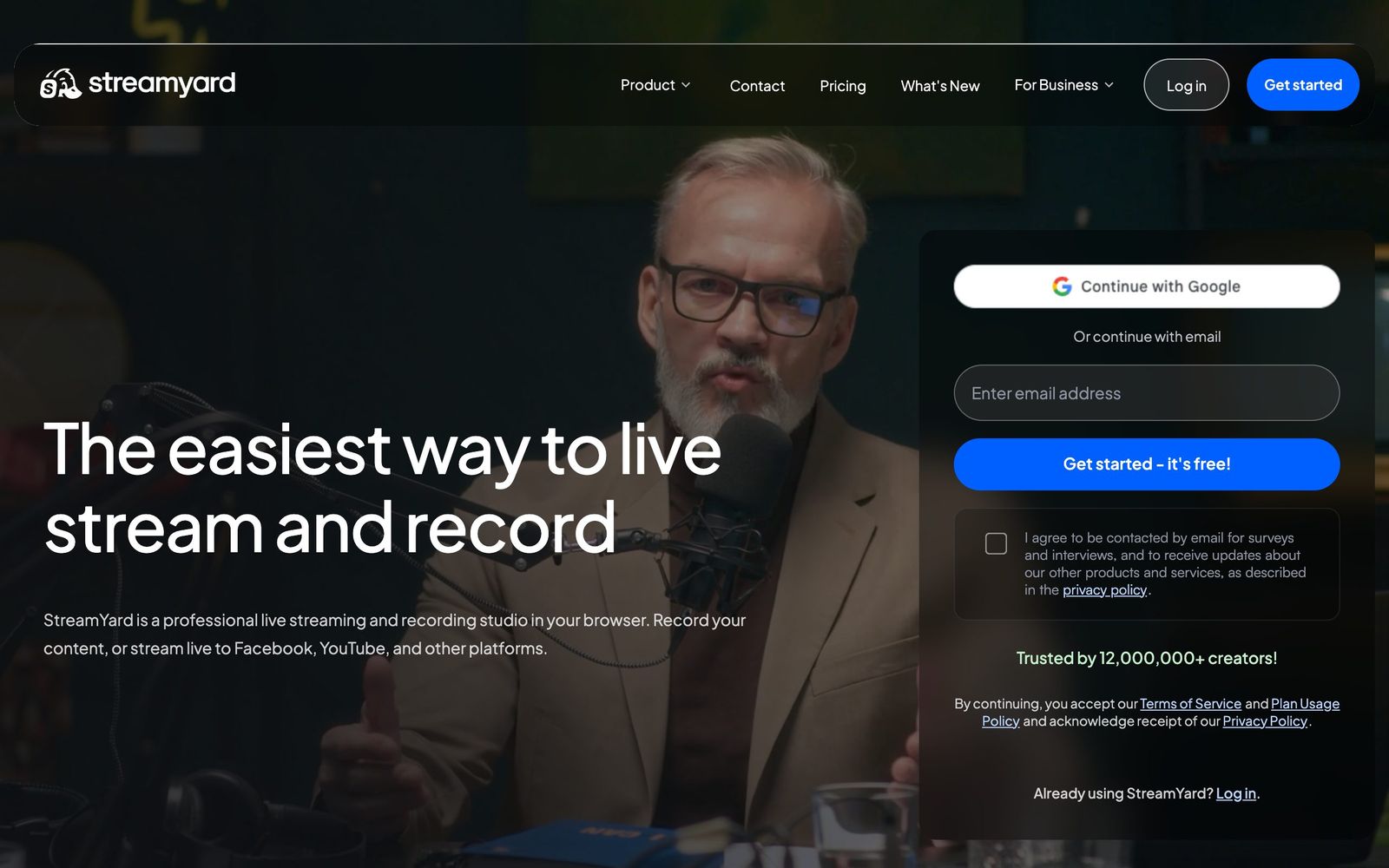
StreamYard is a browser studio built for live shows: guests join from a link, and you multistream to several platforms at once in Full HD, with local and cloud recording, chat overlays and AI backgrounds. It is the usual answer to "Riverside or StreamYard?" when the show goes out live.
Core removes the logo on the free plan. It rates 4.2 on Trustpilot from 523 reviews, though one reviewer complains support has been AI bots, and another that clips moved to premium.
Standout feature: A browser studio that multistreams to several platforms, with guests joining from a link.
What's the difference between StreamYard and Riverside? StreamYard is built for live multistreaming. Riverside is built for the highest-quality recorded file.
StreamYard pros:
- Easy live streaming and multistreaming
- Guests join from a browser link
- Trustpilot 4.2 from 523 reviews
StreamYard cons:
- Free plan shows the StreamYard logo
- One Trustpilot reviewer says support has been AI bots since they were introduced
Pricing: Free plan with the StreamYard logo and 2 hours of local recording a month. Essential is $18.99 a month, or $14.99 billed yearly.
Choose StreamYard over Riverside if: your show goes out live.
What's new in StreamYard: Screen-share volume control on all plans (about August 2026).
Available for: Web
#8 OBS Studio: Best for free local recording and streaming on your own setup
Our rating: 3.9/5. Fit for this job 3.6/5, ease of use 3.2/5, value for money 5.0/5.
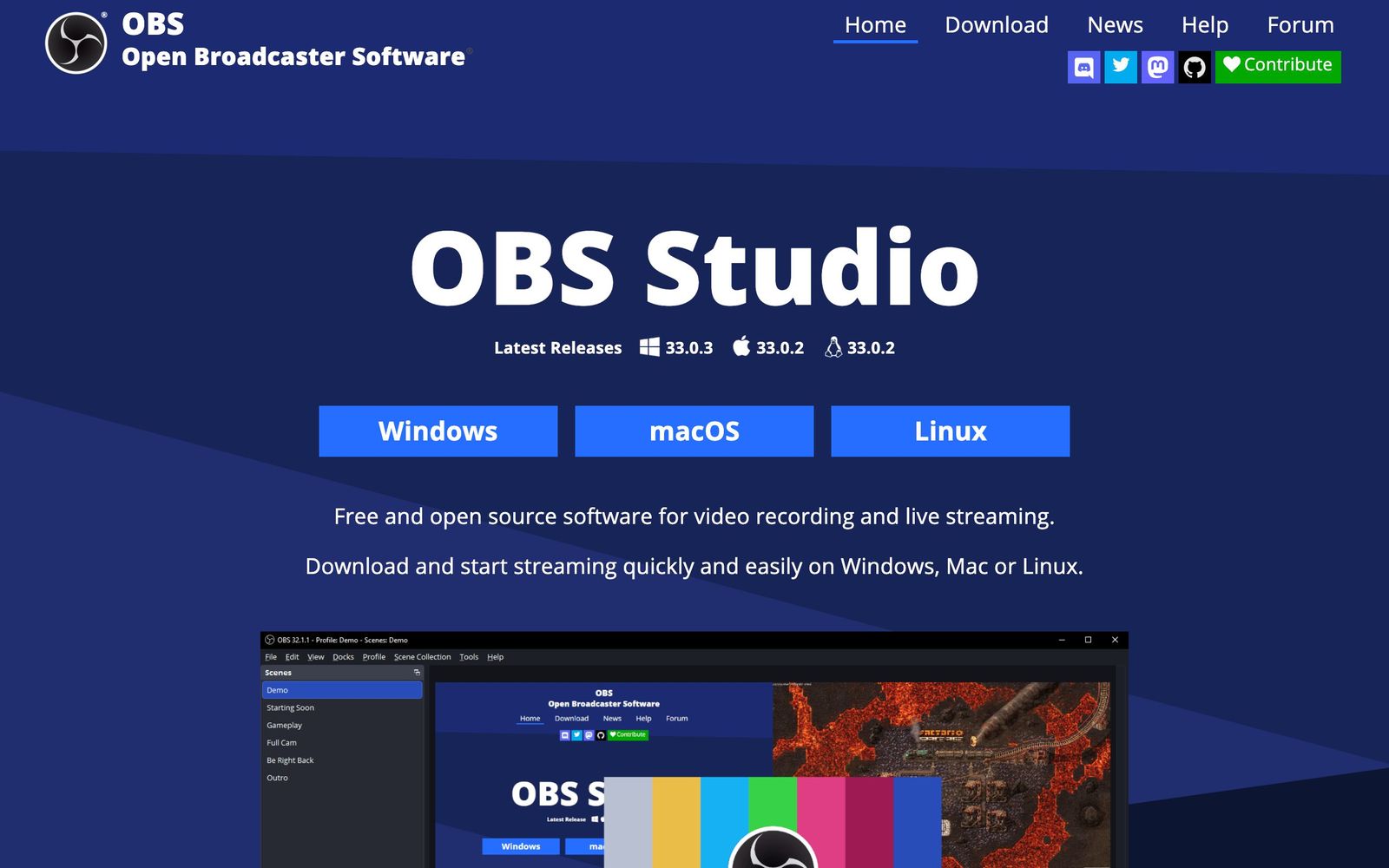
OBS Studio is free and open source on Windows, Mac and Linux, with no paid tier and no watermark. You build scenes from any mix of sources (cameras, screens, capture cards, browser windows, text) and switch between them live, record locally and stream to most platforms. An audio mixer with per-source filters handles mics.
For podcasters it's the do-it-yourself route: an in-person show with several cameras into one computer, or a stream you control completely. It doesn't record remote guests on their own machines the way Riverside does, and it has no editing, captions or auto-zoom, so pair it with an editor.
Standout feature: Build unlimited scenes from any mix of sources (screens, webcams, capture cards, browser windows, text) and switch between them live.
What's the difference between OBS Studio and Riverside? OBS records and streams whatever is on your own computer, free. Riverside records each remote guest locally on their machine and adds editing.
OBS Studio pros:
- Completely free, with no watermark
- Records locally and streams to most platforms
- Audio mixer with per-source filters and VST plugins
- Studio Mode preview and hotkeys for almost everything
OBS Studio cons:
- Records and streams only: no timeline editing, auto-zoom or captions
- Mac builds need macOS 13 or newer
Pricing: Free and open source (GPL-2.0), with no paid tier and no watermark; funded by sponsors and donations.
Choose OBS Studio over Riverside if: you record in one room or stream, and want it free.
What's new in OBS Studio: OBS Studio 33.0 (23 October 2026) updated browser sources, overhauled plugin loading and improved source snapping; 33.0.3 followed on 22 November.
Available for: Windows, Mac and Linux
#9 Async (formerly Podcastle): Best for recording plus chat editing
Our rating: 4.1/5. Fit for this job 4.1/5, ease of use 4.3/5, value for money 3.9/5.
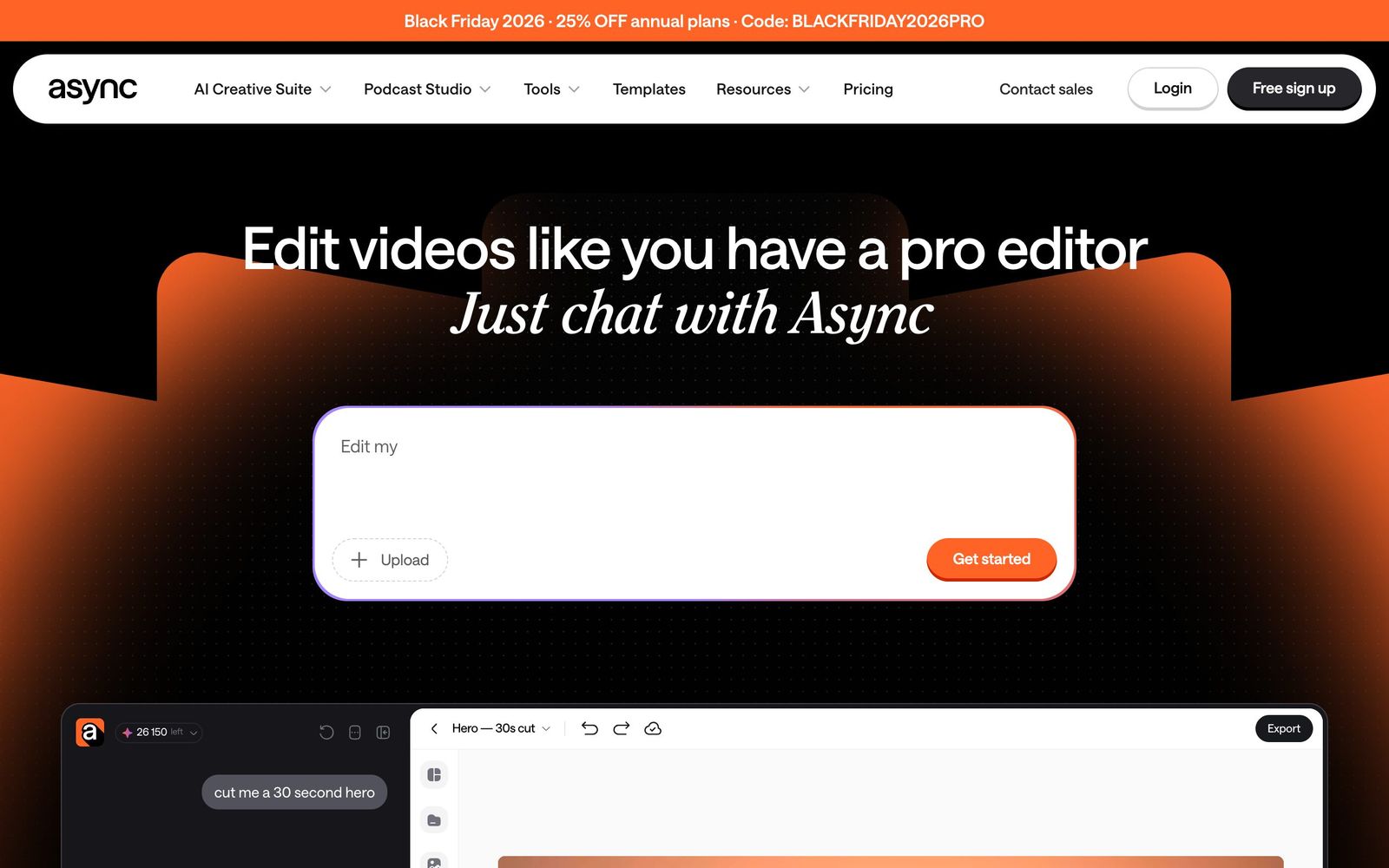
Async (renamed from Podcastle on 28 January 2026, with accounts and pricing unchanged) pairs a podcast recording studio with a chat-based video editor and AI video and image models. Async Motion (25 November 2026) makes titles, lower thirds and overlays from a chat request.
It rates 3.5 on Trustpilot from 269 reviews; one reviewer (September 2026) complains of a renewal without a reminder, another (August 2026) of a refused refund.
Standout feature: Edit by chatting with an AI editor, plus recording, podcast tools and new chat-made motion graphics.
What's the difference between Async (formerly Podcastle) and Riverside? Async records and edits by chat in one subscription. Riverside records at higher quality and streams live.
Async (formerly Podcastle) pros:
- Chat-based video editing
- Recording and podcast tools
- Async Motion makes titles and overlays from a chat request
Async (formerly Podcastle) cons:
- Generation runs on monthly credits
- One Trustpilot reviewer (September 2026) mentions renewal without a reminder; another (August 2026) a refused refund
Pricing: Free sign-up. Essentials is $19.99 a month, or $11.99 billed yearly.
Choose Async (formerly Podcastle) over Riverside if: you want to edit by chatting after you record.
What's new in Async (formerly Podcastle): Async Motion launched on 25 November 2026; Podcastle renamed itself Async on 28 January 2026.
Available for: Web and iPhone
Best Riverside alternatives for podcast clips and promotion
If you used Riverside's Magic Clips and want more clips, audiograms or written content from each episode.
#10 OpusClip: Best for ranked clips from long episodes
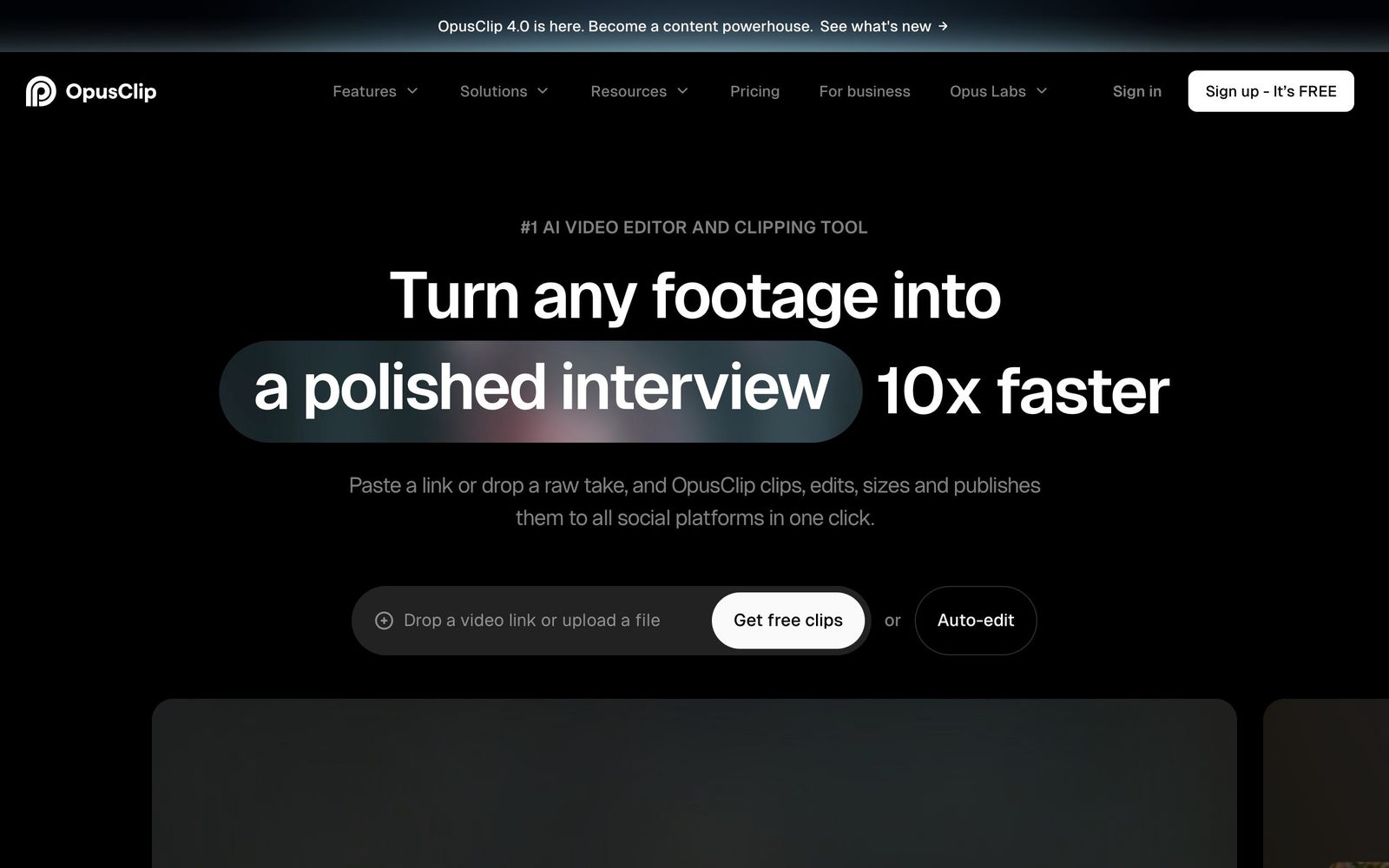
Our rating: 4.2/5. Fit for this job 3.9/5, ease of use 4.5/5, value for money 4.1/5.
OpusClip's ClipAnything returns ranked short clips from a long episode, each with a Virality Score, captions in 20+ languages and reframing to 9:16, 1:1 or 16:9. OpusClip 4.0 (2 November 2026) added auto-edit for raw talking-head videos.
Free uploads are deleted after 3 days, and the Pro plan adds a scheduler, API and XML export to Premiere and Resolve. It rates 4.0 on Trustpilot from 533 reviews.
Standout feature: ClipAnything returns ranked short clips from one long video, each with a Virality Score, captions and reframing.
What's the difference between OpusClip and Riverside? OpusClip makes more clips, ranked. Riverside's Magic Clips are free with your plan but simpler.
OpusClip pros:
- Fast, ranked clips from one upload or link
- Animated captions in 20+ languages
- Exports XML to Premiere Pro and DaVinci Resolve on Pro
- Social scheduler and API on Pro
OpusClip cons:
- Free exports carry a watermark and media expires after 3 days
- One Trustpilot reviewer waited over a day for a human reply; another lost paid credits after cancelling
Pricing: Free plan with 60 credits a month, a watermark and up to 1080p. Starter is $15 a month (monthly only); Pro is $29 a month, or $14.50 a month billed yearly.
Choose OpusClip over Riverside if: clips are how your show grows.
What's new in OpusClip: OpusClip 4.0 (2 November 2026) added auto-edit for raw talking-head videos, saved edit Recipes, Viral Hook and Motion Graphics.
Available for: Web, plus an API and a Claude connector
#11 Vizard: Best for many clips per episode with a team
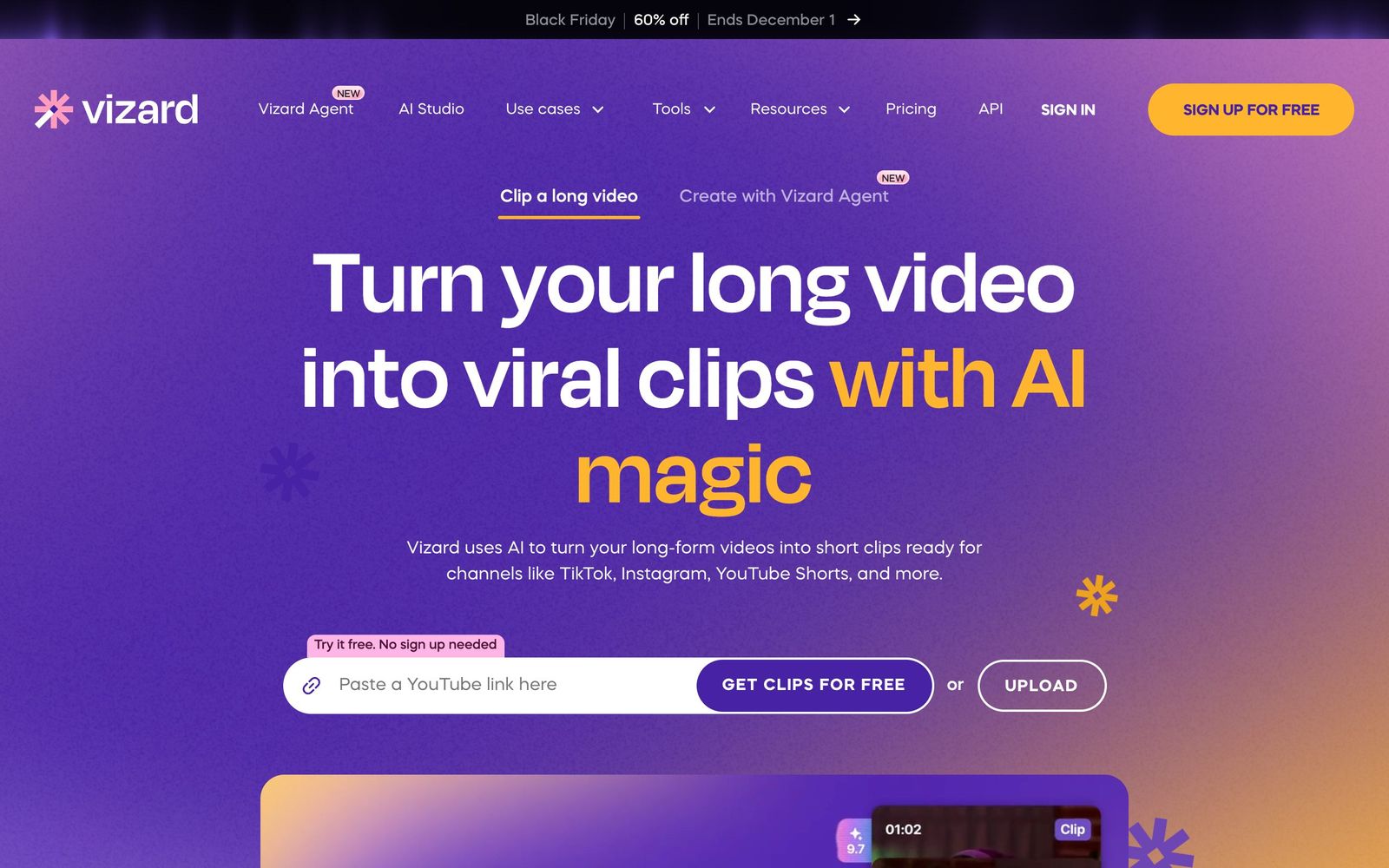
Our rating: 4.1/5. Fit for this job 3.8/5, ease of use 4.4/5, value for money 4.0/5.
Vizard turns one long upload into many clips (it advertises 30+ in one click), with face-tracking reframe, subtitles, translation and keyword highlights. Paid plans take uploads up to 10 hours and export in 4K, and Vizard Agent edits a finished video from a written brief.
Paid plans add team workspaces, brand kits and a scheduler. It rates 4.7 on Trustpilot from 2,522 reviews.
Standout feature: One upload can return 30+ clips, and paid plans take uploads up to 10 hours and export in 4K.
What's the difference between Vizard and Riverside? Vizard is built for clip volume and teams. Riverside is built for recording.
Vizard pros:
- Many clips from one long upload
- Face-tracking reframe, subtitles, translation and keyword highlights
- Vizard Agent edits a finished video from a brief
- Team workspace, brand kit and scheduler
Vizard cons:
- Free exports are 720p with a watermark, and videos are deleted after 3 days
- No refunds, and unused credits are lost when you cancel (per Vizard's terms as quoted by a Trustpilot reviewer)
Pricing: Free plan with 60 credits a month, 720p exports and a watermark. Paid plans list at $29 and $39 a month, less when billed yearly.
Choose Vizard over Riverside if: you need many clips per episode and a team workspace.
What's new in Vizard: Vizard Agent, an editing agent that works from a written brief (blog post, 29 June 2026), now appears on every plan.
Available for: Web, plus an API and an MCP connector
#12 Headliner: Best for automatic audiograms for each episode
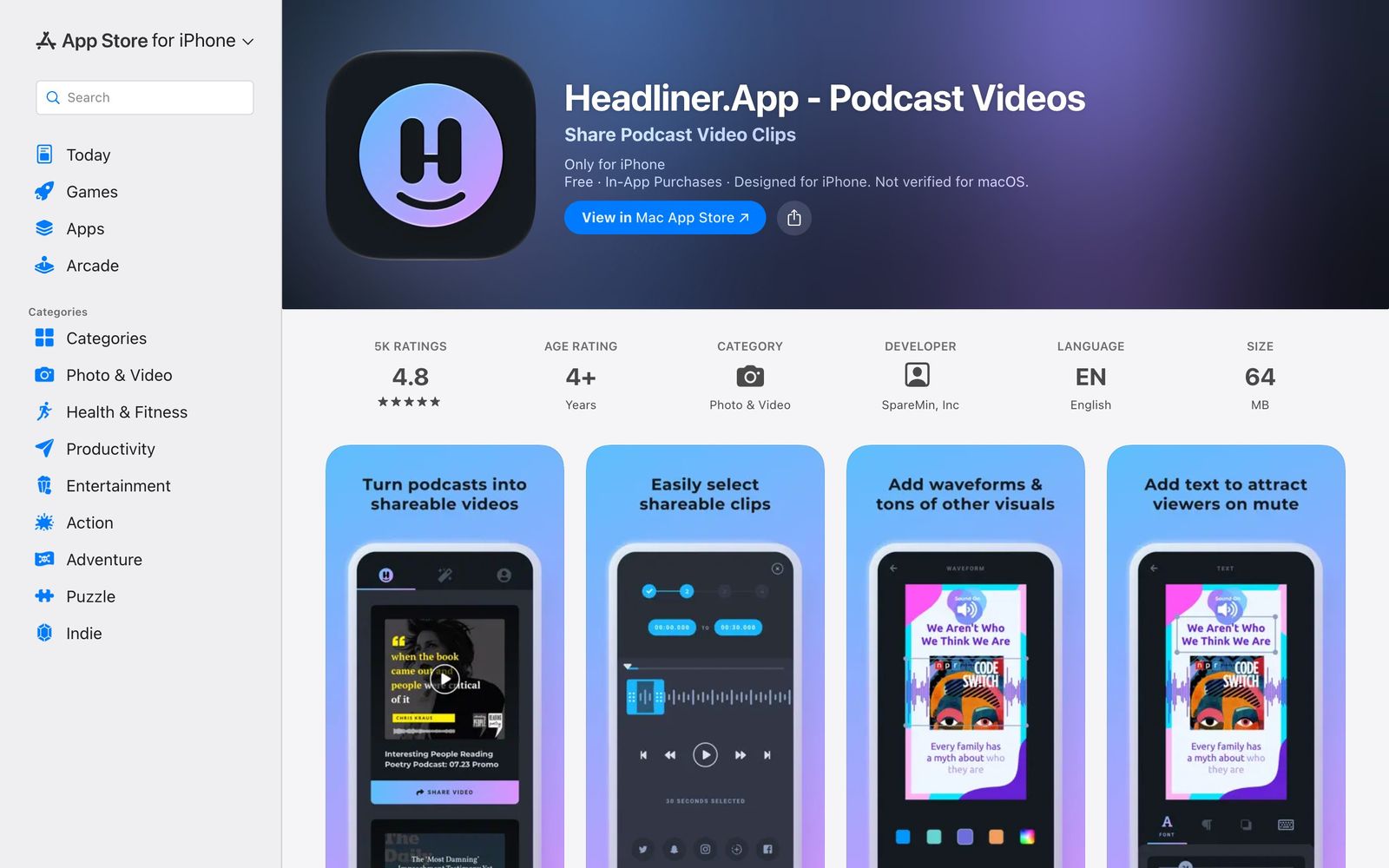
Our rating: 4.3/5. Fit for this job 4.0/5, ease of use 4.6/5, value for money 4.2/5.
Headliner makes audiograms and captioned clips, and can pick a moment from each new episode, make the video and post it automatically. Eddy edits podcasts like a document, and Pro added a social calendar and scheduler on 9 November 2026.
It is built for audio-first shows rather than multicam video podcasts.
Standout feature: Automatic audiograms and clips: it picks a moment from each new episode, makes the video and posts it.
What's the difference between Headliner and Riverside? Headliner automates audiograms for audio-first shows. Riverside records video-first shows.
Headliner pros:
- Automatic audiograms for every episode
- Free plan with unlimited watermarked audiograms
- Eddy edits podcasts like a document
- Rated 4.8 on the App Store (about 5,000 ratings)
Headliner cons:
- Only 1 unwatermarked audiogram a month on Free, 10 on Basic
- Scheduling is Pro-only
Pricing: Free forever with ads, unlimited watermarked audiograms and 1 unwatermarked audiogram a month. Basic is $9.99 a month (shown reduced from $14.99), or $7.99 billed yearly.
Choose Headliner over Riverside if: your show is audio-first and you want promo videos on autopilot.
What's new in Headliner: A social calendar and post scheduler on Pro (9 November 2026), after AI clip scoring (28 October).
Available for: Web, iPhone and an API
#13 Recast Studio: Best for clips, audiograms and show notes
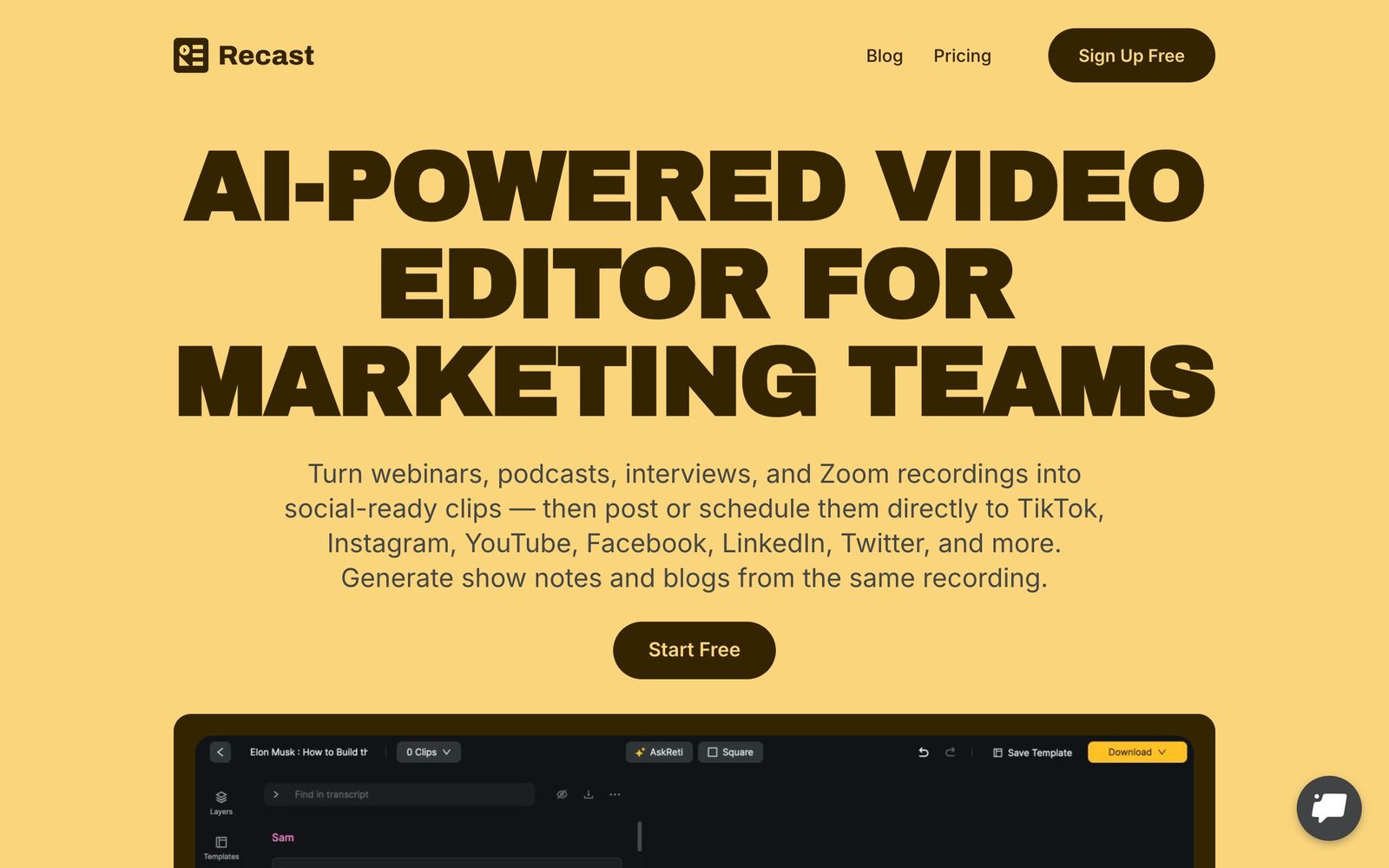
Our rating: 3.9/5. Fit for this job 3.8/5, ease of use 4.2/5, value for money 3.6/5.
Recast Studio turns one recording into clips, audiograms, show notes, blog posts and social posts, then publishes to TikTok, Instagram, YouTube, Facebook, LinkedIn and X. It adds filler and silence removal and animated captions in 20+ languages.
Trustpilot gives 2.9 from 87 reviews.
Standout feature: One recording becomes clips, audiograms, show notes and blog posts, then publishes to six networks.
What's the difference between Recast Studio and Riverside? Recast makes written content and clips from an episode. Riverside records it.
Recast Studio pros:
- Clips, audiograms and written content in one place
- Filler and silence removal
- Animated captions in 20+ languages
- Direct publishing and scheduling
Recast Studio cons:
- No ongoing free plan
- Trustpilot score of 2.9 (87 reviews), with support and download complaints
Pricing: Trial only: 60 one-time credits and 5 export minutes. Starter is $14 a month billed yearly ($170 a year).
Choose Recast Studio over Riverside if: you want written content as well as clips.
What's new in Recast Studio: No public changelog found; the blog's latest posts date from April 2026.
Available for: Web
#14 VEED: Best for subtitled clips and edits in the browser
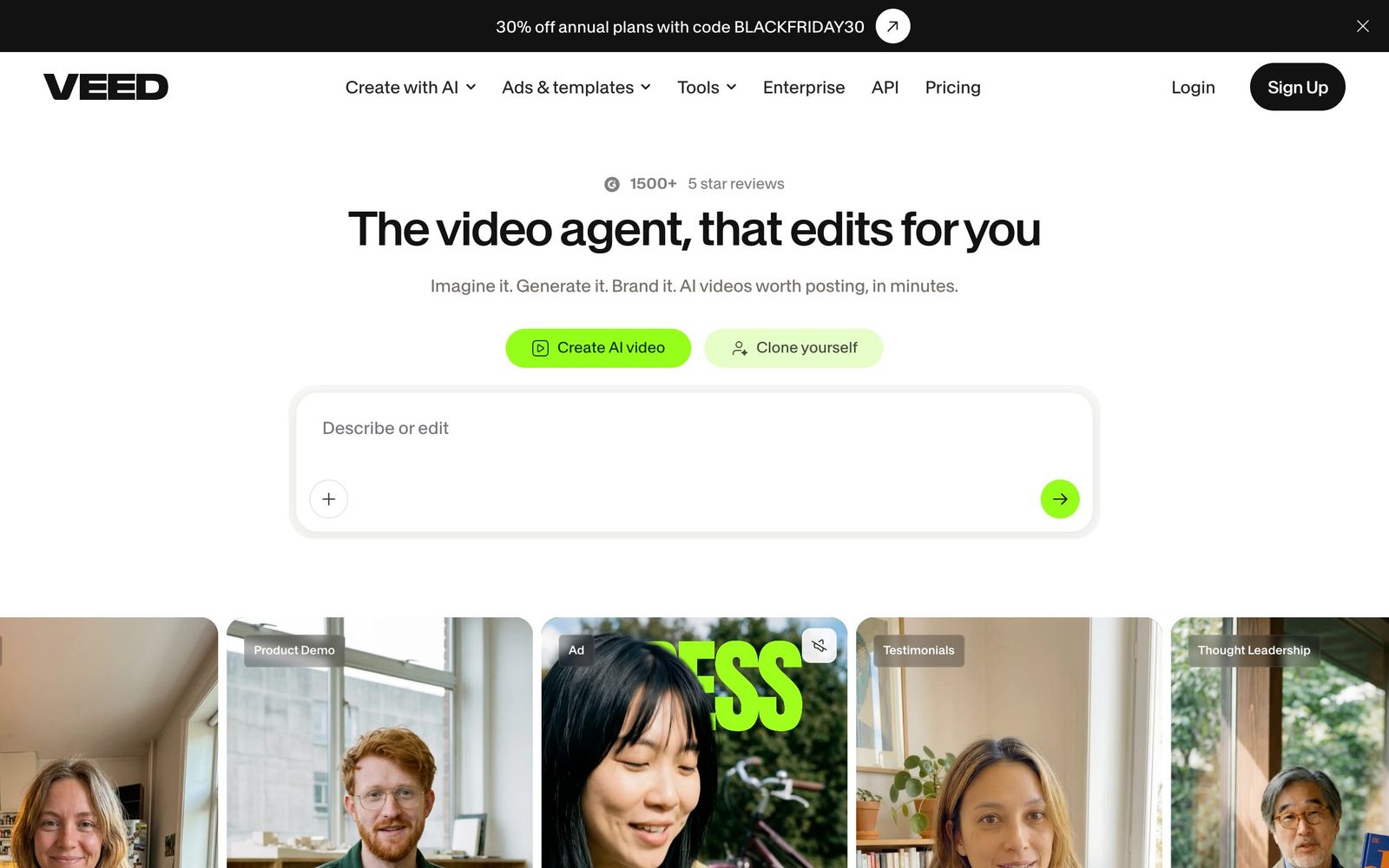
Our rating: 3.9/5. Fit for this job 3.4/5, ease of use 4.5/5, value for money 3.8/5.
VEED is a browser editor with strong automatic subtitles, an AI clip generator, brand kits, dubbing and, since 18 November 2026, VEED AI, an agent that edits uploaded footage into a social video. It has iPhone and Android apps for quick edits.
It rates 4.2 on Trustpilot from 3,961 reviews; recent reviewers complain about the paywall appearing at download.
Standout feature: VEED AI (18 November 2026): upload footage or describe an idea and its agent edits a social video.
What's the difference between VEED and Riverside? VEED subtitles and clips episodes in the browser. Riverside records them.
VEED pros:
- Easy browser editor with strong subtitles
- Avatars, dubbing and eye contact fix
- Brand kits
- iPhone and Android apps
VEED cons:
- Priced per editor, so teams pay per seat
- AI credits and translation minutes don't roll over
Pricing: Free plan with watermarked videos and 50 AI credits a month. Creator is $25 a month, or $12 a month billed yearly, per editor.
Choose VEED over Riverside if: you need subtitled clips and simple edits in the browser.
What's new in VEED: VEED AI, a video editing agent for social videos, launched on 18 November 2026.
Available for: Web, iPhone and Android
How to choose the best Riverside alternative
Riverside bundles recording, editing and clips. You may get a better result by choosing the best tool for each part. If you are also leaving another podcast tool, we compared the Descript and Headliner alternatives the same way.
Recording, editing or both?
If you only need the recording, Zencastr matches Riverside's 4K and 48 kHz for free. If you only need the edit, HyperFrames Studio imports Riverside's XML so you can keep recording there. If you want one app for both, Descript or Async.
How many cameras and speakers?
Video podcasts with two or more cameras need syncing and switching. HyperFrames Studio syncs by sound and cuts to whoever is speaking; AutoCut Angles switches cameras inside Premiere or Resolve; Premiere's Separate Crosstalk repairs overlapping voices.
Live or recorded?
StreamYard is built for live multistreaming with guests from a link. Riverside streams too, on Grow. If your show is recorded and edited, live features are cost you don't need.
How do you promote each episode?
Ranked social clips come from OpusClip or Vizard, audiograms for an audio-first show from Headliner or Recast, and clips with designed titles and speaker framing from HyperFrames Studio's podcast-to-clips.
What does it cost over a year?
Riverside Pro is $24 a month billed yearly ($288 a year) or $35 monthly. Zencastr is free; HyperFrames Studio's local edits and exports are free; StreamYard starts at $14.99 a month billed yearly. Count the trial: Riverside bills on day 15 unless you cancel.
How we compared
Every tool on this list was scored on three things:
- Recording or editing quality. Local recording, audio quality, multicam editing, speaker switching and noise cleanup.
- Workflow. Guests, captions, clips, show notes and publishing, and how files move between tools (separate tracks, XML).
- Value. Free plan, credits and the monthly price.
User complaints. We read recent reviews on Trustpilot, Product Hunt and the App Store and say when a complaint comes from a single review, with its date when it is old. Some review sites (G2, Capterra) blocked automated reading, so their scores are not quoted.
Ratings. Each tool gets three scores out of 5: fit for the job this page is about, ease of use, and value for money (free plan, entry price, watermarks and caps). The overall rating is their average. The scores are our judgment from the sources above, not a lab benchmark.
Riverside's free plan. Riverside's pricing page and its own blog say there is no free plan, only a 14-day trial; one older marketing page still mentions a free tier, so we follow the pricing page. Riverside's founding facts come from riverside.com/about and careers.riverside.com, read on 26 November 2026.
Conclusion
For editing, HyperFrames Studio is the strongest Riverside alternative: it imports Riverside's XML, syncs cameras by sound, cuts to the speaker, captions each person and turns the episode into vertical clips with the speaker in frame, free to start. Keep recording wherever you like.
For recording, Zencastr gives you Riverside-quality 4K and 48 kHz files for free, and StreamYard is the pick for live shows. Descript and Async are the one-app choices if you'd rather not split the job, and for promotion OpusClip and Vizard make the most clips while Headliner automates audiograms. Start with the free tools first: HyperFrames Studio is free, and so is Zencastr.
Edit your next episode free
Frequently asked questions
What is the best Riverside alternative?
For editing, HyperFrames Studio: its multicam edit imports Riverside XML, cuts to whoever is speaking and makes the clips, free to start. For recording, Zencastr, which is free with 4K video and 48 kHz audio for up to 6 people.
Is there a free Riverside plan?
No. Riverside's pricing page and its own blog say it replaced the free plan with a 14-day trial that bills on day 15. Zencastr records at 4K and 48 kHz for free, and HyperFrames Studio edits for free on your computer.
What is better, Riverside or StreamYard?
Riverside is better for the highest-quality recorded file, because it records each guest locally. StreamYard is better for live shows, with multistreaming to several platforms from the browser. Some hosts stream in StreamYard and record serious interviews in Riverside or Zencastr.
Is there a cheaper alternative to Riverside?
Yes. Zencastr is free, and StreamYard Essential is $14.99 a month billed yearly. HyperFrames Studio is free to start for editing. Riverside Pro is $35 a month, or $24 billed yearly.
How does Riverside compare with Descript?
Riverside records each remote guest locally in up to 4K and 48 kHz and adds live streaming and webinars. Descript is built around editing by transcript and records your screen. Both edit by text; Descript caps media hours, Riverside meters some AI features with credits.
Is Riverside an Israeli company?
Riverside was founded in 2020 by brothers Gideon and Nadav Keyson, according to its about page. Its careers page describes a global remote team, with open roles listed in Israel, Canada and Mexico City.
Is Riverside having problems?
We can't see live outages, but recent reviews mention glitchy editing of footage recorded elsewhere (November 2026), work lost when recording without an internet connection (October 2026) and no Brave or Firefox support (November 2026). Test your own setup during the trial.
Can I edit a Riverside recording in another editor?
Yes. Riverside downloads separate tracks per speaker, and HyperFrames Studio's podcast edit imports Riverside XML directly, lines up the cameras by sound and cuts to the speaker.
Is OBS a good free alternative to Riverside?
For recording in one room or streaming, yes: OBS Studio is free and open source, records locally and streams with no watermark. It doesn't record remote guests on their own computers, so for remote interviews Zencastr is the closer free match.
Does Riverside label speakers?
Riverside records each participant on a separate track. HyperFrames Studio transcribes with speaker names and lets you name who's who, then captions each speaker and writes show notes.
Can Riverside turn long videos into short clips?
Yes, with Magic Clips, which don't use credits. For more control, OpusClip and Vizard rank and caption many clips, and HyperFrames Studio's podcast-to-clips keeps the speaker in frame and lets you restyle the captions.
Which Riverside alternative is best for live streaming?
StreamYard, which multistreams a browser studio to several platforms with guests joining from a link. Its free plan shows the StreamYard logo; Core removes it.
What happens to my Riverside recordings if I cancel?
Download your raw tracks and any XML exports before the plan ends. Every editor on this page accepts the separate audio and video files, and HyperFrames Studio imports the XML timeline.
Is HyperFrames free?
Yes, free to start: HyperFrames Studio is a free download, and the open-source engine behind it is free, with 90,000+ GitHub stars. Pro is $25 a month for more (pricing).

Written by Ular Kimsanov
Ular Kimsanov works on HyperFrames at HeyGen, the free, open-source tool where AI agents make videos, and writes about making videos with AI agents. Prices and plans on this page were checked on 26 November 2026.