Tella makes screen recording feel less like a chore: record your screen and camera, then let Tella Agent (30 October 2026) cut filler words, add subtitles, clip a Short and, since 25 November 2026, write and narrate AI voiceovers in 24 languages. It ships changes almost every week.
People look elsewhere for practical reasons: there is no free plan, credits expire monthly, and Trustpilot reviewers (2.6 from 15 reviews) describe slow cloud editing on long recordings. Two kinds of tools replace Tella, screen recorders and video editing tools that make the demo look finished, so the 15 below are grouped by job, and we say plainly which ones don't record.
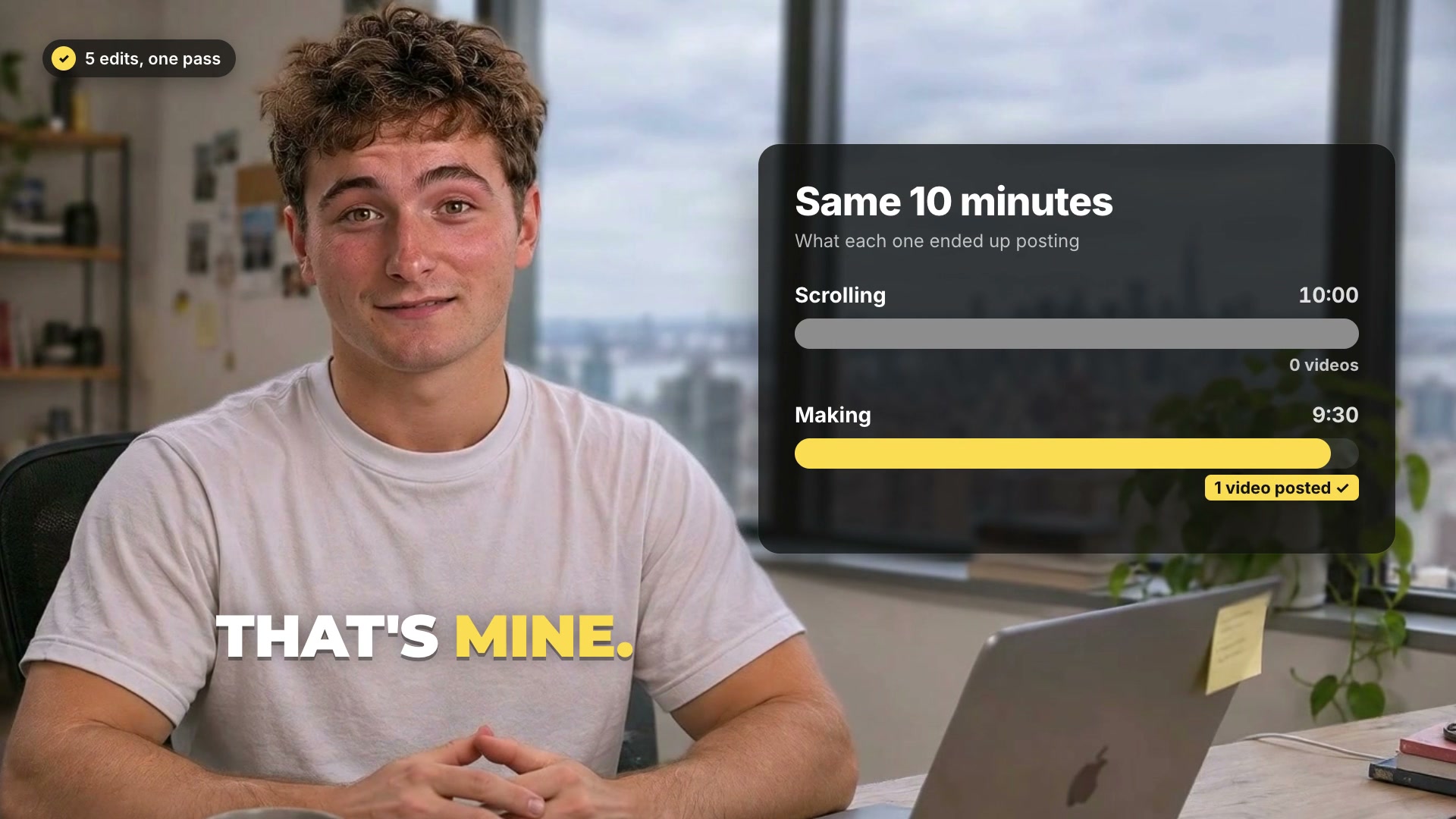
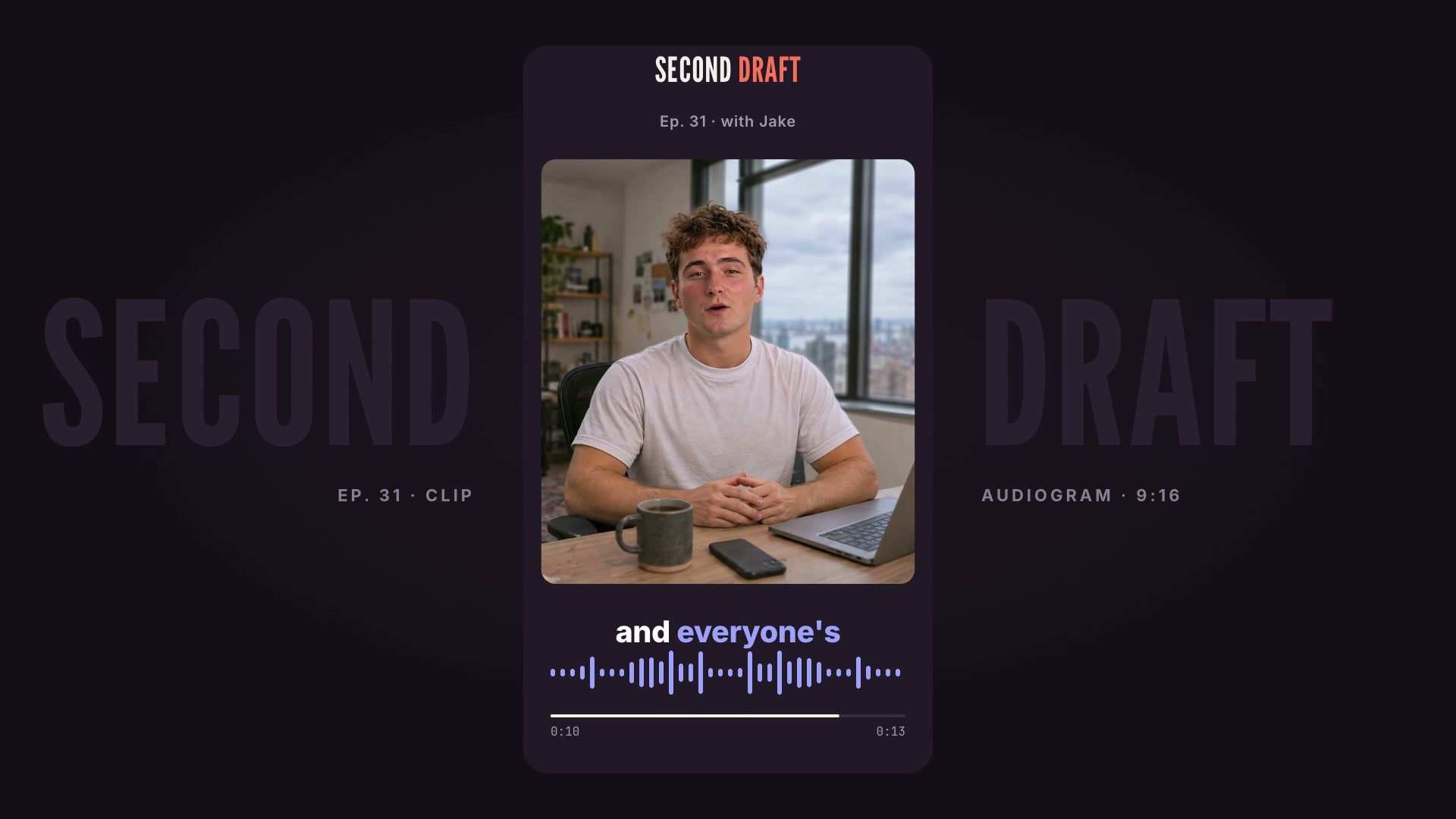
A product website lifts into the scenes of a polished product demo. Made with HyperFrames for this page.
Why look for a Tella alternative?
Tella has only 15 public reviews on Trustpilot (an unclaimed profile), so we mark how many people each complaint comes from:
No free plan
Tella offers a 7-day trial with 4,500 credits, then Pro at $16 per user a month, or $13 billed yearly. Cap, Loom, Camtasia's editor and TimeBolt's recorder all have free tiers.
Credits and branding
Pro includes 9,000 credits per user a month, and they expire monthly instead of rolling over. Removing Tella branding, a custom domain and 60 FPS need Premium at $24 a month, or $19 billed yearly.
Slow cloud editing
Editing happens in the cloud. One Trustpilot reviewer (September 2026) says a 30-minute screen recording took 3 to 4 hours to edit, and another (March 2026) spent an hour trying to cut an 11-minute video.
Exports and support
One Trustpilot reviewer (February 2026) says exports sometimes report success with no file on the computer, and another (June 2026) says bug tickets are marked resolved the moment they are created.
Recording isn't always the right start, in our view
A product demo recorded today is out of date after the next UI change, and a re-record means re-editing. That is our judgment, not a review quote.
Quick comparison: the best Tella alternatives
Fifteen alternatives at a glance, with Tella last for reference.
Tool | Best for | Our rating | Free plan | Starting price |
|---|---|---|---|---|
HyperFrames | Demos built from your site and tutorials finished by asking | 4.6/5 | Yes, unlimited local exports | Free to start |
Screen Studio | Beautiful Mac recordings with auto zooms | 4.3/5 | No | $29/mo |
FocuSee | Auto-zoom recordings on Windows and Mac | 4.2/5 | No, 1-video trial | $59.99/yr |
Camtasia | Software training videos | 4.0/5 | Yes, watermark | $179.88/yr (no watermark) |
Loom | Instant shareable team videos | 4.3/5 | Yes, 25 videos, 5 min | $18/mo per user |
ScreenPal | Cheap recording, hosting and quizzes | 4.2/5 | Yes, 15-min recordings | $4/mo billed yearly |
Cap | An open-source recorder with a lifetime licence | 4.4/5 | Yes, personal use | $58 once |
Descript | Recording and editing by transcript | 4.1/5 | Yes, 1 hr/mo, 720p | $24/mo |
ChatCut | Chat edits on any recording | 4.2/5 | Yes, unlimited local export | $25/mo list |
TimeBolt | A free recorder plus fast cleanup | 4.2/5 | Yes, watermark | $17/mo or $347 once |
Borumi | Scripted recordings, paid once | 4.1/5 | Try free, no export | $79 once |
Choppity | Recordings turned into clips | 3.9/5 | Yes, no exports | $24/mo |
Filmora | An effects-rich editor with multi-source recording | 3.9/5 | Trial, watermark | $69.99/yr ($49.99 on sale) |
Shotcut | A free open-source editor with screen capture | 3.9/5 | Yes, fully free | Free |
OBS Studio | Free, unlimited recording with full control | 4.0/5 | Free (open source) | Free |
Tella (for reference) | Screen recordings with an editing agent | Not rated | No, 7-day trial | $16/mo per user |
Ratings average our three scores (fit, ease of use, value); see How we compared. Monthly list prices on 26 November 2026; Tella shows yearly prices by default.
Why trust us? HeyGen makes HyperFrames and publishes this page, so we compete with the tools below. Every rival's price, plan and feature comes from its own pricing page, help center or changelog, read on 25 and 26 November 2026. User complaints are quoted from public review sites and linked in How we checked. HyperFrames claims come from its pricing page and from the Studio app's current build. Where a rival is the better pick, we say so.
Turn your product into a demo video, free
Best Tella alternatives for polished product demos
For launch videos, product tours and tutorials that need to look finished, not just recorded. Screen Studio, FocuSee and Camtasia make the recording itself look good; HyperFrames Studio builds the demo from your site or finishes a recording made elsewhere.
#1 HyperFrames: Best for demos built from your site and tutorials finished by asking
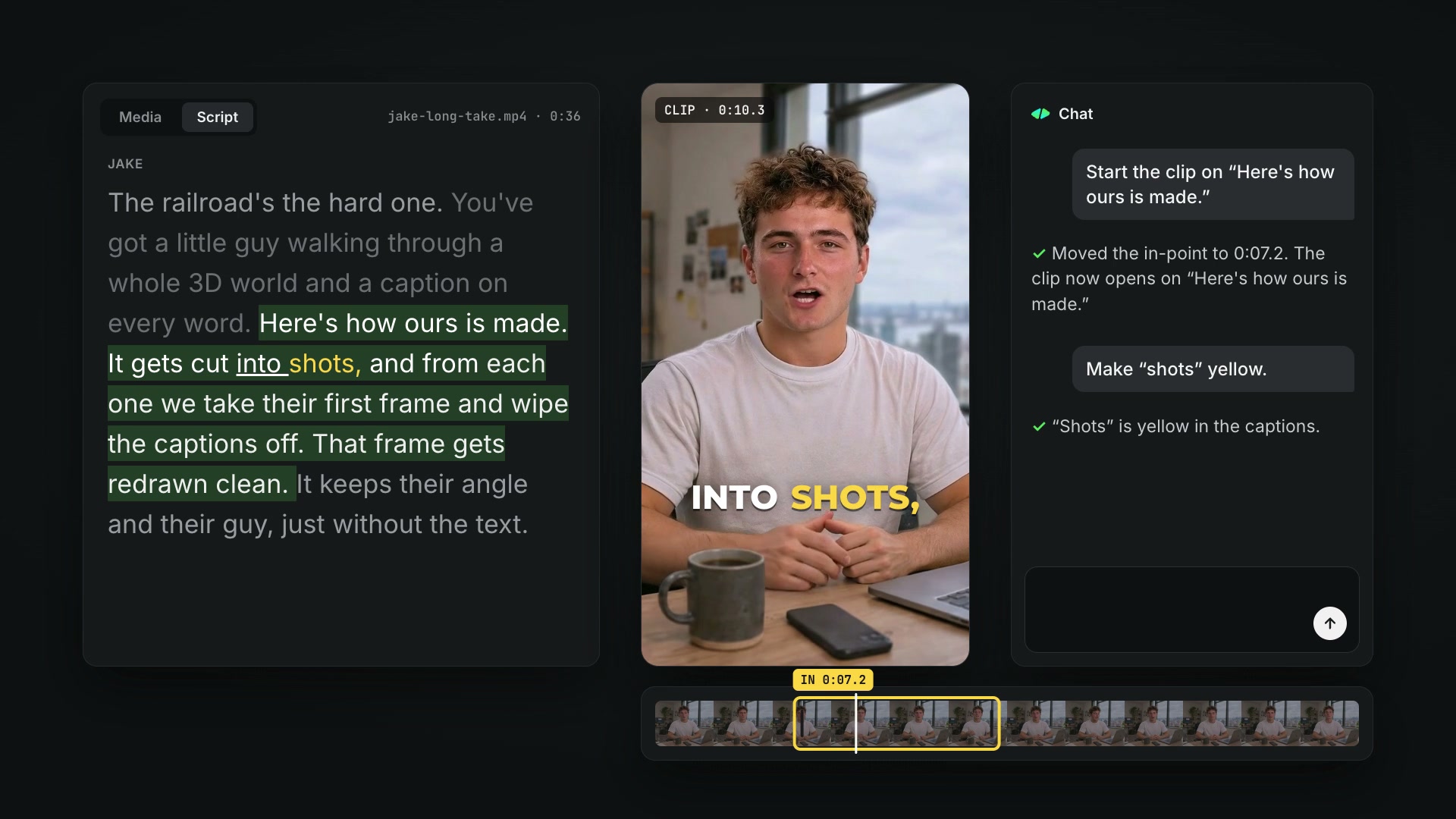
The Script tab in HyperFrames Studio: select the words you don't want, press Cut, and the recording gets shorter.
Our rating: 4.6/5. Fit for this job 4.4/5, ease of use 4.5/5, value for money 4.9/5.
Tella makes screen recording quick, and its agent now trims the ums and adds subtitles for you. It stops at what you recorded: a demo only looks as good as the take, and the next UI change means recording it again. In HyperFrames Studio you paste your website and get a product demo built from your real pages, colours and fonts, with titles, zooms and motion around them. Or point at a product video you love and say "like this, but for our app". When the UI changes next month, point at that one scene and only it changes. It's free to start, with no branding and unlimited exports on your computer.
HyperFrames Studio has no screen recorder, and it doesn't need one for a product demo. Give the agent your website's address and it builds the demo from your real pages, words and fonts, then adds titles, captions, music and motion around them. A typical ask: "a 45-second demo of our pricing and features pages, our brand colours, a title for each step, a calm voiceover". See website to video.
For tutorials, bring the recording you made with any recorder (Screen Studio, Cap, Loom, QuickTime, OBS). Edit my footage cuts the ums and long pauses and fixes sound and colour. Then read it in the Script tab: select the words you don't want, press Cut, and the recording gets shorter. Ask for the rest: "captions, a title for each step, a close-up when I open Settings". Team review sends a link to a product manager whose comments come back into Studio.
Standout feature: Paste your website and get a product demo built from your real pages; when the UI changes, you change that one scene and keep the rest.
What's the difference between HyperFrames and Tella? Tella records your screen and edits the recording with an agent. HyperFrames Studio has no recorder: it builds product demos from your real website, and finishes tutorials you recorded elsewhere by asking an AI agent.
HyperFrames pros:
- Free to start, with unlimited local exports and no branding
- Demos from your website, so UI changes mean editing one scene
- Point at a product video you love and get its pacing for your app
- Finishes recordings from any recorder by asking
HyperFrames cons:
- No built-in screen recorder: record with any recorder, or build the demo from your site
- No share links with viewer analytics: you export files and host them yourself
Pricing: Free to start: a free download for Mac, Windows and Linux, or start in your browser, with exports on your computer and no watermark.
Choose HyperFrames if: you want demos that look produced, and updates that don't mean re-recording.
What's new in HyperFrames: In November 2026 the Script tab reached every current Studio app build: select the words you don't want in a recording's transcript, press Cut, and the tutorial gets shorter. Edit my footage reached every build the same month.
Available for: Mac, Windows and Linux (the Studio app), the web, and inside Claude, ChatGPT and Grok through the HyperFrames connector
See a video you love? Make it yours. Or film it, or just describe it. Your footage, edited for you. Any motion graphic, format or style. Every word and shot stays yours to change.
Make a product demo free
#2 Screen Studio: Best for beautiful Mac recordings with auto zooms
Our rating: 4.3/5. Fit for this job 4.5/5, ease of use 4.6/5, value for money 3.8/5.
Screen Studio watches where you click while recording and zooms into those moments automatically, smooths the cursor, and uses smart framing to keep your webcam off the cursor. An on-device upscaler sharpens the result. Version 4.1 (20 October 2026) added Hide sensitive data, which masks emails, card numbers and keys automatically.
Every feature is on every plan, with exports up to 4K at 60 fps. It is Mac only, and its Trustpilot page has no reviews, so there is little public complaint evidence either way.
Standout feature: Automatic zooms on your clicks and smooth cursor motion make screen recordings look produced.
What's the difference between Screen Studio and Tella? Screen Studio makes the most polished recordings automatically. Tella adds an editing agent, sharing and analytics.
Screen Studio pros:
- Beautiful automatic zooms
- Every feature on every plan
- 4K 60 fps and ProRes export
- Hides sensitive data automatically
Screen Studio cons:
- Mac only
- No free plan
Pricing: No free plan. $29 a month, or $9 a month billed yearly.
Choose Screen Studio over Tella if: you record on a Mac and want it to look produced instantly.
What's new in Screen Studio: Screen Studio 4.1 (20 October 2026) added automatic masking of sensitive data and ProRes export.
Available for: Mac
#3 FocuSee: Best for auto-zoom recordings on Windows and Mac
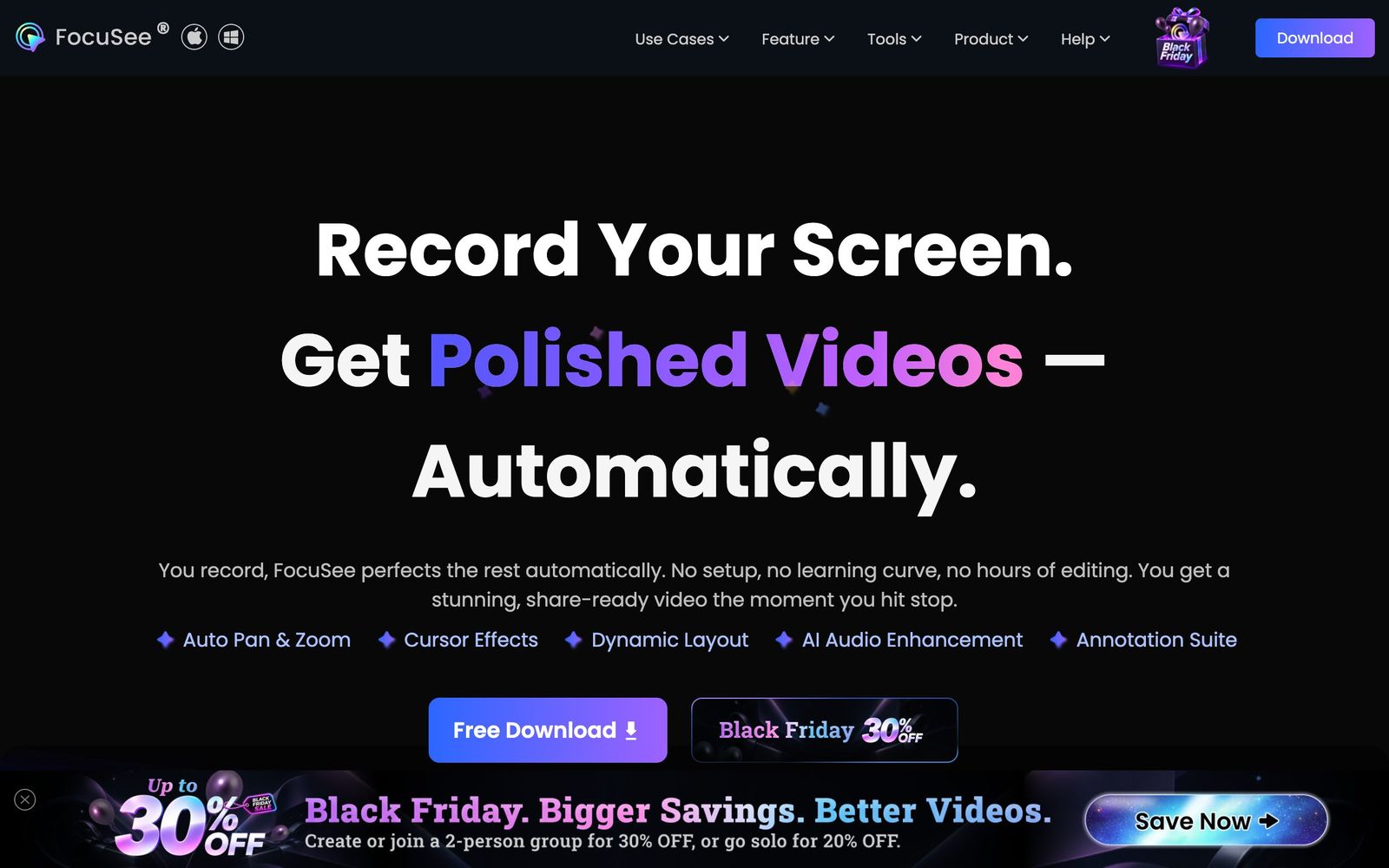
Our rating: 4.2/5. Fit for this job 4.1/5, ease of use 4.4/5, value for money 4.0/5.
FocuSee is the Screen Studio idea on Windows as well as Mac. Auto-zoom follows your clicks and typing, the cursor fades in and out, and spotlight and 3D tilt effects make a raw recording look edited without keyframes. It records screen, webcam, mic and system audio in one take, with a teleprompter.
Its AI tools cover what Tella Agent does for cleanup: subtitles in 50+ languages, filler-word and silence removal and noise reduction, and an Advanced lifetime licence is $199.99 for version 2.x. Trustpilot gives 3.1 from 23 reviews, with reports of hard cancelling and slow cloud exports.
Standout feature: Auto zoom follows your clicks and typing, and the cursor fades in and out, so a raw recording looks edited without keyframes.
What's the difference between FocuSee and Tella? FocuSee automates zooms and cleanup on your desktop, sold by the year or once. Tella is a cloud recorder with an agent, sold per user per month.
FocuSee pros:
- Automatic zooms, spotlight and cursor effects
- Screen, webcam, mic and system audio in one take
- AI subtitles in 50+ languages
- Filler-word and silence removal, plus voice enhancement
FocuSee cons:
- Standard has no AI credits, so AI tools need Advanced or credit purchases
- Desktop only, and Standard covers one computer
Pricing: A free trial exports one video; removing the watermark is paid. Standard is $59.99 a year for 1 computer, with no AI credits; monthly plans exist, but the monthly price wasn't visible. A Black Friday sale (24 November to 7 December) takes 20% off.
Choose FocuSee over Tella if: you want automatic zooms on Windows, or a lifetime licence.
What's new in FocuSee: The official site moved from an iMobie subdomain to focusee.ai on 27 October 2026. The latest product release post found is FocuSee 2.0 (28 September 2025).
Available for: Windows and Mac
#4 Camtasia: Best for software training videos
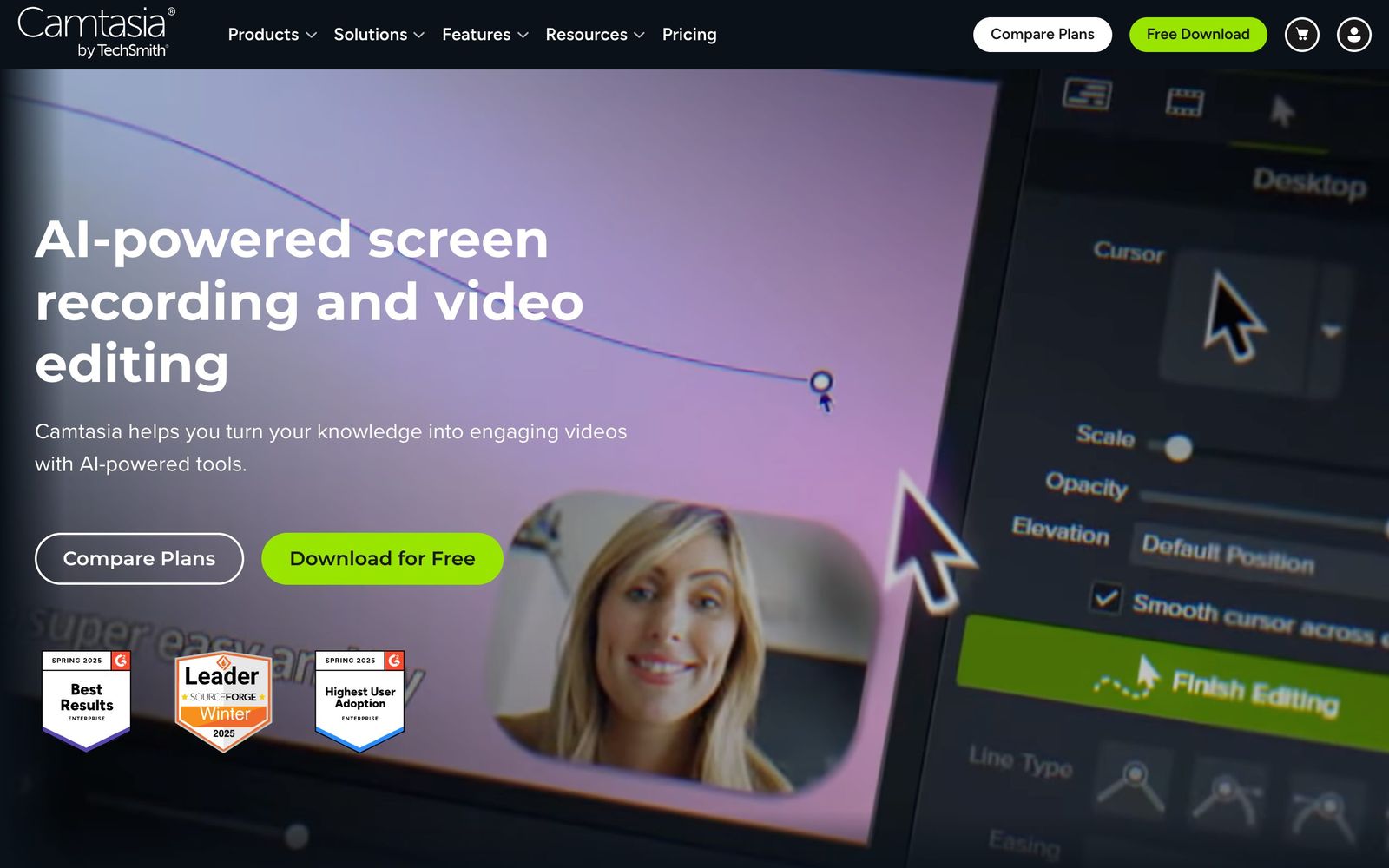
Our rating: 4.0/5. Fit for this job 4.2/5, ease of use 4.0/5, value for money 3.8/5.
Camtasia from TechSmith is built for software tutorials and training: screen and camera recording with a full timeline editor, Camtasia Rev for quick edits with vertical looks and layouts, Zoom cloud recording import and VTT caption import and export, on Windows and Mac.
TechSmith rates 4.1 on Trustpilot from 452 reviews across its products, and one reviewer found the upgrade options unclear.
Standout feature: Built for software tutorials and training: screen and camera recording with a full editor.
What's the difference between Camtasia and Tella? Camtasia is a traditional training editor with a desktop timeline. Tella is a lighter cloud editor with an AI agent and share links.
Camtasia pros:
- Made for tutorials and training
- Screen and camera together
- Windows and Mac
- TechSmith rated 4.1 on Trustpilot
Camtasia cons:
- Free exports are watermarked
- Yearly billing only; one TechSmith reviewer found the upgrade options unclear
Pricing: The full editor is free with a watermark. Paid plans are billed yearly; watermark-free exports start at Essentials, $179.88 a year.
Choose Camtasia over Tella if: you make long software training videos and want a full desktop editor.
What's new in Camtasia: Camtasia 2026.2.3 (22 October 2026) added a choice of update timing.
Available for: Windows and Mac
Best Tella alternatives for quick team videos
For updates, walkthroughs and async messages that need a link, not a polished edit.
#5 Loom: Best for instant shareable team videos
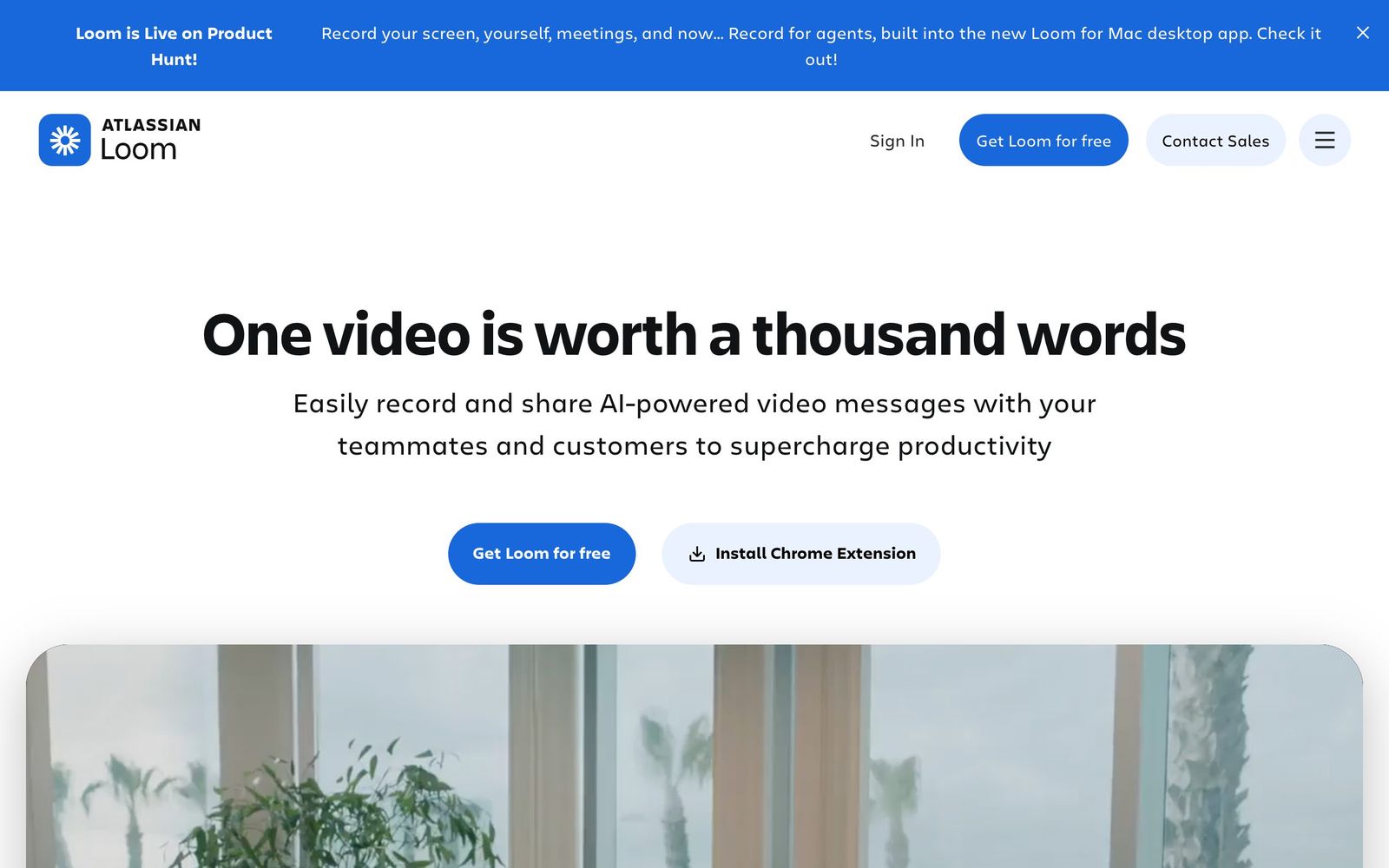
Our rating: 4.3/5. Fit for this job 4.2/5, ease of use 4.7/5, value for money 4.0/5.
Loom, now part of Atlassian, records your screen and camera and gives you a share link in seconds, with transcriptions in 50+ languages, comments and emoji reactions. The rebuilt native Mac app (7 October 2026) adds instant recording and Record for agents, which turns a recording into step-by-step instructions for AI agents.
Business + AI adds filler-word removal and auto summaries. Its Trustpilot score is 1.4 from 286 reviews, with recent complaints about forced sign-in changes and billing since the Atlassian takeover; the iPhone app rates 4.8.
Standout feature: Instant shareable screen videos for work, now with Record for agents.
What's the difference between Loom and Tella? Loom is faster for quick messages and has a free plan. Tella makes more polished, edited videos.
Loom pros:
- Record and share in seconds
- Transcripts in 50+ languages
- Record for agents turns a video into steps for AI agents
- Rated 4.8 on the iPhone App Store
Loom cons:
- Free plan stops at 25 videos and 5 minutes
- Trustpilot score of 1.4 (286 reviews), with login and billing complaints
Pricing: Free Starter plan with 25 videos and 5-minute recordings. Business is $18 per user a month.
Choose Loom over Tella if: speed matters more than polish.
What's new in Loom: An all-new native Loom for Mac (7 October 2026) with automatic decluttering and Record for agents.
Available for: Mac, iPhone, and more apps from Atlassian
#6 ScreenPal: Best for cheap recording, hosting and quizzes

Our rating: 4.2/5. Fit for this job 3.9/5, ease of use 4.3/5, value for money 4.5/5.
ScreenPal, formerly Screencast-O-Matic, records your screen and webcam with drawing tools and zoom, edits on the desktop or online, and hosts the result with channels, privacy controls, embeds and analytics. It adds interactive quizzes, polls and LMS integrations, which makes it a natural fit for teachers and trainers.
The free plan has no system audio or automatic captions; Solo Max adds ScreenPal AI (auto captions, text-based editing, filler-word removal). Trustpilot gives 2.3 from 80 reviews, with reports of corrupted files and renewals without notice.
Standout feature: ScreenPal, formerly Screencast-O-Matic, records, edits, hosts and quizzes in one tool: videos can carry questions, polls and buttons, and embed in an LMS.
What's the difference between ScreenPal and Tella? ScreenPal is far cheaper and adds quizzes for teaching. Tella is more polished with an editing agent.
ScreenPal pros:
- Free recordings with no watermark
- Screen and webcam recorder with drawing tools
- Hosting with channels, embeds and analytics
- Quizzes, polls and LMS integrations
ScreenPal cons:
- Free plan has no system audio or automatic captions
- ScreenPal AI needs Solo Max ($10 a month paid yearly) or Team Business
Pricing: Free plan with 15-minute recordings, no watermark and 720p playback. Solo Deluxe is $4 a month paid yearly ($48), on a holiday sale at $3 until 5 December 2026; the monthly-billing price isn't shown.
Choose ScreenPal over Tella if: you teach with video and want quizzes and hosting for a few dollars a month.
What's new in ScreenPal: Version 13.2.0 (2 November 2026) turns an uploaded PowerPoint, PDF or Keynote file into a video; 13.6.0 (18 November) upgraded the AI video editor's model.
Available for: Windows, Mac, iPhone, Android, Chromebook, a Chrome extension and the web
#7 Cap: Best for an open-source recorder with a lifetime licence
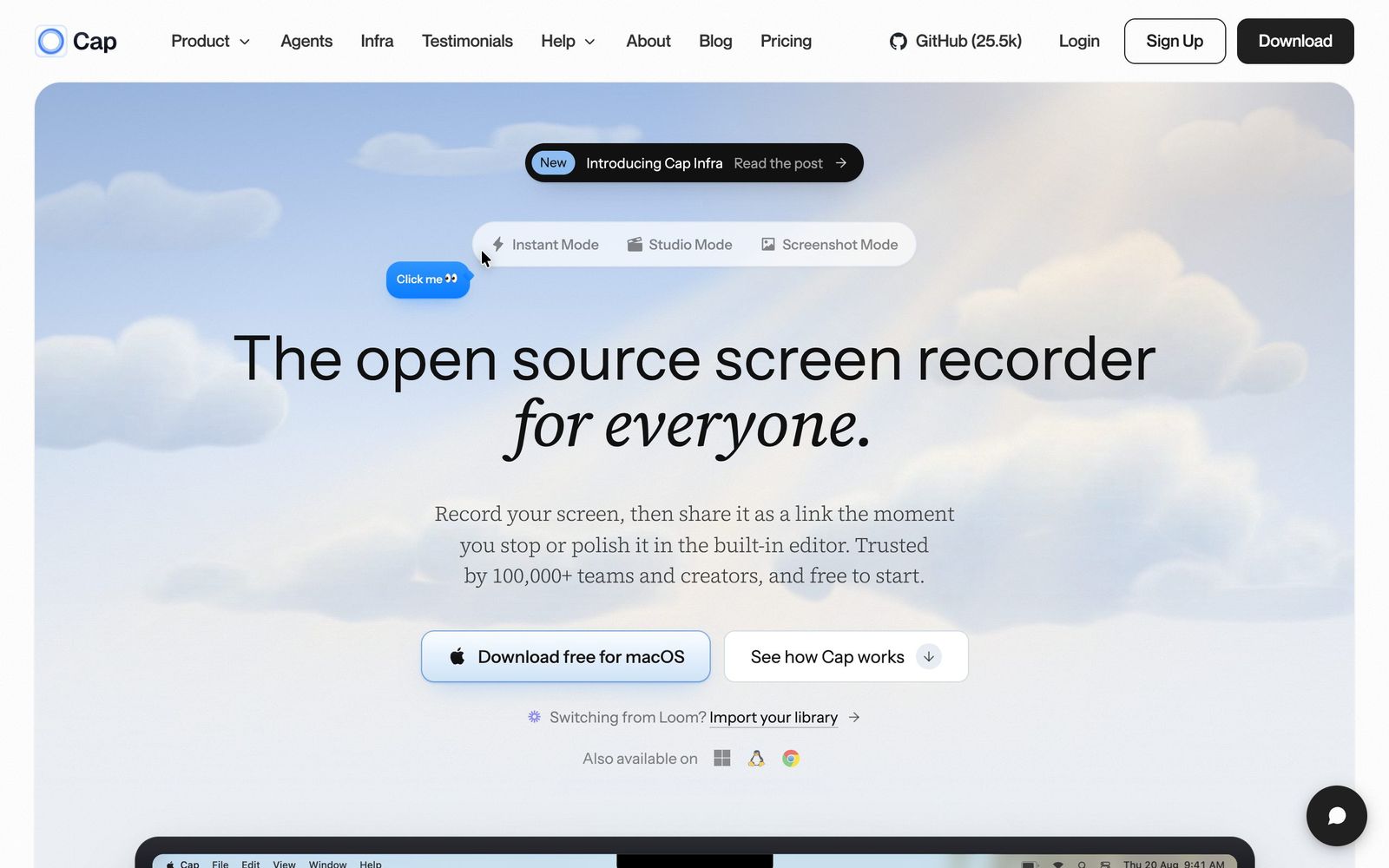
Our rating: 4.4/5. Fit for this job 4.2/5, ease of use 4.3/5, value for money 4.6/5.
Cap is an open-source screen recorder and editor for Mac, Windows and Linux. Studio Mode gives you a full editor with 4K 60 fps export, and Cap 0.6.3 (11 November 2026) added editing a recording by its transcript, Voice EQ, a Shape track for arrows, boxes and step badges, and marking moments while you record. Its GitHub repo has about 25,600 stars.
Cap Pro adds unlimited cloud sharing, AI and team features. For a solo creator it is a low-cost way to replace Tella.
Standout feature: An open-source screen recorder and editor on every desktop, with a $58 lifetime licence.
What's the difference between Cap and Tella? Cap is open source with a one-time licence and runs on Linux too. Tella is a subscription with an AI agent.
Cap pros:
- Open source
- Mac, Windows and Linux
- 4K 60 fps exports
- Edit a recording by its transcript (0.6.3)
Cap cons:
- Commercial use needs a licence
- 25 cloud links a month on free and desktop plans
Pricing: Free for personal use. A commercial desktop licence is $29 a year or $58 once.
Choose Cap over Tella if: you want an open-source recorder you pay for once.
What's new in Cap: Cap 0.6.3 (11 November 2026) added transcript editing, Voice EQ and a shape track.
Available for: Mac, Windows and Linux
Best Tella alternatives for editing recordings by text or chat
If what you like about Tella is the agent that cleans up a recording, these do that job on recordings from any tool, so you can keep recording in Screen Studio, Cap or Loom.
#8 Descript: Best for recording and editing by transcript
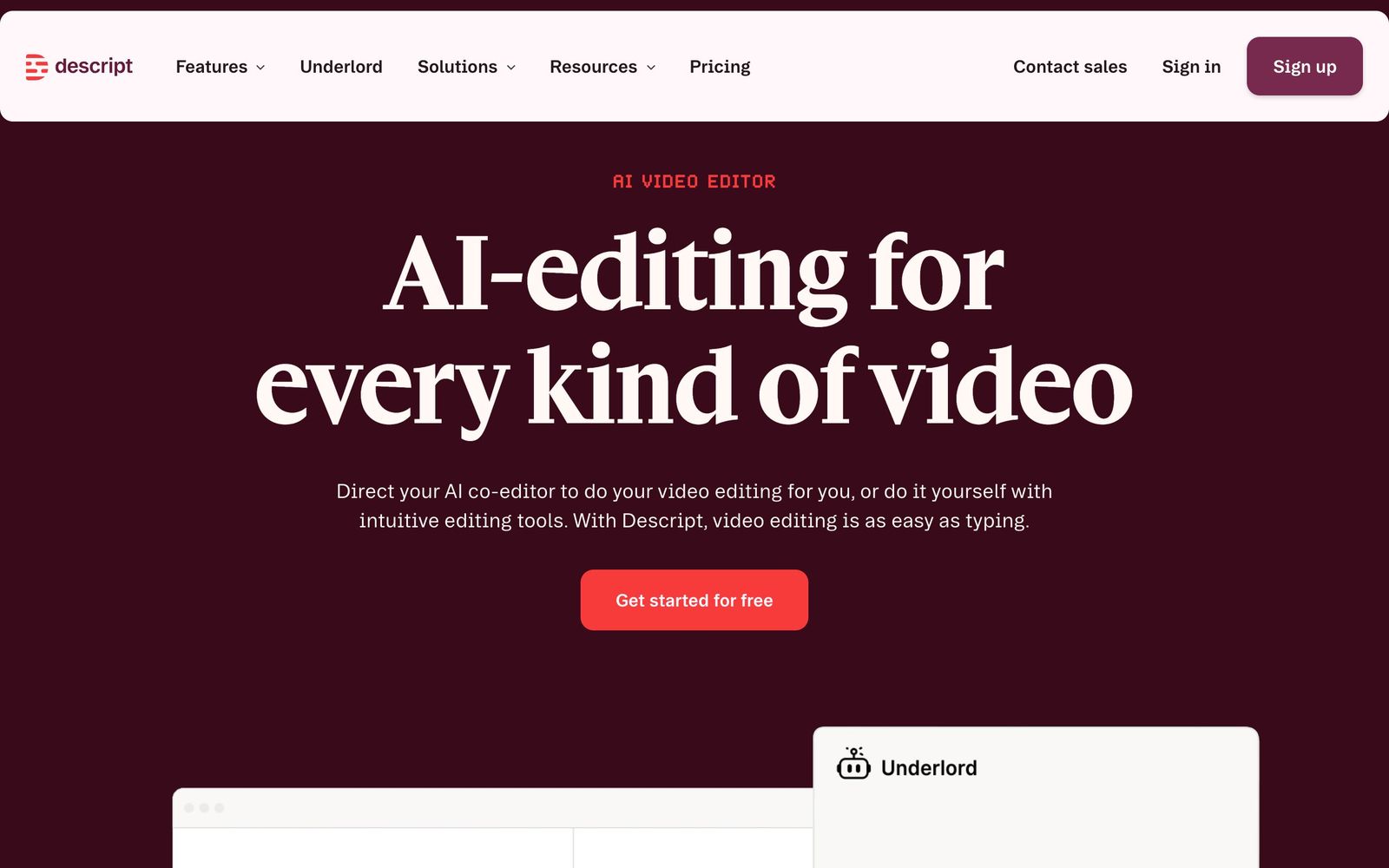
Our rating: 4.1/5. Fit for this job 4.1/5, ease of use 4.2/5, value for money 4.0/5.
Descript records your screen and camera (and remote guests in Rooms), then edits by transcript: delete a word and the video is cut. Underlord, its agent, tightens recordings and saves reusable skills, and Descript exports timelines to Premiere, Resolve and Pro Tools.
Trustpilot gives 2.4 from 301 reviews, with bugs and credit complaints.
Standout feature: Edit the video by editing its transcript, with Underlord, its AI agent, cutting a raw recording into shape.
What's the difference between Descript and Tella? Descript edits by transcript and has a free plan. Tella has a stronger screen-recording layout and sharing.
Descript pros:
- Edit the video by editing its transcript
- Screen recording and remote recording (Rooms)
- Timeline export to Premiere, Resolve and Pro Tools
- Underlord skills save your own workflows
Descript cons:
- Paid plans cap media hours (10, 30 or 40 a month)
- Trustpilot score of 2.4 (301 reviews), with bugs and credits spent on weak AI results
Pricing: Free plan with 1 media hour a month and 720p exports. Hobbyist is $24 a month, or $16 a month billed yearly.
Choose Descript over Tella if: you edit by transcript and want a free plan to start.
What's new in Descript: November 2026 release: Underlord skills, brand layout packs, Rooms dead-mic warnings and native Premiere export in beta (changelog, 6 November).
Available for: Desktop app and web
#9 ChatCut: Best for chat edits on any recording
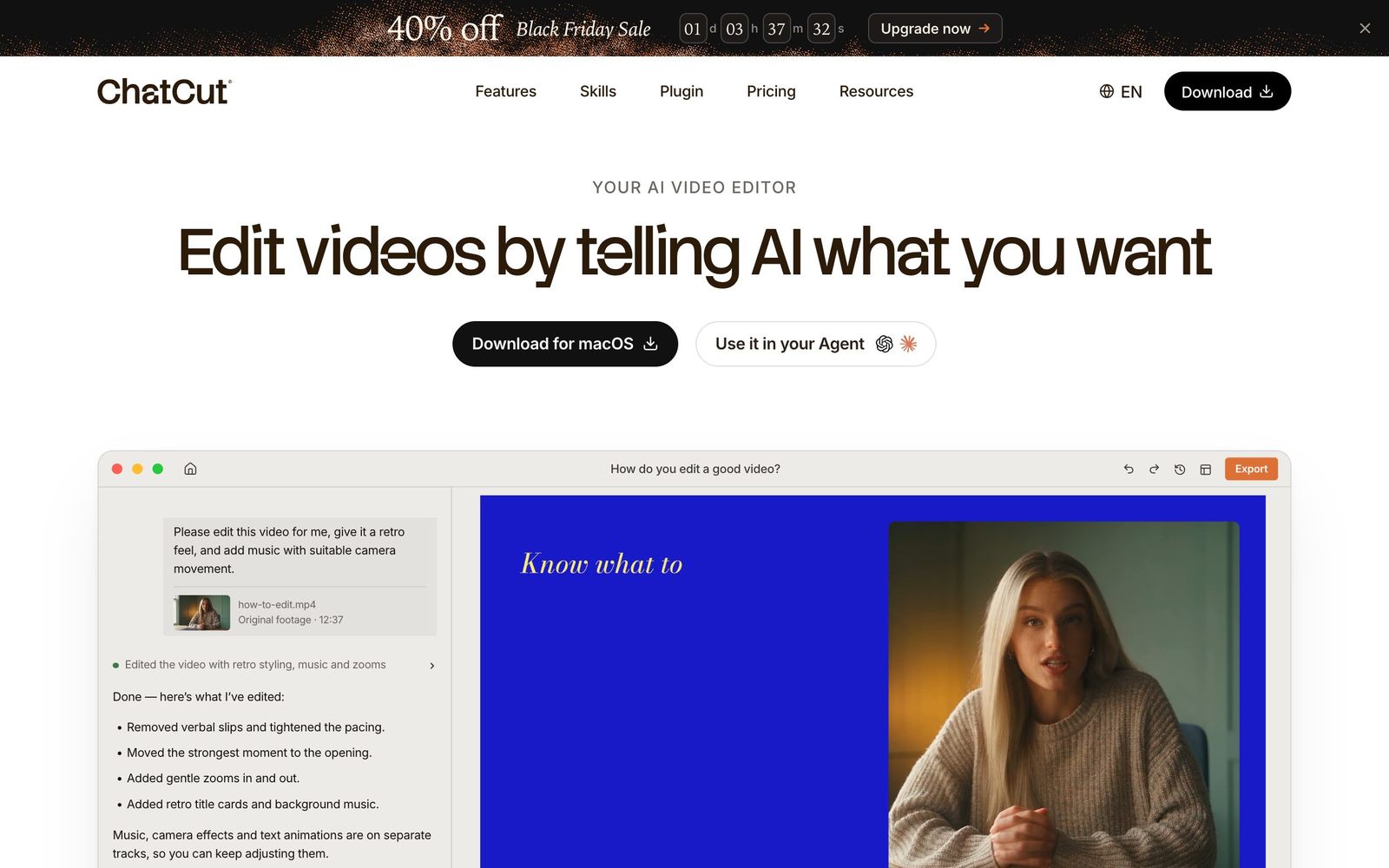
Our rating: 4.2/5. Fit for this job 3.9/5, ease of use 4.4/5, value for money 4.2/5.
ChatCut is an AI editor you drive by chat: ask for speech cleanup, captions or shorts and the result lands on a timeline you can adjust by hand. It runs on the web, Mac and Windows and as a plugin in ChatGPT, Codex, Claude Code and Cursor, and exports XML to Resolve, Premiere, Final Cut and CapCut.
It doesn't record; bring the recording in.
Standout feature: Edits you ask for in chat land on a real timeline you can adjust, and editing through Claude Code or Codex spends no ChatCut credits.
What's the difference between ChatCut and Tella? ChatCut edits any recording by chat, free to start. Tella records and edits in one cloud app.
ChatCut pros:
- Chat edits on an editable timeline
- 100+ one-click skills such as speech cleanup, captions and shorts
- XML export to Resolve, Premiere, Final Cut and CapCut
- Plugins for ChatGPT, Codex, Claude Code and Cursor
ChatCut cons:
- Generation spends credits even through outside agents
- One of its 3 Trustpilot reviews (November 2026) says limits keep moving, such as 4K export now needing Plus
Pricing: Free plan with signup credits, the full editor and unlimited local export. Starter lists at $25 a month; a Black Friday sale showed $21 a month billed yearly on 25 November 2026.
Choose ChatCut over Tella if: you want Tella-style chat editing with a free plan.
What's new in ChatCut: ChatCut Desktop launched on Product Hunt on 26 August 2026, after the July launch inside ChatGPT, desktop and web.
Available for: Web, Mac, Windows, and plugins for ChatGPT, Codex, Claude Code and Cursor
#10 TimeBolt: Best for a free recorder plus fast cleanup
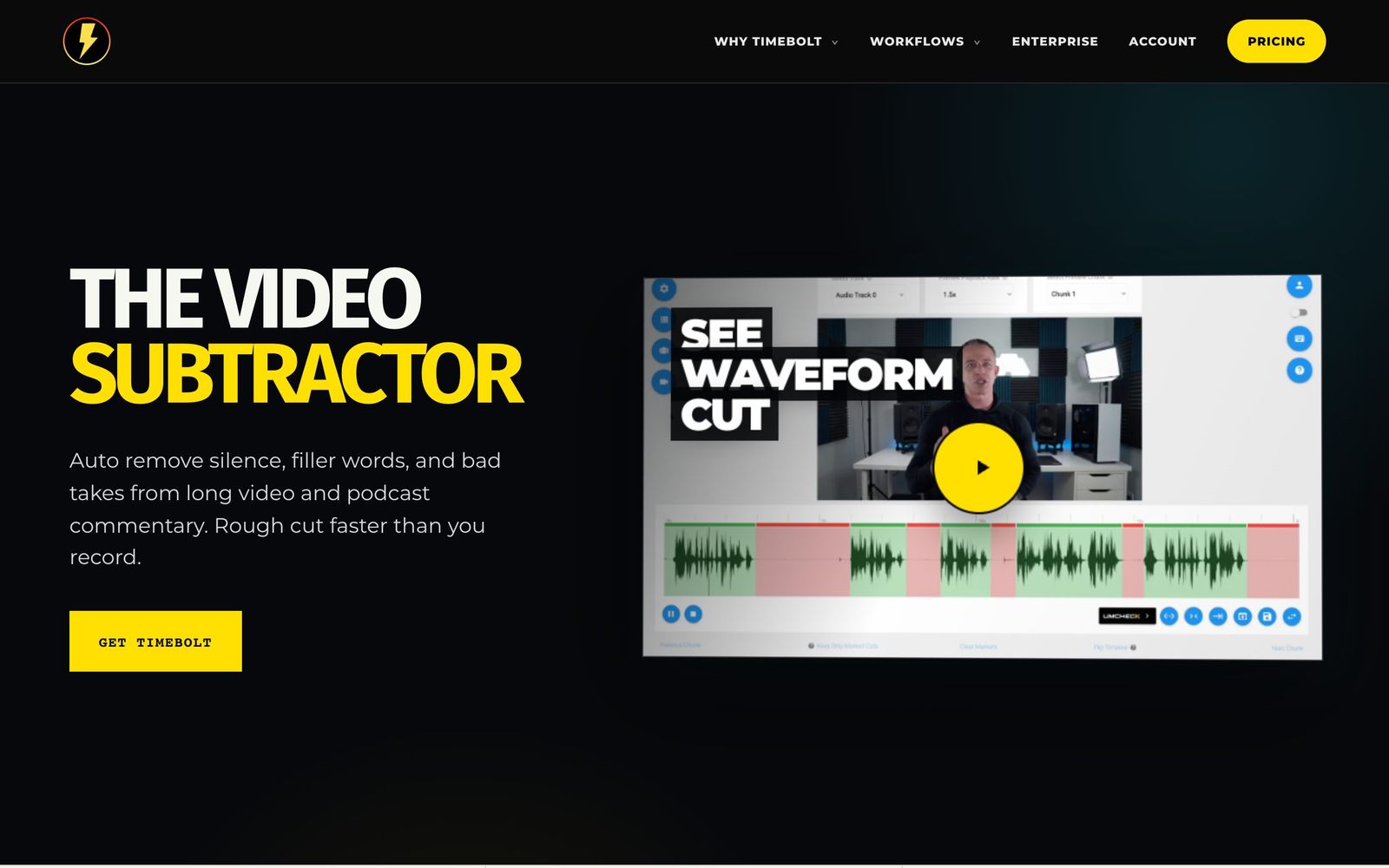
Our rating: 4.2/5. Fit for this job 3.9/5, ease of use 4.3/5, value for money 4.4/5.
TimeBolt includes a free 4K screen and camera recorder with no watermark, then removes silences, filler words, repeats and bad takes at high speed, with transcription on your own computer and no credits. Exports go to your editor through FCPXML, and a local connector lets Claude or ChatGPT drive it.
It runs on Mac and Windows, and editing stays local, the opposite of Tella's cloud editing.
Standout feature: Fast jump cuts with free on-device transcription: no per-minute fees or credits.
What's the difference between TimeBolt and Tella? TimeBolt records and cleans up locally with no credits. Tella edits in the cloud with an agent.
TimeBolt pros:
- Very fast silence and filler removal
- Local transcription with no credits
- Lifetime licence option
- Free 4K screen and camera recorder
TimeBolt cons:
- Free exports are watermarked
- One licence covers 2 machines
Pricing: Free forever with watermarked exports. Pro is $17 a month, or $97 a year; Lifetime is $347 once.
Choose TimeBolt over Tella if: long recordings and fast local cleanup are your daily job.
What's new in TimeBolt: Version 8.1.1 (November 2026) redesigned the multi-track editor, after on-device transcription for filler removal in 8.0 (October).
Available for: Mac and Windows, plus a local connector for AI agents
Best Tella alternatives for scripted recordings and clips
If you record yourself to a script, or turn recordings into social clips.
#11 Borumi: Best for scripted recordings, paid once
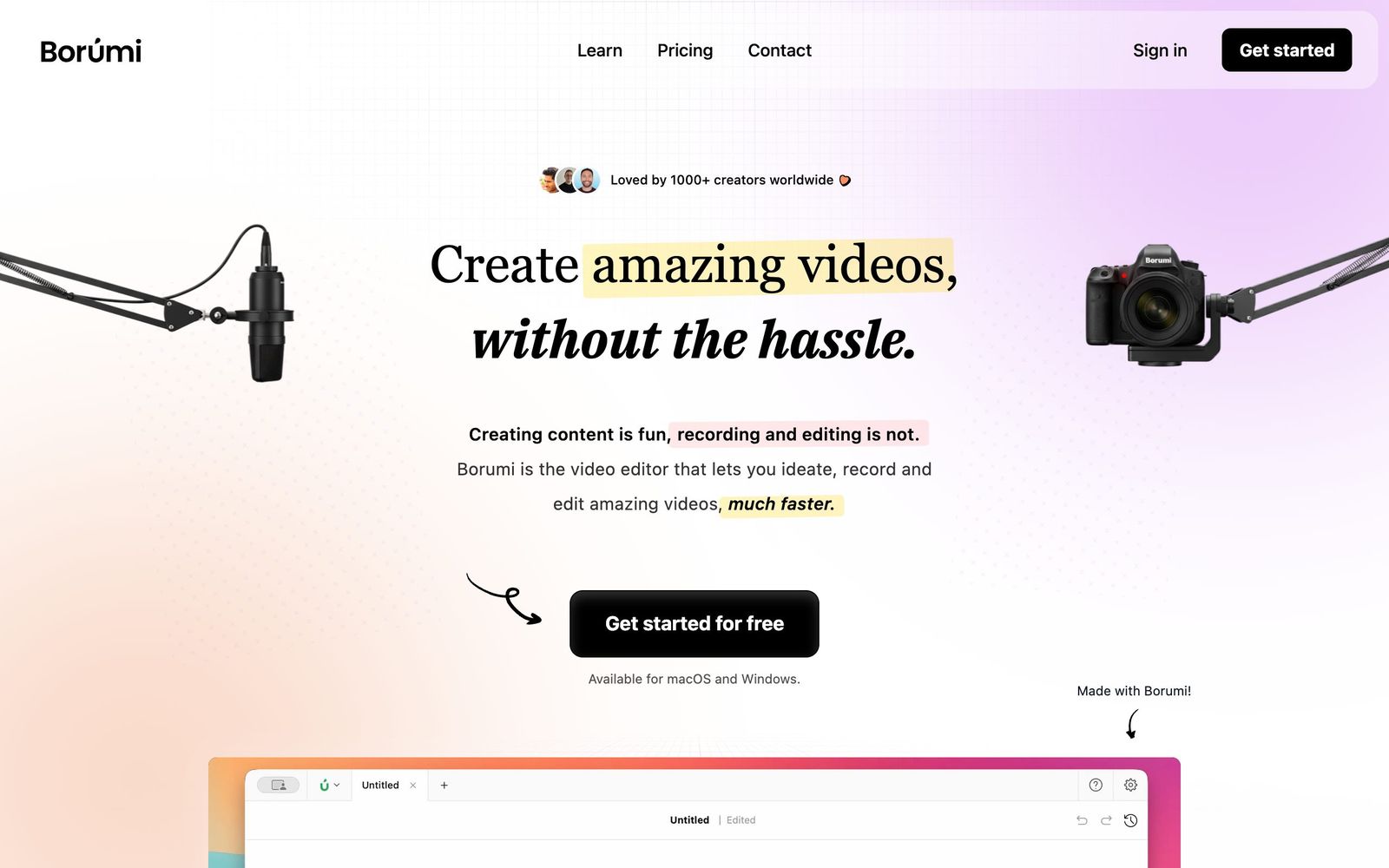
Our rating: 4.1/5. Fit for this job 4.0/5, ease of use 4.1/5, value for money 4.3/5.
Borumi records camera, screen and mic scene by scene with your script on screen, keeps every take so you can pick the best, and builds the timeline automatically. It edits by transcript, adds smooth cursor and automatic zooms for screen recordings, and its connector lets Claude or ChatGPT edit, add effects and export.
The licence has a 30-day money-back guarantee. It runs on Mac and Windows only and is still pre-1.0.
Standout feature: Record scene by scene with your script on screen, then let Claude or ChatGPT edit through its MCP link.
What's the difference between Borumi and Tella? Borumi is a one-time purchase built around scripted, scene-by-scene recording. Tella is a subscription built around free-flowing recording.
Borumi pros:
- One-time licence, no subscription
- Scene-by-scene recorder for camera, screen and mic that keeps every take
- Transcript editing and automatic zooms
- MCP link so Claude or ChatGPT can edit and export
Borumi cons:
- No export until you buy
- Still pre-1.0 (version 0.33)
Pricing: Free to try; exporting needs a $79 one-time lifetime licence (early-adopter price, $99 list). No subscription.
Choose Borumi over Tella if: you record to a script and want to pay once.
What's new in Borumi: Version 0.33.0 (6 November 2026) added motion graphics the MCP can drive, social call-to-action callouts and a web dashboard.
Available for: Mac and Windows
#12 Choppity: Best for recordings turned into clips
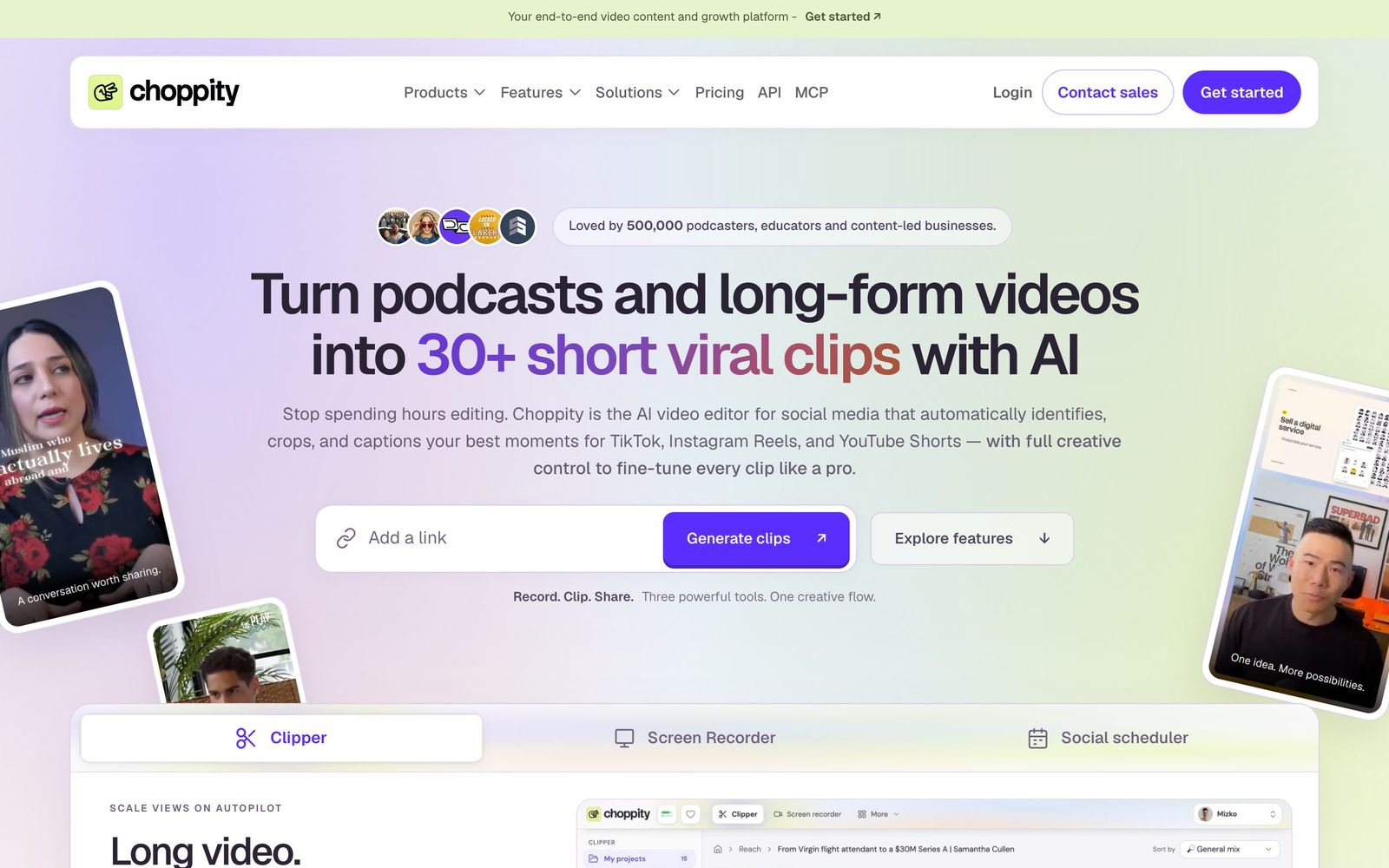
Our rating: 3.9/5. Fit for this job 3.8/5, ease of use 4.0/5, value for money 3.8/5.
Choppity added a screen and webcam recorder with automatic zooms and vertical reframing in January 2026, beside its AI clip maker, captions, transcript editing and a social scheduler. It turns screen recordings into short clips for social.
Its What's new page hasn't had an entry since April 2026, and 2025 Trustpilot reviews mention failed clip jobs.
Standout feature: A built-in screen recorder with automatic zooms, next to the clip maker.
What's the difference between Choppity and Tella? Choppity turns recordings into social clips. Tella makes full demos and tutorials.
Choppity pros:
- Clip requests in plain words
- Active-speaker framing and custom caption styles
- Transcript editing and auto-beep for profanity
- Content calendar and scheduler
Choppity cons:
- Free plan can't export
- 2025 Trustpilot reviews mention failed clip jobs and unanswered support tickets (the owner says the backlog predates a 2025 handover)
Pricing: Free plan with 45 minutes of AI analysis but no exports. Starter is $24 a month, or $16.80 a month billed yearly.
Choose Choppity over Tella if: your recordings mainly become social clips.
What's new in Choppity: The latest entry on its What's new page is 24 April 2026: an ideas board, planner and social scheduler.
Available for: Web, plus an API and MCP
Best free and budget Tella alternatives for the desktop
If you want a desktop recorder or editor without a per-user subscription.
#13 Filmora: Best for an effects-rich editor with multi-source recording

Our rating: 3.9/5. Fit for this job 3.6/5, ease of use 4.3/5, value for money 3.8/5.
Filmora 16.0 (September 2026) added multi-source recording of screen, camera and audio at once, beside camera tracking, colour masks, AI media analysis and Smart Text Correction for captions. It has a large effects and template library and runs on Windows, Mac, iPhone and Android.
A perpetual licence covers one version only, free exports carry a watermark (one Trustpilot reviewer says it covers the whole screen), and AI features use extra credits.
Standout feature: A large effects and template library with AI tools like an Idea to Video agent.
What's the difference between Filmora and Tella? Filmora is a desktop editor with effects and recording, sold by the year. Tella is a cloud recorder priced per user per month.
Filmora pros:
- Big effects library
- AI tools and camera tracking
- Desktop and mobile
- Trustpilot 4.0 from 15,743 reviews
Filmora cons:
- Free exports carry a watermark (one reviewer says it covers the whole screen)
- Effects and AI features cost extra credits
Pricing: Free to download with a watermark on exports. The annual plan is $49.99 a year (sale price; $69.99 regular).
Choose Filmora over Tella if: you want effects-rich desktop editing with recording, paid yearly.
What's new in Filmora: Filmora 16.0 (September 2026) added camera tracking, colour masks and AI media analysis.
Available for: Windows, Mac, iPhone and Android
#14 Shotcut: Best for a free open-source editor with screen capture
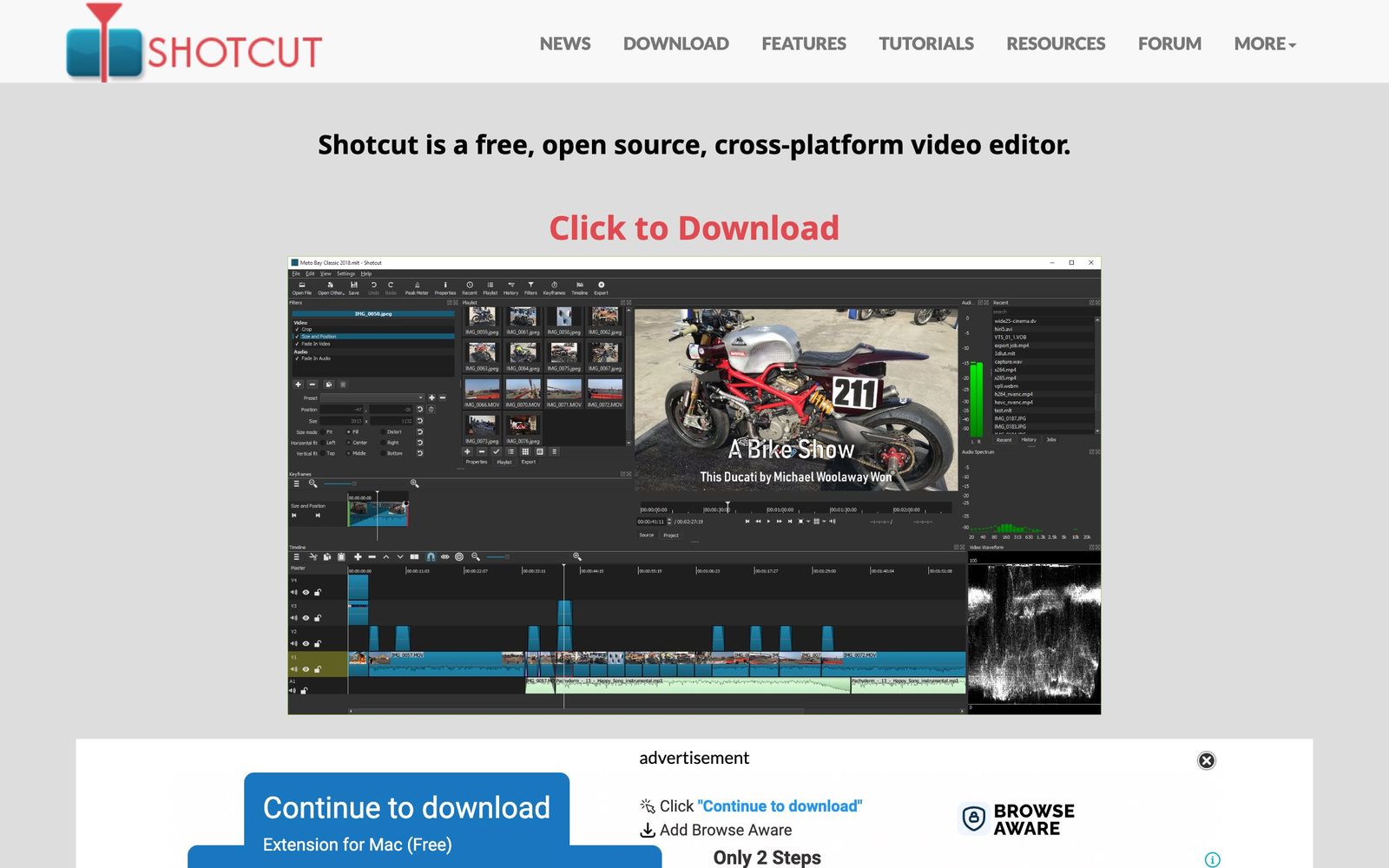
Our rating: 3.9/5. Fit for this job 3.4/5, ease of use 3.3/5, value for money 5.0/5.
Shotcut is a free, open-source desktop editor for Windows, Mac and Linux. It captures screen, webcam and audio, edits hundreds of formats natively through FFmpeg up to 4K, and in 2026 added Auto Duck, an Adjustment Clip and, in version 26.11.15 (15 November 2026), an Audio Mixing Assistant.
It has no AI editing and is a traditional editor, so it suits people who'd rather learn a tool than pay for one. SourceForge reviewers rate it 4.9 from 21 reviews.
Standout feature: A free, open-source desktop editor that handles hundreds of formats up to 4K.
What's the difference between Shotcut and Tella? Shotcut is completely free and local with no AI. Tella is a paid cloud tool with an agent.
Shotcut pros:
- Completely free and open source
- Windows, Mac and Linux
- Auto duck and an audio mixing assistant (2026)
Shotcut cons:
- No AI editing
- A traditional editor with no templates
Pricing: Free and open source.
Choose Shotcut over Tella if: you want free and local, and don't need AI.
What's new in Shotcut: Version 26.11.15 (15 November 2026) added an Audio Mixing Assistant.
Available for: Windows, Mac and Linux
#15 OBS Studio: Best for free, unlimited recording with full control
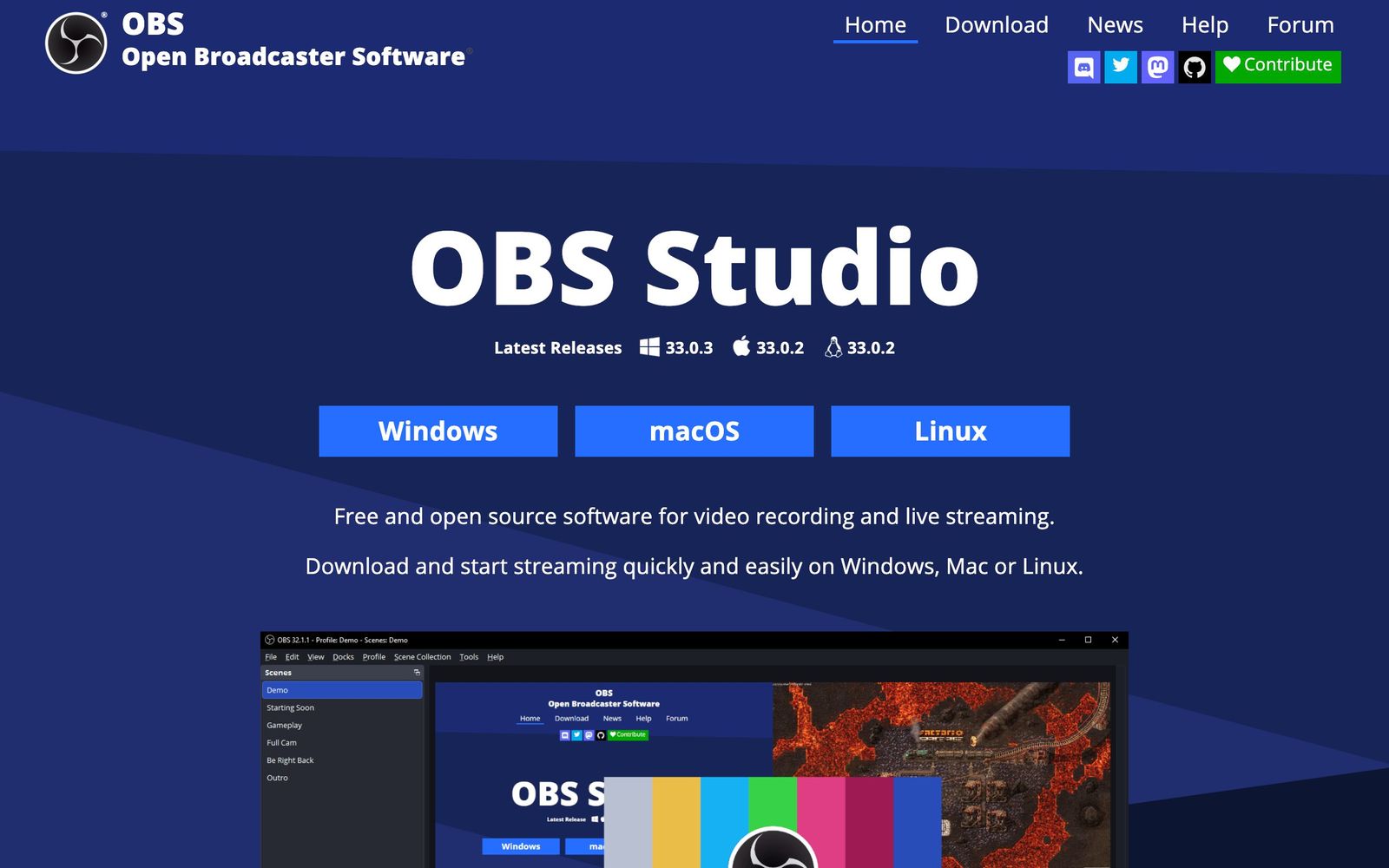
Our rating: 4.0/5. Fit for this job 3.7/5, ease of use 3.2/5, value for money 5.0/5.
OBS Studio is free and open source on Windows, Mac and Linux, with no watermark and no paid tier. Build scenes from any mix of sources (screens, webcams, capture cards, browser windows, text), switch between them with hotkeys, mix audio with per-source noise suppression and VST plugins, and record locally or stream.
It only records and streams: no timeline editing, auto-zoom or captions, and one 2024 Trustpilot reviewer found it hard for beginners. Pair it with an editor; HyperFrames Studio, Descript or TimeBolt all finish OBS recordings.
Standout feature: Build unlimited scenes from any mix of sources (screens, webcams, capture cards, browser windows, text) and switch between them live.
What's the difference between OBS Studio and Tella? OBS is a free recorder with full control and no editing. Tella is a paid recorder with an editor and agent.
OBS Studio pros:
- Completely free, with no watermark
- Records locally and streams to most platforms
- Audio mixer with per-source filters and VST plugins
- Studio Mode preview and hotkeys for almost everything
OBS Studio cons:
- Records and streams only: no timeline editing, auto-zoom or captions
- Mac builds need macOS 13 or newer
Pricing: Free and open source (GPL-2.0), with no paid tier and no watermark; funded by sponsors and donations.
Choose OBS Studio over Tella if: you want free, unlimited recording and will edit in another tool.
What's new in OBS Studio: OBS Studio 33.0 (23 October 2026) updated browser sources, overhauled plugin loading and improved source snapping; 33.0.3 followed on 22 November.
Available for: Windows, Mac and Linux
How to choose the best Tella alternative
Tella bundles a recorder, an editor, an AI agent and share links with analytics. Decide which of those you actually use, then choose for that part. If you also cut screen recordings into clips, see the Choppity alternatives.
Do you need to record at all?
For product demos, maybe not: HyperFrames Studio builds the demo from your website (website to video), so a UI change means editing a scene, not re-recording. For tutorials where your voice and clicks matter, you need a recorder: Screen Studio, Cap, Loom, Camtasia or TimeBolt's free one.
Mac, Windows or Linux?
Screen Studio is Mac only. Camtasia, FocuSee, TimeBolt, Borumi and Filmora run on Mac and Windows; Cap, OBS Studio, Shotcut and HyperFrames Studio add Linux; ScreenPal adds Chromebooks and phones. If teammates watch through a link with comments and view counts, Loom is built for it.
Subscription or one-time?
Tella is per user, per month. Cap ($58 once), Borumi ($79 once), TimeBolt Lifetime ($347) and Filmora's perpetual licence are one-time; Shotcut and HyperFrames Studio's local exports are free.
How finished must it look?
Automatic zooms (Screen Studio, FocuSee, Borumi, Choppity) make a recording look good fast. Titles, callouts, captions, voiceover and brand motion make it look produced: that is where HyperFrames Studio's agent, Camtasia's timeline or Filmora's effects come in.
How we compared
Every tool on this list was scored on three things:
- Recording. Screen and camera capture, cursor polish and zooms, and how big a recording it handles. Tools that don't record are scored on how well they finish recordings made elsewhere.
- Finishing. Captions, titles, cuts, voiceover and how polished and on-brand the final demo or tutorial looks.
- Value. Free plan, watermark or branding, one-time licences, and the monthly price per user.
User complaints. We read recent reviews on Trustpilot, Product Hunt and the App Store and say when a complaint comes from a single review, with its date when it is old. Some review sites (G2, Capterra) blocked automated reading, so their scores are not quoted.
Ratings. Each tool gets three scores out of 5: fit for the job this page is about, ease of use, and value for money (free plan, entry price, watermarks and caps). The overall rating is their average. The scores are our judgment from the sources above, not a lab benchmark.
Tella's reviews are few (15 on Trustpilot, an unclaimed profile). Its changelog shows weekly releases through 25 November 2026. HyperFrames Studio is scored on finishing recordings and building demos, because it has no recorder.
Conclusion
For product teams, HyperFrames Studio is the strongest Tella alternative: it builds demos from your real website, so updates don't mean re-recording, and it finishes tutorials recorded anywhere by asking an AI agent. It doesn't record your screen, so pair it with a recorder when you need your own voice and clicks.
For the recording itself, Screen Studio makes the most polished Mac recordings, Cap is the open-source pick with a $58 lifetime licence, and Loom is still the fastest way to send a teammate a link. Camtasia suits long software training, and if you liked Tella Agent's chat editing, ChatCut and Descript do it on recordings from any tool. Start free with HyperFrames Studio for demos and finished tutorials.
Make your next product demo free
Frequently asked questions
What is the best Tella alternative?
HyperFrames Studio is the best Tella alternative for polished product demos and finished tutorials, because it builds demos from your real website and finishes recordings by asking an AI agent. Screen Studio is the best Mac recorder, and Loom the best for quick team videos.
Is Tella better than Loom?
Tella is better for polished, edited demos and tutorials, with an AI editing agent and layouts. Loom is better for quick team messages: it records and shares a link in seconds and has a free plan of 25 five-minute videos. Tella has only a 7-day trial.
Which is the No. 1 screen recorder app?
It depends on the job. Screen Studio adds automatic zooms to Mac recordings, Loom shares a link in seconds, Camtasia is built for software training, and Cap is an open-source recorder on Mac, Windows and Linux.
What is the best free video capture software?
OBS Studio is free and open source with unlimited recording, Cap is free for personal use with 4K 60 fps export, ScreenPal's free plan records 15 minutes with no watermark, Shotcut is free and open source with screen and webcam capture, TimeBolt's 4K recorder is free with no watermark, and Loom's Starter plan is free for 25 short videos.
Is Tella free, and is there a free Tella alternative?
Tella has only a 7-day free trial with 4,500 credits; Pro is $16 per user a month, or $13 billed yearly. Cap is free for personal use, Loom has a free Starter plan, Camtasia's editor is free with a watermark, and Shotcut is free. HyperFrames Studio is free to start and exports without limits on your computer.
What is the cheapest Tella alternative?
Shotcut and OBS Studio are free. ScreenPal Solo Deluxe is $4 a month paid yearly, and Screen Studio is $9 a month billed yearly. Cap ($58 lifetime commercial licence), Borumi ($79), TimeBolt ($347 lifetime) and Filmora's perpetual licence are one-time purchases.
Is there an open-source alternative to Tella?
Cap is an open-source screen recorder and editor, OBS Studio is an open-source recorder and streamer, and Shotcut is an open-source editor with screen capture. HyperFrames is open source too, but it builds and finishes videos rather than recording.
Can I make a product demo without recording my screen?
Yes. HyperFrames builds a demo from your website's real pages, words and fonts, and the agent adds titles, captions and motion (website to video).
What is the best alternative to Filmora?
For free editing, Shotcut or DaVinci Resolve; for editing by asking an AI agent, HyperFrames Studio; for screen tutorials, Camtasia. Filmora itself is a good budget editor with multi-source recording since version 16.0.
Which Tella alternative is best for Mac users?
Screen Studio, a Mac-only recorder with automatic zooms, smooth cursor and 4K 60 fps export. Cap and Loom also have native Mac apps.
Are there one-time-purchase alternatives to Tella?
Yes. Cap ($58 lifetime commercial licence), Borumi ($79 early-adopter price), TimeBolt ($347 lifetime) and Filmora's perpetual licence are all one-time purchases.
Can I keep my Tella videos if I switch?
Download your videos before the plan ends; Tella exports up to 4K. Share links, embeds and viewer analytics live inside Tella, so plan where the new links will go.
Does HyperFrames record my screen?
No. HyperFrames Studio has no screen recorder. Record in Screen Studio, Cap, Loom or any other recorder, then bring the file in to cut, caption and title it by asking.
Which Tella alternative adds AI voiceovers?
Tella added AI voiceovers in 24 languages in November 2026. HyperFrames Studio adds voiceovers too, with free voices in the app, HeyGen Voice 1 and a clone of your own voice.
Is HyperFrames free?
Yes, free to start: HyperFrames Studio is a free download, and the open-source engine behind it is free, with 90,000+ GitHub stars. Pro is $25 a month for more (pricing).

Written by Ular Kimsanov
Ular Kimsanov works on HyperFrames at HeyGen, the free, open-source tool where AI agents make videos, and writes about making videos with AI agents. Prices and plans on this page were checked on 26 November 2026.